UI elements

Top bar

A header with a title and navigation actions. Study captured mobile app examples for UI/UX research.
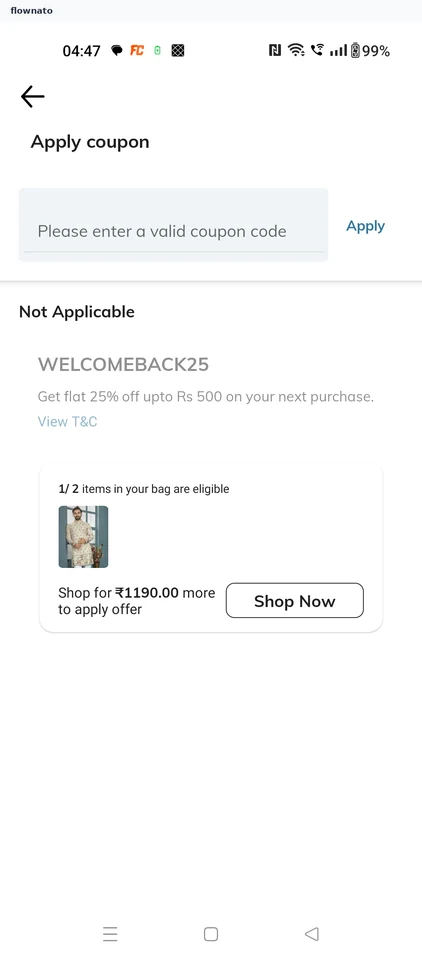
  1. AJIO: Coupons

    Apply coupon

    AJIO Coupons

    View the screen

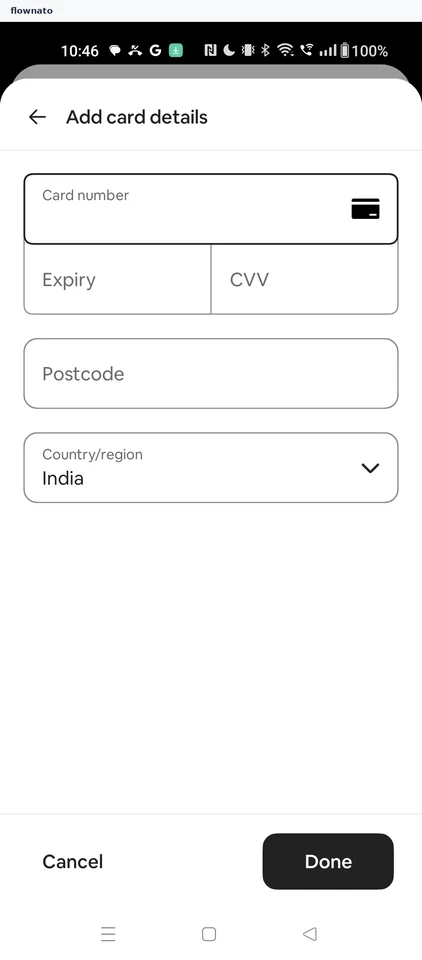
  2. bigbasket: Payment methods

    Payment options

    bigbasket Payment methods

    View the screen

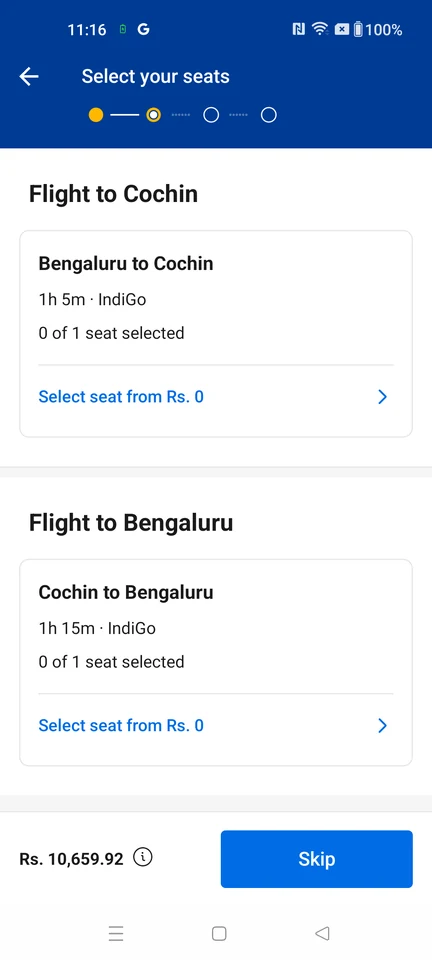
  3. Booking.com: Flight seat options

    Seat choices

    Booking.com Flight seat options

    View the screen

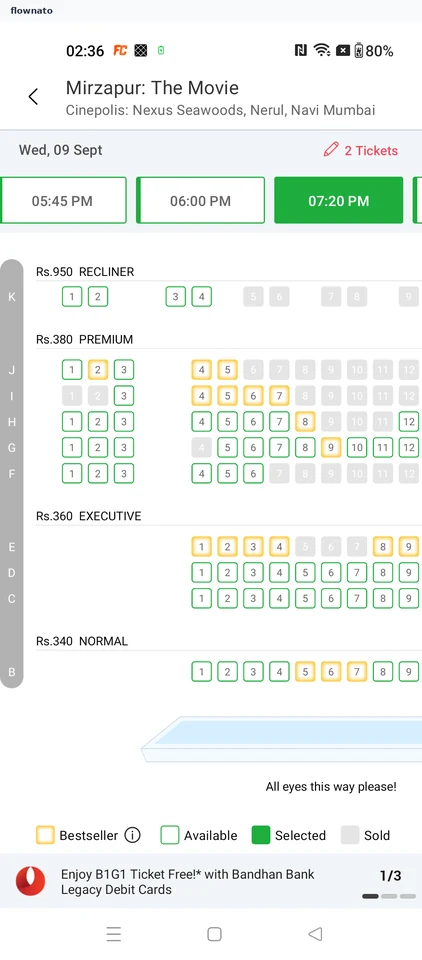
  4. BookMyShow: Seat picker

    Seat map for a show

    Premium screenshot

    View the screen

  5. CarDekho: Used car listing

    Premium screenshot

    View the screen

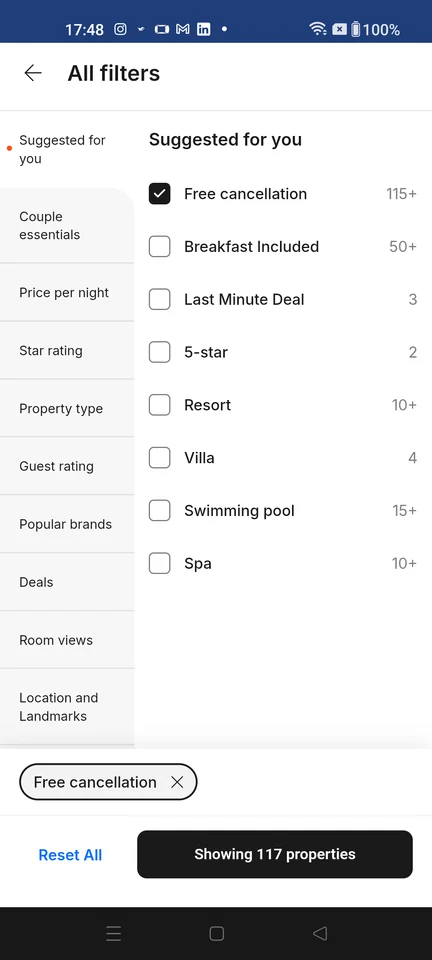
  6. Cleartrip: Hotel filters

    All filters shows refinement categories and options, with Free cancellation selected, Reset All, and an apply control estimating 117 properties.

    Premium screenshot

    View the screen

  7. Cricbuzz: Sign-in options

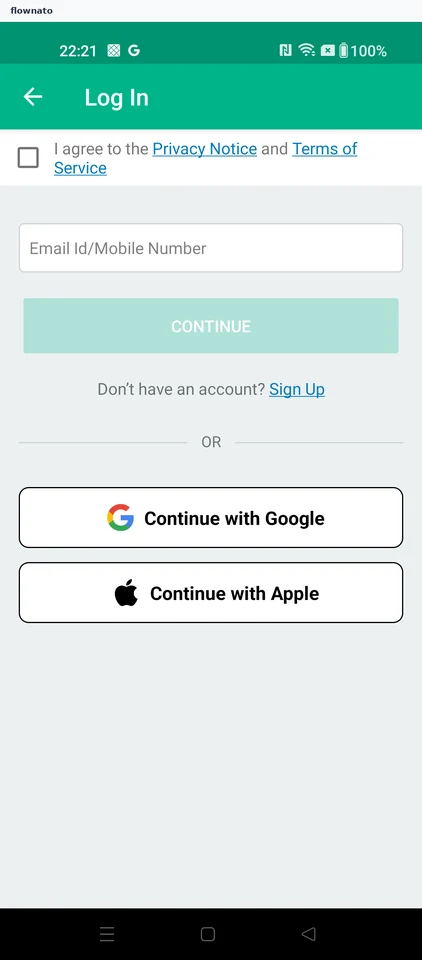
    Sign In

    Premium screenshot

    View the screen

  8. District: Dining categories

    Premium screenshot

    View the screen

  9. Domino’s: Home

    Guest home: preset Koramangala 4th Block location with a Detect Location banner, order-mode row (Delivery 20 MIN, Takeaway, Dine-in, Deliver on train), merchandised pizza cards with prices and Add controls, and Menu/Offers navigation. In dine-in mode the same surface re-binds its header to 'Dine-in at HSR LAYOUTS, ~100 meters' with a CHANGE control.

    Premium screenshot

    View the screen

  10. EaseMyTrip: Train availability

    Loaded train options from New Delhi to Mumbai Central with departure and arrival times, duration, seat availability, and filters.

    Premium screenshot

    View the screen

  11. FanCode: Team squad

    Club squad

    Premium screenshot

    View the screen

  12. Gaana: Now playing

    Full music player

    Premium screenshot

    View the screen

  13. Hungama: Podcast details

    Show detail

    Premium screenshot

    View the screen

  14. IKEA: Camera permission

    Premium screenshot

    View the screen

  15. Inshorts: Assistant prompts

    Ask Anything

    Premium screenshot

    View the screen

  16. ixigo: Airport departures

    Premium screenshot

    View the screen

  17. JioSaavn: Personal details

    Premium screenshot

    View the screen

  18. MakeMyTrip: Home

    The app root: a header with the brand mark, search, myCash and myBiz; the Myra assistant bar; a twelve-tile line-of-business grid (Flights, Hotels, Holiday Packages, Trains/Bus, Airport Cabs, Villas & Homestays, Outstation Cabs, Forex Card & Currency, Tours & Attractions with a 'new' badge, Hourly Stays, Visa, Travel Insurance) with an expand chevron; an Offers feed with category chips and promo cards; and a bottom navigation bar.

    Premium screenshot

    View the screen

  19. Meesho: Home

    Home feed

    Premium screenshot

    View the screen

  20. Myntra: Shirts

    Shirt collection

    Premium screenshot

    View the screen

  21. Nykaa: Offers

    Deals and offers

    Premium screenshot

    View the screen

  22. Pepperfry: Furniture categories

    Premium screenshot

    View the screen

  23. Pocket FM: Series details

    Series detail

    Premium screenshot

    View the screen

  24. Practo: Diagnostic tests

    Premium screenshot

    View the screen

  25. Purplle: Sunscreen results

    Search results

    Premium screenshot

    View the screen

  26. Rapido: Bus results

    Premium screenshot

    View the screen

  27. redBus: Hotel results

    Premium screenshot

    View the screen

  28. SNITCH: Shirts

    The listing surface used for category browsing and for text-search results: sub-filter chips (ALL, NEW, RELAXED, FORMAL, LINEN), grid-density toggles, a filter and sort control, and a product grid showing names, prices and wishlist hearts. Its filter and sort sheet offers SORT BY (POPULAR, PRICE HIGH TO LOW, PRICE LOW TO HIGH, NEW, CUSTOMER REVIEW) plus CATEGORY, SIZE, COLOR, PATTERN, FIT and MATERIAL facet groups with CLEAR and APPLY. When the surface is reached from a query it shows the query text in the header field with a result count, and the grid-density switch changes how much product copy each tile carries: the widest density shows a single full-bleed image per row with no name or price, while the 2-up density exposes product names and prices. Tapping a result tile opens that product's own detail page.

    Premium screenshot

    View the screen

  29. Swiggy: Restaurant details

    Premium screenshot

    View the screen

  30. Tira: Product listing

    Search results

    Premium screenshot

    View the screen

  31. Wikipedia: Saved articles

    Saved articles

    Premium screenshot

    View the screen

  32. Zepto: Cart

    Cart

    Premium screenshot

    View the screen

More examples with Premium

Premium unlocks the remaining screenshots.