Uber app UI and user flows
Explore the screens and product flows inside Uber.
- In the library
- 37 flows · 49 screens
- Category and platform
- Transport · Android
- Updated
- Oct 2026
Account
2 screensFree with sign up


Personal info
1 screens

Editing name
5 screens


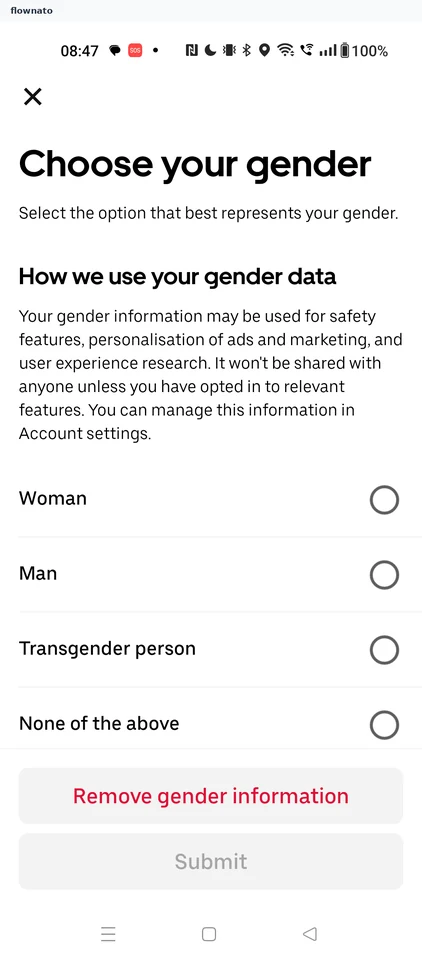
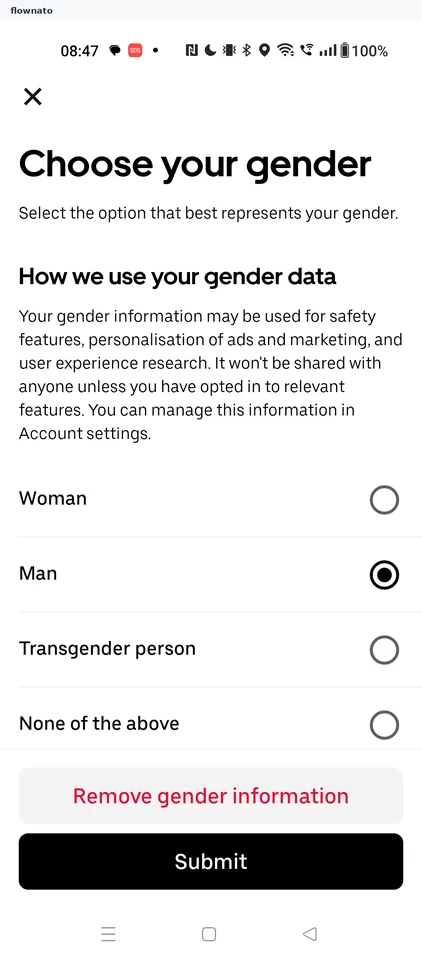
Setting gender
4 screens

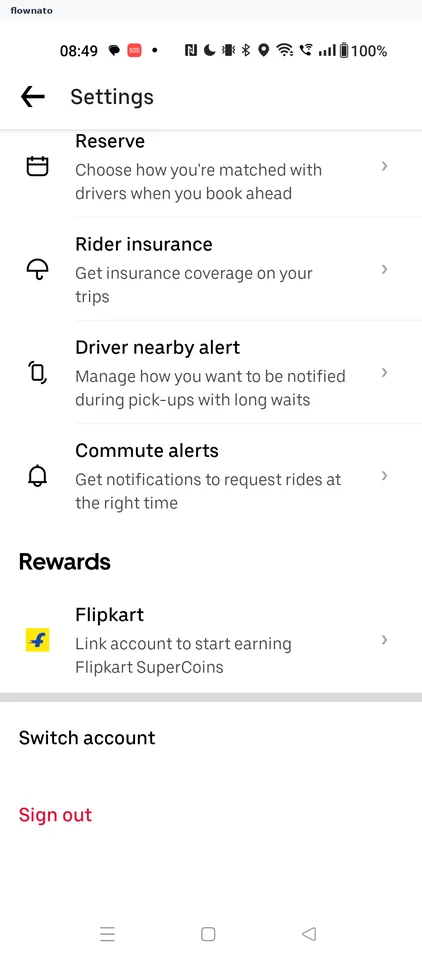
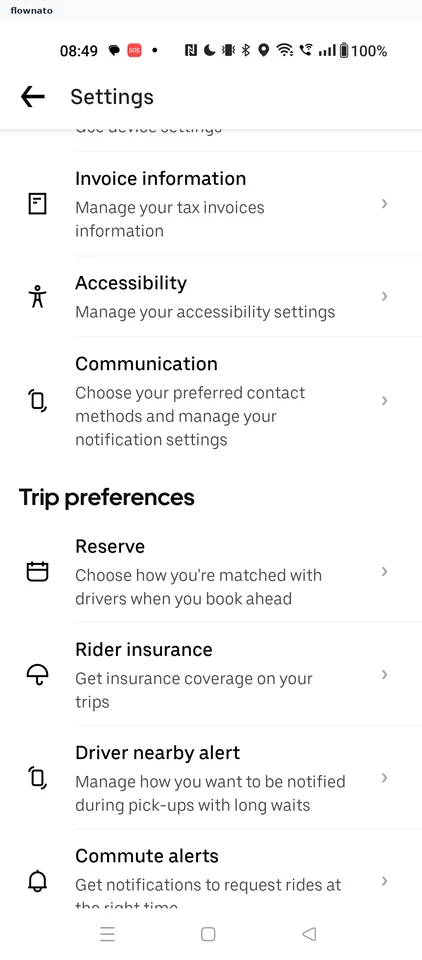
Settings
3 screens

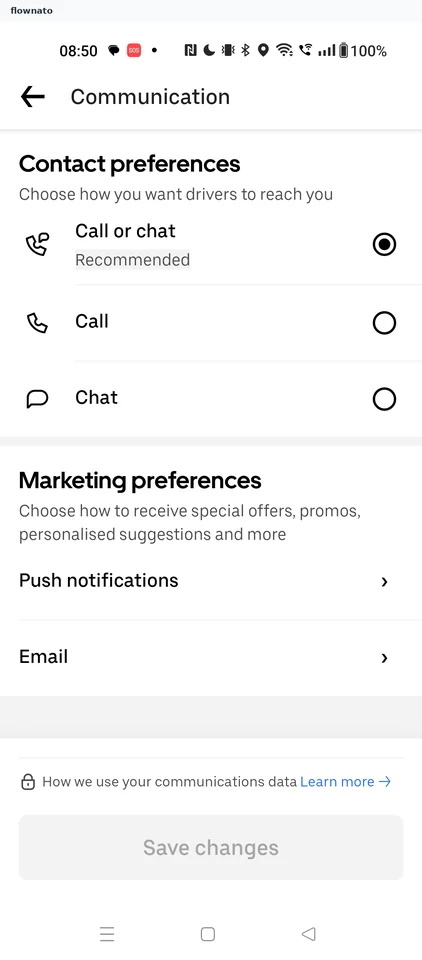
Communication
2 screens
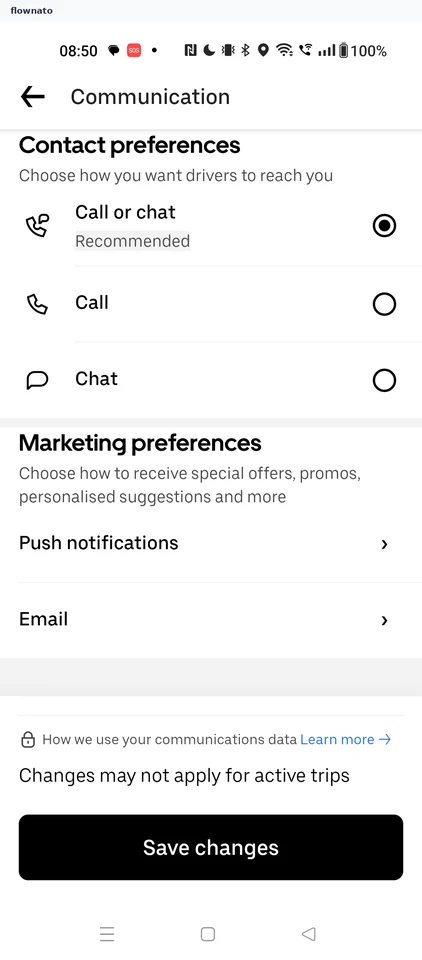
Viewing the push notifications prompt
2 screens
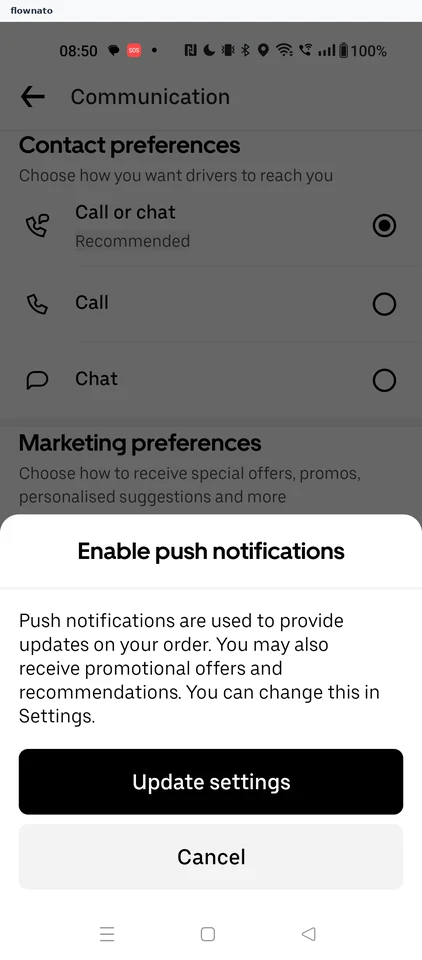
1 screens
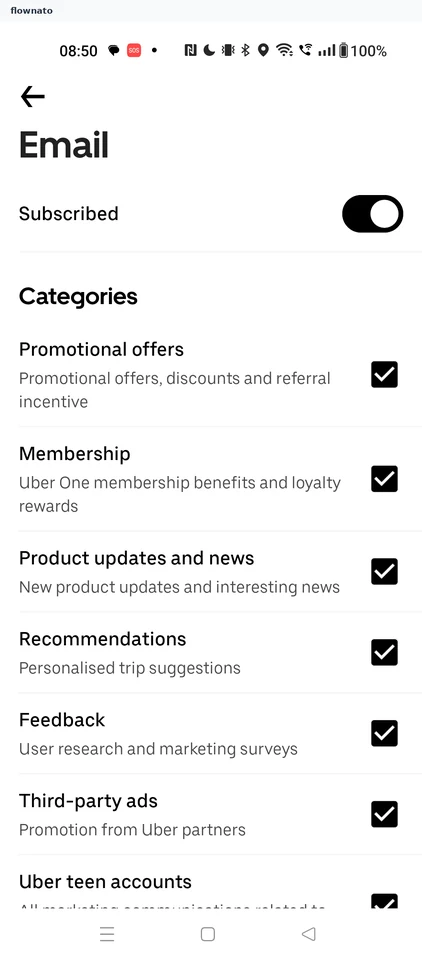
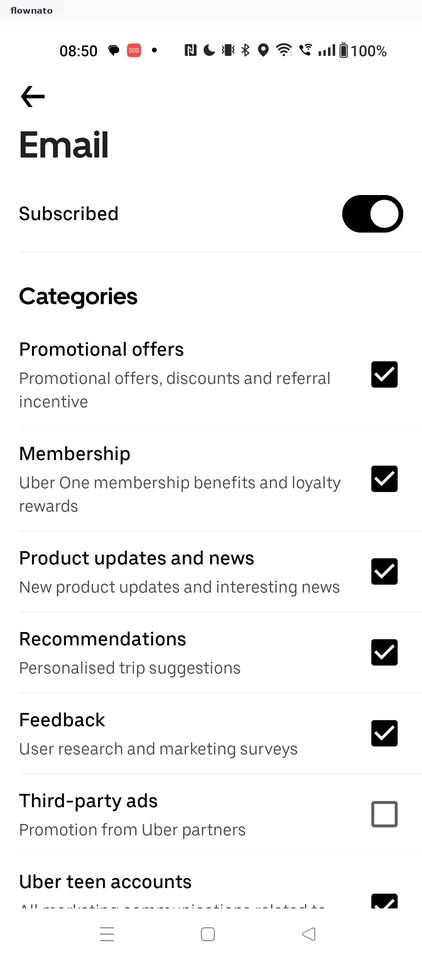
Unsubscribing from third-party ads emails
2 screens
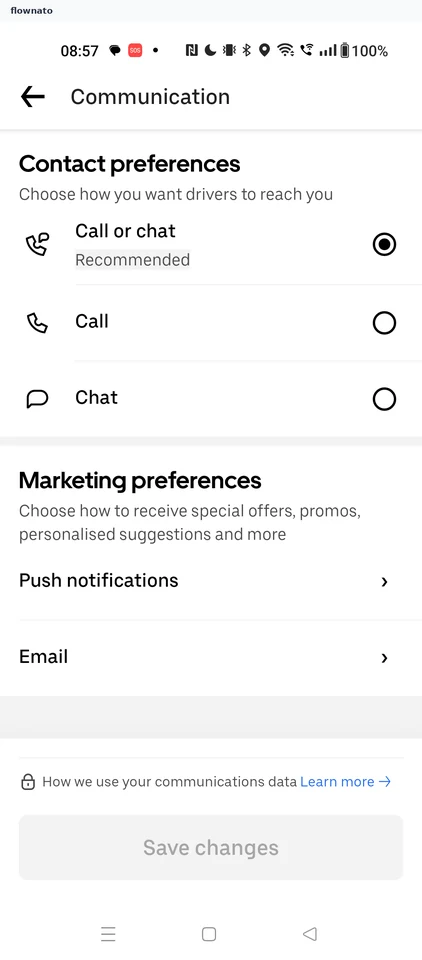
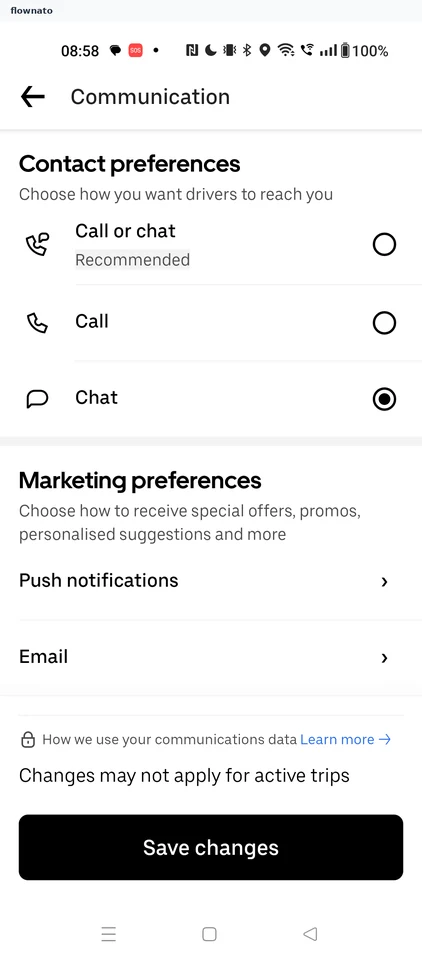
Changing contact preference
5 screens

Switching to dark mode
4 screens


Personalised offers, promos and marketing content
2 screens

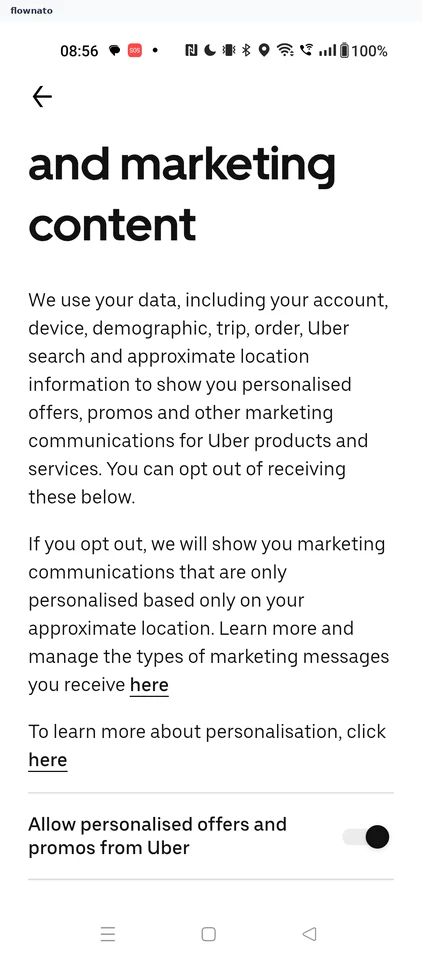
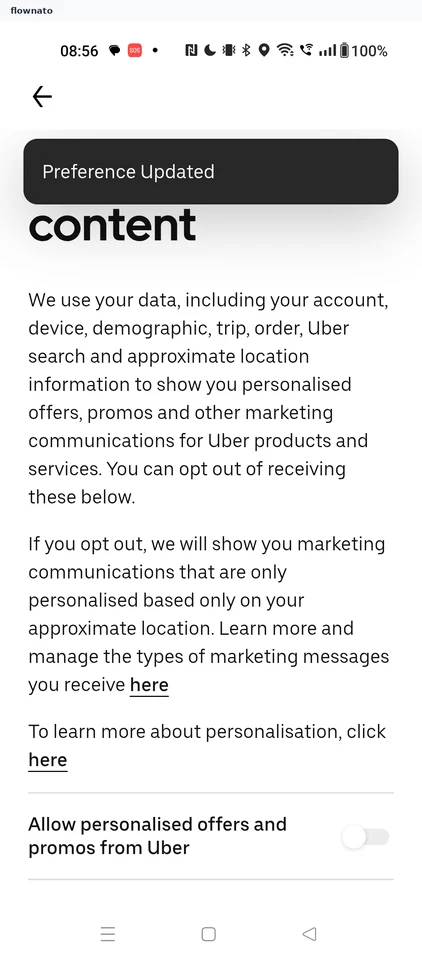
Turning off personalised offers
2 screens
Onboarding
18 screensFree with sign up
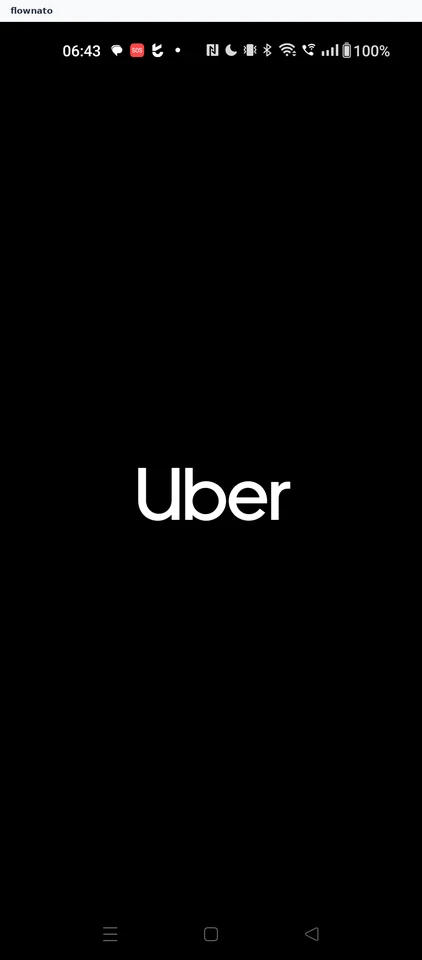
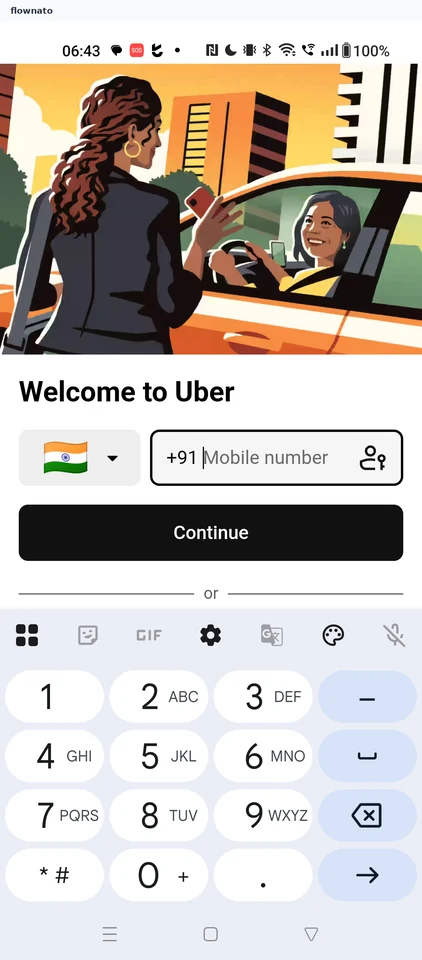
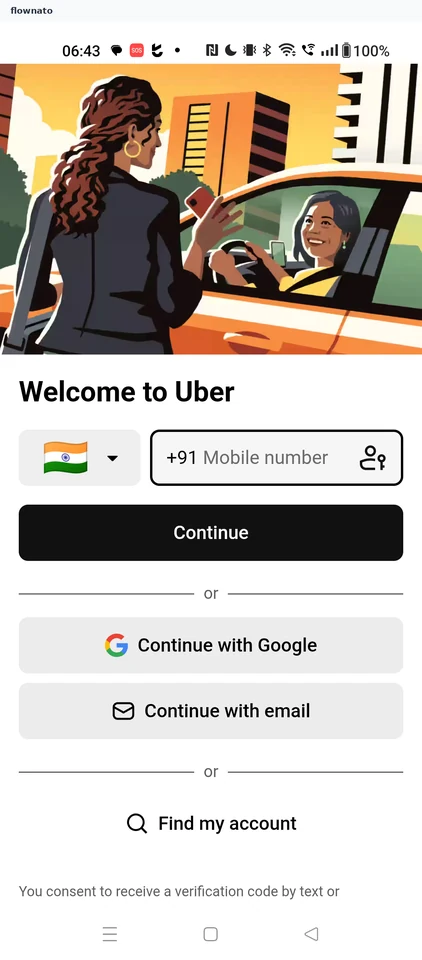
Home
1 screensFree with sign up
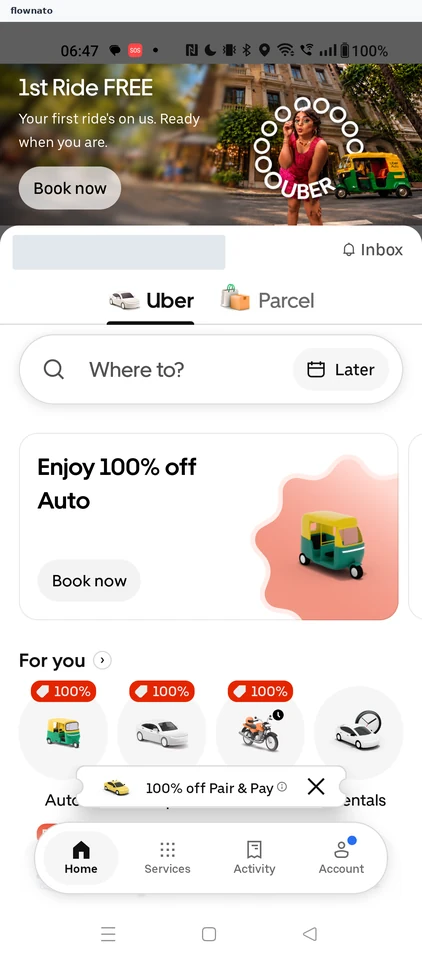
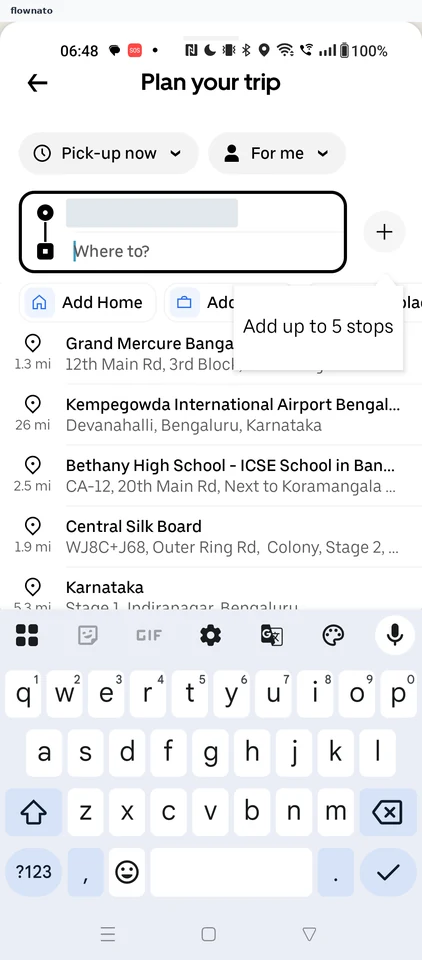
Searching for a destination
3 screens
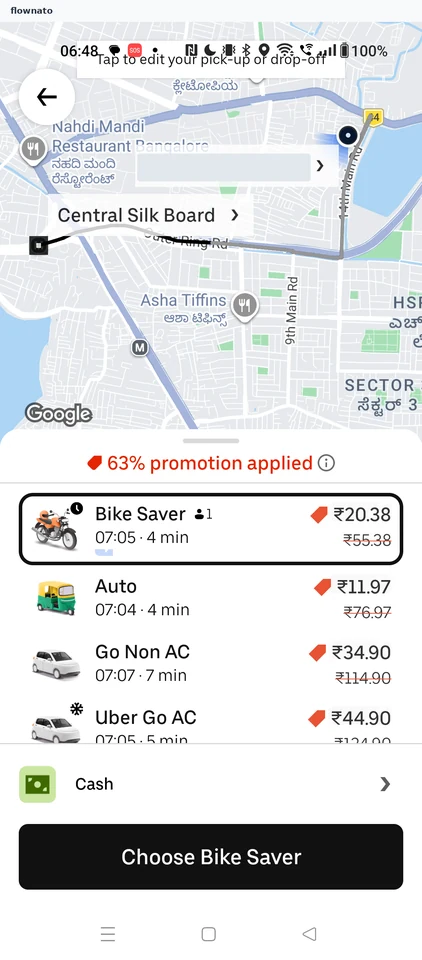
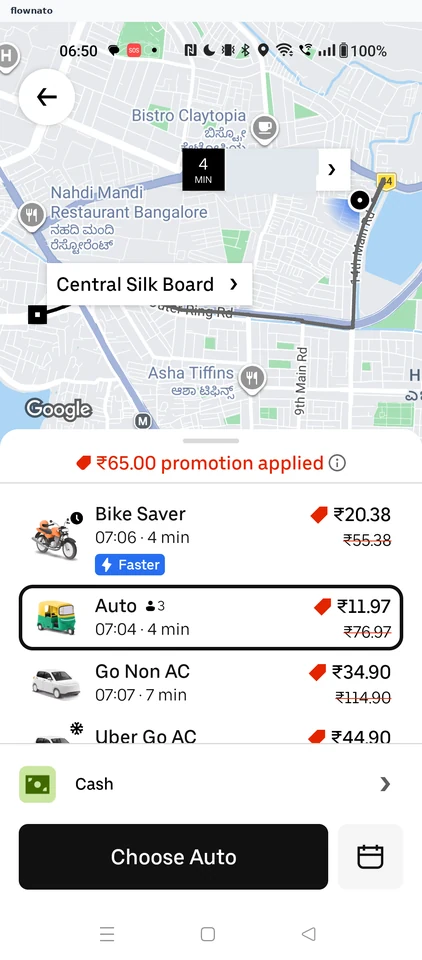
Ride options (Central Silk Board)
2 screens
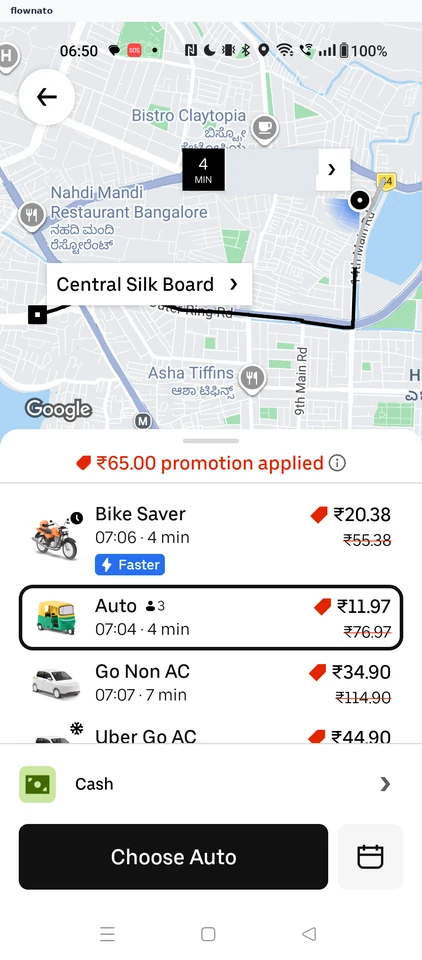
Selecting a ride option
4 screens
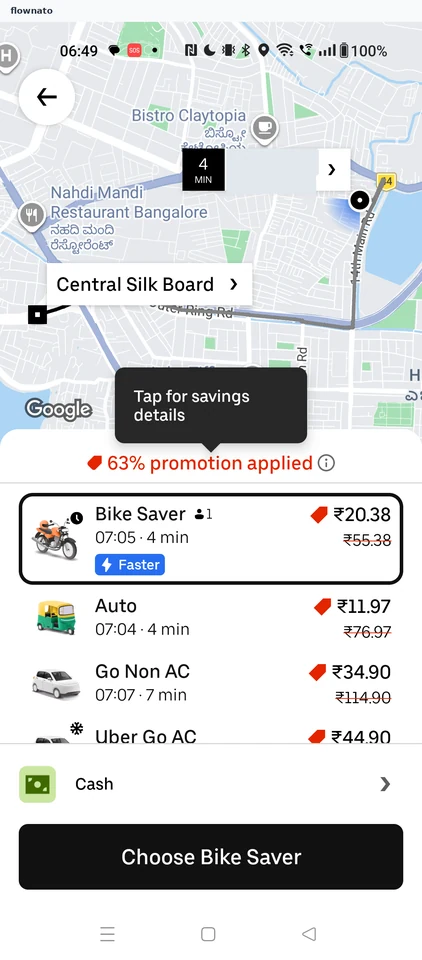

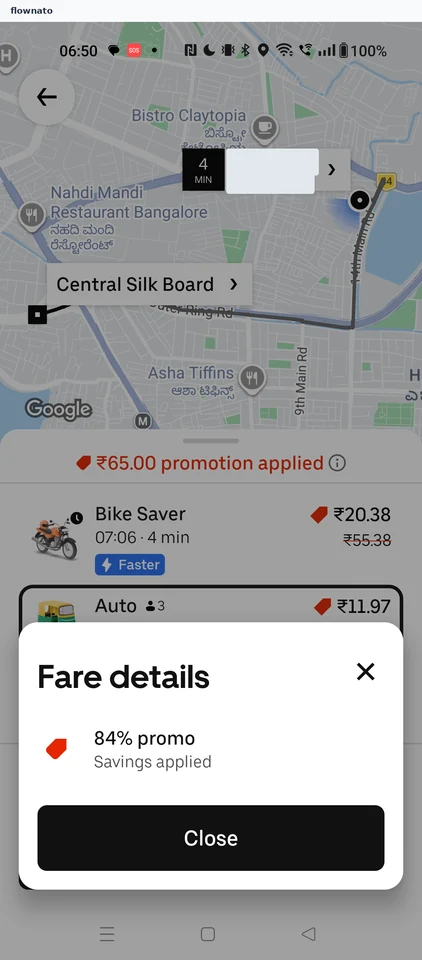
Viewing fare details (Central Silk Board)
2 screens
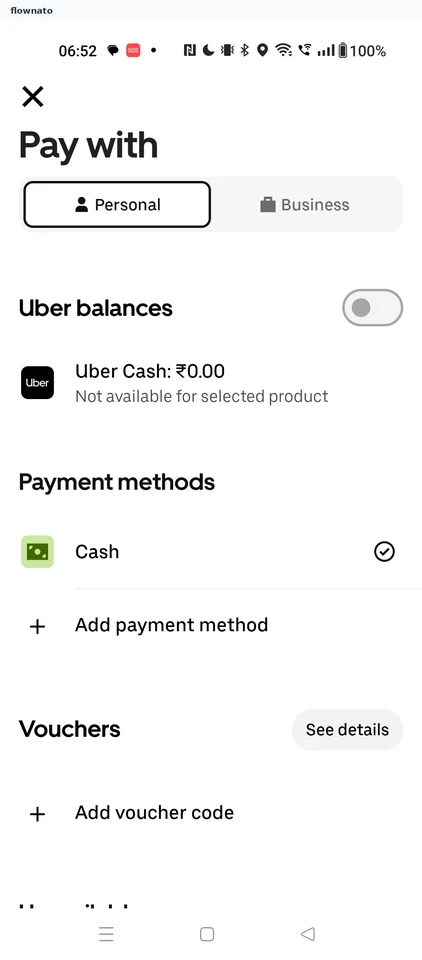
Viewing payment methods
2 screens
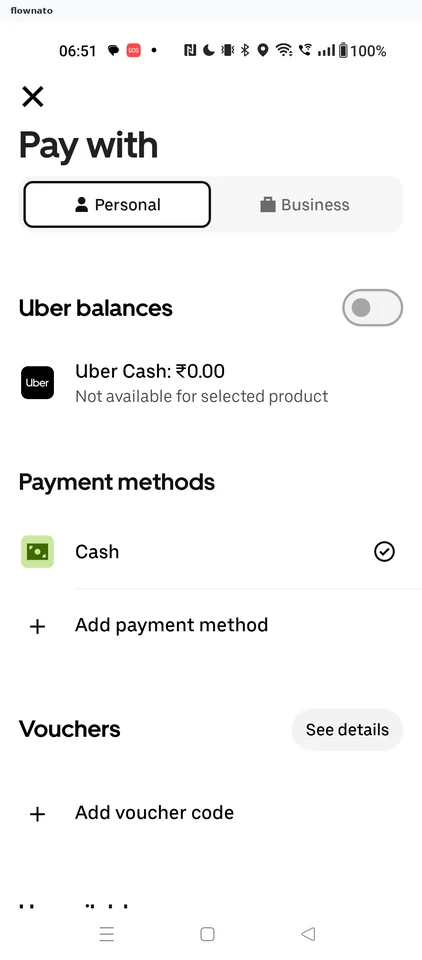
Payment methods
1 screens
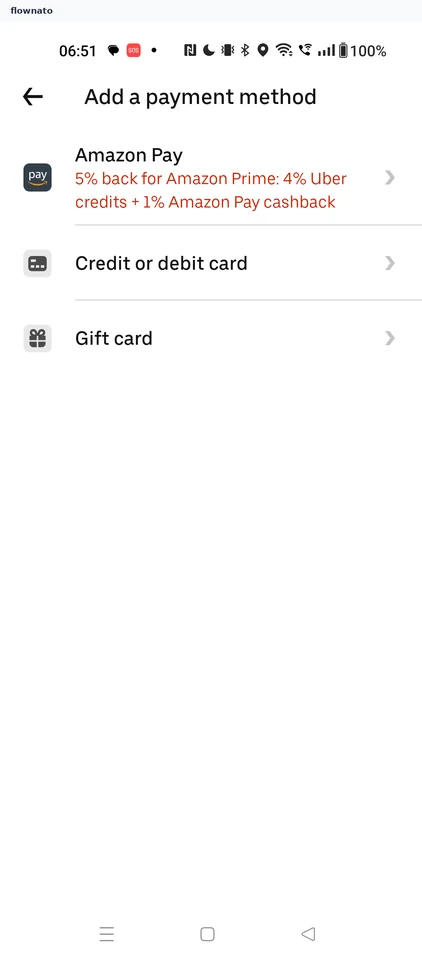
Viewing payment method types
2 screens
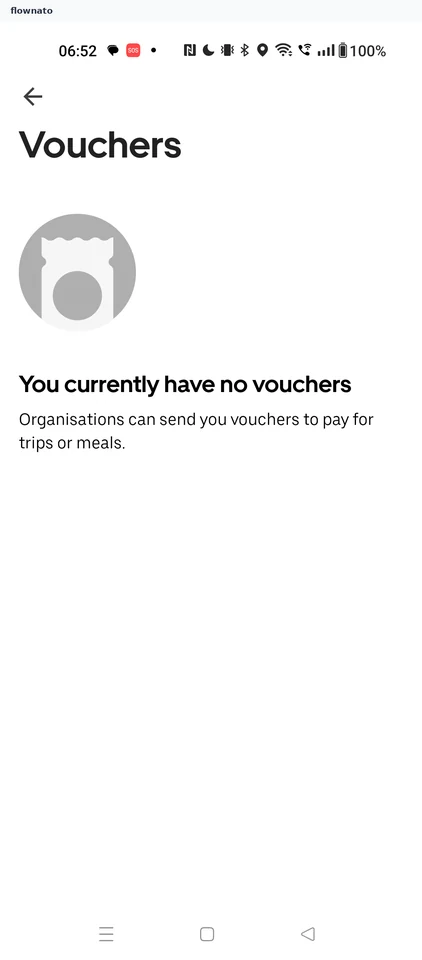
Viewing vouchers
2 screens
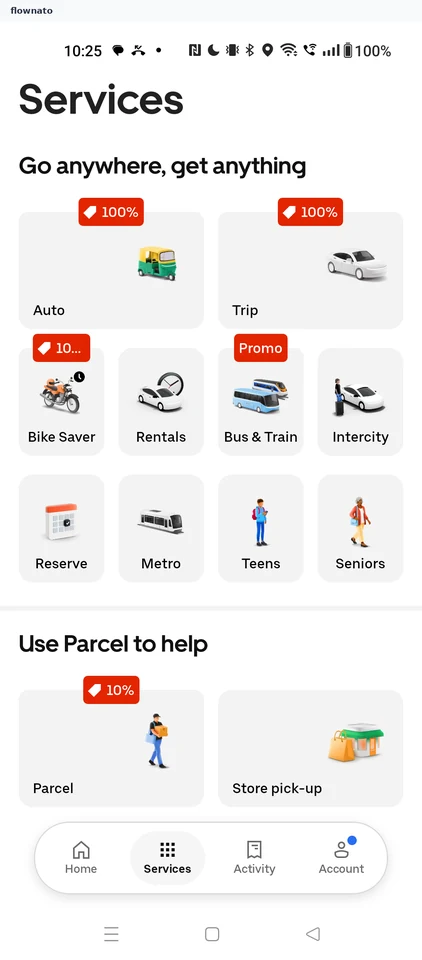
Services
1 screens
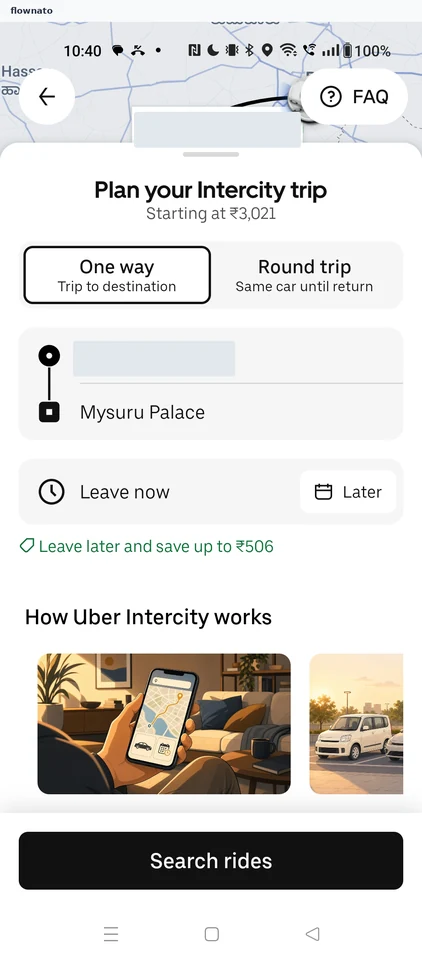
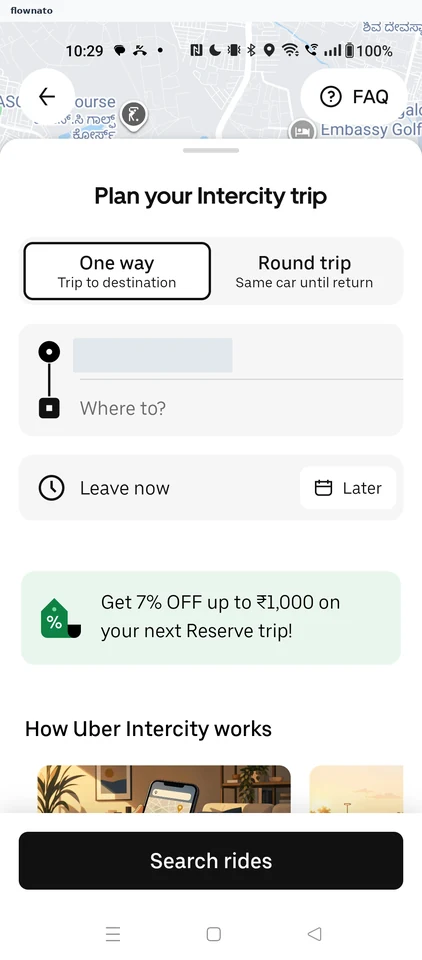
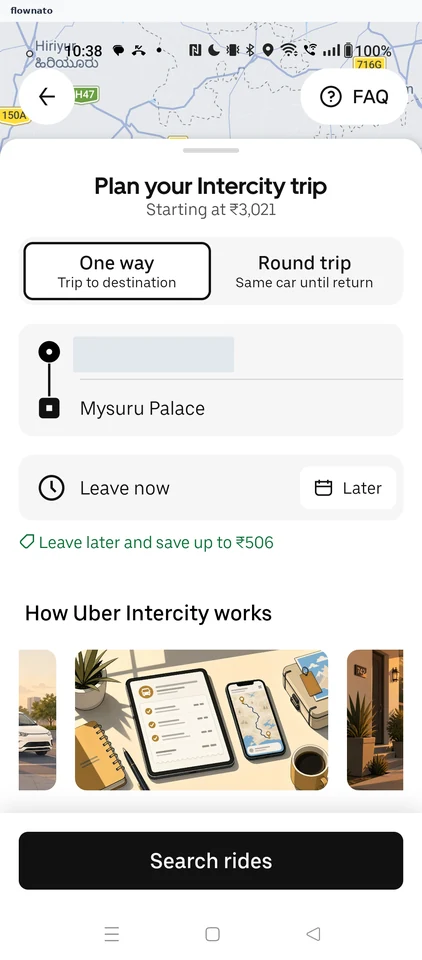
Intercity trip planner
4 screens
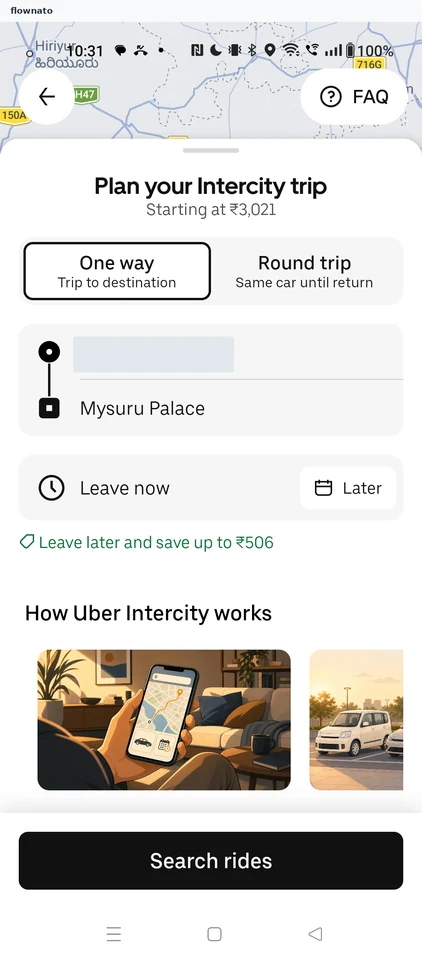
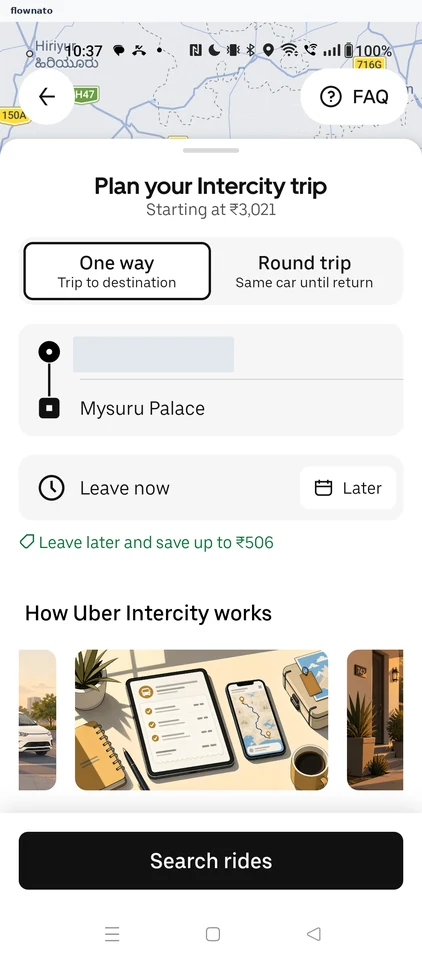
Setting a trip destination
7 screens
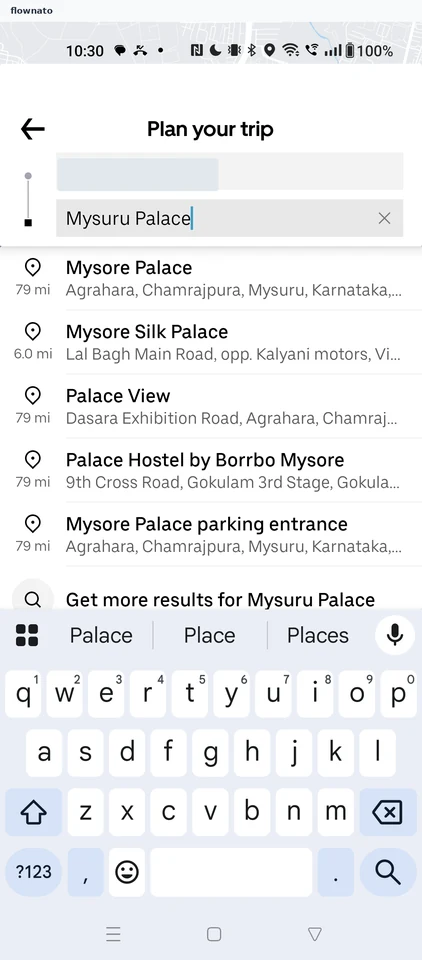
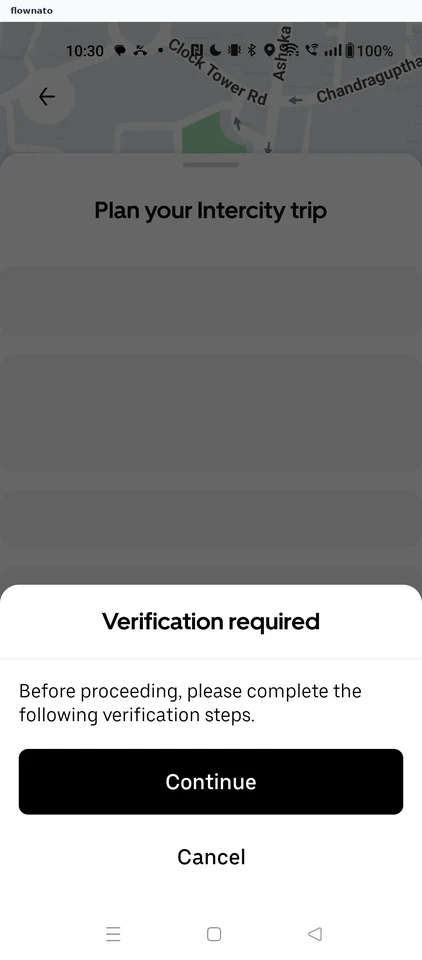
Searching intercity rides
2 screens
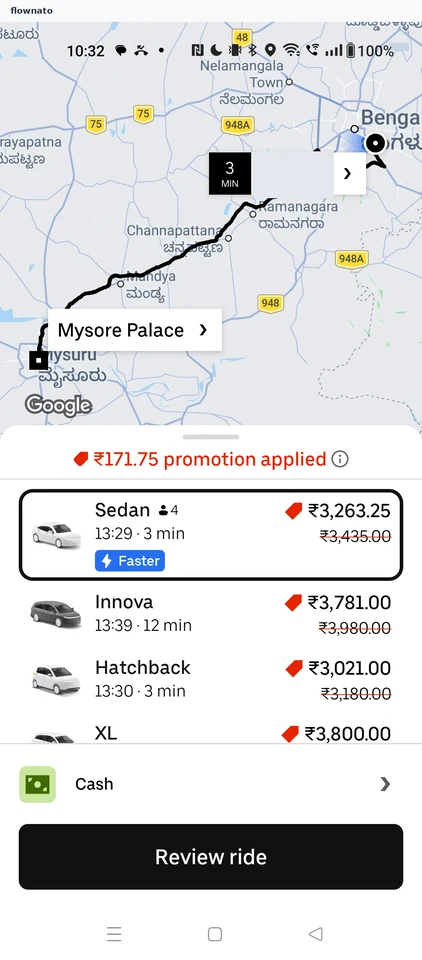
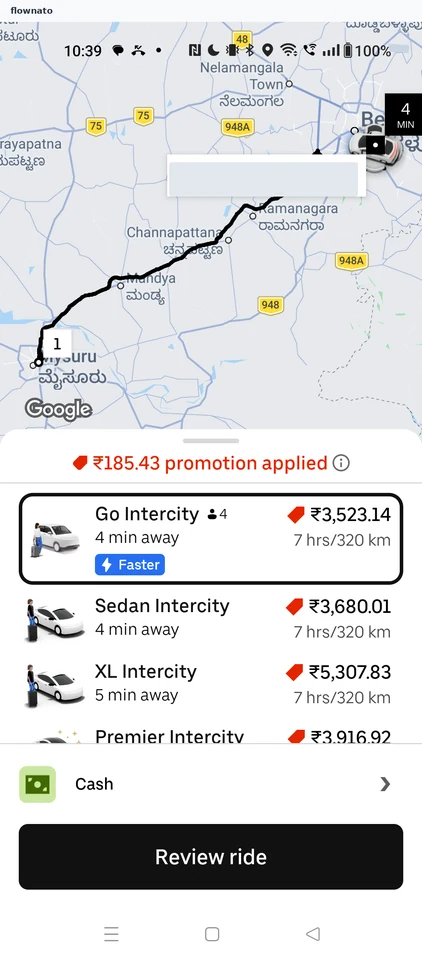
Ride options (Mysuru Palace)
1 screens
Reviewing a ride
2 screens
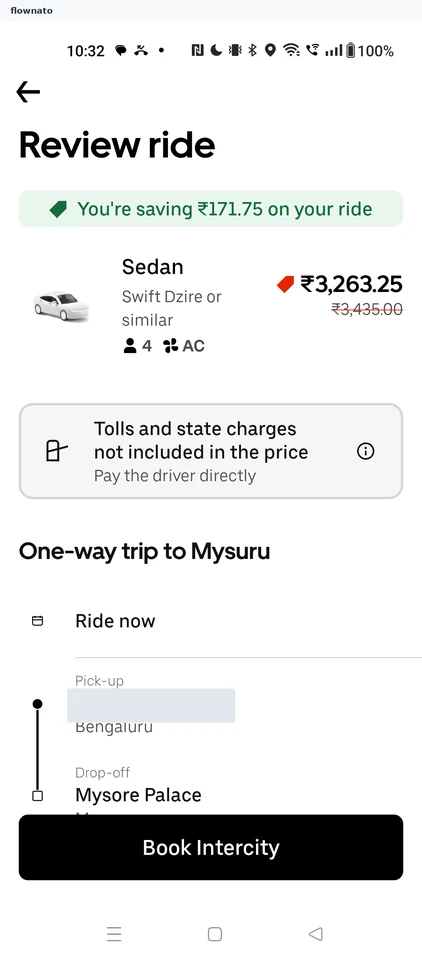
Viewing tolls and state charges
3 screens
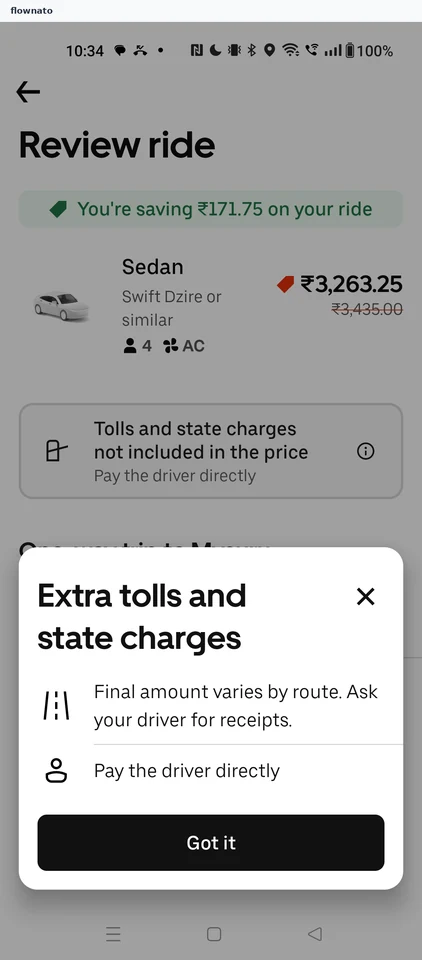
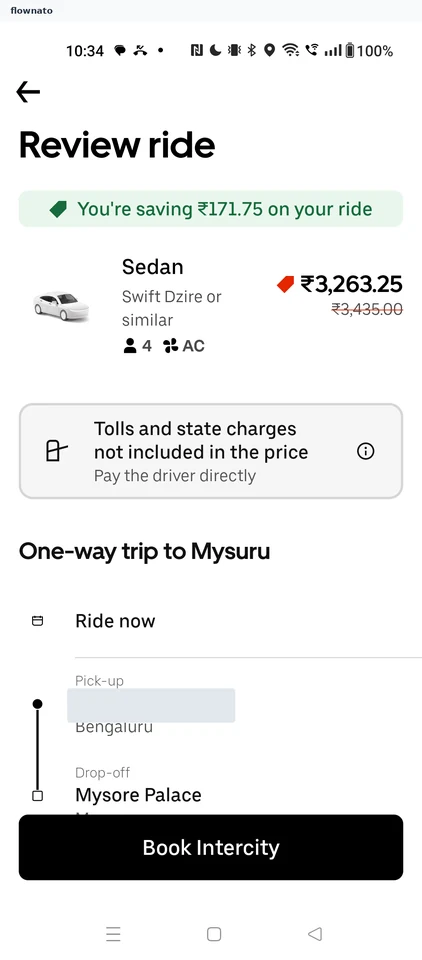
Viewing fare details (Mysuru Palace)
3 screens
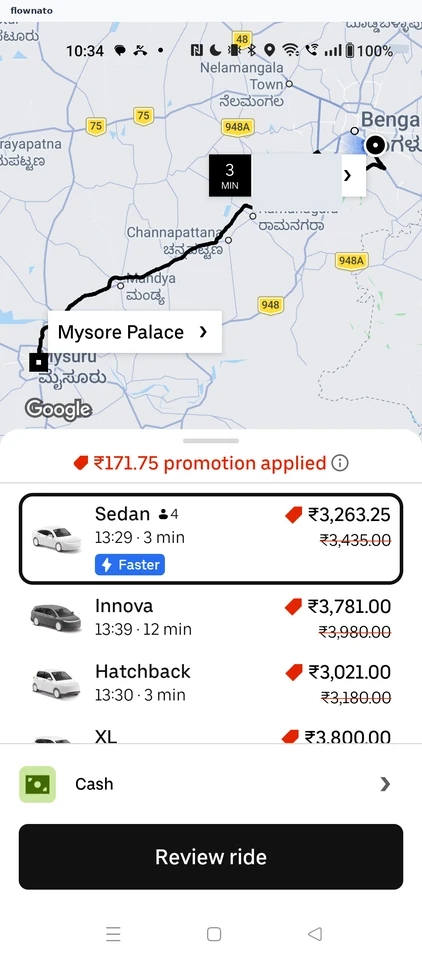
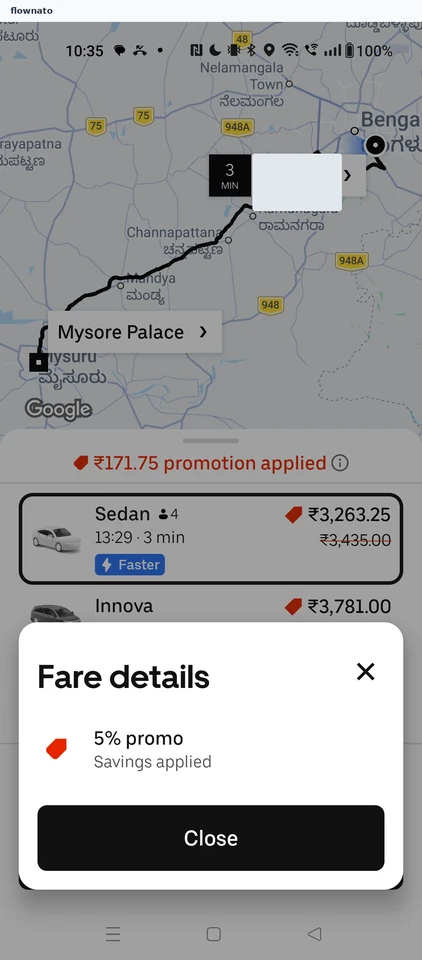
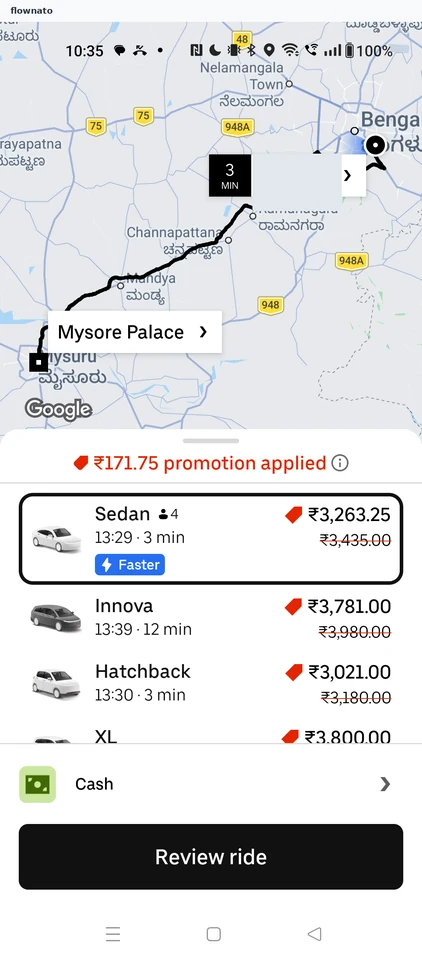
Selecting a vehicle
2 screens
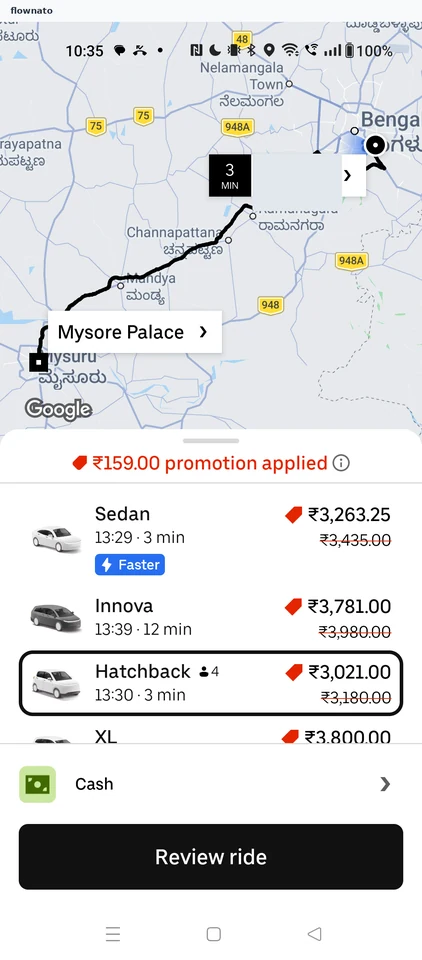
Help (Uber Intercity FAQ)
1 screens
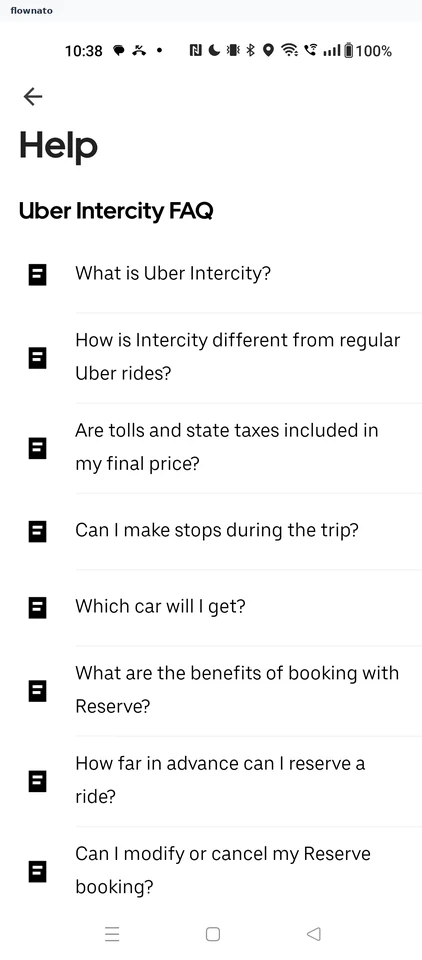
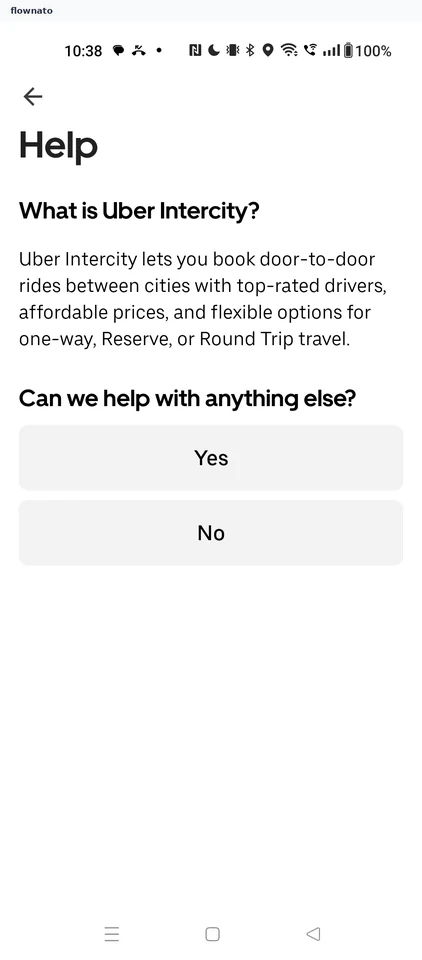
Reading an FAQ article
2 screens
Switching to a round trip
2 screens
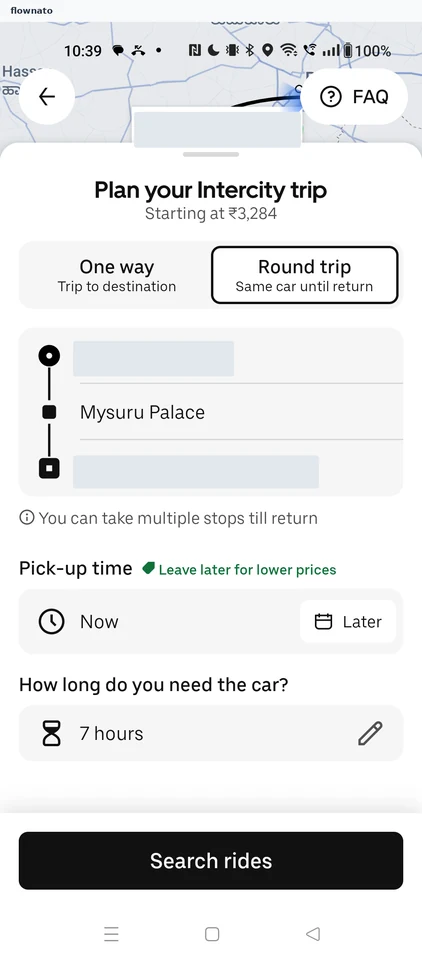
Searching round-trip rides
2 screens
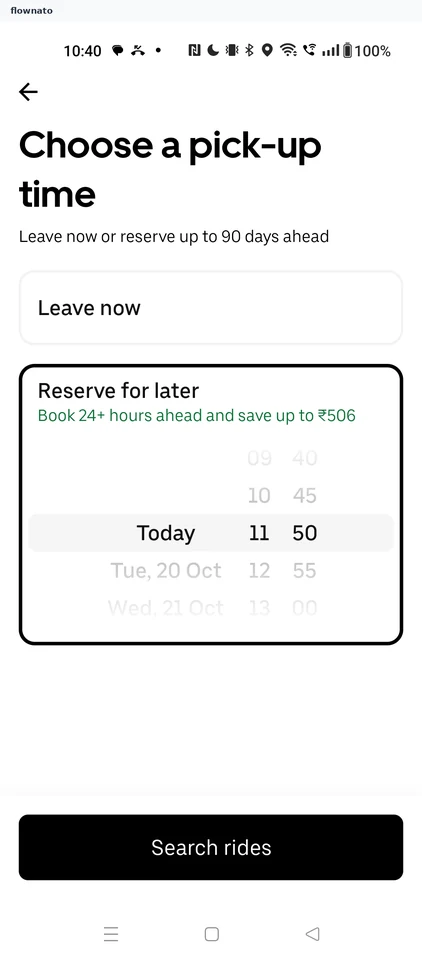
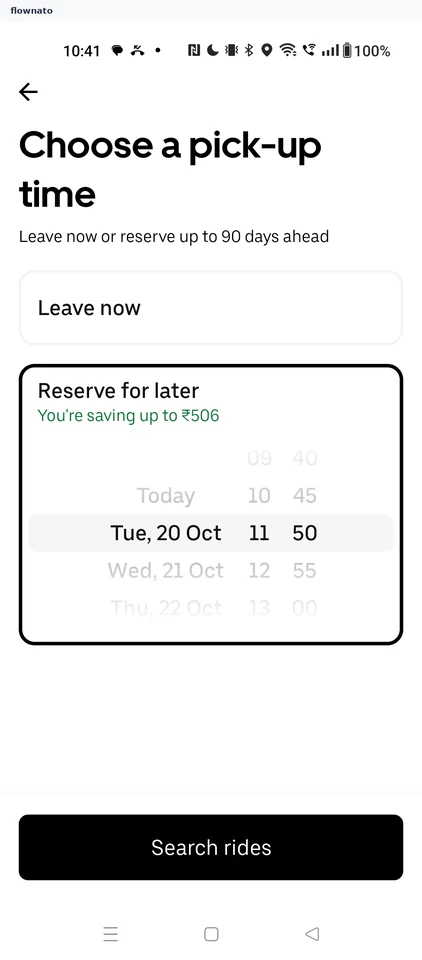
Scheduling a ride for later
4 screens