NoBroker app UI and user flows

About NoBroker

Screens and user flows from the NoBroker app.

NoBroker is an Android app. Last recorded on 12 October 2026.

Android

NoBroker journeys

  1. Finding a home to rent

    18 steps · complete with a free account
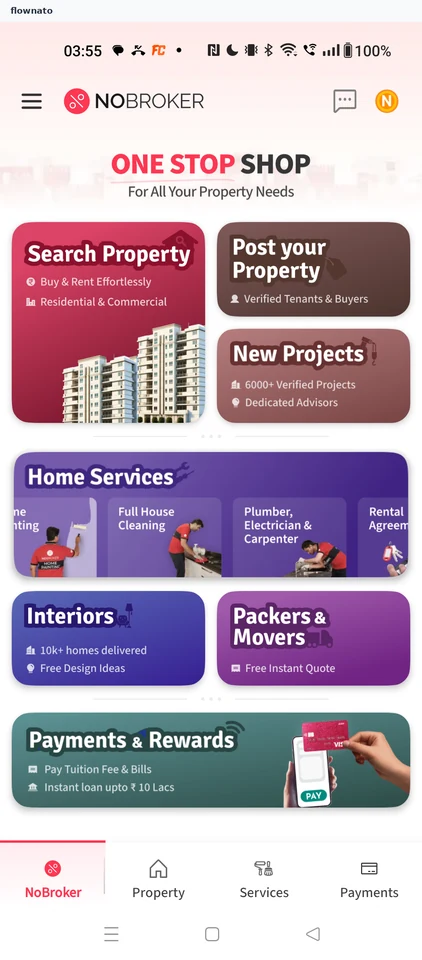
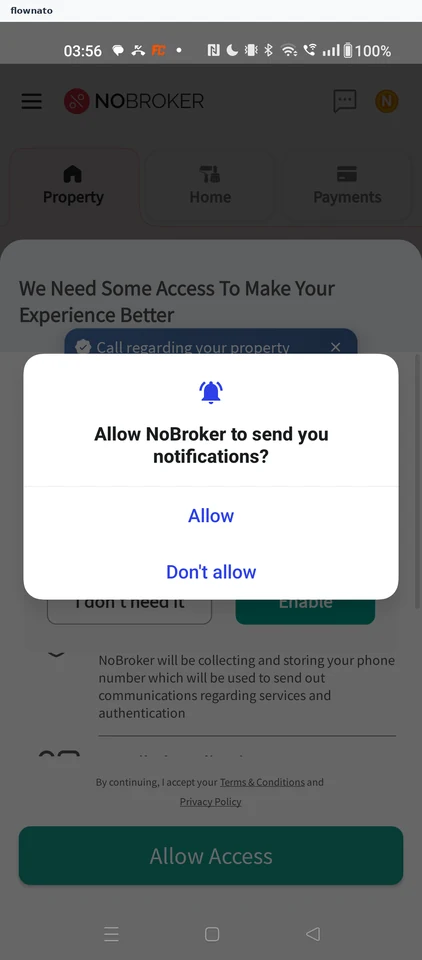
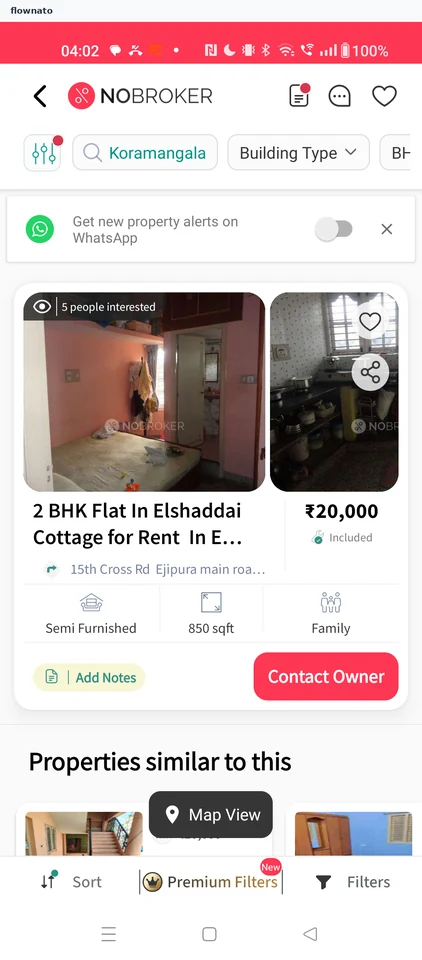
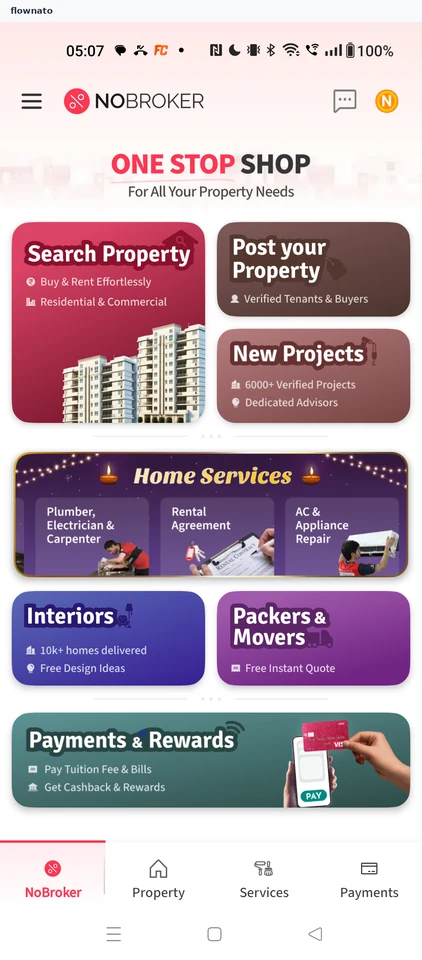
    NoBroker: Start a property searchNoBroker: Decline notificationsNoBroker: Dismiss the festive promotion
  2. Sorting results by rent

    3 steps

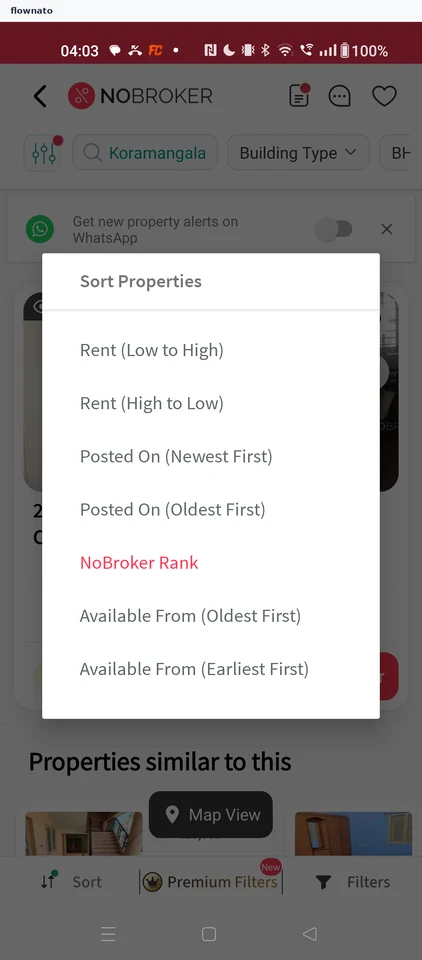
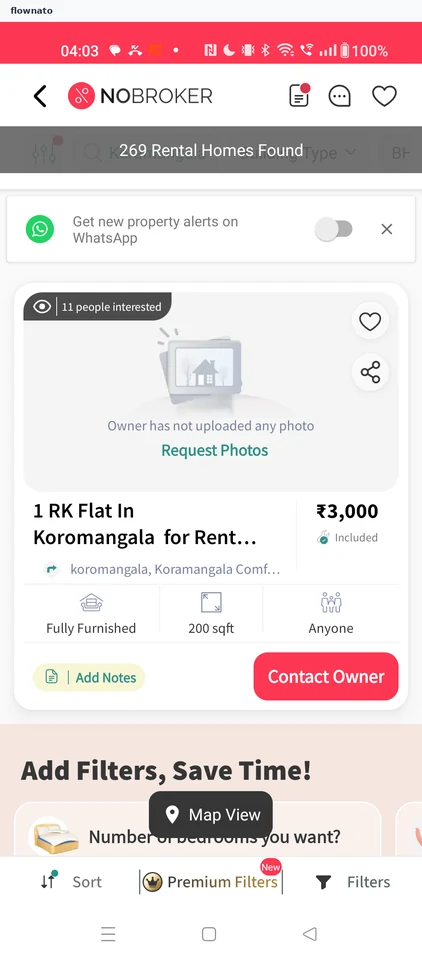
    NoBroker: Open SortNoBroker: Choose Rent (Low to High)NoBroker: Cheapest rentals first
  3. Booking a home cleaning

    22 steps · complete with a free account
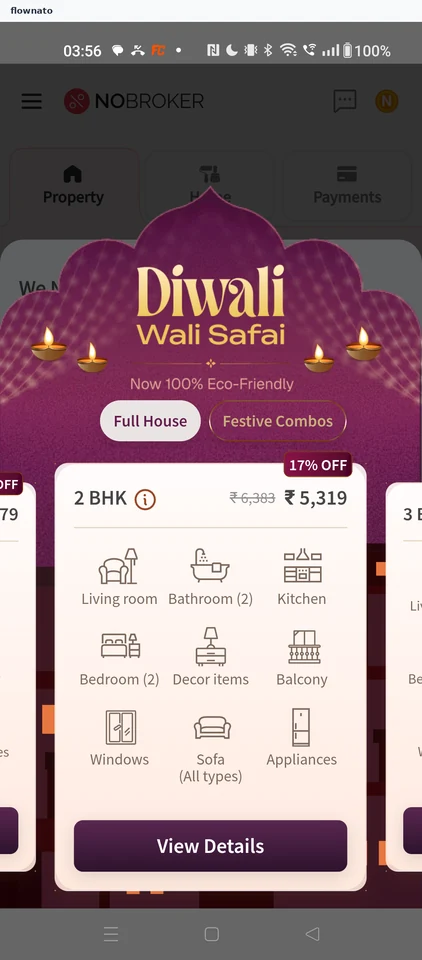
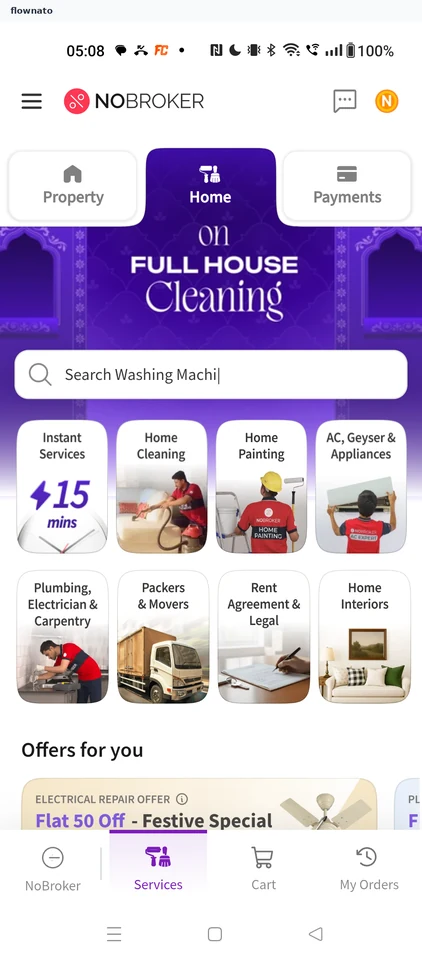
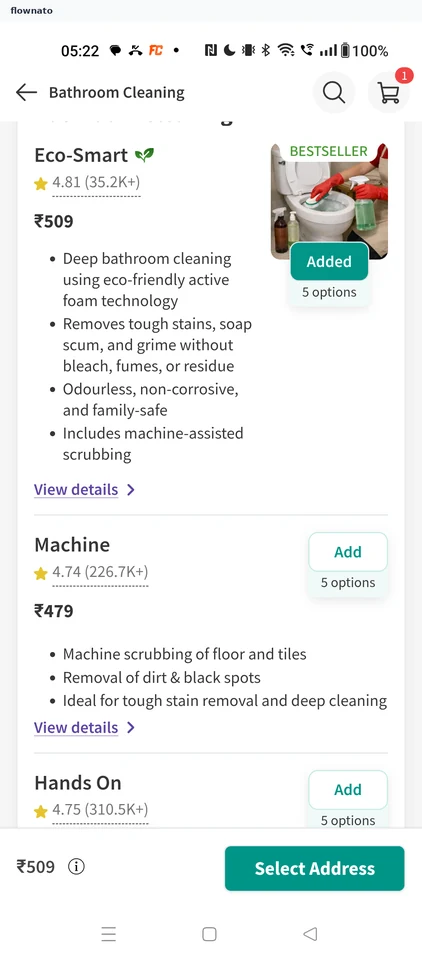
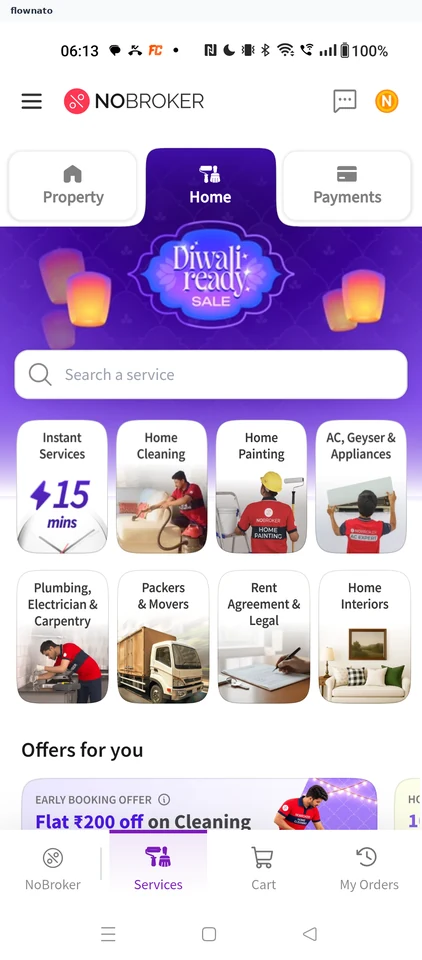
    NoBroker: Open Home Services from HomeNoBroker: Choose Home CleaningNoBroker: Pick Bathroom Cleaning
  4. Adding a cleaning add-on

    2 steps

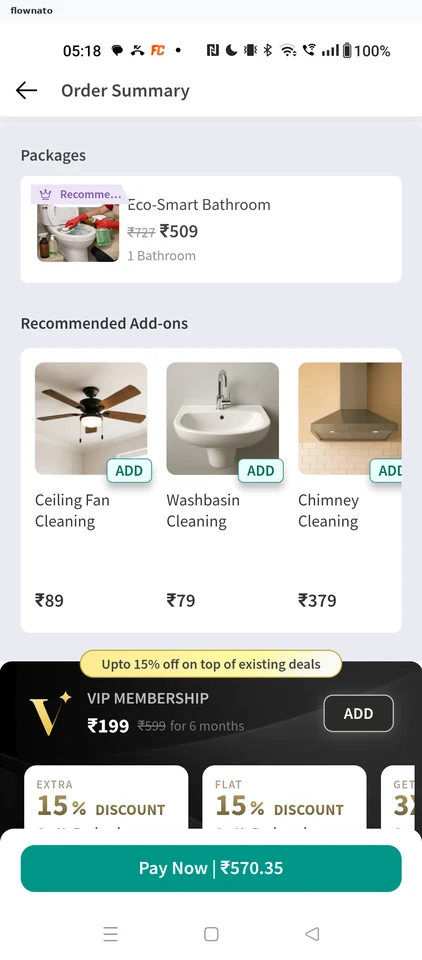
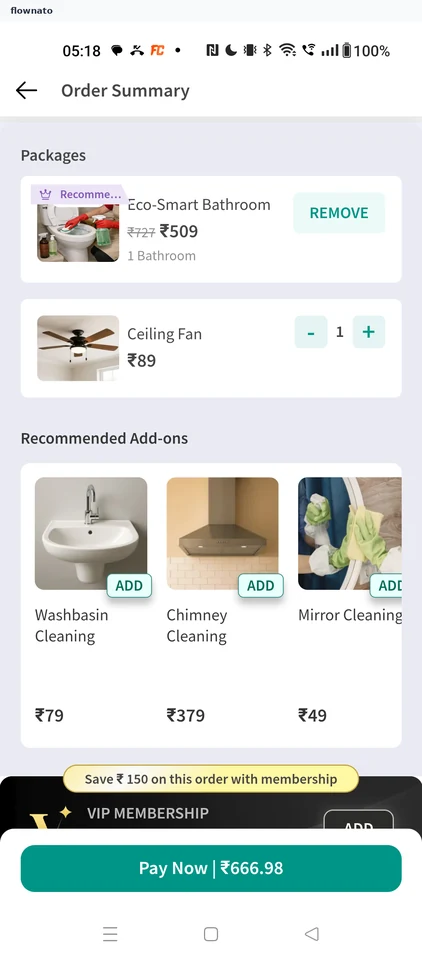
    NoBroker: Add Ceiling Fan CleaningNoBroker: Add-on in the order
  5. Applying a coupon

    2 steps

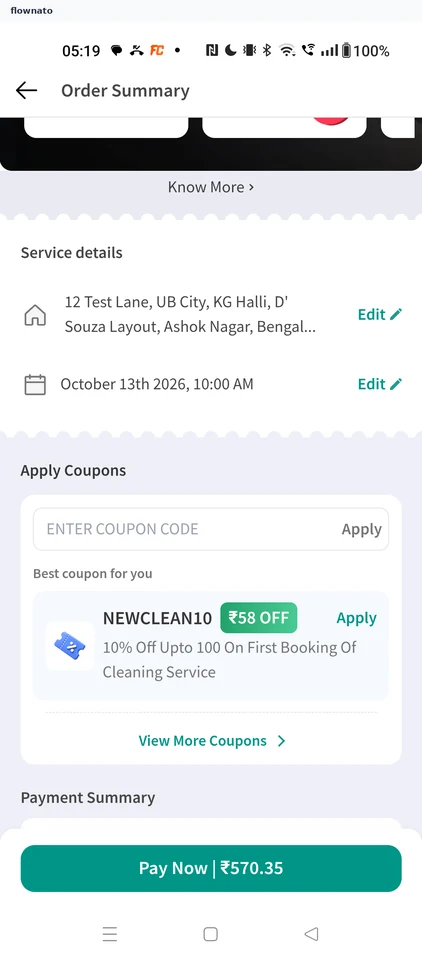
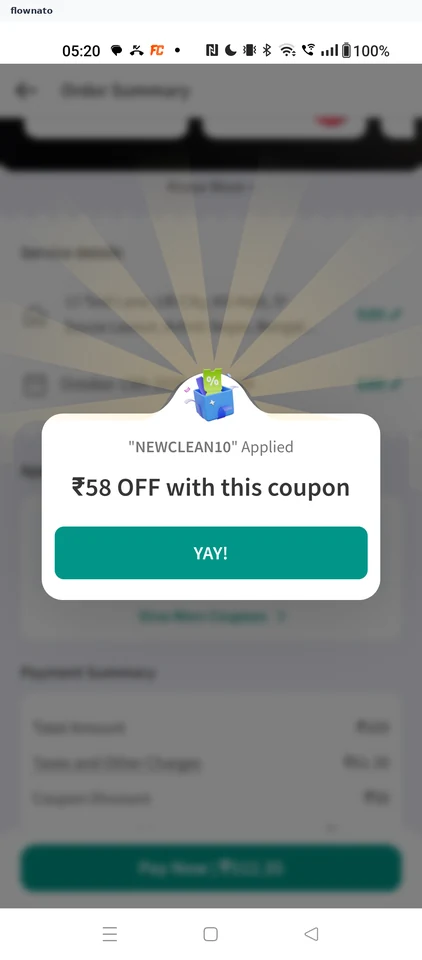
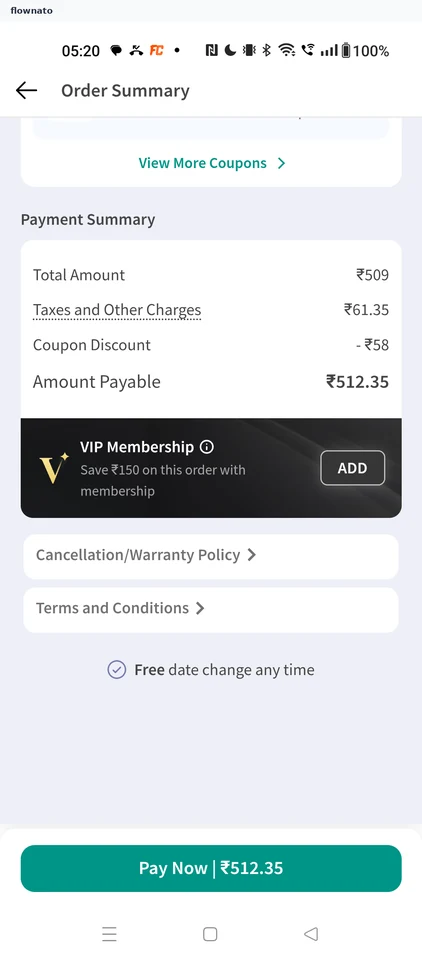
    NoBroker: Apply the suggested couponNoBroker: Coupon applied
  6. Reading the cancellation policy

    2 steps

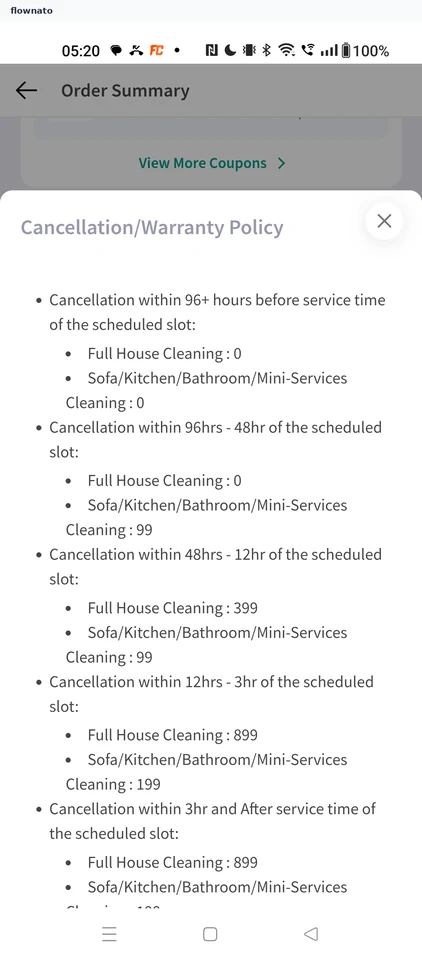
    NoBroker: Open the policy linkNoBroker: Cancellation fees by notice
  7. Comparing cleaning packages

    2 steps

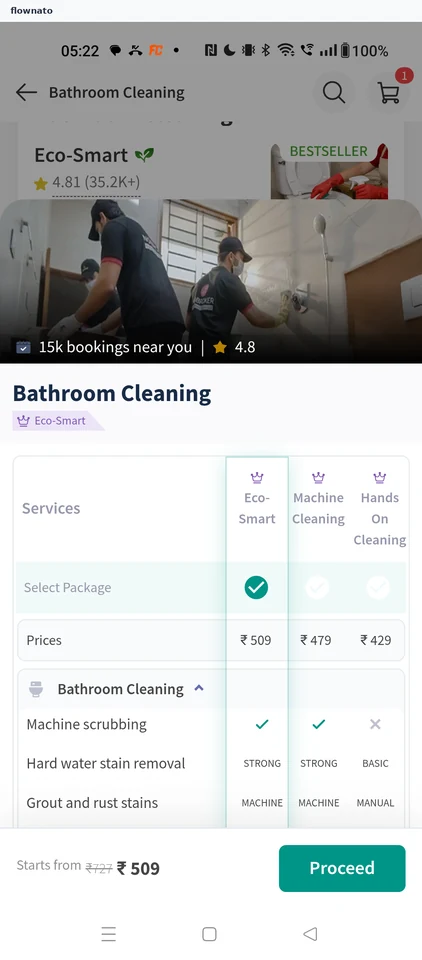
    NoBroker: Open Eco-Smart detailsNoBroker: Package comparison table
  8. Booking a painting visit

    9 steps · complete with a free account
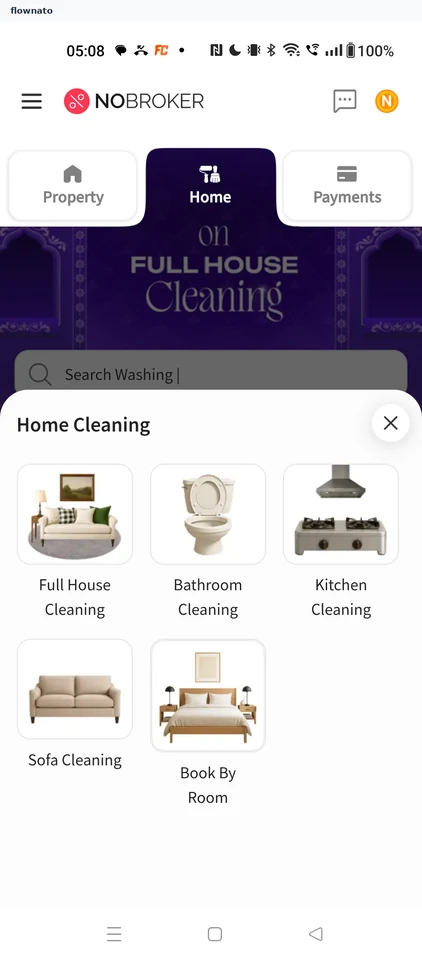
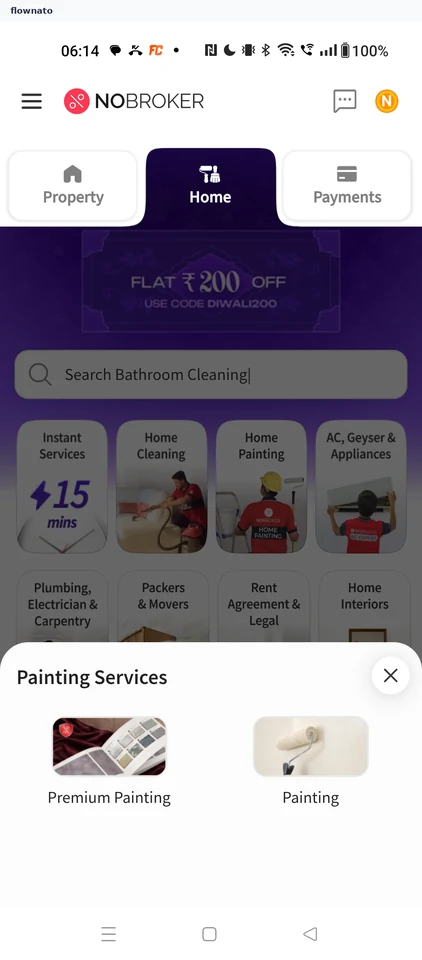
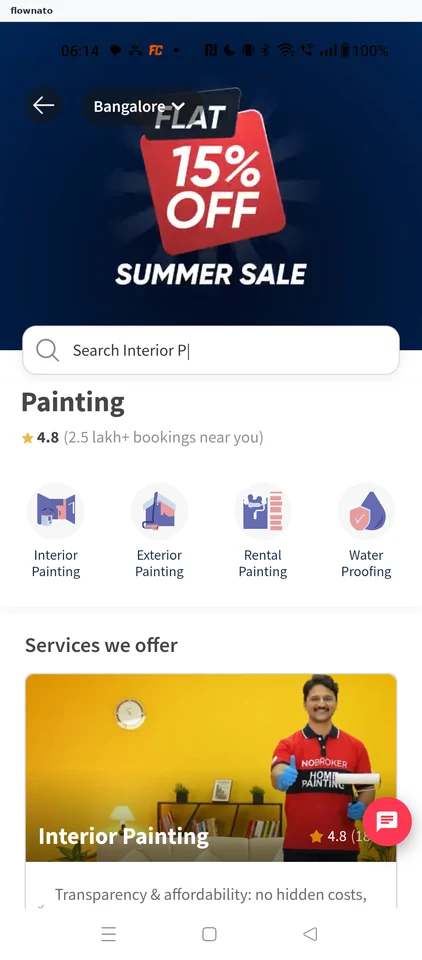
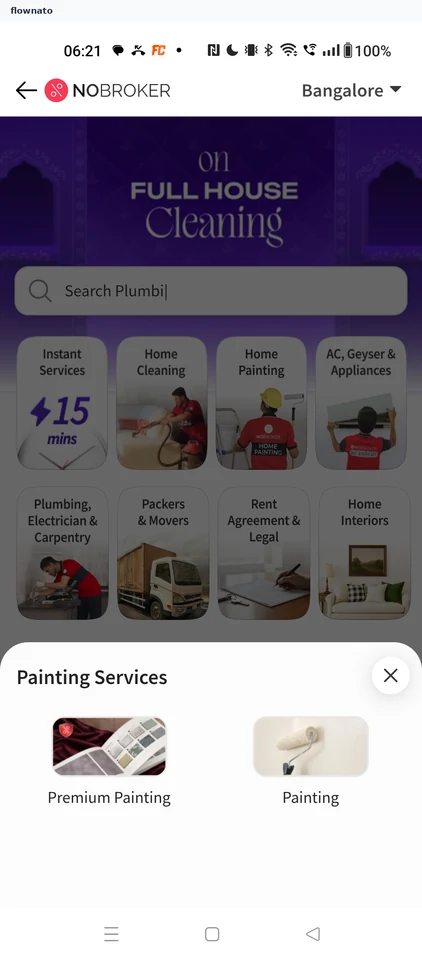
    NoBroker: Open Home PaintingNoBroker: Choose PaintingNoBroker: Pick Interior Painting
  9. Choosing Premium Painting

    5 steps
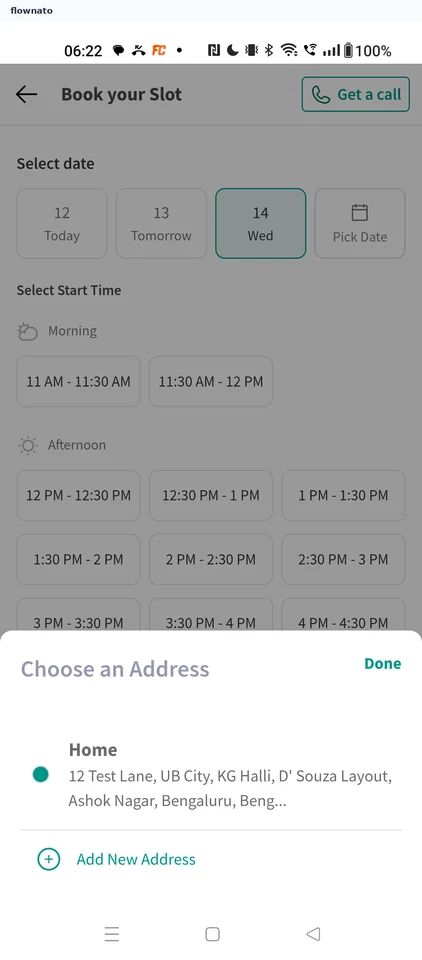
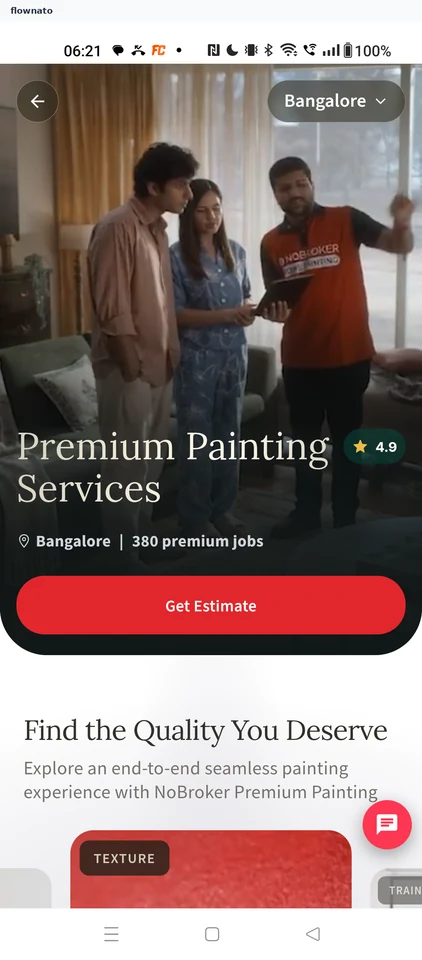
    NoBroker: Choose Premium PaintingNoBroker: Get a premium estimateNoBroker: Confirm the address
  10. Changing the visit date

    3 steps

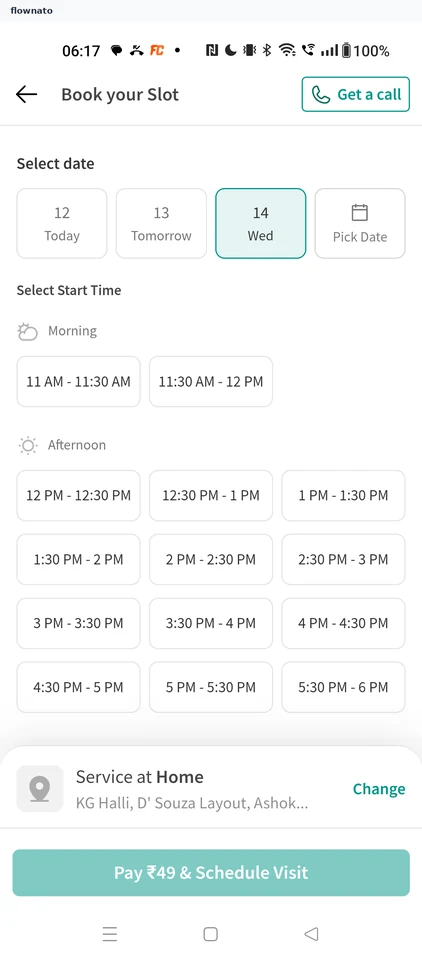
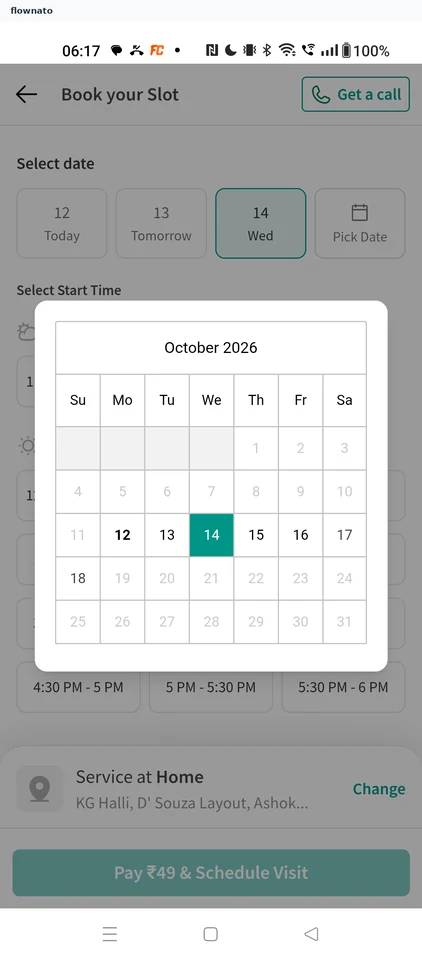
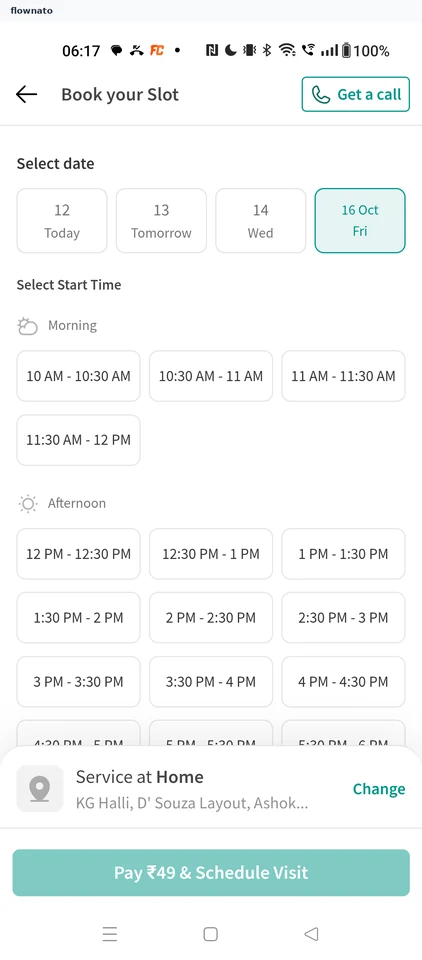
    NoBroker: Open Pick DateNoBroker: Choose Friday 16NoBroker: See the new date's times
  11. Requesting an expert callback

    3 steps
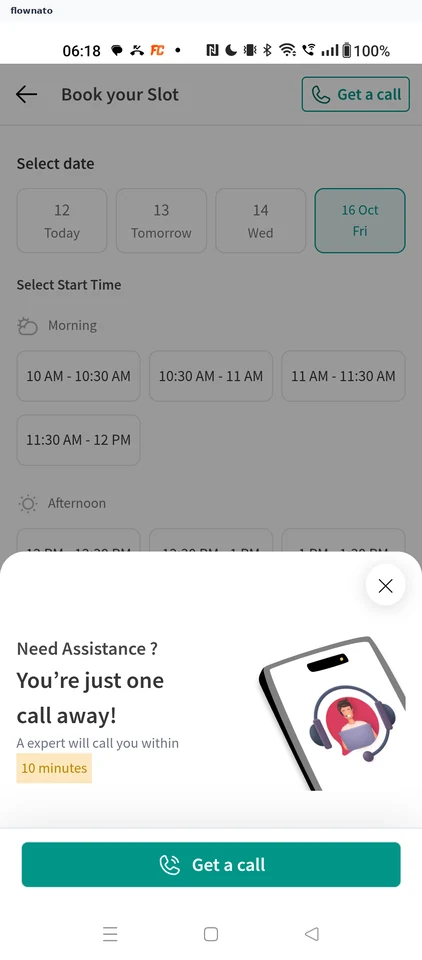
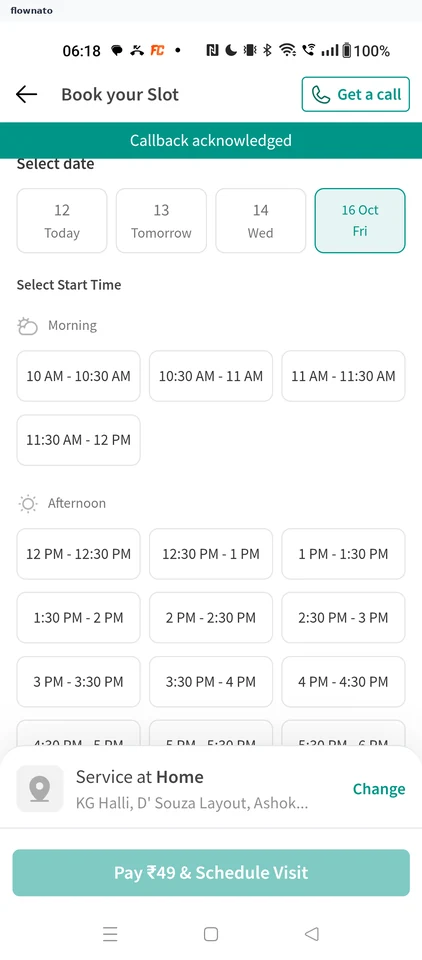
    NoBroker: Tap Get a callNoBroker: Request the callNoBroker: Callback acknowledged
  12. Reading painting service details

    2 steps
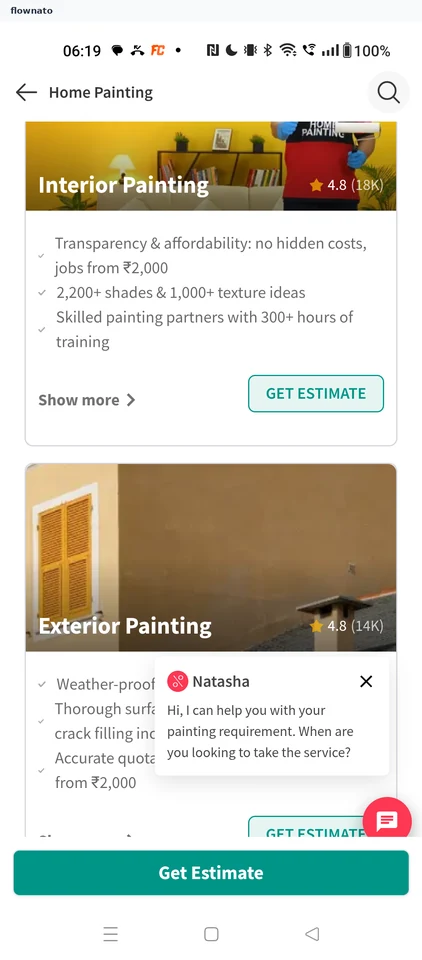
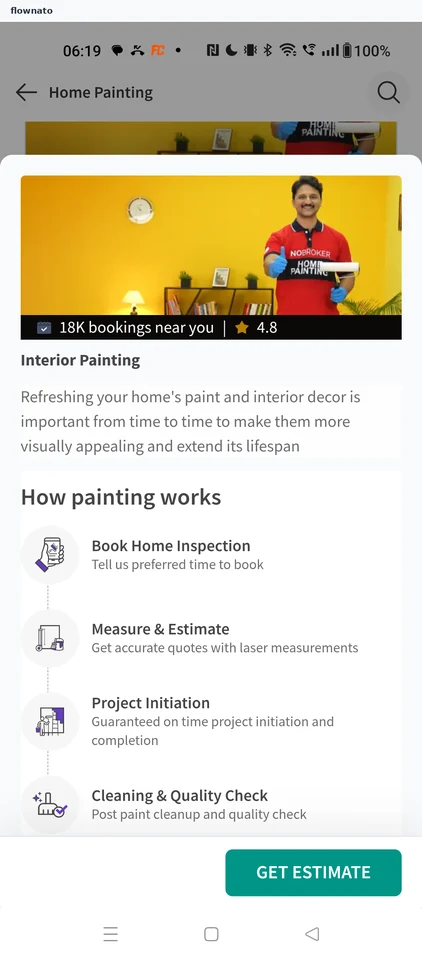
    NoBroker: Open Show moreNoBroker: Read how painting works

Screen patterns in NoBroker