Booking a home cleaning — NoBroker UX flow
Booking a home cleaning in NoBroker.
About this journey
Stops before the task is finished.
Step 1: Open Home Services from Home
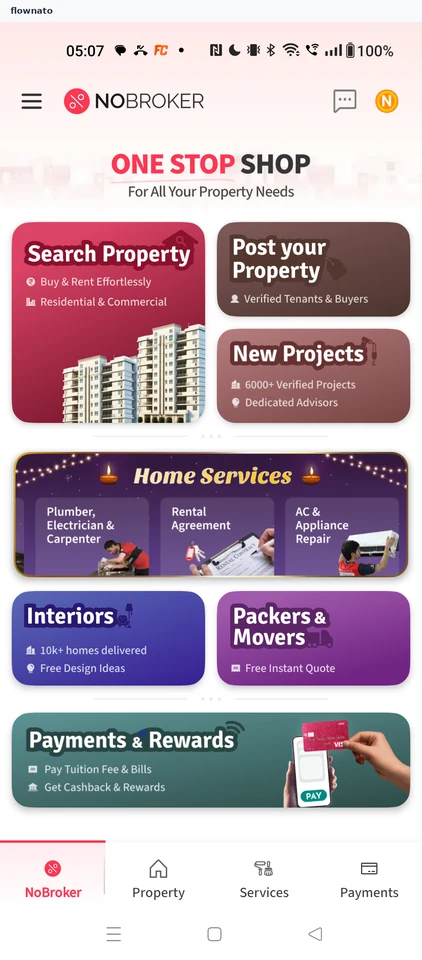
Step 2: Choose Home Cleaning
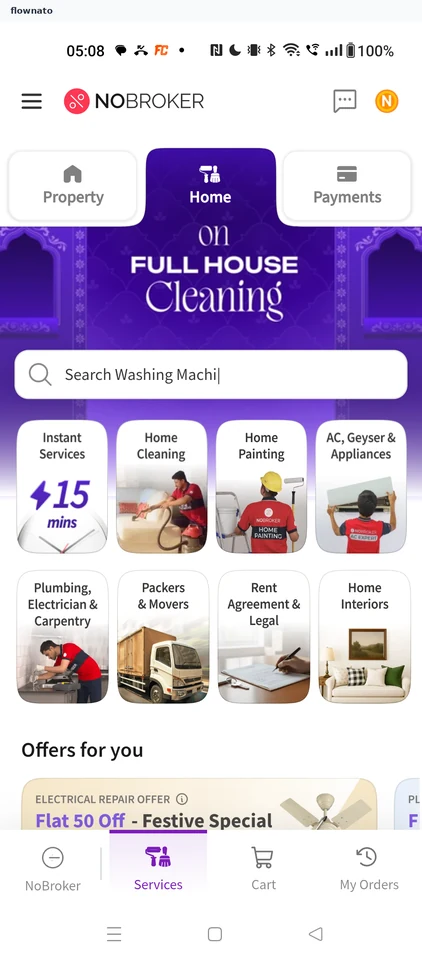
Checkout · Quantity stepper, Card, Carousel, Price, Button, Badge
Step 3: Pick Bathroom Cleaning
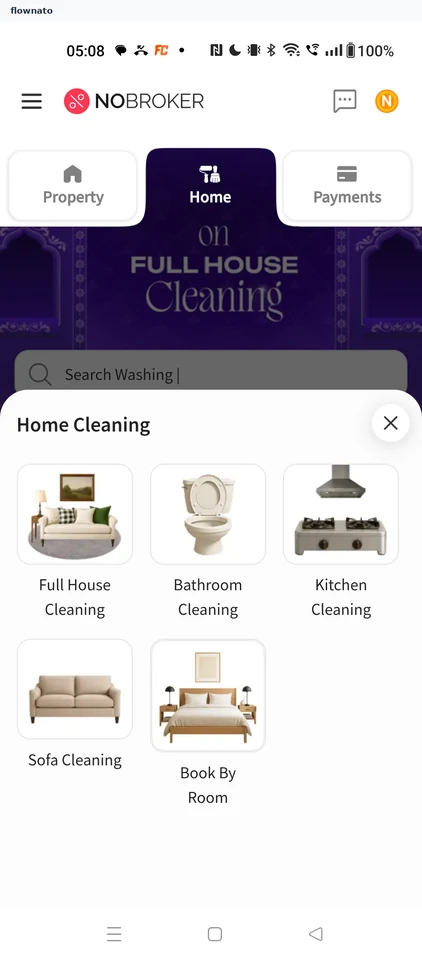
Step 4: Compare bathroom packages
Step 5: Choose how many bathrooms
Step 6: 1 bathroom added
Step 7: Continue to address
Step 8: Allow location for this visit
Step 9: Set the location on the map
Step 10: Confirm the service location
Step 11: Fill in address details
Step 12: Address entered
Step 13: Other shows sub-types
Step 14: Others asks for a label
Step 15: Save the address as Home
Step 16: Book your Slot
Step 17: Pick a time tomorrow
Step 18: Book the slot
Step 19: Review the Order Summary
Step 20: Check the bill and pay
Step 21: Skip the VIP upsell
Step 22: Payment method page