Screens
Explore real screens by pattern, element, or state.
Elements › Choice controls
Quantity stepper UI examples
Plus and minus controls next to item quantities, room counts and traveller counts.
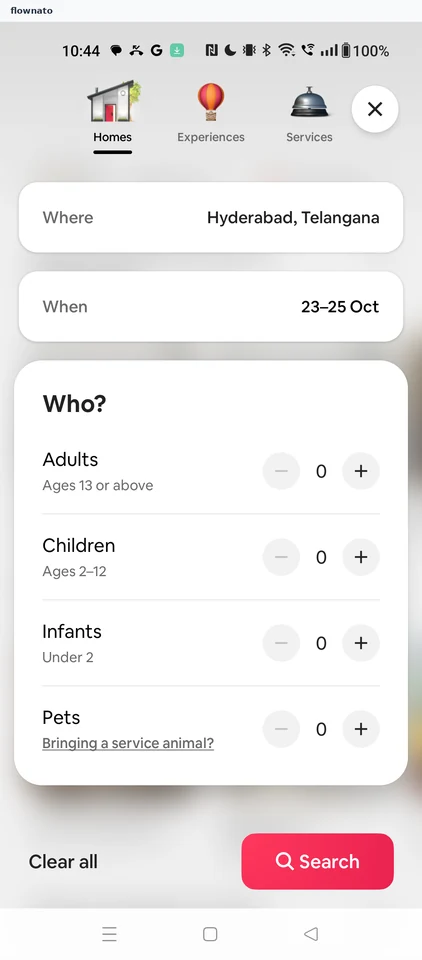
 Airbnb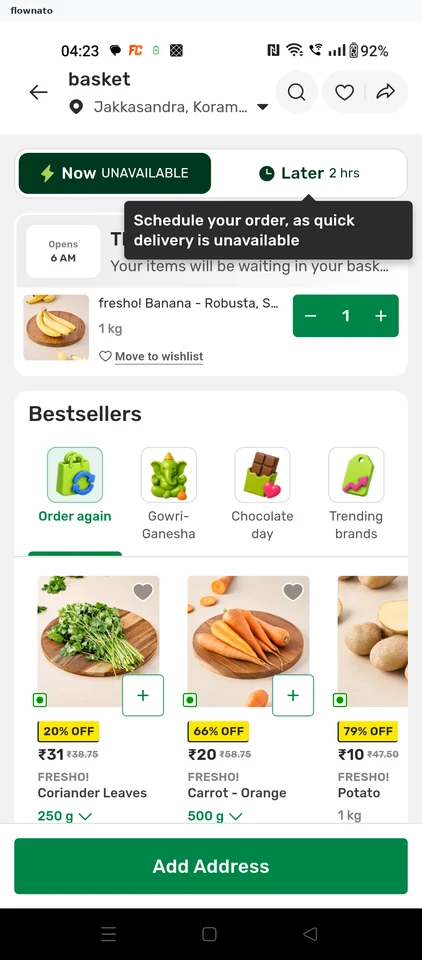
 bigbasket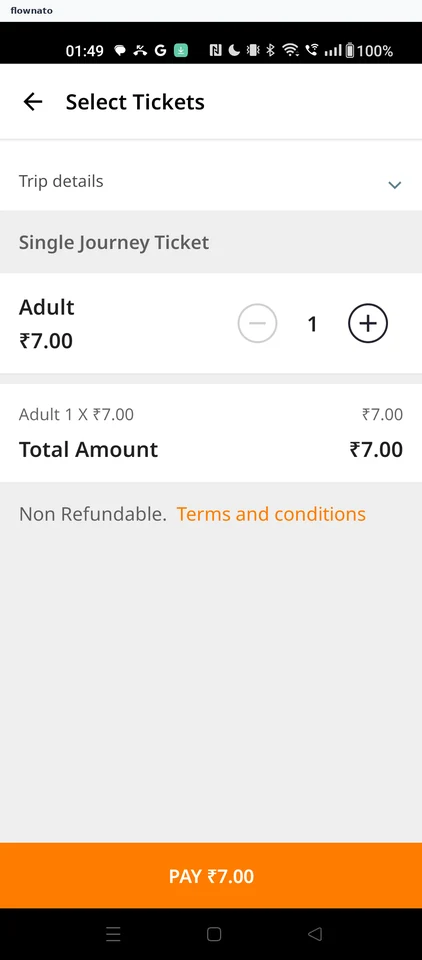
 Chalo
Chalo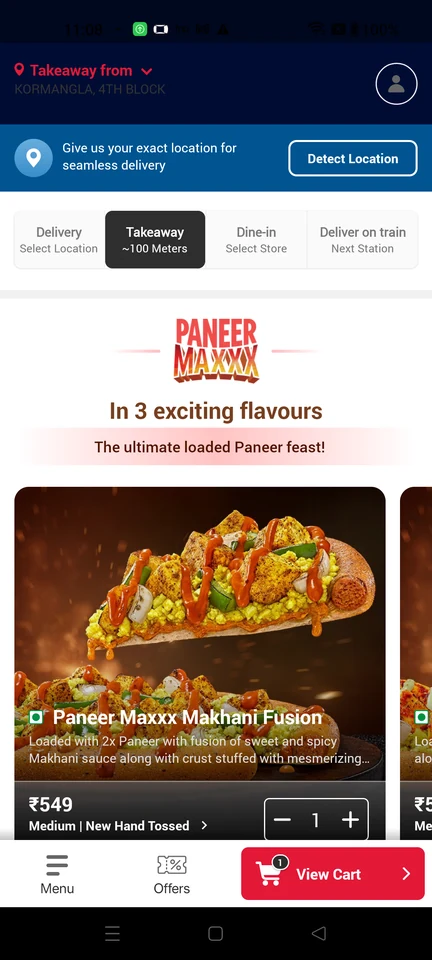
 Domino’s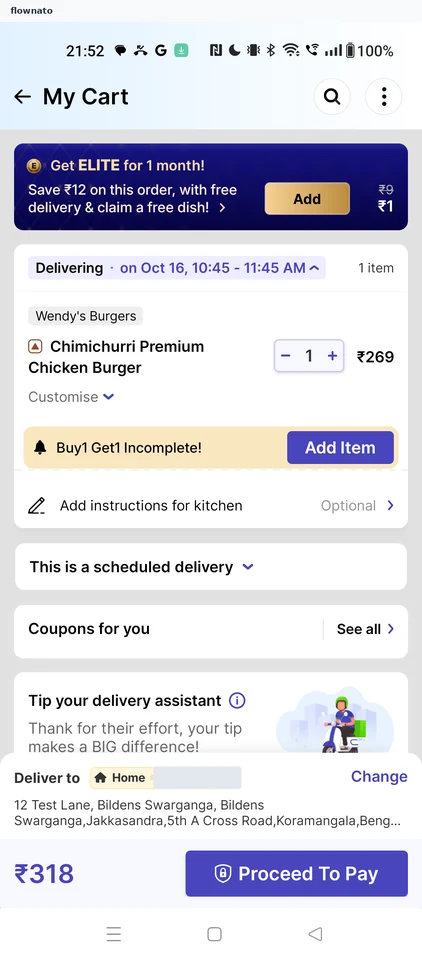
 EatSure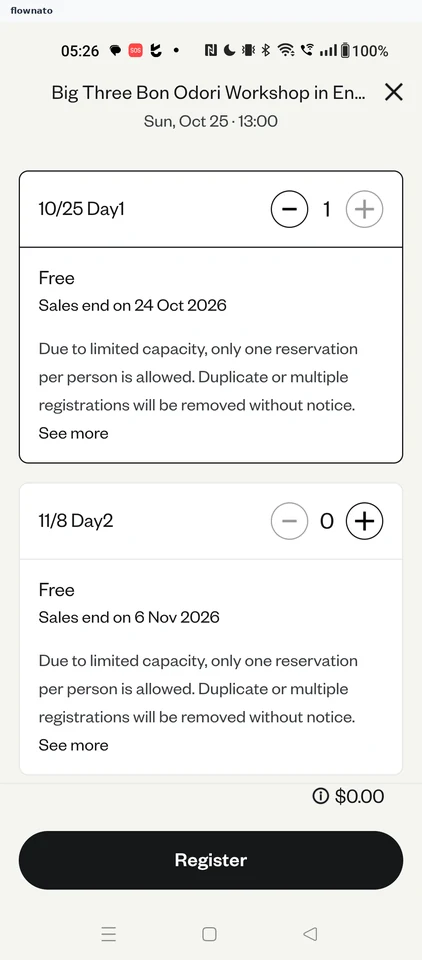
 Eventbrite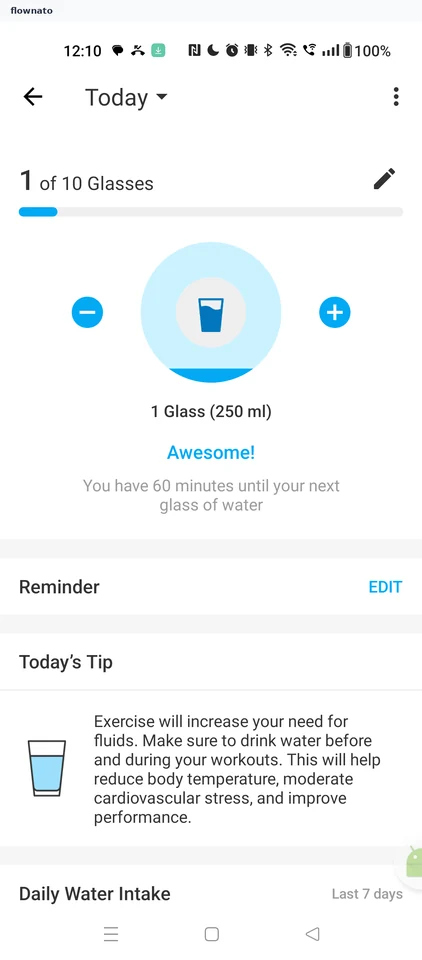
 Healthify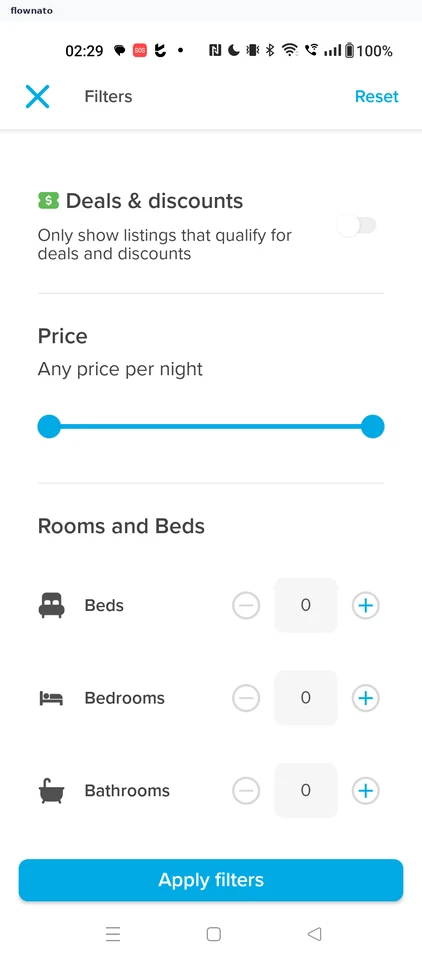
 Hopper
 JioMart
 Klook
Klook
 Licious
 Medium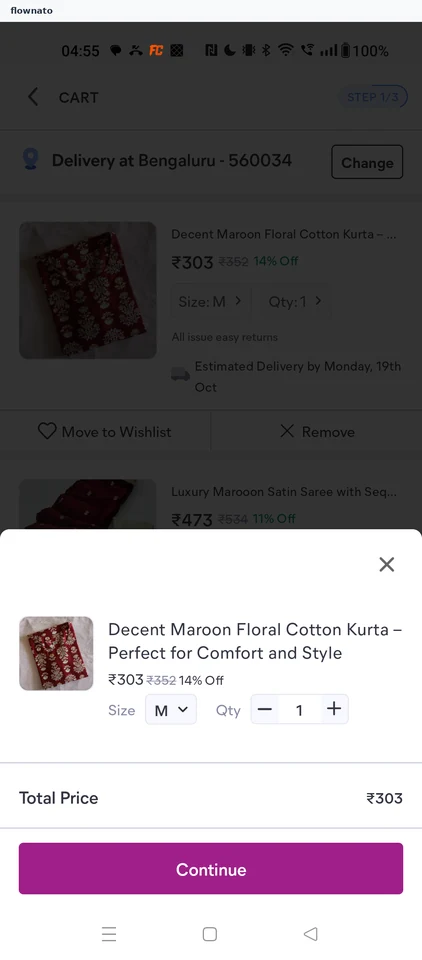
 Meesho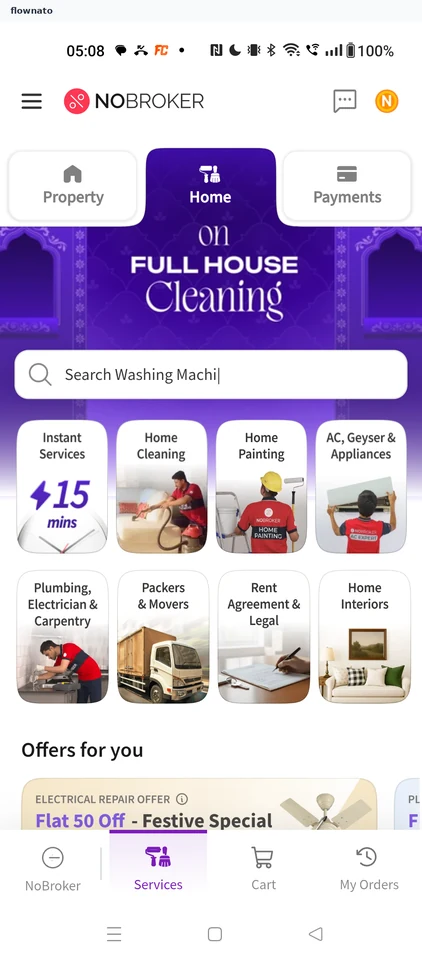
 NoBroker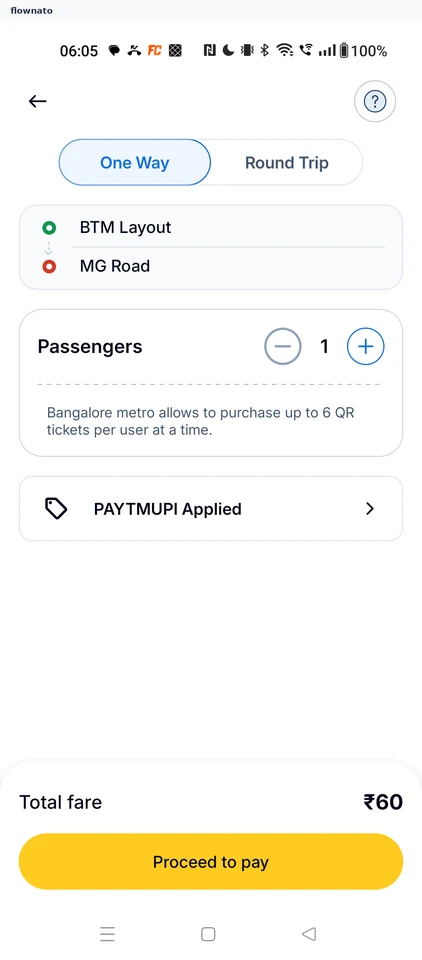
 Rapido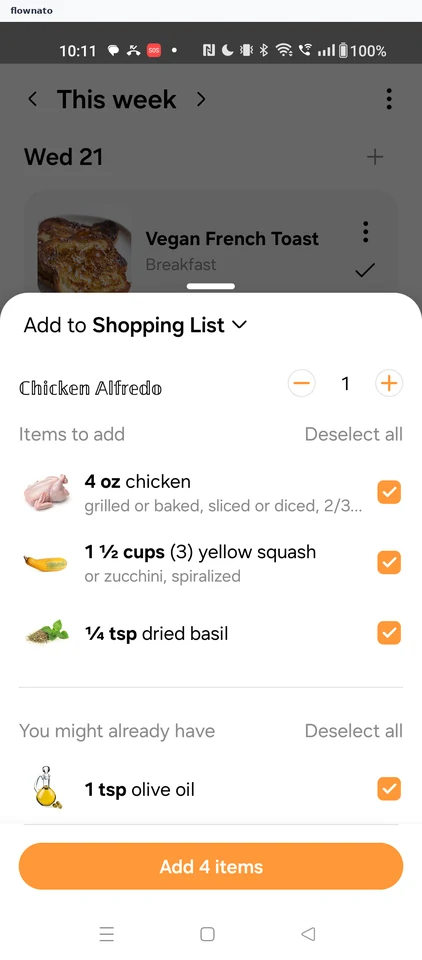
 Samsung Food
Shopping list ingredients
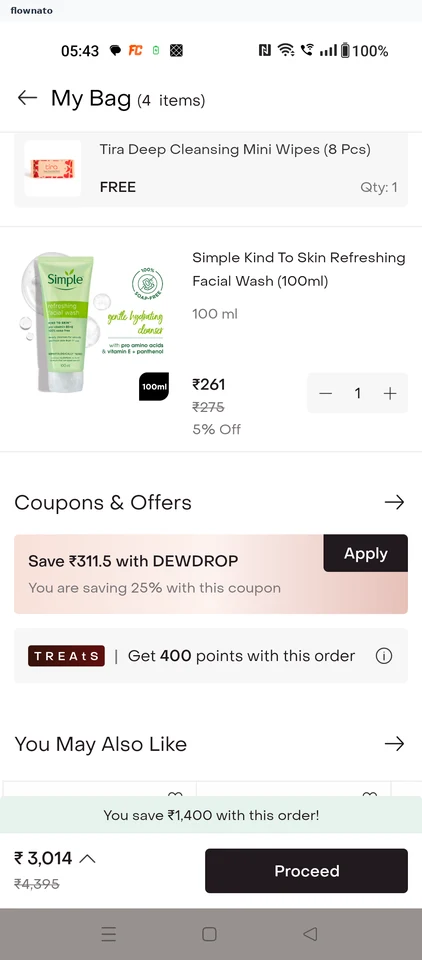
 Tira
TiraCart
 Urban Company
Service option sheet
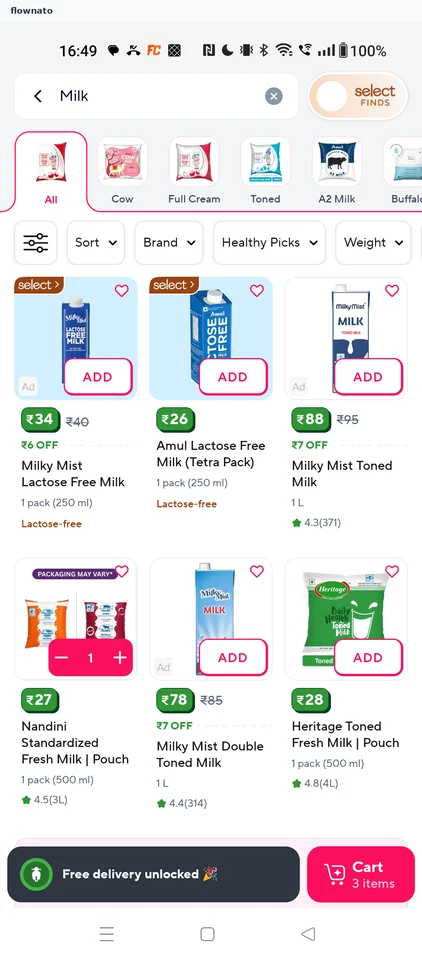
 Zepto
ZeptoSearch results
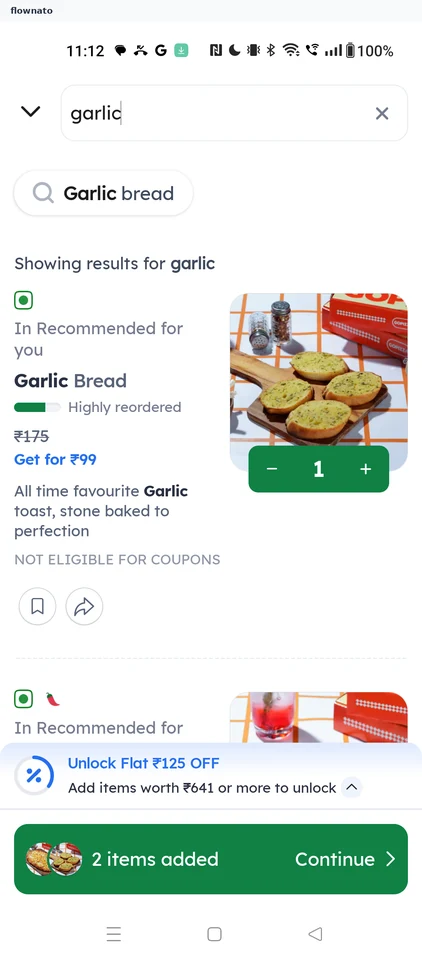
 Zomato
Menu search results
 Booking.com
 BookMyShow
 Cleartrip
 District
 MakeMyTrip
 Miro
Miro Sri Mandir
 Swiggy
What to compare in these examples
Start with what the number counts: an item, a room or a traveller. Compare how close the minus and plus controls sit to that label, and where the price or total appears. The bigbasket basket and Tira shopping bag provide cart references. Check the surrounding flow before deciding what should happen at zero; a still image alone does not establish removal, stock-limit or failed-update behaviour.