Product listing
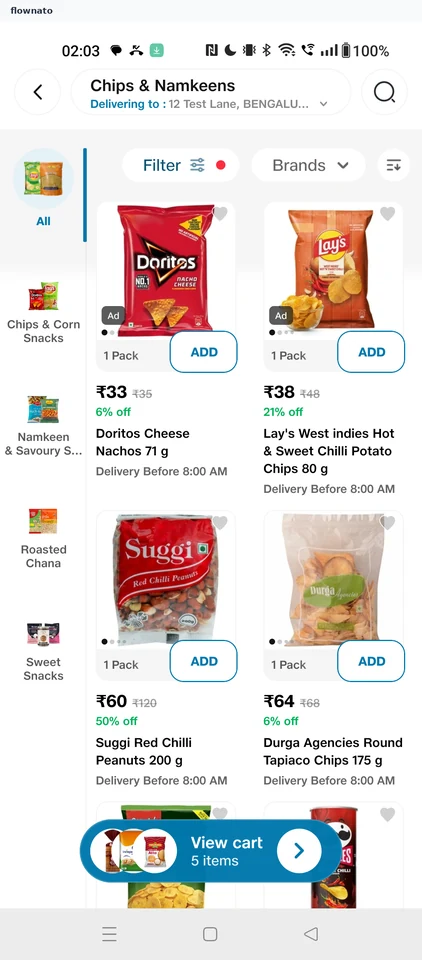
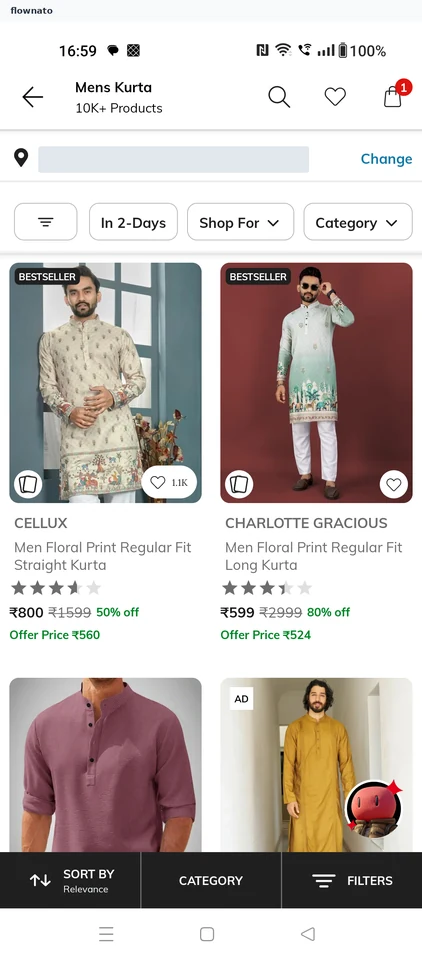
A grid or list of products with shopping information. Study captured mobile app examples for UI/UX research.
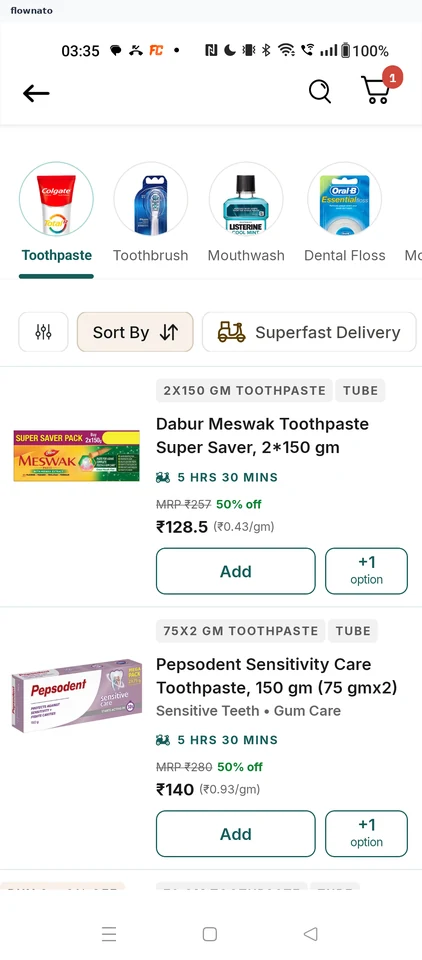
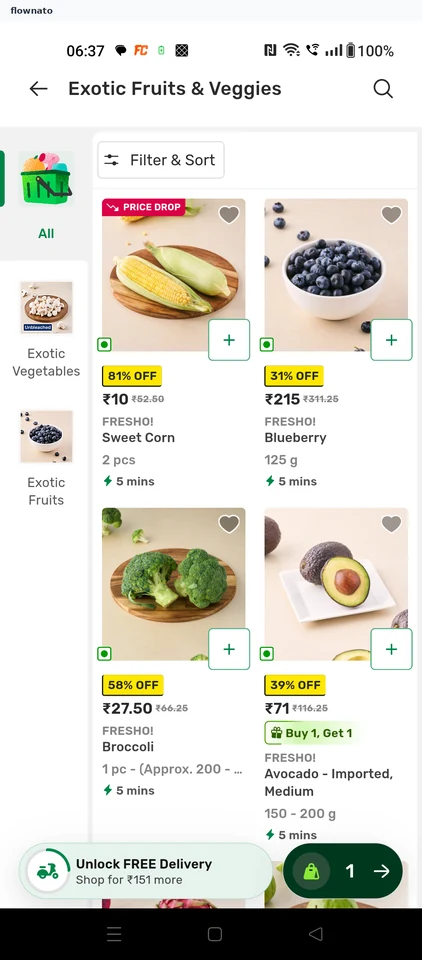
bigbasket: Product listing
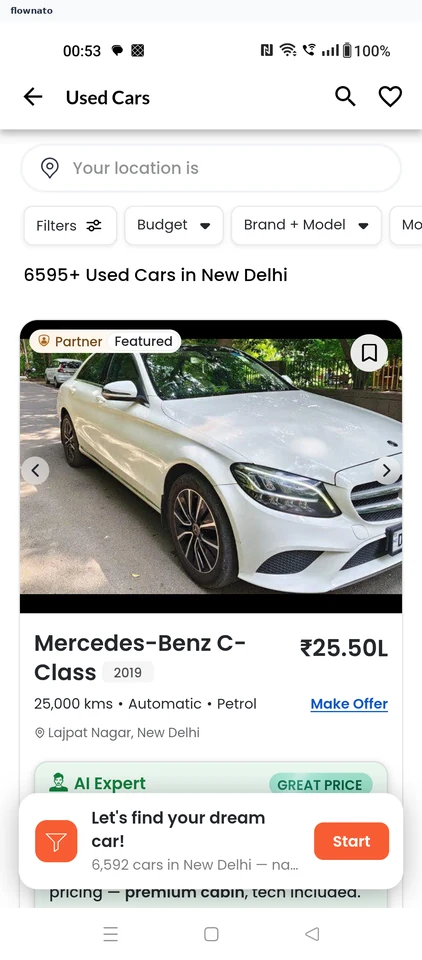
CarDekho: Used car listing
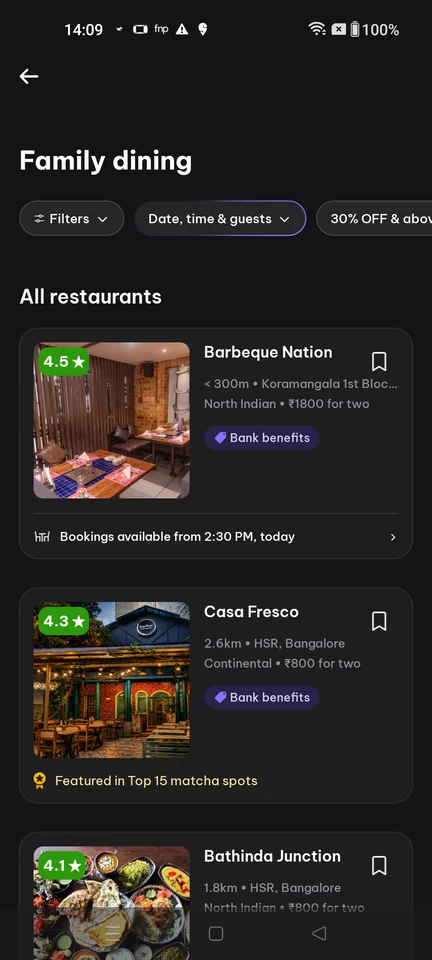
District: Restaurant listing
Dark-theme Dining collection listing titled 'Family dining' with a back arrow, a horizontal filter-pill row (Filters, 'Date, time & guests', a percentage-off pill), an 'All restaurants' section and stacked venue cards showing photo, rating badge, name, cuisine, distance, price-for-two, a 'Book benefits' tag and a bookable-slot availability row.
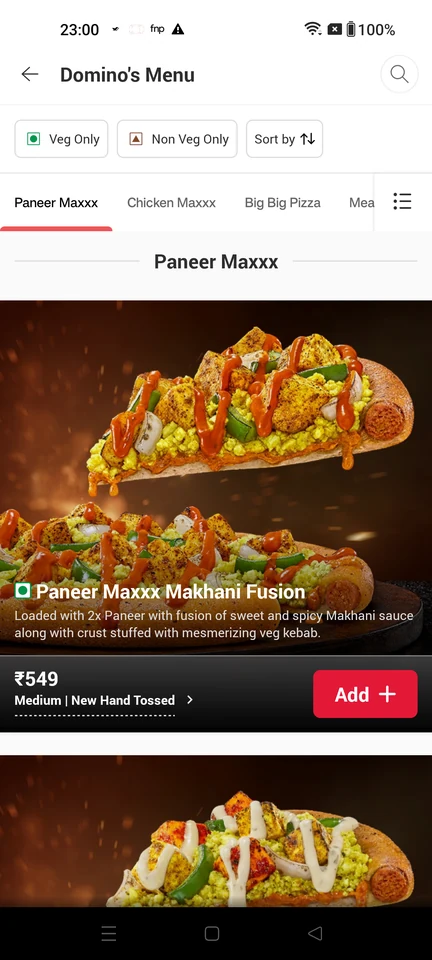
Domino’s: Pizza menu
Domino's Menu: veg/non-veg and sort filters, category tabs (Paneer Maxxx, Chicken Maxxx, Big Big Pizza, Meals), and product cards showing a pizza name, description, price and an inline Add control.
Premium screenshot
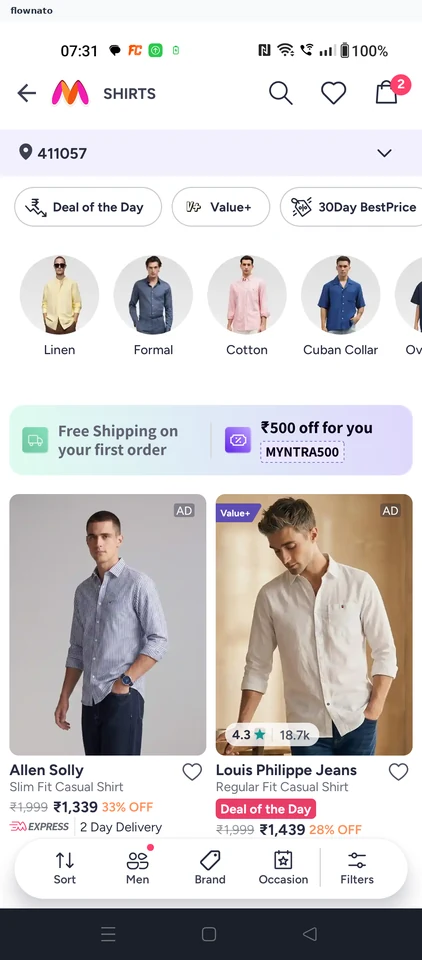
Myntra: Shirts
Shirt collection
Premium screenshot
Nykaa: Perfumes
Premium screenshot
Pepperfry: Sofa listing
Premium screenshot
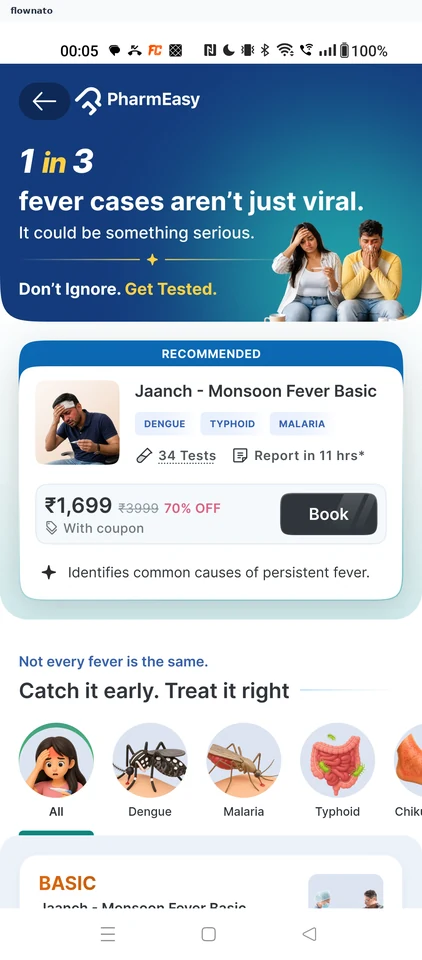
Practo: Diagnostic tests
Premium screenshot
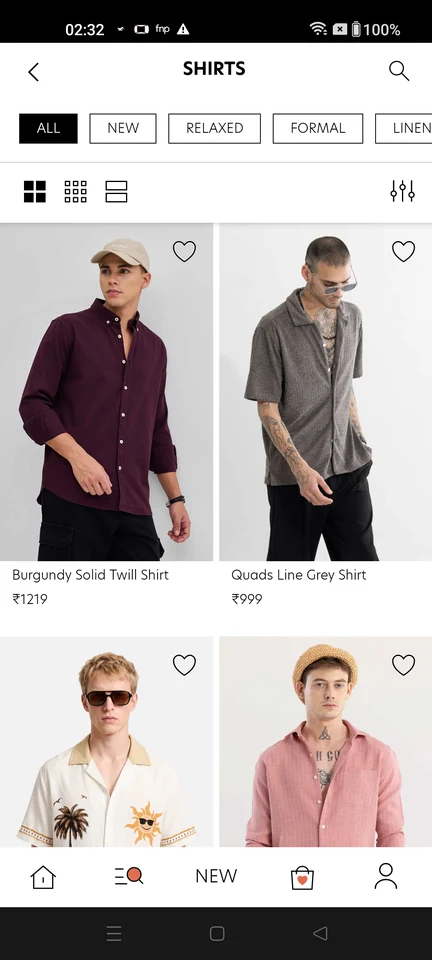
SNITCH: Shirts
The listing surface used for category browsing and for text-search results: sub-filter chips (ALL, NEW, RELAXED, FORMAL, LINEN), grid-density toggles, a filter and sort control, and a product grid showing names, prices and wishlist hearts. Its filter and sort sheet offers SORT BY (POPULAR, PRICE HIGH TO LOW, PRICE LOW TO HIGH, NEW, CUSTOMER REVIEW) plus CATEGORY, SIZE, COLOR, PATTERN, FIT and MATERIAL facet groups with CLEAR and APPLY. When the surface is reached from a query it shows the query text in the header field with a result count, and the grid-density switch changes how much product copy each tile carries: the widest density shows a single full-bleed image per row with no name or price, while the 2-up density exposes product names and prices. Tapping a result tile opens that product's own detail page.
Premium screenshot
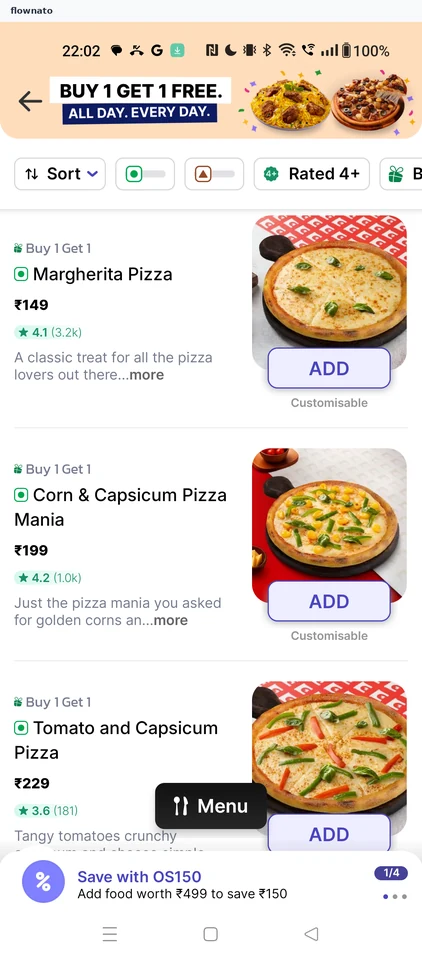
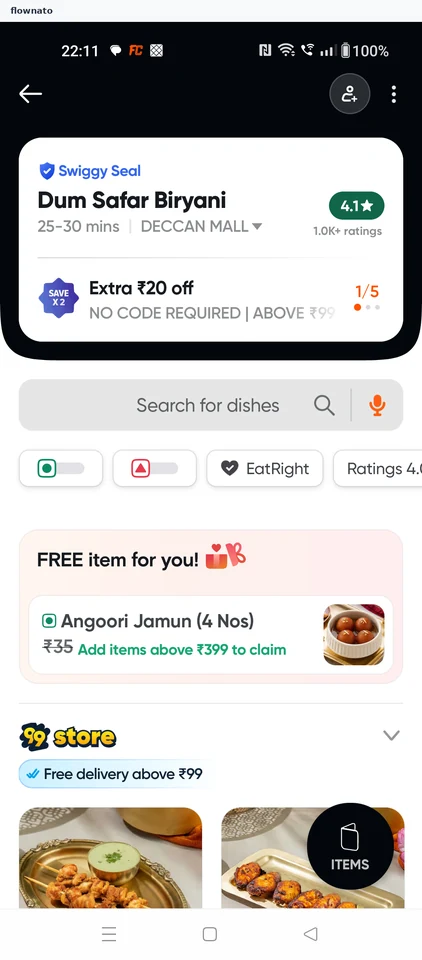
Swiggy: Restaurant menu
Premium screenshot
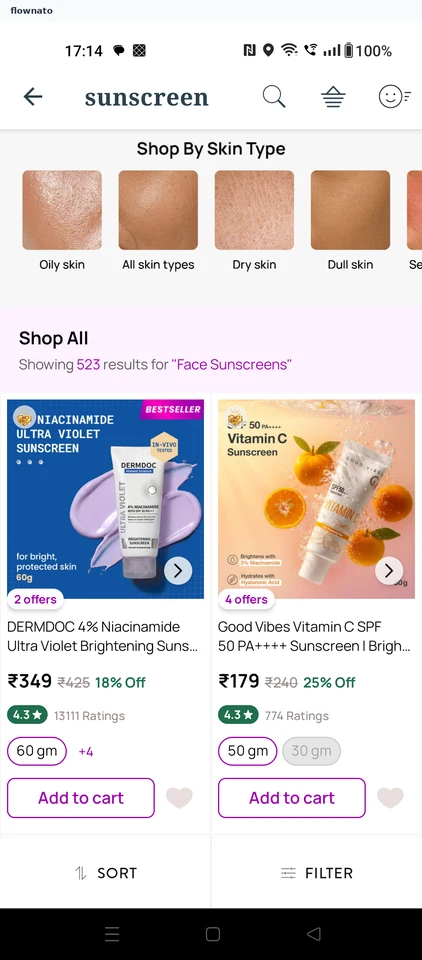
Tira: Product listing
Search results
Premium screenshot
More examples with Premium
Premium unlocks the remaining screenshots.