Purplle

Purplle app UI and user flows

App

About Purplle

Screens and user flows from the Purplle app.

Purplle is an Android app in the Shopping category. Last recorded on 14 September 2026.

Explore the screens and product flows inside Purplle.

In the library
7 flows · 27 screens
Category and platform
Shopping · Android
Updated
Sept 2026
FLOWNATO RATING
3.6Our rating · 15 UX criteria

Onboarding

Flow

About Purplle Onboarding

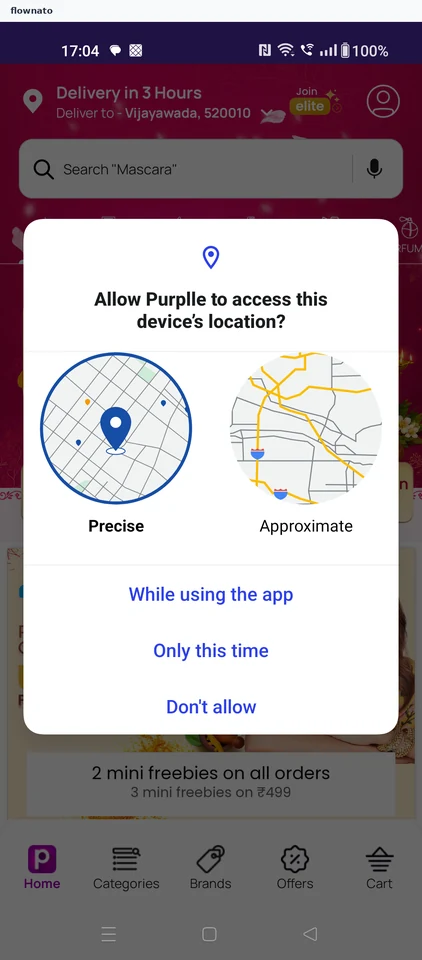
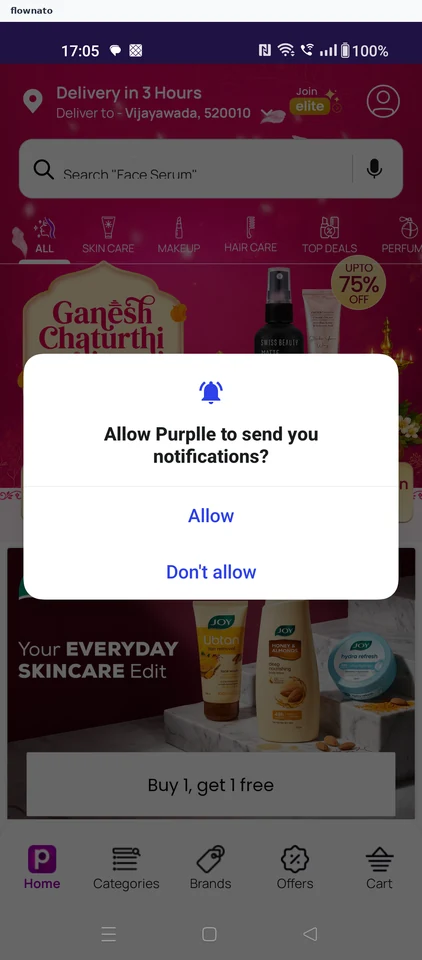
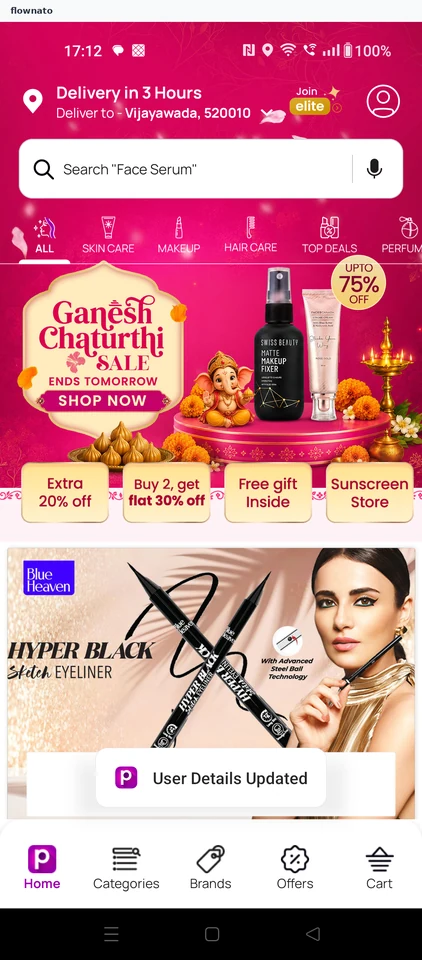
Choose Purplle permissions and sign in by mobile number with automatic SMS verification. Complete the required name, email, birth date and gender fields to reach the personalized storefront.

  1. Open the store
  2. Allow location access
  3. Decline notifications
  4. Login or Signup sheet
  5. Skip the saved number
  6. Submit the number
  7. Required profile form
  8. Name and email entered
  9. Pick a birth year
  10. Confirm the date
  11. Choose gender
  12. Save the details
  13. Personalised storefront

13 screensFree with sign up

Add to cart

Flow

About Purplle Add to cart

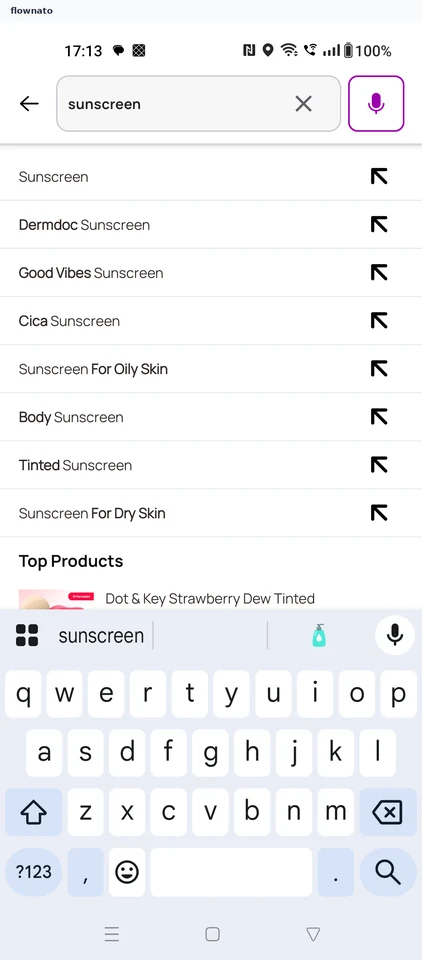
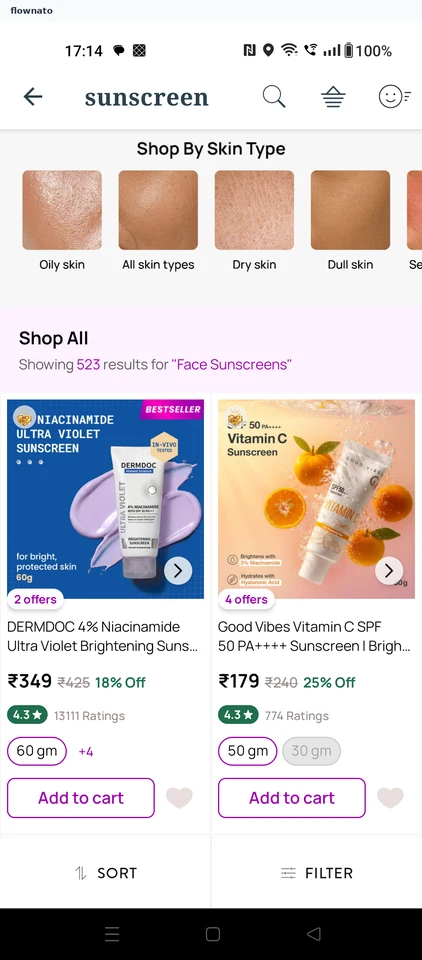
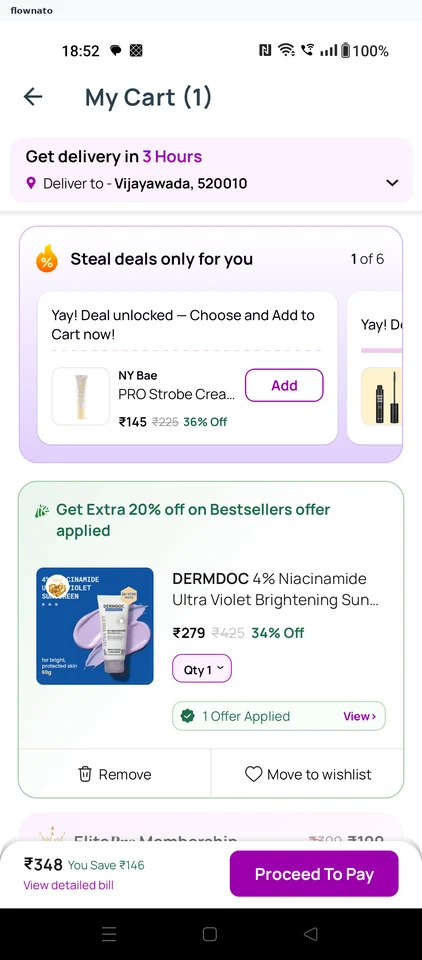
Search Purplle for sunscreen, compare products and add one to the cart. Review the applied offer and payable total before Proceed To Pay.

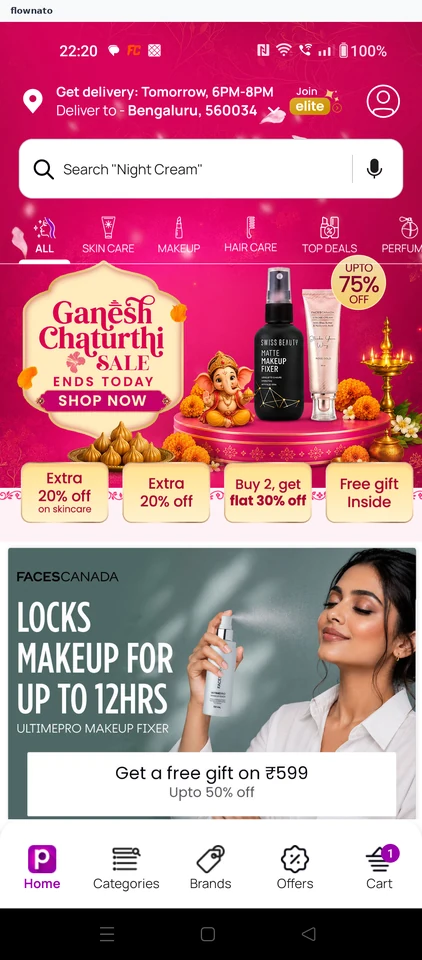
  1. Start from the home search
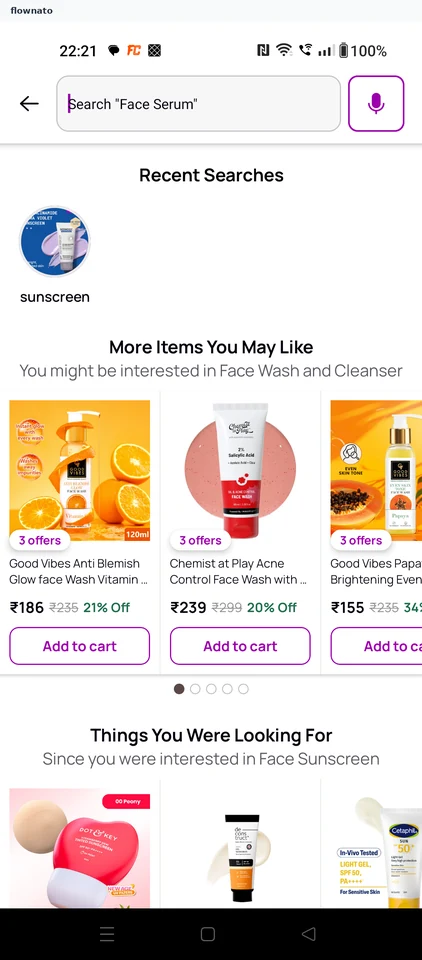
  2. Search for sunscreen
  3. Compare the results
  4. Check the product
  5. See the item added
  6. Review the cart

6 screensFree with sign up

Edit profile

Flow

About Purplle Edit profile

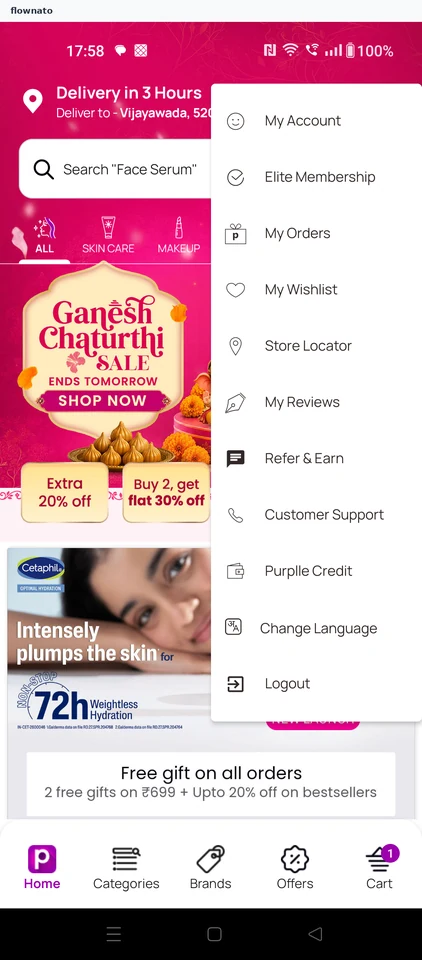
Open Purplle My Account, edit the saved name and update the profile. Follow the confirmation and refreshed account details.

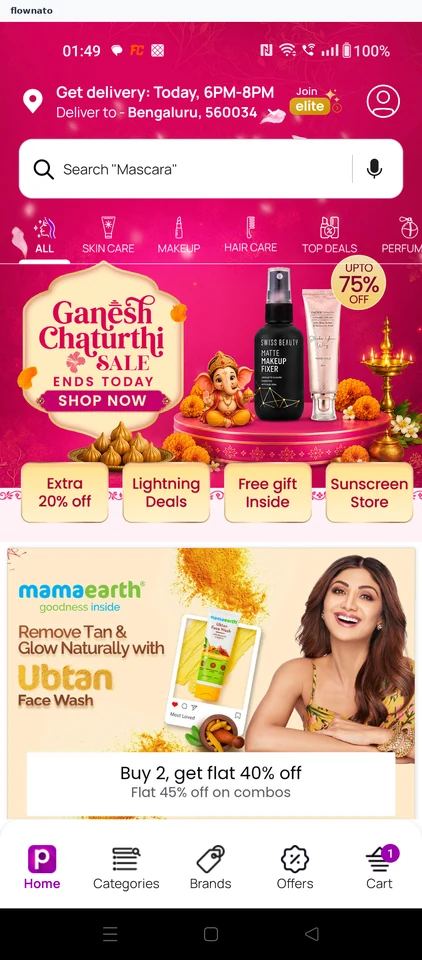
  1. Open the app
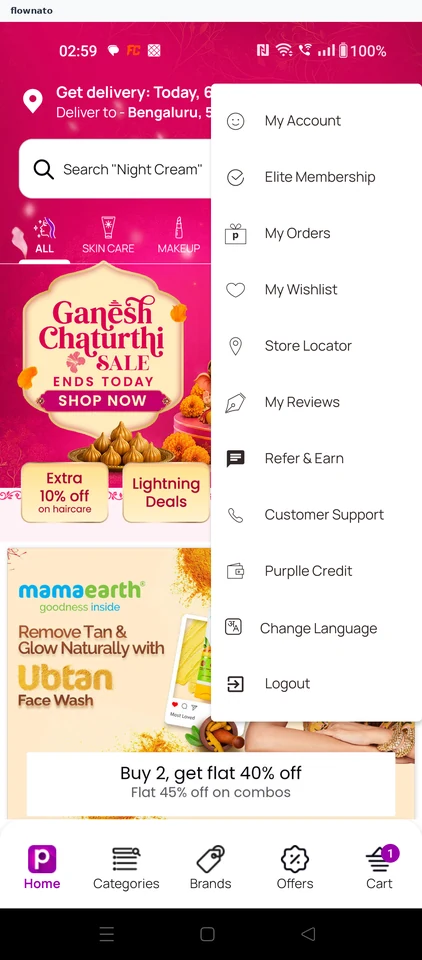
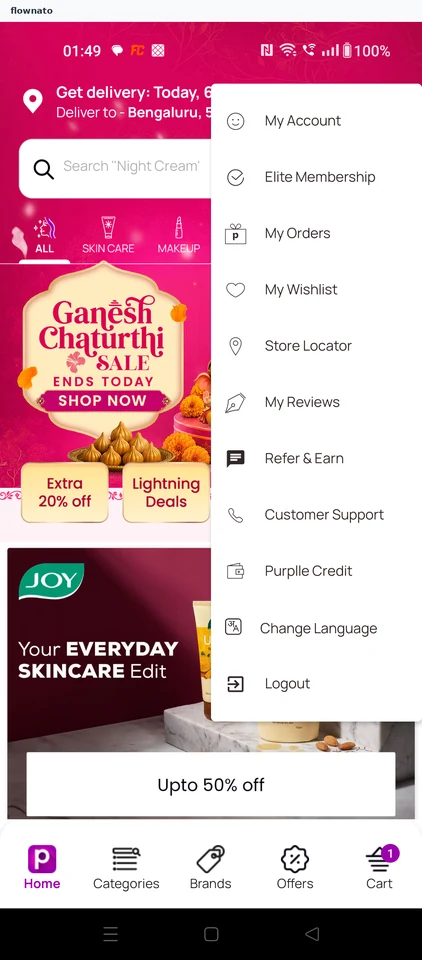
  2. Open the account menu
  3. Choose My Account
  4. Open Edit Profile
  5. Edit the saved name
  6. Save the new name
  7. See the update confirmed

7 screensFree with sign up

Save address

Flow

About Purplle Save address

Continue from a Purplle cart, review the small-cart charge and add a delivery address. Confirm its map pin, save it as Home and apply it to the cart.

  1. Open Purplle
  2. Open the cart
  3. Continue from cart
  4. Accept the charge
  5. Add an address
  6. Check the map pin
  7. Confirm the exact point
  8. Review address details
  9. Save as Home
  10. Apply the saved address
  11. See it applied

11 screens

Save favourite

Flow

About Purplle Save favourite

Search Purplle for sunscreen and save a product from its detail page. Open My Wishlist to confirm the same item is stored.

  1. Open Purplle
  2. Start from Home
  3. Choose sunscreen
  4. Compare results
  5. Review the product
  6. Confirm it is saved
  7. See the saved result
  8. Return toward Home
  9. Open the account
  10. Choose My Wishlist
  11. Verify the saved item

11 screens

Review membership

Flow

About Purplle Review membership

Compare Purplle Elite benefits, membership terms and gift eligibility. Add the offer, choose a joining gift and review the bill before purchase; the offer and terms show different durations.

  1. Open Purplle
  2. Start from Home
  3. Choose Elite Membership
  4. Review the offer
  5. Compare benefits
  6. Open membership FAQs
  7. Check how to join
  8. Read enrollment terms
  9. Confirm free shipping
  10. Review gift eligibility
  11. Check COD conditions
  12. Understand cancellation
  13. Compare the stated term
  14. Read formal terms
  15. Add ElitePro to cart
  16. See cart confirmation
  17. Choose a joining gift
  18. Keep the selected gift
  19. Review cart contents
  20. Open the bill
  21. Confirm the total
  22. Use the saved address
  23. Compare payment options
  24. Stop before purchase

24 screens

Review orders

Flow

About Purplle Review orders

Open My Orders from the Purplle account and review the empty order-history screen.

  1. Open Purplle
  2. Open the account menu
  3. Choose My Orders
  4. See the empty history

4 screens