Practo

Practo app UI and user flows

App

About Practo

Screens and user flows from the Practo app.

Practo is an Android app in the Health & medicine category. Last recorded on 17 October 2026.

Explore the screens and product flows inside Practo.

In the library
11 flows · 40 screens
Category and platform
Health & medicine · Android
Updated
Oct 2026
FLOWNATO RATING
3.6Our rating · 15 UX criteria

Onboarding

Flow

About Practo Onboarding

Verify a mobile number in Practo, add a name and choose communication and location preferences. Continue through setup to the signed-in Home.

  1. Launch Practo
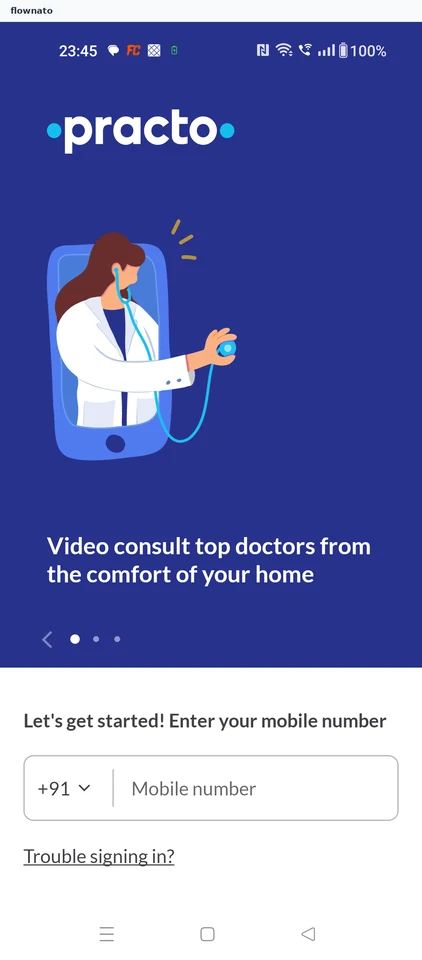
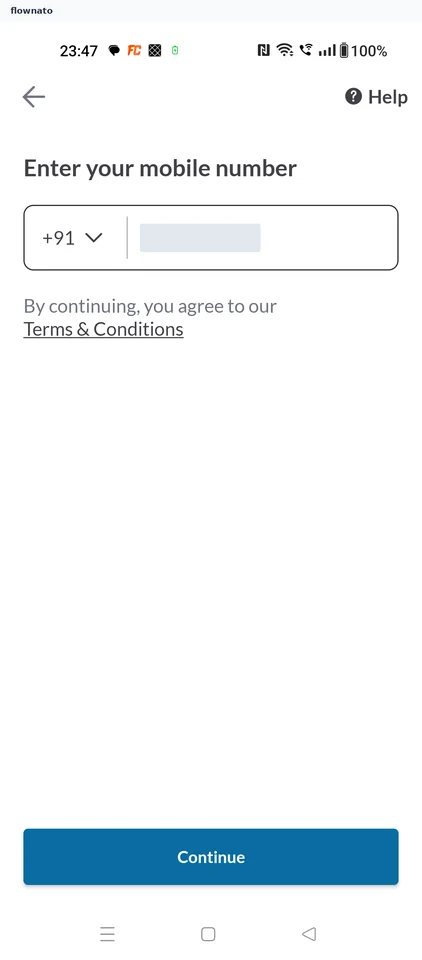
  2. Enter a mobile number
  3. Request verification
  4. Review profile details
  5. Save profile setup
  6. Finish protected setup
  7. Choose location setup
  8. Reach Practo Home

8 screensFree with sign up

Plan lab test

Flow

About Practo Plan lab test

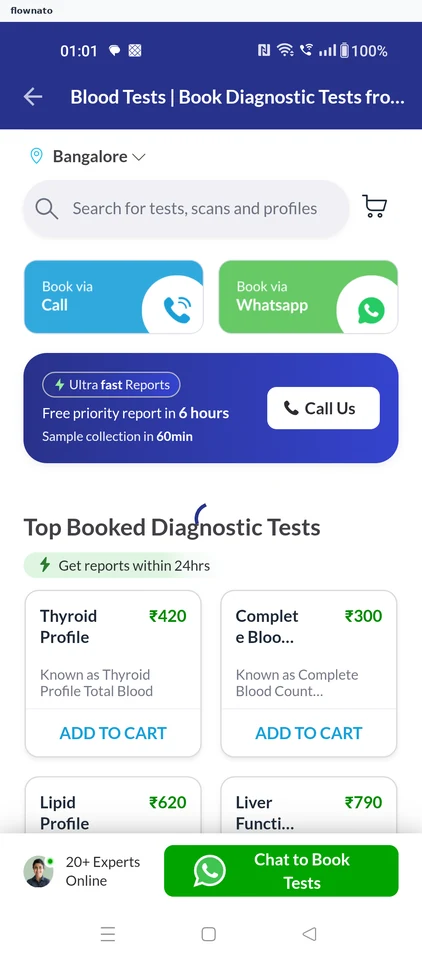
Choose a lab test in Practo and review preparation guidance. Add patient details and a pickup address, then continue to the payment step.

  1. Launch Practo
  2. Open lab tests
  3. Choose a lab test
  4. Review the selection
  5. Check the cart
  6. Read preparation guidance
  7. Continue with the test
  8. Review missing details
  9. Open patient details
  10. Choose gender
  11. Confirm birth date
  12. Save patient details
  13. Add a pickup address
  14. Choose manual location
  15. Select the city
  16. Confirm the pickup point
  17. Classify the address
  18. Save the pickup address
  19. Reach the payment boundary

19 screens

Plan dentist visit

Flow

About Practo Plan dentist visit

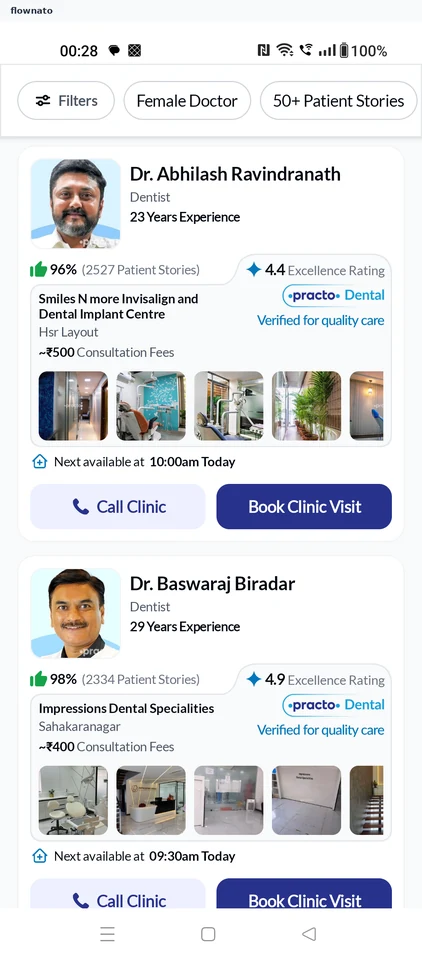
Browse dental care in Practo, review a dentist and clinic, and choose a visit time. Reach the appointment review before booking.

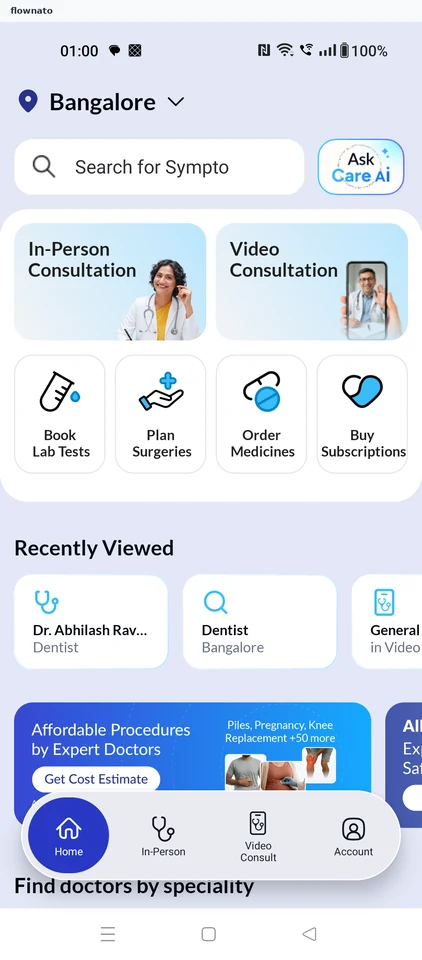
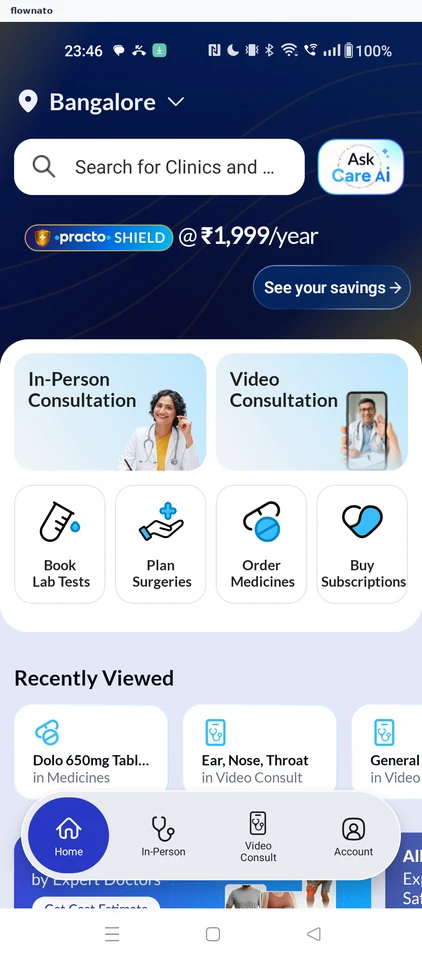
  1. Start from Home
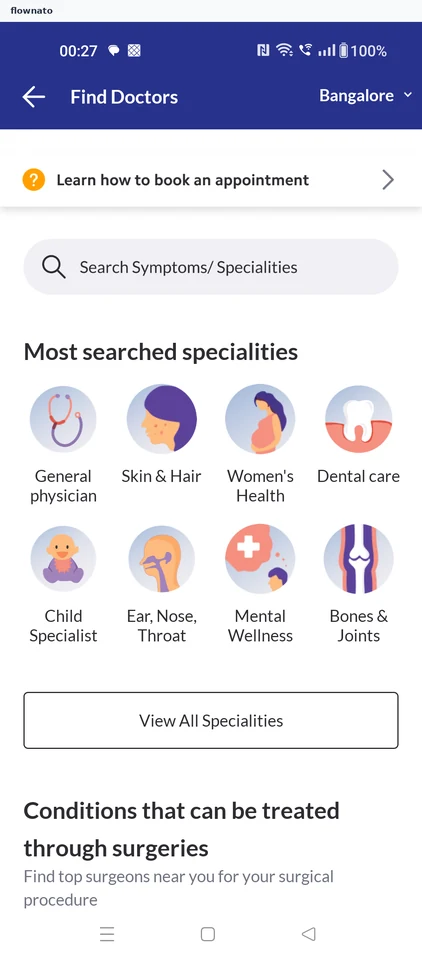
  2. Choose dental care
  3. Select a dentist
  4. Review the dentist
  5. Choose a clinic
  6. Choose a visit time
  7. Review before booking

7 screens

Buying a health plan

Flow

About Practo Buying a health plan

  1. Home
  2. Compare the plans
  3. Choose Practo Plus
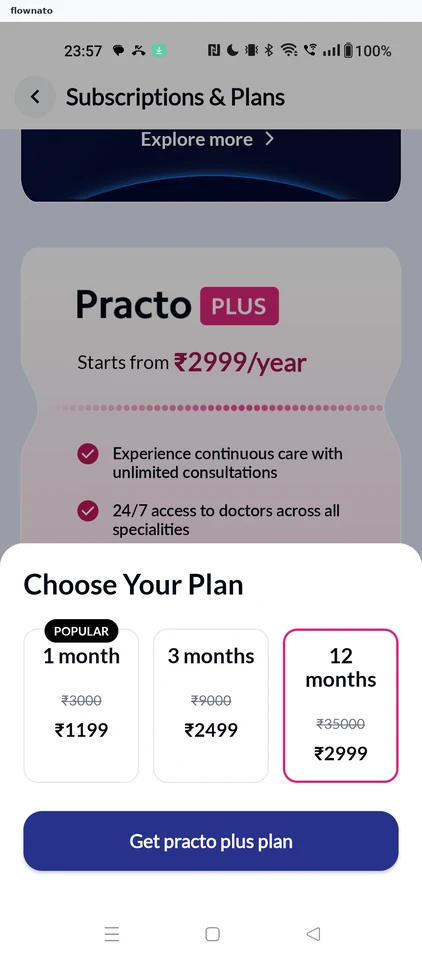
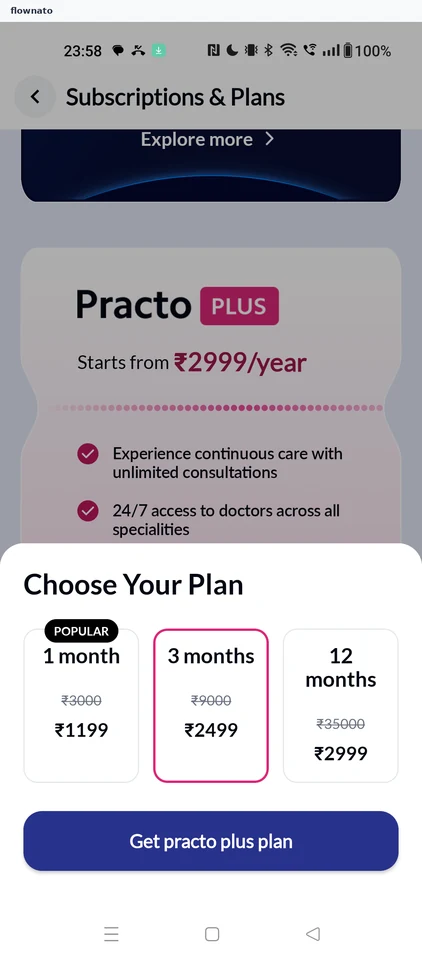
  4. Plan length options
  5. 1 month selected
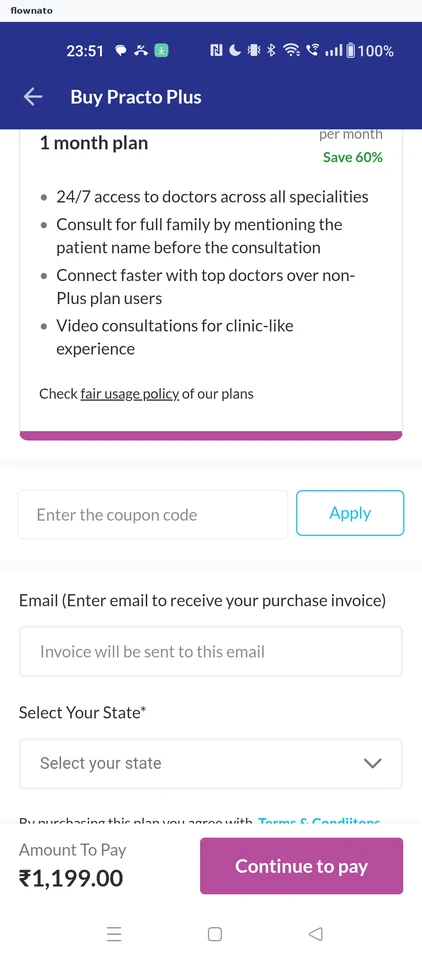
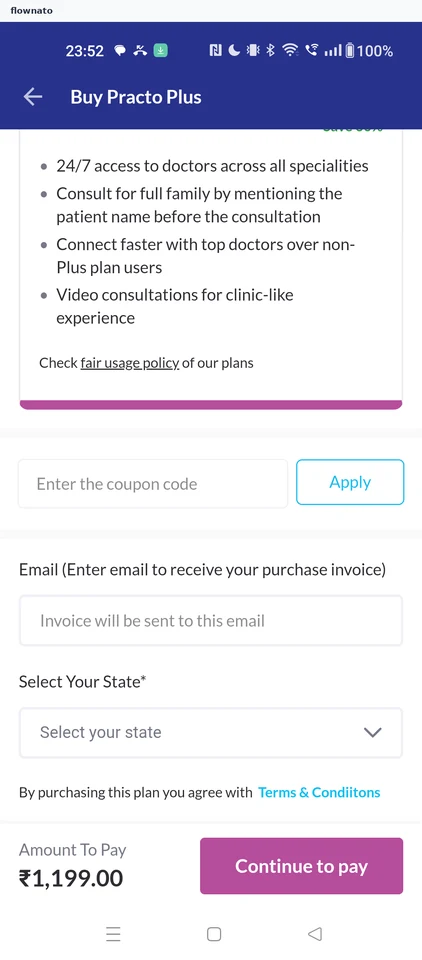
  6. Plan checkout
  7. Invoice details required
  8. Email entered
  9. State list
  10. Pick Karnataka
  11. Checkout complete
  12. Choose how to pay

12 screensFree with sign up

Reading plan terms and benefits

Flow

About Practo Reading plan terms and benefits

  1. Plan checkout
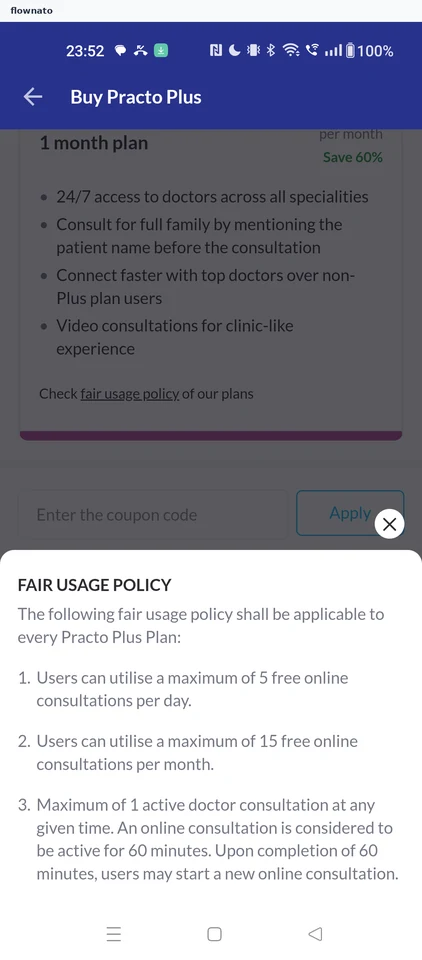
  2. Fair usage policy
  3. Terms link
  4. Health plan terms
  5. More of the terms
  6. Checkout again
  7. Plans list
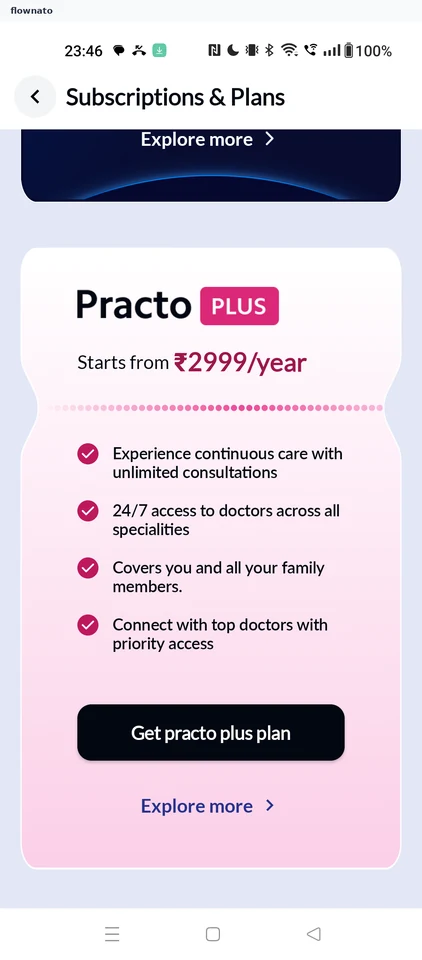
  8. Practo Plus benefits
  9. Plus FAQs
  10. Cancellation answer
  11. Members answer
  12. Plans list
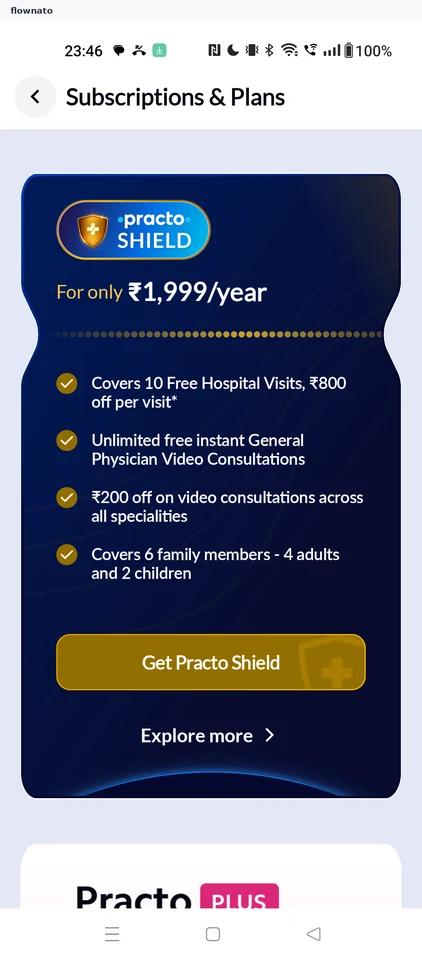
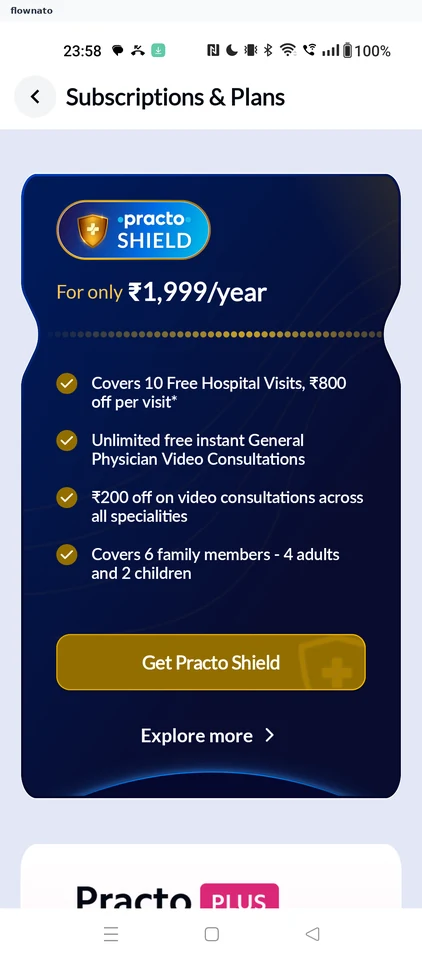
  13. Practo Shield details
  14. Shield FAQs
  15. Monthly limit answer

15 screens

Changing the plan length

Flow

About Practo Changing the plan length

  1. Plan length options
  2. 3 months selected
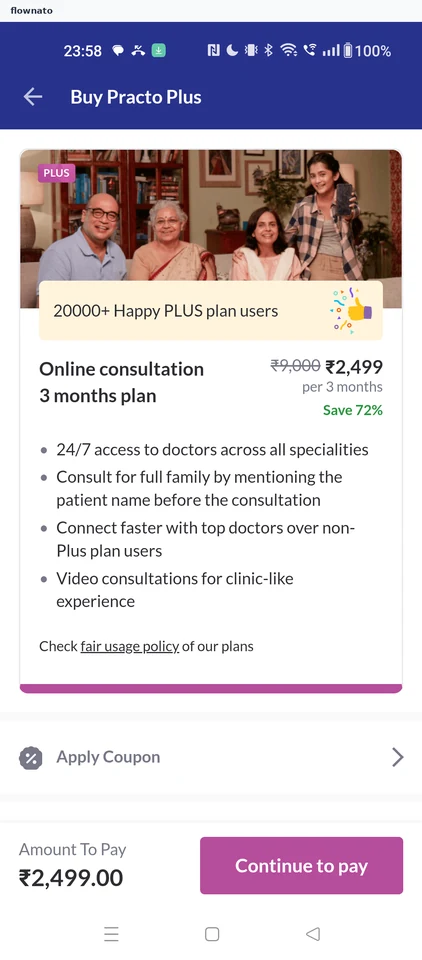
  3. Updated checkout

3 screens

Buying the Shield plan

Flow

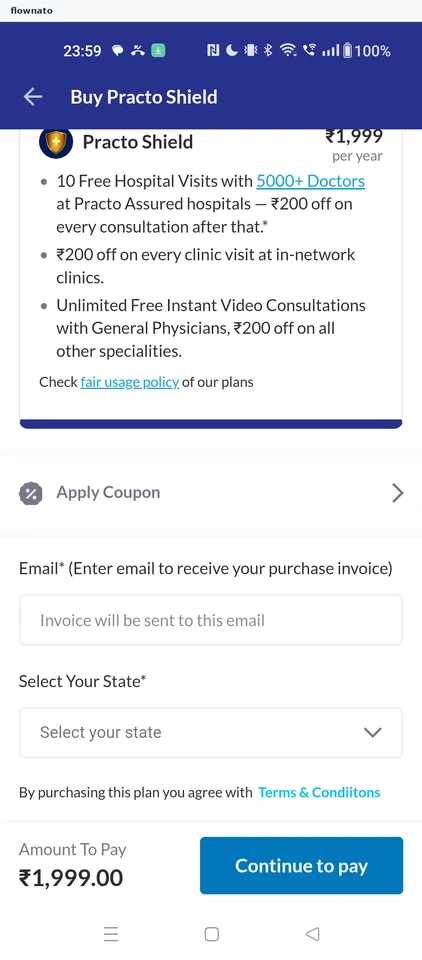
About Practo Buying the Shield plan

  1. Plans list
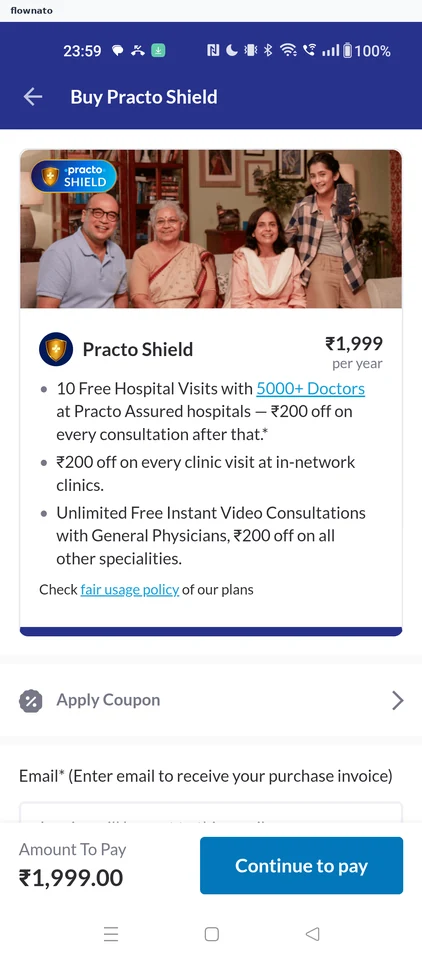
  2. Shield checkout
  3. Invoice details
  4. Email entered
  5. State list
  6. Pick Karnataka
  7. Checkout complete
  8. Choose how to pay

8 screensFree with sign up

Choosing a consult by symptom

Flow

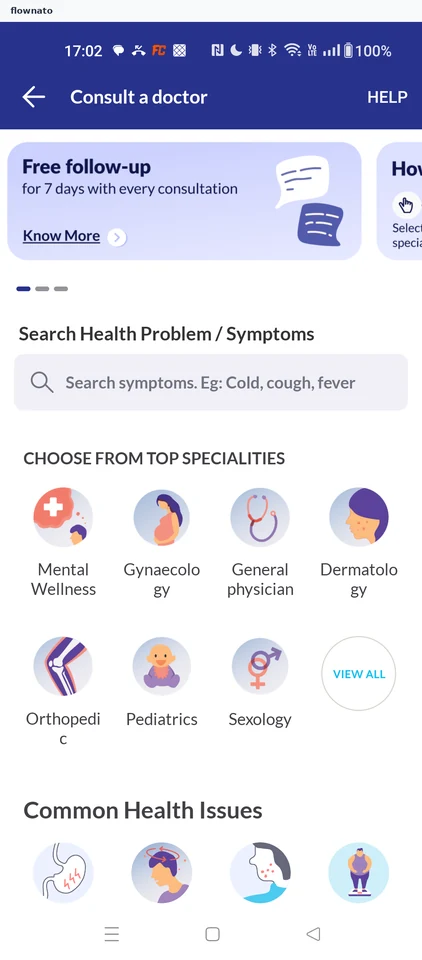
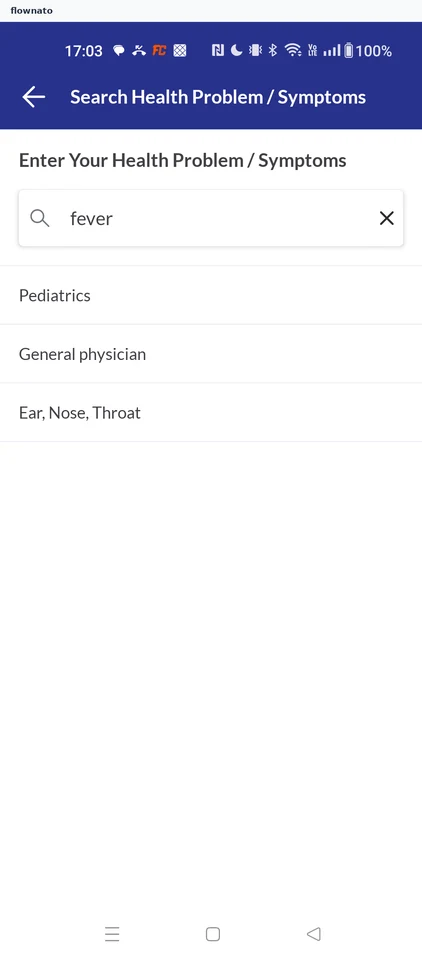
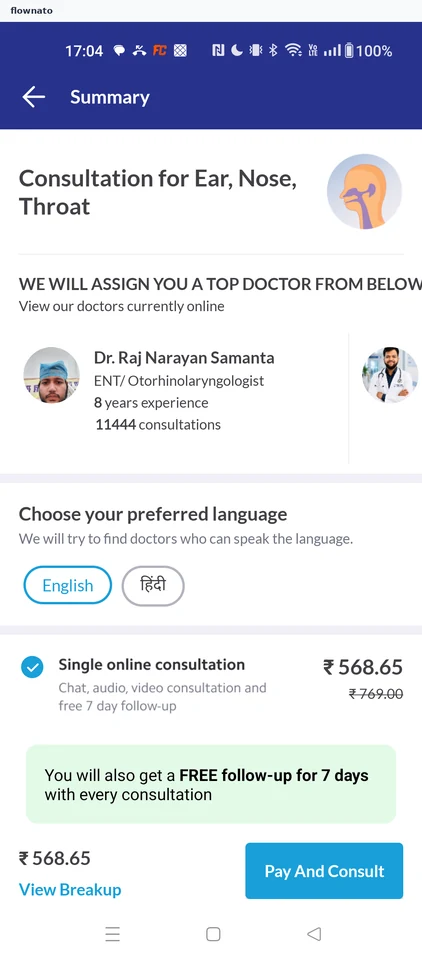
About Practo Choosing a consult by symptom

  1. Open symptom search
  2. Pick a suggested speciality
  3. Review the ENT consult
  4. Stop at payment options

4 screensFree with sign up

Video consultation

Flow

About Practo Video consultation

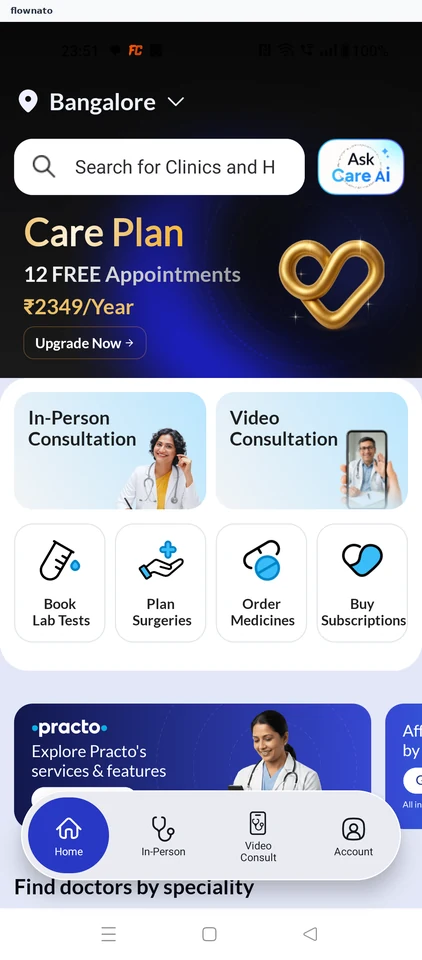
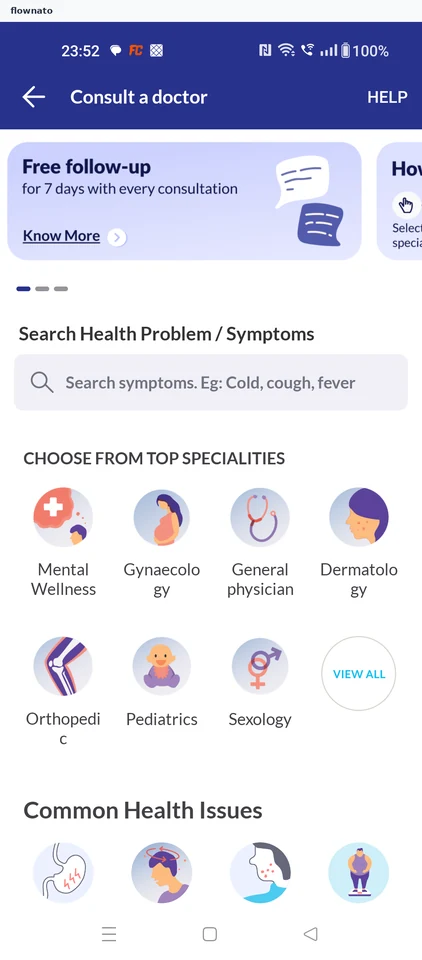
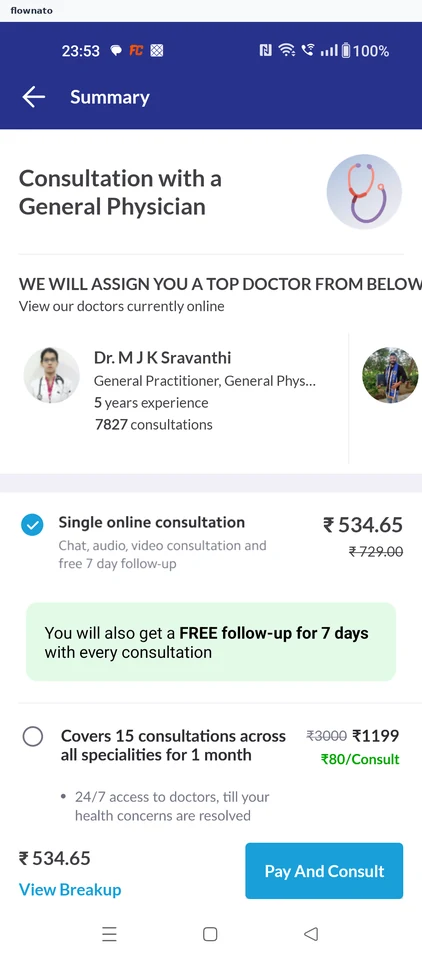
Choose a general physician from Practo Home and review the assigned doctor and consultation price. The flow stops before Pay And Consult.

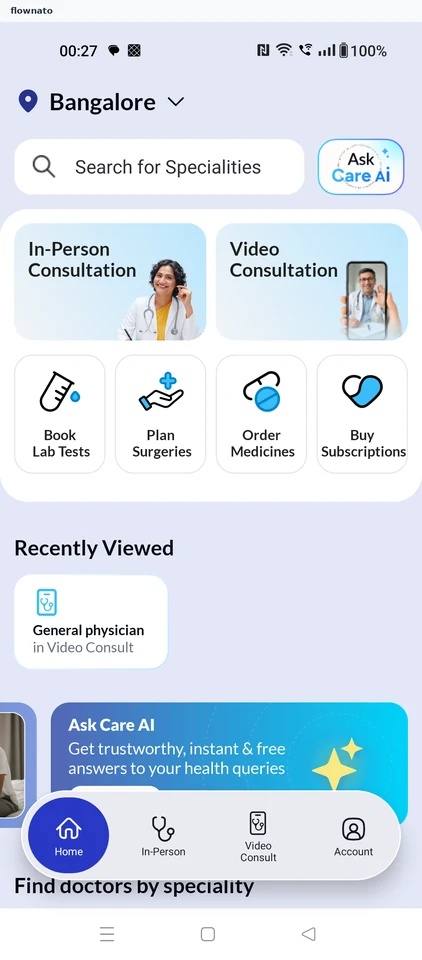
  1. Start from Home
  2. Choose general physician
  3. Review the consultation

3 screens

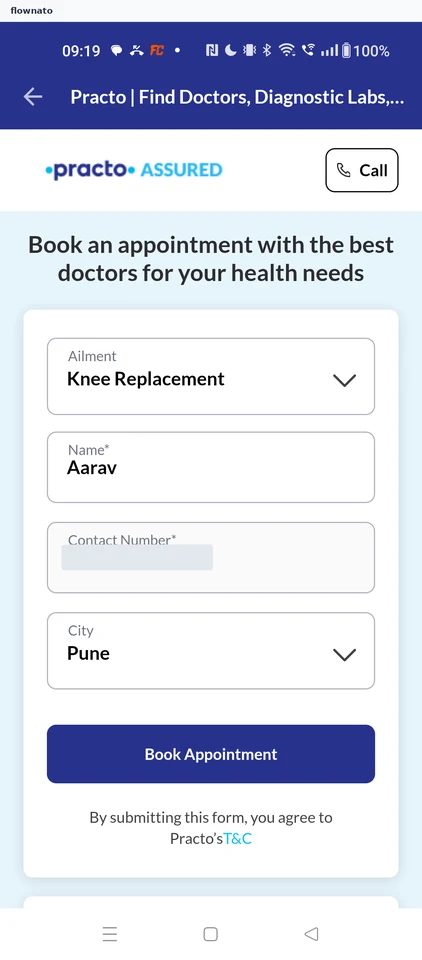
Requesting a surgery consultation

Flow

About Practo Requesting a surgery consultation

  1. Open Plan Surgeries from Home
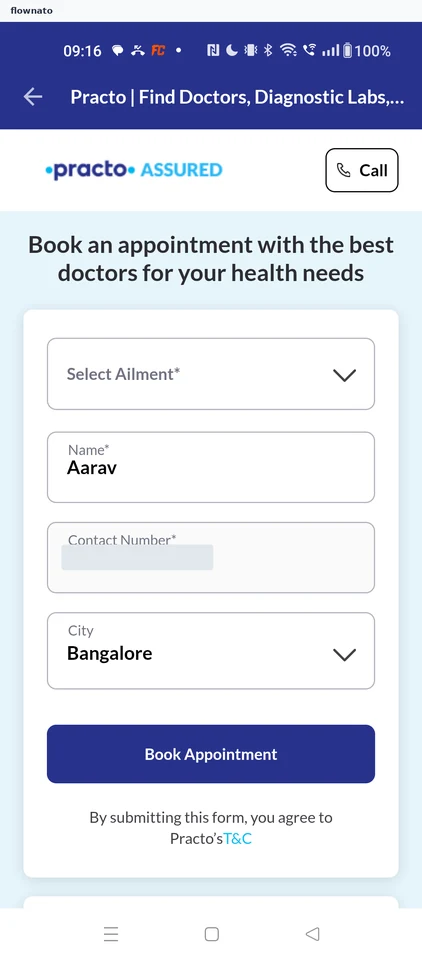
  2. Start the consultation request form
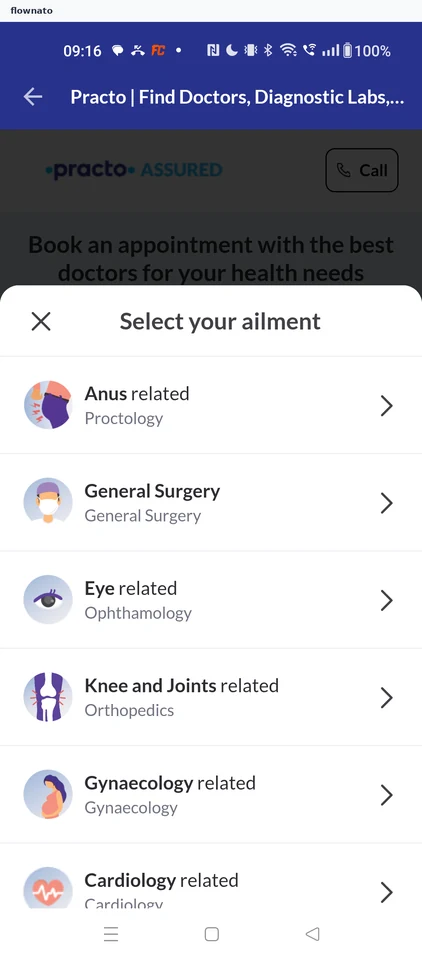
  3. Choose an ailment category
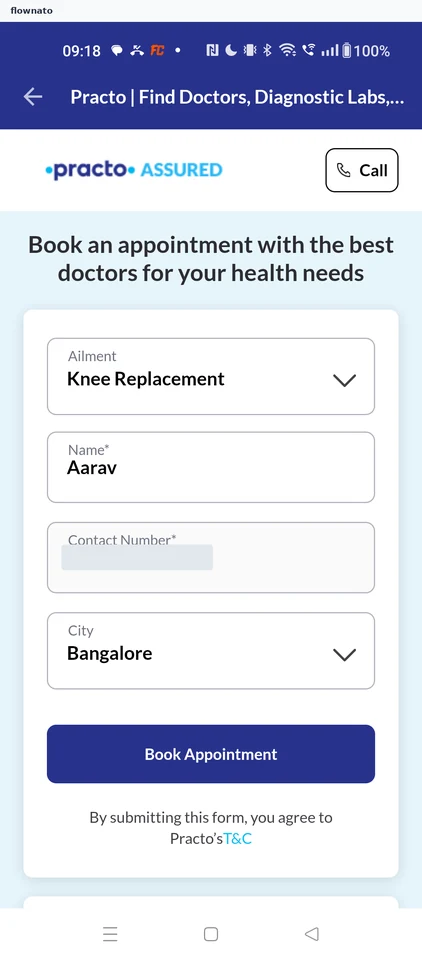
  4. Pick the procedure
  5. Submit the request
  6. Request received

6 screens

Changing the city

Flow

About Practo Changing the city

  1. Open the City field
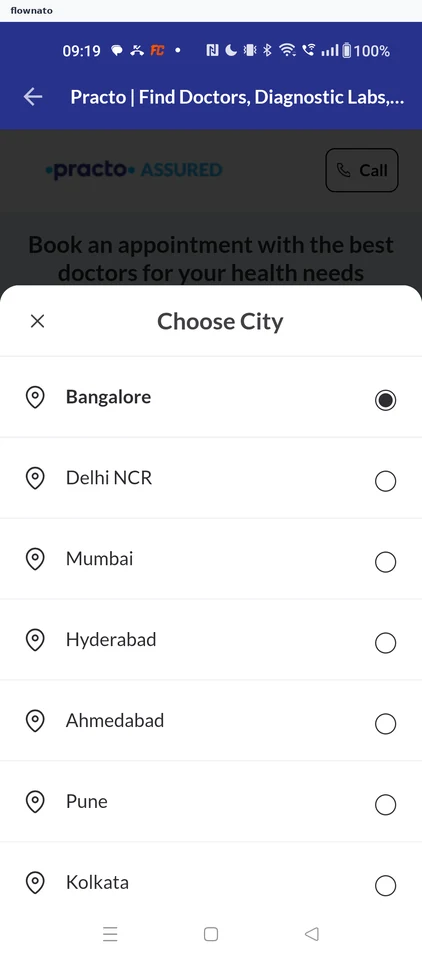
  2. Choose a city
  3. City updated to Pune

3 screens