Tira

Tira app UI and user flows

App

About Tira

Screens and user flows from the Tira app.

Tira is an Android app in the Shopping category. Last recorded on 18 October 2026.

Explore the screens and product flows inside Tira.

In the library
6 flows · 36 screens
Category and platform
Shopping · Android
Updated
Oct 2026
FLOWNATO RATING
3.6Our rating · 15 UX criteria

Create account

Flow

About Tira Create account

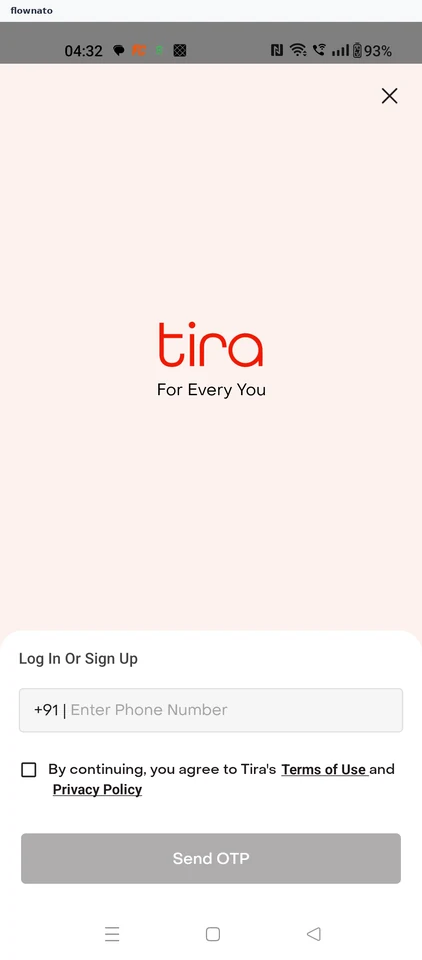
Sign in to Tira by mobile number, complete automatic SMS verification and decline linked-account import. Fill the required profile form and reach the personalized shopping home.

  1. Open the app
  2. Open sign-in from home
  3. Accept the terms
  4. Request the code
  5. Code verified automatically
  6. Decline partner import
  7. Start the profile form
  8. Open the date picker
  9. Choose a date of birth
  10. Save the profile
  11. Signed in on home

11 screensFree with sign up

Earn rewards

Flow

About Tira Earn rewards

Open the profile quiz from Tira Treats and answer questions about skin, hair and shopping interests. Submit the answers and see the 75-point reward.

  1. Open Tira
  2. Start from signed-in home
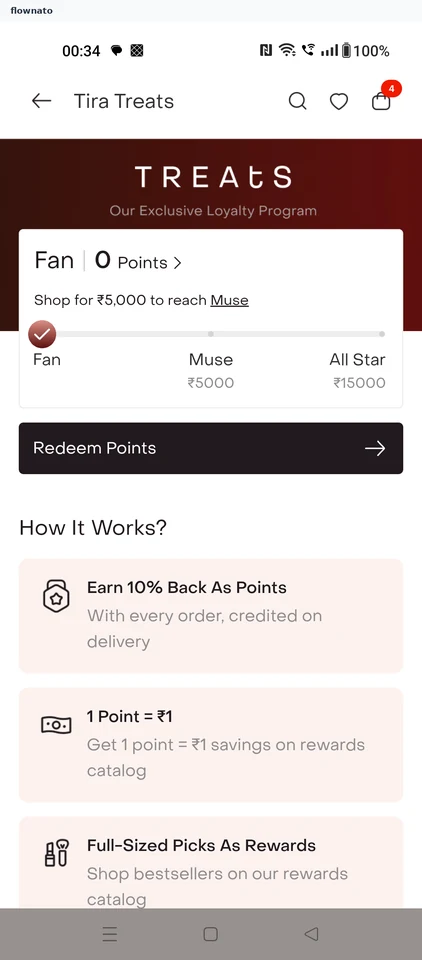
  3. Understand Treats
  4. Browse point rewards
  5. Choose the 75-point offer
  6. Start the profile quiz
  7. Choose skin type
  8. Continue with balanced skin
  9. Pick a skin goal
  10. Add a second skin goal
  11. Continue with two skin goals
  12. Choose hair texture
  13. Continue with straight hair
  14. Pick a hair goal
  15. Add a second hair goal
  16. Continue with two hair goals
  17. Choose a skin interest
  18. Add a hair interest
  19. Finish the questionnaire
  20. Review the first answers
  21. Submit the profile
  22. Confirm quiz completion
  23. See personalised shopping
  24. Wait for Treats to reopen
  25. Verify 75 points earned

25 screensFree with sign up

Add to bag

Flow

About Tira Add to bag

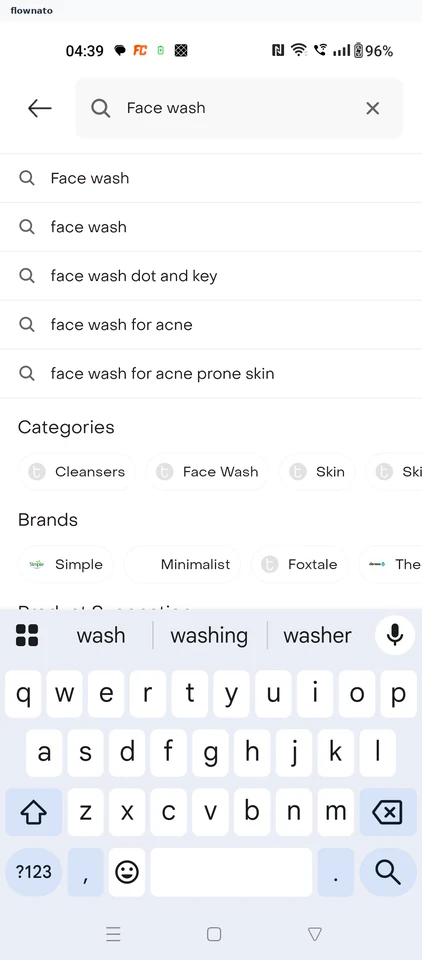
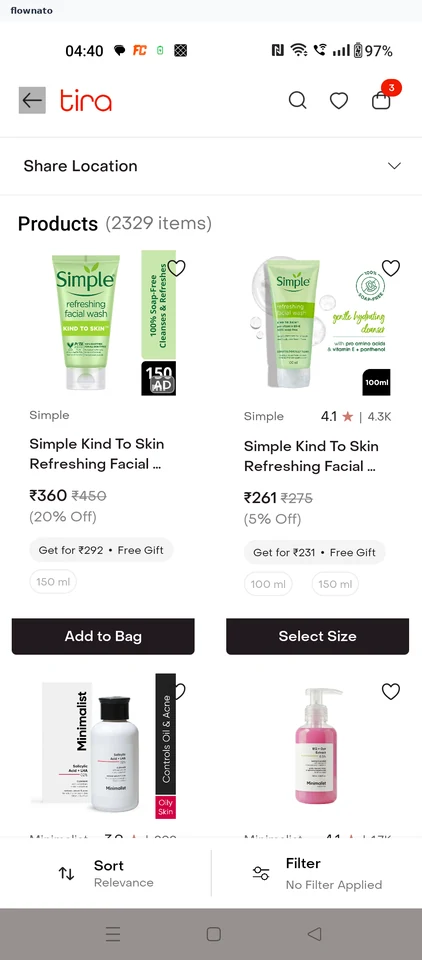
Search Tira, compare product prices and ratings, and choose a size. Add the item and review its discounted price and the updated bag total.

  1. Search from home
  2. Enter a query
  3. Compare the results
  4. Dismiss the assistant promo
  5. Judge the product
  6. Pick a size
  7. Item added
  8. Check the bag

8 screensFree with sign up

Review checkout

Flow

About Tira Review checkout

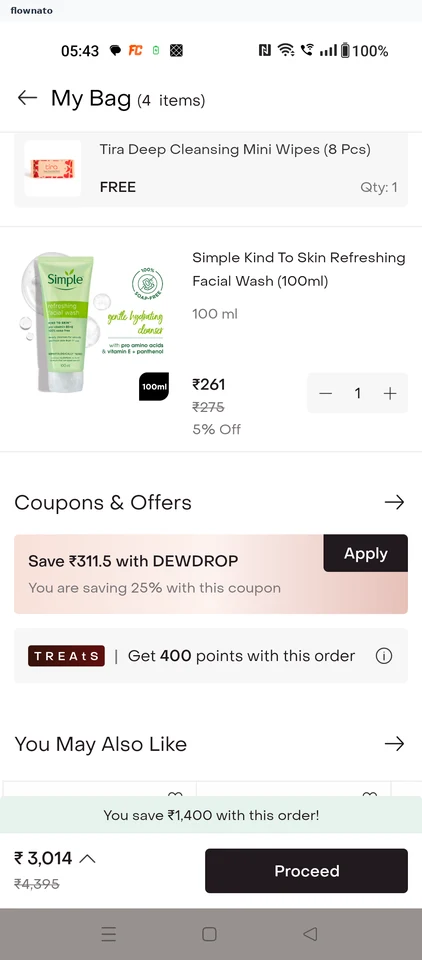
Review the Tira bag and coupons, then add a delivery address. Return to the bag, select the saved address and review delivery details before payment.

  1. Launch Tira
  2. Open the ready bag
  3. Open coupon offers
  4. Compare coupons
  5. See the saving
  6. Address required
  7. Return for setup
  8. Open the account
  9. Choose Addresses
  10. Start an address
  11. Choose Pune
  12. Confirm the locality
  13. Decline location
  14. Keep manual entry
  15. Complete the details
  16. Save the address
  17. Address added
  18. Verify the saved address
  19. Leave the account
  20. Return to the bag
  21. Retry checkout
  22. Decline location again
  23. Location is required
  24. Retreat to the bag
  25. Choose the address
  26. Select saved Home
  27. Confirm delivery
  28. Proceed to review
  29. Review delivery
  30. Stop before payment

30 screens

Edit profile

Flow

About Tira Edit profile

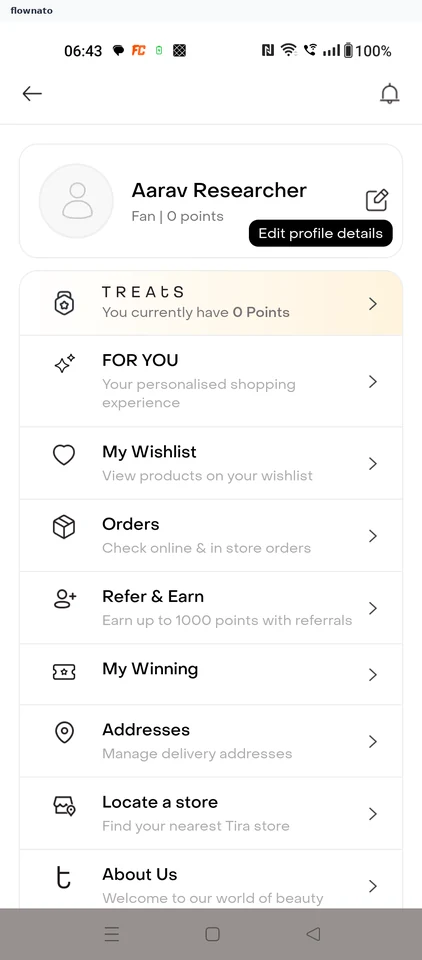
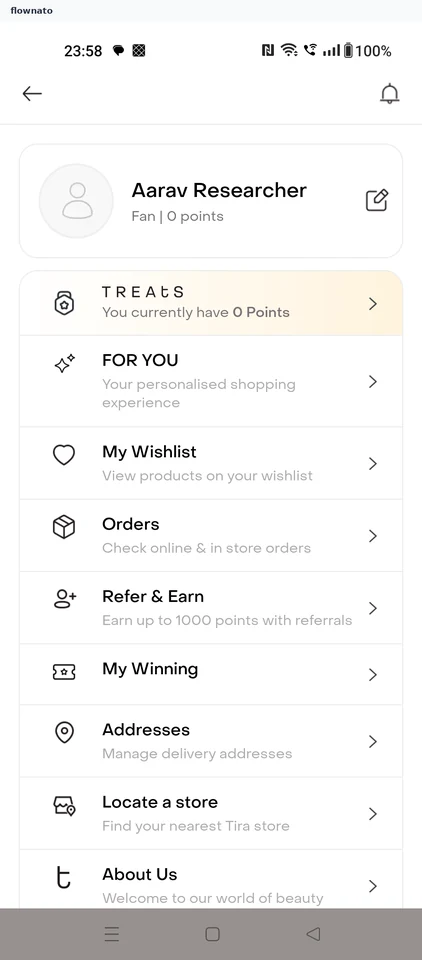
Open the Tira profile, update the current details and save them. Return to verify the changes.

  1. Launch Tira
  2. Start from Home
  3. Open profile details
  4. Review current details
  5. Choose the update
  6. Confirm the save
  7. Verify persistence

7 screens

Order history

Flow

About Tira Order history

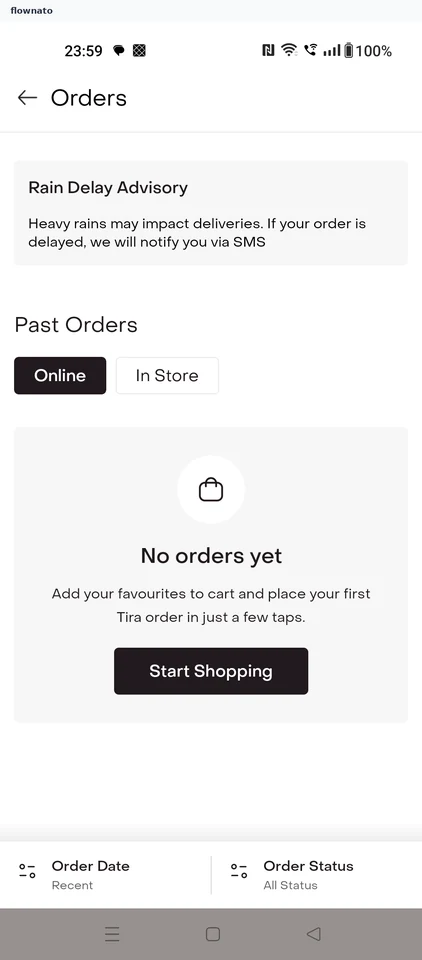
Open Orders in Tira and switch between online orders and store purchases.

  1. Start from Home
  2. Open Orders
  3. Review online orders
  4. Review store purchases

4 screens