CarDekho

CarDekho app UI and user flows

App

About CarDekho

Screens and user flows from the CarDekho app.

CarDekho is an Android app in the Automotive category. Last recorded on 18 October 2026.

Explore the screens and product flows inside CarDekho.

In the library
19 flows · 42 screens
Category and platform
Automotive · Android
Updated
Oct 2026
FLOWNATO RATING
3.6Our rating · 15 UX criteria

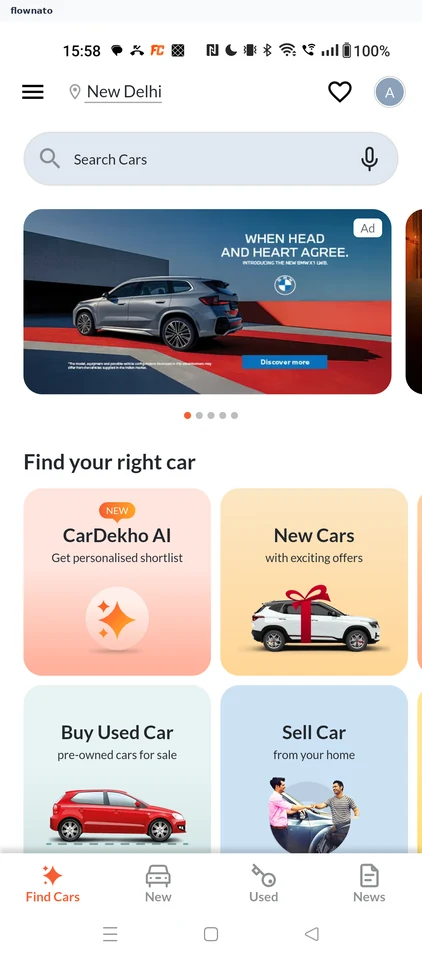
Guest entry

Flow

About CarDekho Guest entry

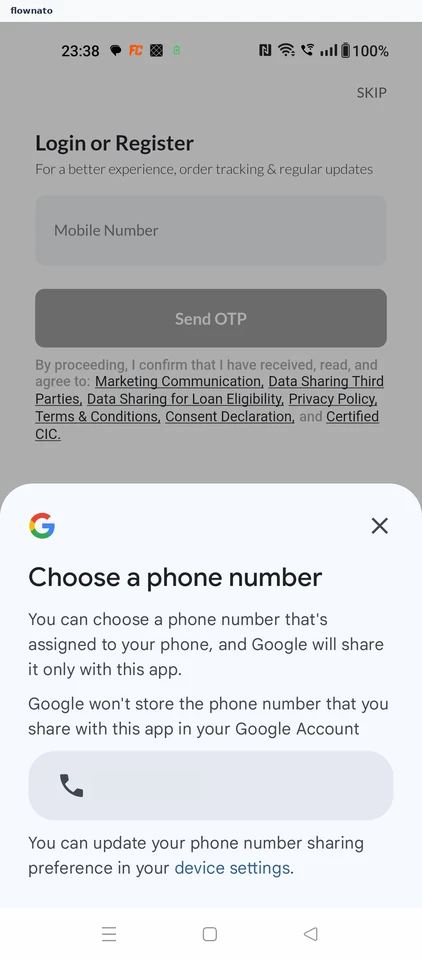
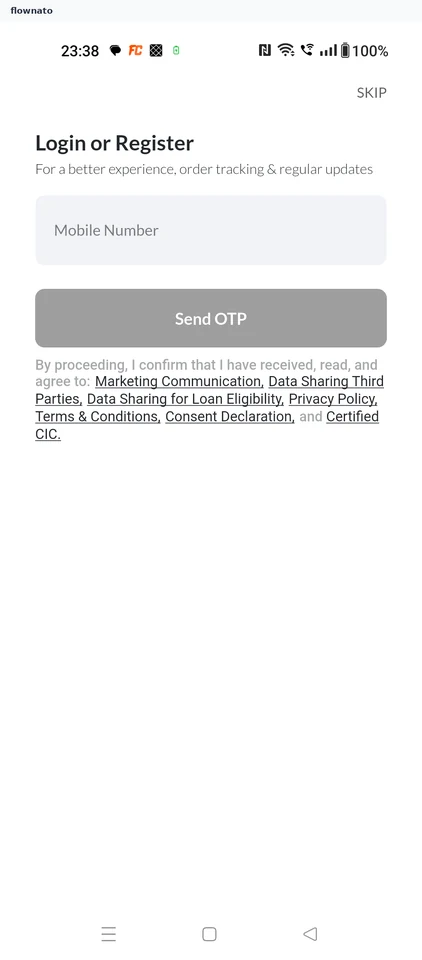
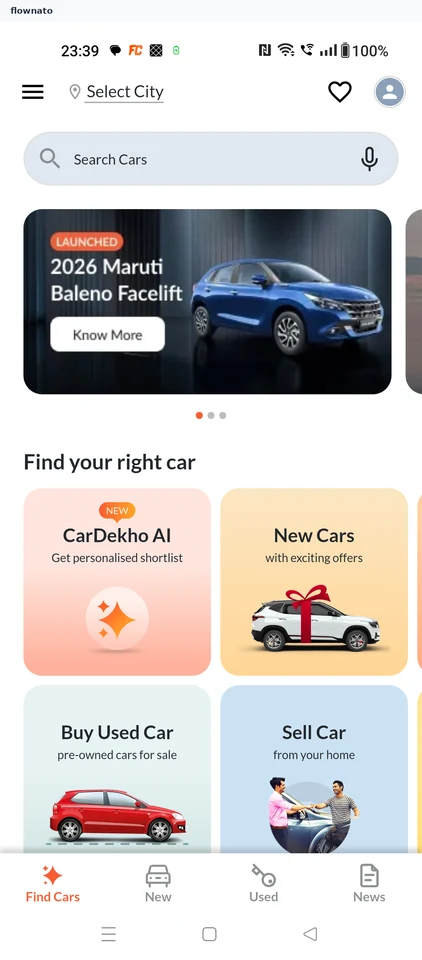
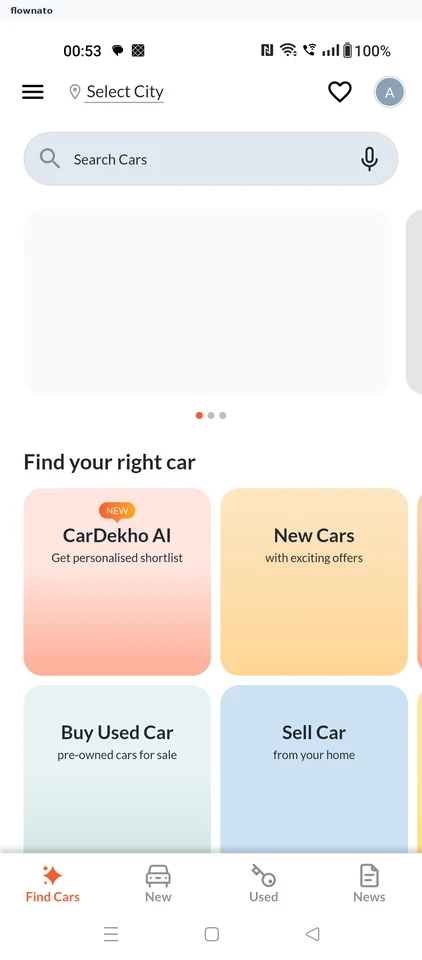
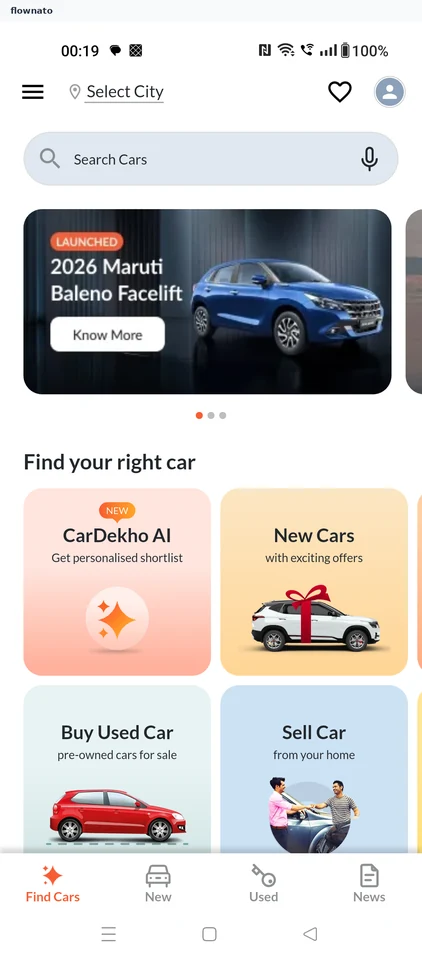
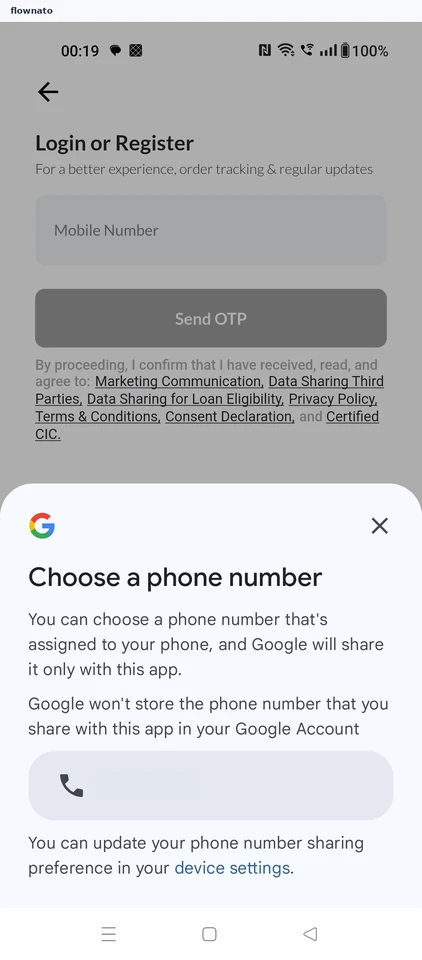
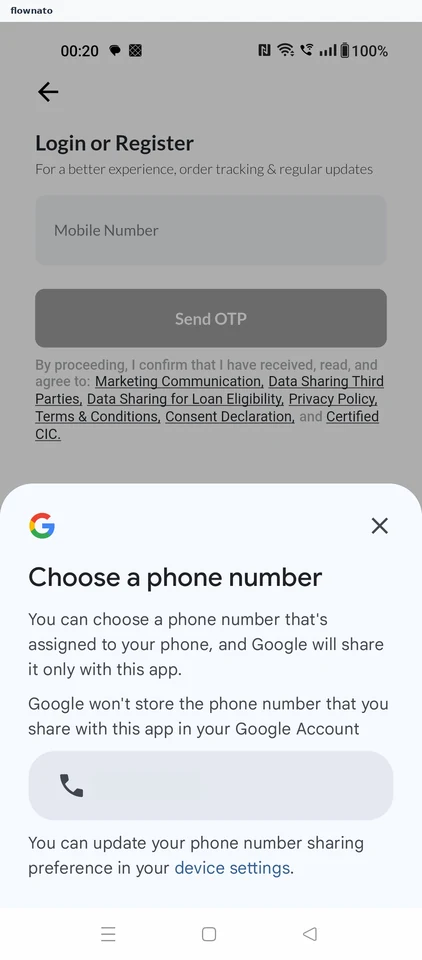
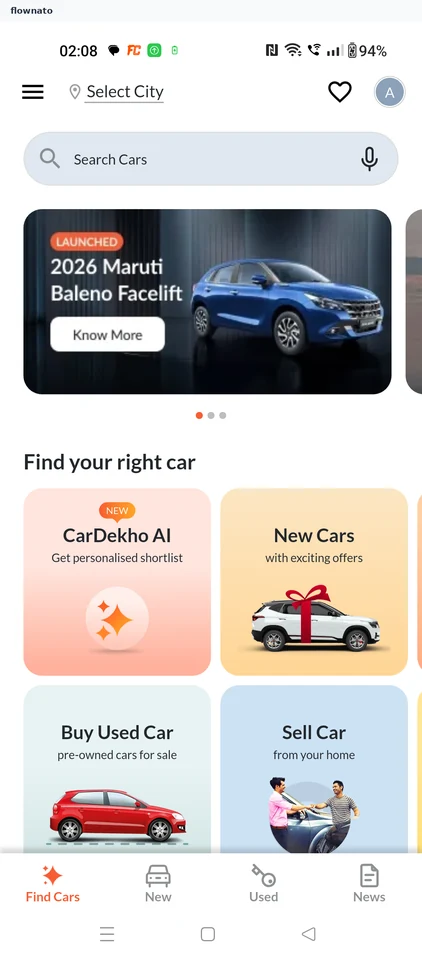
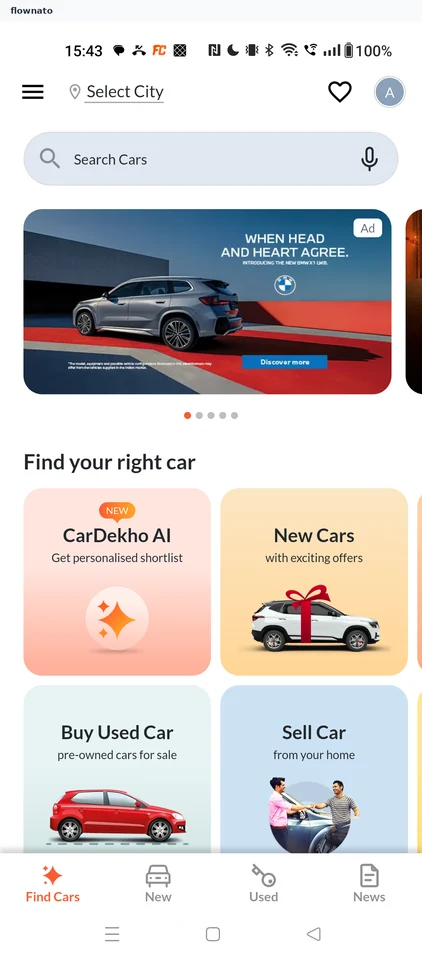
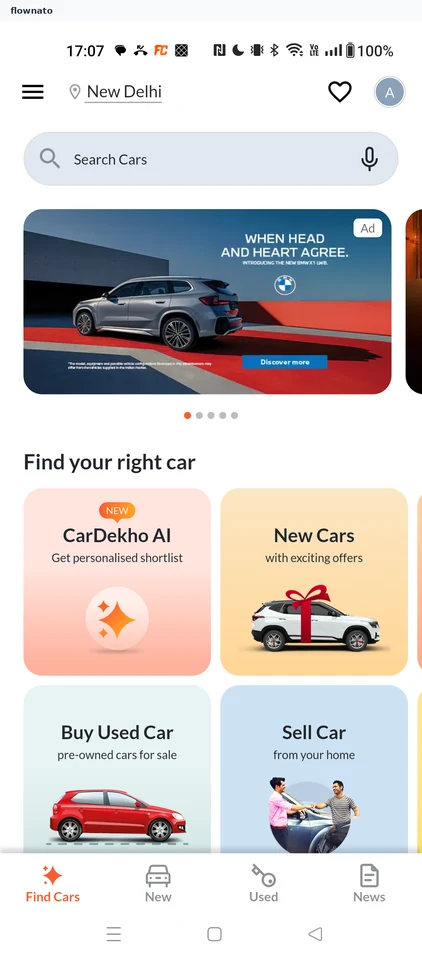
Skip phone-number sharing and sign-in in CarDekho, then decline location access. The flow reaches the car-shopping home as a guest.

  1. Open CarDekho
  2. Decline number sharing
  3. Continue as guest
  4. Keep location private
  5. Reach guest Home

5 screensFree with sign up

Check budget fit

Flow

About CarDekho Check budget fit

Review a new car in CarDekho, compare its price and value, and enter a budget. Read the tailored verdict on how the car fits that budget.

  1. Start from Home
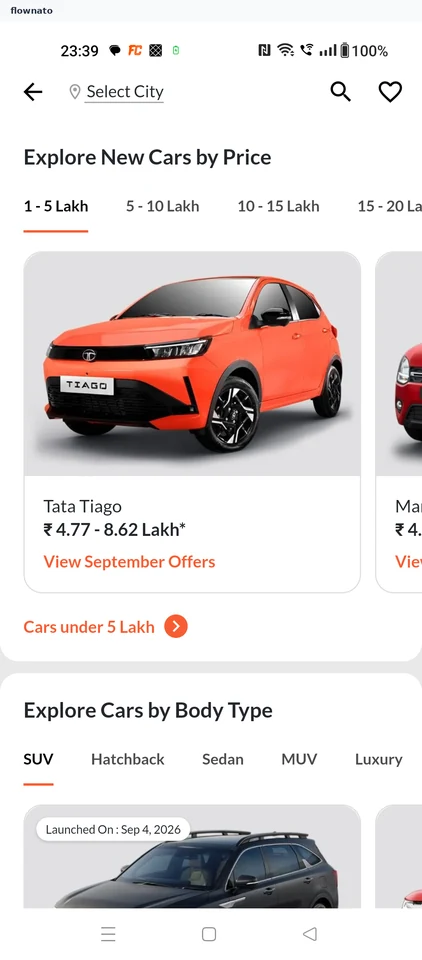
  2. Browse new cars
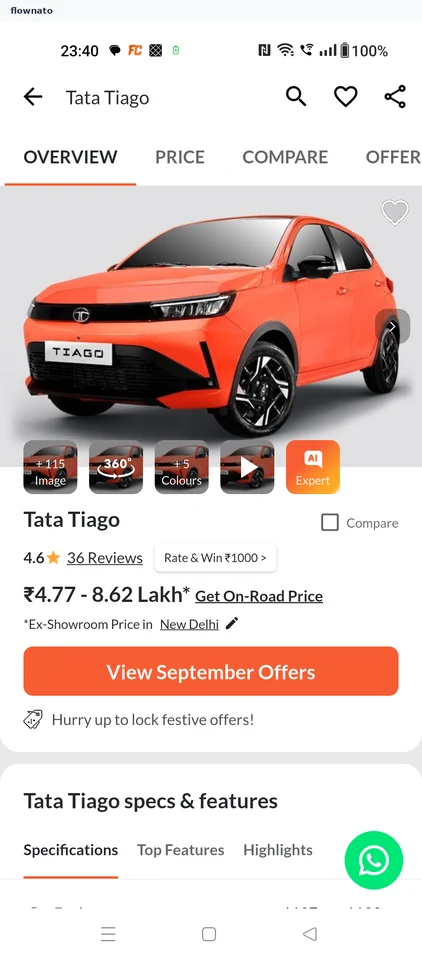
  3. Review the Tiago
  4. Inspect price details
  5. Request a verdict
  6. Read the price context
  7. Compare the value
  8. Set the budget
  9. Confirm ₹10 lakh
  10. See the tailored fit
  11. Reach the verdict

11 screens

Evaluate used car

Flow

About CarDekho Evaluate used car

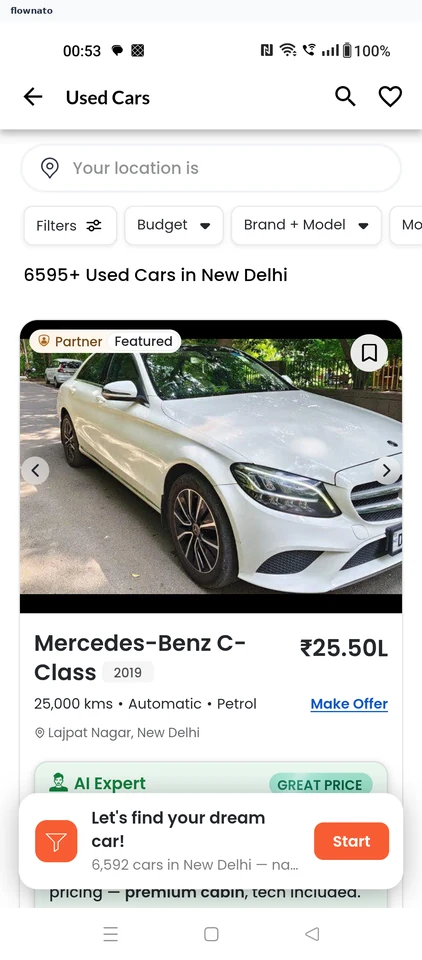
Browse used cars in CarDekho, set the city and budget, and open a listing. Review its market price, inspection ratings and financing information.

  1. Open CarDekho
  2. Start from Home
  3. Browse local listings
  4. Keep New Delhi
  5. Choose a budget
  6. Confirm the range
  7. Apply the filter
  8. Choose a Verna
  9. Review the listing
  10. Compare market price
  11. Check inspection ratings
  12. Review support and finance

12 screens

Onboarding

Flow

About CarDekho Onboarding

Choose a phone number in CarDekho, request verification and complete a profile. Continue without promotional updates or a linked social account to reach the account hub.

  1. Open account options
  2. Choose a phone number
  3. Share the authorized number
  4. Request verification
  5. Complete the profile
  6. Continue without updates
  7. Skip social linking
  8. Reach the account hub

8 screensFree with sign up

Check car value

Flow

About CarDekho Check car value

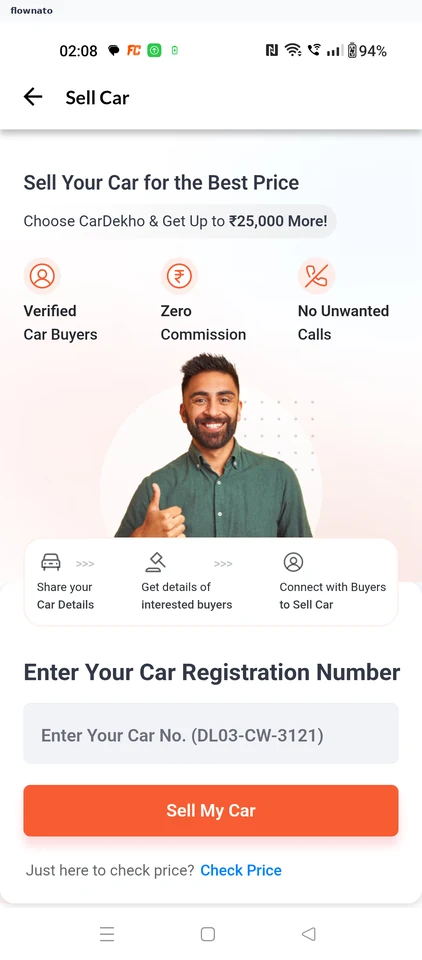
Use CarDekho’s Check Price calculator to enter a car, city, ownership and mileage. Correct an unmatched city search and view the estimated resale range without listing the car for sale.

  1. Open CarDekho
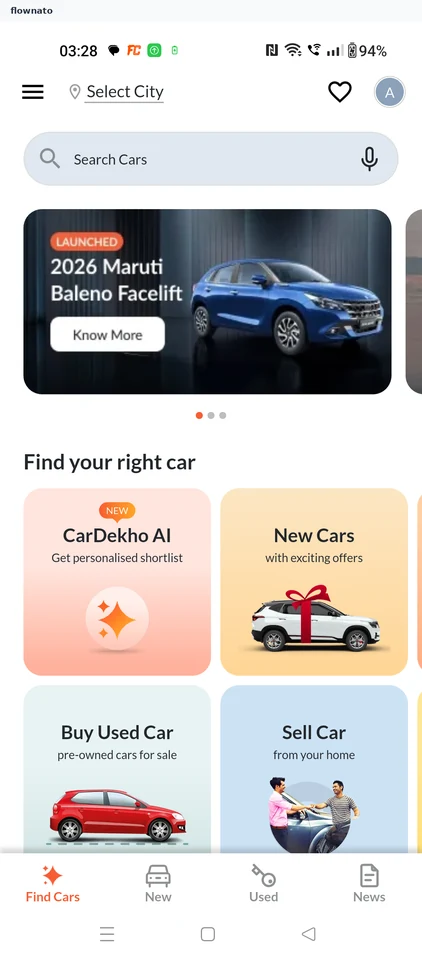
  2. Start from Find Cars
  3. Choose price only
  4. Review the calculator
  5. Identify the car
  6. Correct the city
  7. Select Delhi
  8. Confirm the details
  9. Request the estimate
  10. Read the valuation

10 screensFree with sign up

Finding a car by budget

Flow

About CarDekho Finding a car by budget

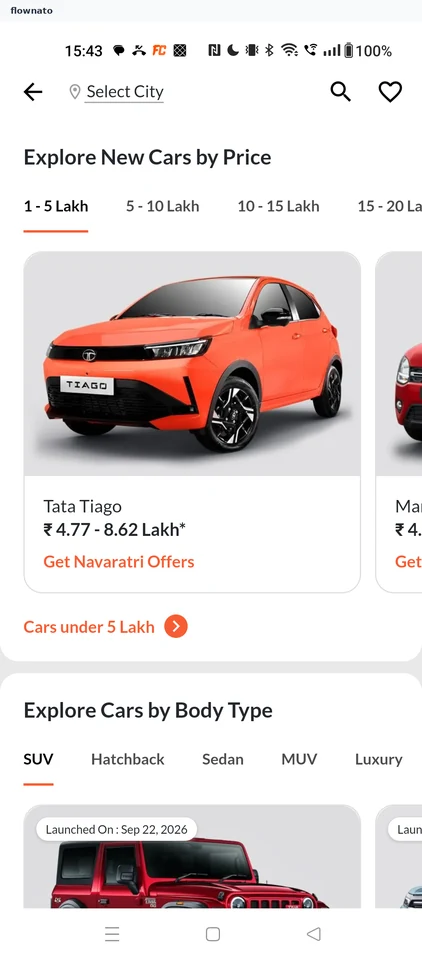
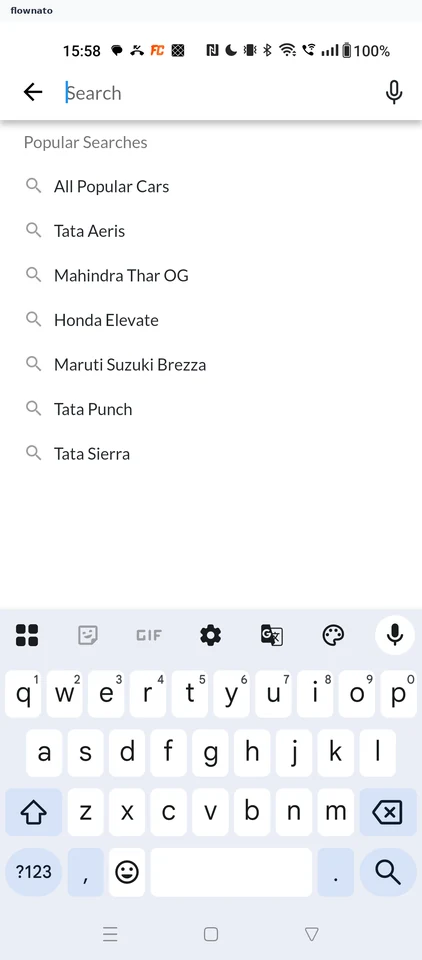
  1. Start from Find Cars
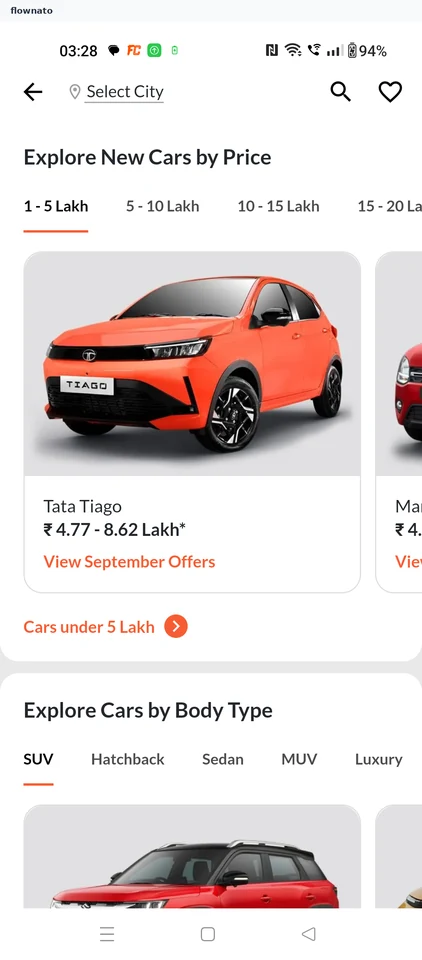
  2. Explore new cars by price
  3. Pick a price band
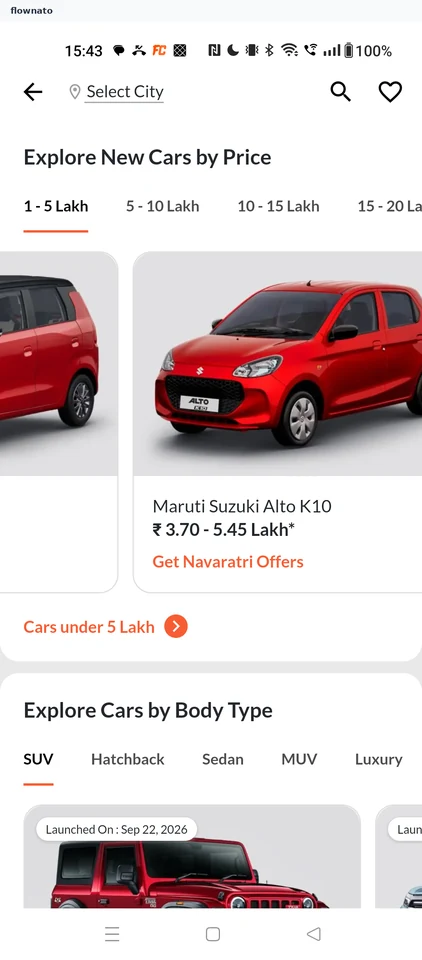
  4. Open the budget list
  5. Browse matching cars
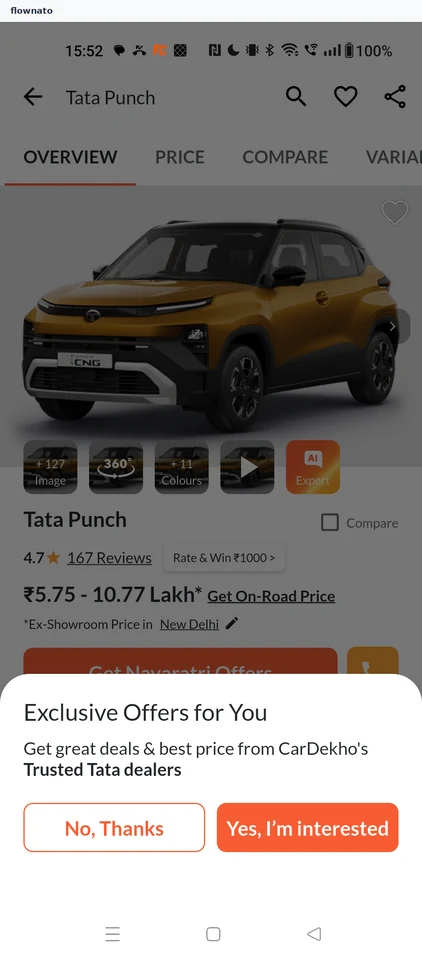
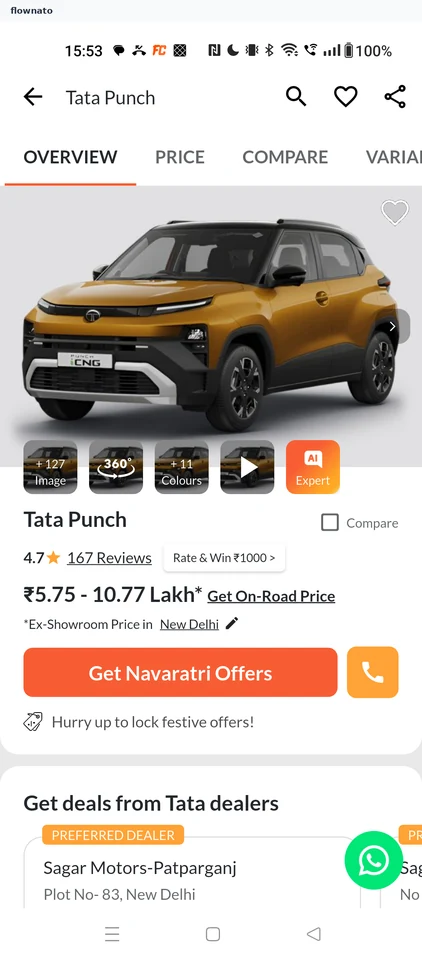
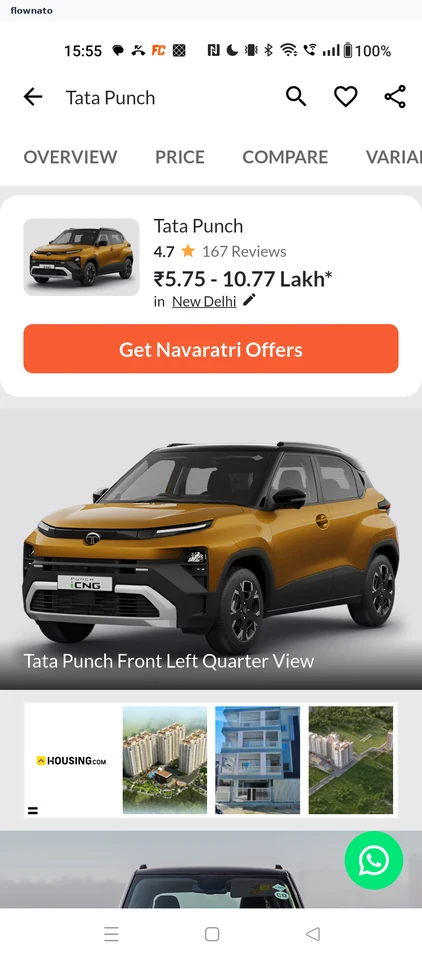
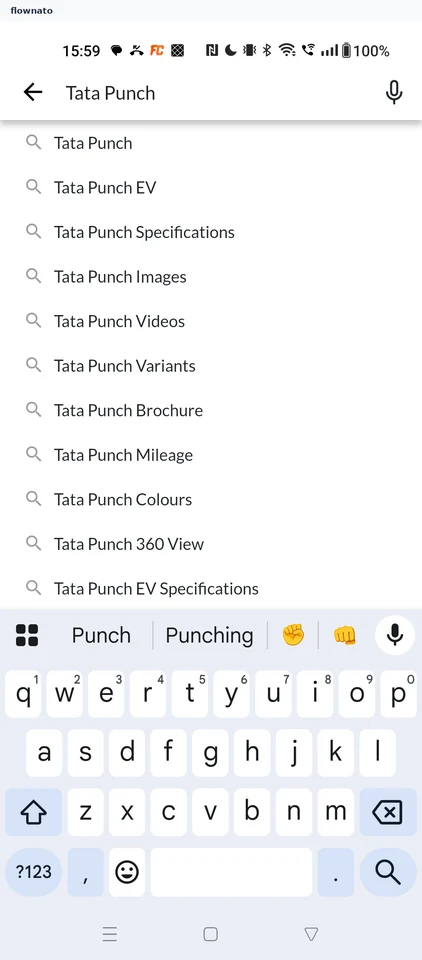
  6. Choose the Tata Punch
  7. Review the model
  8. Check key specs
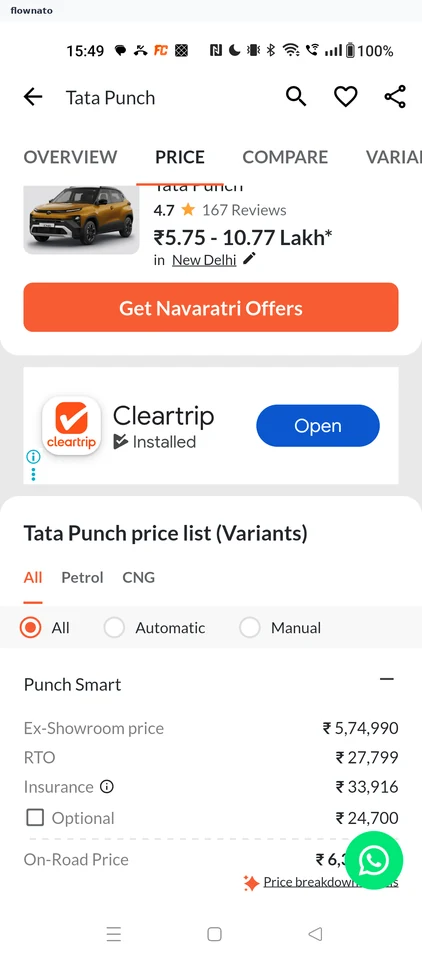
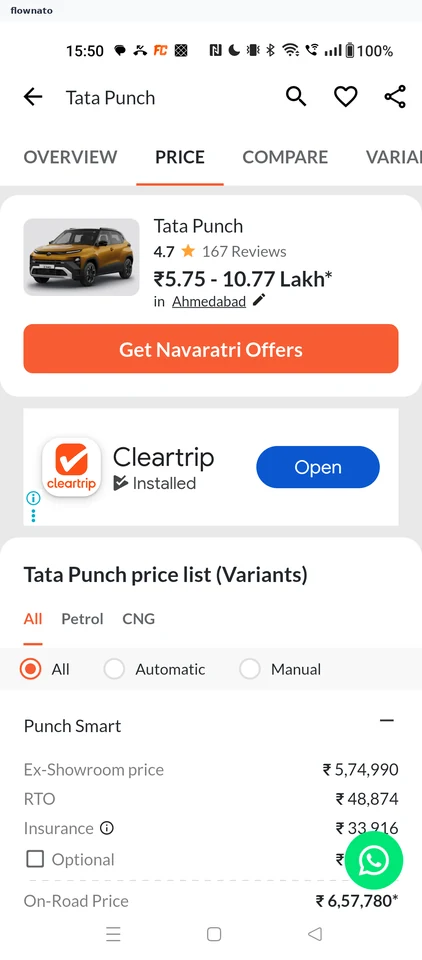
  9. Open variant pricing
  10. Read the on-road price

10 screens

Viewing car photos

Flow

About CarDekho Viewing car photos

  1. Dismiss the offers prompt
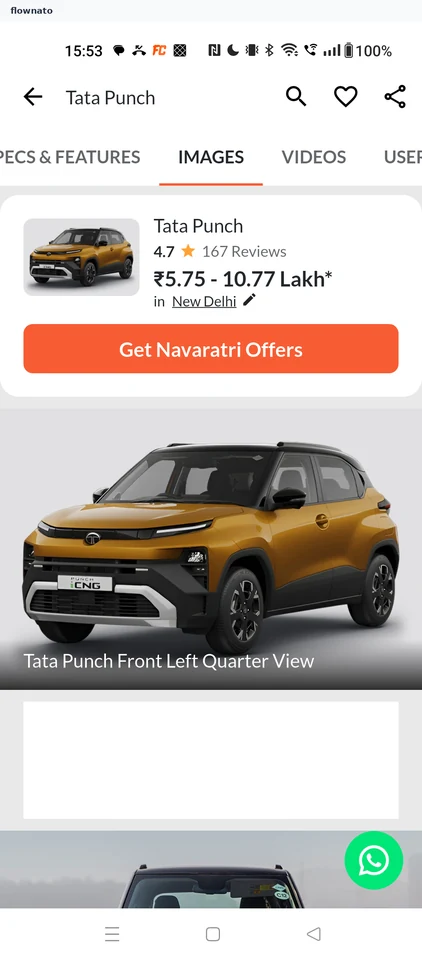
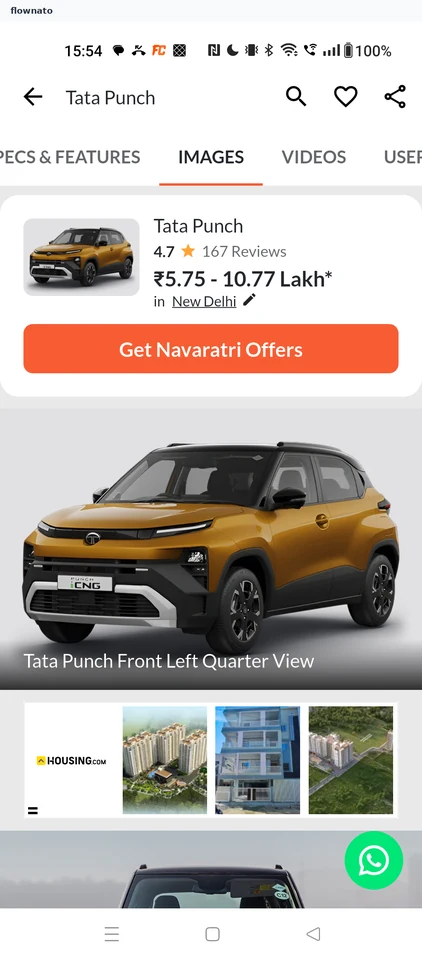
  2. Open the gallery
  3. Pick a photo
  4. View it full screen
  5. See the next photo

5 screens

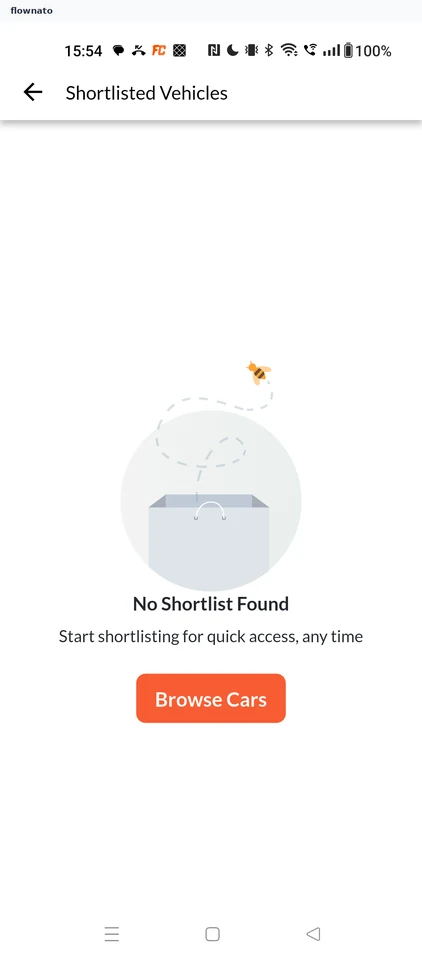
Shortlisting a car

Flow

About CarDekho Shortlisting a car

  1. Start from the car page
  2. Check the shortlist
  3. Return to Overview
  4. Tap the heart
  5. Car shortlisted

5 screens

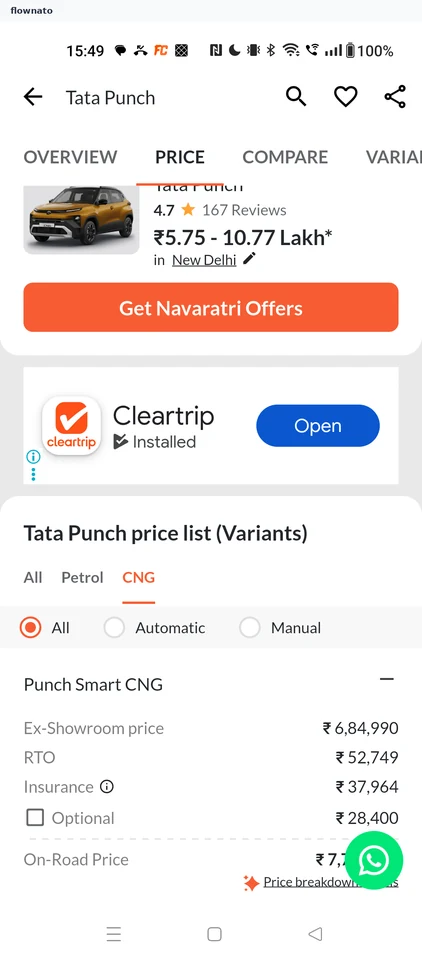
Filtering variants by fuel

Flow

About CarDekho Filtering variants by fuel

  1. View all variants
  2. See CNG variants

2 screens

Changing the price city

Flow

About CarDekho Changing the price city

  1. Start from New Delhi prices
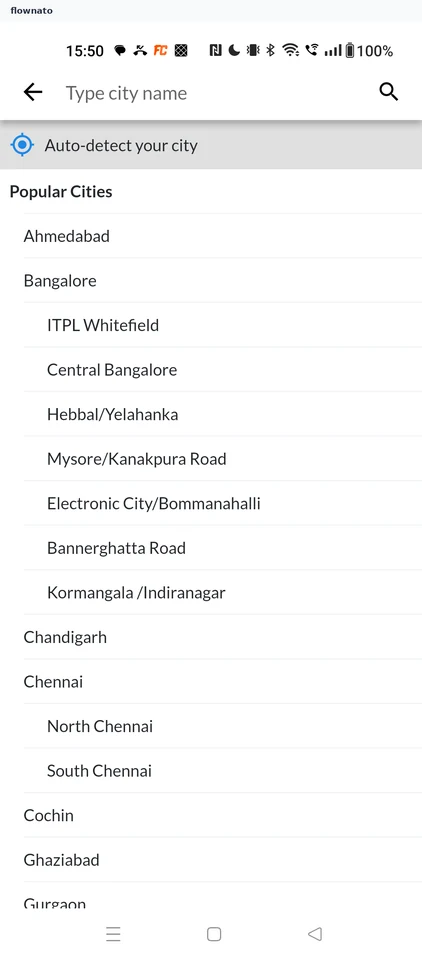
  2. Pick a city
  3. See Ahmedabad prices

3 screens

Planning the EMI

Flow

About CarDekho Planning the EMI

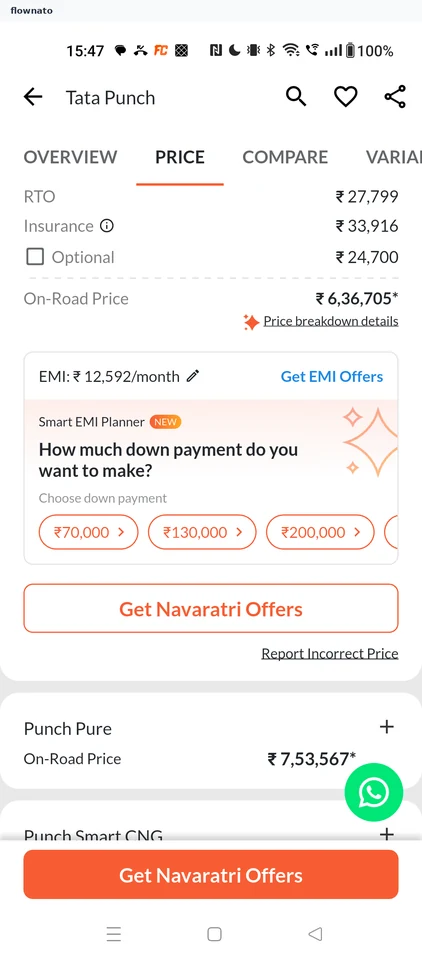
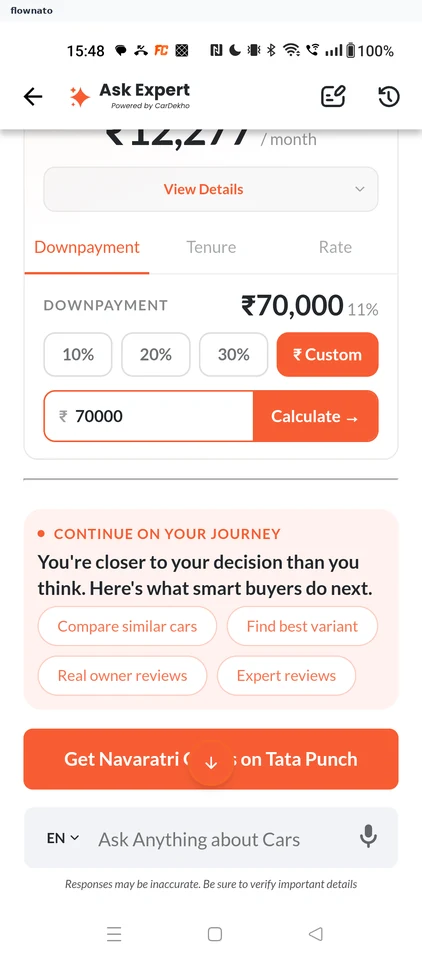
  1. Choose a down payment
  2. See the recalculated EMI

2 screens

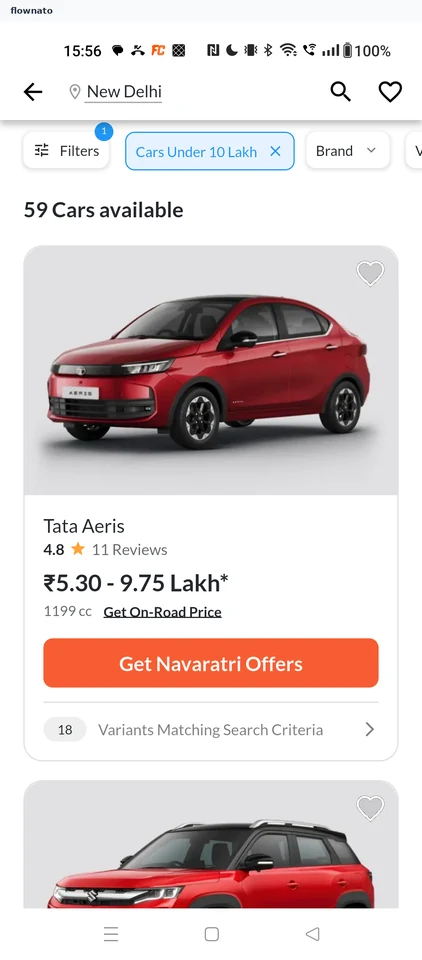
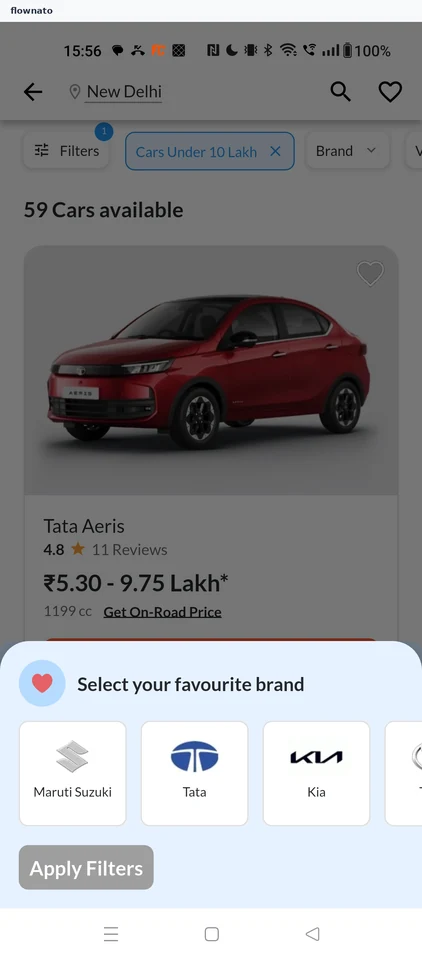
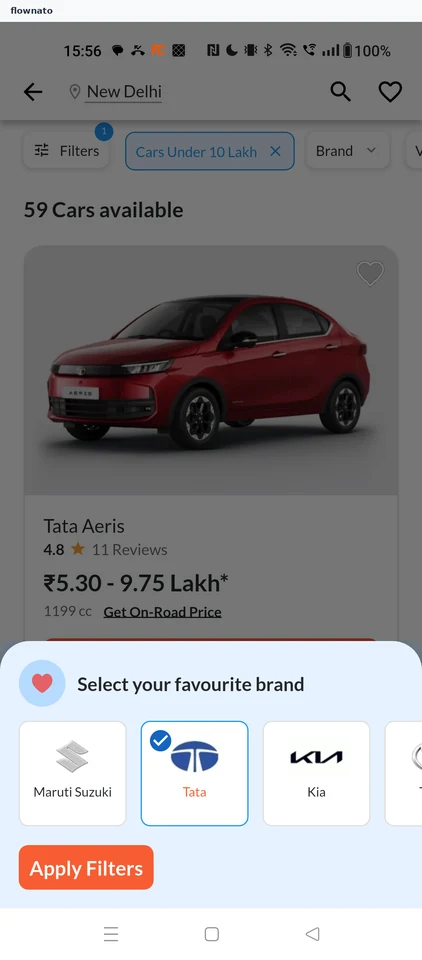
Filtering cars by brand

Flow

About CarDekho Filtering cars by brand

  1. Start from the budget list
  2. Choose a brand
  3. Apply the filter
  4. See Tata cars

4 screens

Review on-road cost

Flow

About CarDekho Review on-road cost

Choose the Tata Tiago in CarDekho and explore variant pricing. Open the on-road cost breakdown and explanations for ex-showroom price, road tax and insurance.

  1. Open CarDekho
  2. Start from Find Cars
  3. Choose Tata Tiago
  4. Review the model
  5. Inspect variant pricing
  6. Read the full cost
  7. Understand each charge

7 screens

Contacting a used car seller

Flow

About CarDekho Contacting a used car seller

  1. Open CarDekho
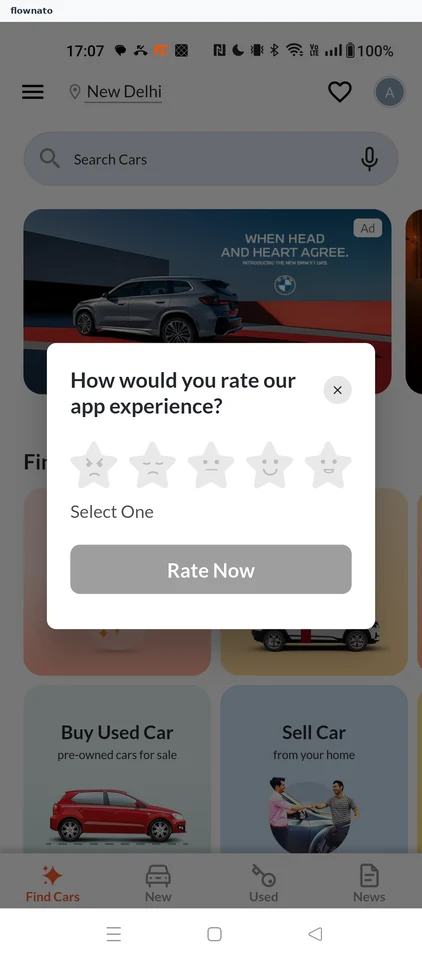
  2. Close the rating prompt
  3. Choose Buy Used Car
  4. Open the budget filter
  5. Pick a budget
  6. Budget applied
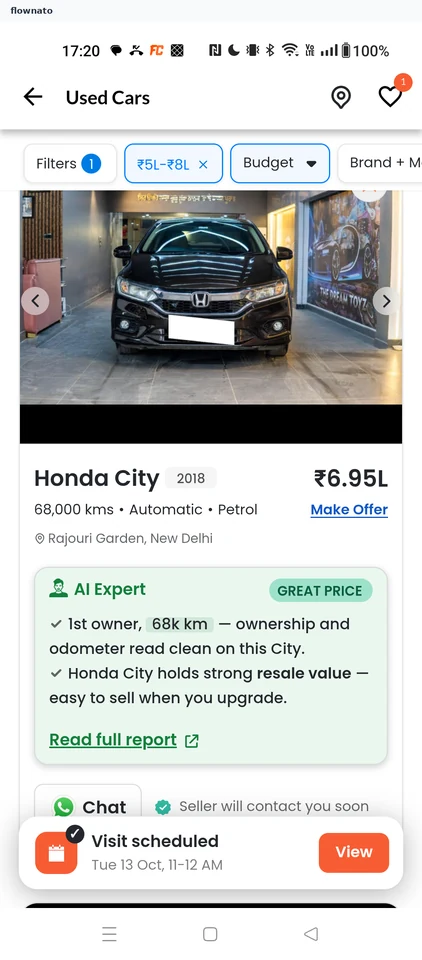
  7. Pick a Honda City
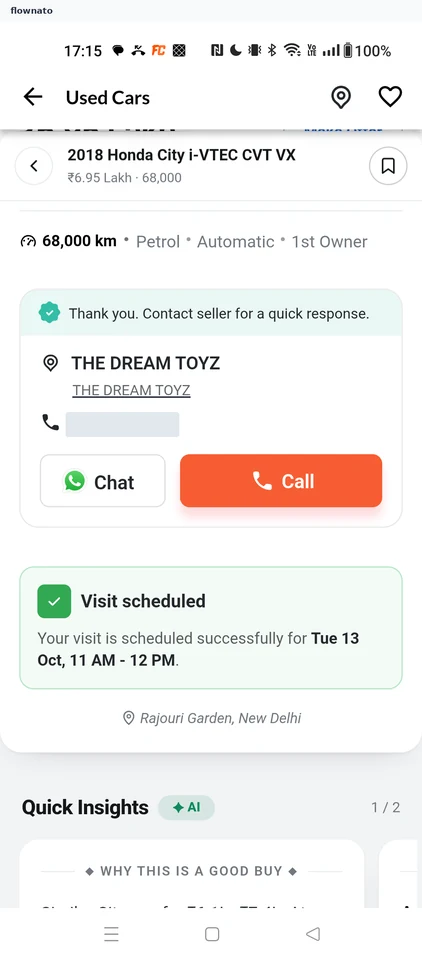
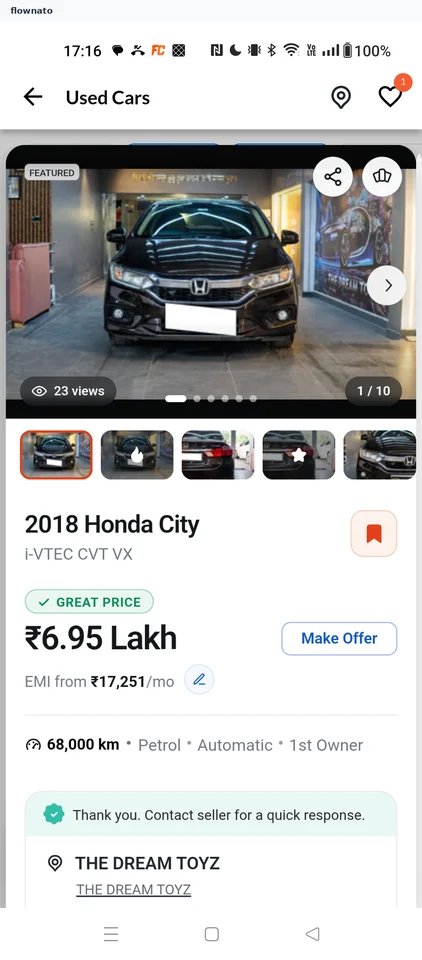
  8. Review the listing
  9. Seller details form
  10. Choose a pincode
  11. Choose purchase timing
  12. Answer the loan question
  13. Submit the request
  14. Seller contact details

14 screens

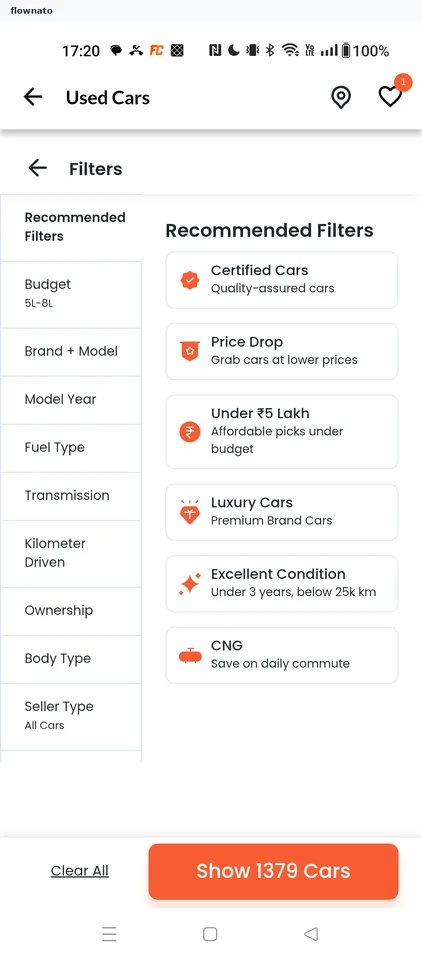
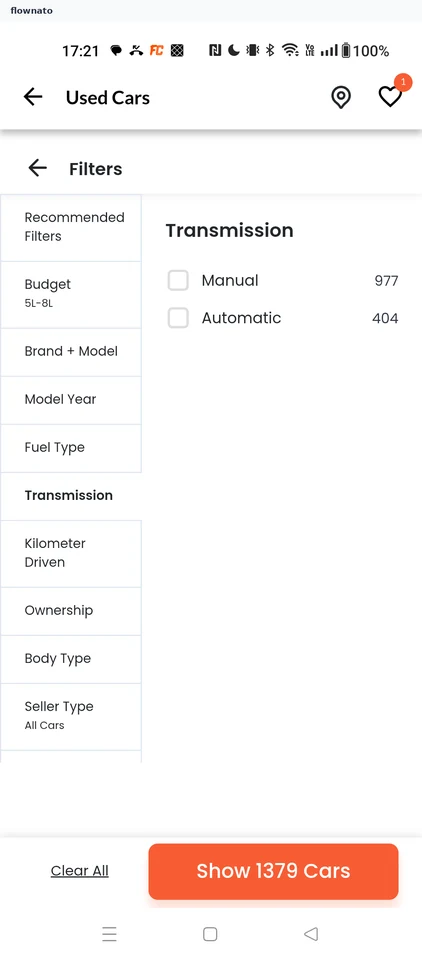
Filtering by transmission

Flow

About CarDekho Filtering by transmission

  1. Open Filters
  2. Pick Transmission
  3. Tick Automatic
  4. Show the results
  5. Automatic cars listed

5 screens

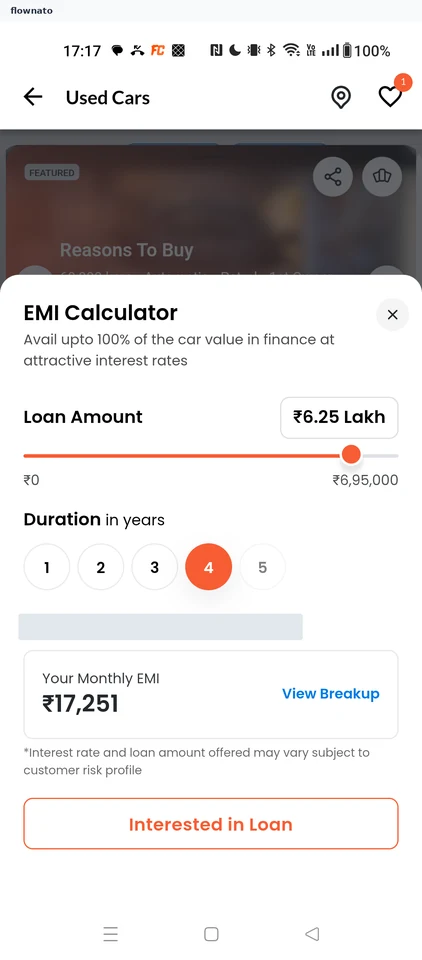
Changing the EMI plan

Flow

About CarDekho Changing the EMI plan

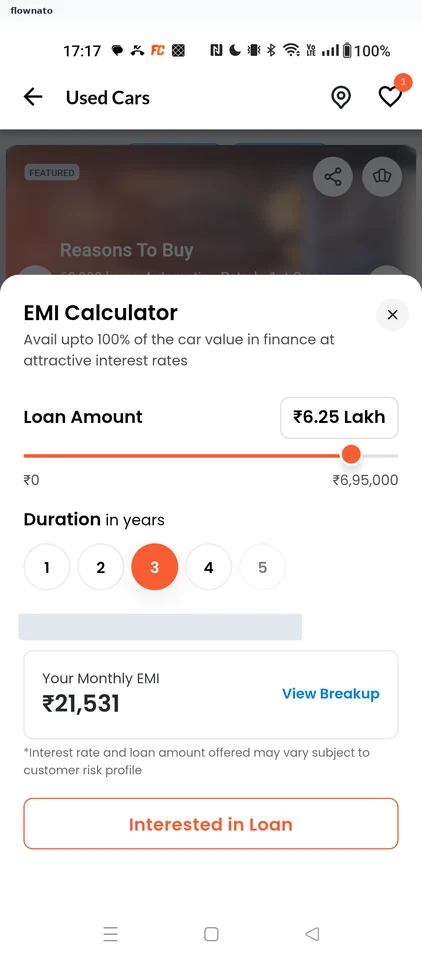
  1. Edit the EMI
  2. Pick a shorter tenure
  3. EMI recalculated

3 screens

Shortlisting the car

Flow

About CarDekho Shortlisting the car

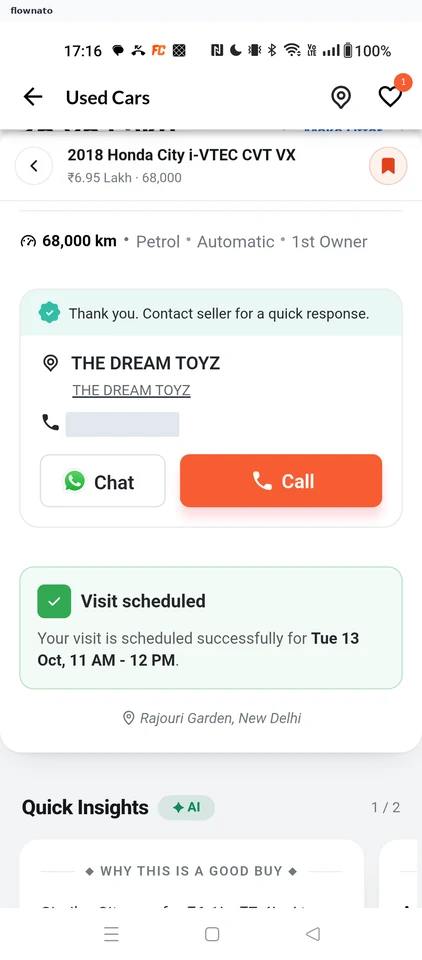
  1. Tap the bookmark
  2. Car shortlisted

2 screens

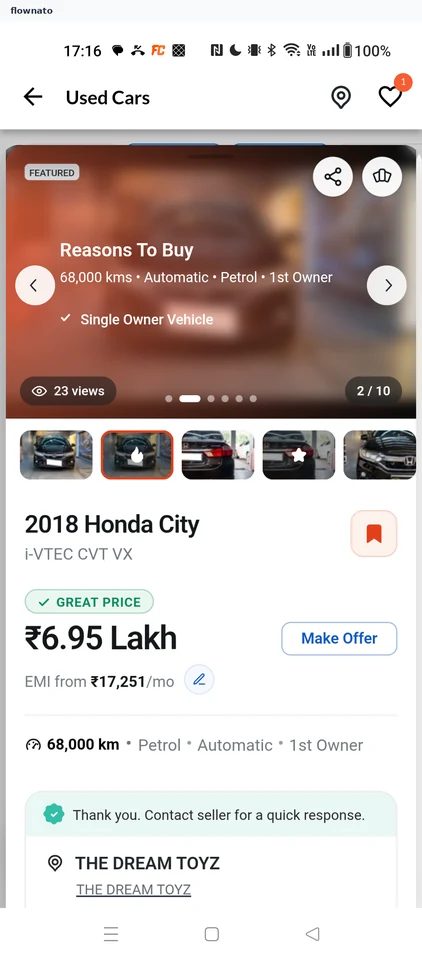
Browsing listing photos

Flow

About CarDekho Browsing listing photos

  1. Swipe the gallery
  2. Reasons To Buy slide

2 screens