Contacting a used car seller — CarDekho UX flow
Contacting a used car seller in CarDekho.
Step 1: Open CarDekho
Step 2: Close the rating prompt
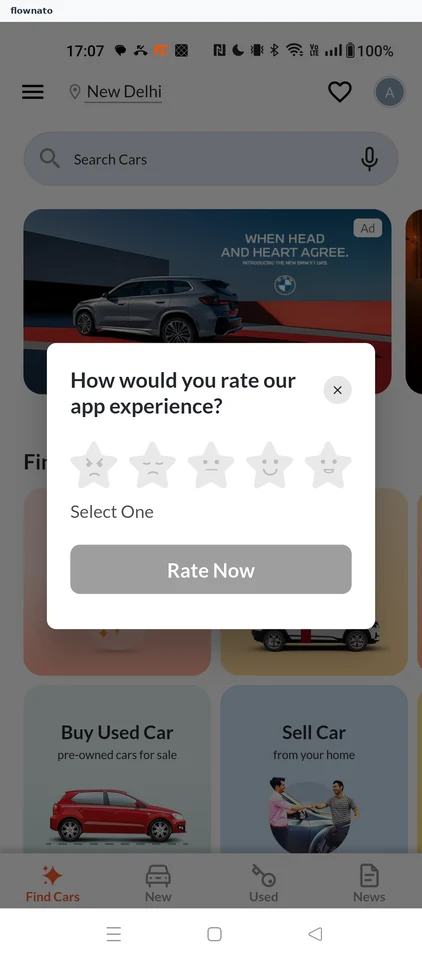
Feedback form · Dialog, Star rating, Button, Bottom navigation
Step 3: Choose Buy Used Car
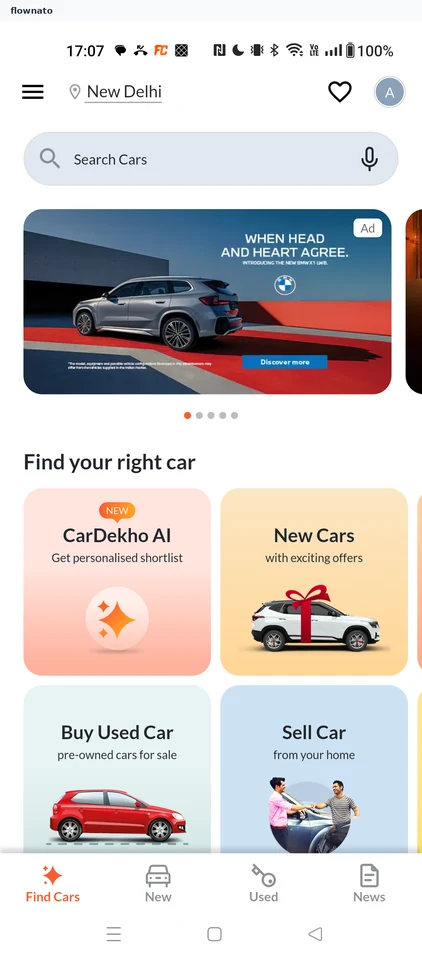
Home · Top bar, Search bar, Carousel, Promo banner, Page indicator, Section header
Step 4: Open the budget filter
Step 5: Pick ₹5–8 lakh
Step 6: Budget applied
Step 7: Pick a Honda City
Step 8: Review the listing
Step 9: Seller details form
Step 10: Choose a pincode
Step 11: Choose purchase timing
Step 12: Answer the loan question
Step 13: Submit the request
Step 14: Seller contact details