Finding a car by budget — CarDekho UX flow
Finding a car by budget in CarDekho.
Step 1: Start from Find Cars
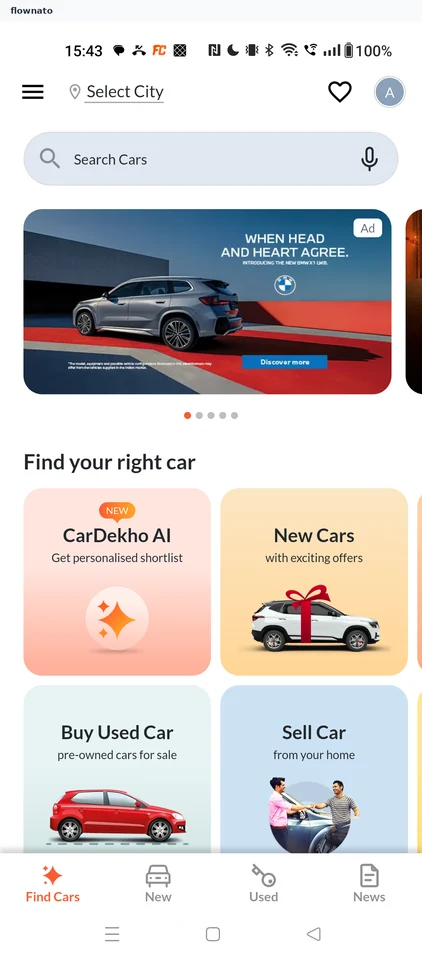
Step 2: Explore new cars by price
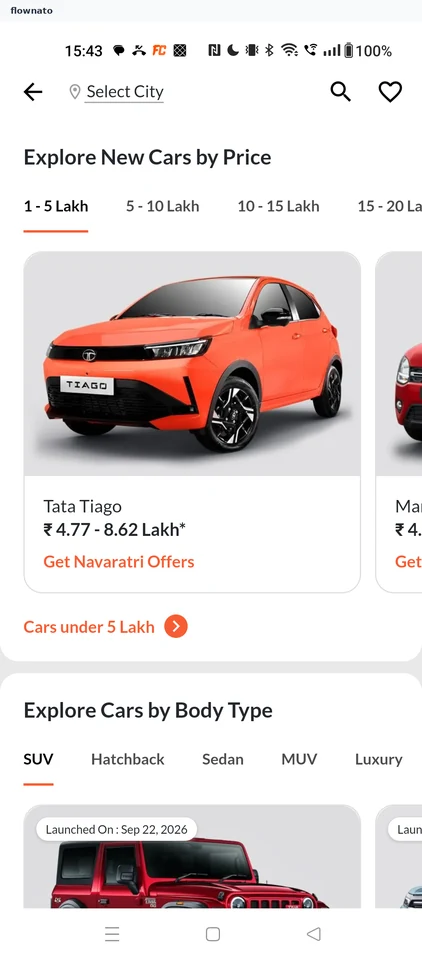
Product listing · Top bar, Section header, Tabs, Carousel, Card, Image
Step 3: Pick a price band
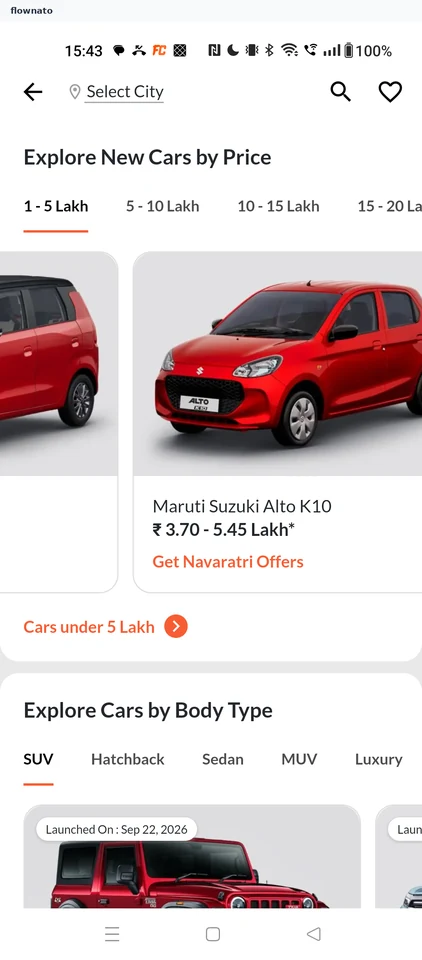
Step 4: Open the budget list
Step 5: Browse matching cars
Step 6: Choose the Tata Punch
Step 7: Review the model
Step 8: Check key specs
Step 9: Open variant pricing
Step 10: Read the on-road price