AJIO

AJIO app UI and user flows

App

About AJIO

Screens and user flows from the AJIO app.

AJIO is an Android app in the Shopping category. Last recorded on 18 October 2026.

Explore the screens and product flows inside AJIO.

In the library
7 flows · 24 screens
Category and platform
Shopping · Android
Updated
Oct 2026
FLOWNATO RATING
3.6Our rating · 15 UX criteria

Onboarding

Flow

About AJIO Onboarding

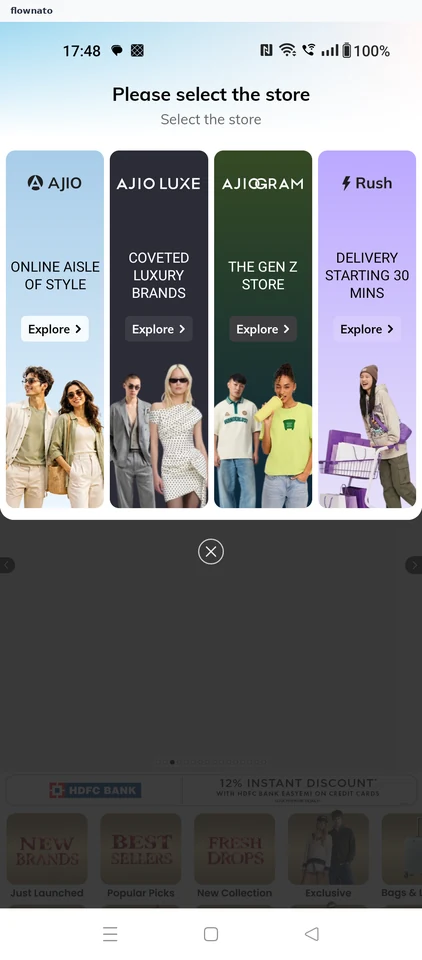
Choose the AJIO storefront, respond to permission prompts and sign in from My Account. A device phone-number picker and automatic verification lead to the signed-in shopping home.

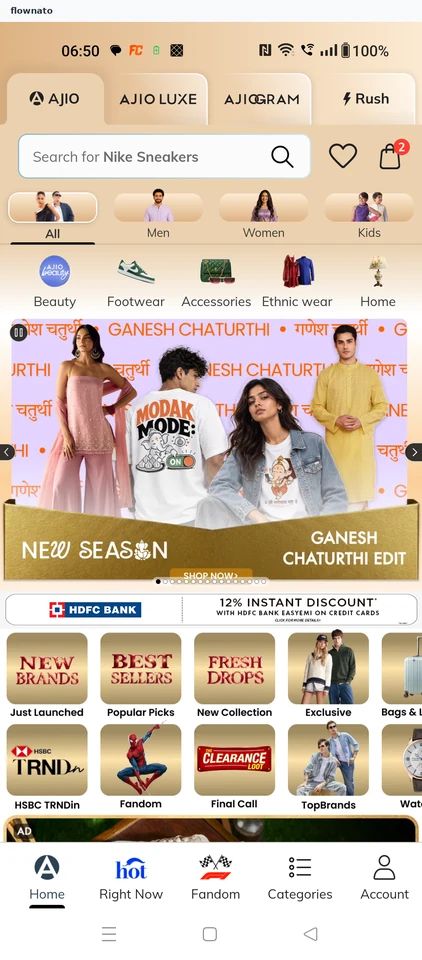
  1. Open the app
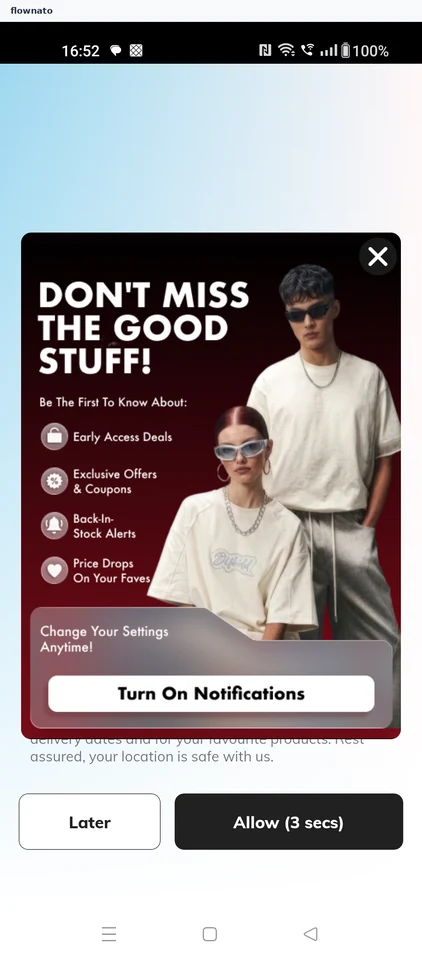
  2. Dismiss the alerts promo
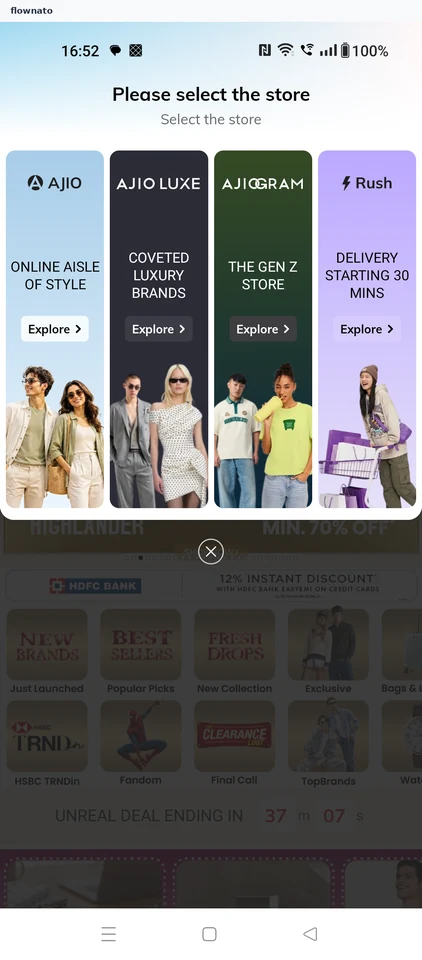
  3. Pick a storefront
  4. Decline network access
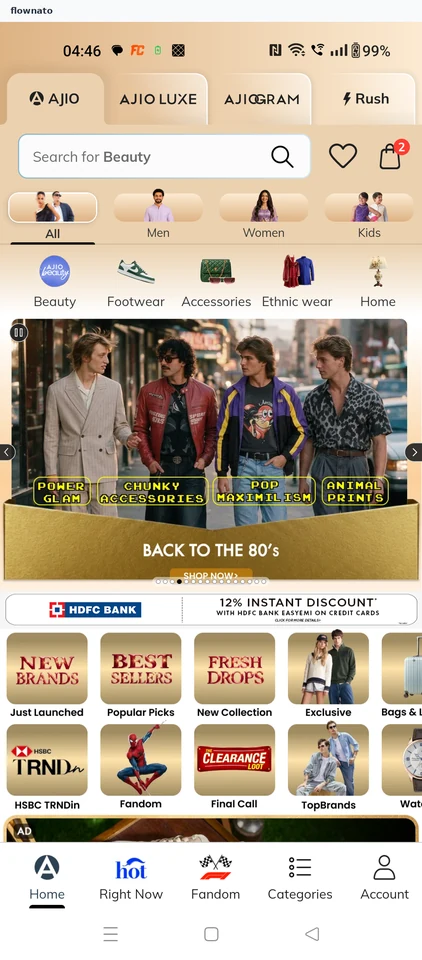
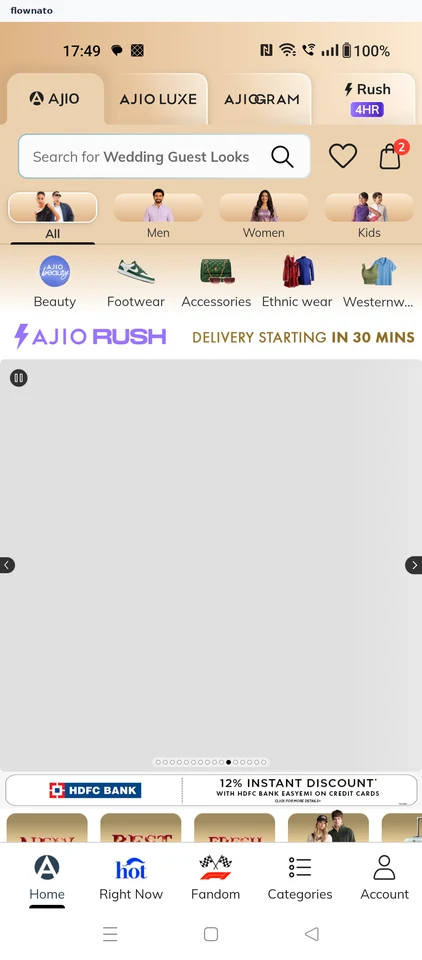
  5. Reach the store
  6. Start signing in
  7. Choose a number
  8. Verify the number
  9. Signed in
  10. Shop signed in

10 screensFree with sign up

Checkout

Flow

About AJIO Checkout

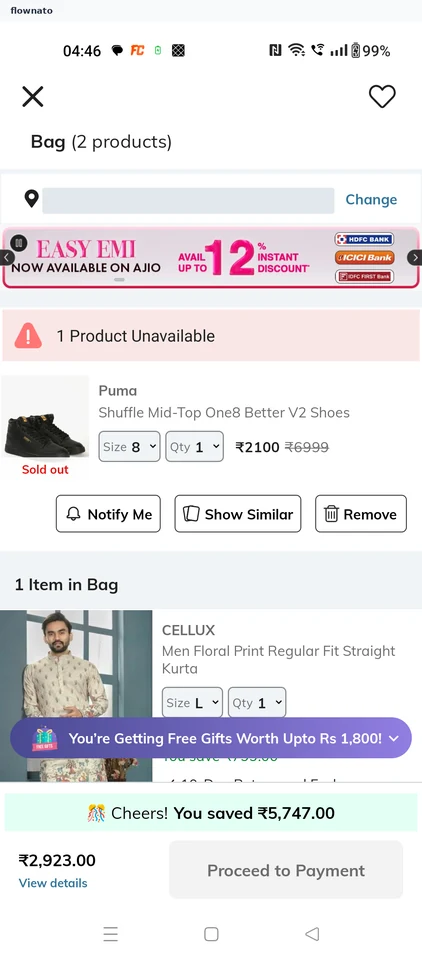
Review the bag, price breakdown and coupon eligibility in AJIO. Proceed to Payment opens a product listing instead of checkout, leaving the order in the bag.

  1. Open the app
  2. Open the bag from Home
  3. Review what is in the bag
  4. Check how the total is built
  5. No coupon applies
  6. Proceed to payment
  7. A product listing opens instead
  8. Try the button again
  9. The same listing again
  10. The order stays in the bag

10 screensFree with sign up

Save item

Flow

About AJIO Save item

Browse men’s clothing, open a T-shirt and save it in AJIO. The flow follows the save confirmation through to the item appearing in Wishlist.

  1. Open AJIO
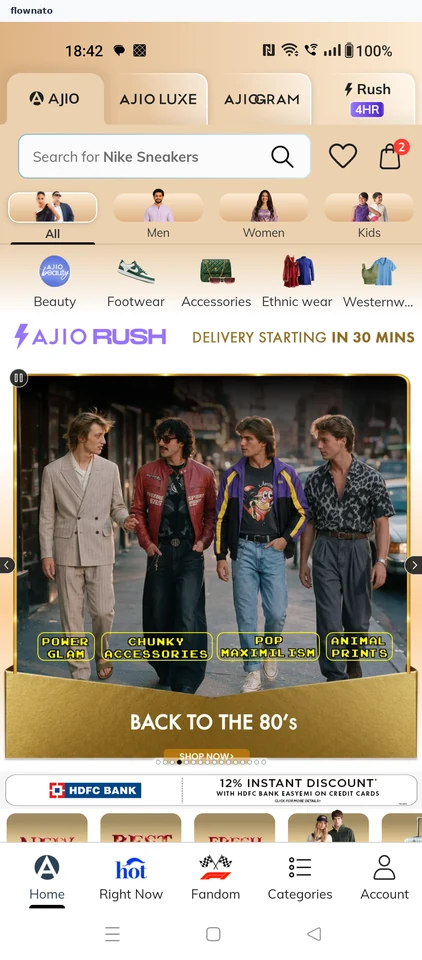
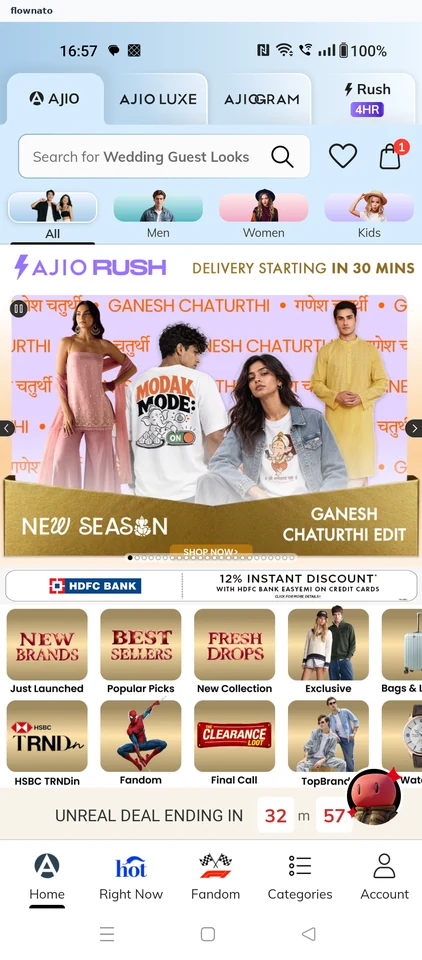
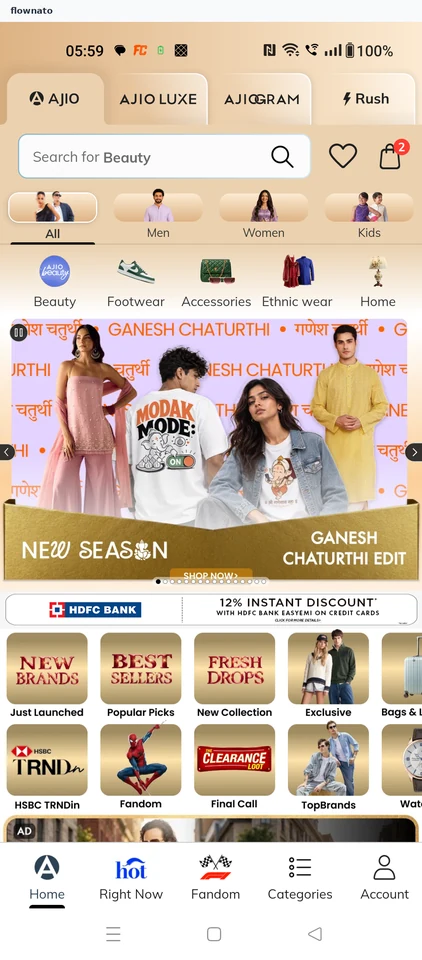
  2. Start at Home
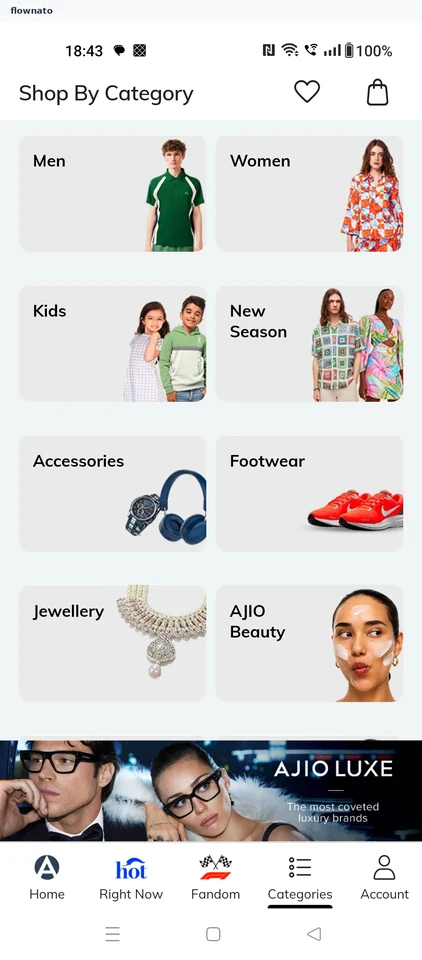
  3. Choose a department
  4. Choose Topwear
  5. Open T-shirts
  6. Compare T-shirts
  7. Review the item
  8. Confirm the save
  9. See it in Wishlist

9 screensFree with sign up

Add to bag

Flow

About AJIO Add to bag

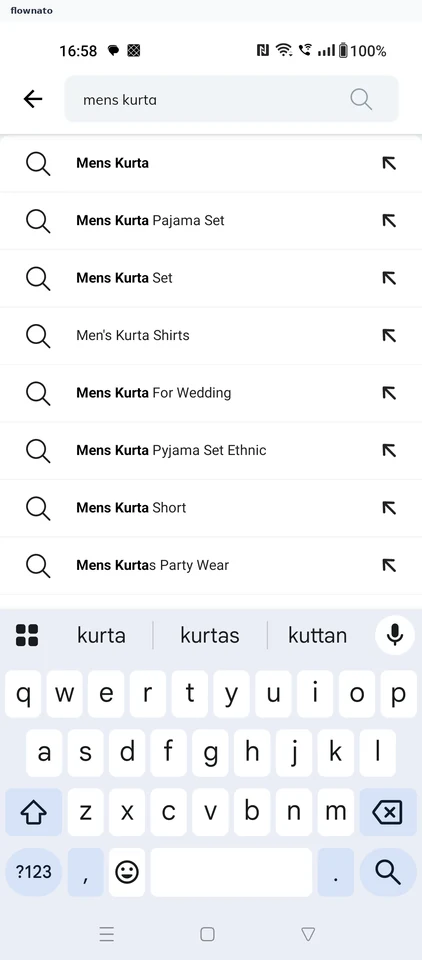
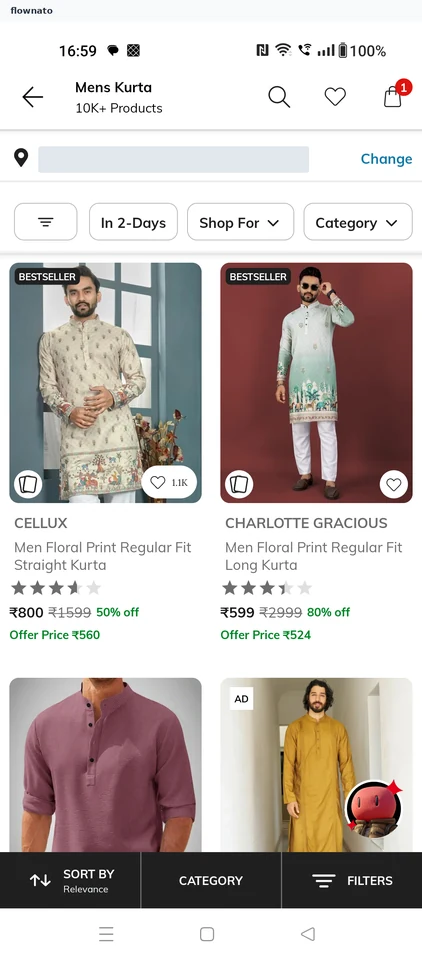
Search for a kurta, compare products, choose a size and add the item to the AJIO bag. Review its quantity and the payable total before checkout.

  1. Open search
  2. Search for a kurta
  3. Compare the results
  4. Check the product
  5. Choose a size
  6. Confirm the size
  7. Added to bag
  8. The bag

8 screens

Shop fandom

Flow

About AJIO Shop fandom

Browse the fandom collection in AJIO and compare products. Open an item to review its details, available sizes and fit information.

  1. Open AJIO
  2. Start at Home
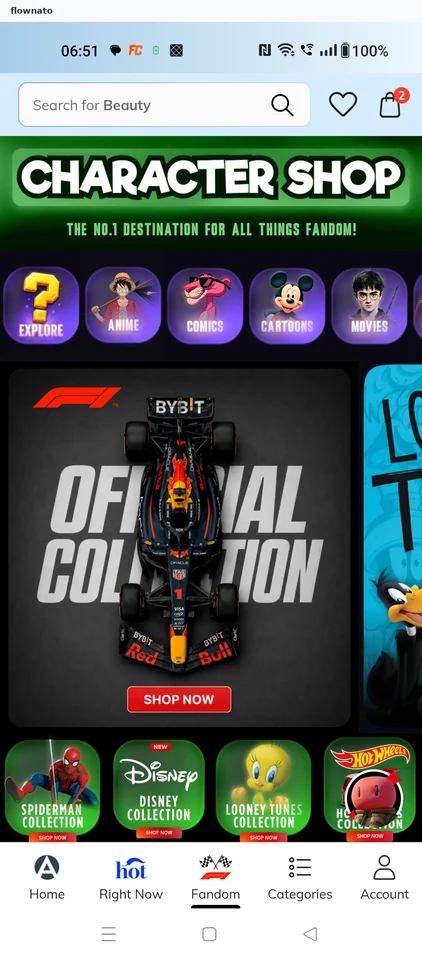
  3. Browse fandom
  4. Compare products
  5. Review product
  6. Check sizes
  7. Compare fit

7 screens

Save address

Flow

About AJIO Save address

Add a delivery address from My Account in AJIO. Follow pincode-based city lookup, address-type selection and inline validation for a missing building name through to the saved address.

  1. Open the app
  2. Keep the AJIO store
  3. Go to My Account
  4. My Account hub
  5. Open Address
  6. Saved addresses
  7. Add Address form
  8. Pincode fills the city
  9. Add the street
  10. Choose address type
  11. Fix the flagged field
  12. Save the address
  13. Address created

13 screens