Nykaa

Nykaa app UI and user flows

App

About Nykaa

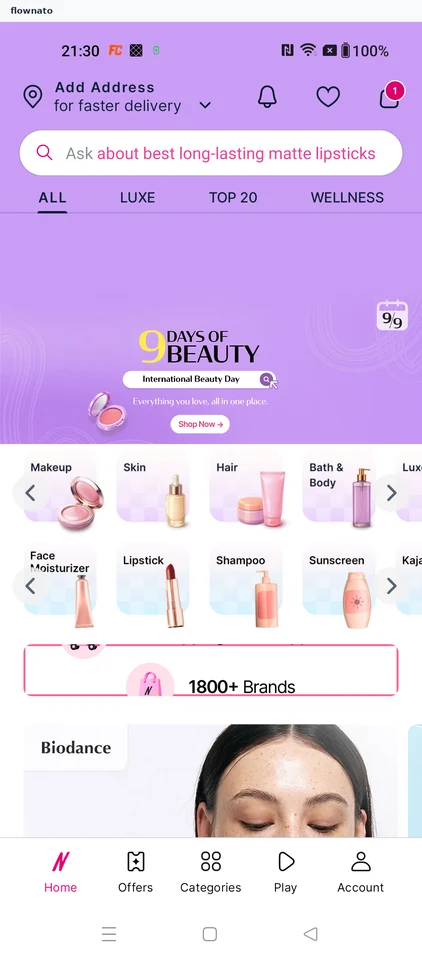
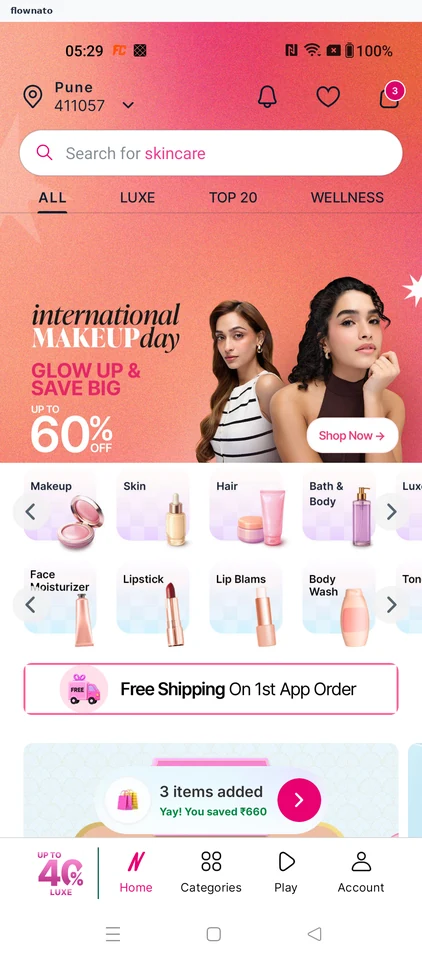
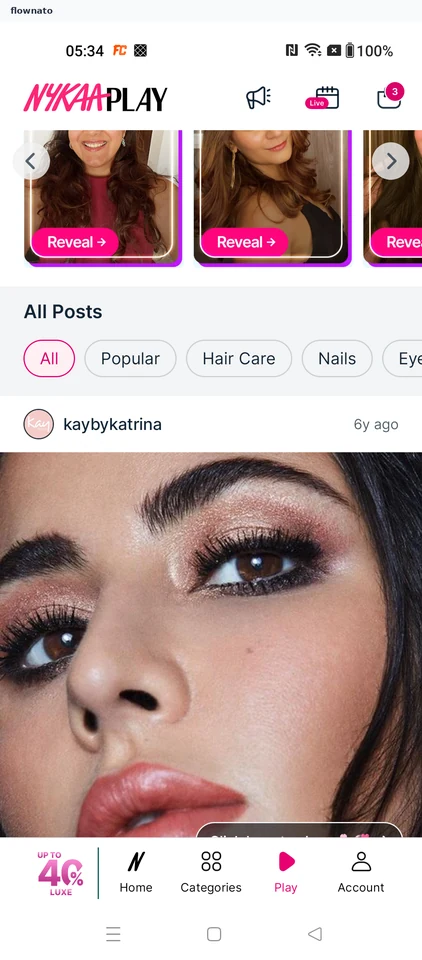
Screens and user flows from the Nykaa app.

Nykaa is an Android app in the Shopping category. Last recorded on 14 September 2026.

Beauty shopping, wishlists, product discovery and bag journeys.

In the library
6 flows · 31 screens
Category and platform
Shopping · Android
Updated
Sept 2026
FLOWNATO RATING
3.7Our rating · 15 UX criteria

Community 5.0 · 2 ratings

Onboarding

Flow

About Nykaa Onboarding

Sign in to Nykaa with Google and choose notification and location permissions. Close the welcome offer and reach the signed-in shopping home.

  1. App launch
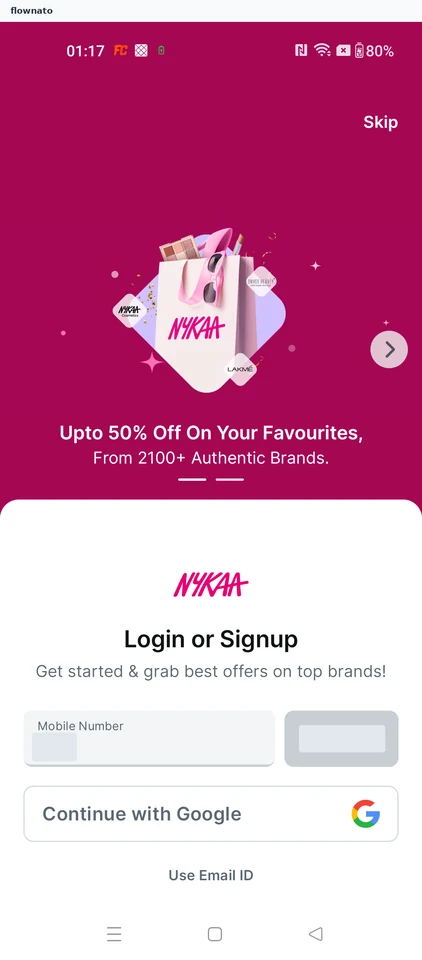
  2. Choose how to sign in
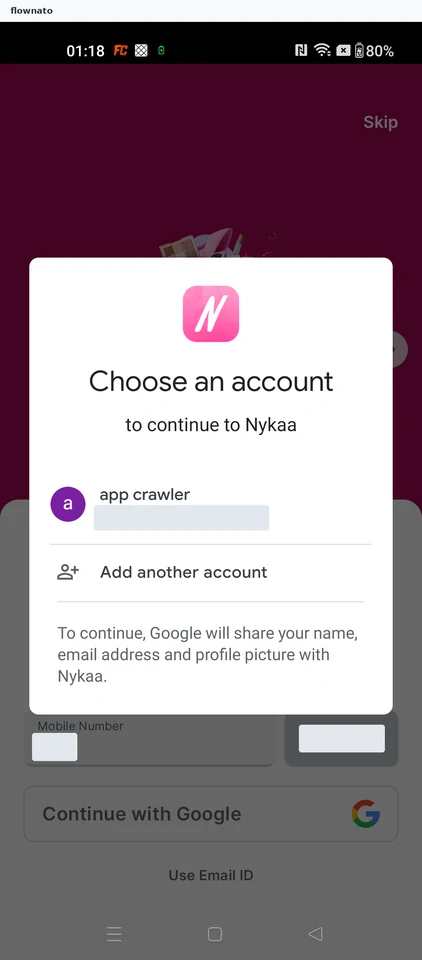
  3. Pick the Google account
  4. Decide on notifications
  5. Decide on location access
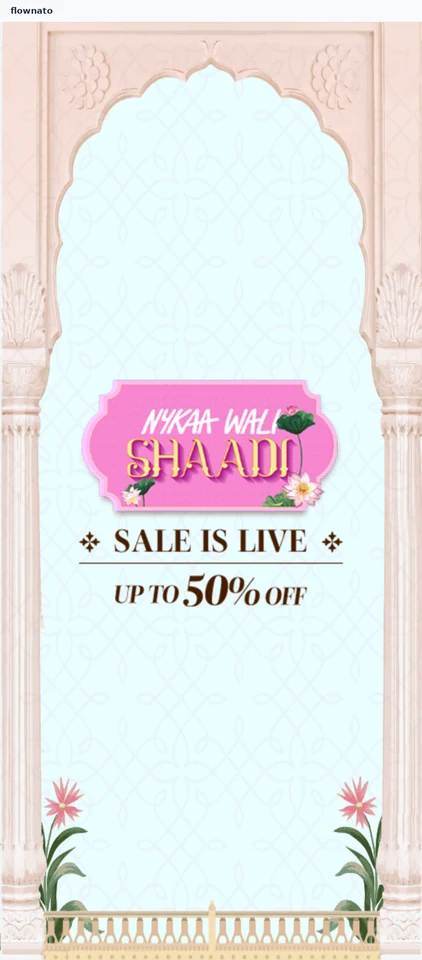
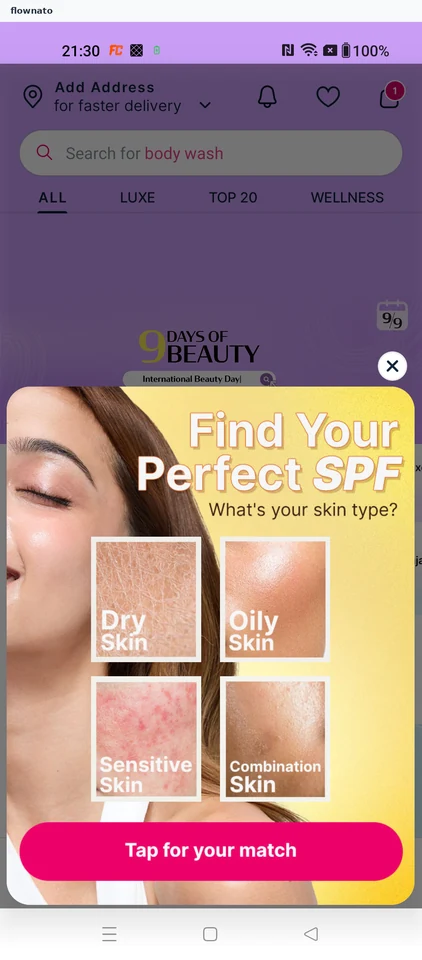
  6. Close the welcome offer
  7. Signed-in home ready to shop

7 screensFree with sign up

Apply a coupon

Flow

About Nykaa Apply a coupon

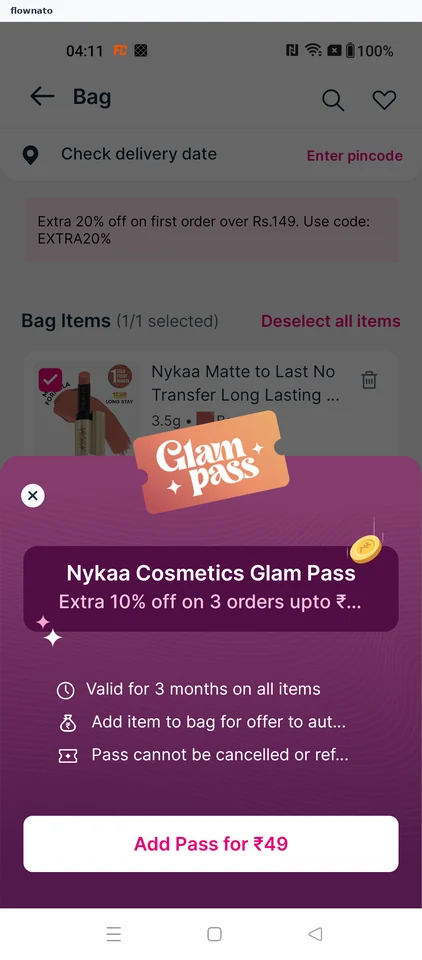
Open the Nykaa bag, decline a paid pass and change an item’s quantity. Apply an available coupon and verify the revised payable total.

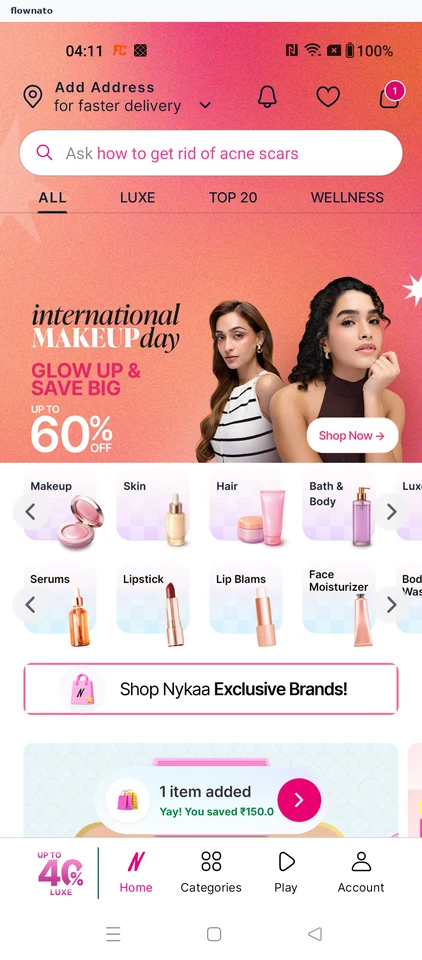
  1. Open the app
  2. Open the shopping bag
  3. Decline the paid pass
  4. Review the bag item
  5. Choose a new quantity
  6. Confirm quantity two
  7. See the updated item total
  8. Apply the available coupon
  9. Verify the discounted payable total

9 screensFree with sign up

Save a product

Flow

About Nykaa Save a product

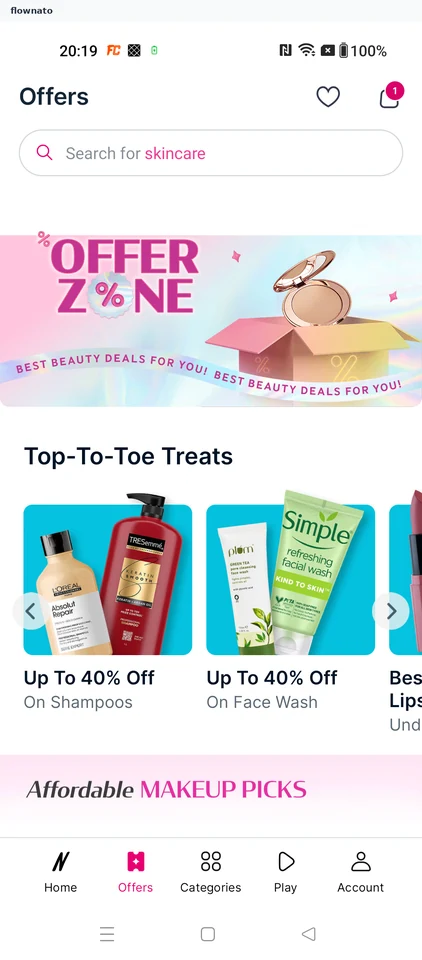
Browse Nykaa offers, open a mascara and choose a shade. Save the selected variant and verify its shade and price in the wishlist.

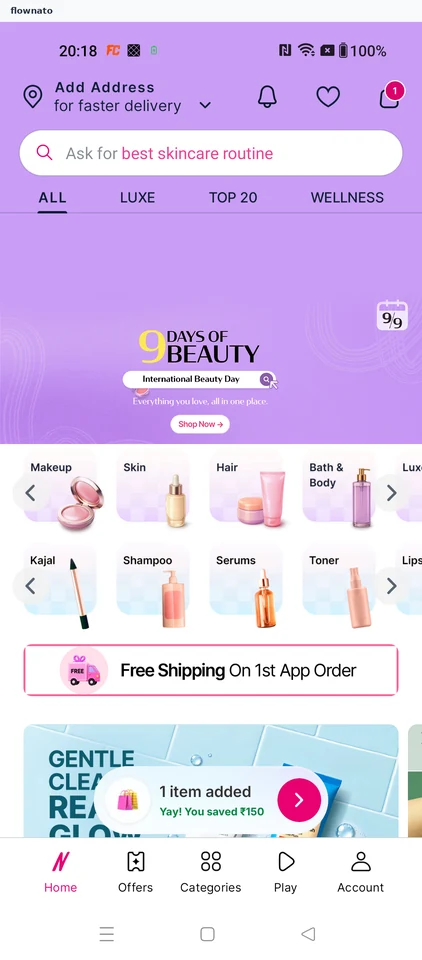
  1. Nykaa opens
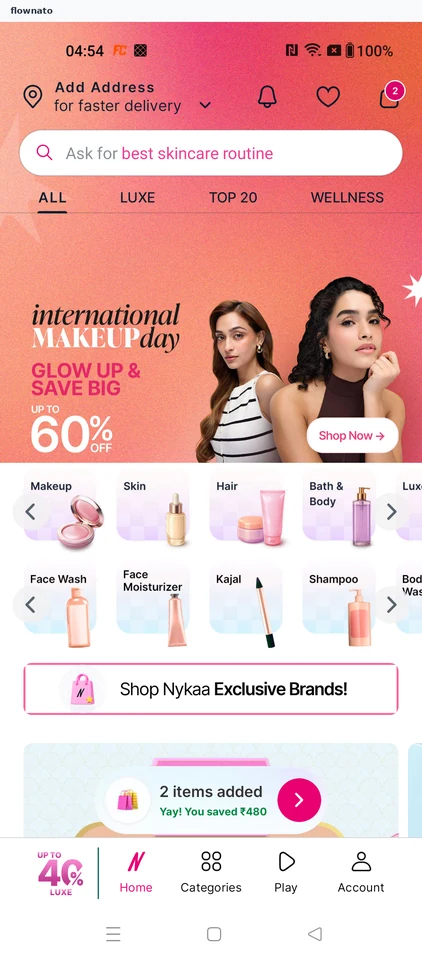
  2. Start on the shop home
  3. Open the deals destination
  4. Wishlist is empty to start with
  5. Pick a discounted product
  6. Review the product and its shades
  7. Choose a different shade
  8. Blue Mist selected at its own price
  9. Save the chosen shade for later
  10. Added to wishlist
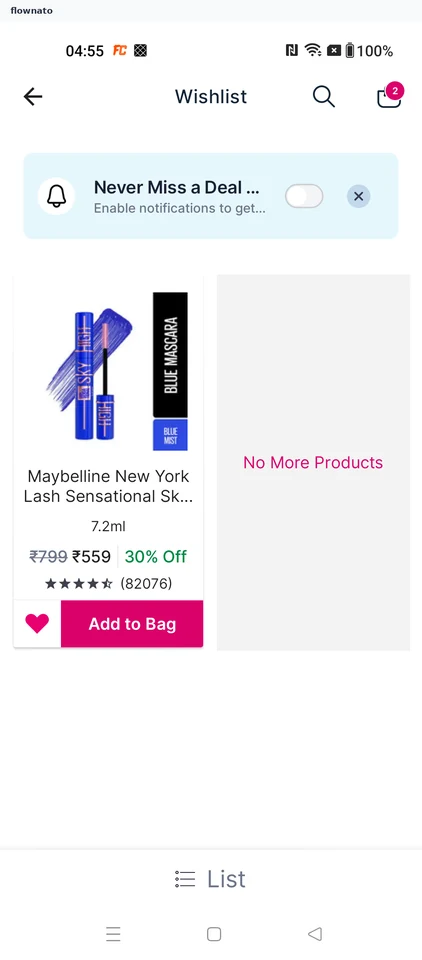
  11. Saved item in the wishlist

11 screensFree with sign up

Check delivery

Flow

About Nykaa Check delivery

Open a saved Nykaa product and add its selected shade to the bag. Review the updated order and enter a delivery area to check the estimated date.

  1. Open Nykaa
  2. Start from the shop
  3. Choose the saved item
  4. Confirm the product and shade
  5. Add it to the bag
  6. Confirm it was added
  7. Review the updated bag
  8. Enter a delivery area
  9. See the delivery date

9 screens

Filter products

Flow

About Nykaa Filter products

Browse Nykaa women’s perfumes and filter by fragrance family. Open a product to review its price, offers, description, ratings and return terms.

  1. Open the app
  2. The shop home opens
  3. Start from the shop home
  4. Choose how to browse
  5. Pick a product department
  6. Narrow down inside Fragrance
  7. Choose the exact product area
  8. See the products in that area
  9. Open the filters
  10. Choose a fragrance family
  11. Apply the refinement
  12. See the narrowed results
  13. Check the product's price and rating
  14. See who sells it and the return terms
  15. See how the lower price is made up
  16. Read what the perfume is like
  17. Read the customer ratings

17 screens

Shop creator picks

Flow

About Nykaa Shop creator picks

Browse creator posts in Nykaa Play and open a shoppable makeup recommendation. Review the featured product’s shade, price, offers and delivery information.

  1. Open the beauty shop
  2. Start from Home
  3. Choose a creator post
  4. Dismiss first-use guidance
  5. Open the featured eyeshadow
  6. Review the product and shade
  7. Check offers and delivery

7 screens