UI elements

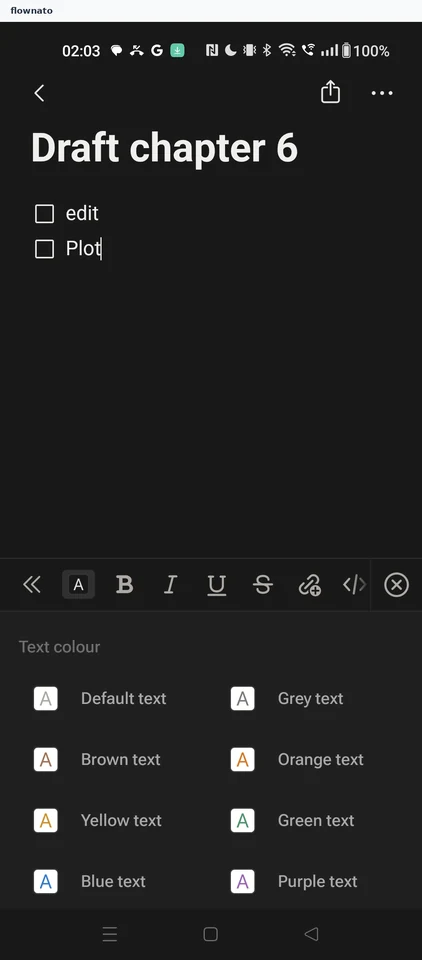
Toolbar

A group of actions for the current content or task. Study captured mobile app examples for UI/UX research.
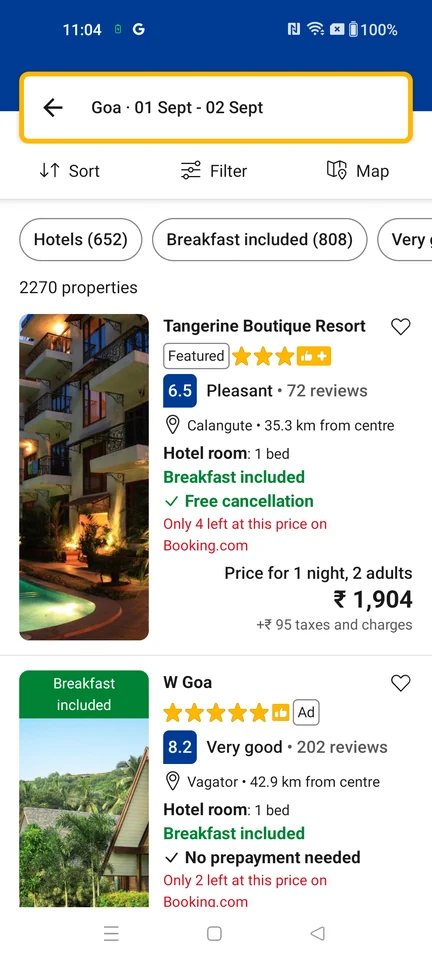
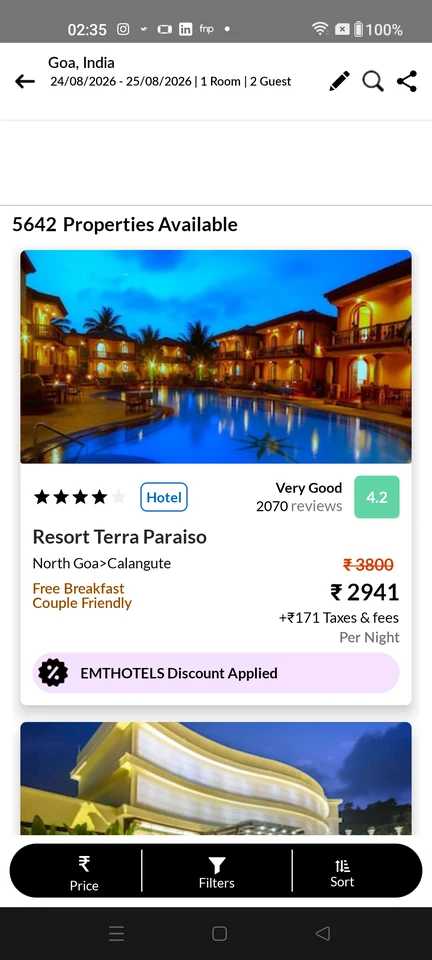
  1. Booking.com: Stay results

    Stay results

    Booking.com Stay results

    View the screen

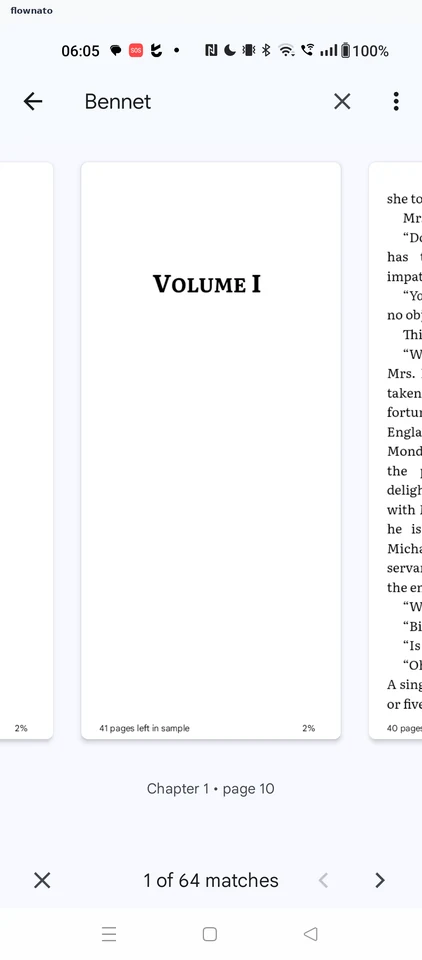
  2. Gaana: Now playing

    Full music player

    Gaana Now playing

    View the screen

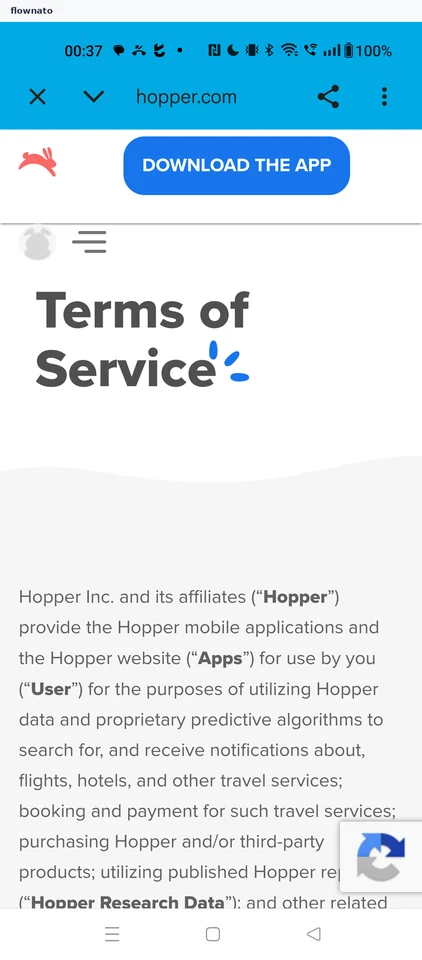
  3. Hungama: Audio player

    Audio player

    Hungama Audio player

    View the screen

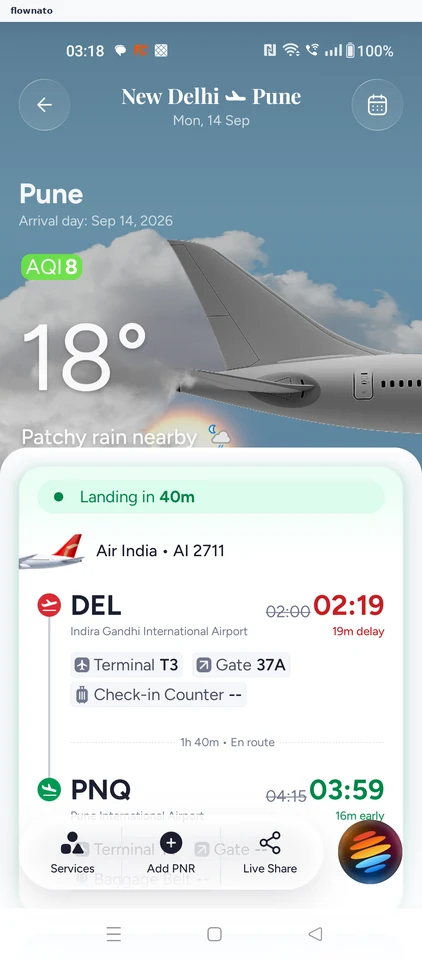
  4. ixigo: Flight status

    Premium screenshot

    View the screen

  5. Meesho: Home

    Home feed

    Premium screenshot

    View the screen

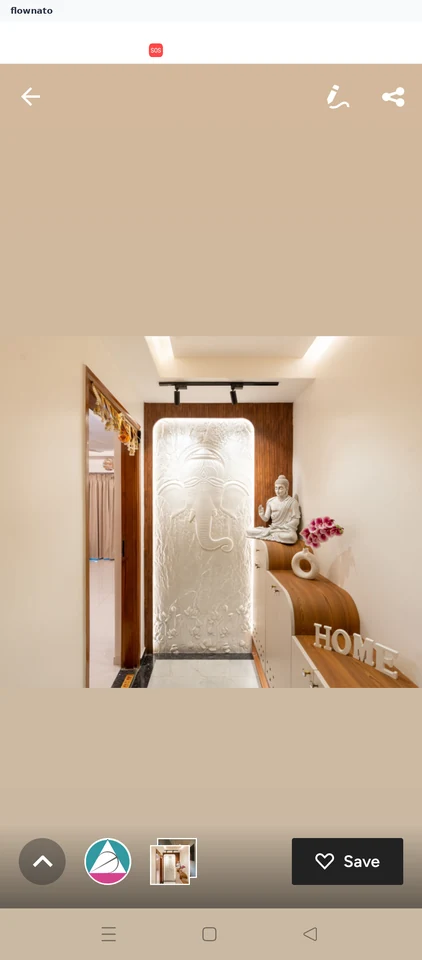
  6. Pepperfry: Home

    Premium screenshot

    View the screen

  7. Practo: Clinician profile

    Premium screenshot

    View the screen

  8. SNITCH: Shirts

    The listing surface used for category browsing and for text-search results: sub-filter chips (ALL, NEW, RELAXED, FORMAL, LINEN), grid-density toggles, a filter and sort control, and a product grid showing names, prices and wishlist hearts. Its filter and sort sheet offers SORT BY (POPULAR, PRICE HIGH TO LOW, PRICE LOW TO HIGH, NEW, CUSTOMER REVIEW) plus CATEGORY, SIZE, COLOR, PATTERN, FIT and MATERIAL facet groups with CLEAR and APPLY. When the surface is reached from a query it shows the query text in the header field with a result count, and the grid-density switch changes how much product copy each tile carries: the widest density shows a single full-bleed image per row with no name or price, while the 2-up density exposes product names and prices. Tapping a result tile opens that product's own detail page.

    Premium screenshot

    View the screen

  9. Tira: Product listing

    Search results

    Premium screenshot

    View the screen

More examples with Premium

Premium unlocks the remaining screenshots.