Rapido

Rapido app UI and user flows

App

About Rapido

Screens and user flows from the Rapido app.

Rapido is an Android app in the Transport category. Last recorded on 17 October 2026.

Explore the screens and product flows inside Rapido.

In the library
9 flows · 36 screens
Category and platform
Transport · Android
Updated
Oct 2026
FLOWNATO RATING
3.6Our rating · 15 UX criteria

Onboarding

Flow

About Rapido Onboarding

Enter a phone number in Rapido and complete the required profile choices. Set location and notification permissions to reach the signed-in Home.

  1. Open Rapido
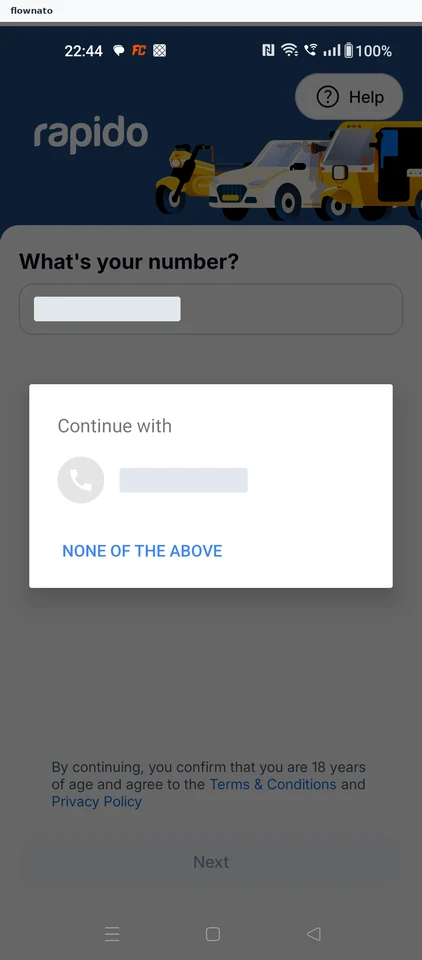
  2. Reach phone entry
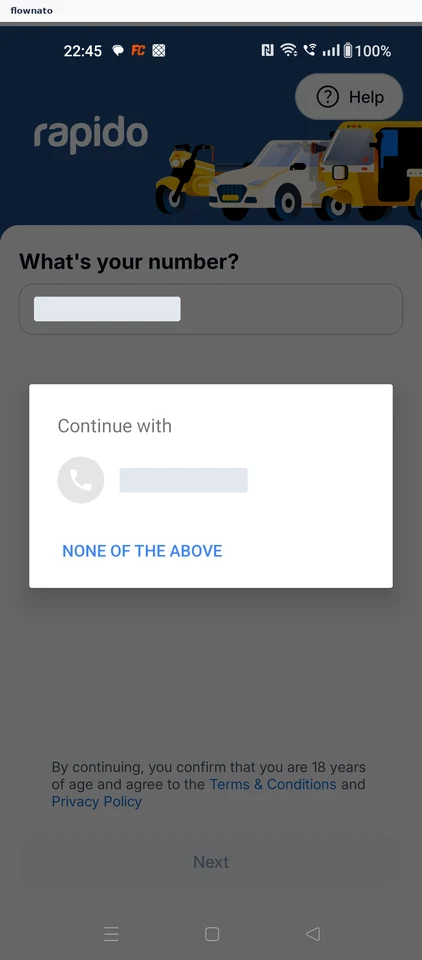
  3. Choose the phone number
  4. Enter profile details
  5. Choose a profile option
  6. Save the required profile
  7. Allow location while using the app
  8. Choose notification preferences
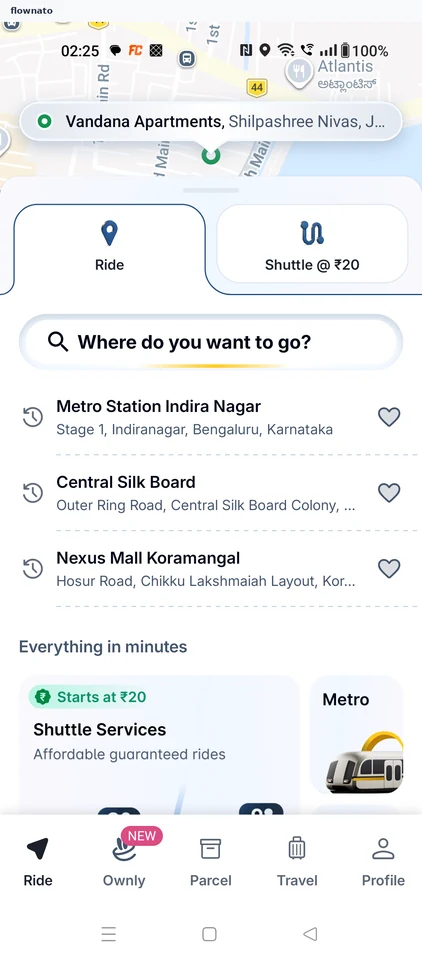
  9. Reach signed-in Home

9 screensFree with sign up

Plan flight

Flow

About Rapido Plan flight

Search for a flight in Rapido, compare fares and add traveller and billing details. Review optional extras and protection before reaching payment choices.

  1. Open Rapido
  2. See the launch promotion
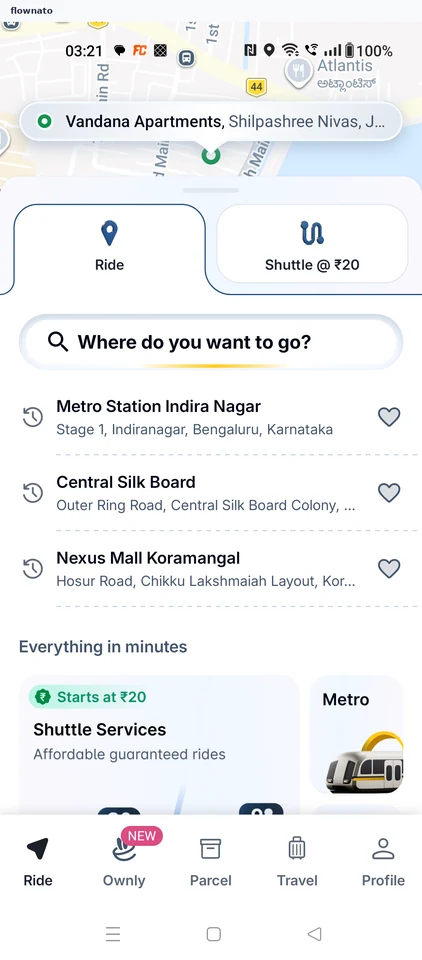
  3. Start from Home
  4. Choose flights
  5. Search the itinerary
  6. Compare flights
  7. Review the flight
  8. Inspect fare terms
  9. Continue with the flight
  10. Complete traveller names
  11. Confirm the traveller
  12. Continue to contact details
  13. Confirm contact details
  14. Review billing requirements
  15. Save billing details
  16. Enter the billing address
  17. Correct the billing state
  18. Complete billing details
  19. Review traveller details
  20. Decline the suggested seat
  21. Skip paid seats
  22. Skip paid meals
  23. Review protection
  24. Review payment choices
  25. Stop before payment

25 screens

Plan bus

Flow

About Rapido Plan bus

Search Rapido buses, choose a service, seat and stops, and review passenger options. Inspect the fare and payment choices without completing a booking.

  1. Open Rapido
  2. See the launch promotion
  3. Start from Home
  4. Choose buses
  5. Search the itinerary
  6. Compare buses
  7. Choose a seat
  8. Confirm the seat
  9. Choose boarding
  10. Choose the drop
  11. Choose passenger gender
  12. Review passenger details
  13. Decline insurance
  14. Continue booking
  15. Review payment choices
  16. Open booking details
  17. Review the fare
  18. Confirm trip details
  19. Stop before payment

19 screensFree with sign up

Plan a ride

Flow

About Rapido Plan a ride

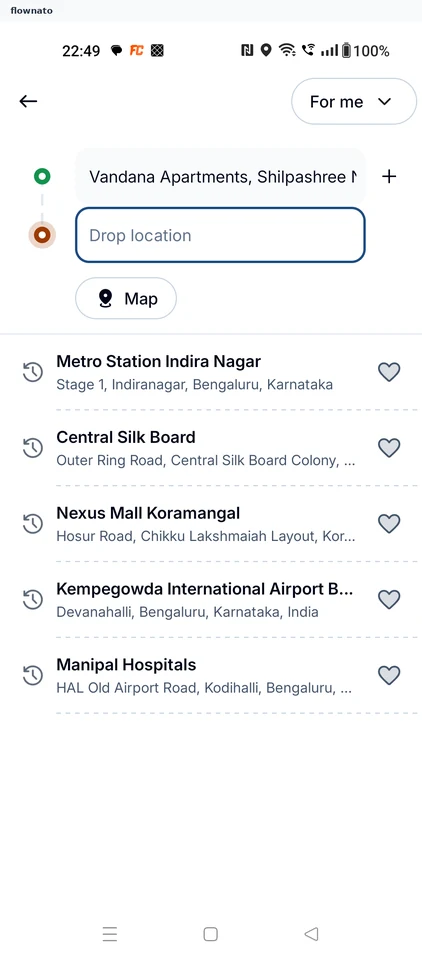
Search a destination in Rapido, compare ride types and fares, and inspect payment choices. The flow ends before placing the ride booking.

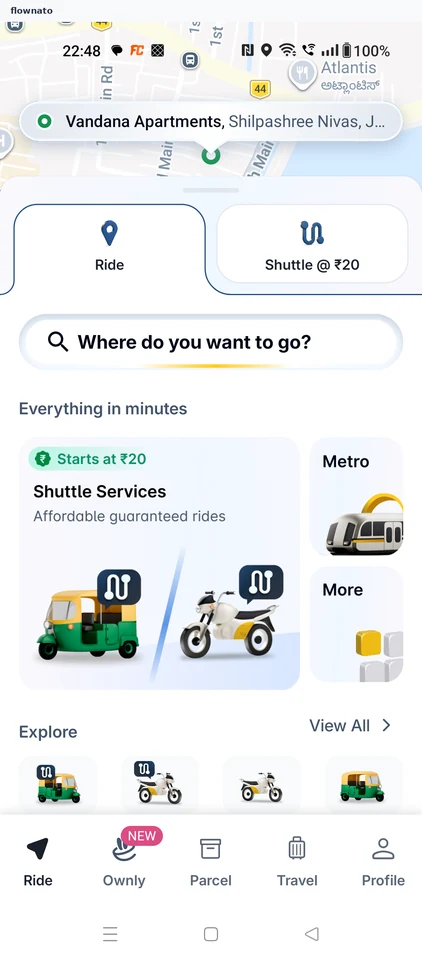
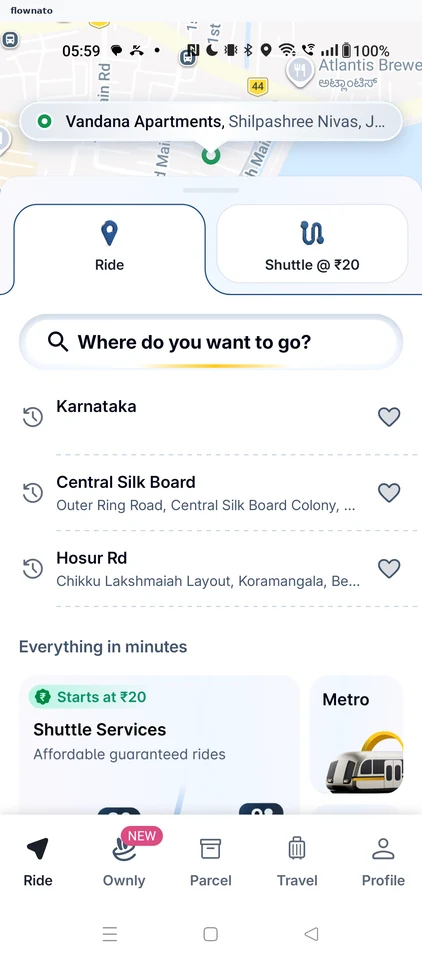
  1. Start from Home
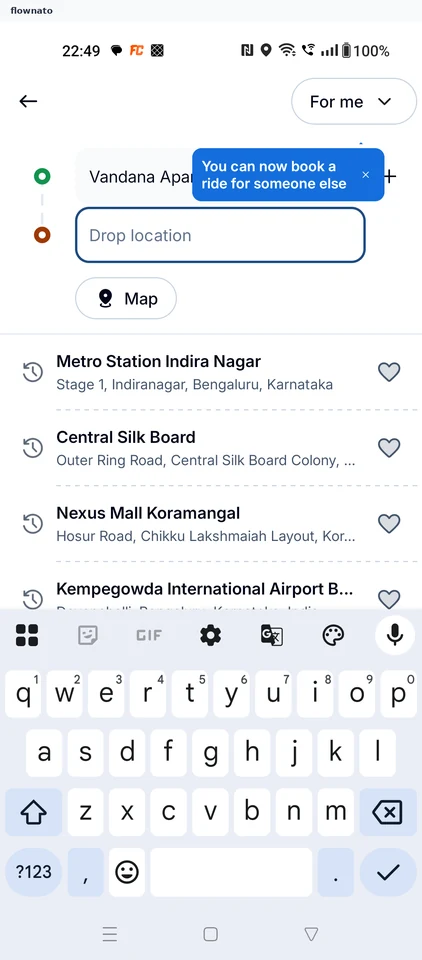
  2. Search for a destination
  3. Choose the destination
  4. Dismiss the ride guide
  5. Compare ride options
  6. Review the selected payment
  7. Inspect remaining payment choices
  8. Stop before booking

8 screensFree with sign up

Buying a metro ticket

Flow

About Rapido Buying a metro ticket

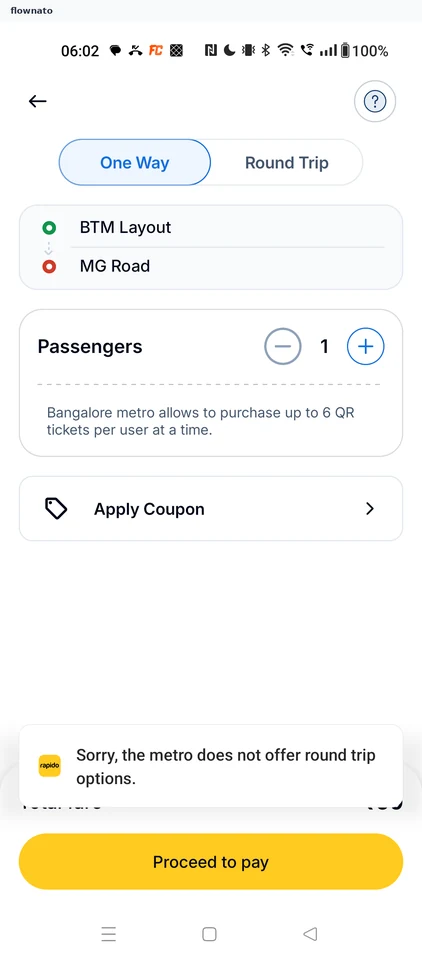
  1. Open Metro from Ride home
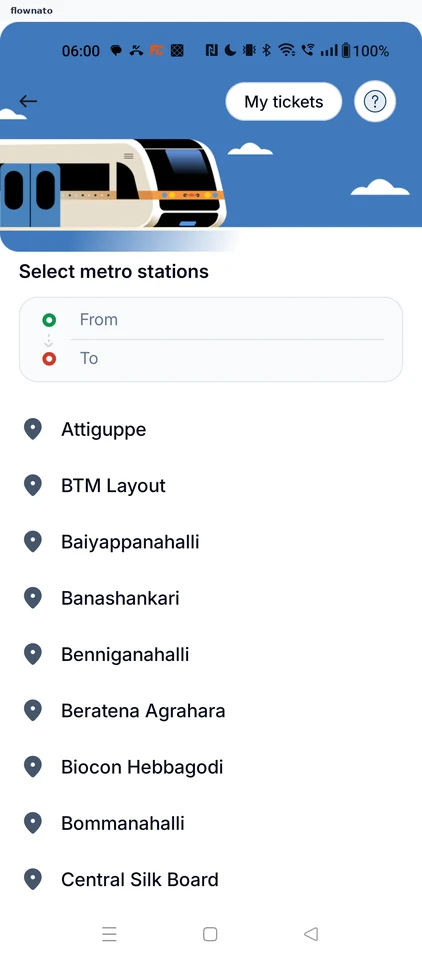
  2. Select metro stations
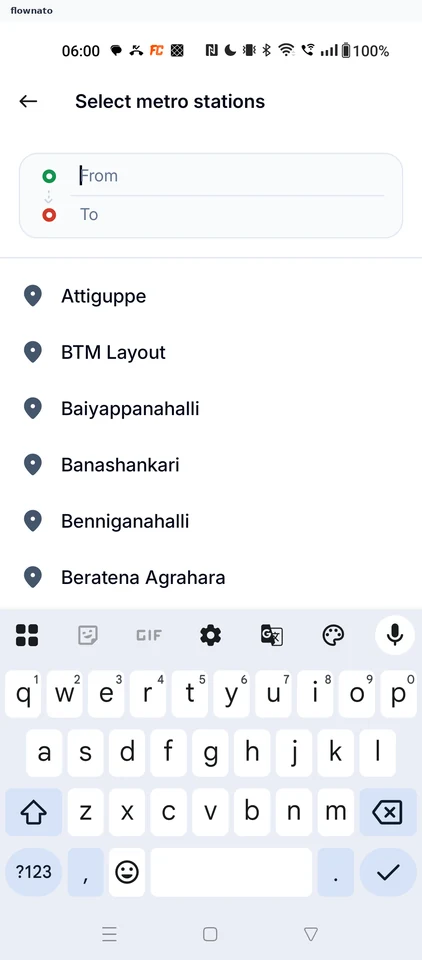
  3. Choose the From station
  4. Search the To station
  5. Pick MG Road
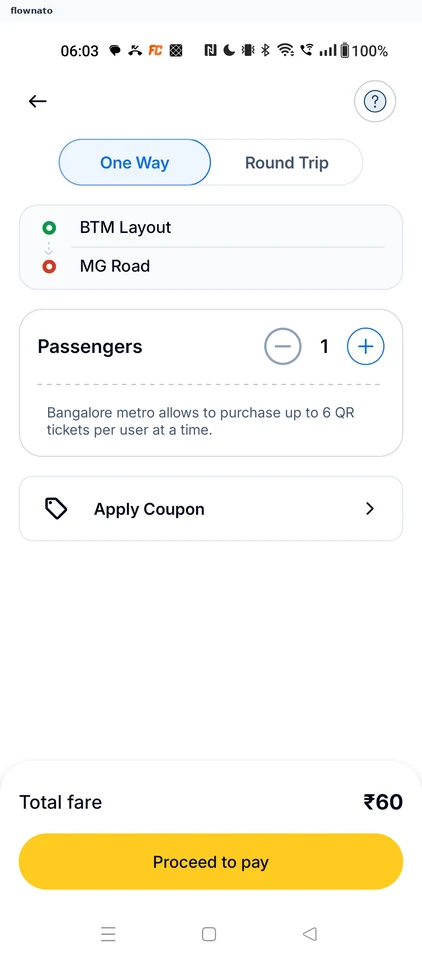
  6. Review the ticket

6 screens

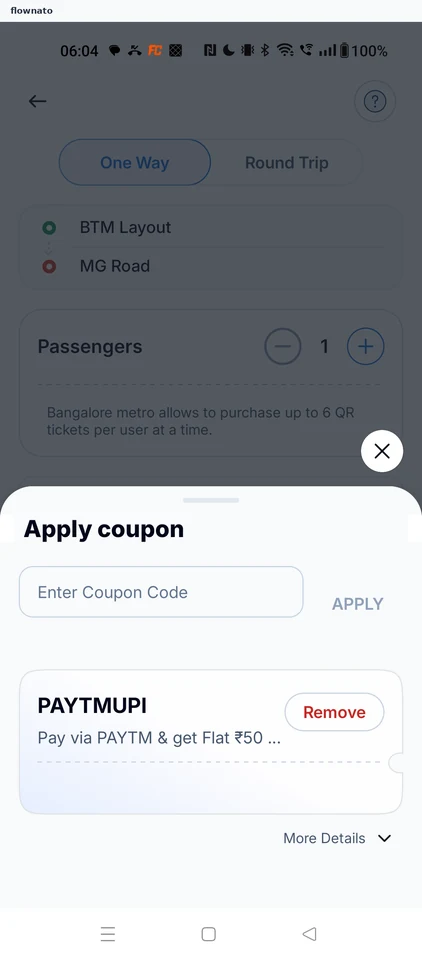
Applying an offer

Flow

About Rapido Applying an offer

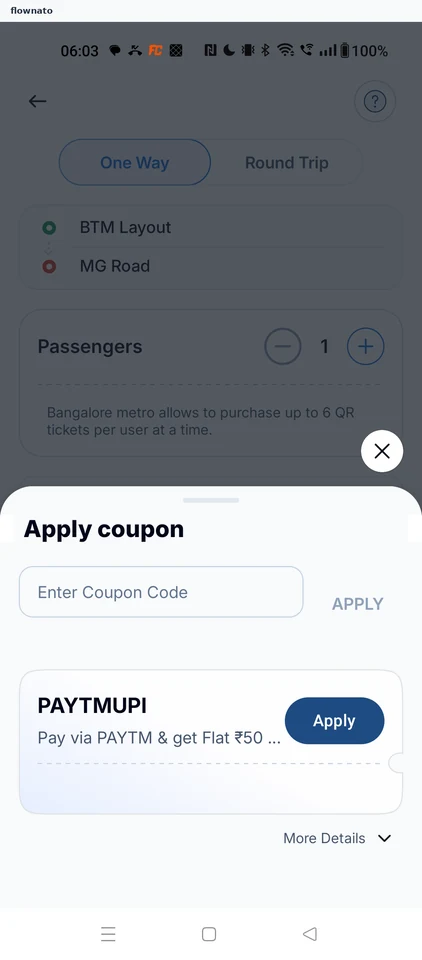
  1. Open Apply Coupon
  2. Choose an offer
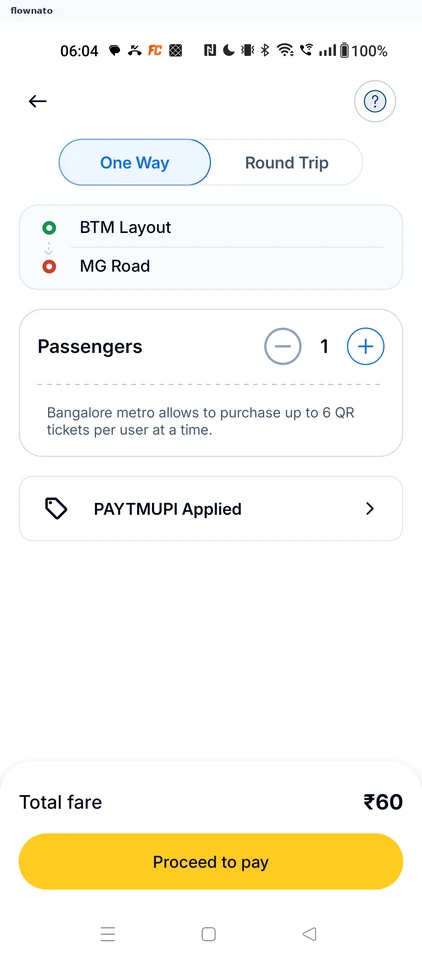
  3. Offer applied

3 screens

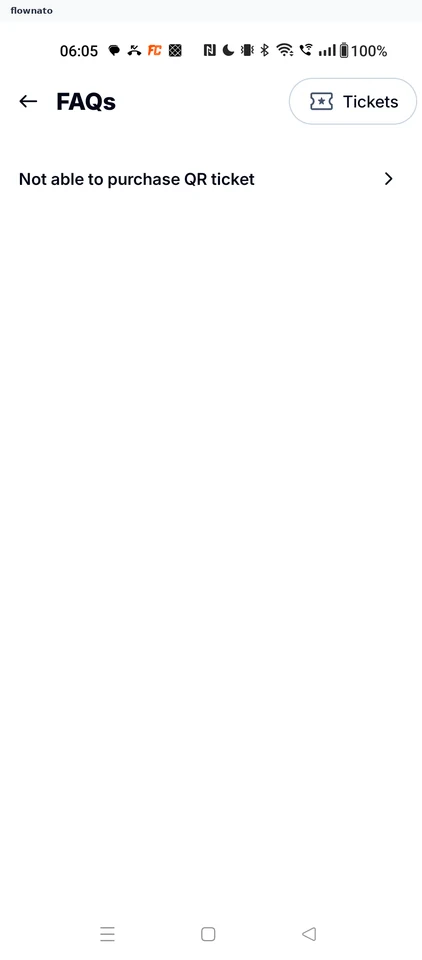
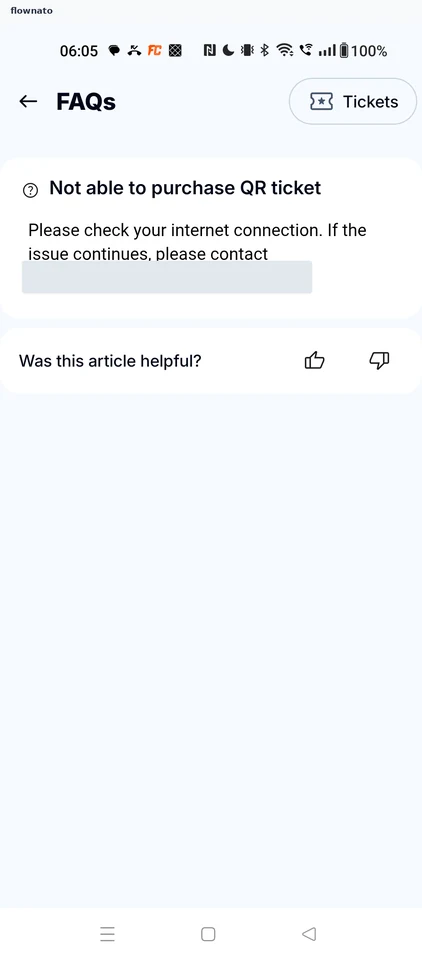
Reading metro help

Flow

About Rapido Reading metro help

  1. Open help
  2. Choose an FAQ
  3. Read the answer

3 screens

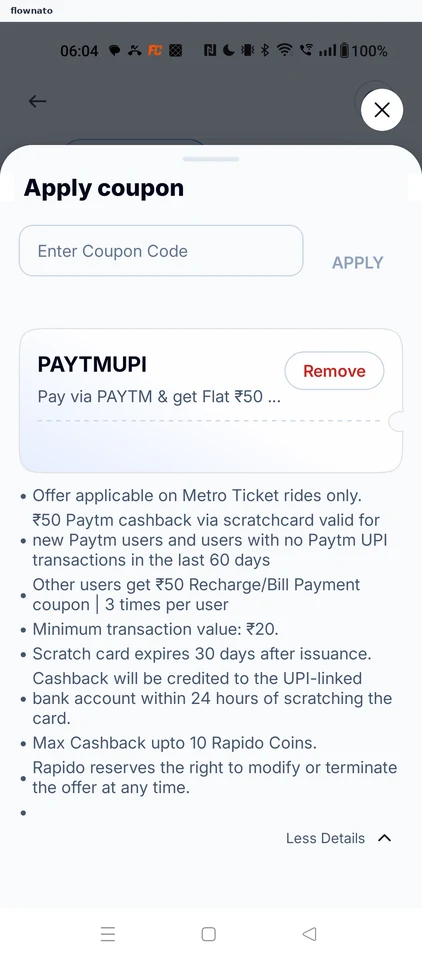
Reading offer terms

Flow

About Rapido Reading offer terms

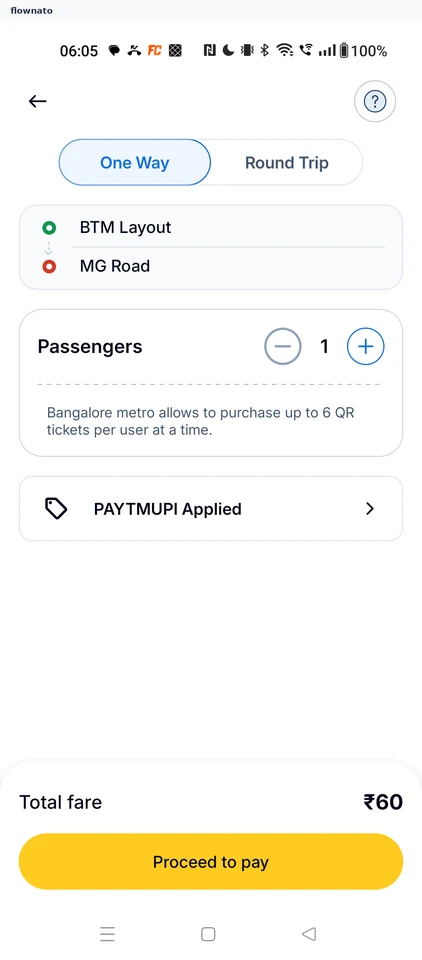
  1. Reopen the applied offer
  2. Open More Details
  3. Read the offer terms

3 screens

Changing passengers

Flow

About Rapido Changing passengers

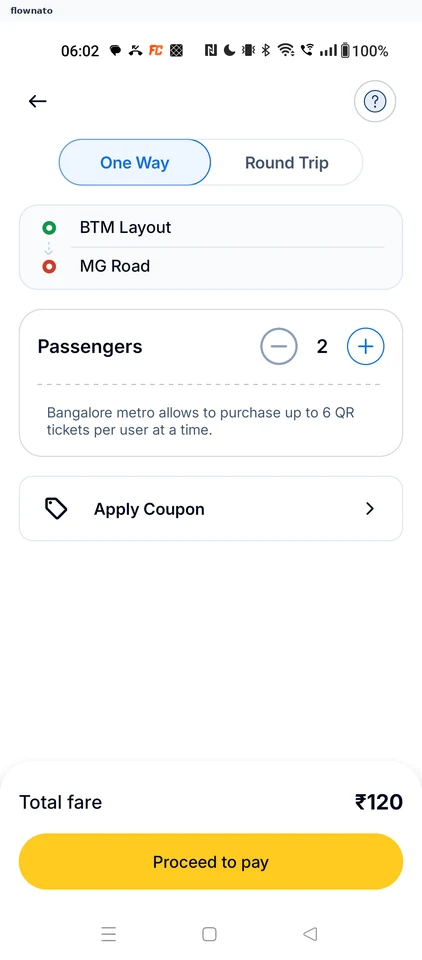
  1. Tap plus on Passengers
  2. Fare updates for 2

2 screens