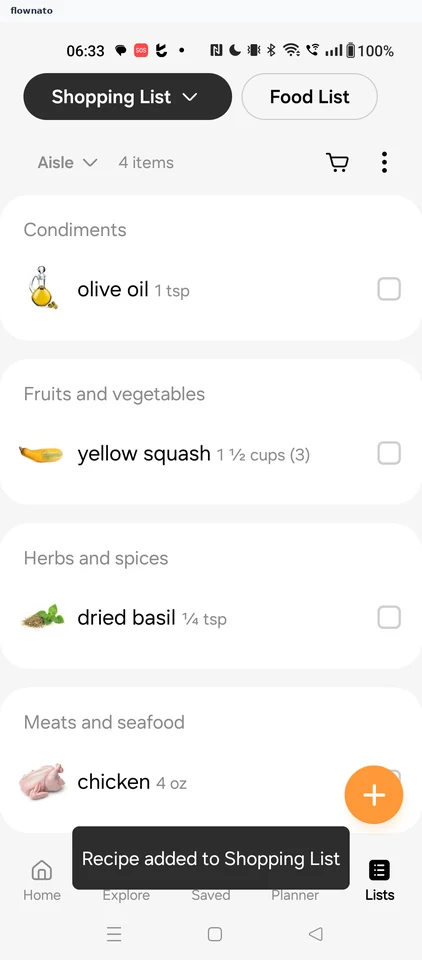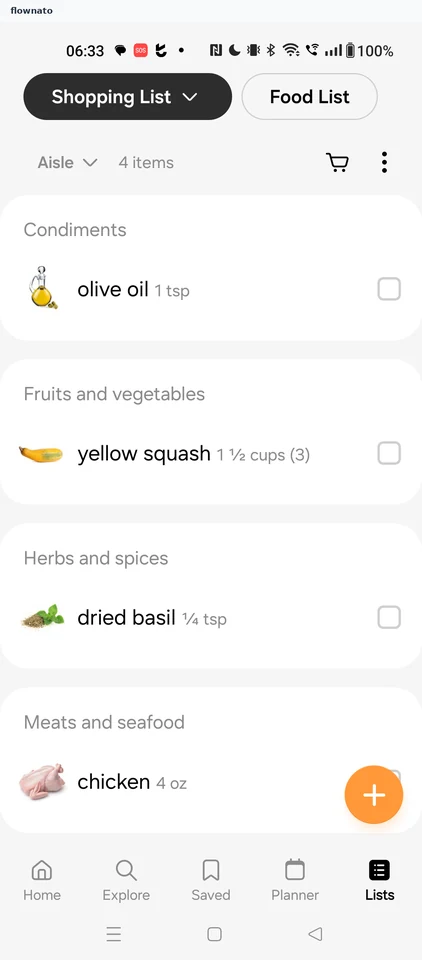
Samsung Food app UI and user flows
Explore the screens and product flows inside Samsung Food.
- In the library
- 47 flows · 73 screens
- Category and platform
- Food & drink · Android
- Updated
- Oct 2026
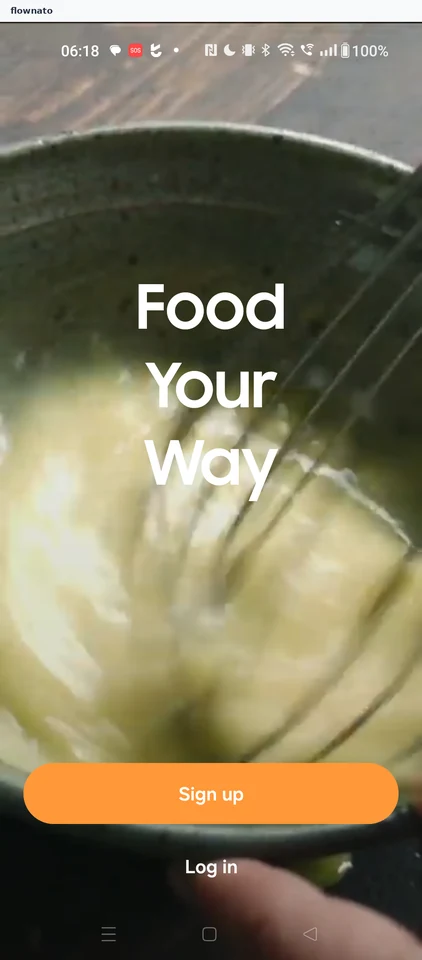
Onboarding
30 screensFree with sign up

Home
1 screensFree with sign up
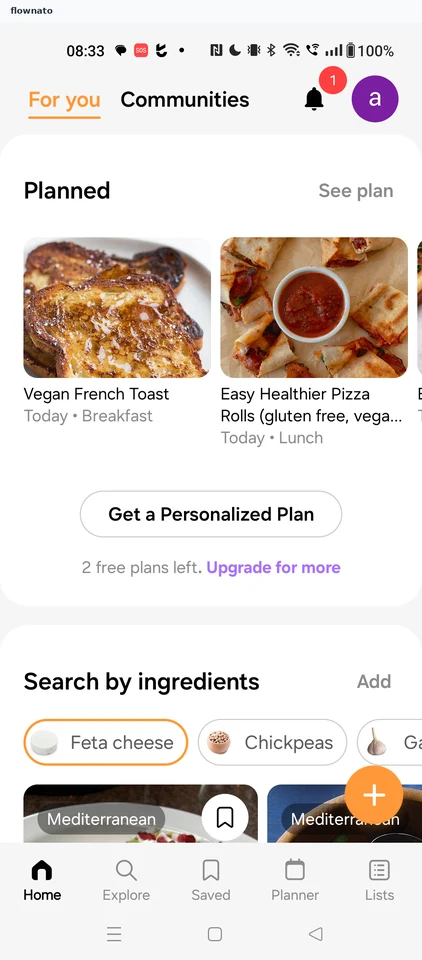
Profile
1 screens

Editing the profile
7 screens


Settings
1 screens

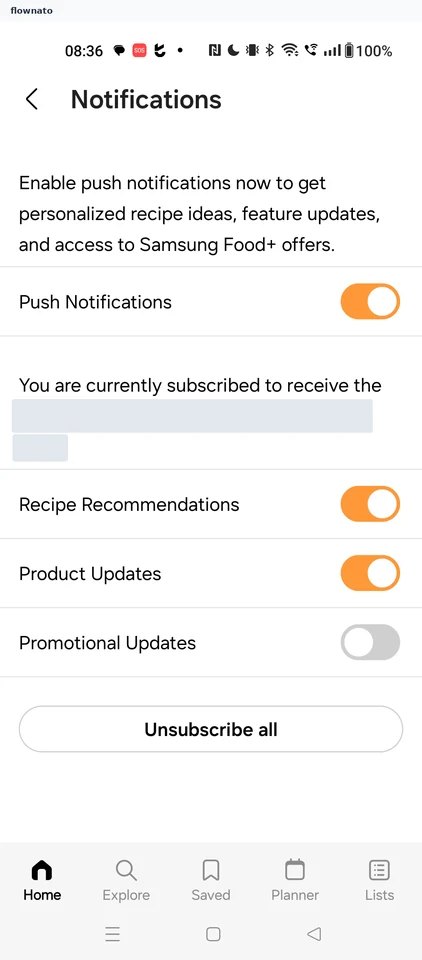
Notifications
1 screens
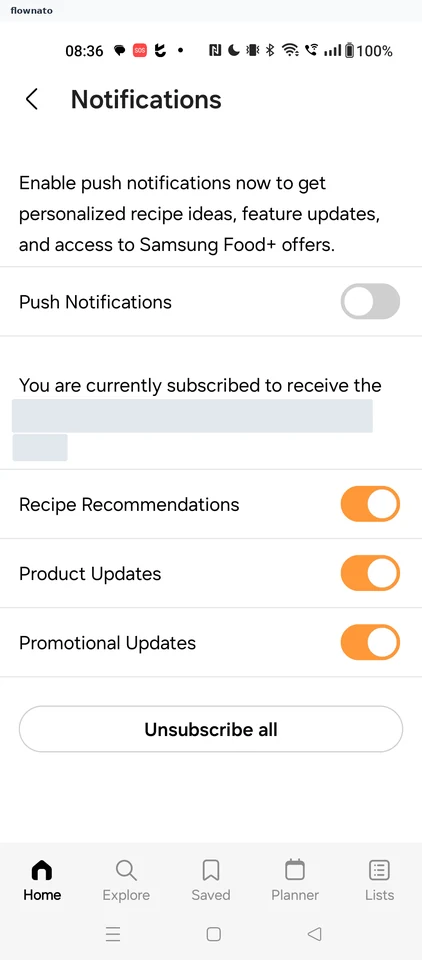
Turning off promotional updates
2 screens
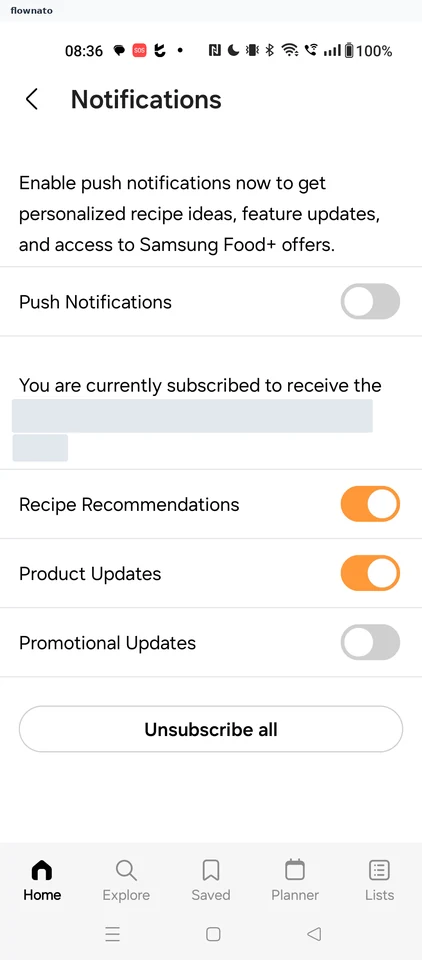
Turning on the push notifications toggle
3 screens
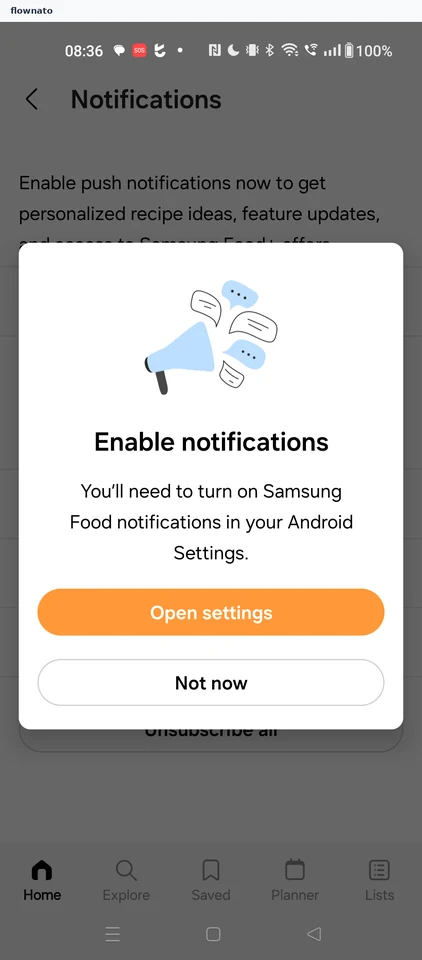
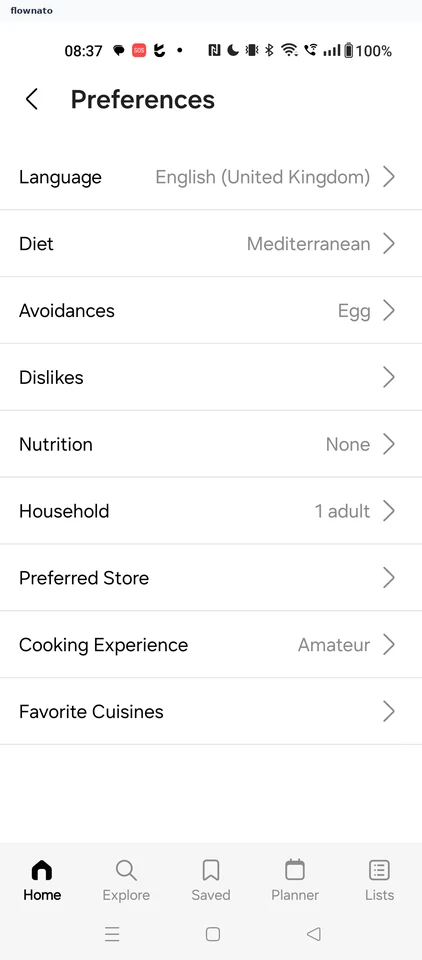
Preferences
1 screens
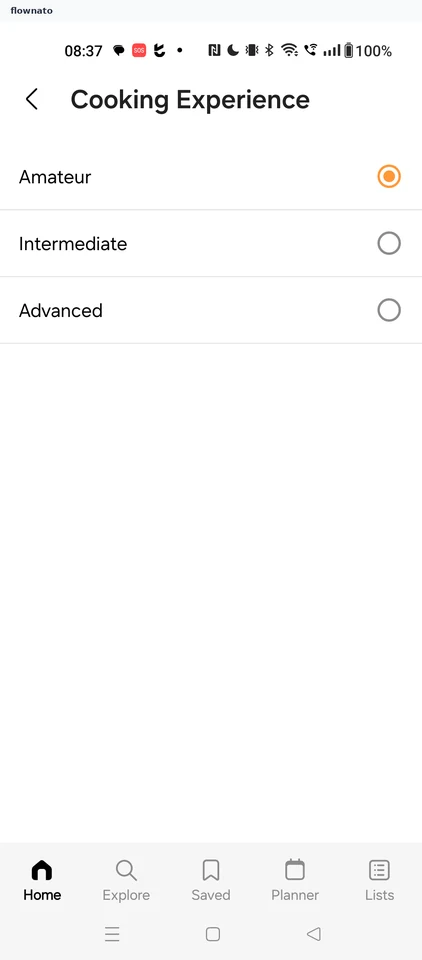
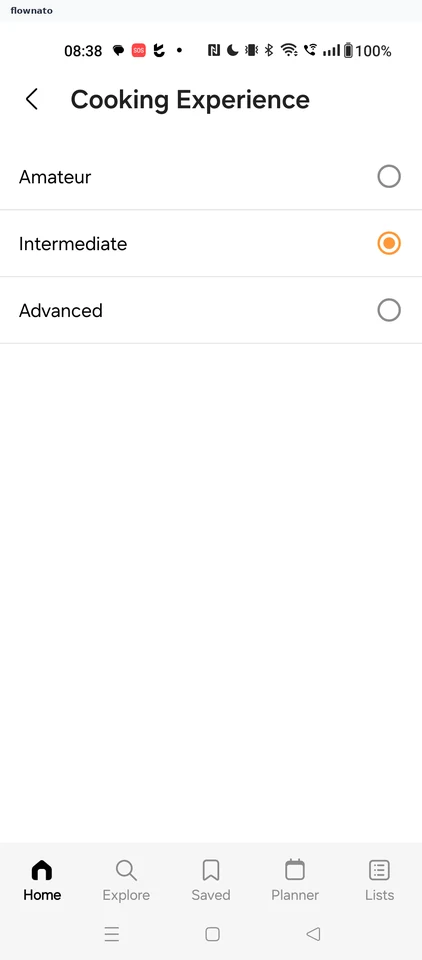
Changing cooking experience
4 screens
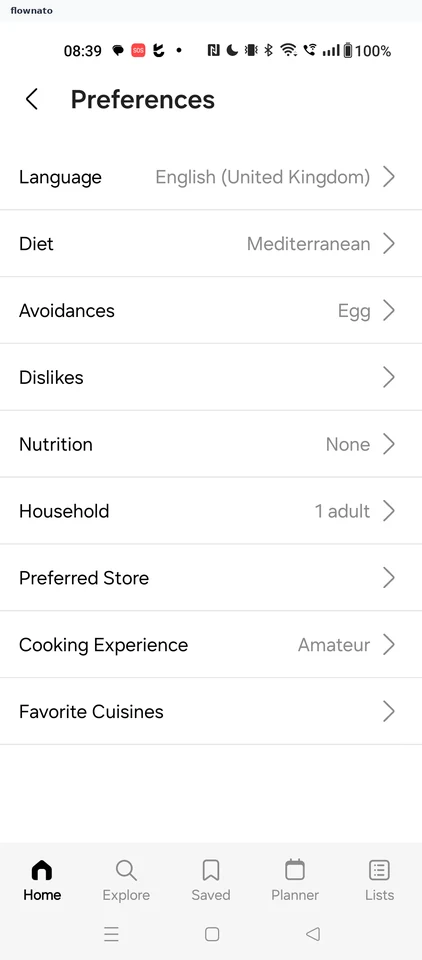
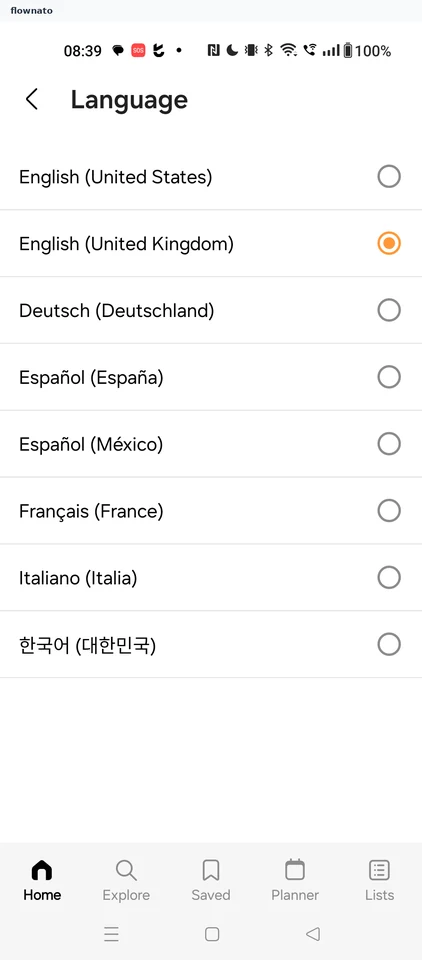
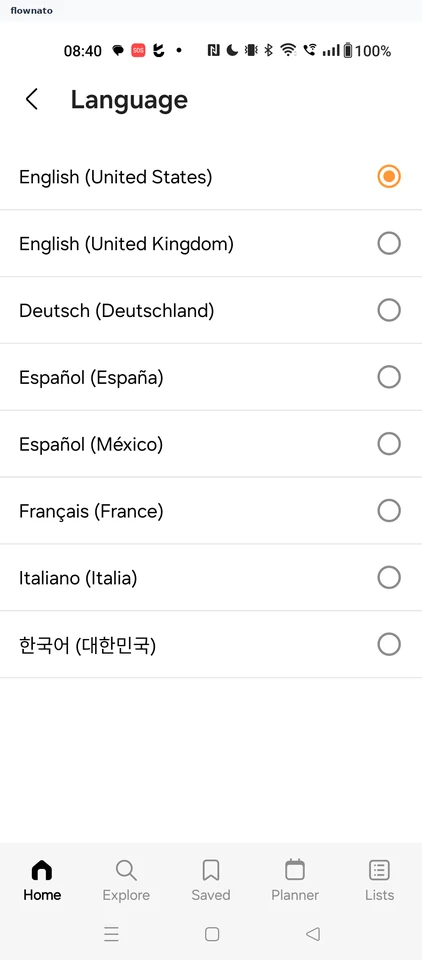
Changing the app language
4 screens
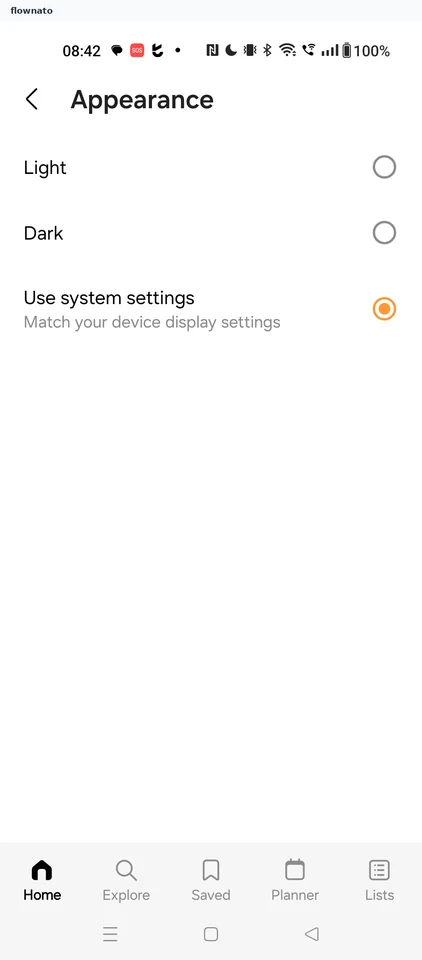
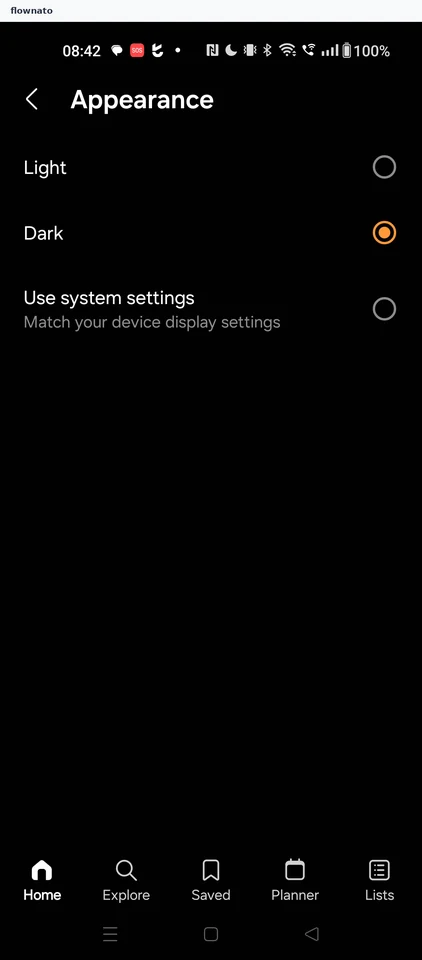
Switching to dark theme
3 screens

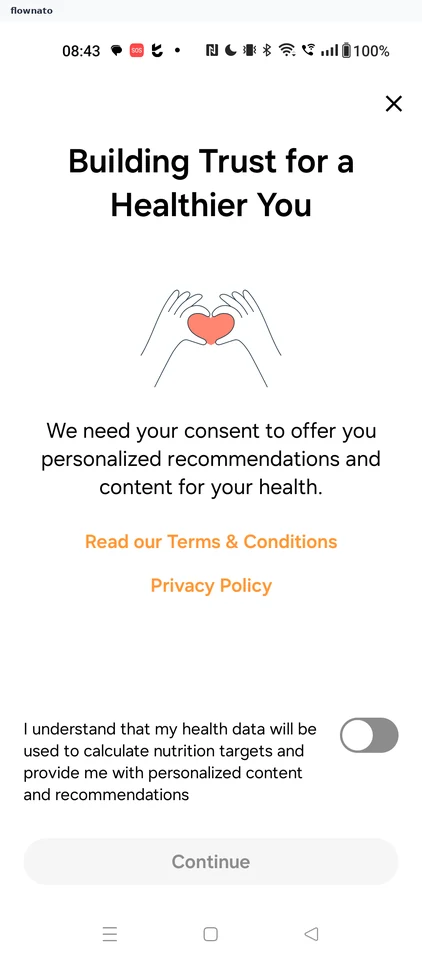
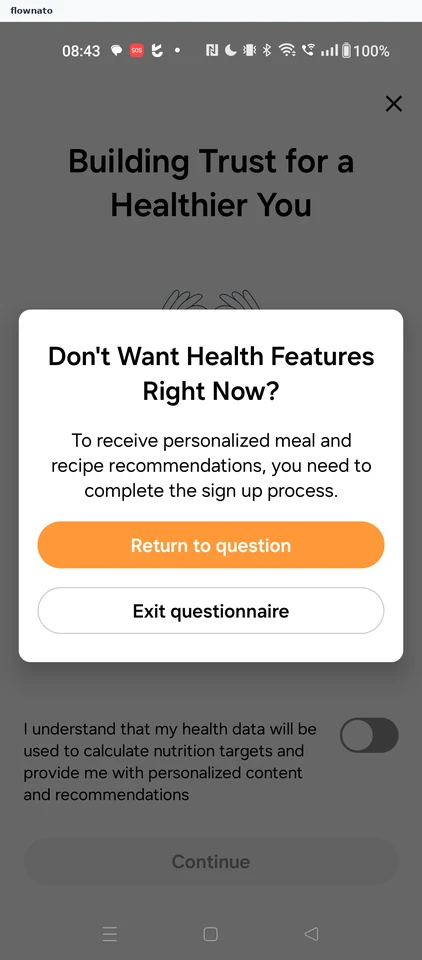
Declining health data consent
4 screens

Saved
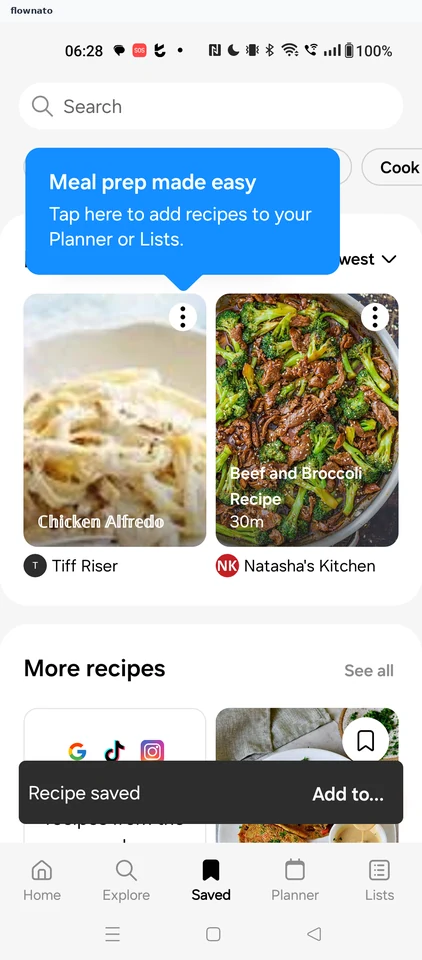
3 screensFree with sign up
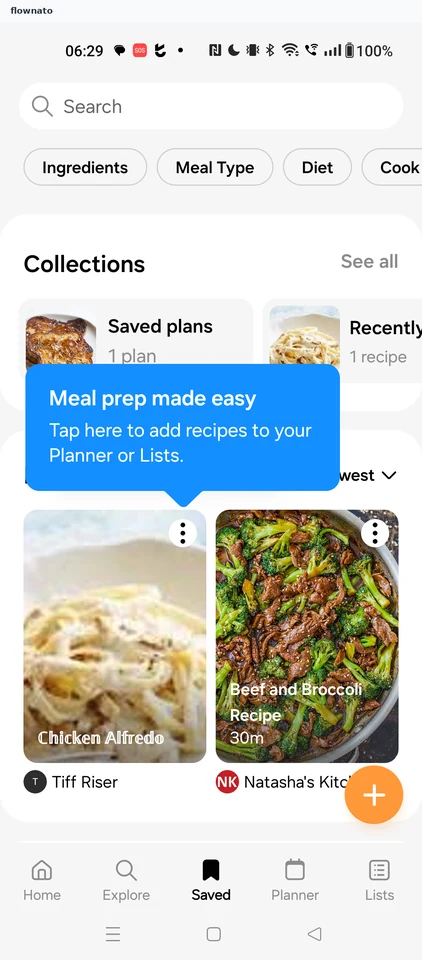
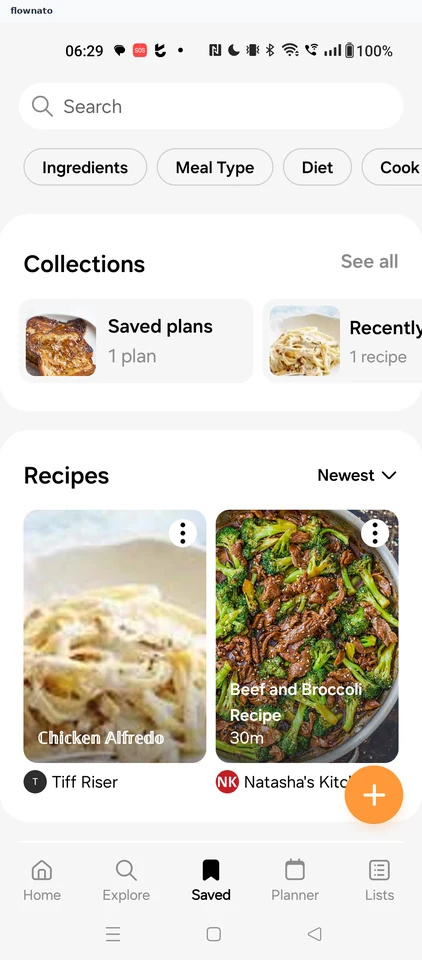
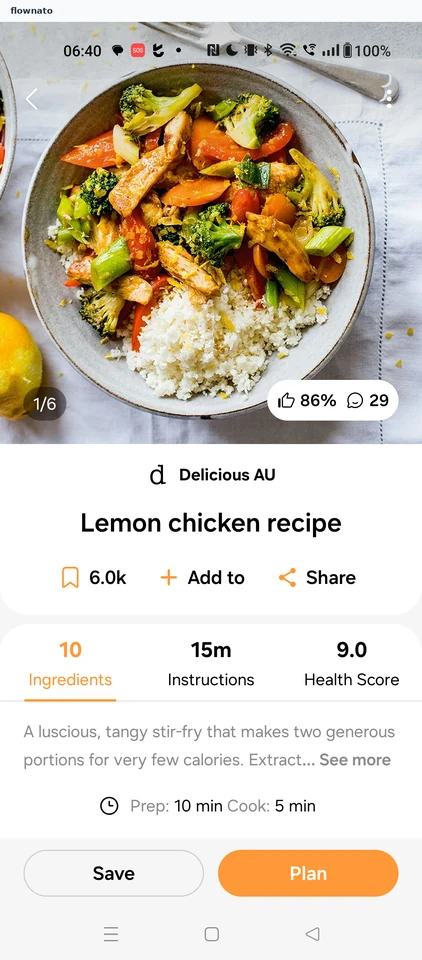
Recipe detail
5 screens
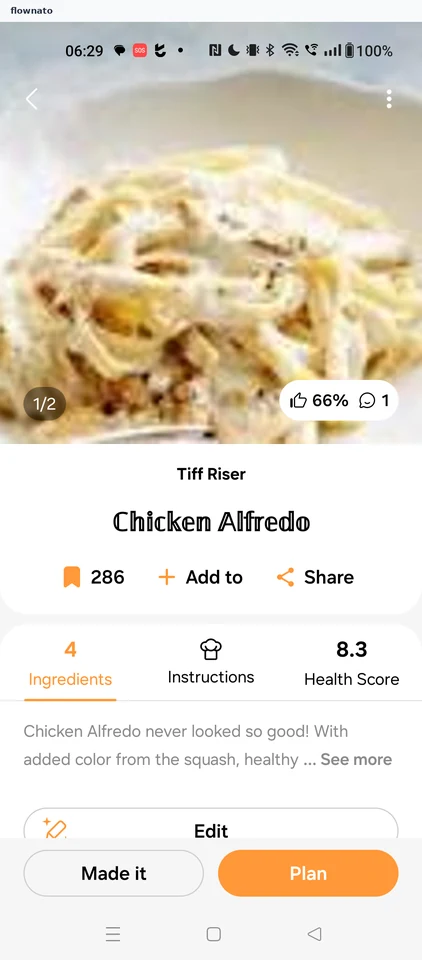
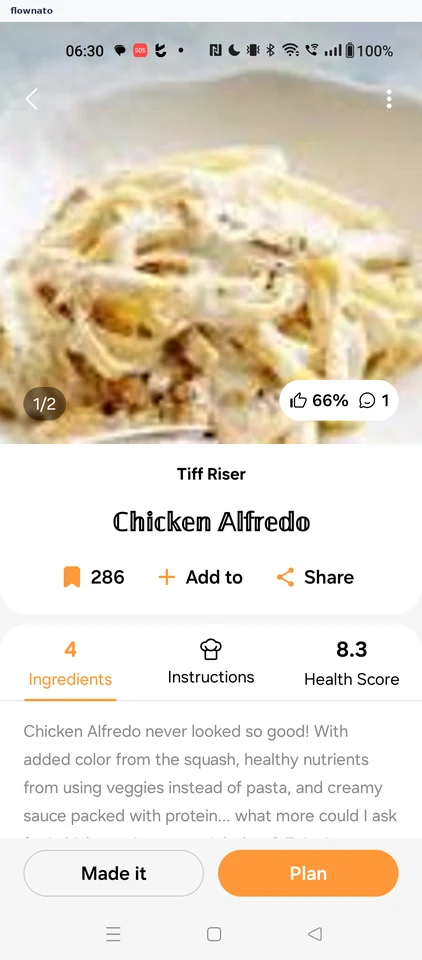

Saving a recipe
2 screens
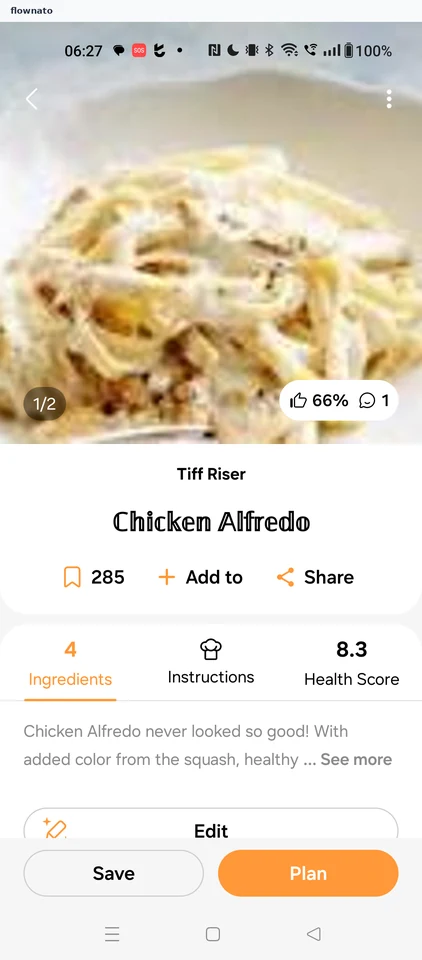
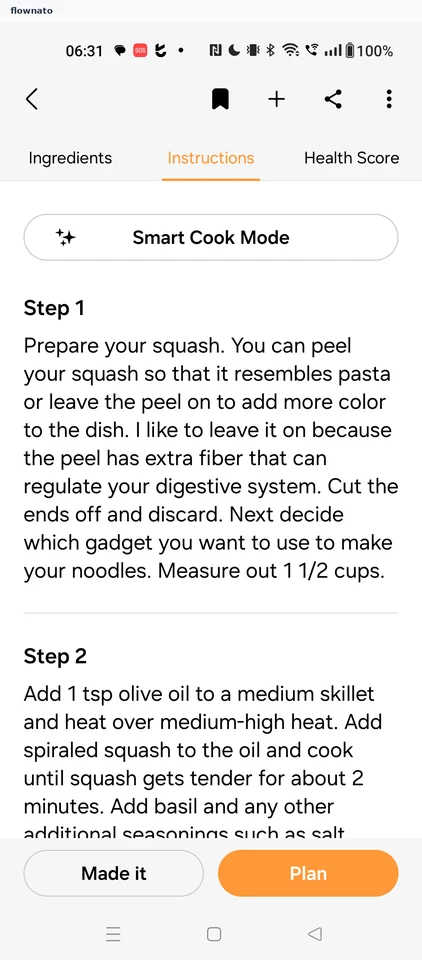
Viewing recipe instructions
2 screens
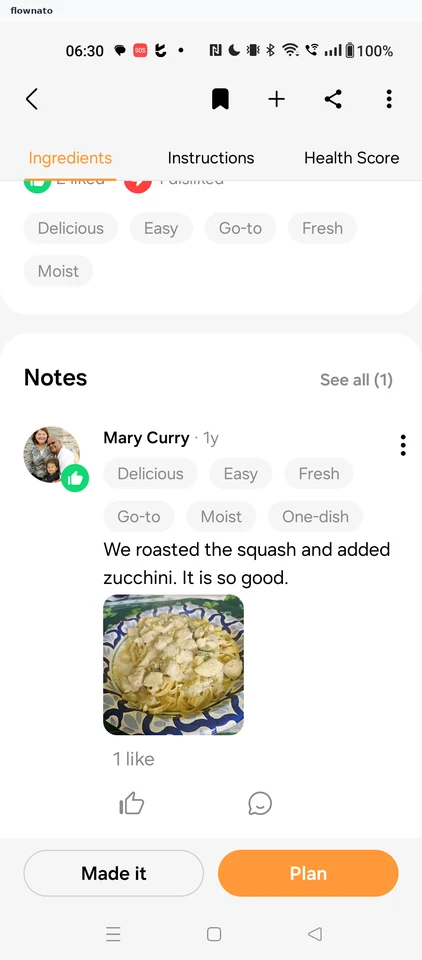
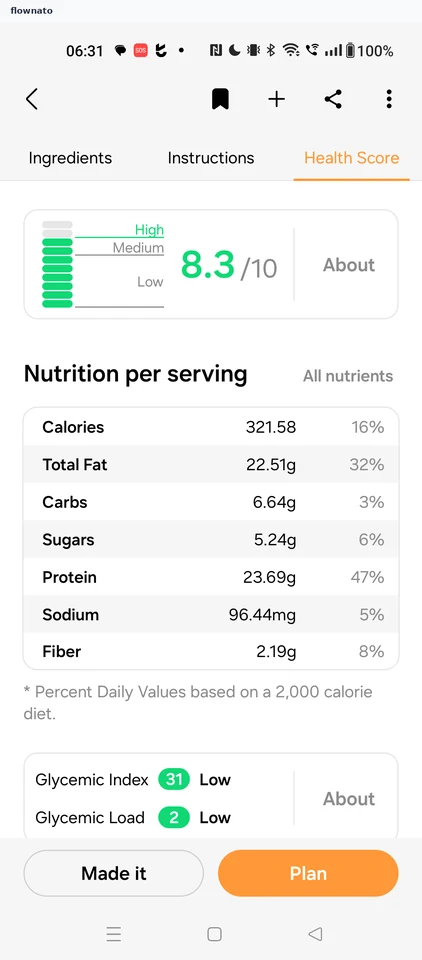
Viewing the health score
2 screens
Recipe options
1 screens
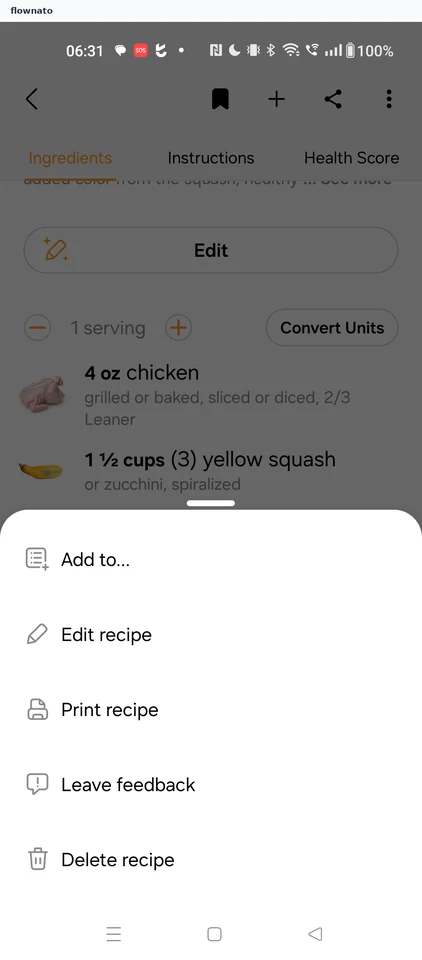
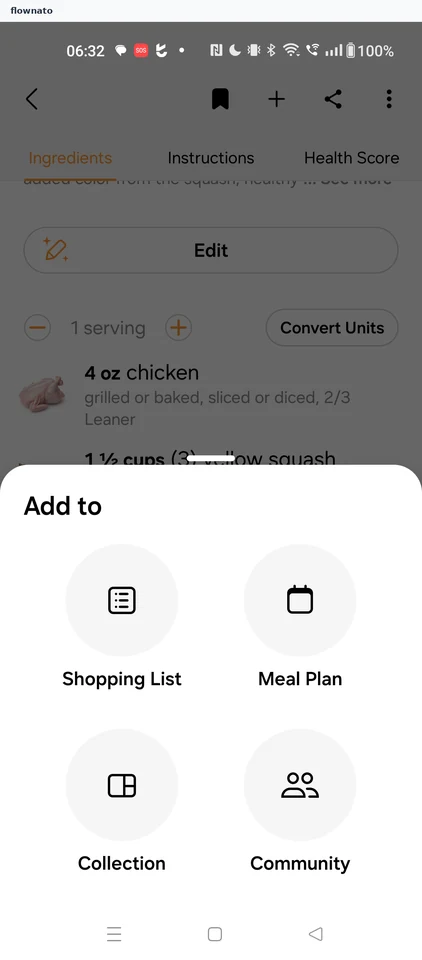
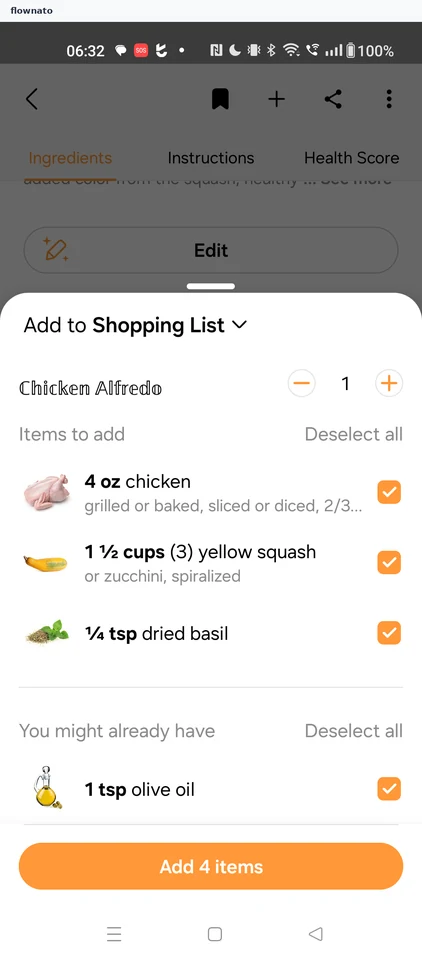
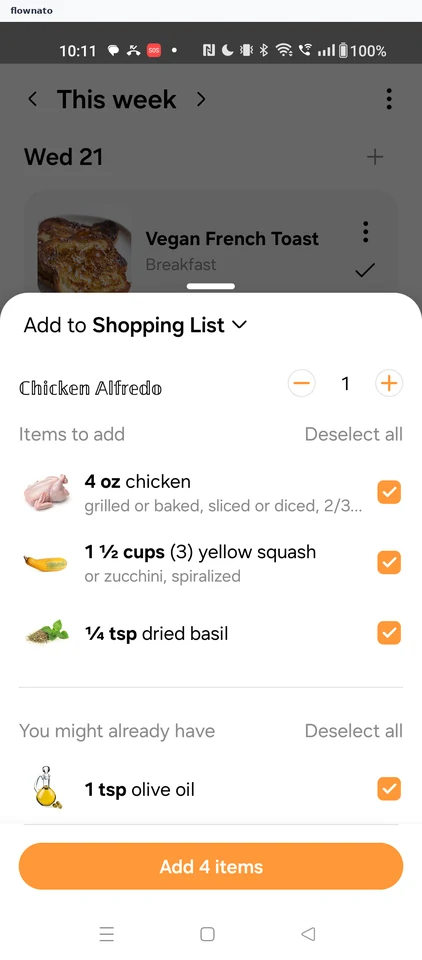
Adding a recipe to the shopping list
4 screens
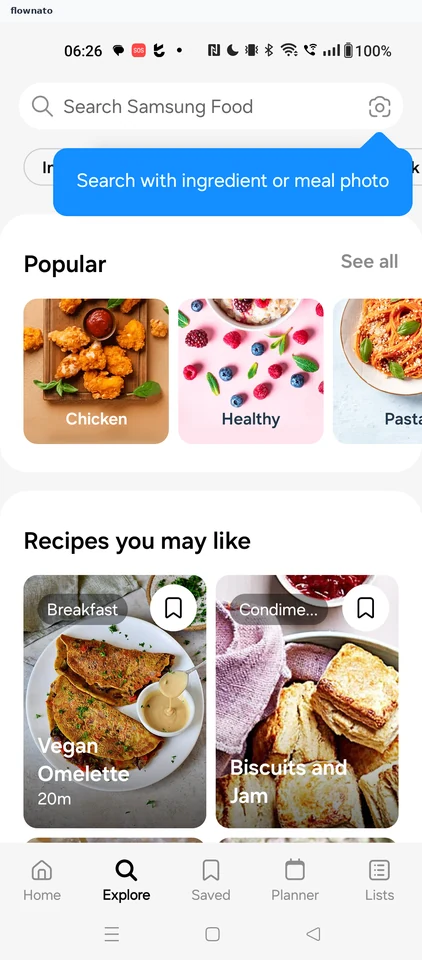
Explore
2 screens
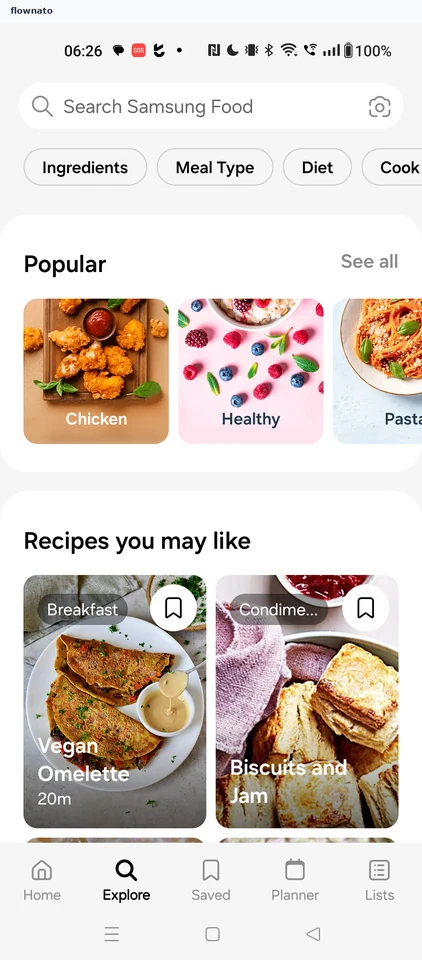
Searching for recipes
3 screens
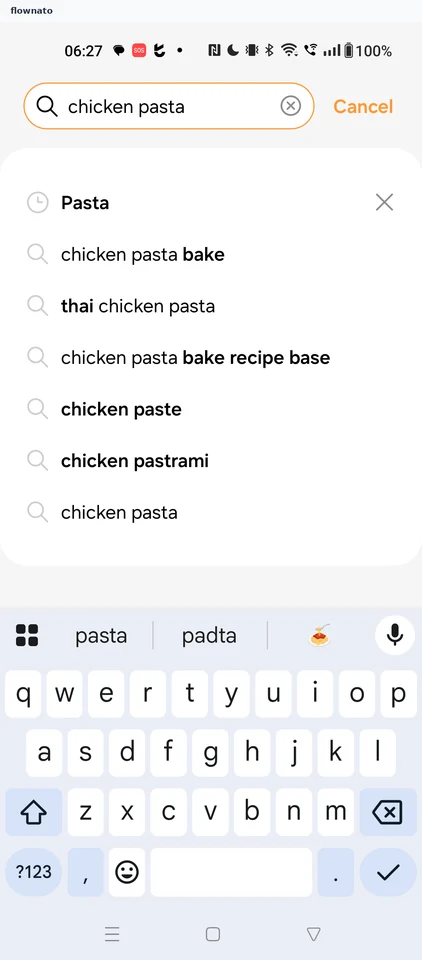
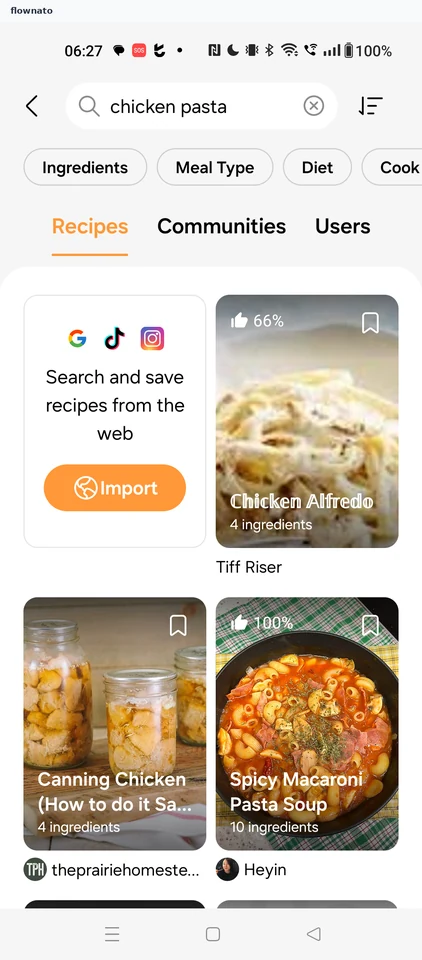
Search results
3 screens
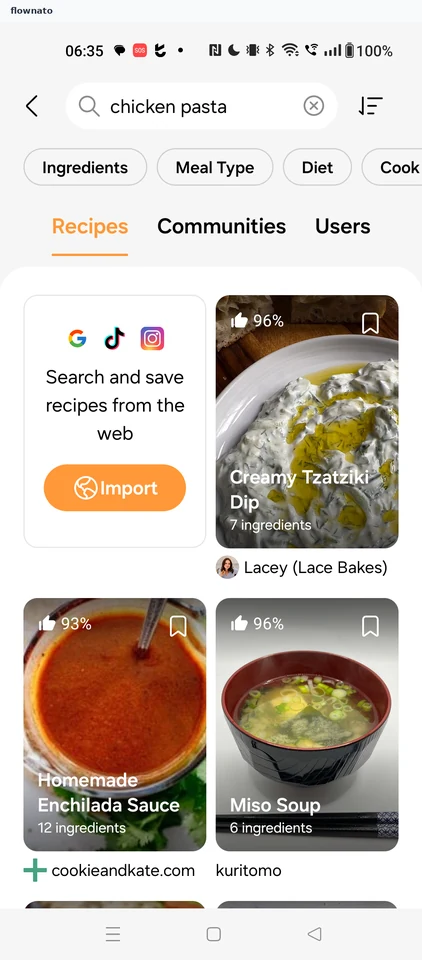
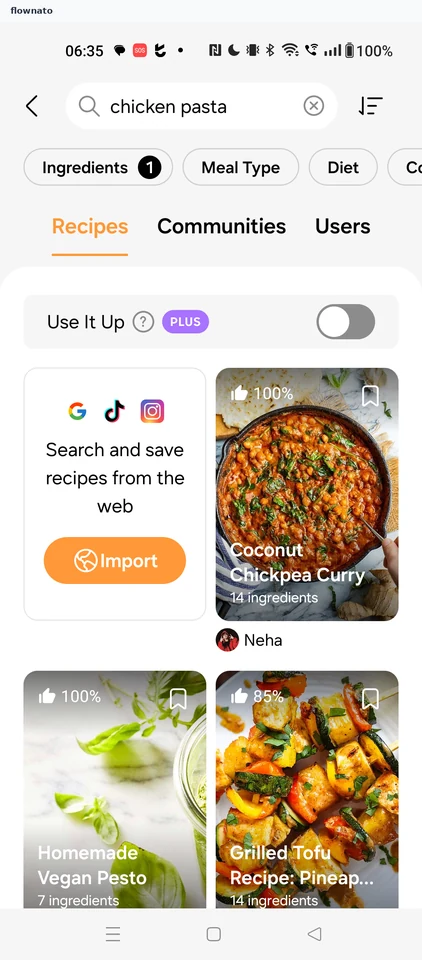
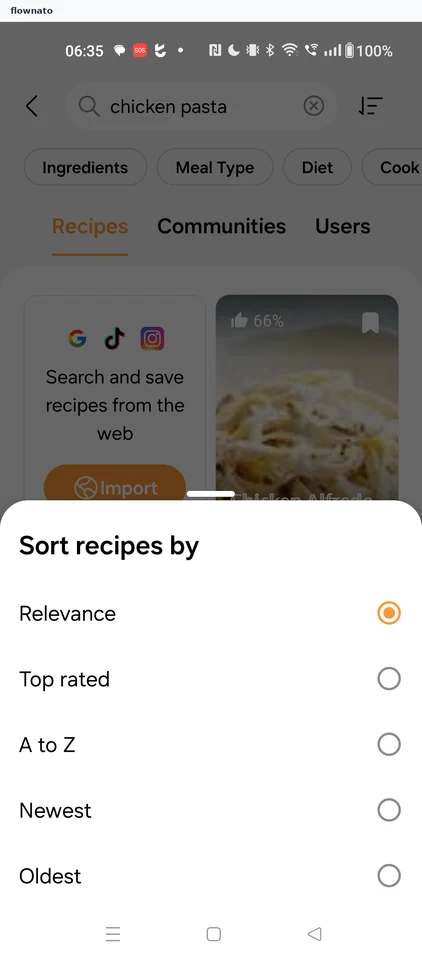
Sorting results by top rated
3 screens
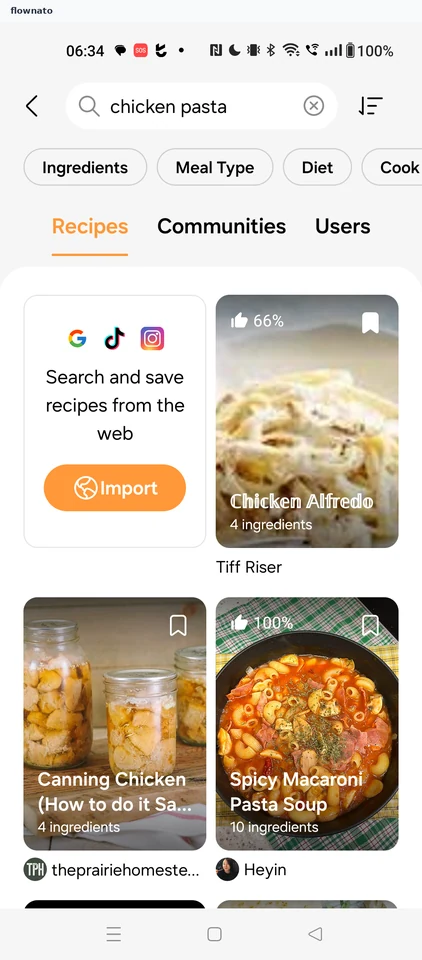
Filtering results by ingredient
4 screens
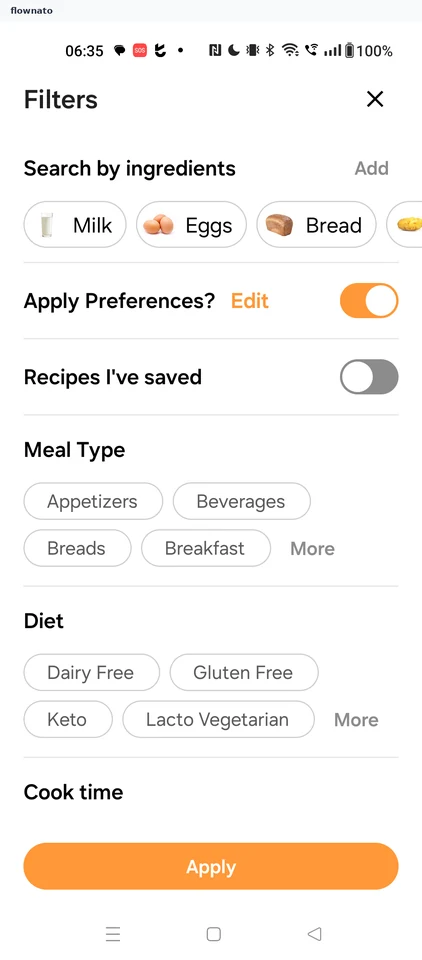
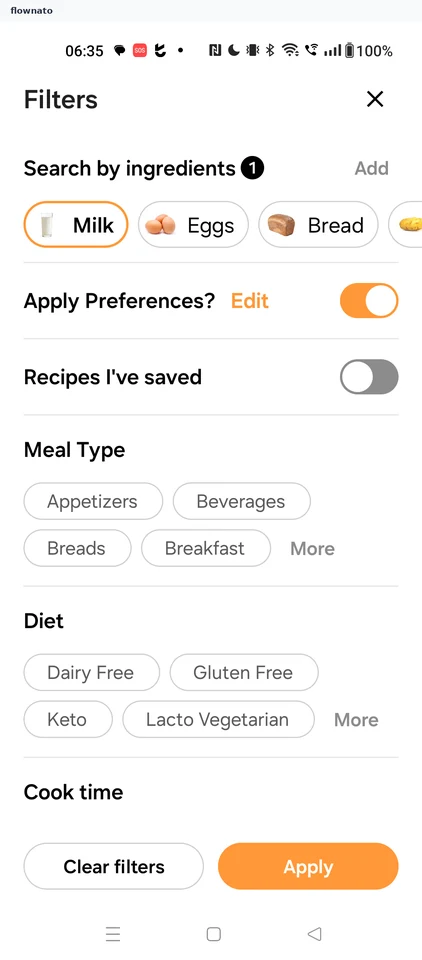
Filtering results by meal type
5 screens
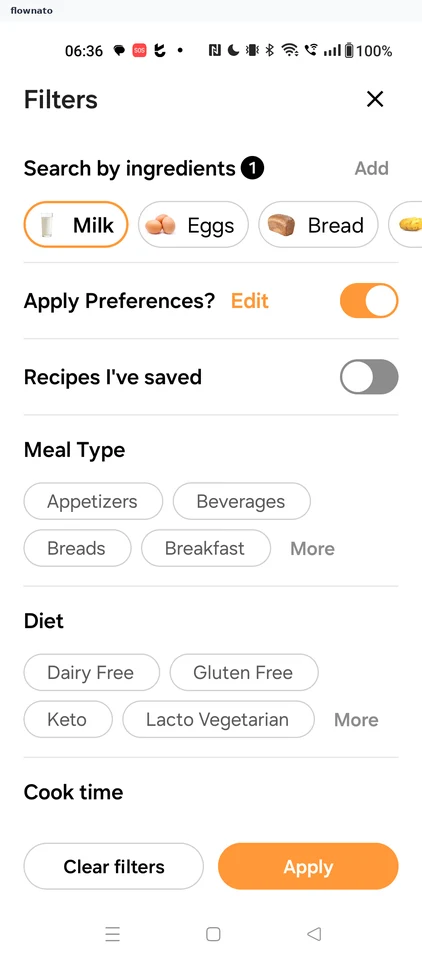
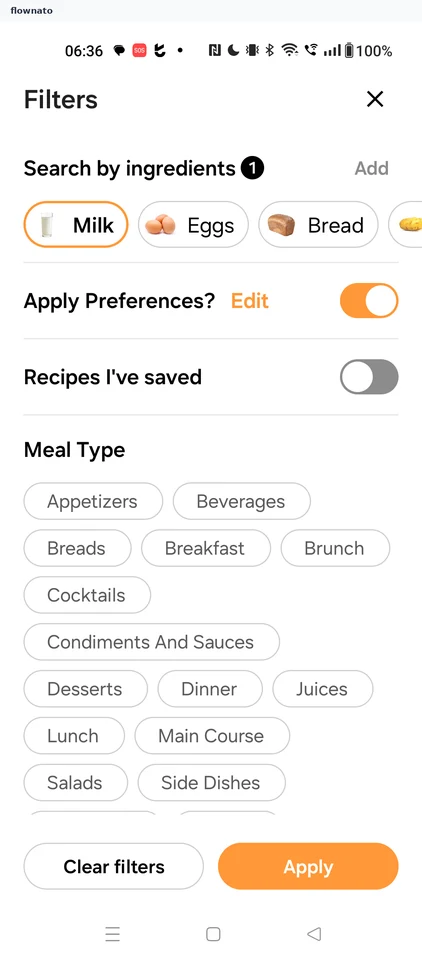
Filtering results by diet
4 screens
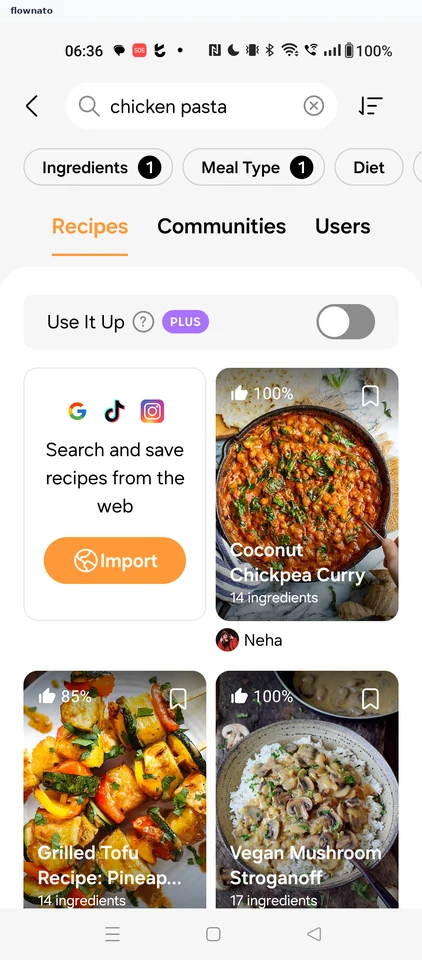
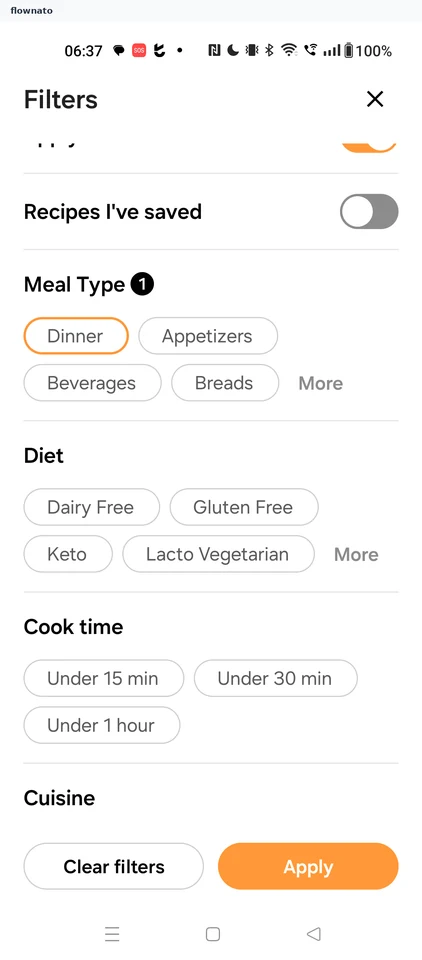
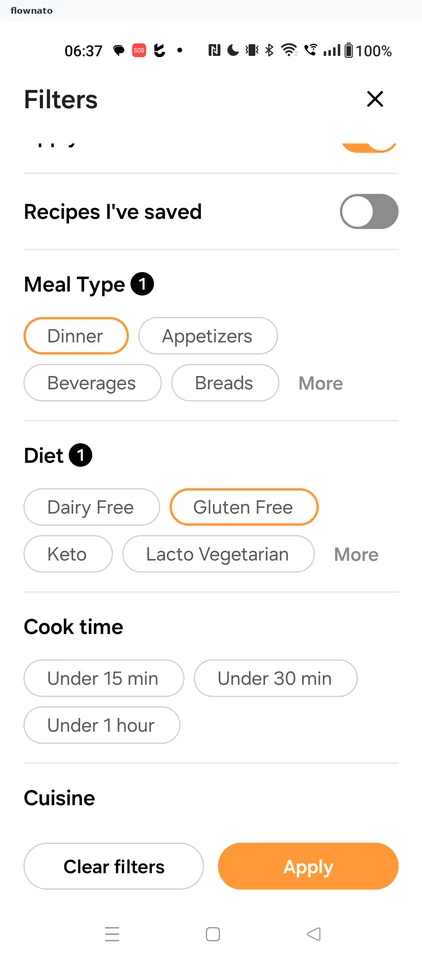
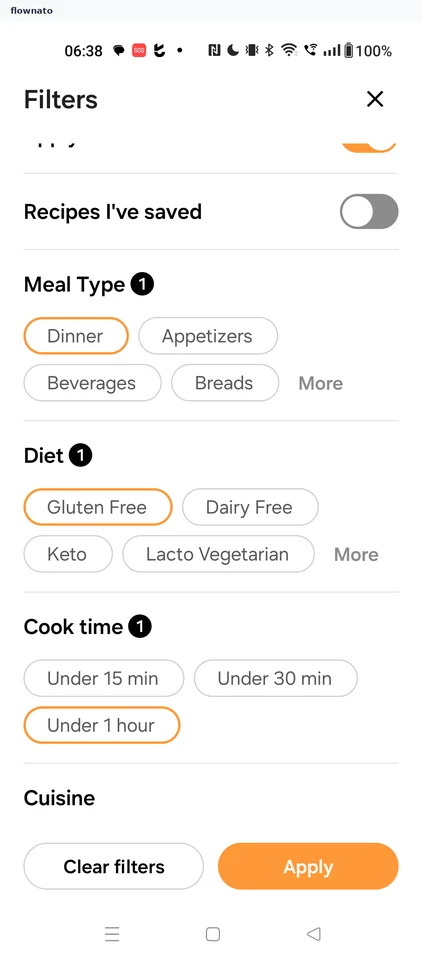
Filtering results by cook time
6 screens
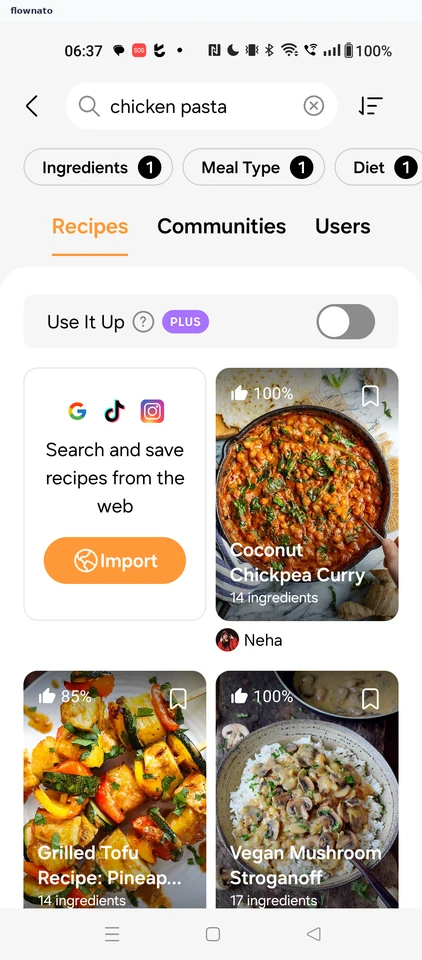
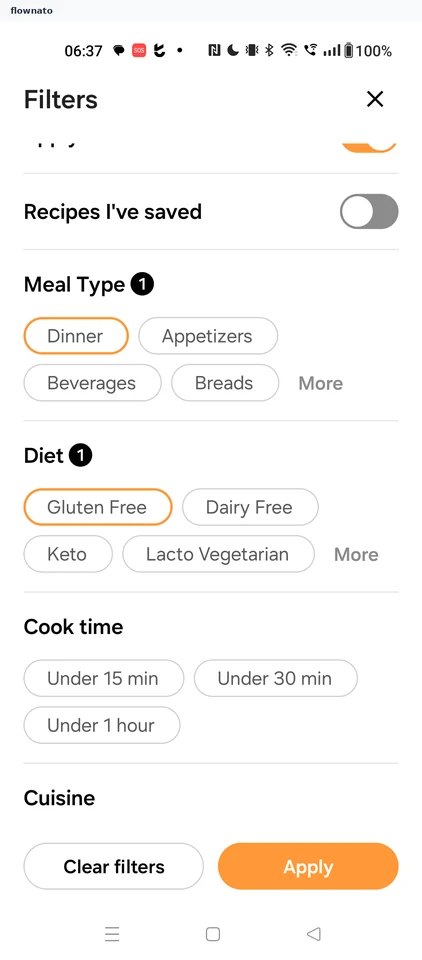
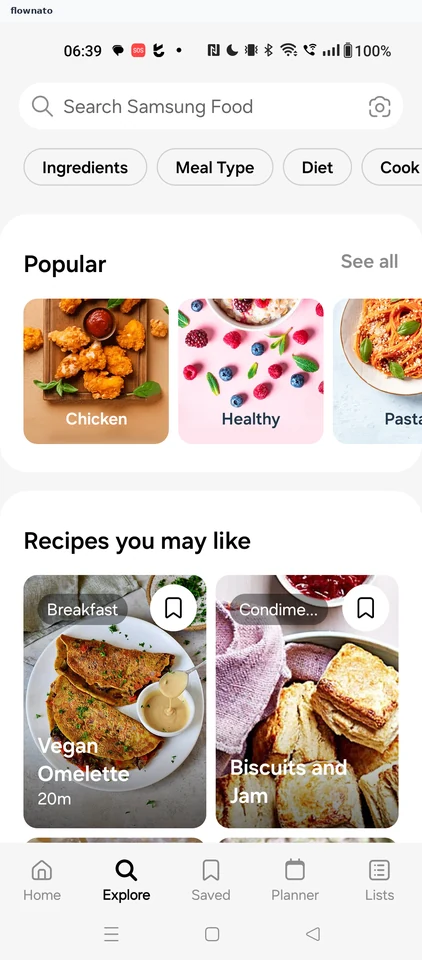
Browsing a recipe category
3 screens

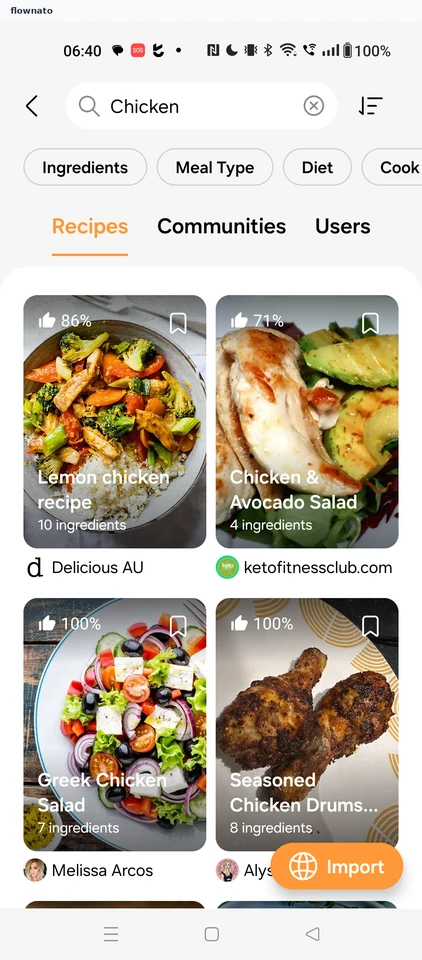
Opening a recipe
2 screens
Planner
5 screens
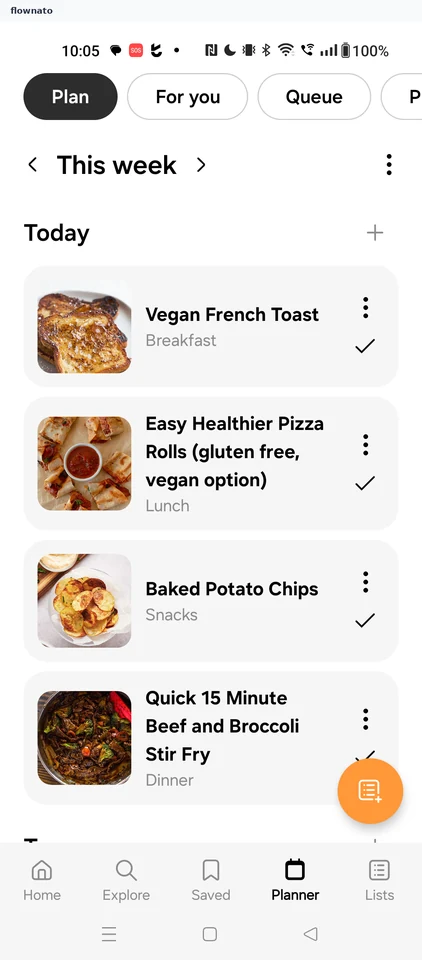
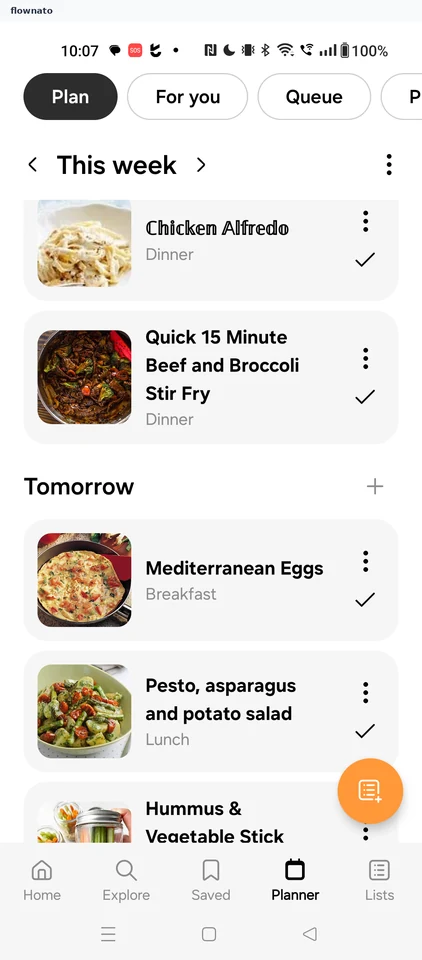
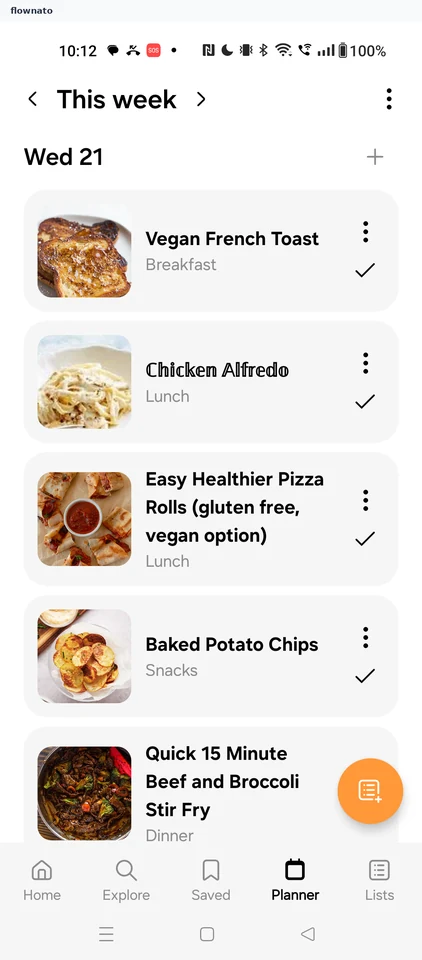
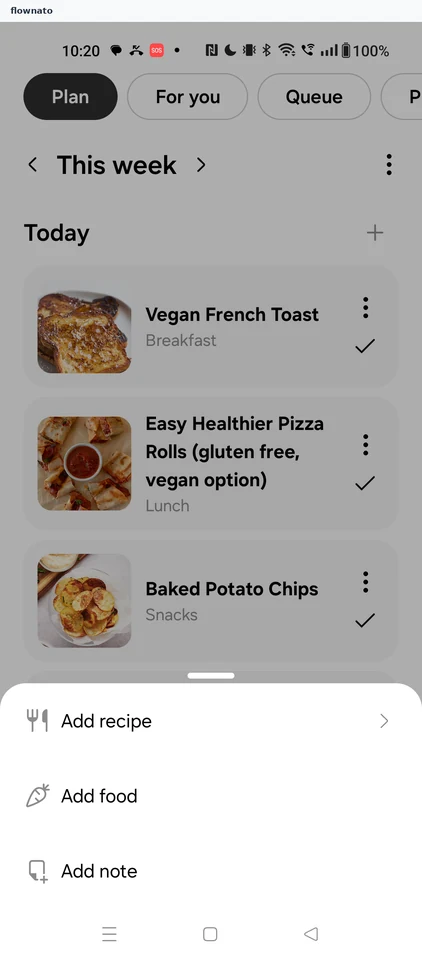
Add menu
1 screens
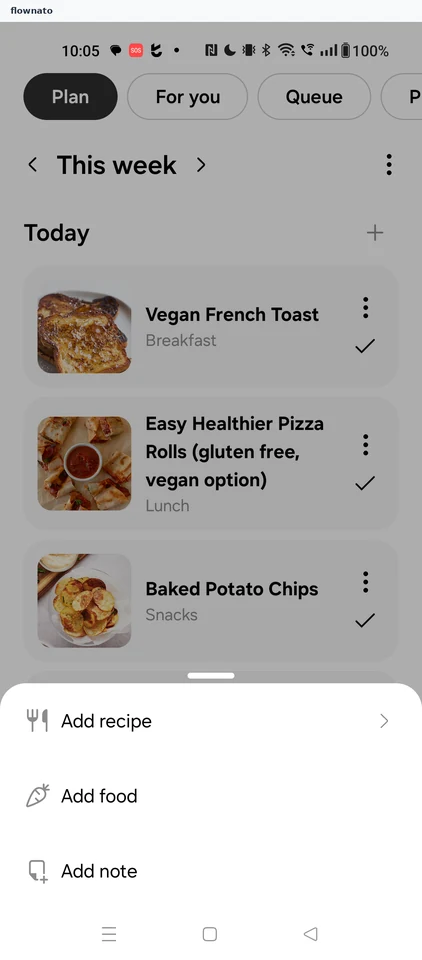
Adding a saved recipe to the plan
6 screens
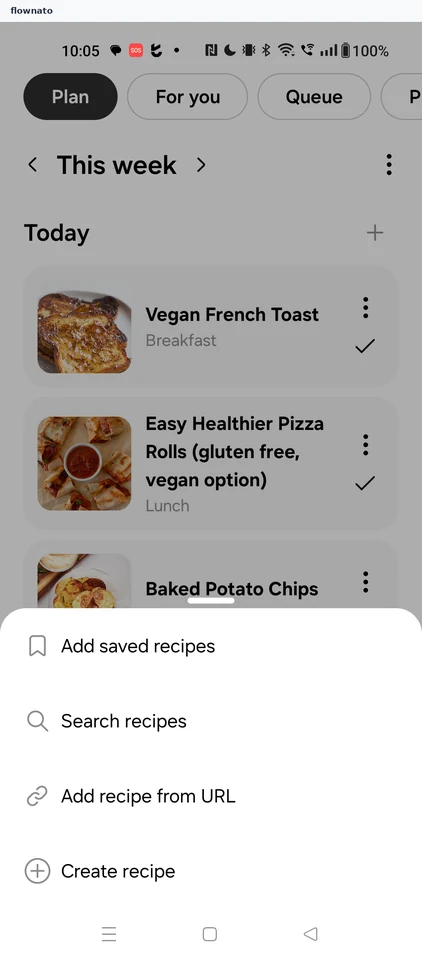

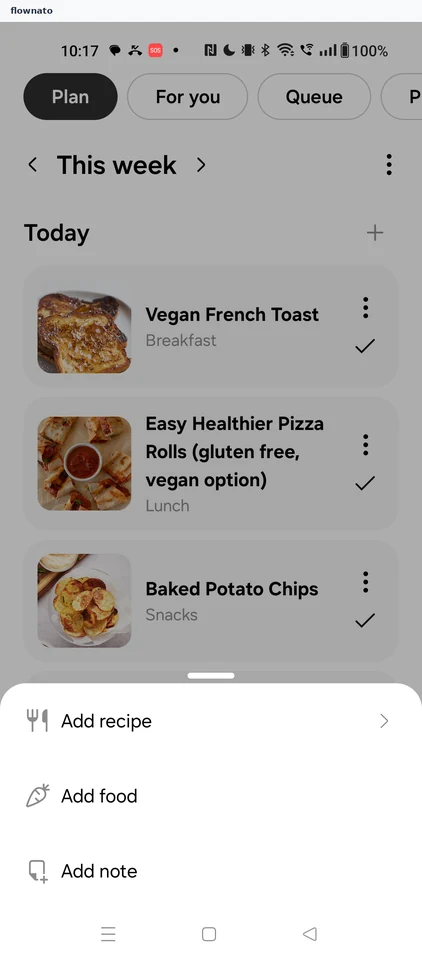
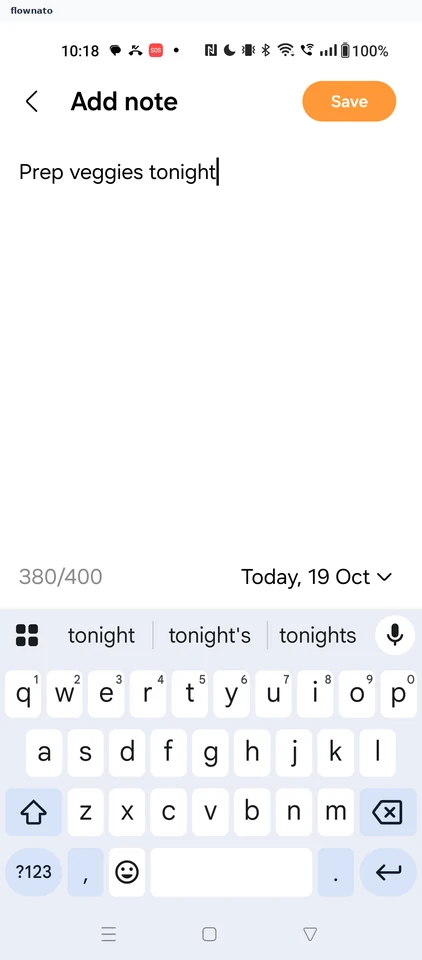
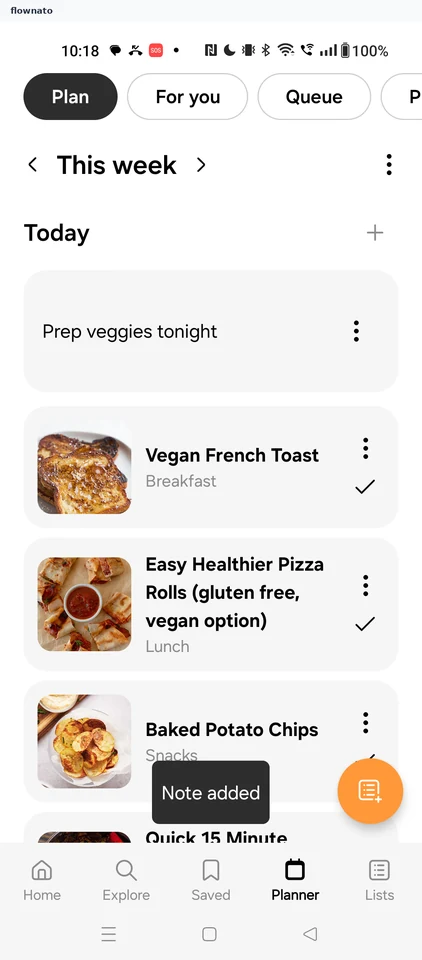
Adding a note to the plan
3 screens
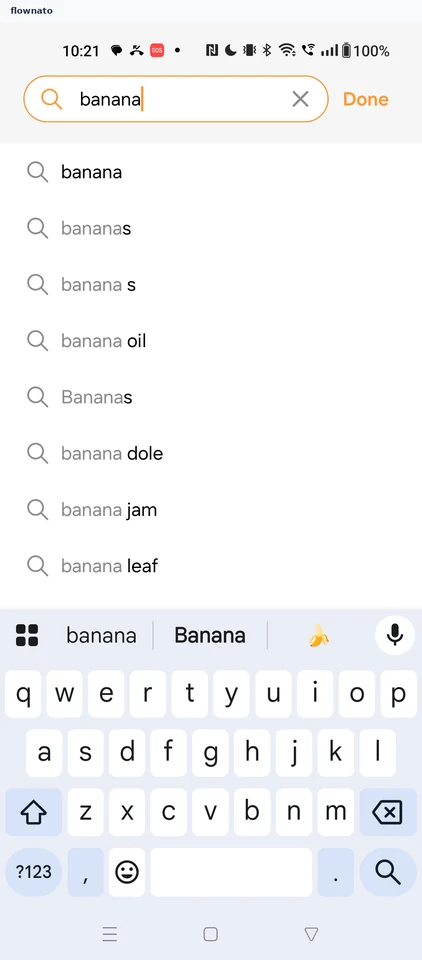
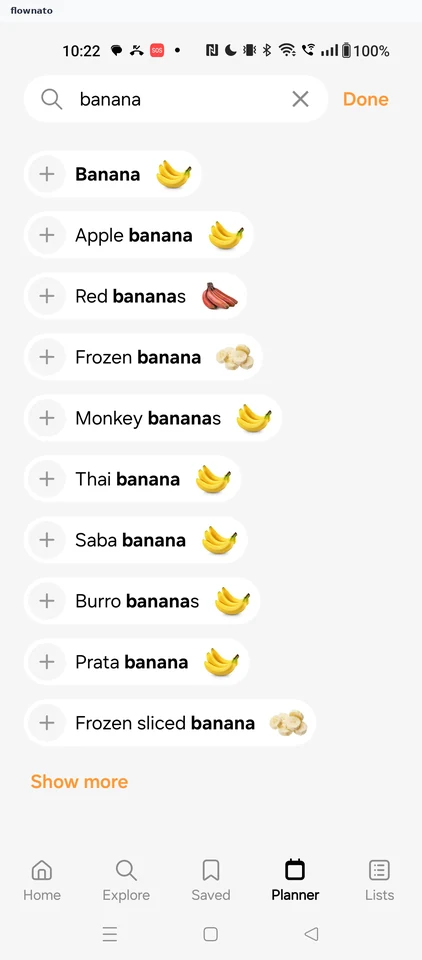
Adding food to the plan
6 screens
Meal options
2 screens
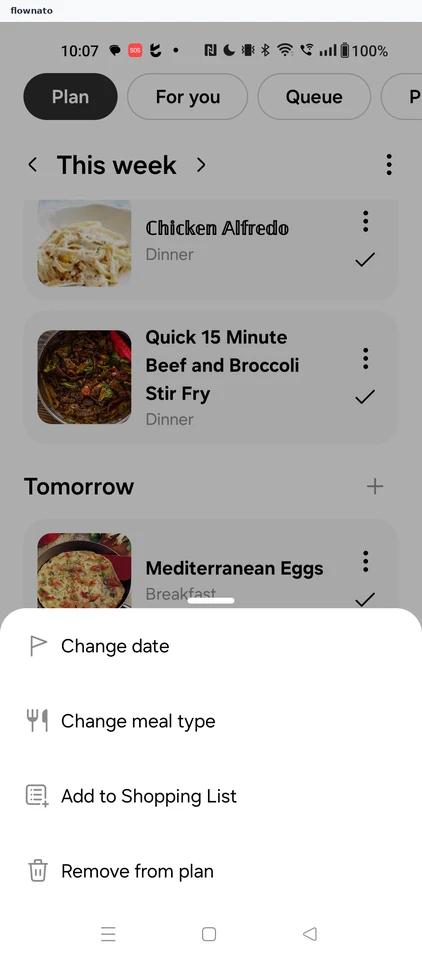
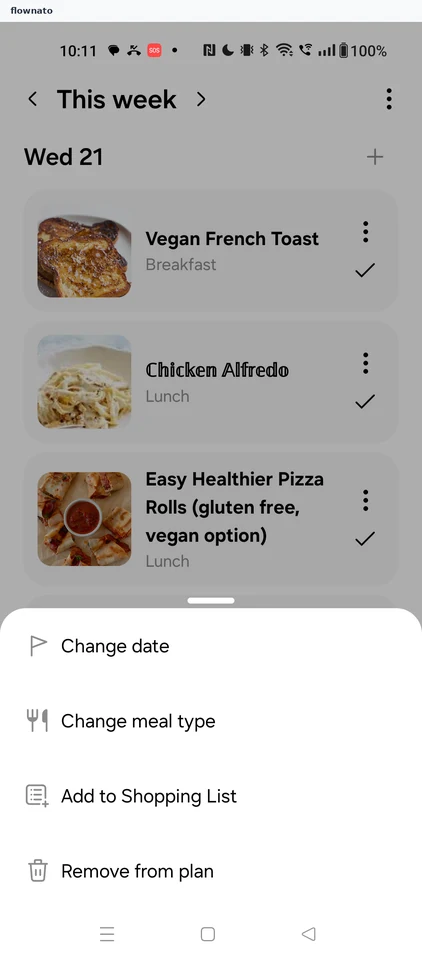
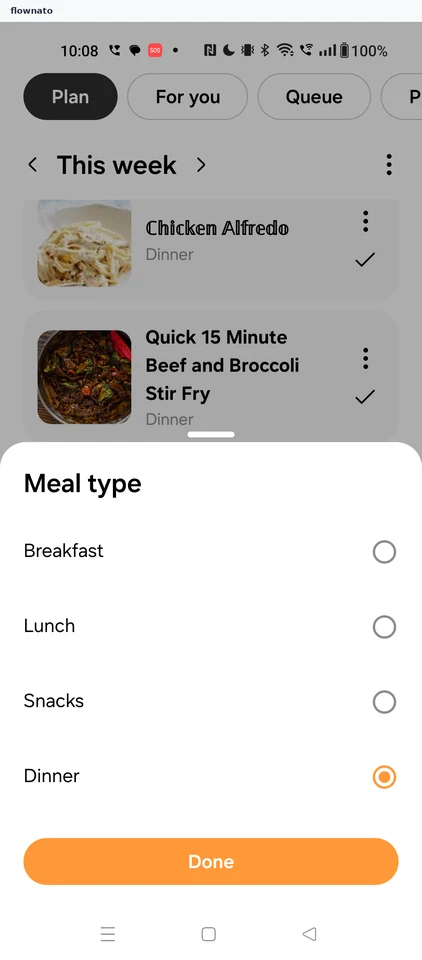
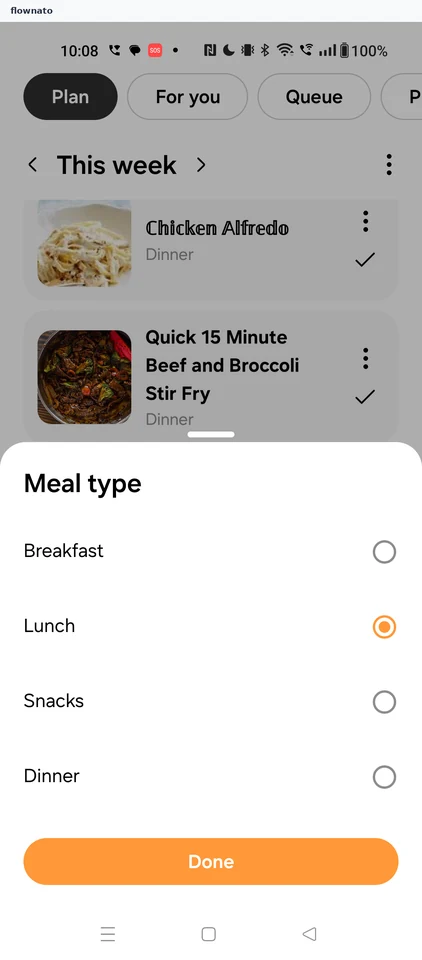
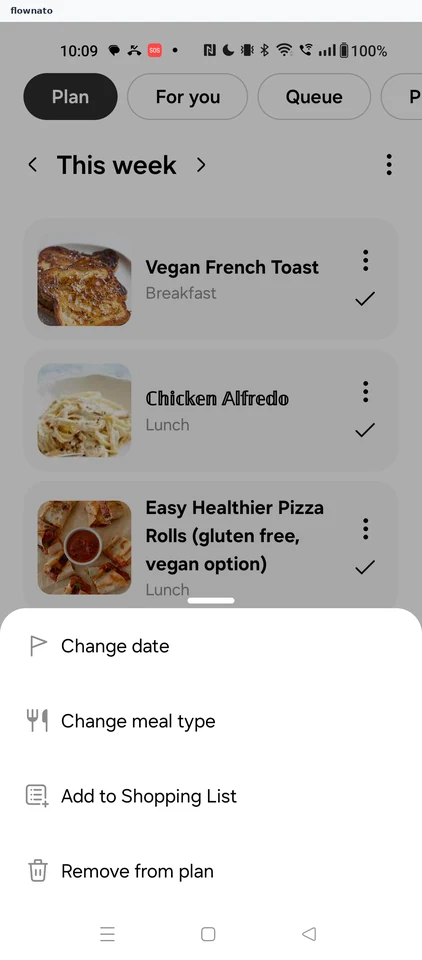
Changing the meal type
4 screens
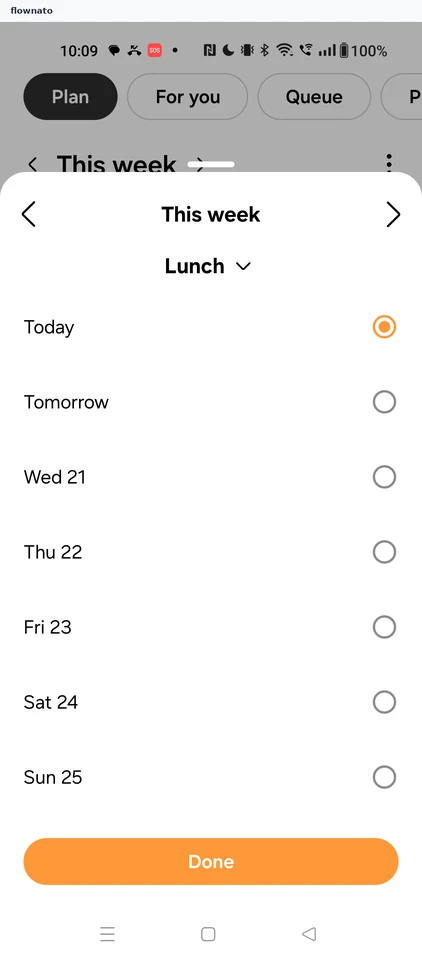
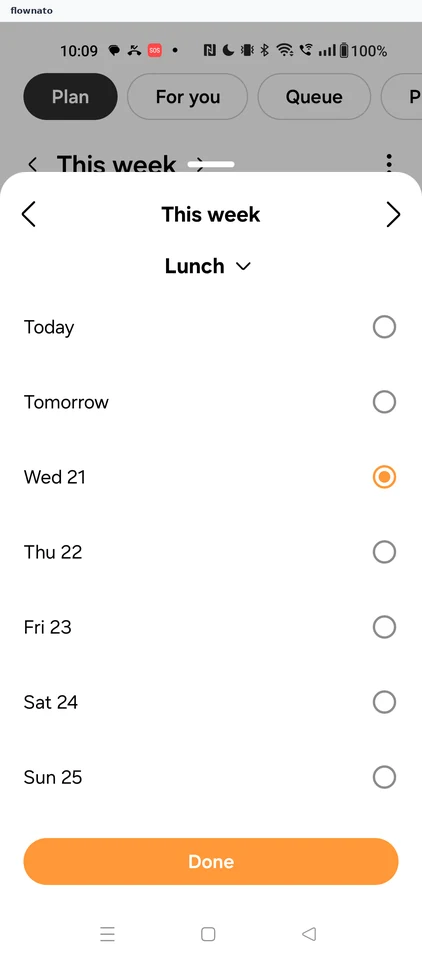
Changing the meal date
5 screens
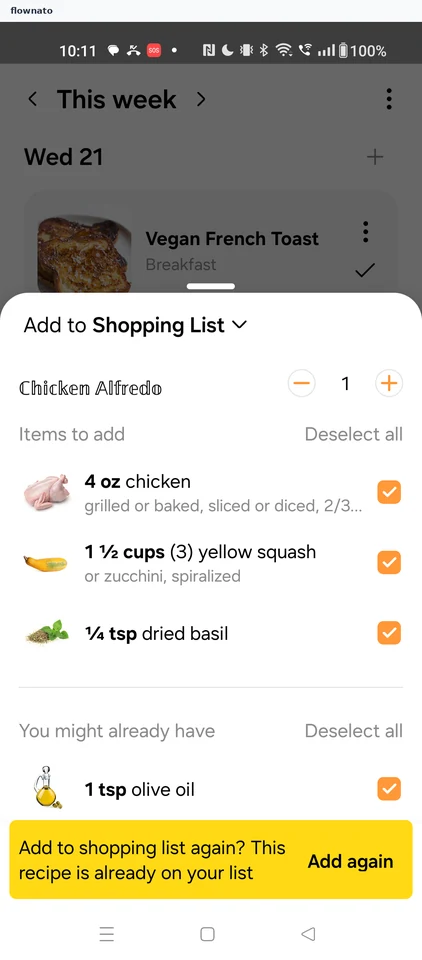
Viewing the duplicate recipe warning
3 screens
Removing a meal from the plan
2 screens
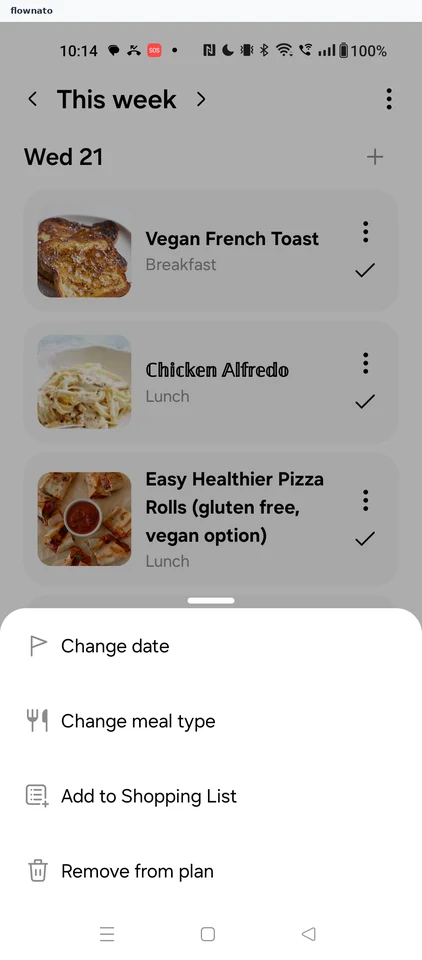
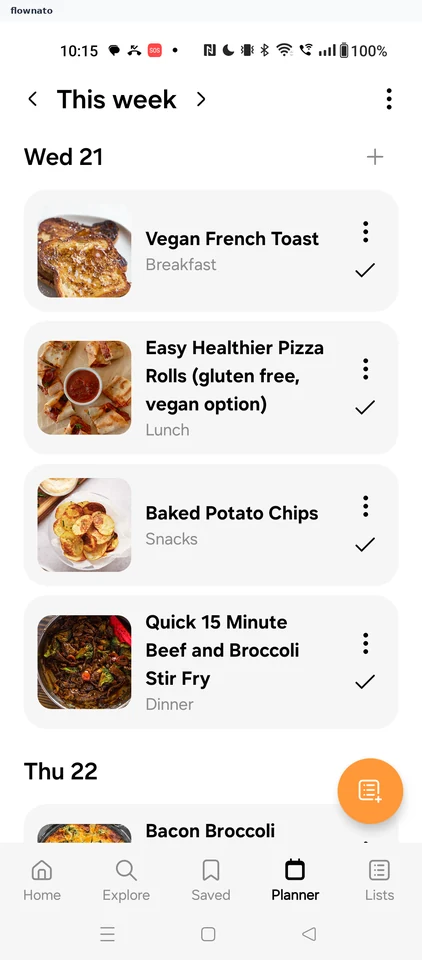
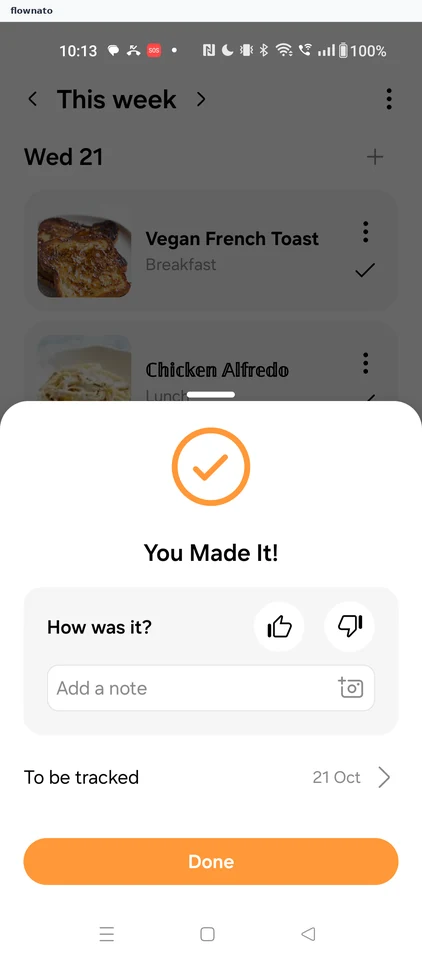
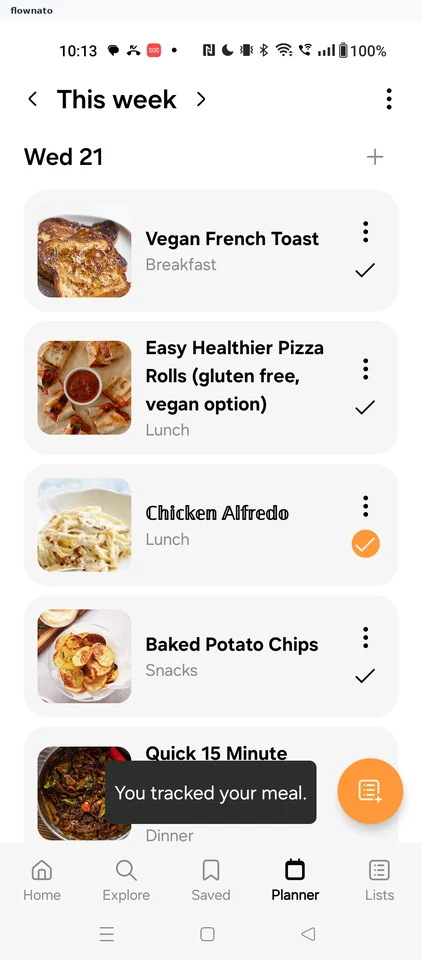
Marking a meal as made
3 screens
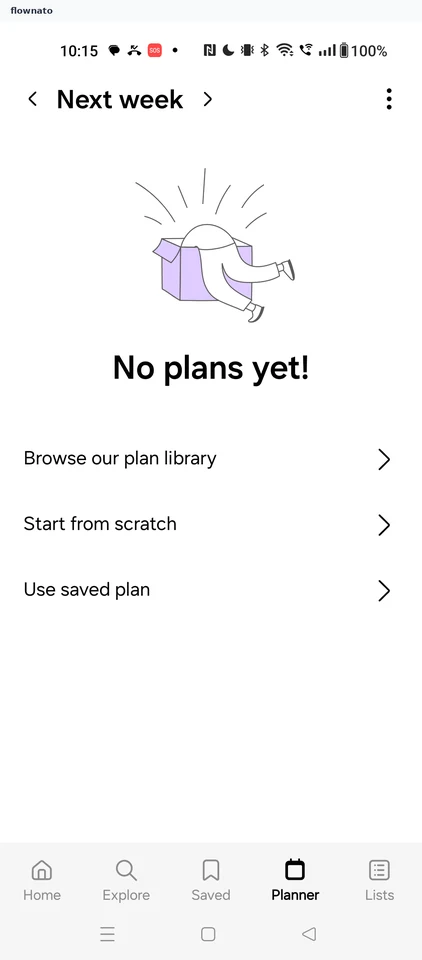
Viewing next week's plan
2 screens
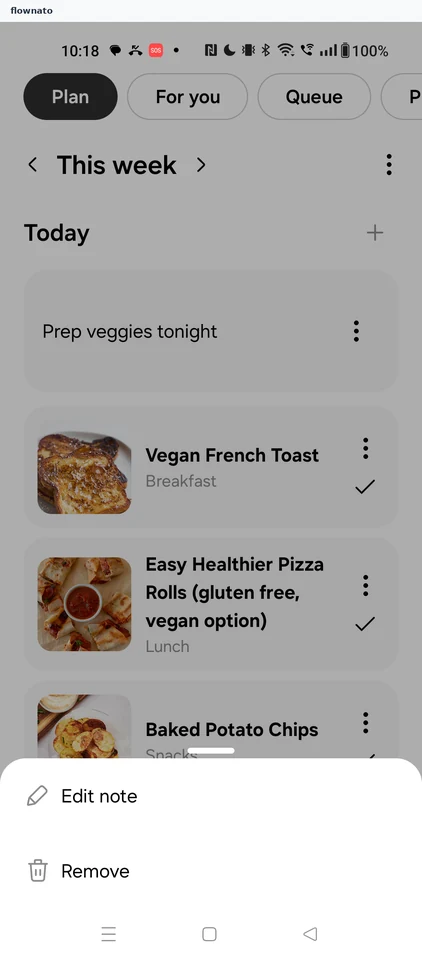
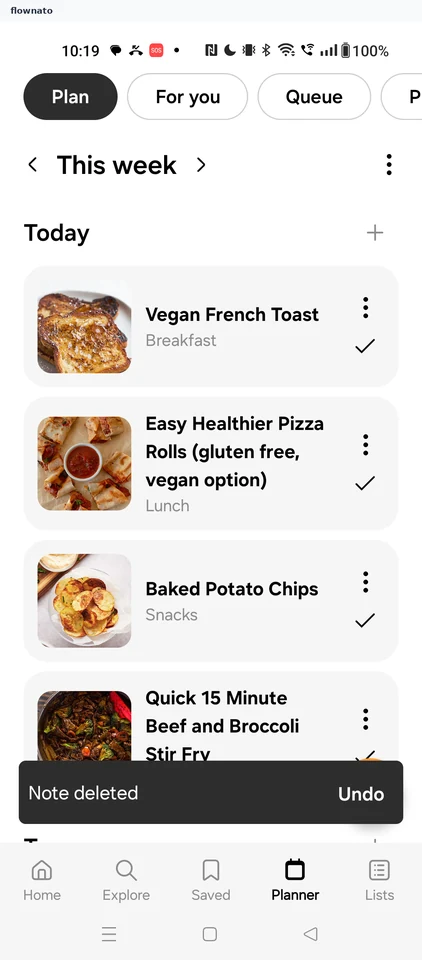
Deleting a note
3 screens
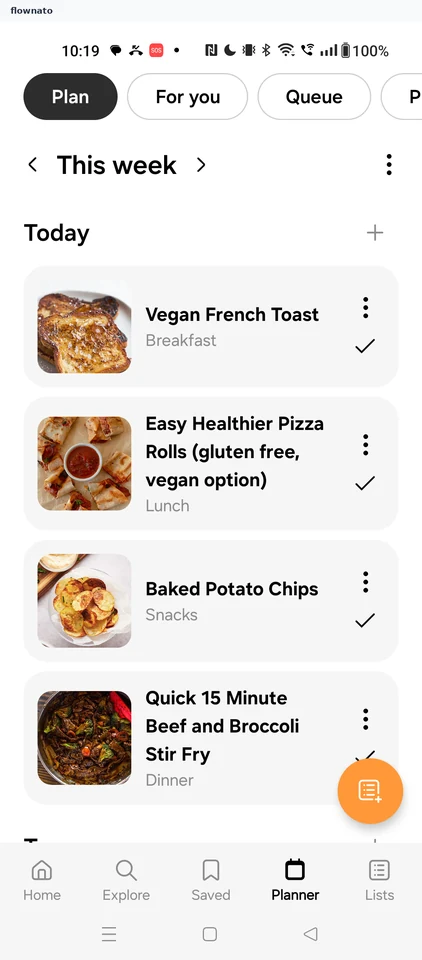
Reviewing the plan's shopping list items
2 screens
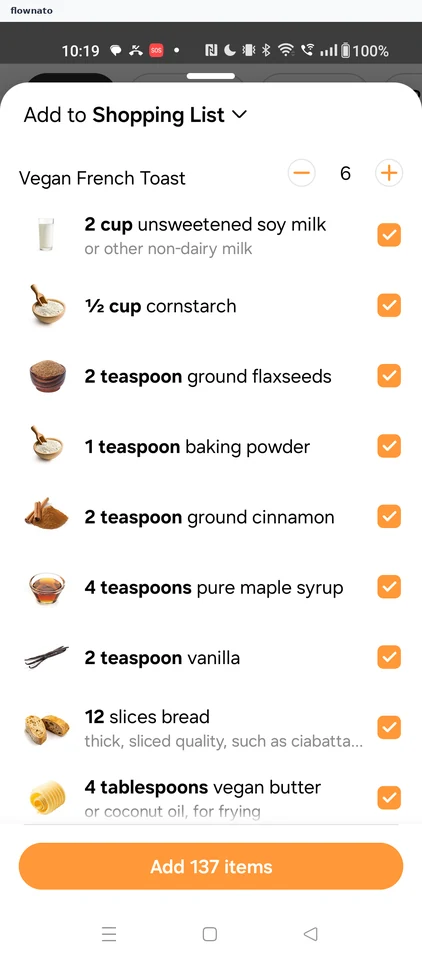
Plan options
1 screens
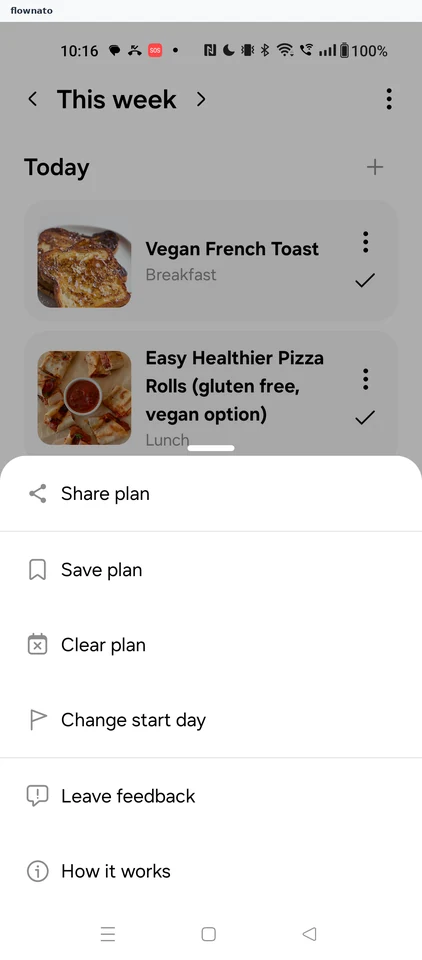
How it works
2 screens
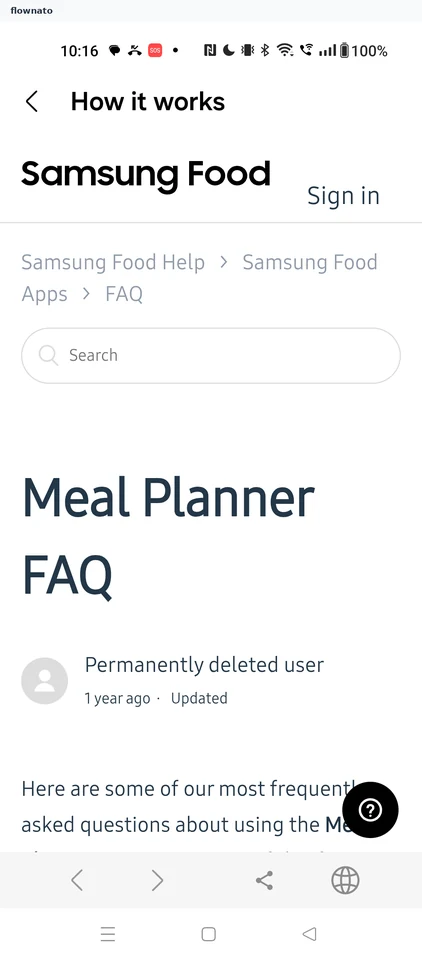
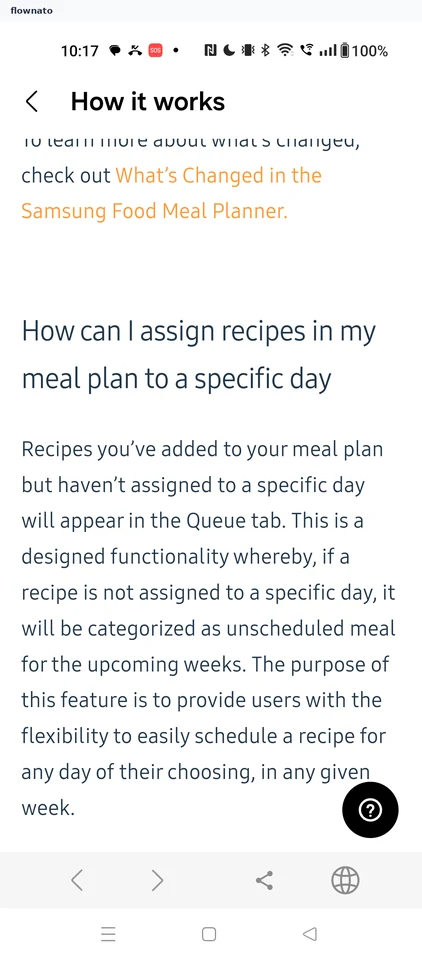
Shopping List
2 screens