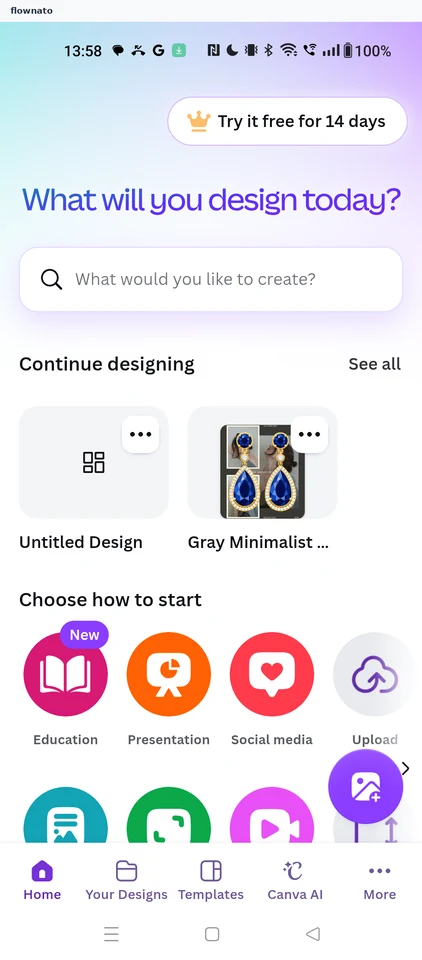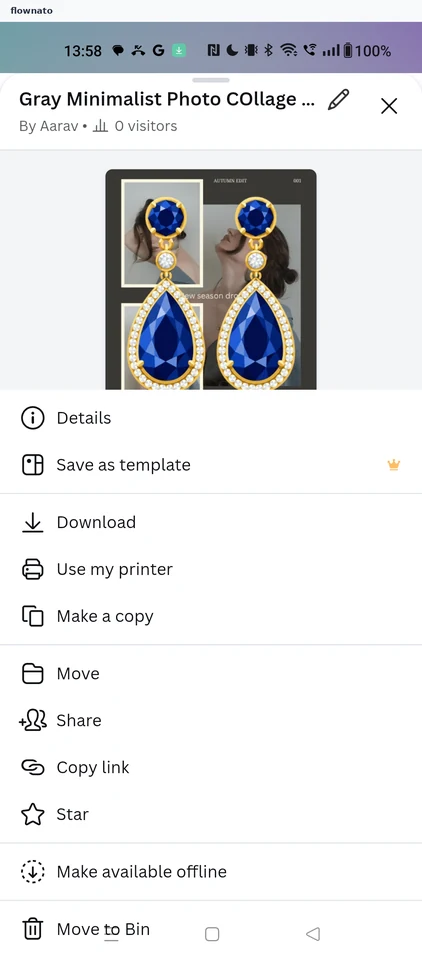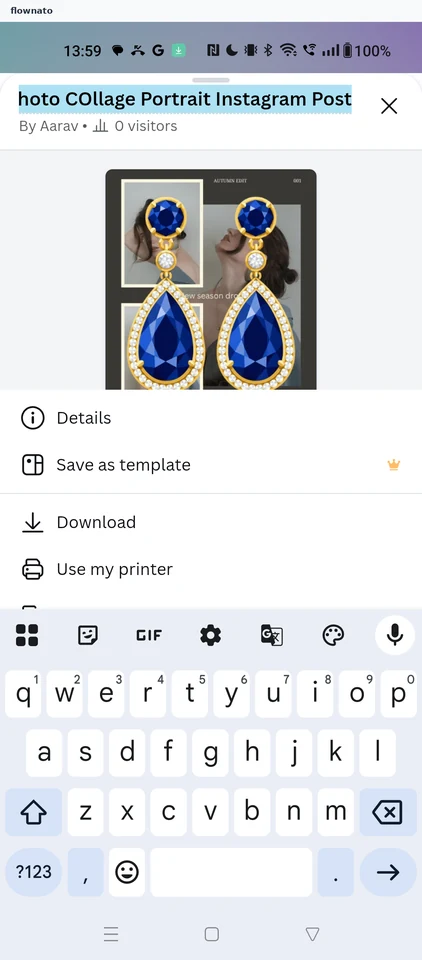
Canva app UI and user flows
Explore the screens and product flows inside Canva.
- In the library
- 26 flows · 62 screens
- Category and platform
- Design & inspiration · Android
- Updated
- Oct 2026
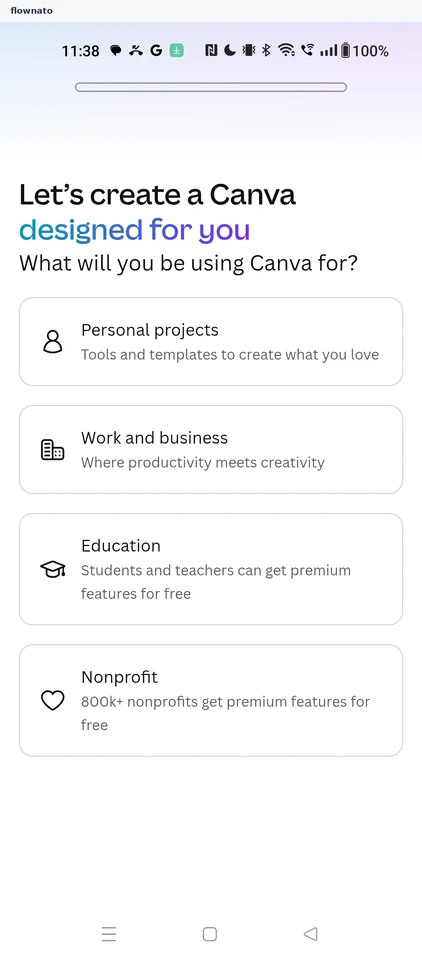
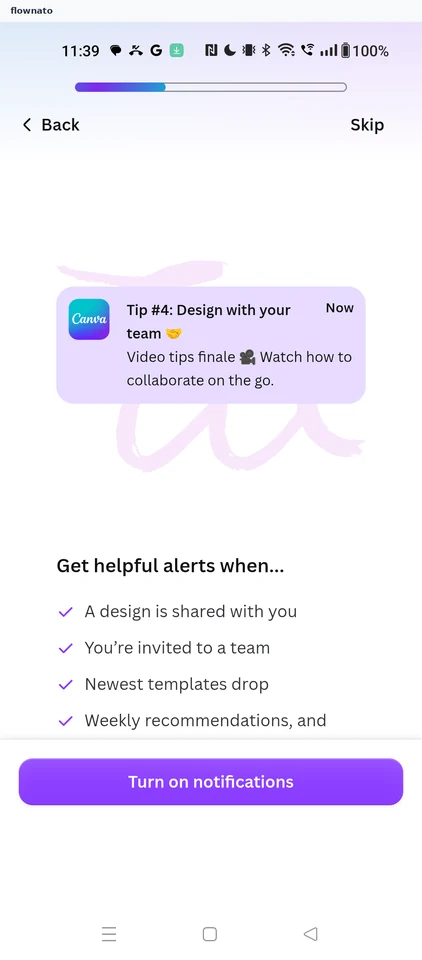
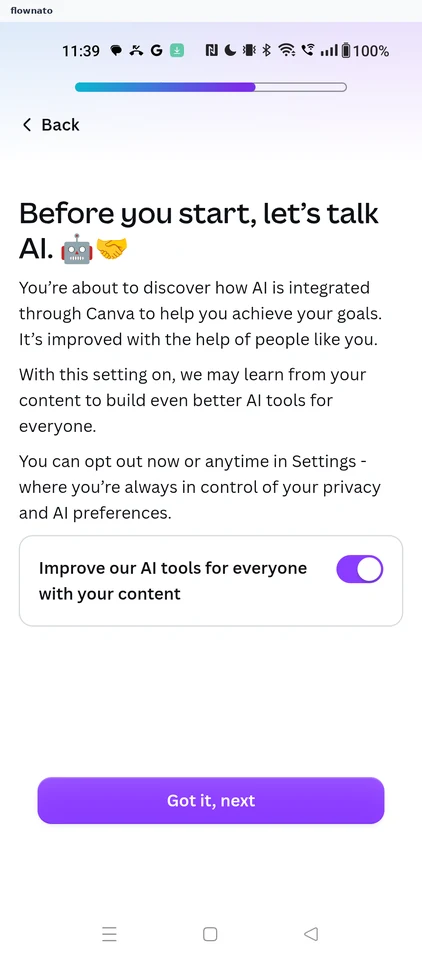
Onboarding
4 screensFree with sign up
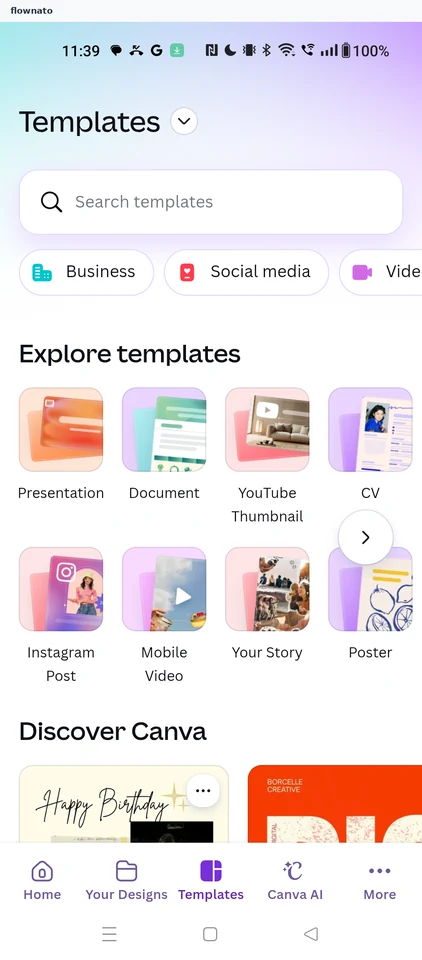
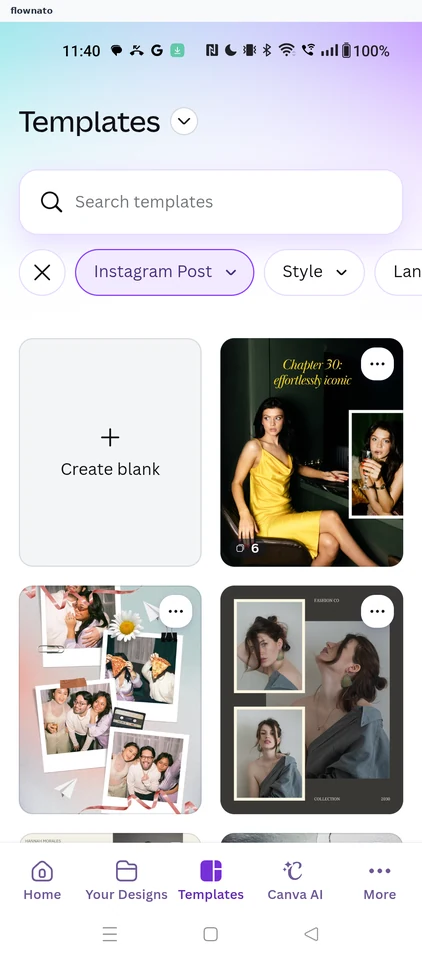
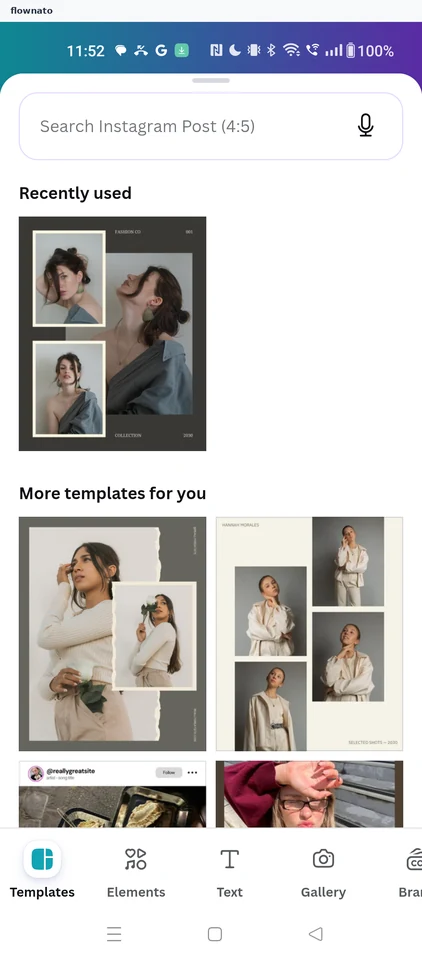
Designing from a template
9 screensFree with sign up
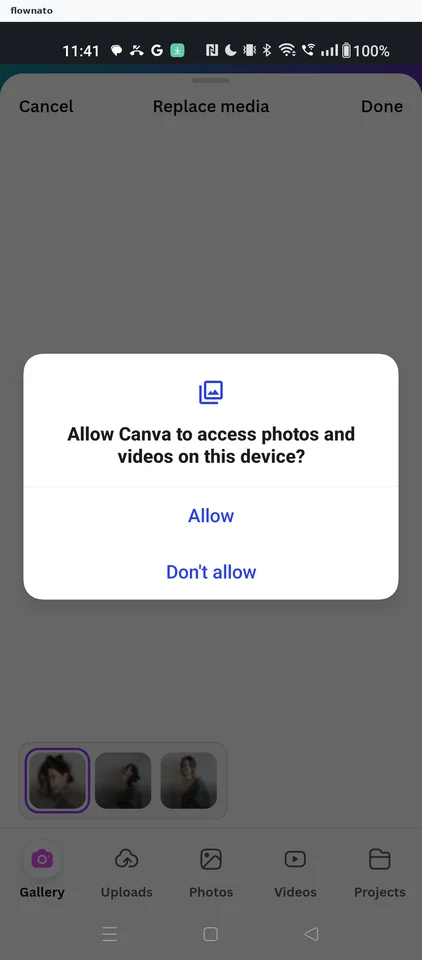
Previewing a template
3 screens
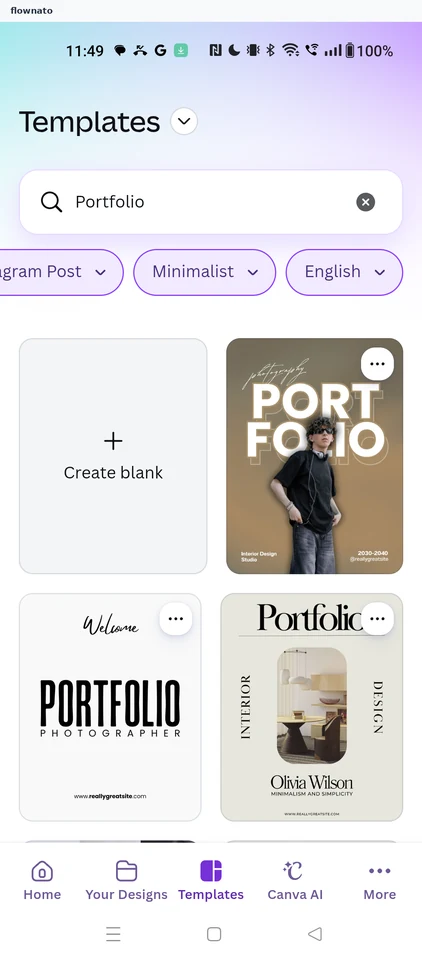
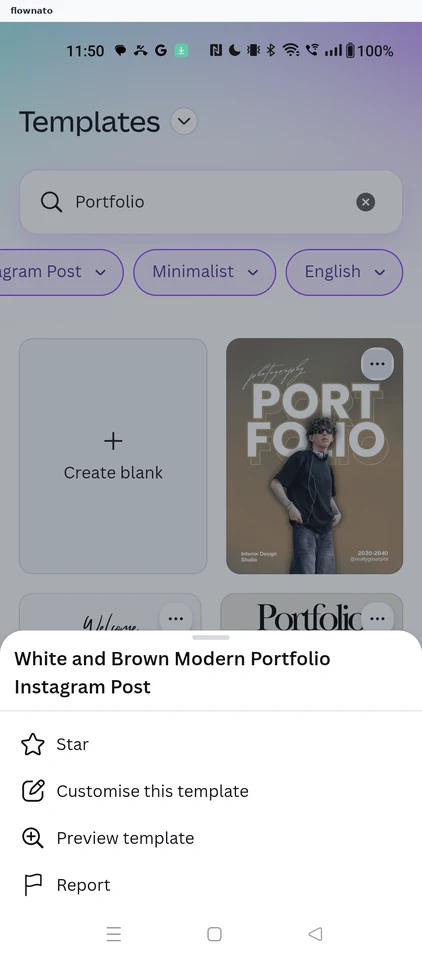
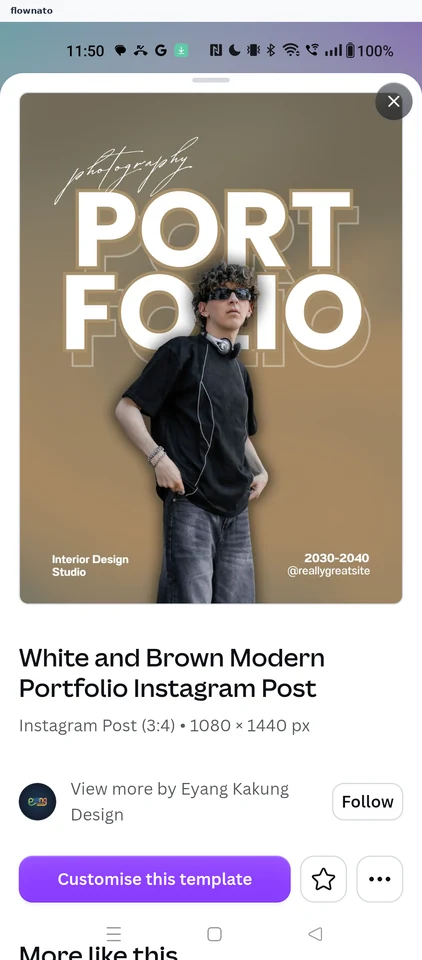
Starring a template
2 screens
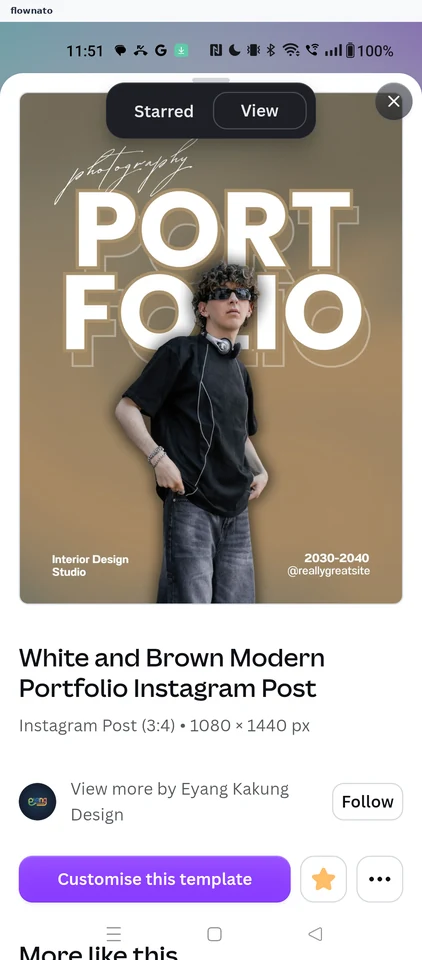
Adding text and graphics
8 screens
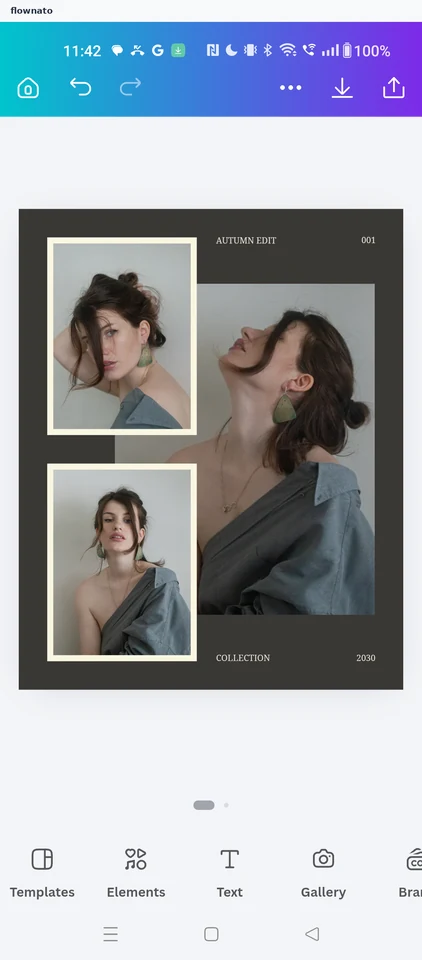
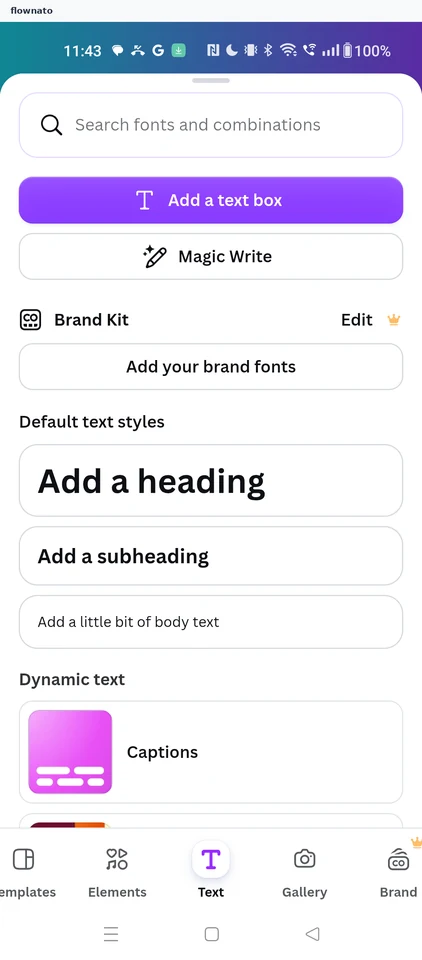
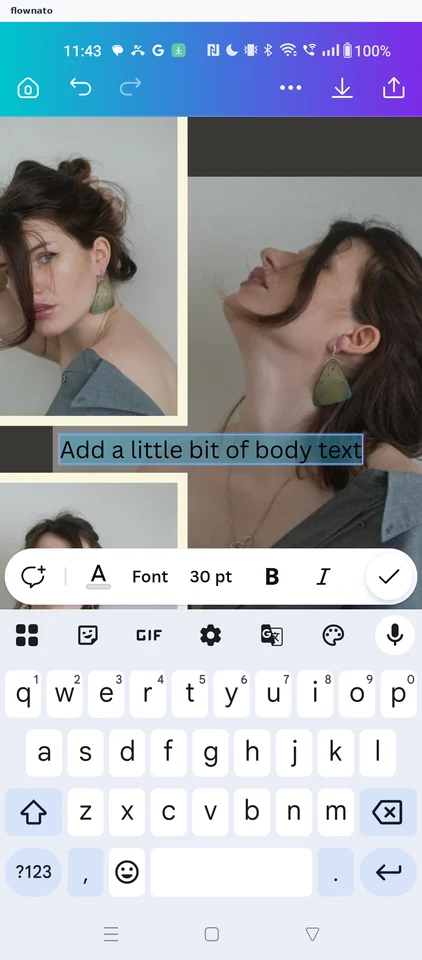
Downloading a design
2 screens
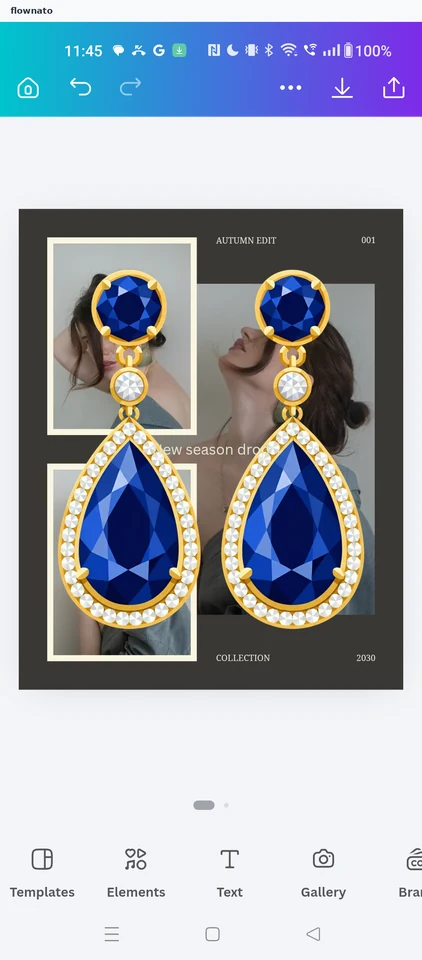
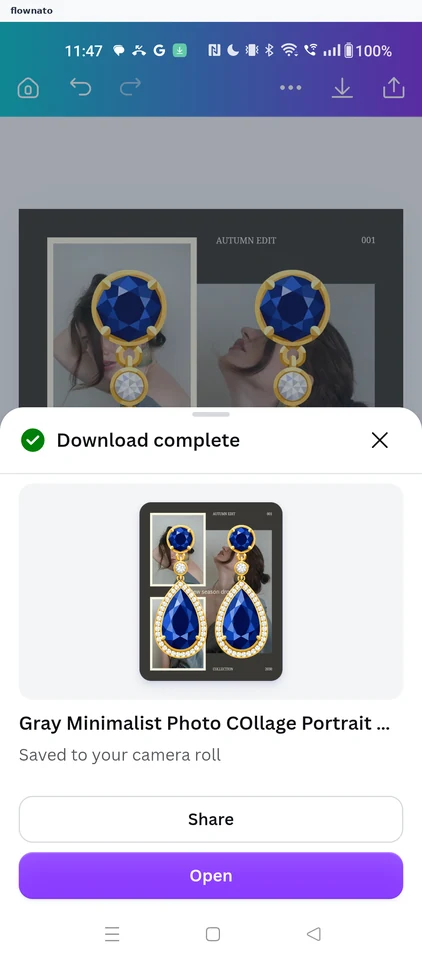
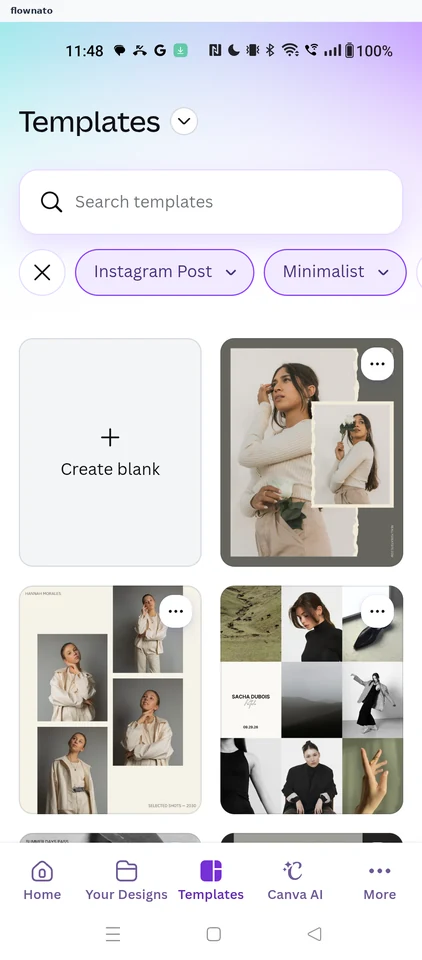
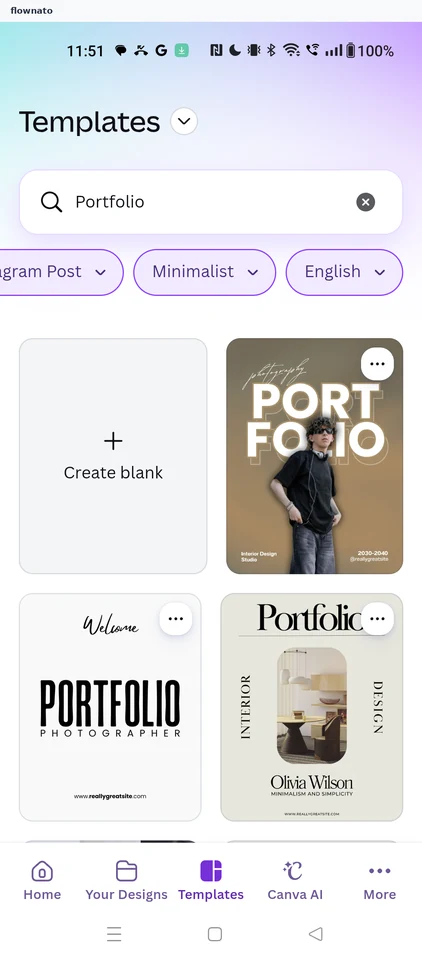
Filtering and searching templates
8 screens
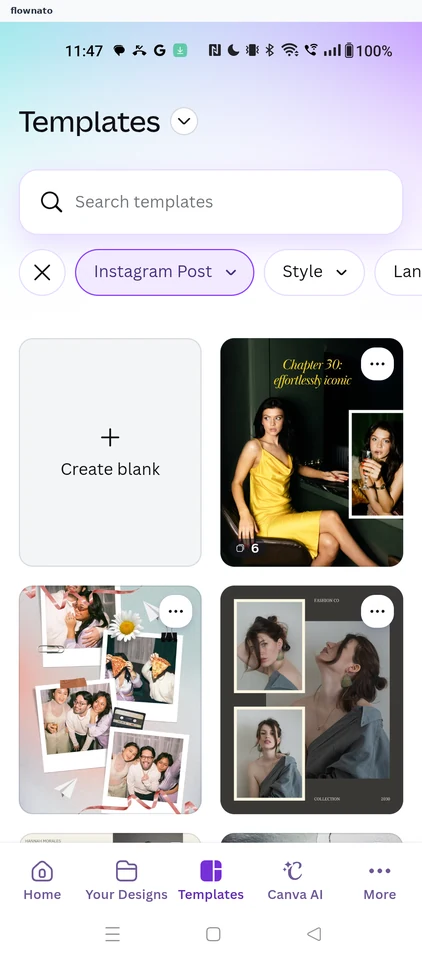
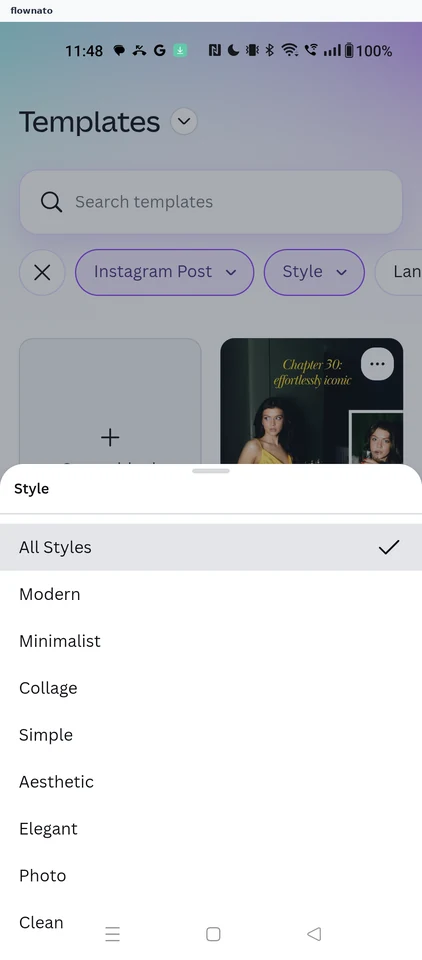
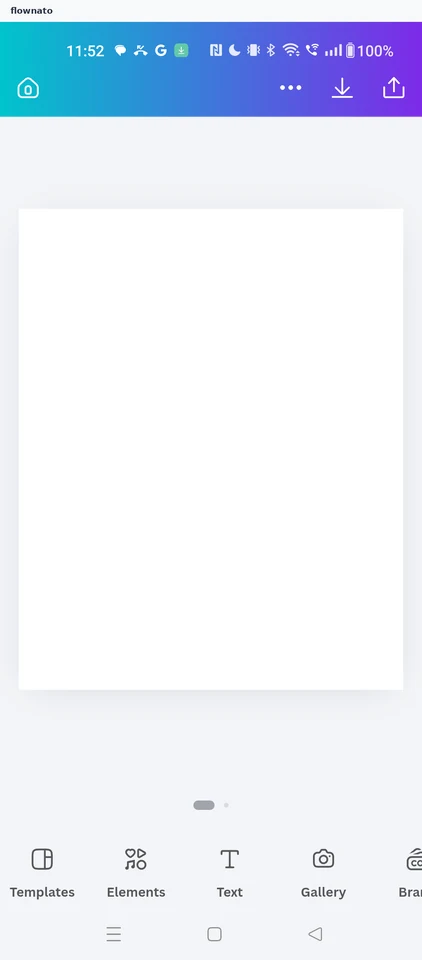
Starting a blank design
3 screensFree with sign up
Edit profile
12 screensFree with sign up
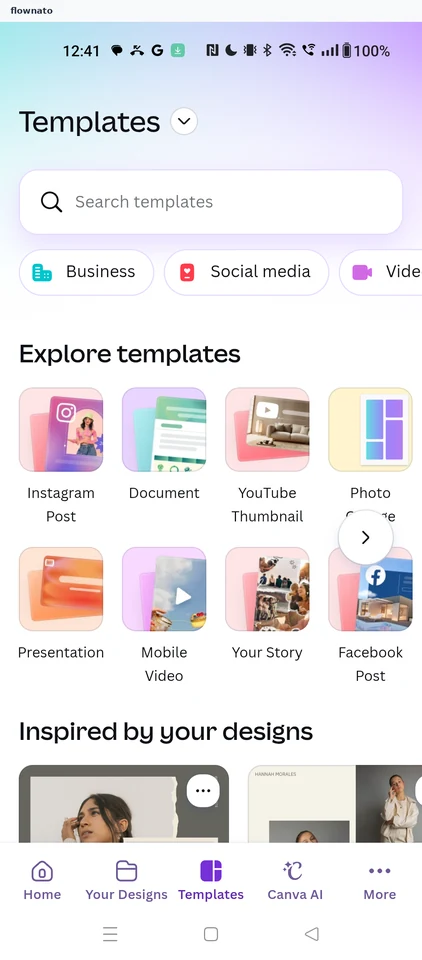
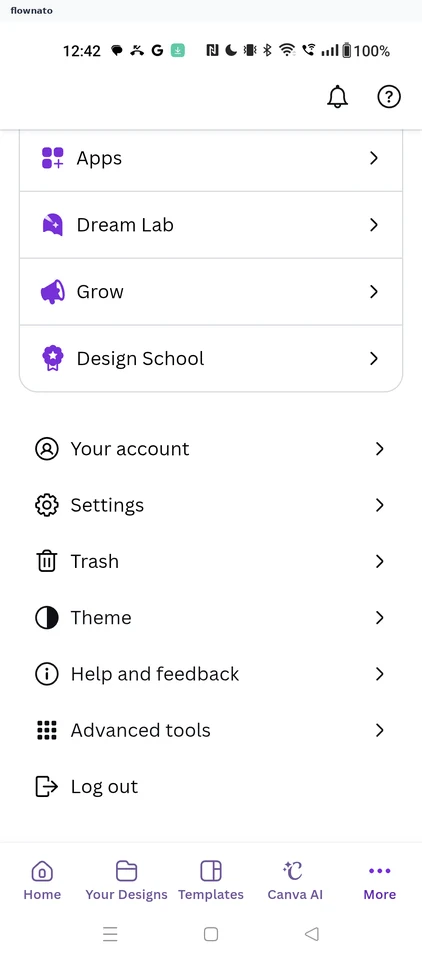
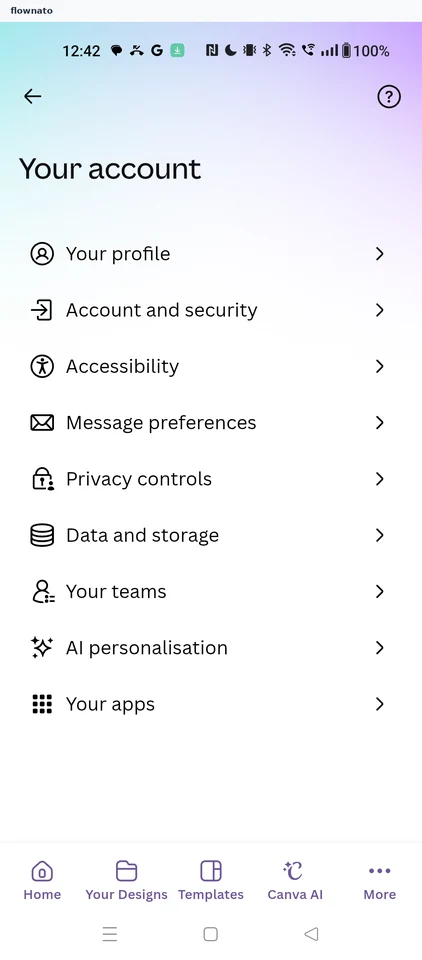
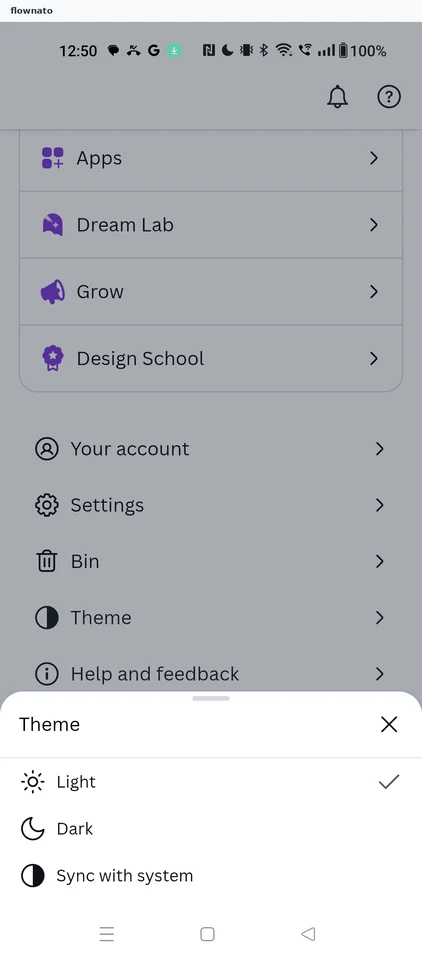
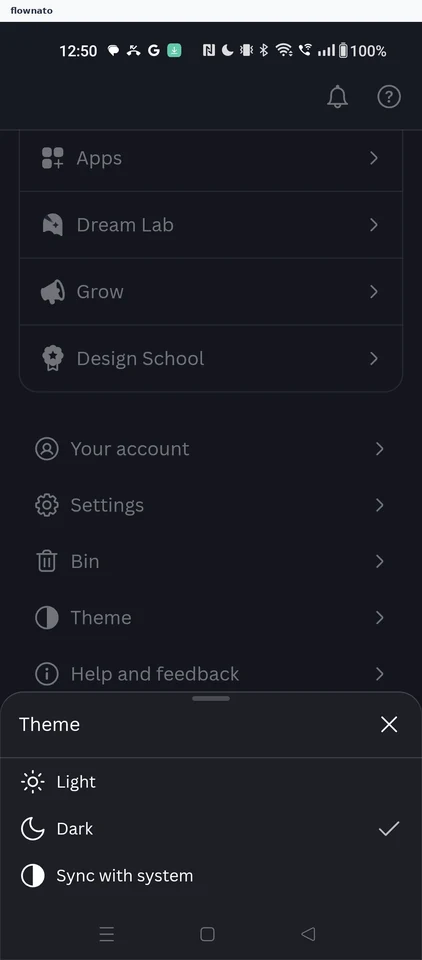
Changing the app theme
3 screens
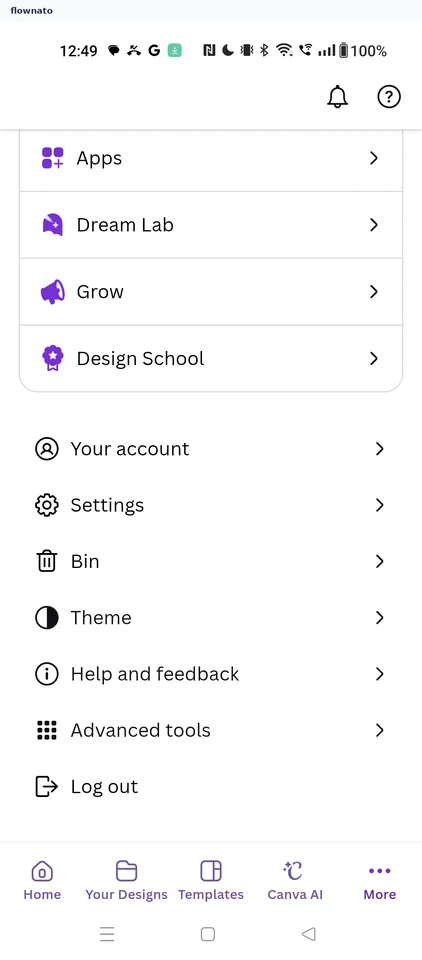
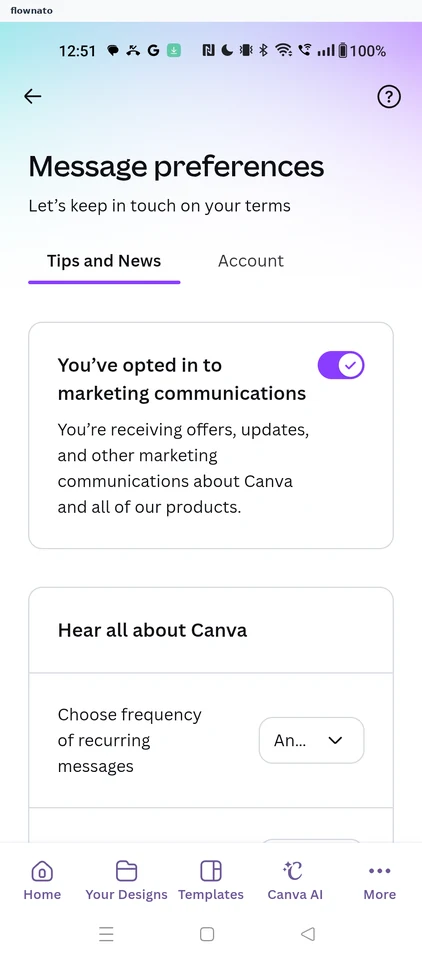
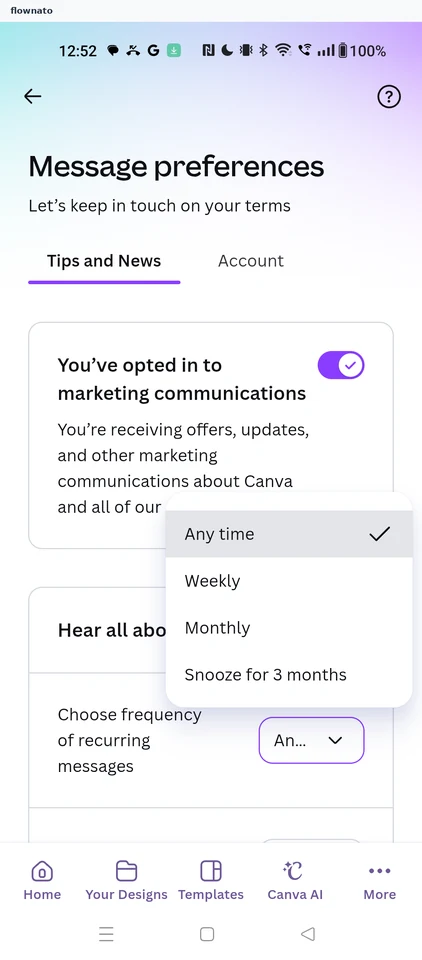
Managing message preferences
6 screens
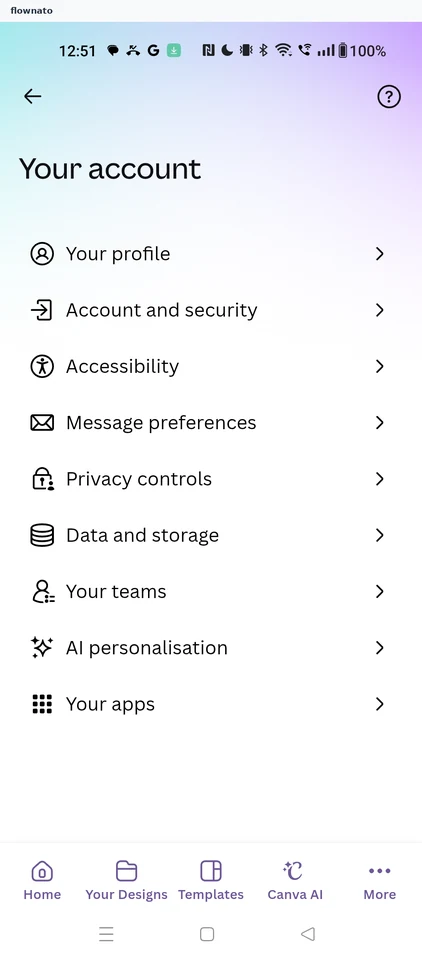
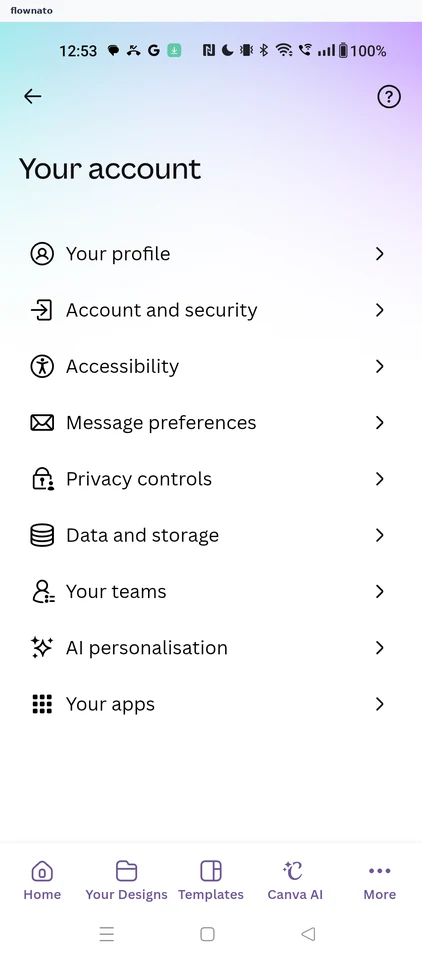
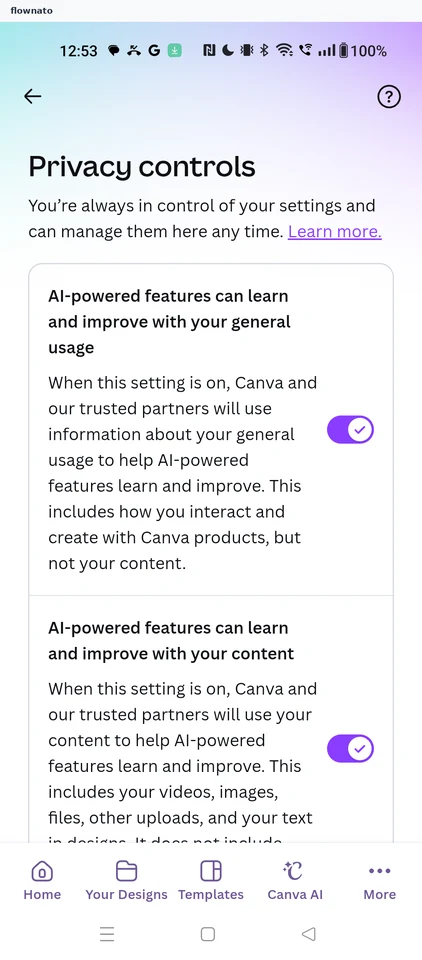
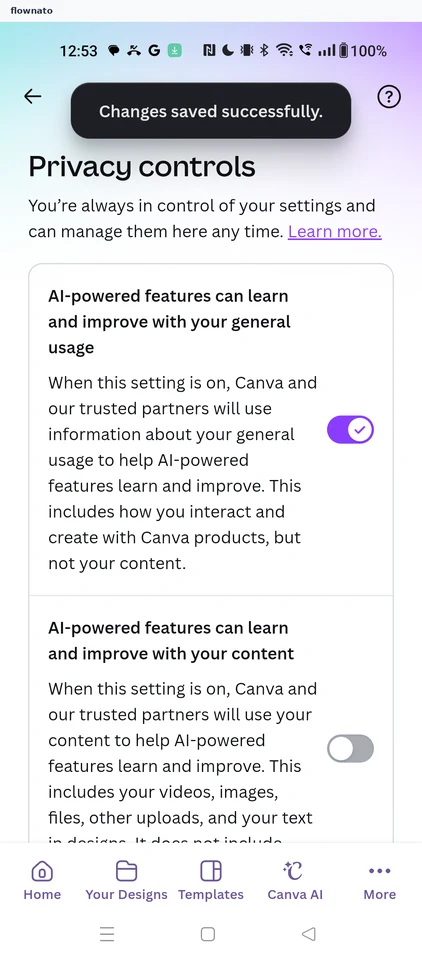
Stopping AI learning from content
3 screens
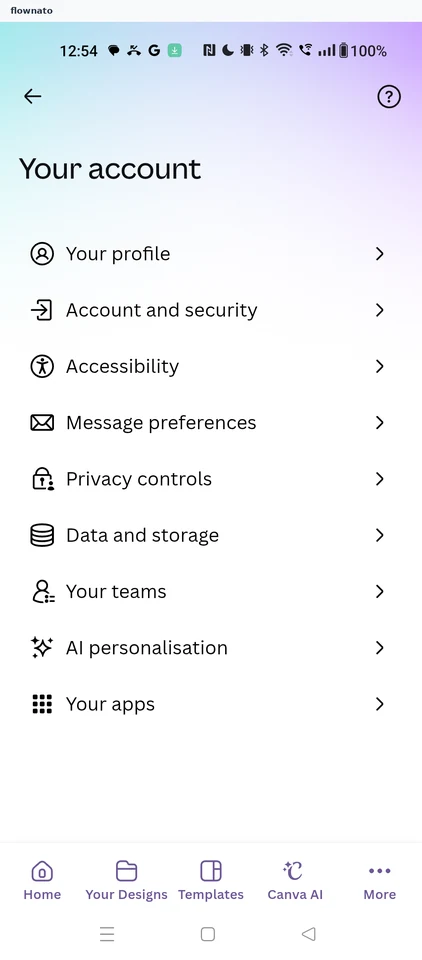
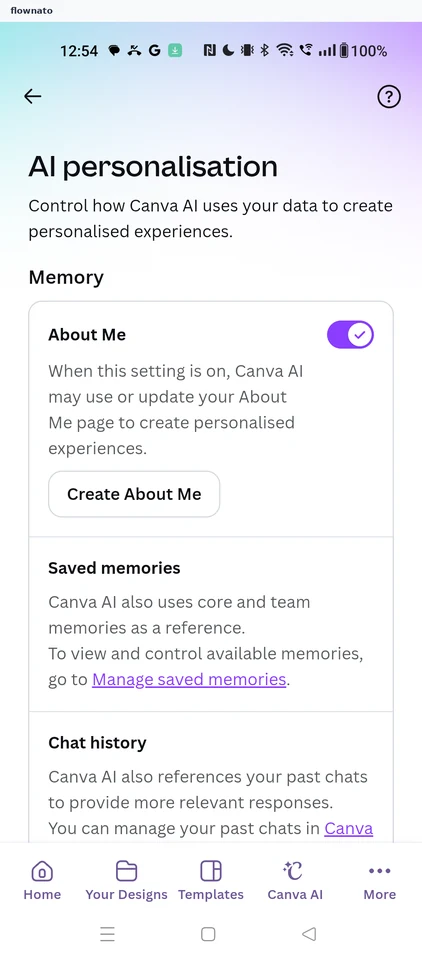
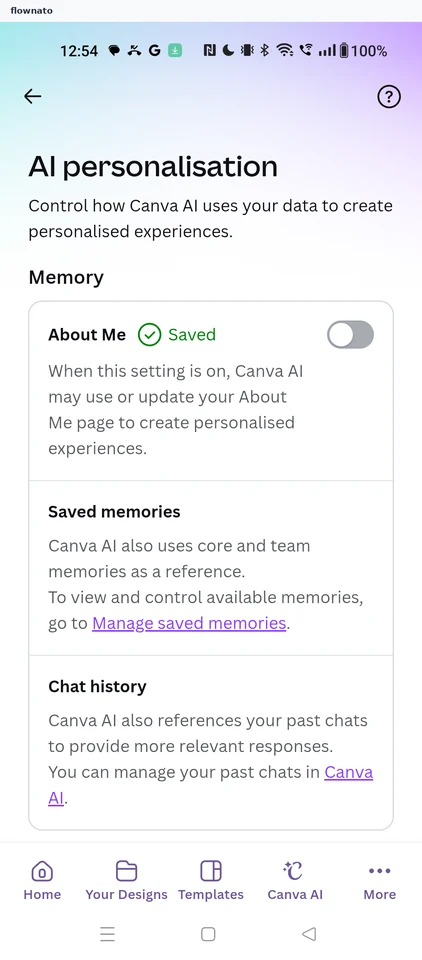
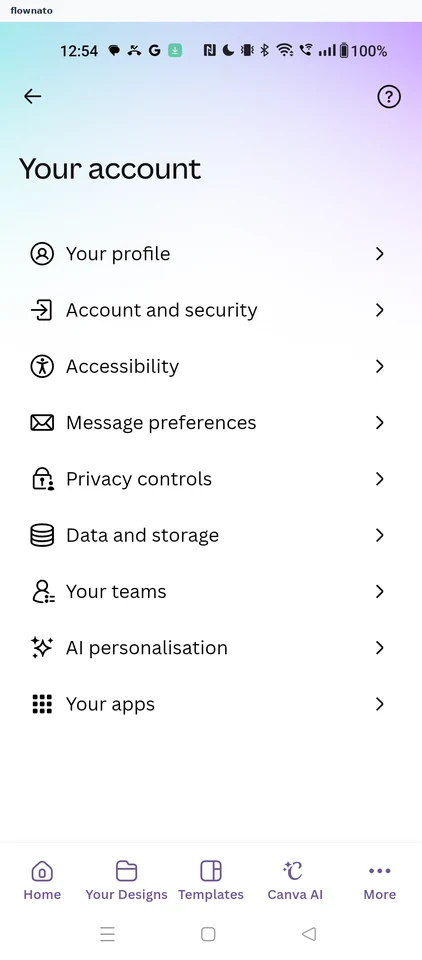
Turning off AI memory
3 screens
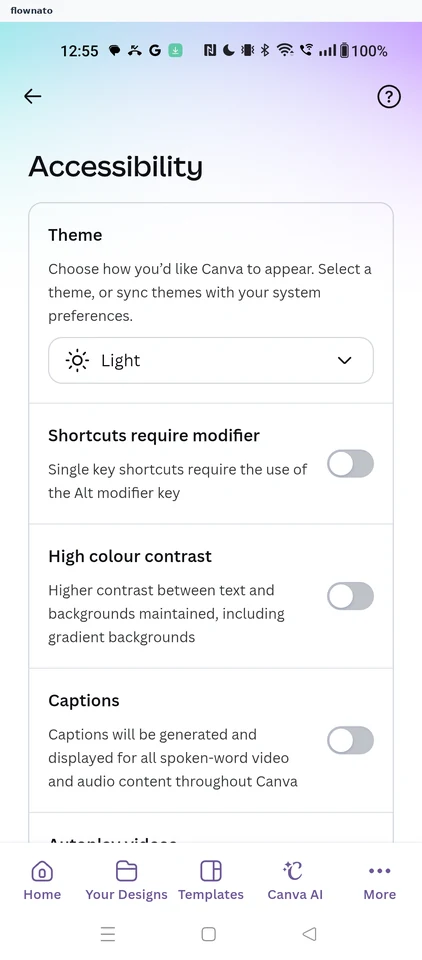
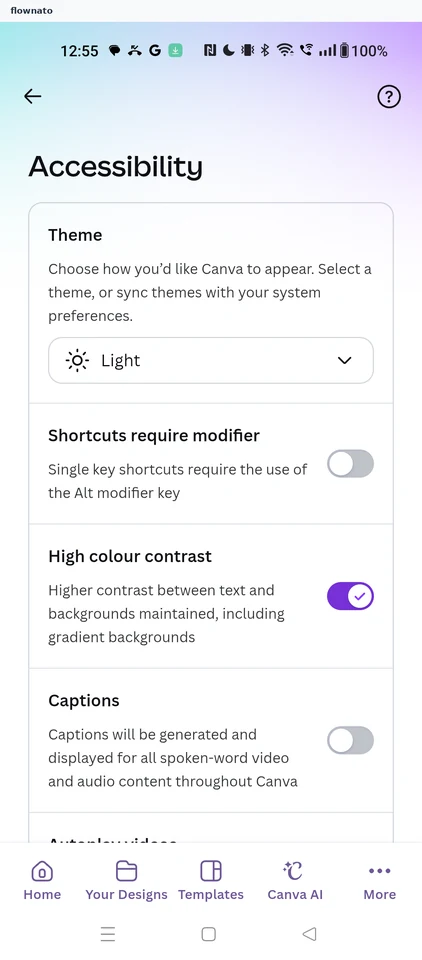
Turning on high contrast
3 screens
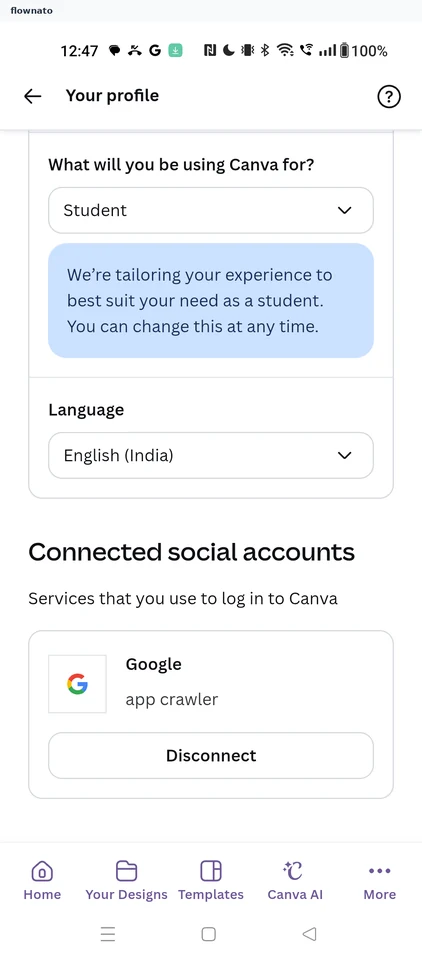
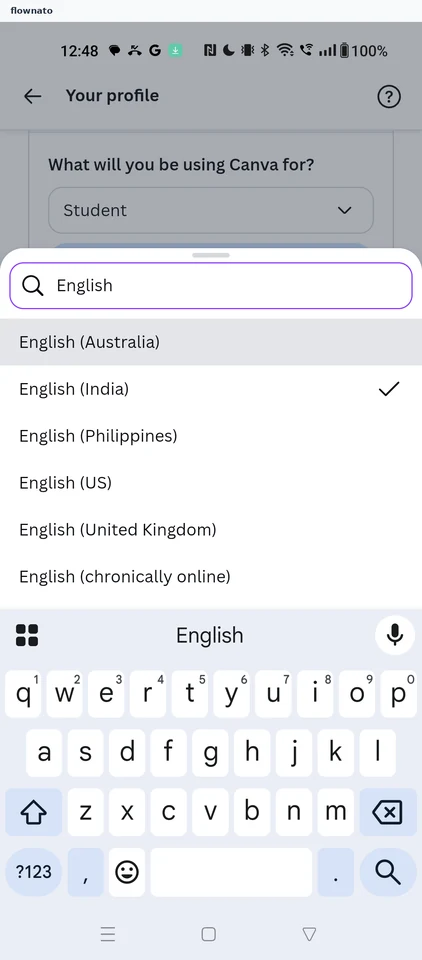
Changing the display language
3 screens
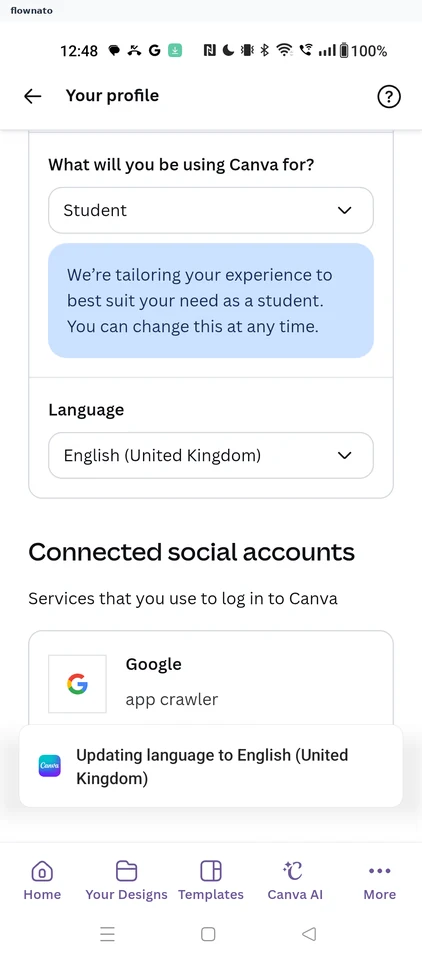
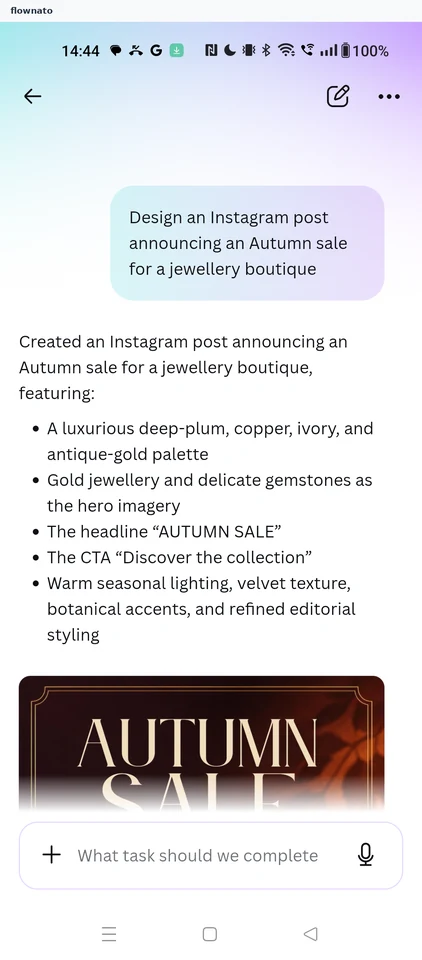
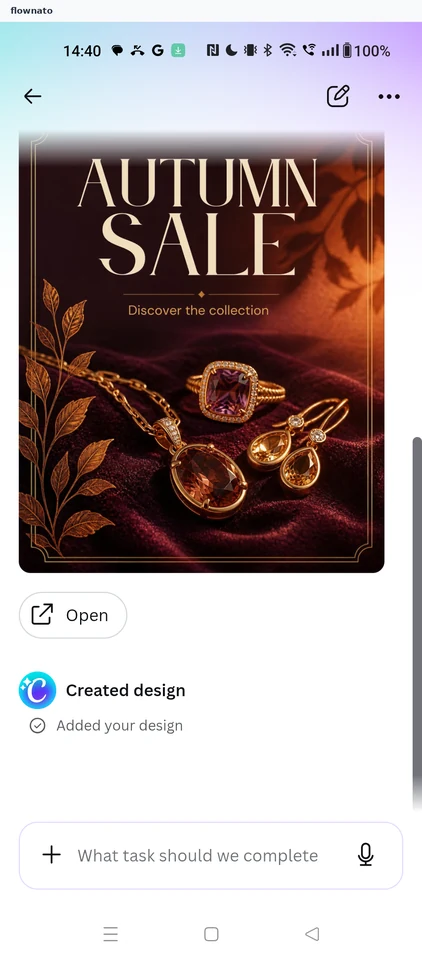
Designing with Canva AI
8 screens
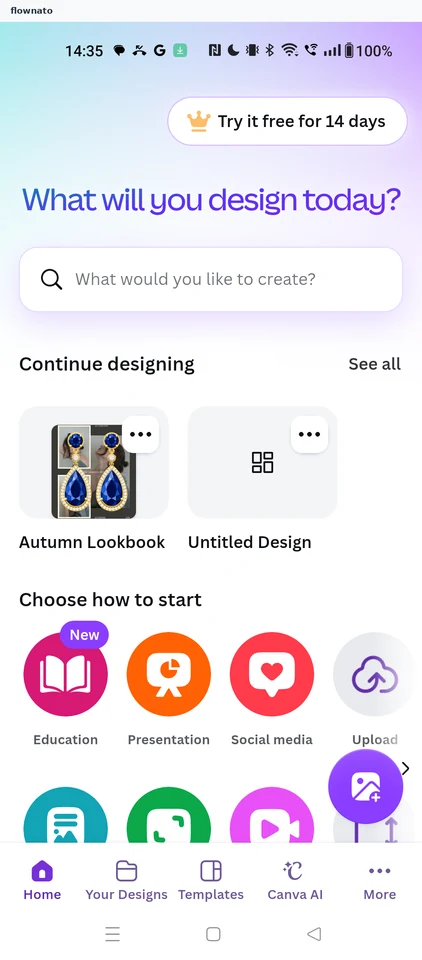
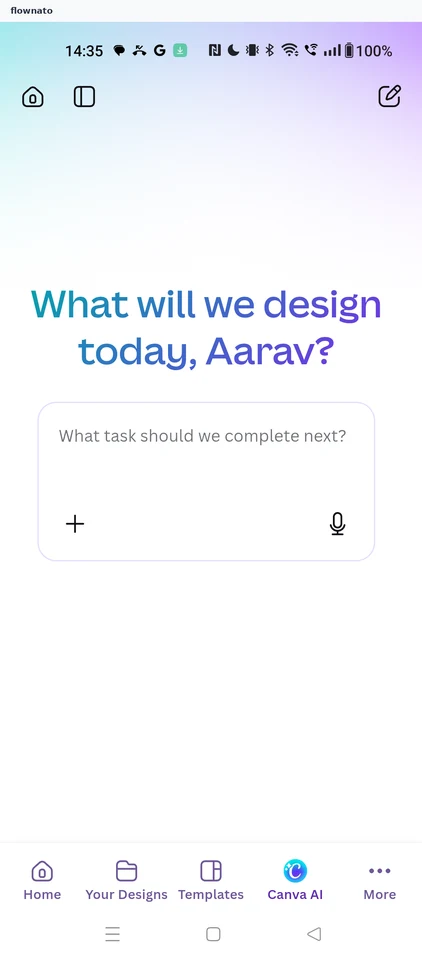
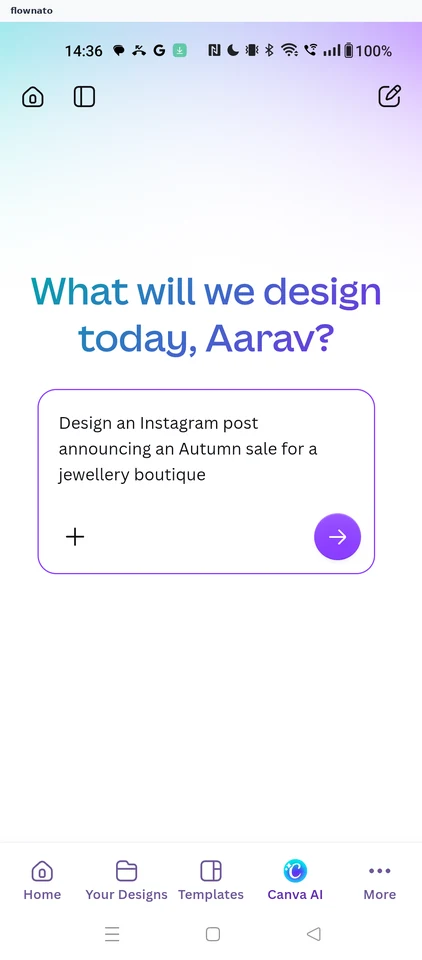
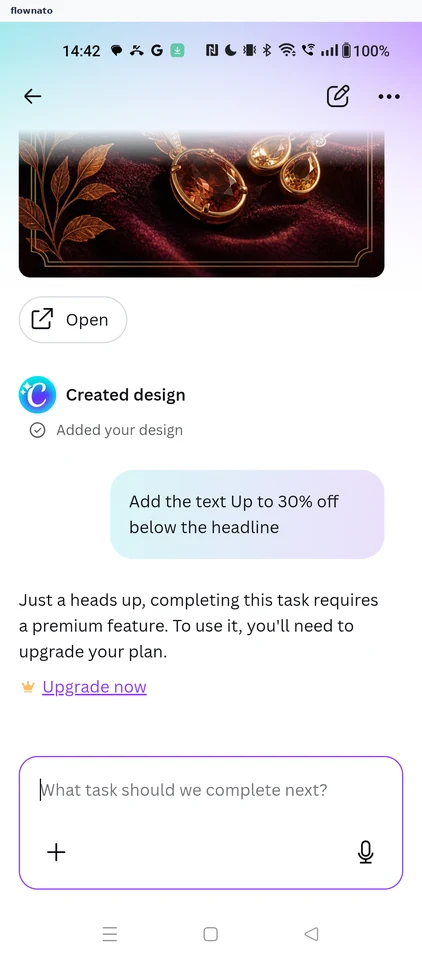
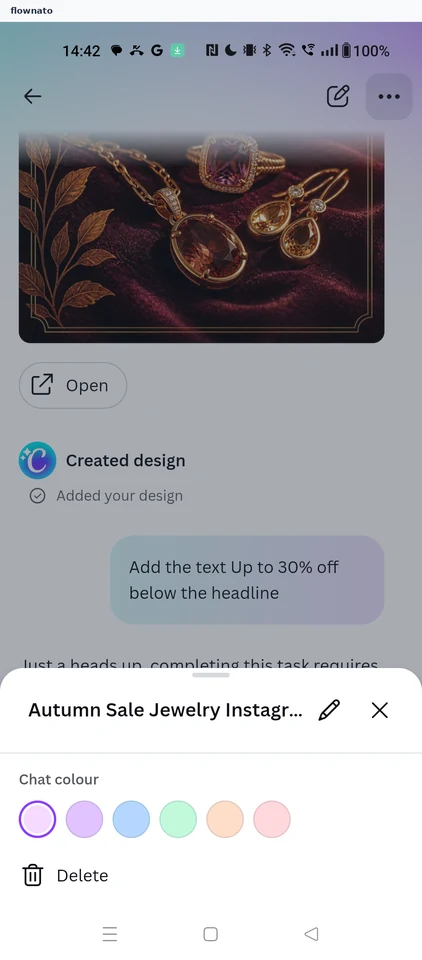
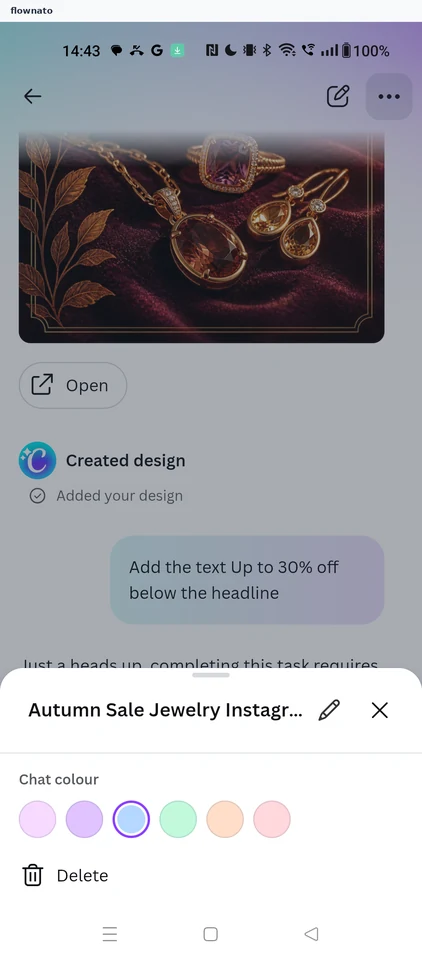
Changing a chat's colour
3 screens
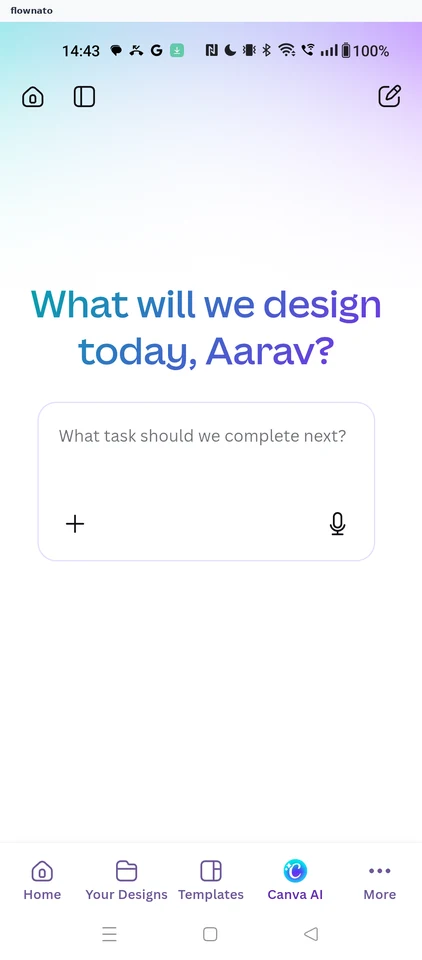
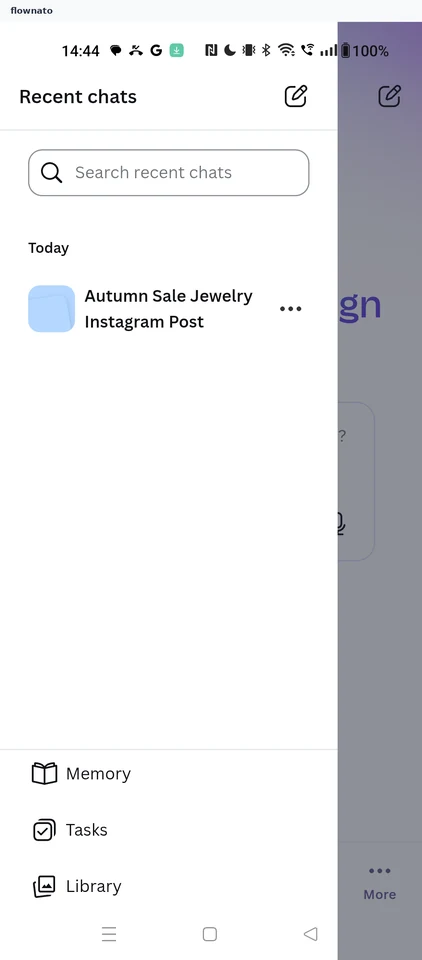
Reopening a recent chat
3 screens
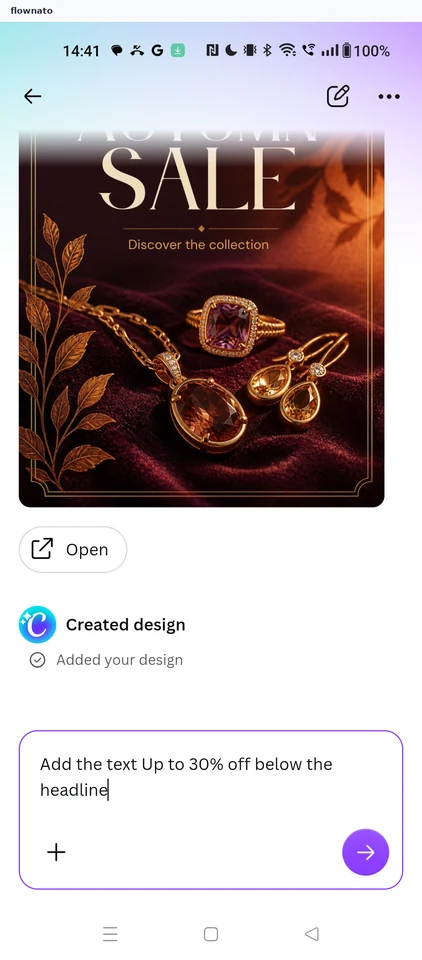
Asking AI for changes
3 screens
Designing from an existing design
9 screens
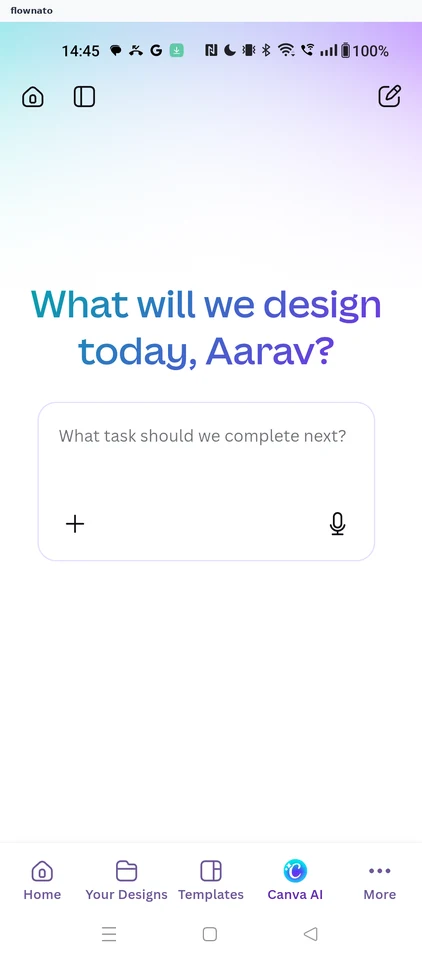
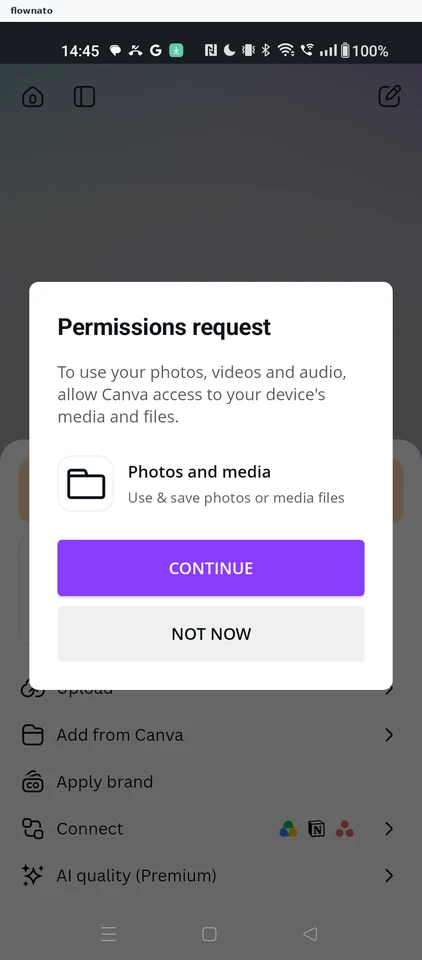
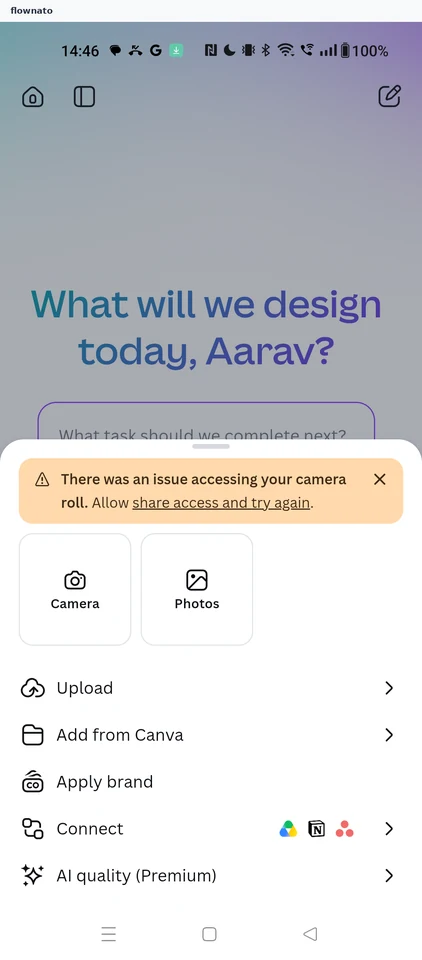
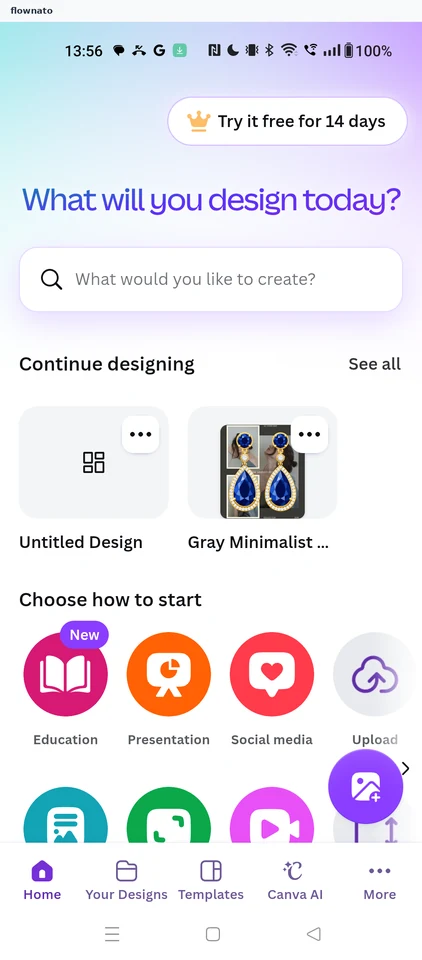
Editing a saved design
6 screens
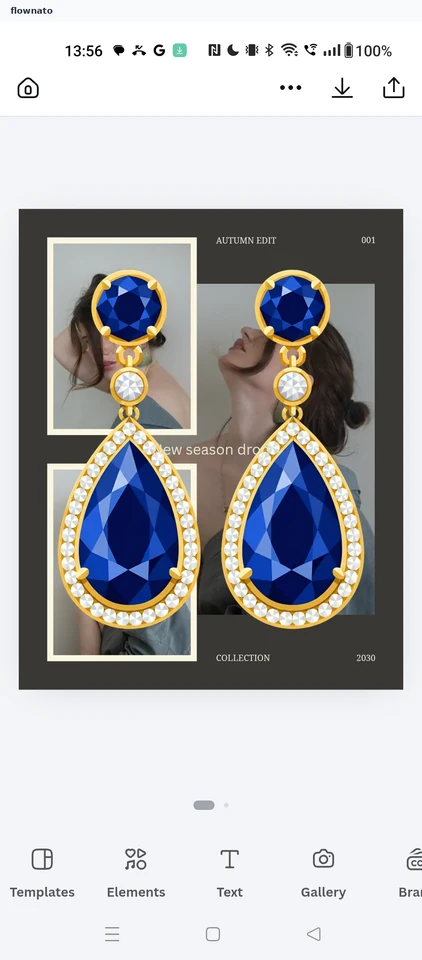
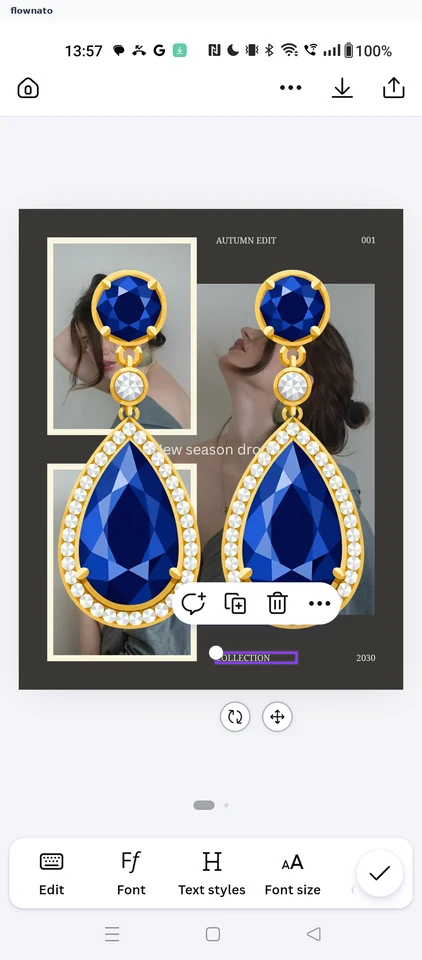
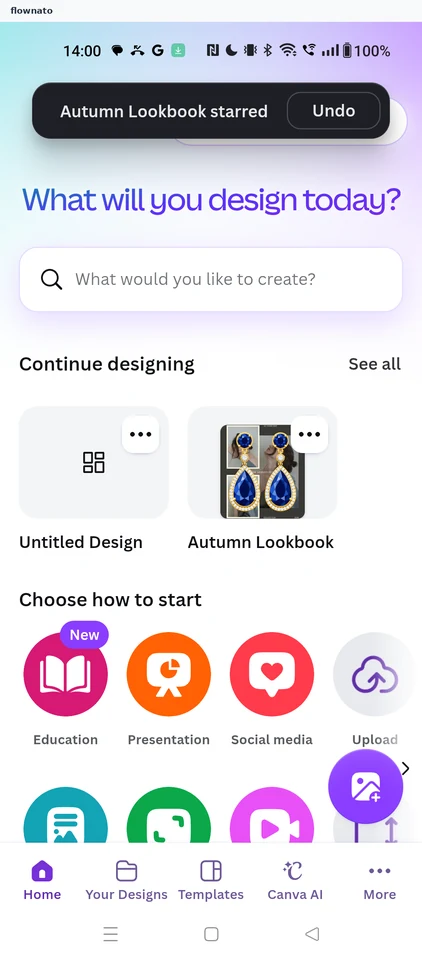
Starring a design
3 screens
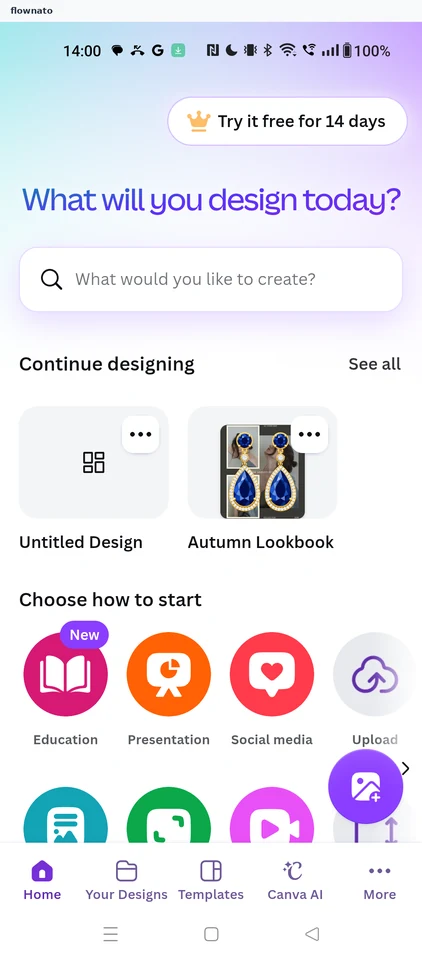
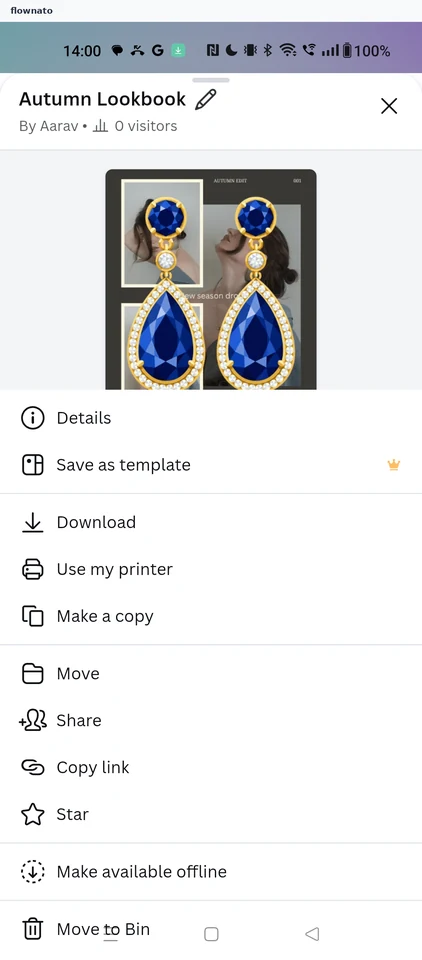
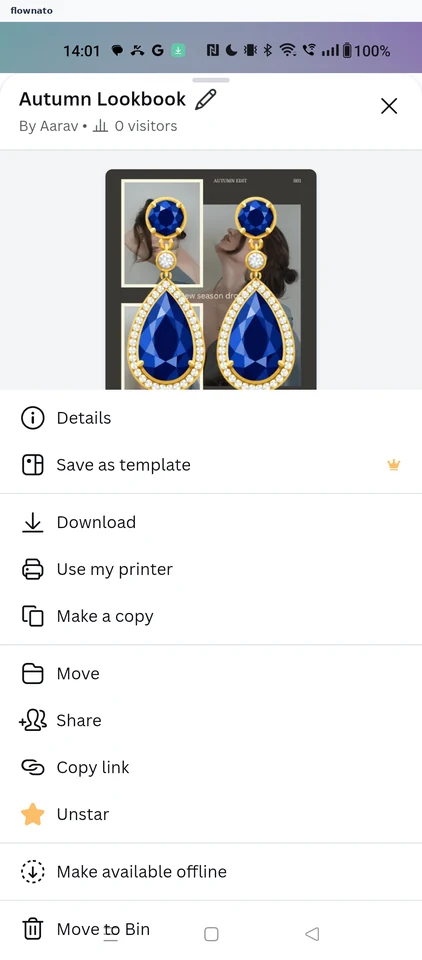
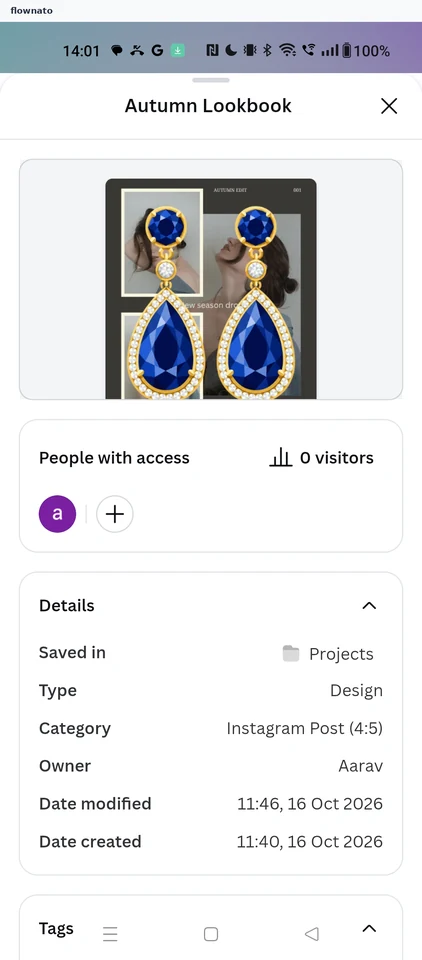
Reading design details
4 screens
Viewing all your designs
2 screens
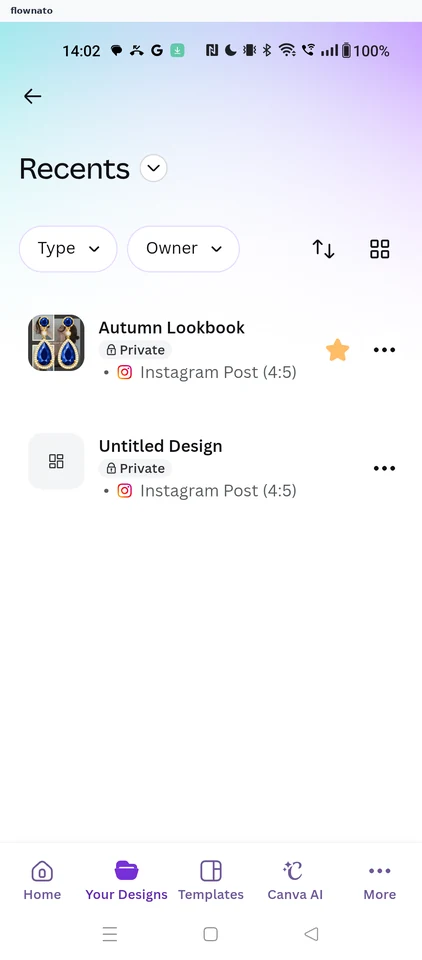
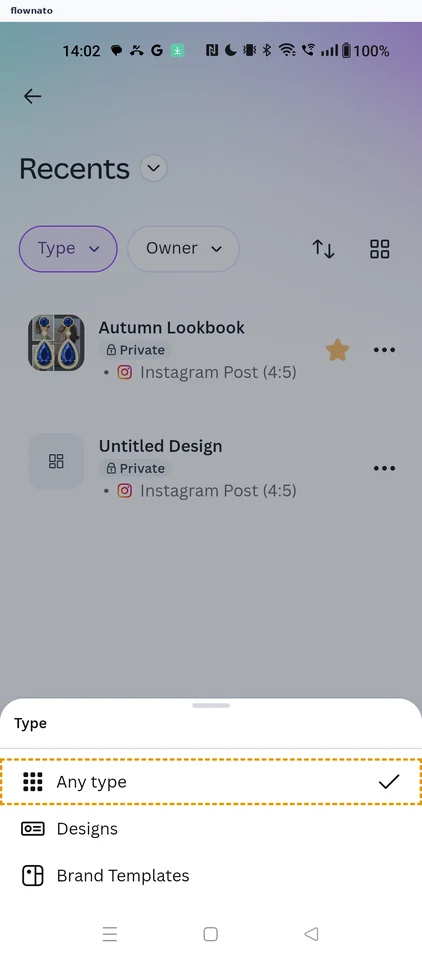
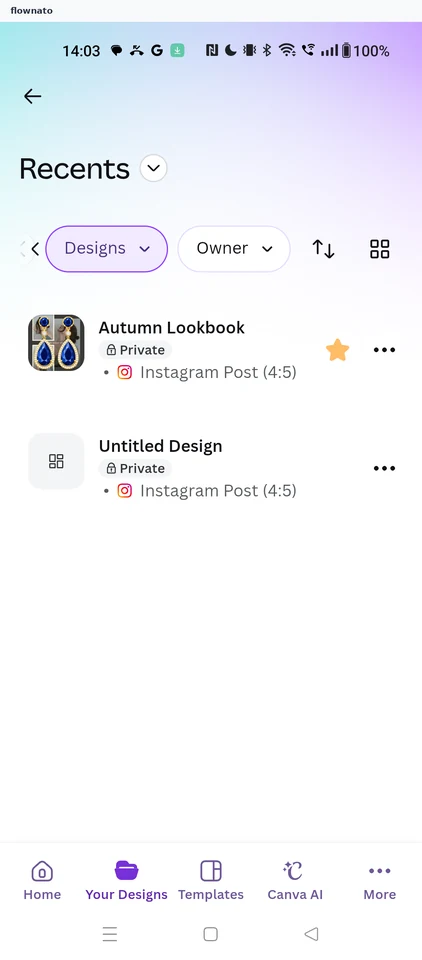
Filtering and sorting designs
7 screens
Renaming a design
4 screens