ixigo

ixigo app UI and user flows

App

About ixigo

Screens and user flows from the ixigo app.

ixigo is an Android app in the Travel category. Last recorded on 16 October 2026.

Explore the screens and product flows inside ixigo.

In the library
6 flows · 32 screens
Category and platform
Travel · Android
Updated
Oct 2026
FLOWNATO RATING
3.6Our rating · 15 UX criteria

Sign in

Flow

About ixigo Sign in

Choose Google sign-in from ixigo’s My Trips, then complete the required mobile-number verification. The flow reaches signed-in My Trips and returns to Home.

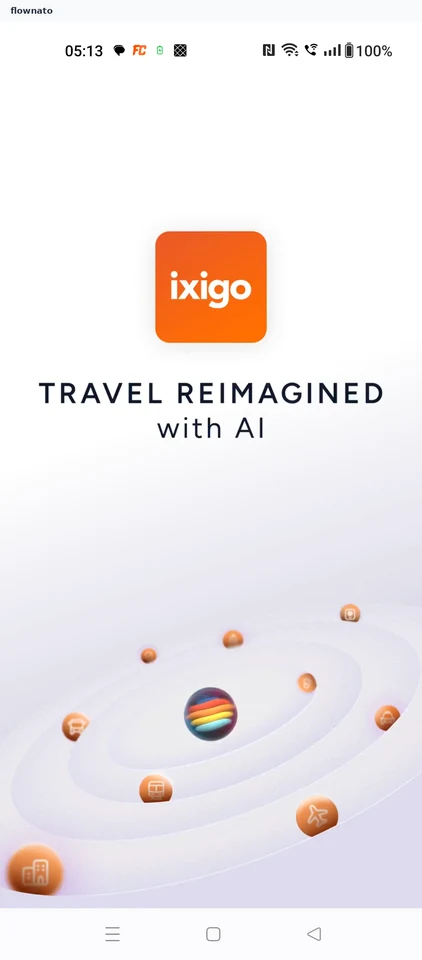
  1. App opens
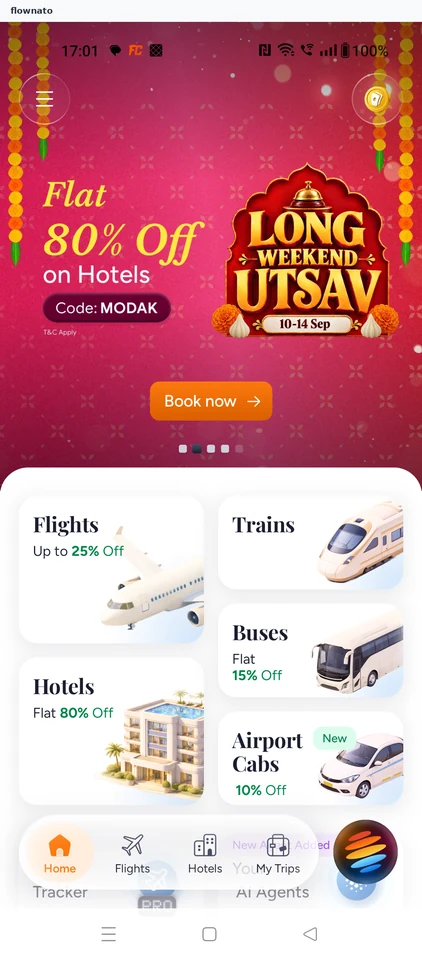
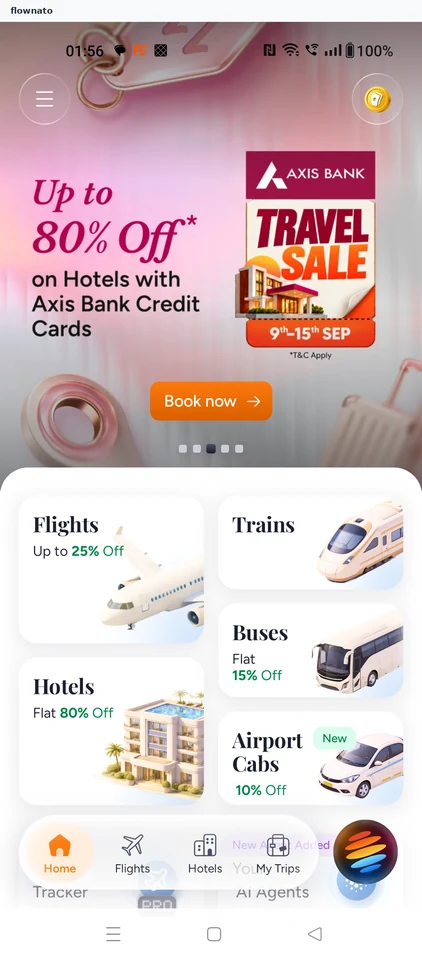
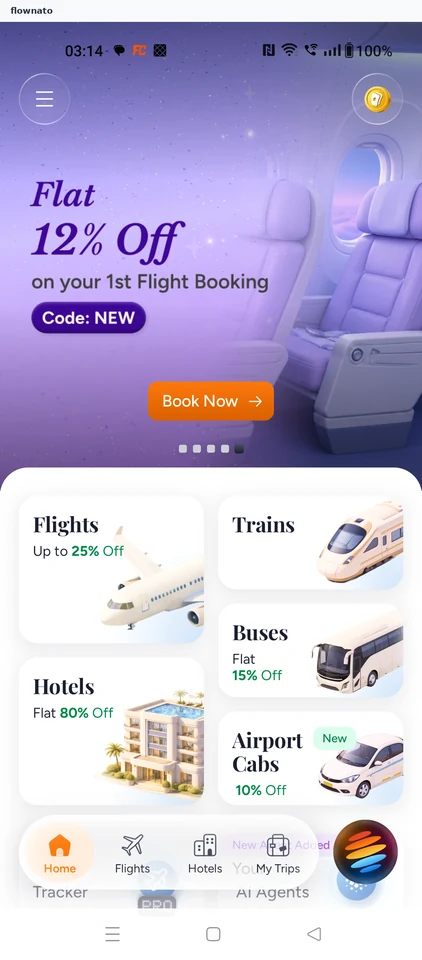
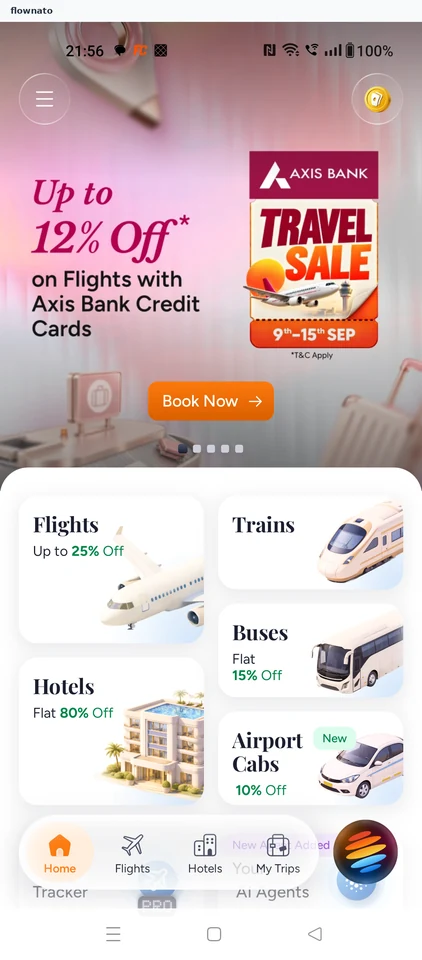
  2. Launch promotion
  3. Open My Trips
  4. Choose a login option
  5. Pick a Google account
  6. Mobile verification required
  7. Share the device number
  8. Enter the one-time code
  9. Signed in to My Trips
  10. Settled signed-in home

10 screensFree with sign up

Review notifications

Flow

About ixigo Review notifications

Open notification settings from the ixigo account. Review the notification control, which remains off at the end of the flow.

  1. App opens
  2. Launch promotion
  3. Open the account menu
  4. Choose Settings
  5. Inspect the notification setting
  6. Notifications remain off

6 screens

Track flight

Flow

About ixigo Track flight

Open ixigo Flight Tracker, choose an airport and browse departures. Select a flight to view its route, delay and estimated arrival status.

  1. Open ixigo
  2. See the launch offer
  3. Start from Home
  4. Open Flight Tracker
  5. Choose airport lookup
  6. Compare lookup options
  7. Select New Delhi
  8. Review departures
  9. See live status

9 screensFree with sign up

Plan bus trip

Flow

About ixigo Plan bus trip

Recover from an empty bus search in ixigo by changing the route. Choose a service, berth and stops, enter passenger details, and review payment methods before booking.

  1. Open ixigo
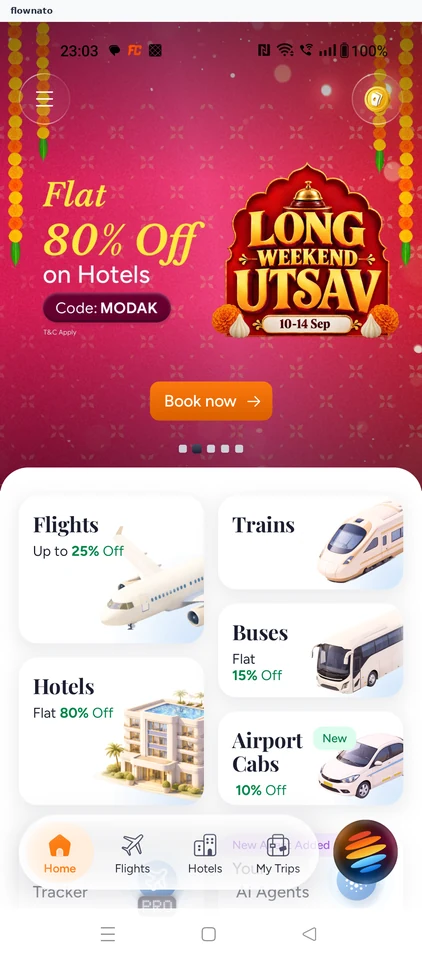
  2. Start from travel home
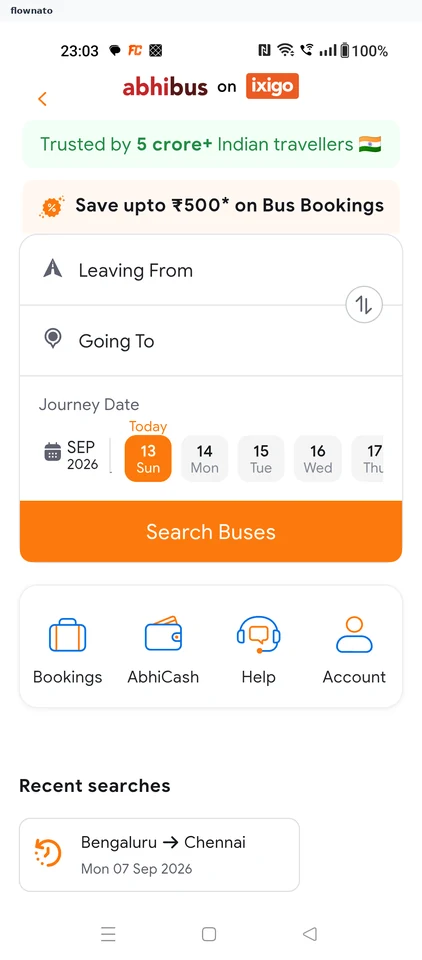
  3. Open route search
  4. Choose Delhi
  5. Search Bengaluru to Delhi
  6. No buses found
  7. Revise the destination
  8. Choose Chennai
  9. Search Bengaluru to Chennai
  10. Compare bus options
  11. Choose a berth
  12. Review the selected seat
  13. Choose a boarding point
  14. Choose a dropping point
  15. Enter passenger name
  16. Enter passenger age
  17. Choose passenger gender
  18. Review passenger details
  19. Review trip protection
  20. Keep protection declined
  21. Review the amount
  22. Compare payment methods
  23. Stop before payment

23 screensFree with sign up

Choose airport cab

Flow

About ixigo Choose airport cab

Open ixigo Airport Cabs, review the route and compare cab types and fares. Select a vehicle and review the trip before payment.

  1. Launch ixigo
  2. Open Airport Cabs
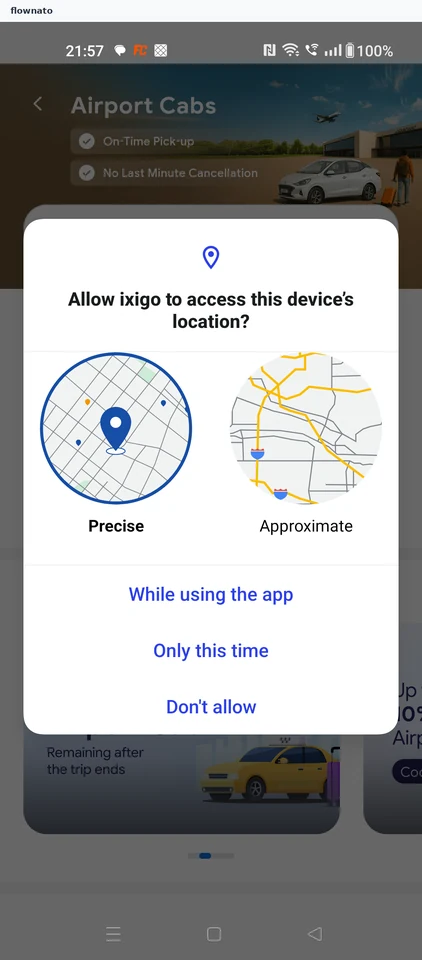
  3. Decline location access
  4. Review the trip
  5. Compare cab options
  6. Confirm the selection
  7. Review before payment

7 screens

Save home location

Flow

About ixigo Save home location

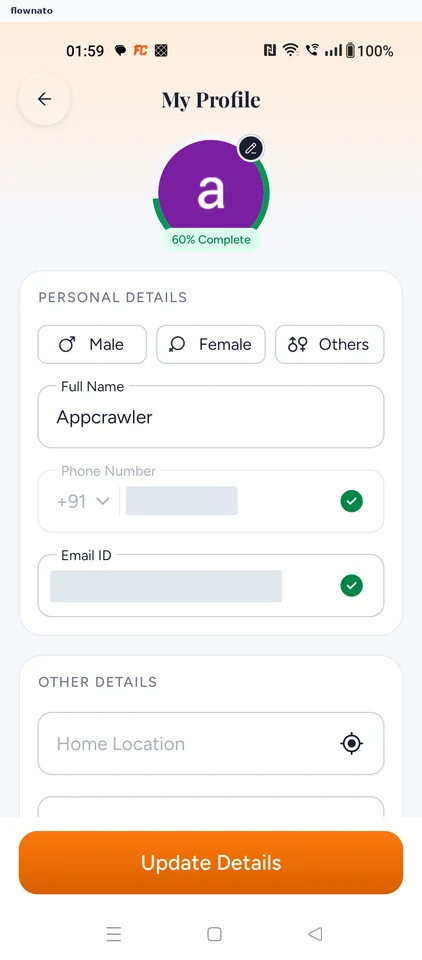
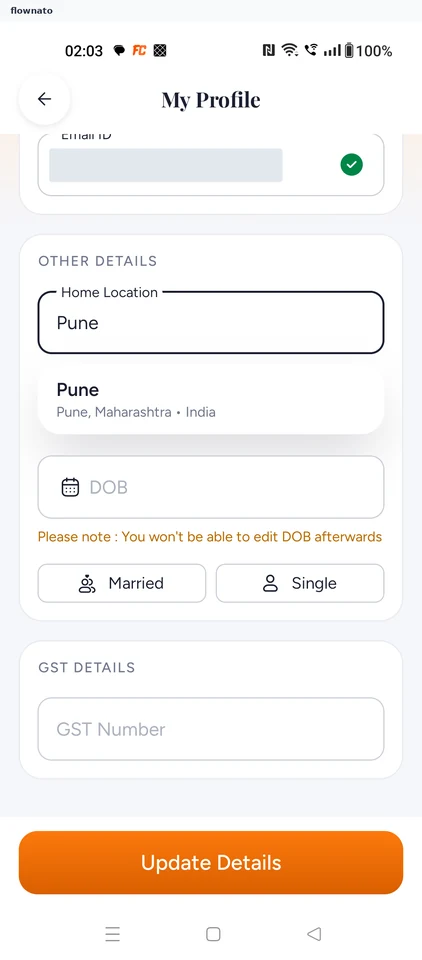
Edit the home location in ixigo, choose a city and save it. Confirm the updated location in the profile.

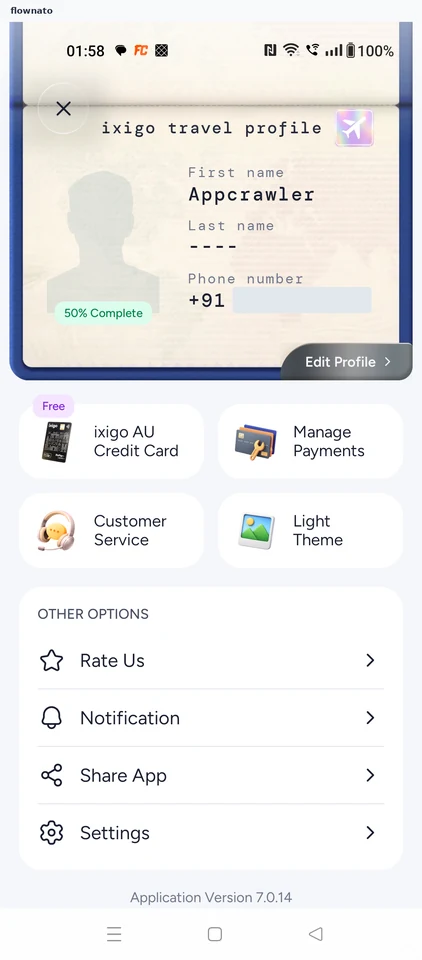
  1. Open Edit Profile
  2. Find Home Location
  3. Choose Pune
  4. Save the location
  5. Update succeeds
  6. Saved value is confirmed

6 screens