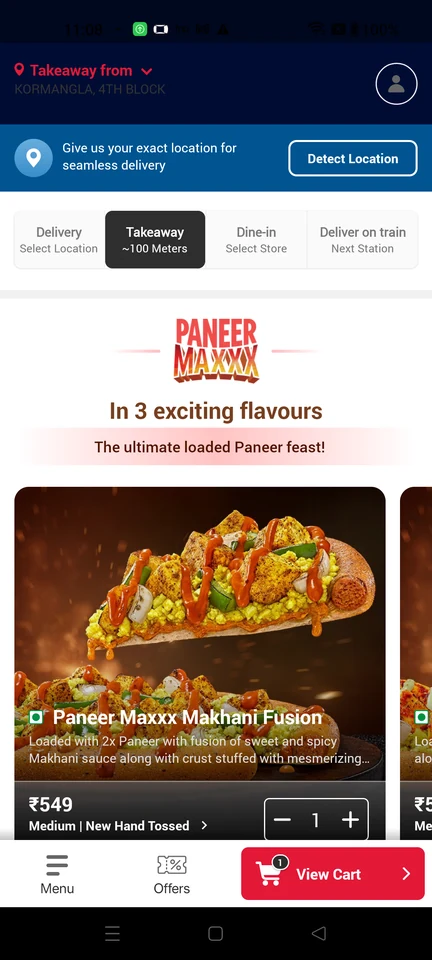
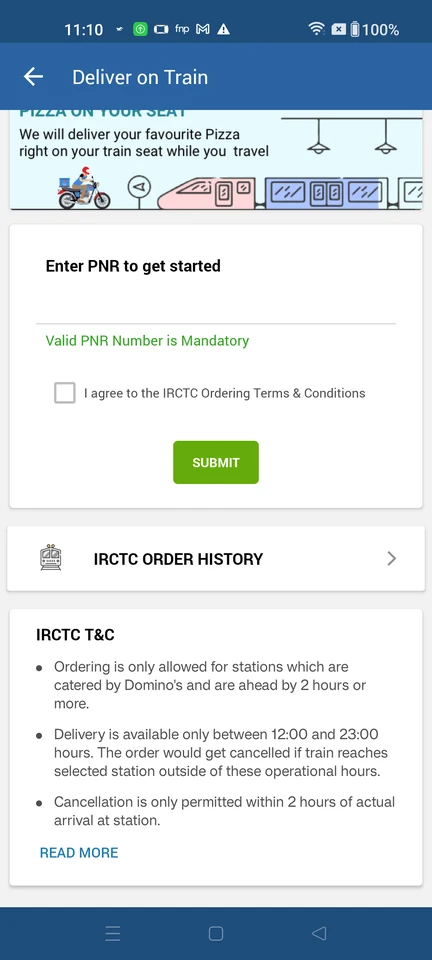
Domino’s app UI and user flows

About Domino’s

Domino’s ordering flows for delivery, takeaway, dine-in and train-seat orders.

Domino’s is an Android app in the Commerce category. Last recorded on 14 September 2026.

Commerce · Android · version 11.6.4

Domino’s journeys

  1. Order food for delivery

    7 steps · complete with a free account
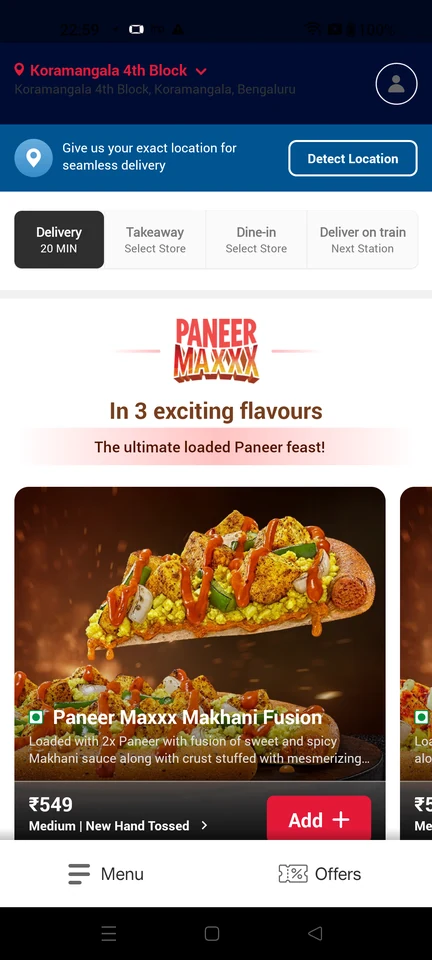
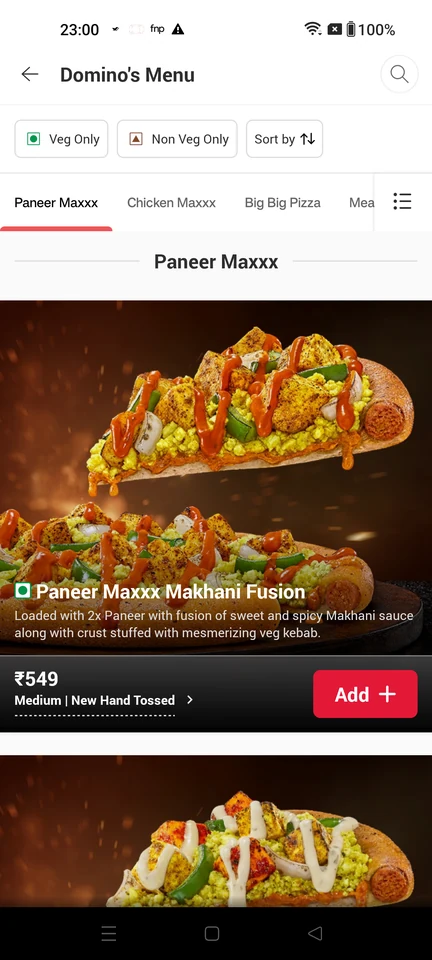
    Domino’s: Guest home with delivery modeDomino’s: Browse the pizza menuDomino’s: Add a pizza to the cart
  2. Order food for takeaway pickup

    7 steps · complete with a free account
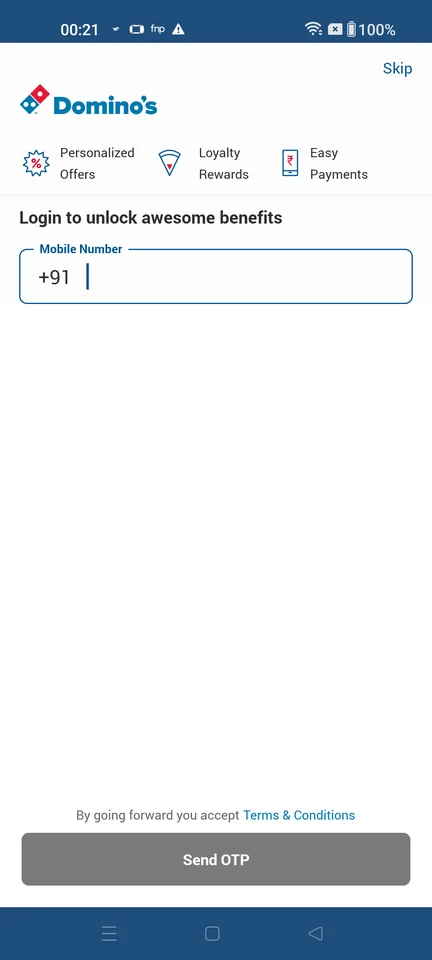
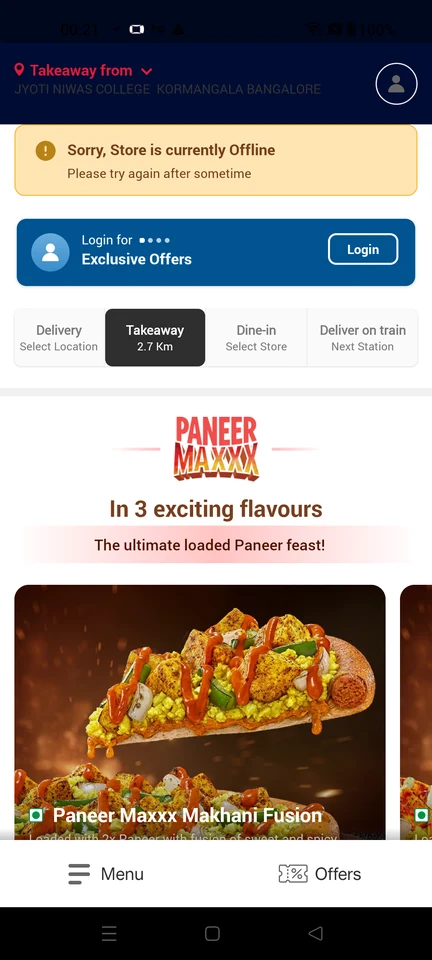
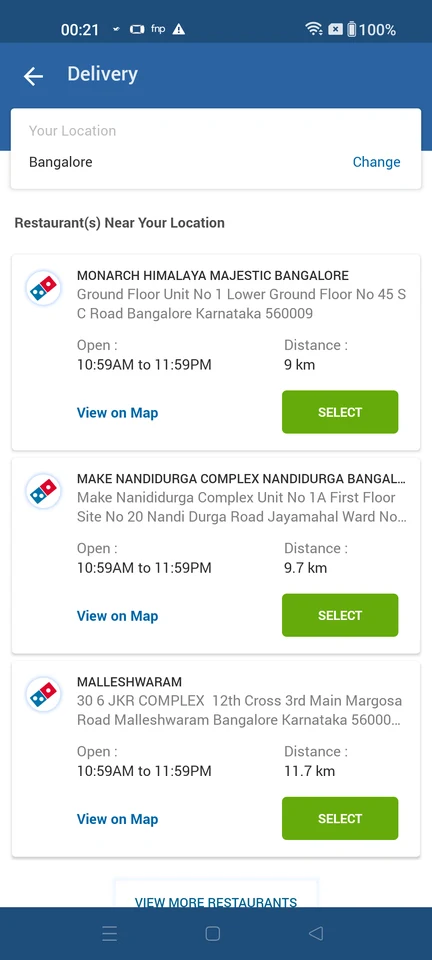
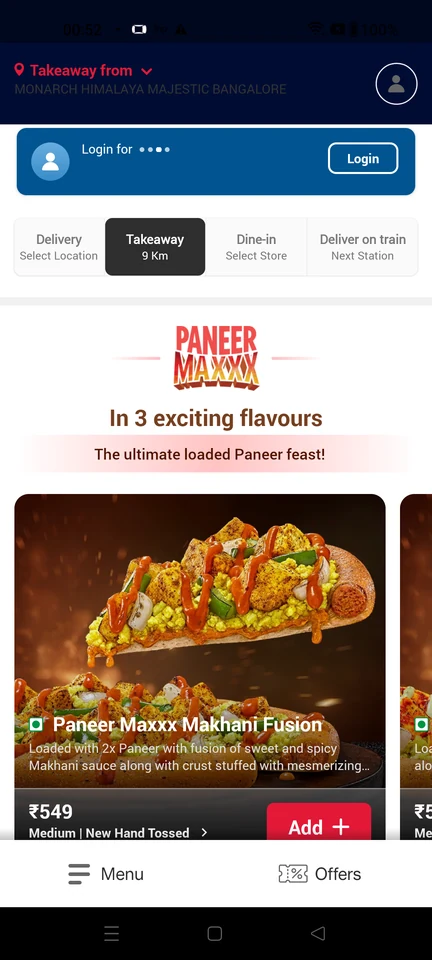
    Domino’s: Skip login to order as a guestDomino’s: Takeaway mode, nearest store offlineDomino’s: Pick a nearby pickup outlet
  3. Order food to eat at the restaurant

    7 steps · complete with a free account
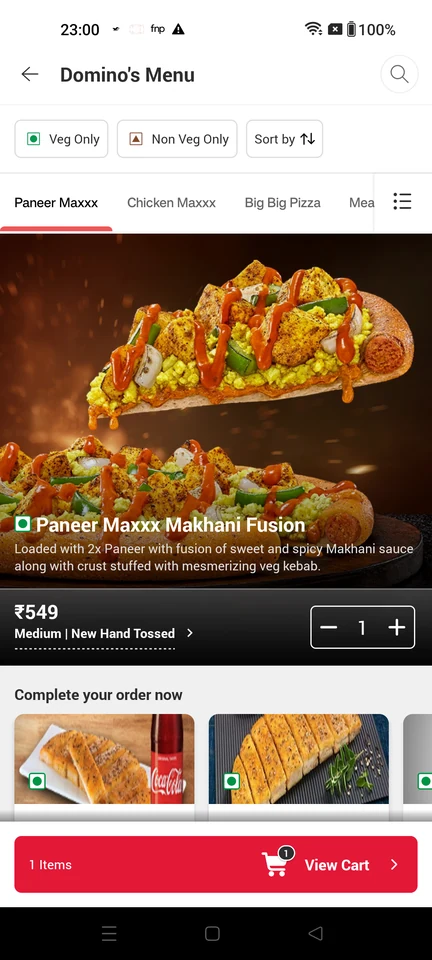
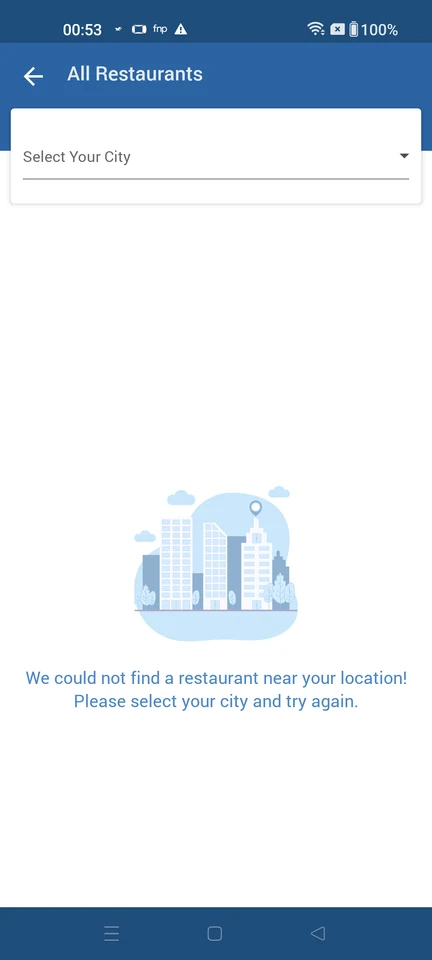
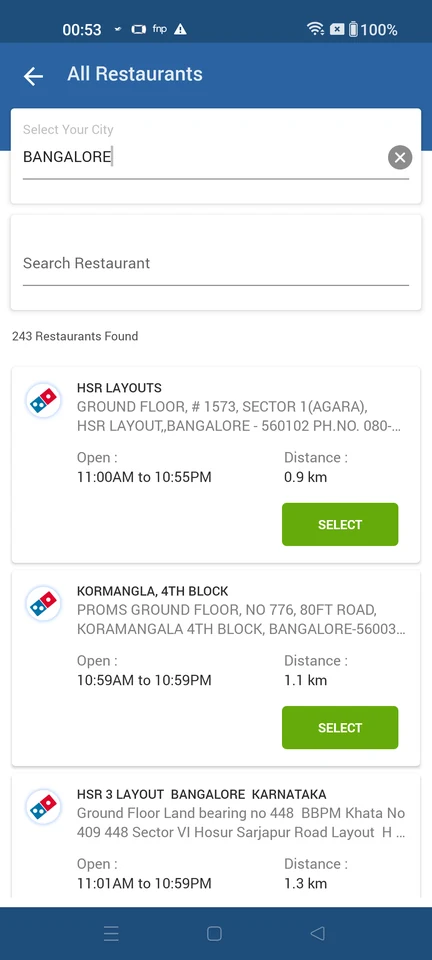
    Domino’s: Choose Dine-inDomino’s: Select your cityDomino’s: Pick a restaurant
  4. Change the restaurant for an order in the cart

    5 steps
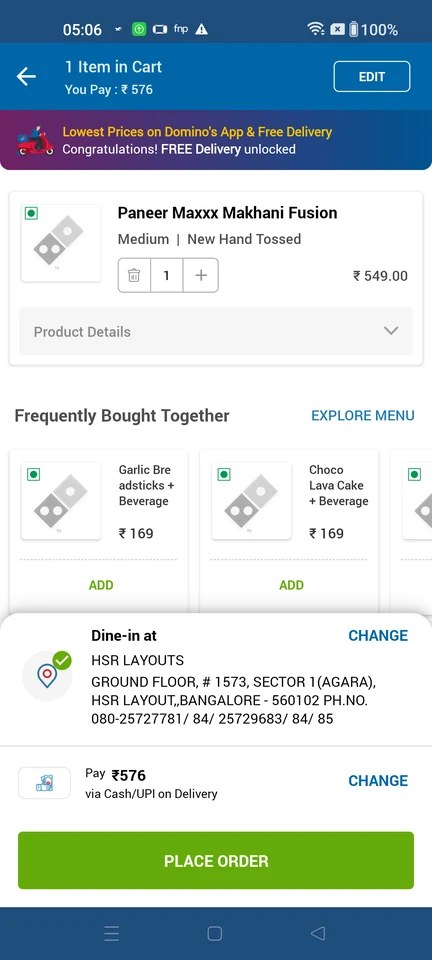
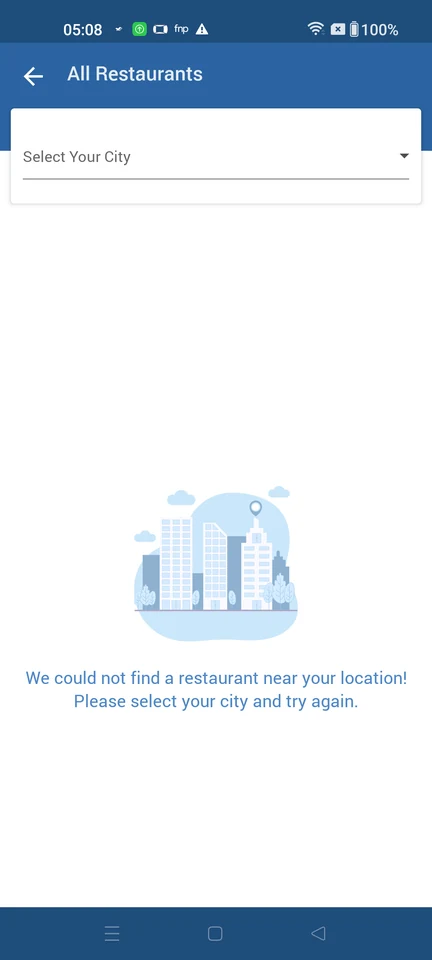
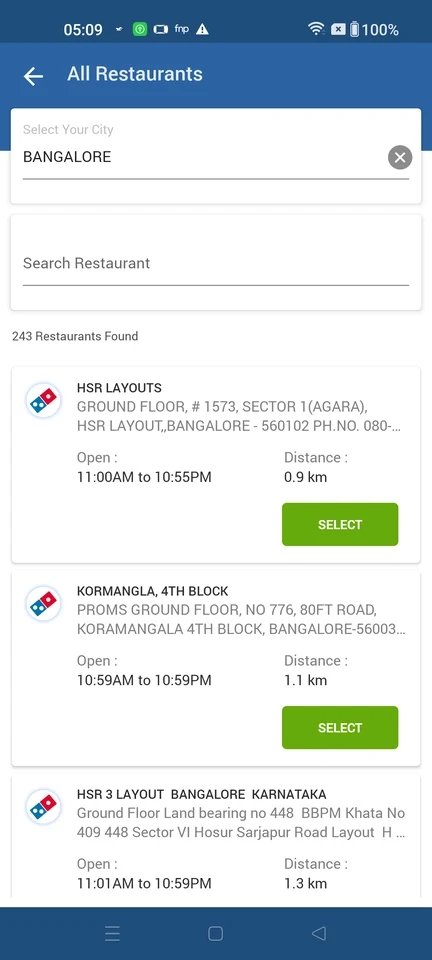
    Domino’s: Cart with one itemDomino’s: All restaurants directoryDomino’s: Pick another restaurant
  5. Order food to a train seat

    5 steps
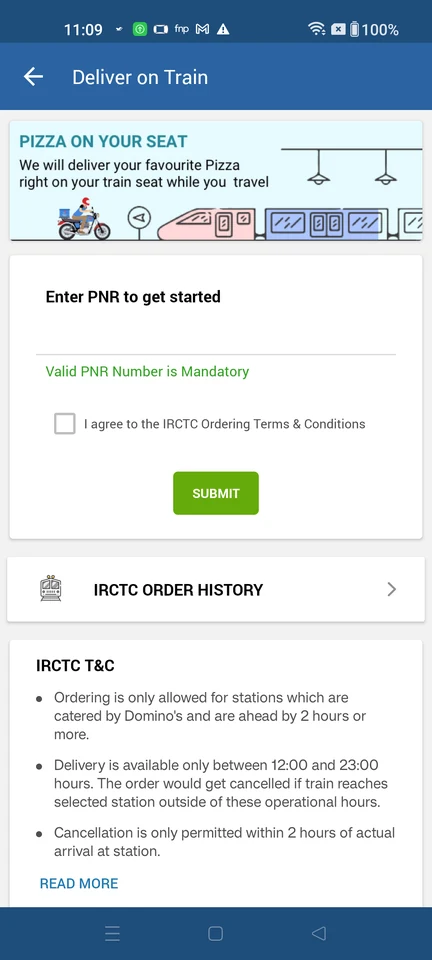
    Domino’s: Pick an order mode at homeDomino’s: Enter PNR to get startedDomino’s: Accept IRCTC ordering terms

Screen patterns in Domino’s