Order food to eat at the restaurant — Domino’s UX flow
Choose Dine-in in Domino’s, select a city and restaurant, and add an item from the menu. Review the cart with its dine-in location before ordering.
Step 1: Choose Dine-in
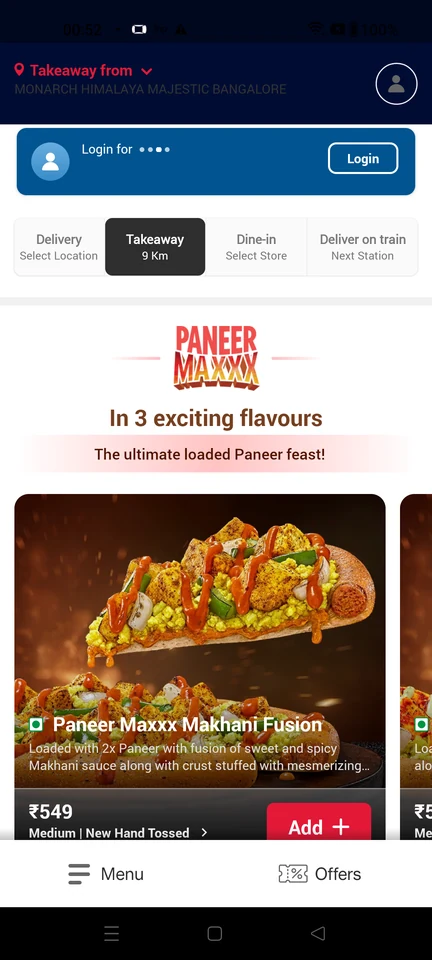
Home · Top bar, Promo banner, Segmented control, Logo, Carousel, Image
Step 2: Select your city
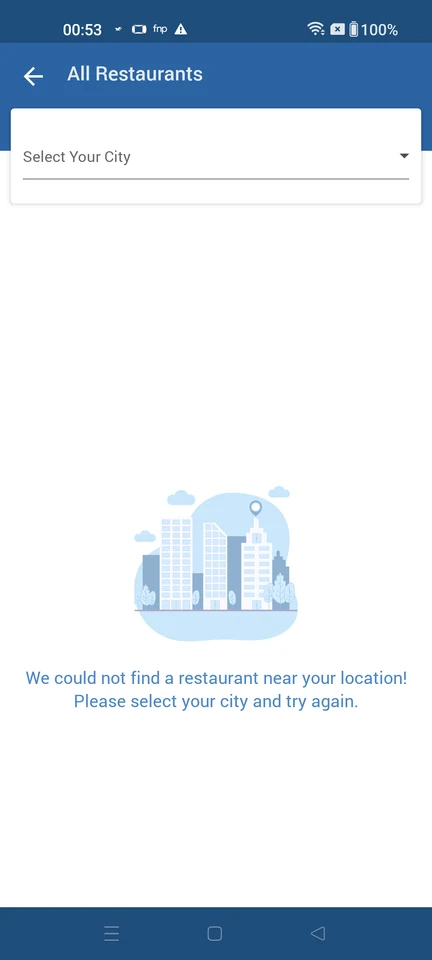
Step 3: Pick a restaurant
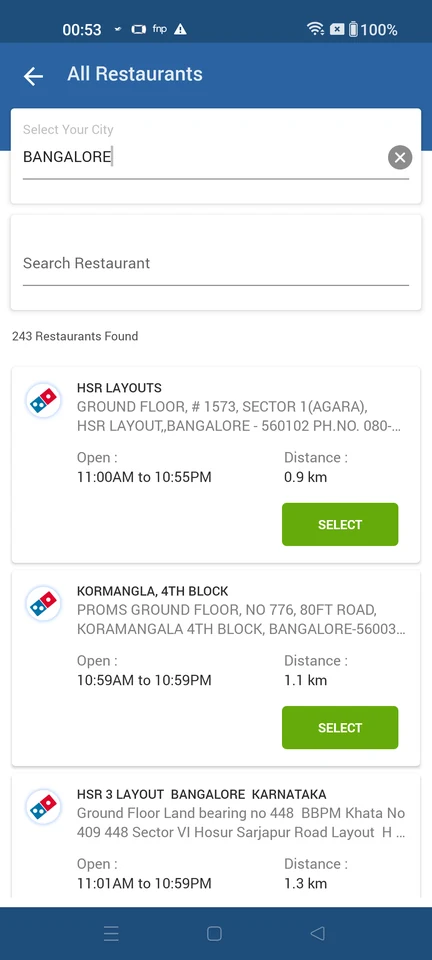
Location search · Top bar, Text input, Search bar, Card, Button, Logo
Step 4: Home bound to the dine-in store
Step 5: Browse the restaurant menu
Step 6: Item added to the cart
Step 7: Dine-in checkout