Change the restaurant for an order in the cart — Domino’s UX flow
Open the restaurant directory from a Domino’s cart, choose another restaurant and confirm the switch. Review the cart after the restaurant changes.
About this journey
Flow pattern: Choosing an option
Step 1: Cart with one item
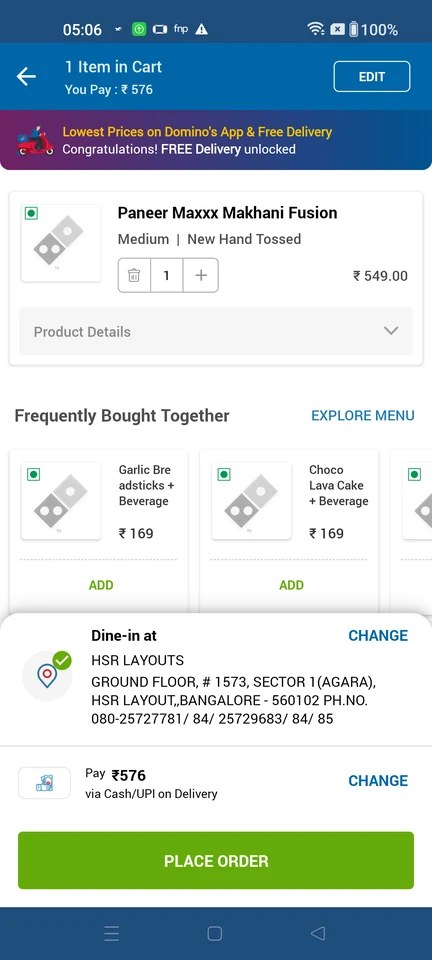
Cart · Top bar, Promo banner, Quantity stepper, Accordion, Carousel, Sticky action bar
Step 2: All restaurants directory
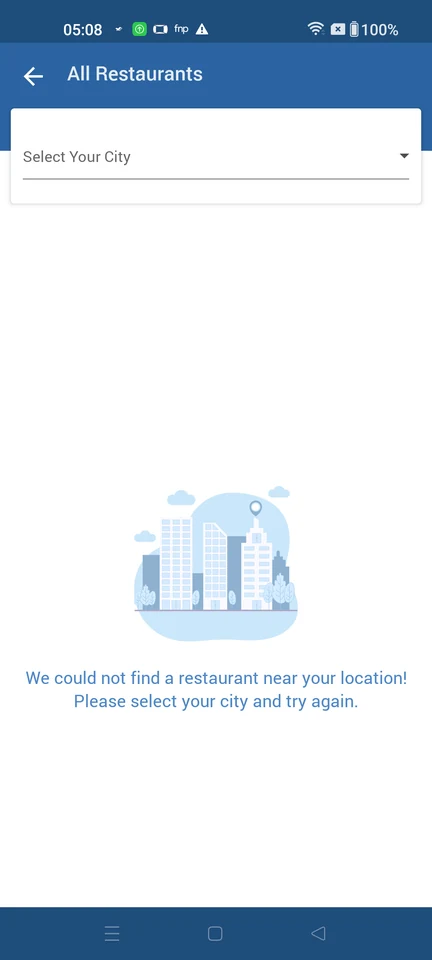
Step 3: Pick another restaurant
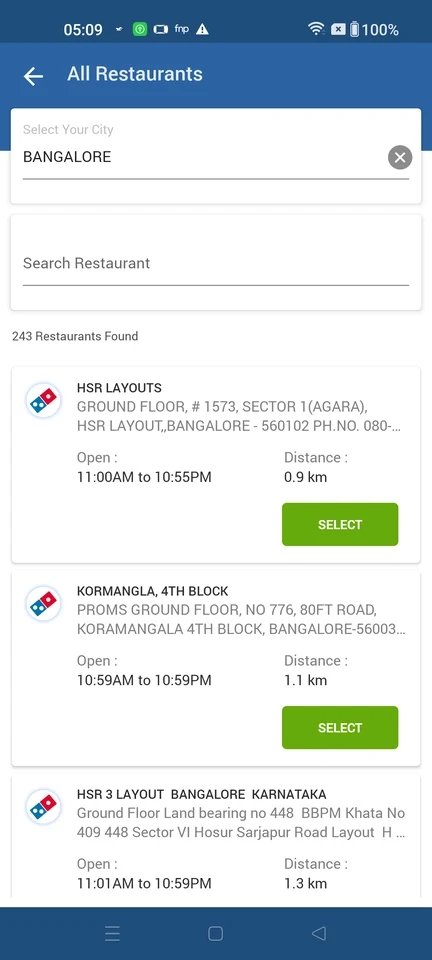
Location search · Top bar, Text input, Search bar, Card, Button, Logo
Step 4: Confirm the switch
Step 5: Cart moved to the new restaurant