Sri Mandir

Sri Mandir app UI and user flows

App

About Sri Mandir

Screens and user flows from the Sri Mandir app.

Sri Mandir is an Android app in the Lifestyle category. Last recorded on 17 October 2026.

Explore the screens and product flows inside Sri Mandir.

In the library
4 flows · 22 screens
Category and platform
Lifestyle · Android
Updated
Oct 2026
FLOWNATO RATING
3.4Our rating · 15 UX criteria

Daily darshan

Flow

About Sri Mandir Daily darshan

Switch Sri Mandir to English, open Daily Divine Darshan and choose a flower offering. Perform the free aarti and see the ritual controls and reward balance update.

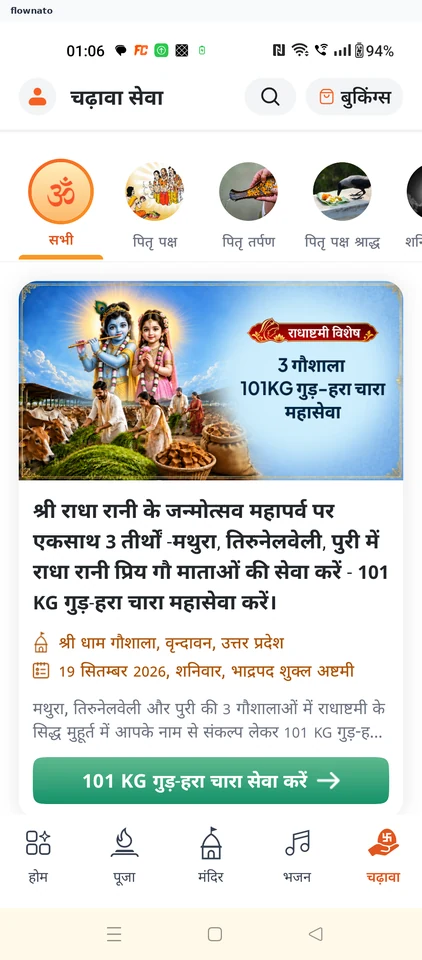
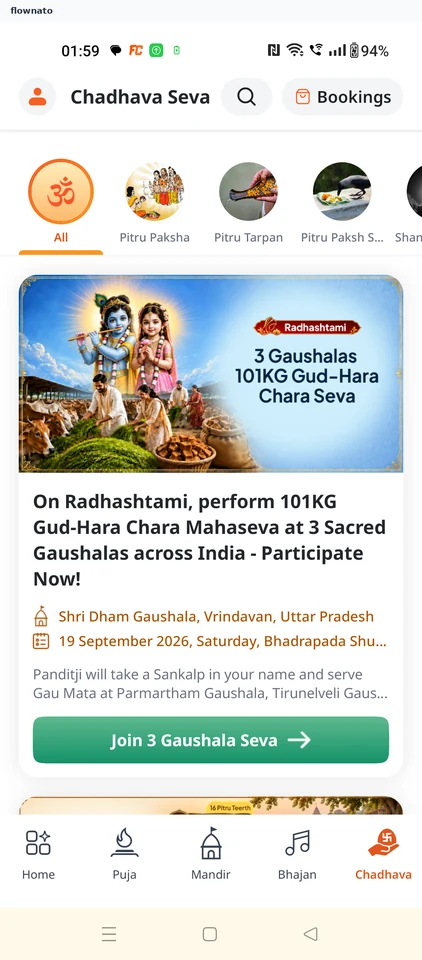
  1. Chadhava tab
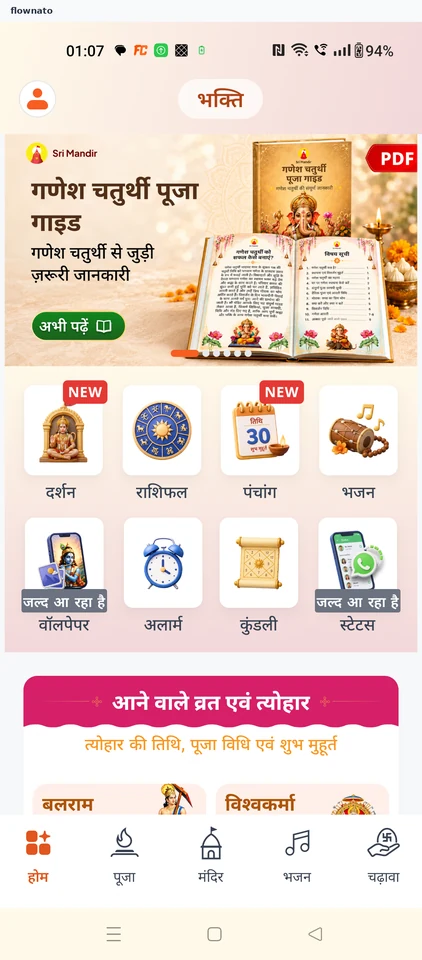
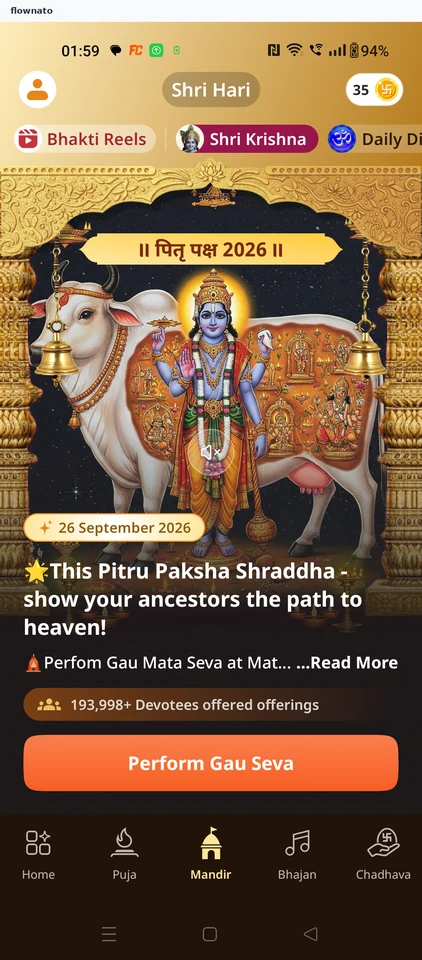
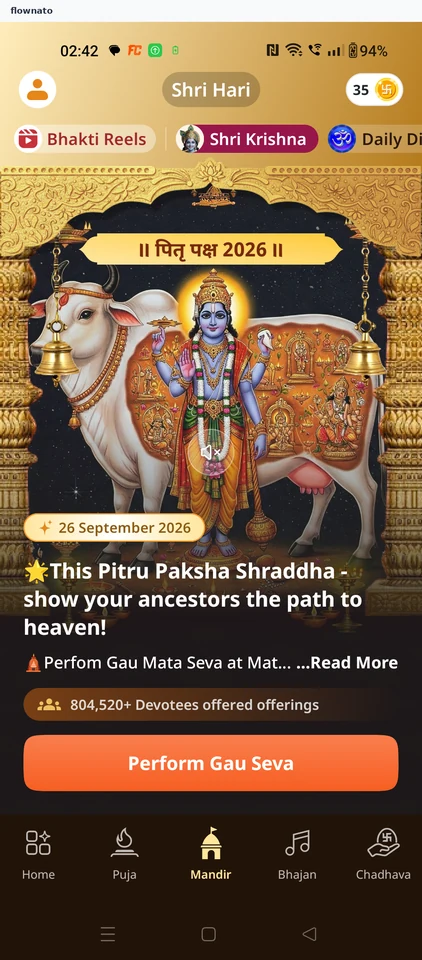
  2. Devotional home
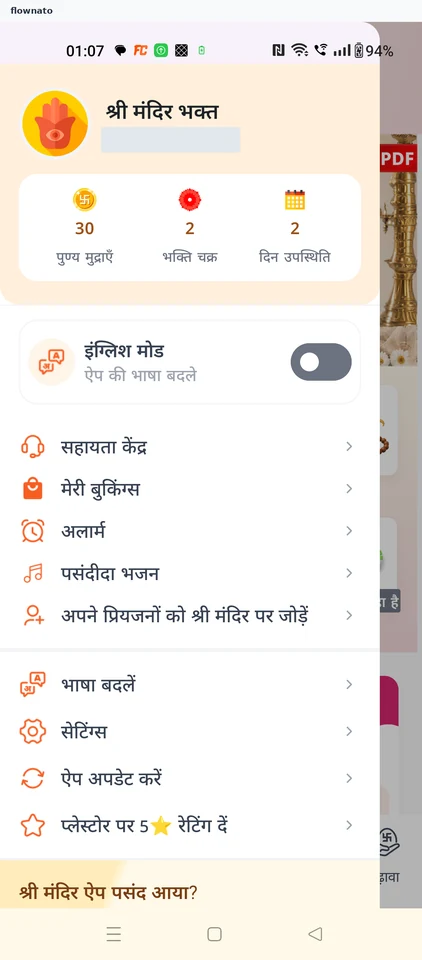
  3. Switch to English
  4. Open the temple
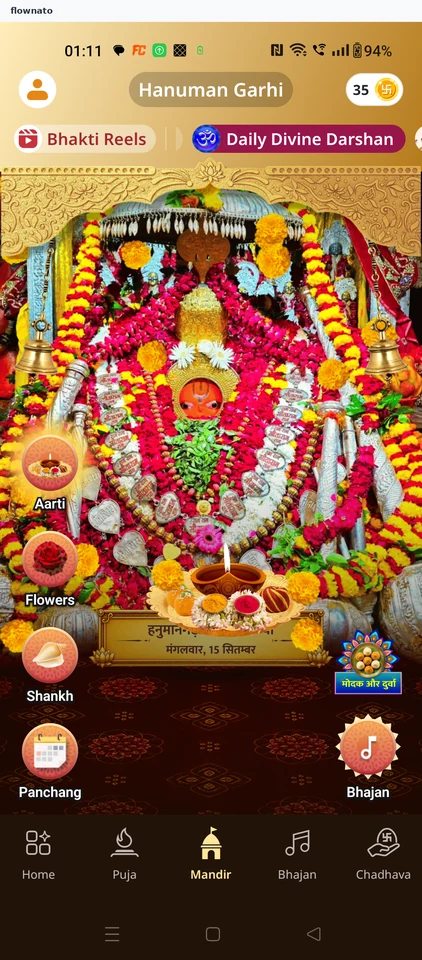
  5. Today's darshan
  6. Choose the flower
  7. Flowers offered
  8. Aarti performed

8 screensFree with sign up

Check punya progress

Flow

About Sri Mandir Check punya progress

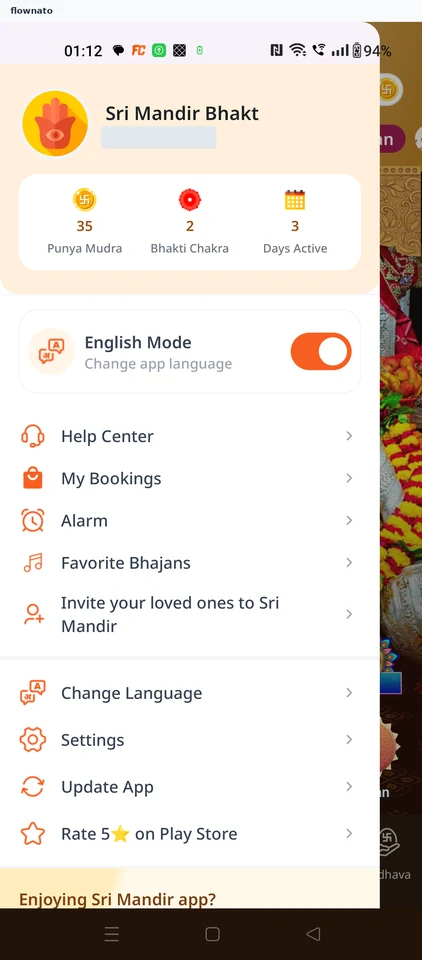
Open the devotee profile from Sri Mandir’s darshan area to view Punya progress.

  1. Darshan screen
  2. Devotee profile

2 screens

Temple offering checkout

Flow

About Sri Mandir Temple offering checkout

Choose a Sri Mandir offering package, enter the required devotee name and review an optional donation. Continue to Razorpay payment choices without submitting a payment.

  1. Sri Mandir opens
  2. Temple region
  3. Browse offerings
  4. Offering detail
  5. How it is performed
  6. Choose a package
  7. Package inclusions
  8. Package added
  9. Proceed from cart
  10. Devotee name required
  11. Name entered
  12. Review the booking
  13. Donation added
  14. Payment options

14 screensFree with sign up

Puja checkout

Flow

About Sri Mandir Puja checkout

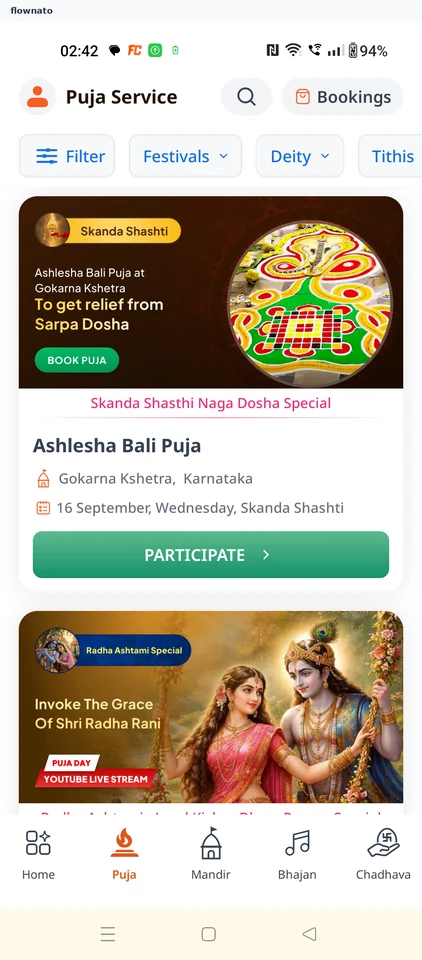
Review a puja in Sri Mandir, compare packages and choose optional extras. Add participant and delivery details, review the booking and reach payment options.

  1. Sri Mandir opens
  2. Temple region
  3. Browse pujas
  4. Puja overview
  5. Benefits
  6. What is included
  7. Puja process
  8. Compare packages
  9. Individual puja selected
  10. Optional add-ons
  11. Participant details
  12. Gotra choice
  13. Add WhatsApp number
  14. Details entered
  15. Box delivery enabled
  16. Delivery address
  17. Address entered
  18. Review booking
  19. Payment options

19 screensFree with sign up