District

District app UI and user flows

App

About District

Screens and user flows from the District app.

District is an Android app in the Events category. Last recorded on 14 September 2026.

Movies, events and going-out journeys.

In the library
4 flows · 14 screens
Category and platform
Events · Android
Updated
Sept 2026
FLOWNATO RATING
3.6Our rating · 15 UX criteria

Book movie tickets

Flow

About District Book movie tickets

Browse District movies, choose a cinema and showtime, and select a seat. The guest flow ends at the sign-in request before payment.

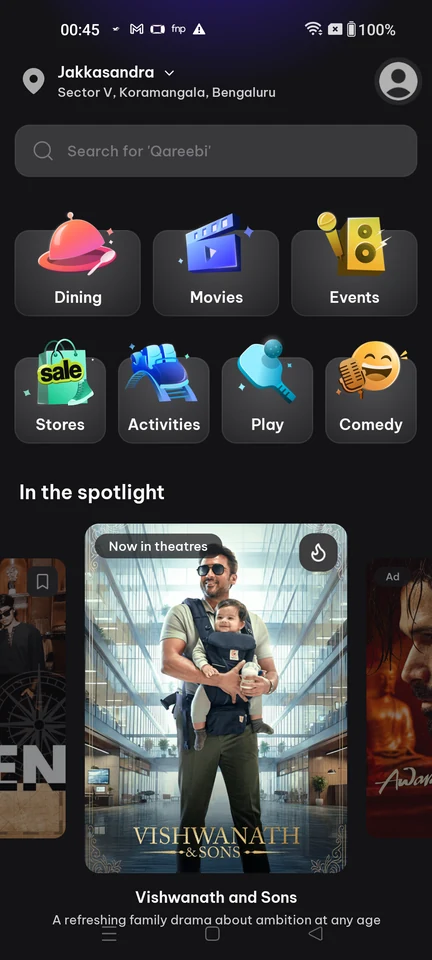
  1. Choose Movies on app home
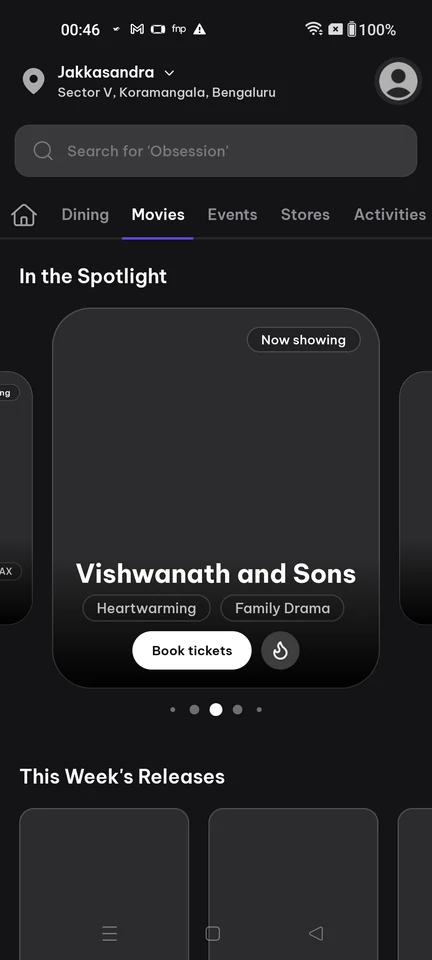
  2. Browse now-showing movies
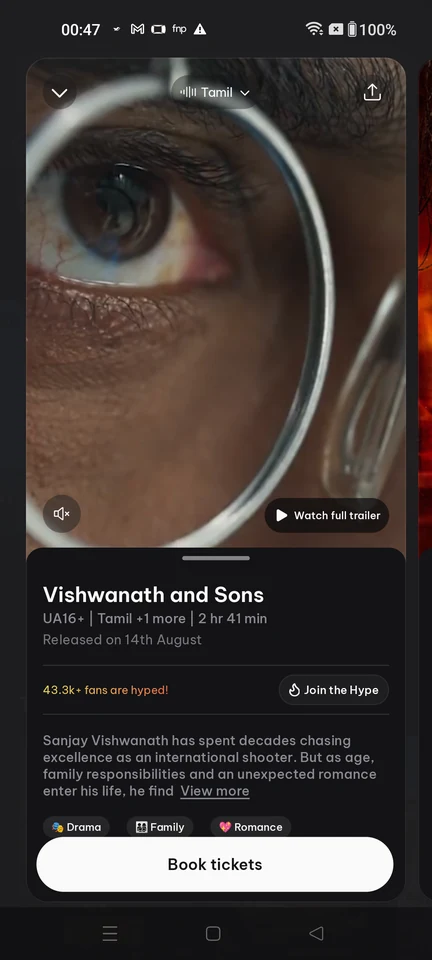
  3. Movie page with Book tickets
  4. Choose a cinema and showtime
  5. Select a seat
  6. Sign-in required to proceed

6 screens

Buy event tickets

Flow

About District Buy event tickets

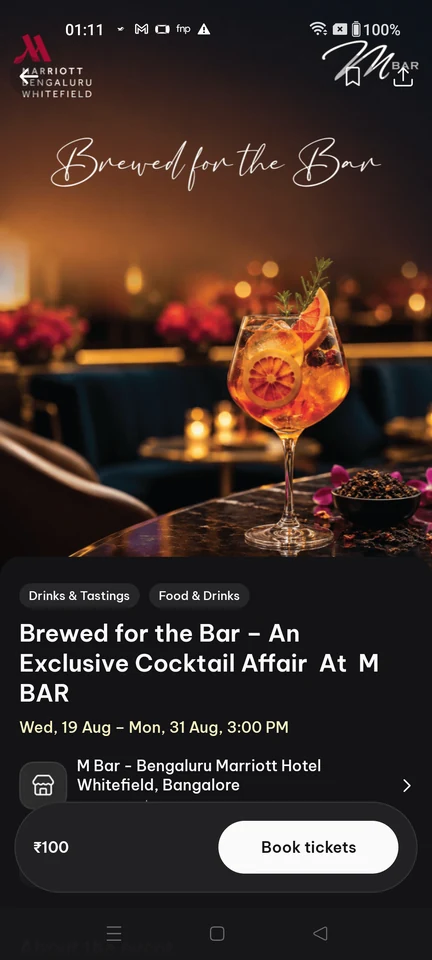
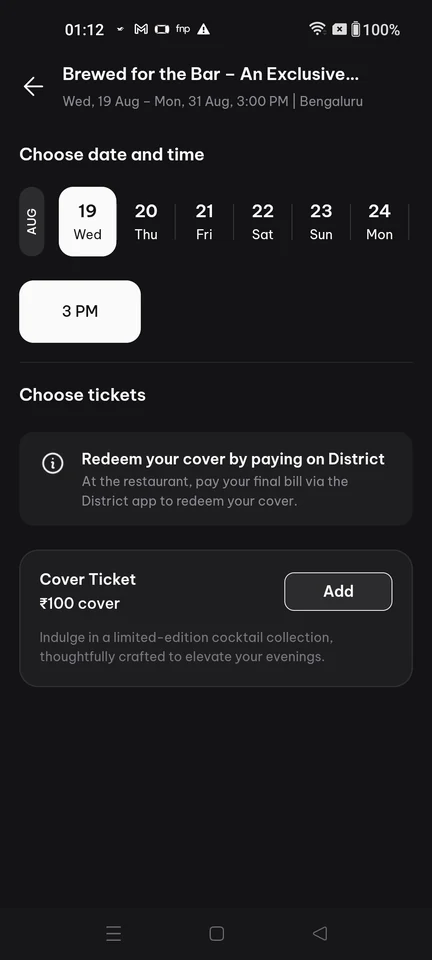
Choose a District event, date, time and ticket tier, then set the quantity. Continue from the ticket selection to the sign-in required for checkout.

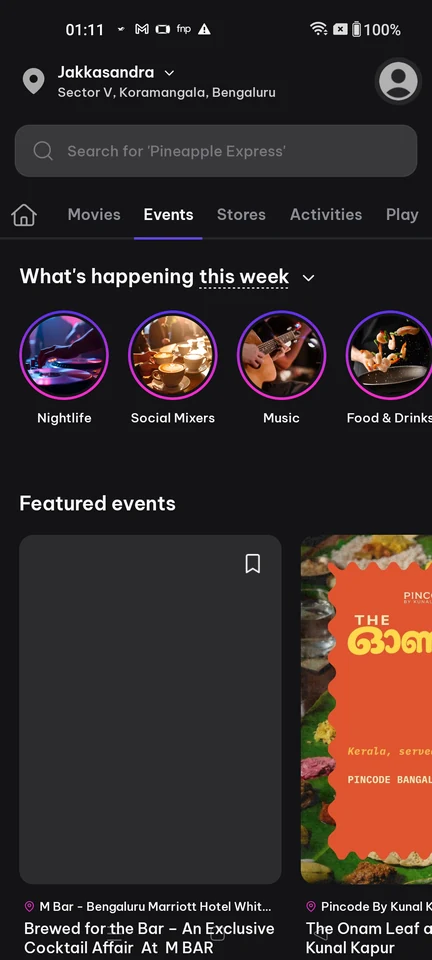
  1. Browse featured events
  2. Event page with Book tickets
  3. Choose date, time and ticket
  4. Ticket added, ready to checkout
  5. Sign-in required at checkout

5 screens

Book a restaurant table

Flow

About District Book a restaurant table

Set the date, time and party size for a District restaurant reservation. Choose an available slot and reach phone sign-in before confirming a table.

  1. Open date, time and guests
  2. Booking preferences sheet
  3. Search table availability
  4. Pick an available slot
  5. Sign-in required to book

5 screens

Discover restaurants

Flow

About District Discover restaurants

Explore District Dining collections and browse their restaurants. Open a restaurant page to review its menu, photos and table-booking entry point.

  1. Choose Dining on app home
  2. Browse dining collections
  3. Choose a restaurant
  4. Restaurant page

4 screens