Book a restaurant table — District UX flow
Set the date, time and party size for a District restaurant reservation. Choose an available slot and reach phone sign-in before confirming a table.
Step 1: Open date, time and guests
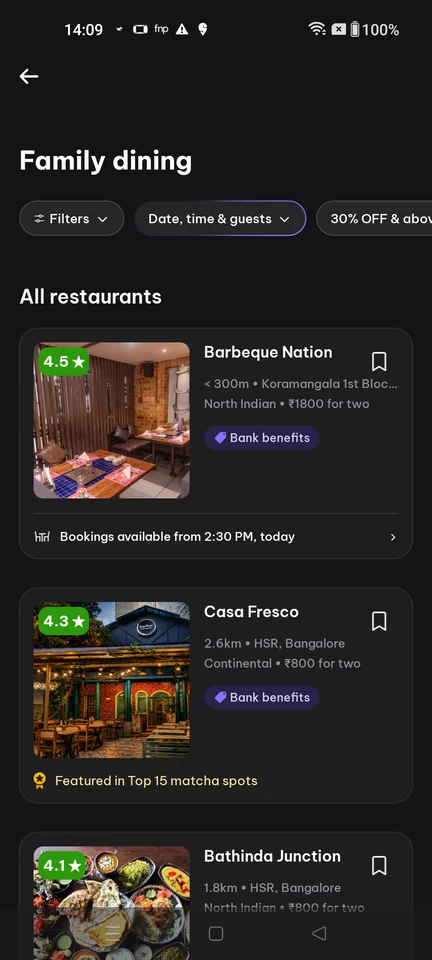
Product listing · Filter control, Chip, Card, Image, Badge, Price
Step 2: Booking preferences sheet
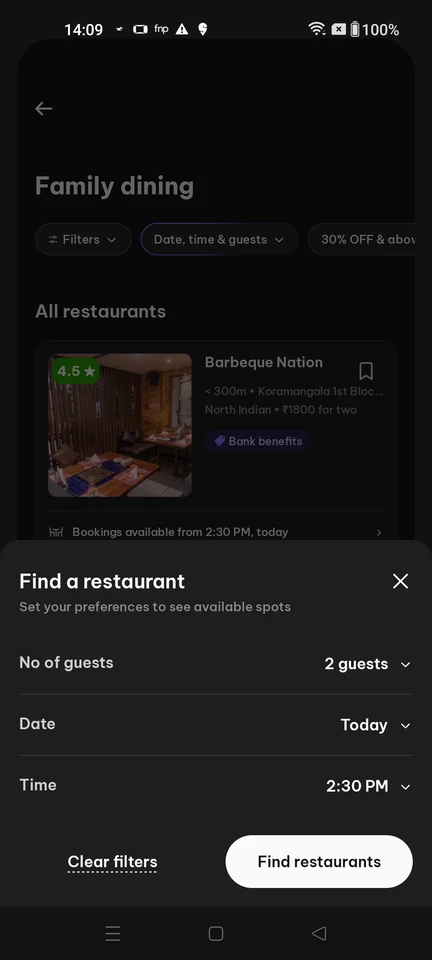
Booking form · Bottom sheet, Select, Button, Text link, Divider
Step 3: Search table availability
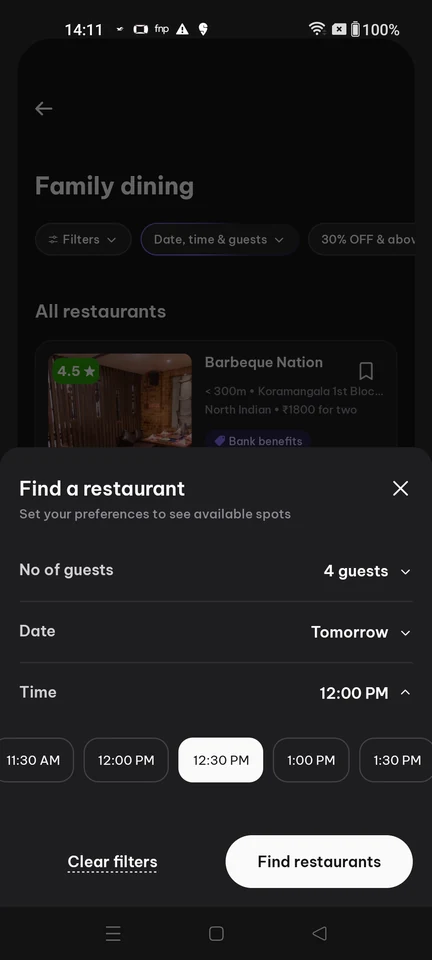
Booking form · Bottom sheet, Select, Chip, Button, Text link
Step 4: Pick an available slot
Step 5: Sign-in required to book