Discover restaurants — District UX flow
Explore District Dining collections and browse their restaurants. Open a restaurant page to review its menu, photos and table-booking entry point.
About this journey
Flow pattern: Browsing
Step 1: Choose Dining on app home
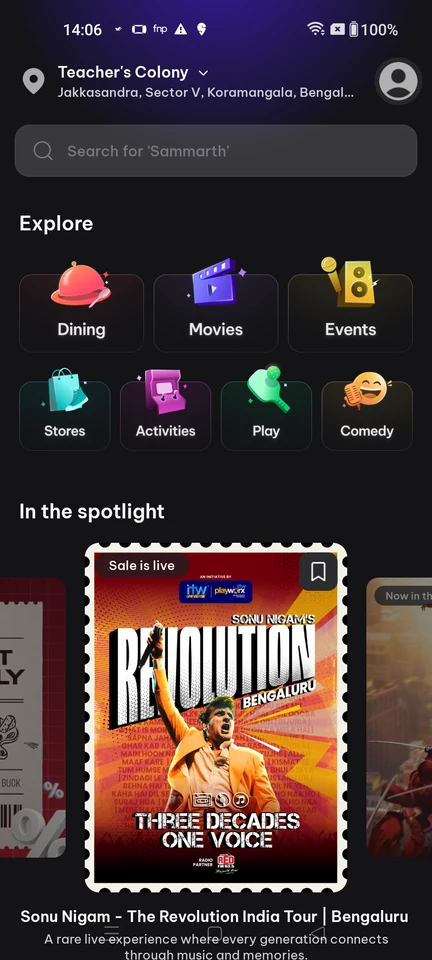
Home · Search bar, Card, Carousel, Section header, Illustration, Avatar
Step 2: Browse dining collections
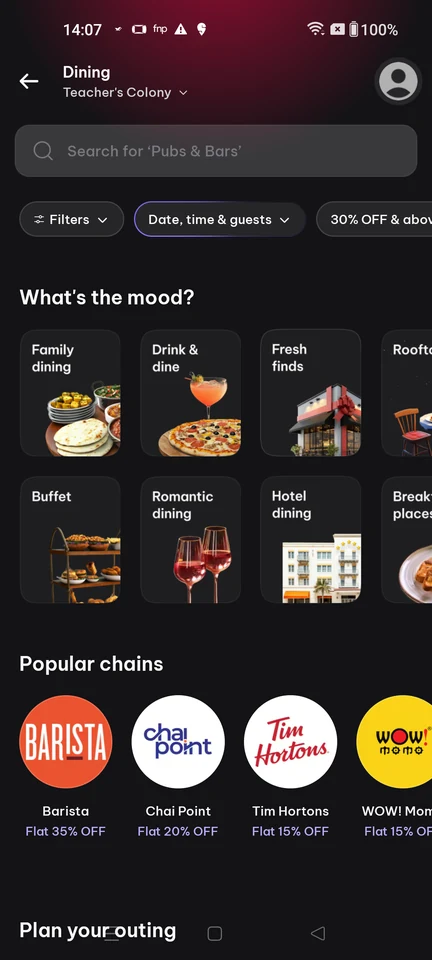
Categories · Search bar, Filter control, Chip, Card, Logo, Section header
Step 3: Choose a restaurant
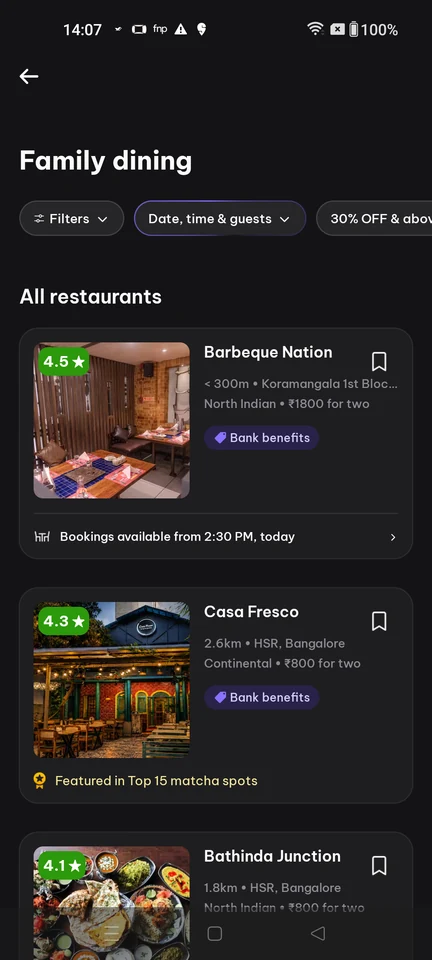
Product listing · Filter control, Chip, Card, Image, Badge, Price
Step 4: Restaurant page