Buy event tickets — District UX flow
Choose a District event, date, time and ticket tier, then set the quantity. Continue from the ticket selection to the sign-in required for checkout.
Step 1: Browse featured events
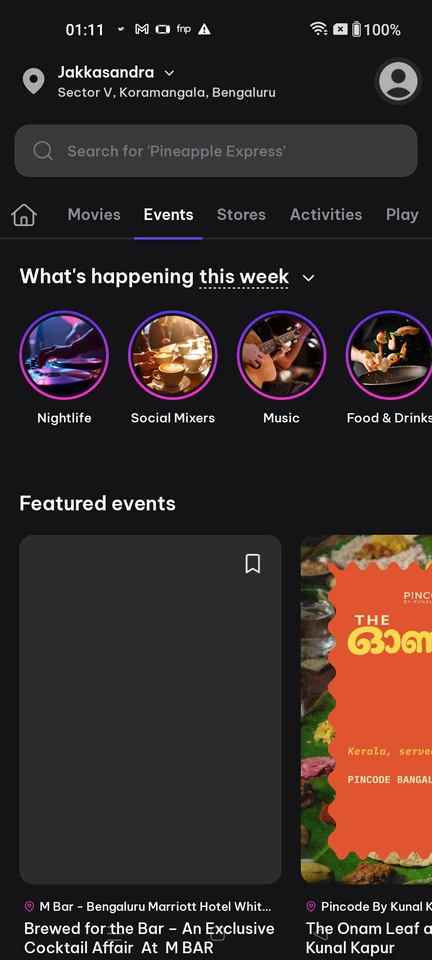
Browse · Search bar, Tabs, Carousel, Card, Image, Section header
Step 2: Event page with Book tickets
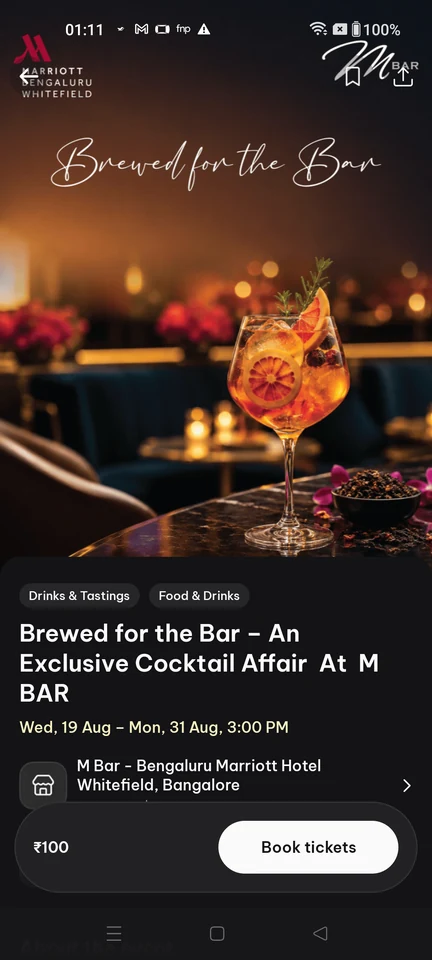
Event details · Sticky action bar, Button, Price, Chip, Image, Icon
Step 3: Choose date, time and ticket
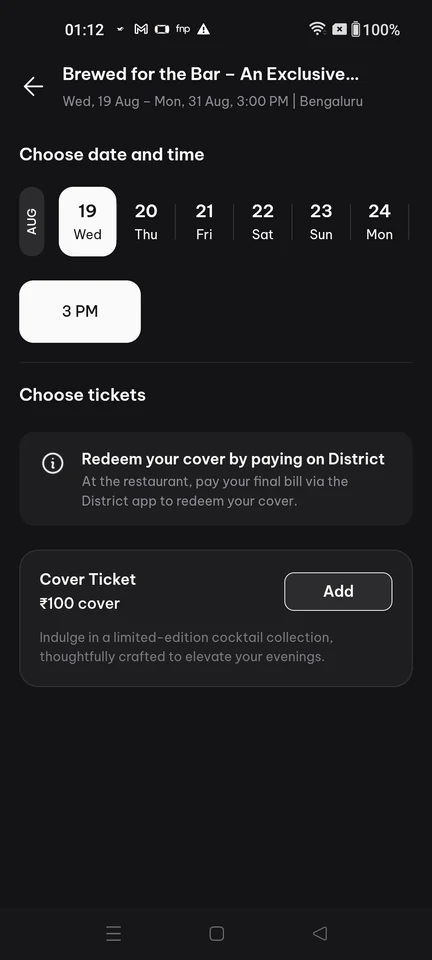
Option selection · Top bar, Date picker, Button, Inline alert, Card, Price
Step 4: Ticket added, ready to checkout
Step 5: Sign-in required at checkout