PharmEasy

PharmEasy app UI and user flows

App

About PharmEasy

Screens and user flows from the PharmEasy app.

PharmEasy is an Android app in the Health & medicine category. Last recorded on 8 November 2026.

Explore the screens and product flows inside PharmEasy.

In the library
25 flows · 27 screens
Category and platform
Health & medicine · Android
Updated
Nov 2026
FLOWNATO RATING
—Rating pending

Home

Flow

About PharmEasy Home

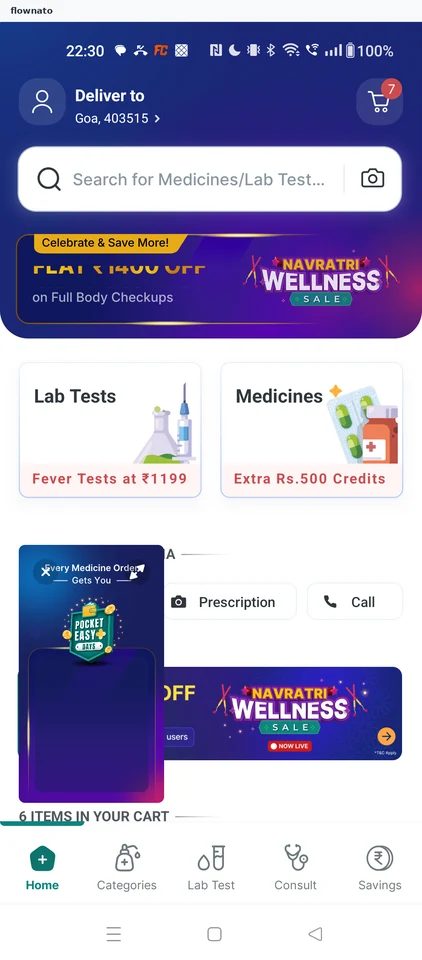
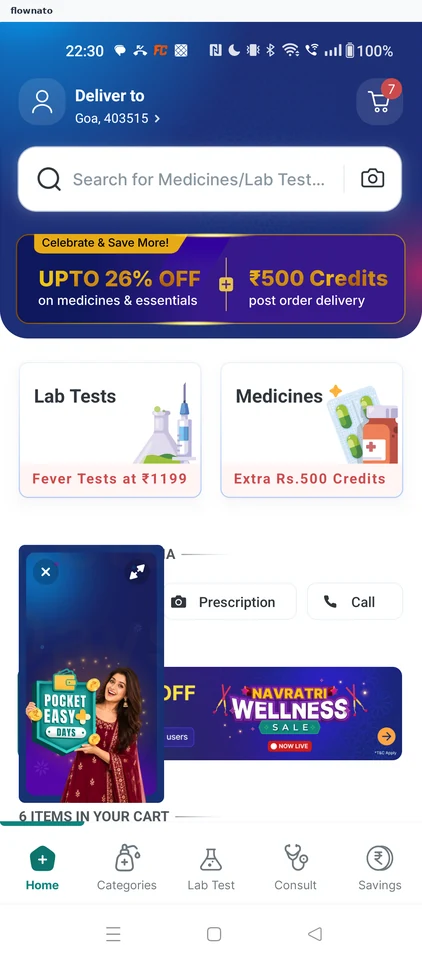
  1. Home
  2. Start from Home

2 screens

Lab Test

Flow

About PharmEasy Lab Test

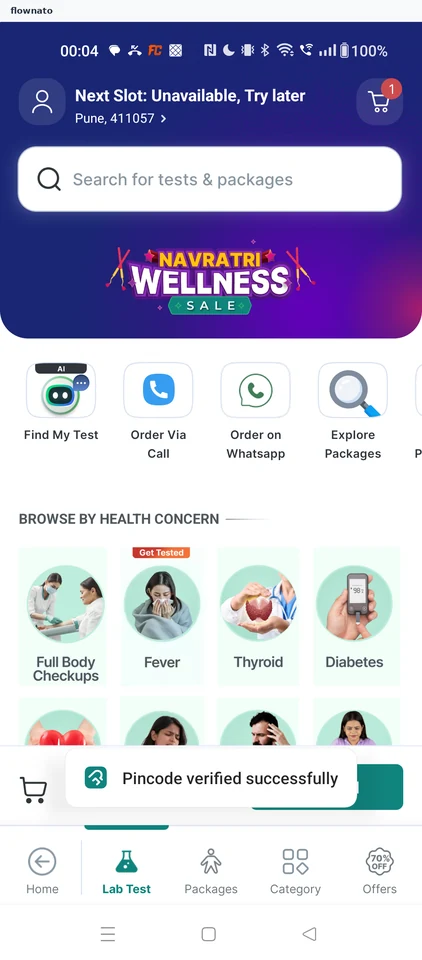
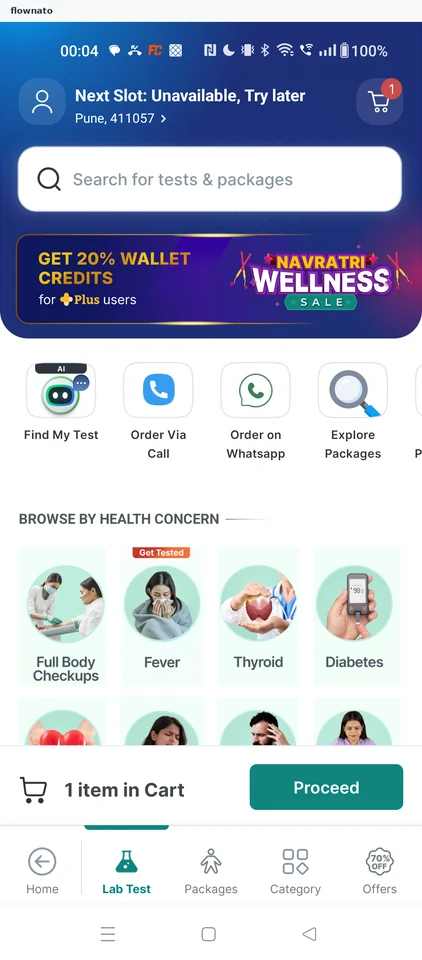
  1. Location updated
  2. Lab Test home

2 screens

Profile

Flow

About PharmEasy Profile

  1. Profile
  2. Profile

2 screens

Searching for medicines

Flow

About PharmEasy Searching for medicines

  1. Start from Home
  2. Open search
  3. Pick View all results
  4. Results with a tip
  5. Search results

5 screens

Filtering results

Flow

About PharmEasy Filtering results

  1. Results with All selected
  2. Substitutes shown
  3. Search results

3 screens

Product detail

Flow

About PharmEasy Product detail

  1. Not yet saved
  2. Saved to wishlist

2 screens

Adding to cart

Flow

About PharmEasy Adding to cart

  1. Review the product
  2. Select quantity
  3. Item added

3 screens

Sharing a product

Flow

About PharmEasy Sharing a product

  1. Product detail
  2. Share sheet

2 screens

Offers

Flow

About PharmEasy Offers

  1. Product page
  2. Offers for you

2 screens

Browsing by health concern

Flow

About PharmEasy Browsing by health concern

  1. Lab Test
  2. Health concern

2 screens

Changing location

Flow

About PharmEasy Changing location

  1. Lab Test home
  2. Choose your location
  3. PIN entered
  4. Location updated

4 screens

Doctor Consult

Flow

About PharmEasy Doctor Consult

  1. Choose a health concern

1 screens

Booking a consultation

Flow

About PharmEasy Booking a consultation

  1. Choose a health concern
  2. Pick a doctor
  3. Consultation summary
  4. Patient details form
  5. Consultation summary
  6. Consultation summary
  7. Consultation summary
  8. Enter the patient's details
  9. Consult mode and wallet
  10. Consultation summary
  11. Check the bill and confirm

11 screens

Choosing a concern

Flow

About PharmEasy Choosing a concern

  1. Start from the booking button
  2. Select a concern
  3. Doctors for General Health

3 screens

Searching for doctors

Flow

About PharmEasy Searching for doctors

  1. Open symptom search
  2. Doctor search
  3. Doctor search
  4. Matching concerns
  5. Recommended doctors

5 screens

Cart

Flow

About PharmEasy Cart

  1. Cart total
  2. Bill summary
  3. Cart
  4. Cart

4 screens

Checking out

Flow

About PharmEasy Checking out

  1. Review the cart
  2. Choose how to pay

2 screens

Removing from cart

Flow

About PharmEasy Removing from cart

  1. Cart with Crocin
  2. Confirm removal
  3. Item removed

3 screens

Saving for later

Flow

About PharmEasy Saving for later

  1. Cart with Crocin
  2. Choose Save for Later
  3. Saved for later

3 screens

Removing a saved item

Flow

About PharmEasy Removing a saved item

  1. Saved for later
  2. Saved for Later list
  3. Saved for later

3 screens

Booking a lab test

Flow

About PharmEasy Booking a lab test

  1. Lab cart
  2. Use the saved address
  3. Test unserviceable
  4. Address form
  5. Add address
  6. Add address
  7. Add address
  8. Add address
  9. Address filled
  10. Slot chosen

10 screens

Notifications

Flow

About PharmEasy Notifications

  1. Notifications
  2. Notifications

2 screens

Editing profile

Flow

About PharmEasy Editing profile

  1. Profile
  2. Complete profile
  3. Complete profile
  4. Complete profile
  5. Complete profile
  6. Profile

6 screens

Choosing refund preference

Flow

About PharmEasy Choosing refund preference

  1. Profile
  2. Refund preferences

2 screens

Logging in

Flow

About PharmEasy Logging in

  1. Login
  2. Login
  3. Delivery pincode
  4. Delivery pincode
  5. Home
  6. Home

6 screens