Changing the service location — PharmEasy UX flow

Changing the service location in PharmEasy.

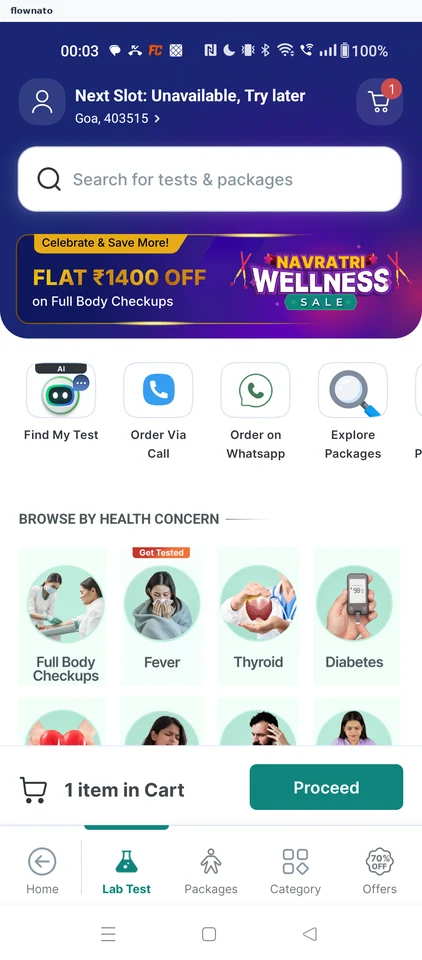
  1. Step 1: Lab Test home

    PharmEasy Lab Test home screen

    Categories · Search bar, Promo banner, Card, Image, Section header, Badge

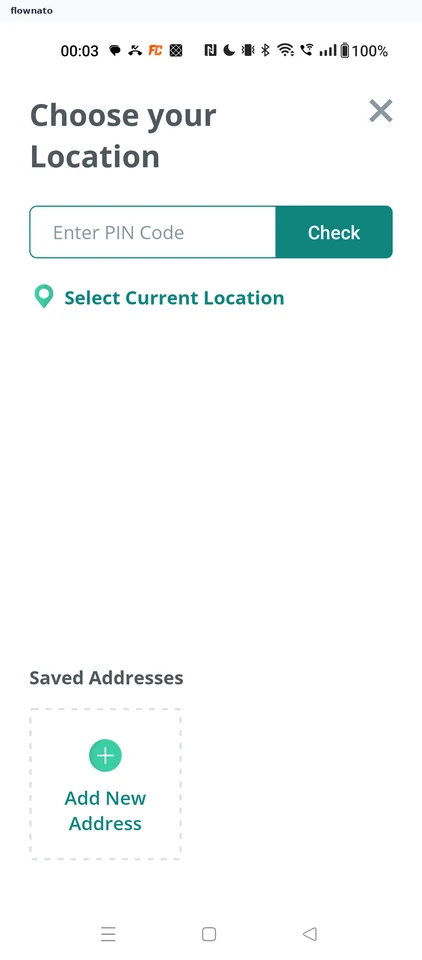
  2. Step 2: Choose location

    PharmEasy Choose location screen

    Location search · Text input, Button, Text link, Card, Icon

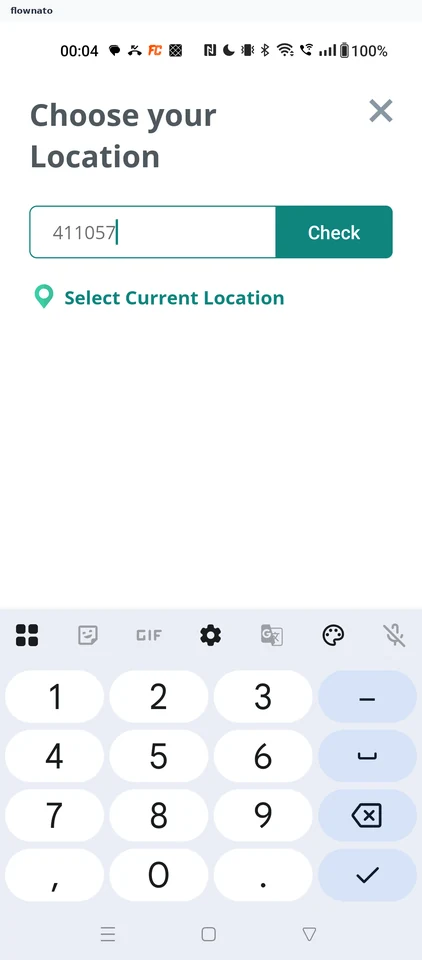
  3. Step 3: PIN entered

    PharmEasy PIN entered screen

    Location search · Text input, Button, Text link, Keyboard

  4. Step 4: Location updated

Sign up to see every step

More PharmEasy journeys