Booking a doctor consultation — PharmEasy UX flow
Booking a doctor consultation in PharmEasy.
About this journey
Stops before the task is finished.
Step 1: Open Consult from Home
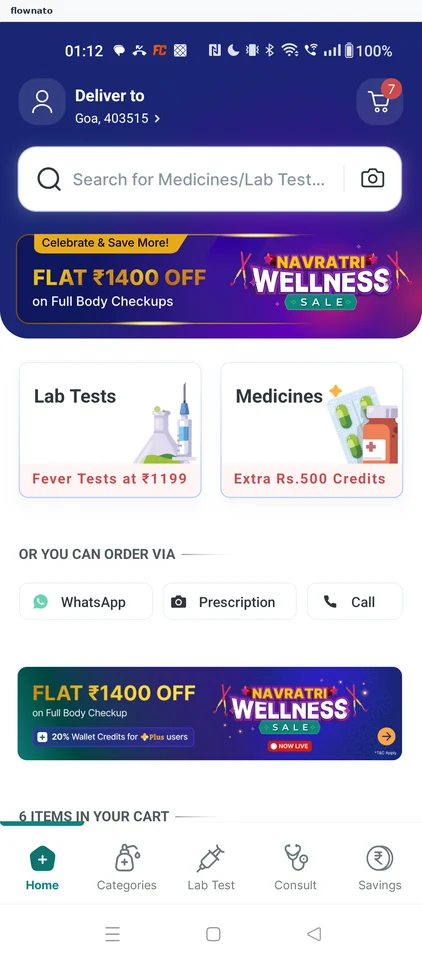
Home · Search bar, Promo banner, Card, Button, Section header, Bottom navigation
Step 2: Choose a health concern
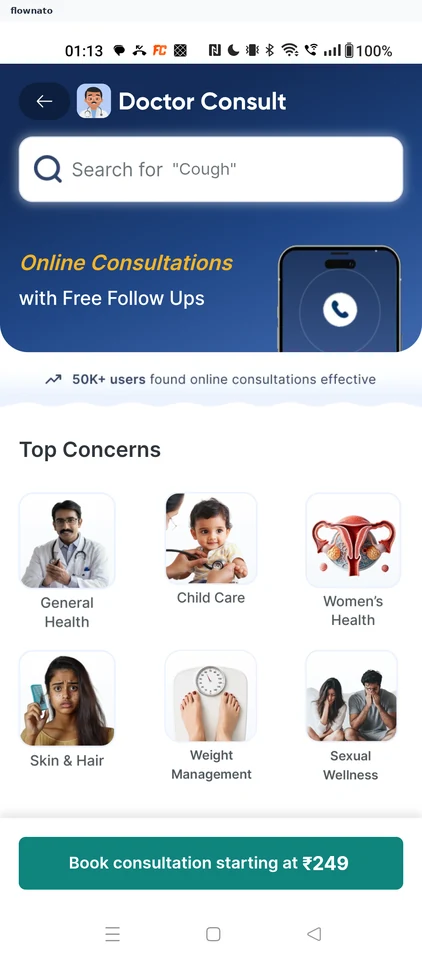
Categories · Search bar, Promo banner, Card, Image, Sticky action bar, Button
Step 3: Pick a doctor
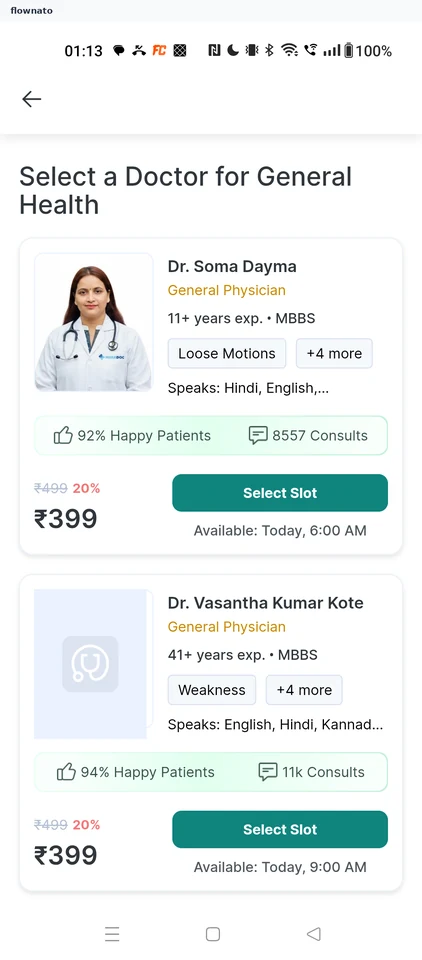
Step 4: Review the consultation summary
Step 5: Patient details form
Step 6: Enter the patient's details
Step 7: Consult mode and wallet
Step 8: Check the bill and confirm
Step 9: Choose how to pay
Step 10: Stopped at card entry