Meesho

Meesho app UI and user flows

App

About Meesho

Screens and user flows from the Meesho app.

Meesho is an Android app in the Shopping category. Last recorded on 17 October 2026.

Shopping for fashion, beauty, home essentials and more.

In the library
26 flows · 30 screens
Category and platform
Shopping · Android
Updated
Oct 2026
FLOWNATO RATING
3.6Our rating · 15 UX criteria

Onboarding

Flow

About Meesho Onboarding

Start Meesho sign-up from Account, enter a mobile number and complete automatic SMS verification. Add the required profile details and reach the signed-in shopping home.

  1. Open the app
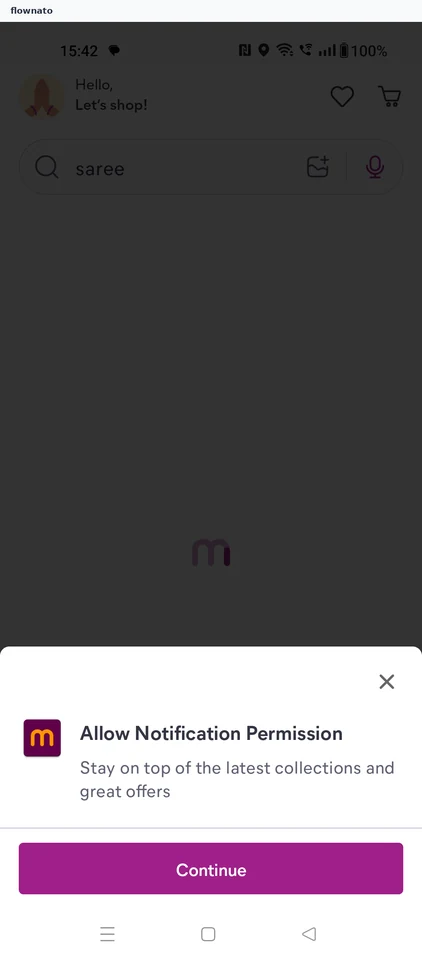
  2. Notification prompt
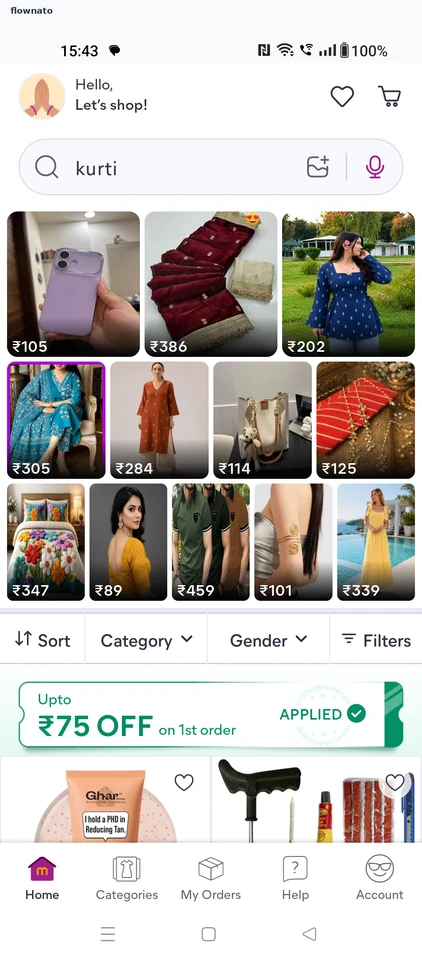
  3. Browse as a guest
  4. Start sign-up
  5. Decline saved number
  6. Enter mobile number
  7. Verification code
  8. Account opened
  9. Profile details needed
  10. Name entered
  11. Save the profile
  12. Details saved
  13. Saved details stick
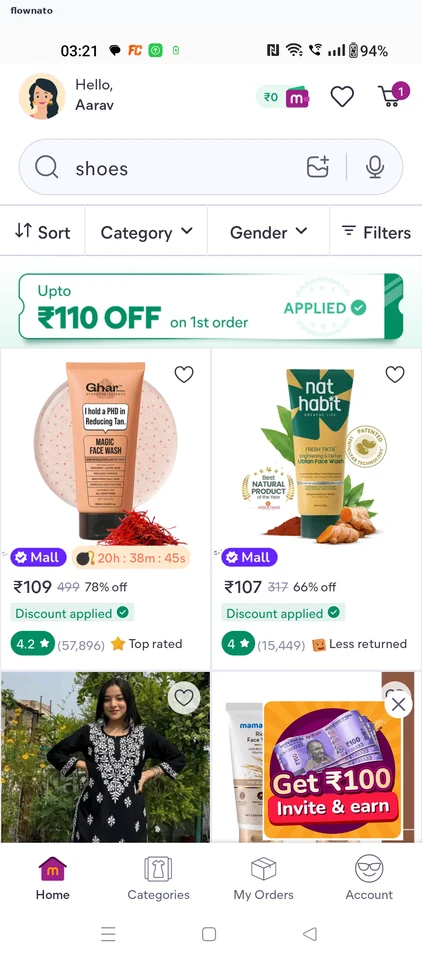
  14. Signed-in home

14 screensFree with sign up

Buying a product

Flow

About Meesho Buying a product

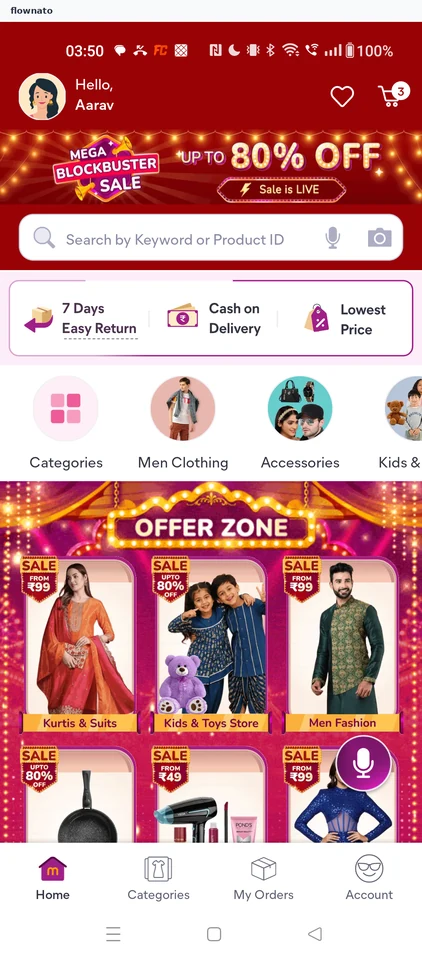
  1. Start on Home
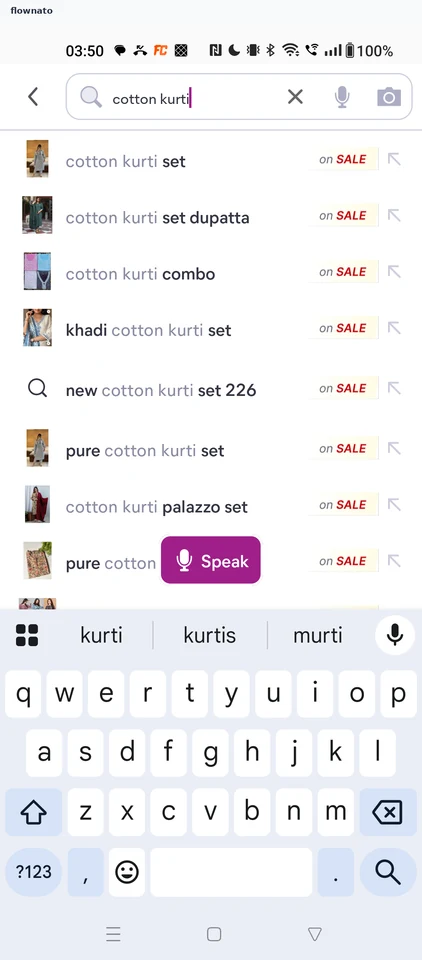
  2. Type the search
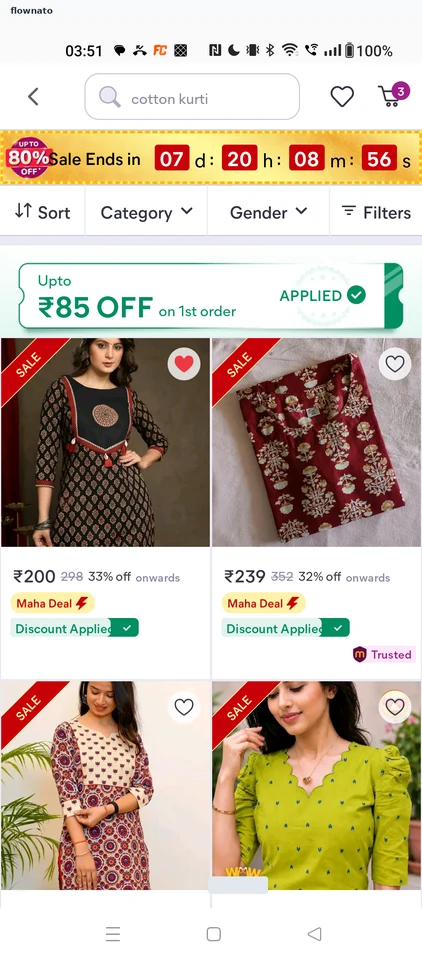
  3. Choose from the results
  4. Open the product page
  5. Browse the gallery
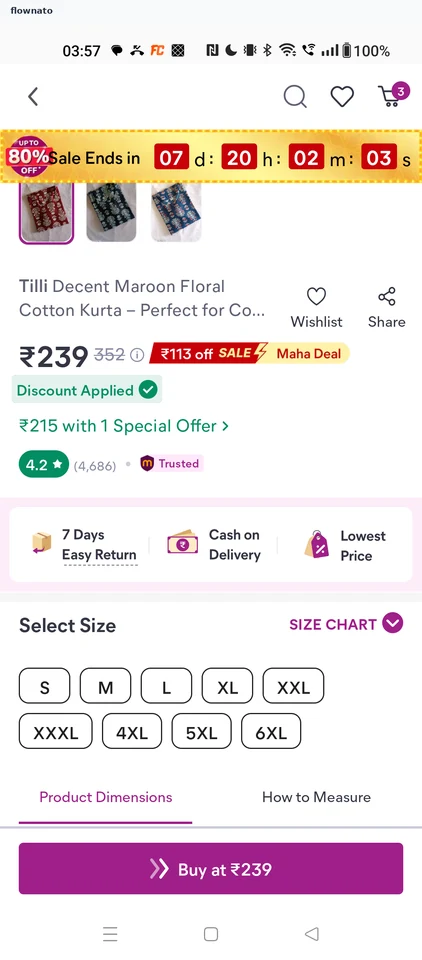
  6. Review price and sizes
  7. Size M selected
  8. Review the order
  9. Reach the payment step

9 screensFree with sign up

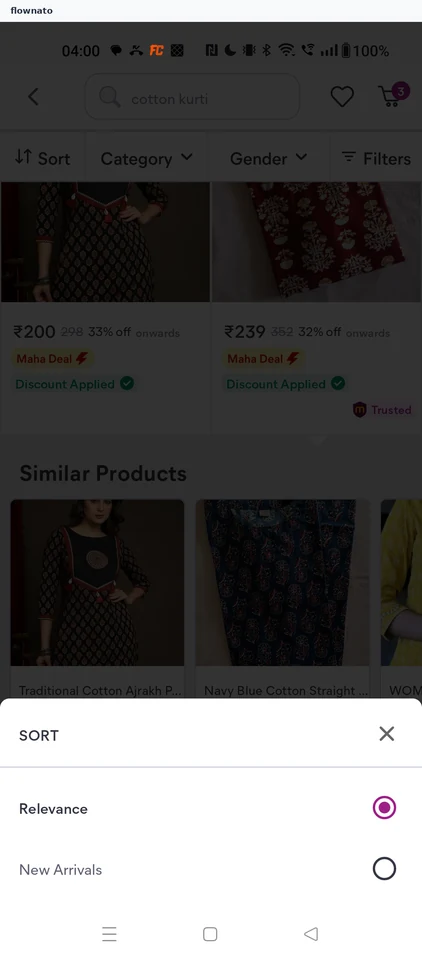
Sorting search results

Flow

About Meesho Sorting search results

  1. Results in Relevance order
  2. Choose a sort order
  3. Newest first

3 screens

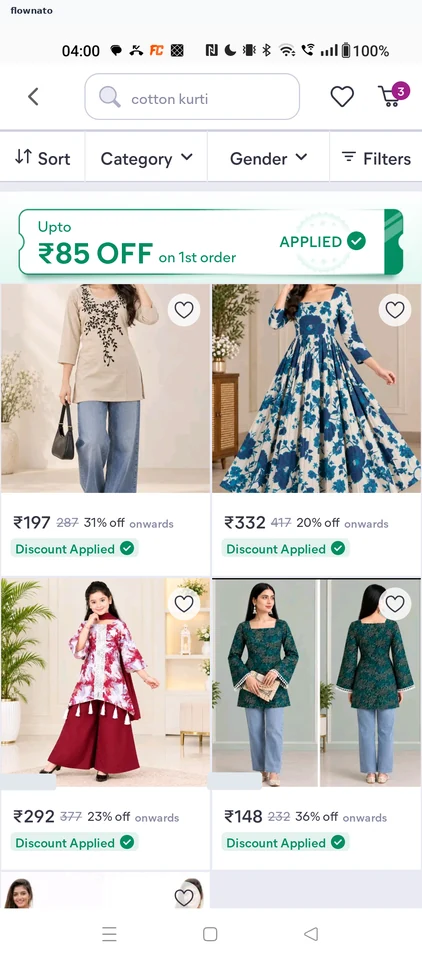
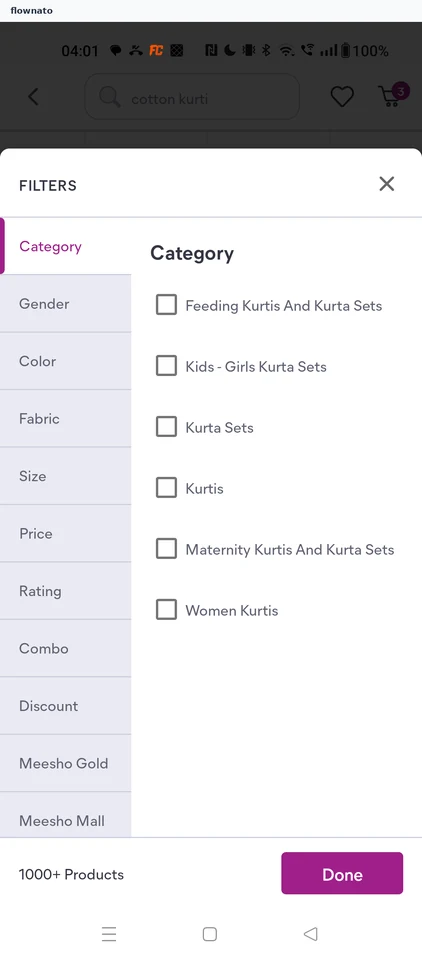
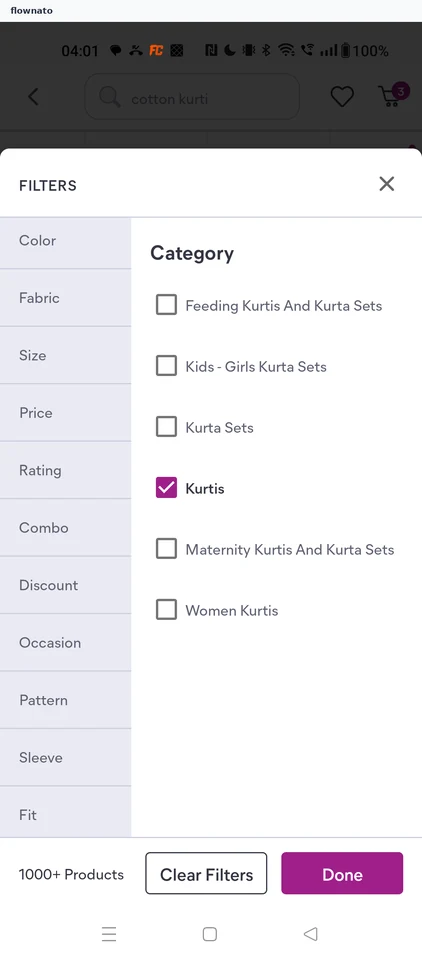
Filtering results by category

Flow

About Meesho Filtering results by category

  1. Results before filtering
  2. Open the filters
  3. Kurtis checked
  4. Filtered results

4 screens

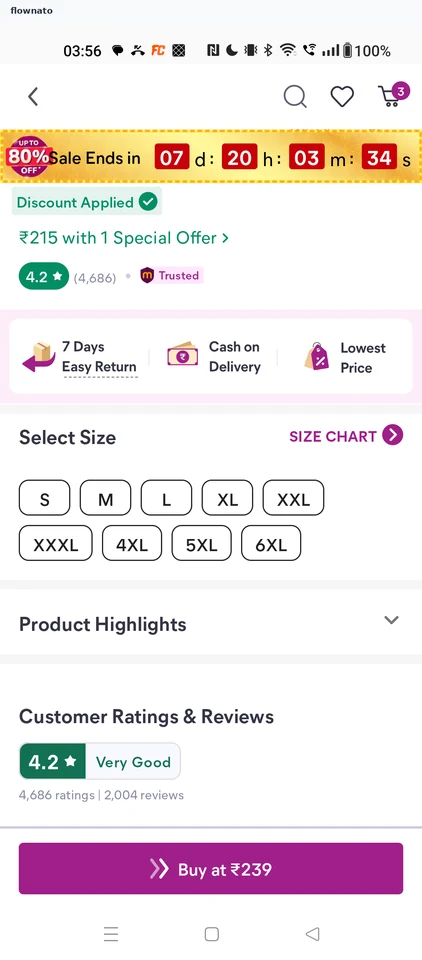
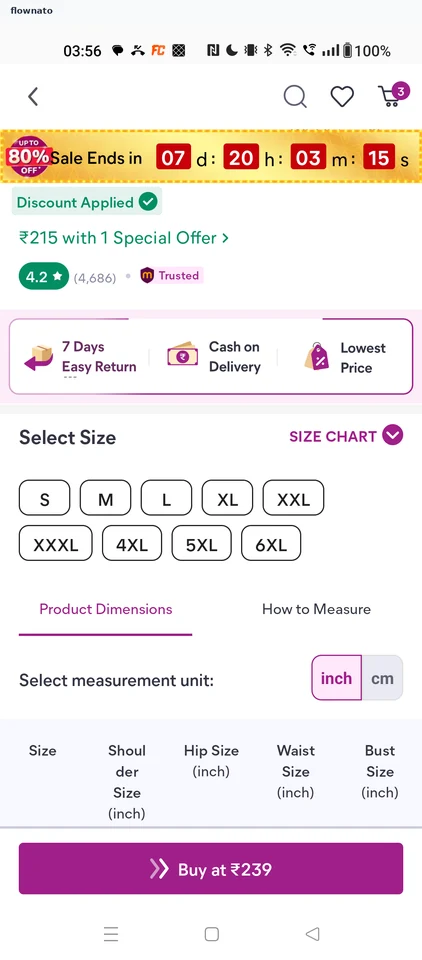
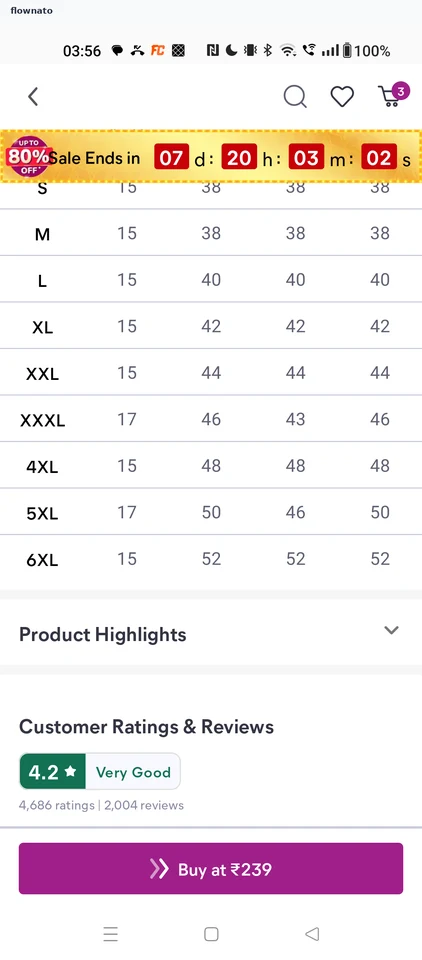
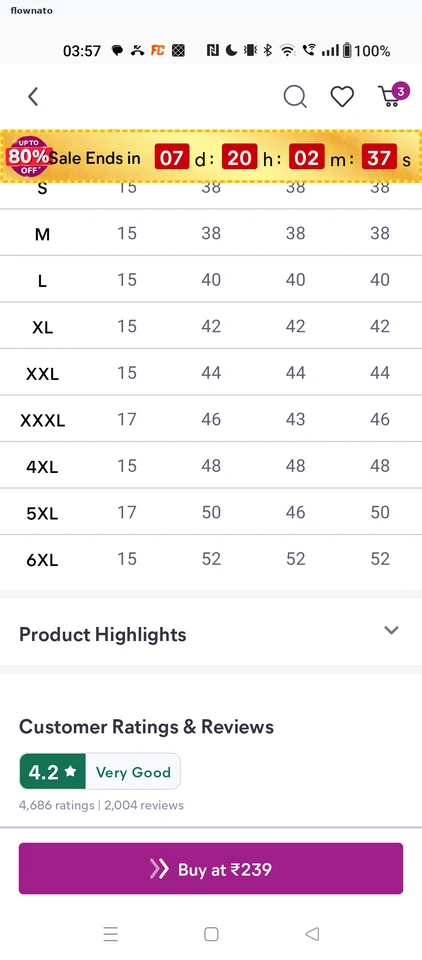
Checking the size chart

Flow

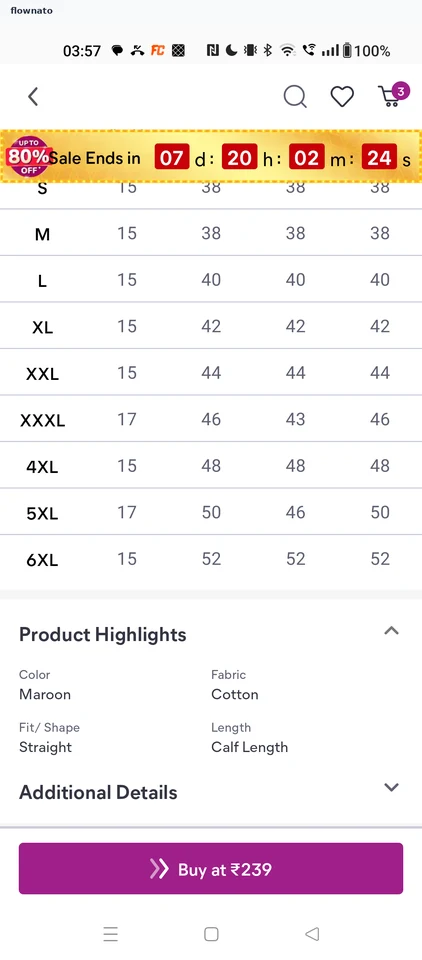
About Meesho Checking the size chart

  1. Sizes on the product page
  2. Size chart opens
  3. Read the measurements

3 screens

Reading product highlights

Flow

About Meesho Reading product highlights

  1. Highlights collapsed
  2. Highlights expanded

2 screens

Reading the special offer

Flow

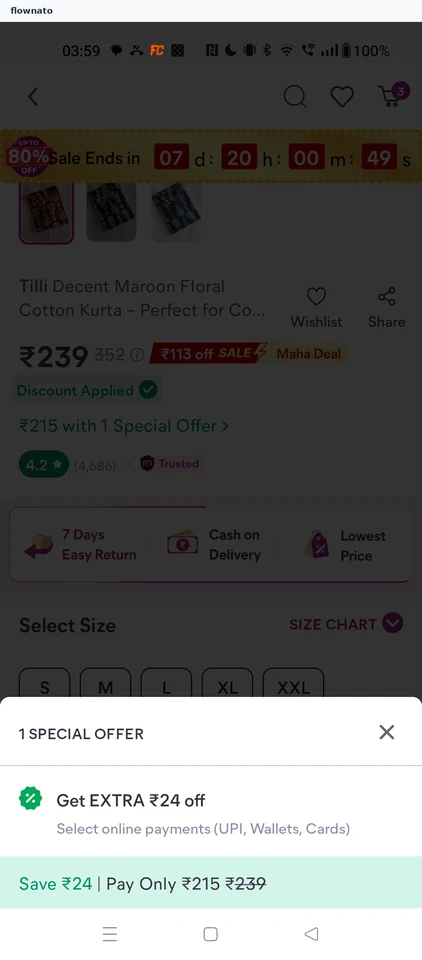
About Meesho Reading the special offer

  1. Offer link
  2. Offer details

2 screens

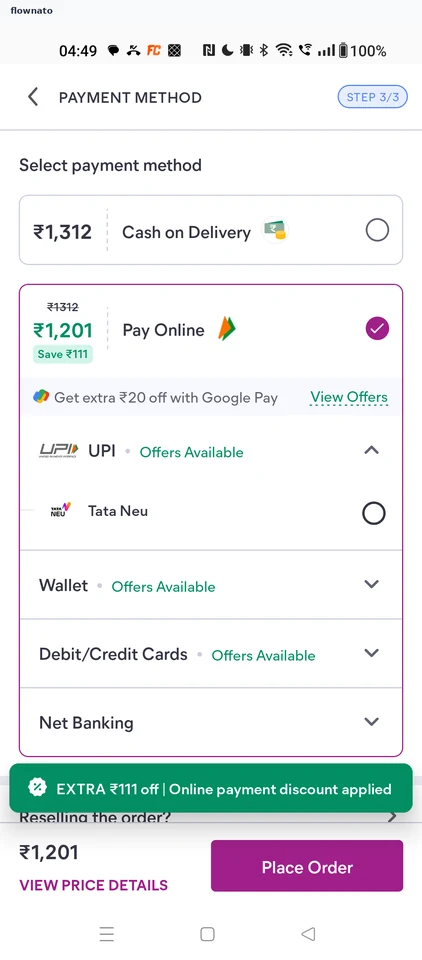
Choosing online payment

Flow

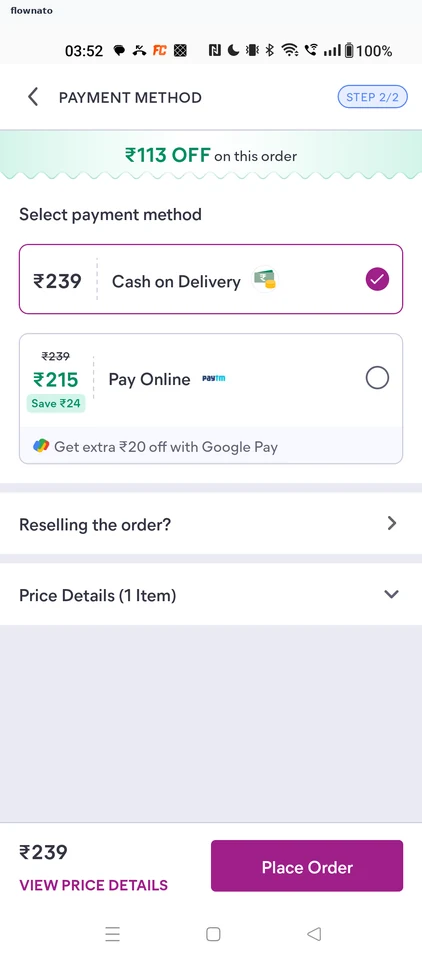
About Meesho Choosing online payment

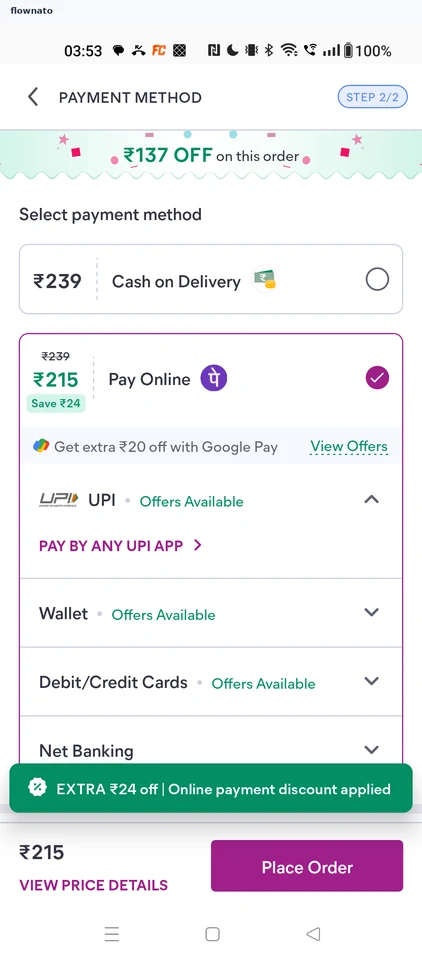
  1. Cash on Delivery selected
  2. Online discount applied

2 screens

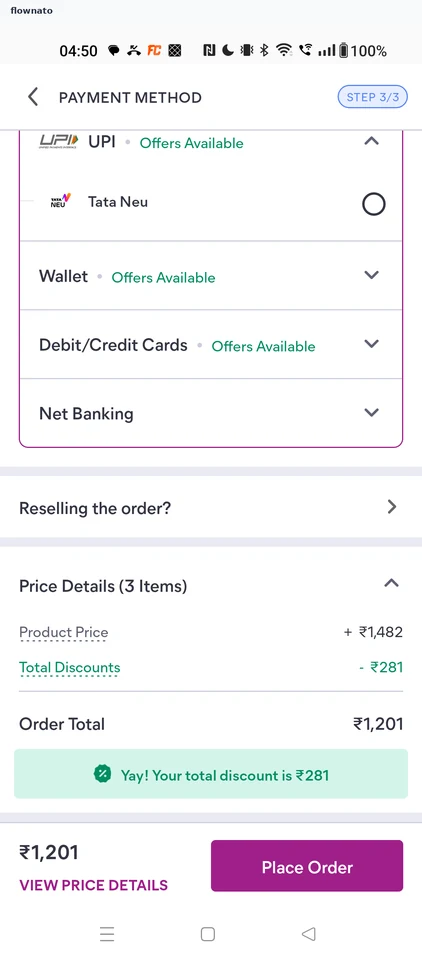
Checking the price breakdown

Flow

About Meesho Checking the price breakdown

  1. Payment step, online selected
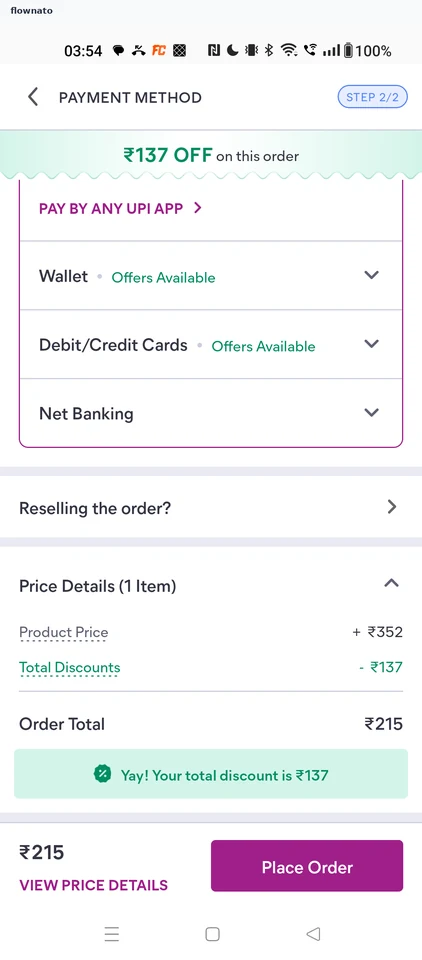
  2. Price details

2 screens

Checking out the cart

Flow

About Meesho Checking out the cart

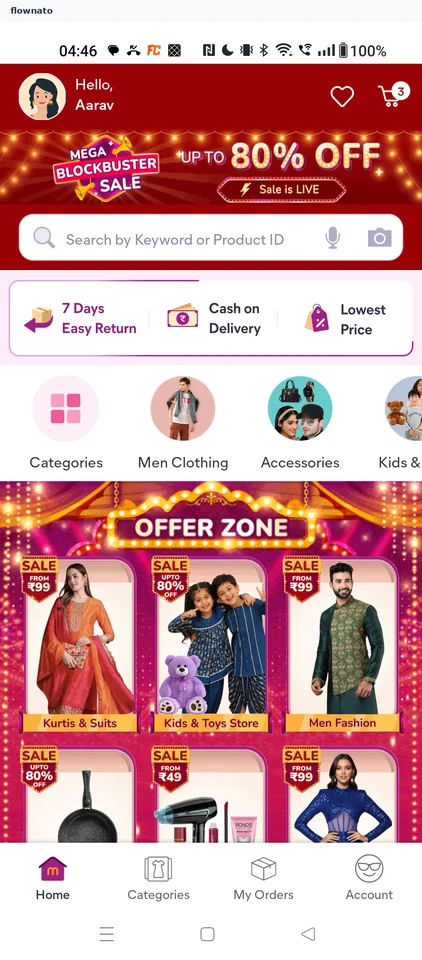
  1. Signed-in Home
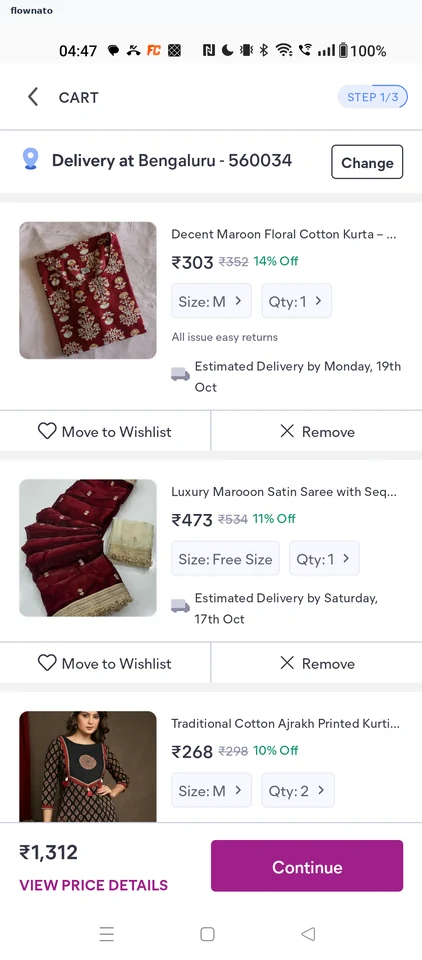
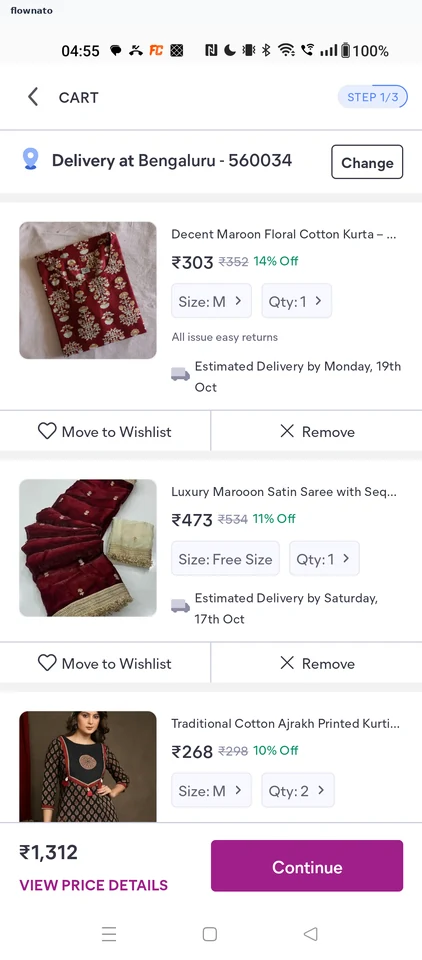
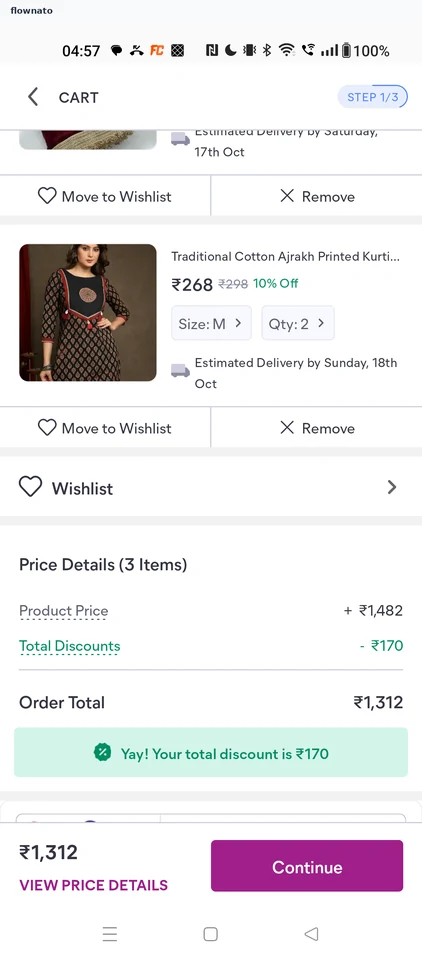
  2. Cart with three items
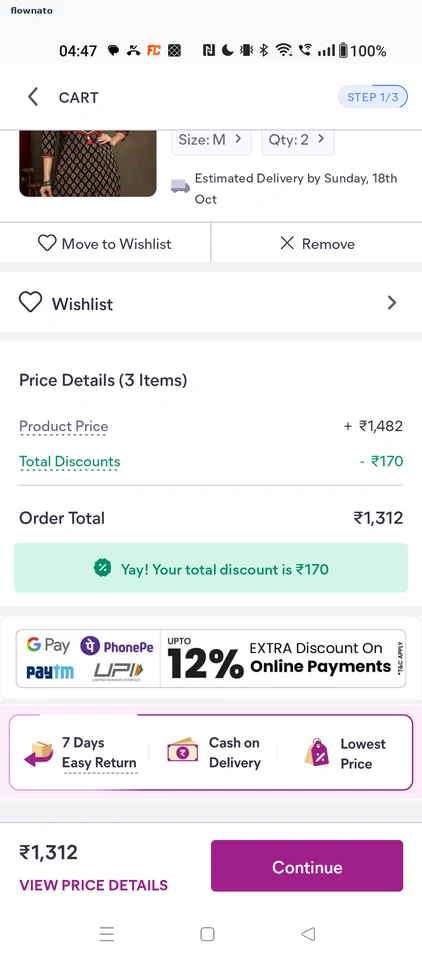
  3. Cart price details
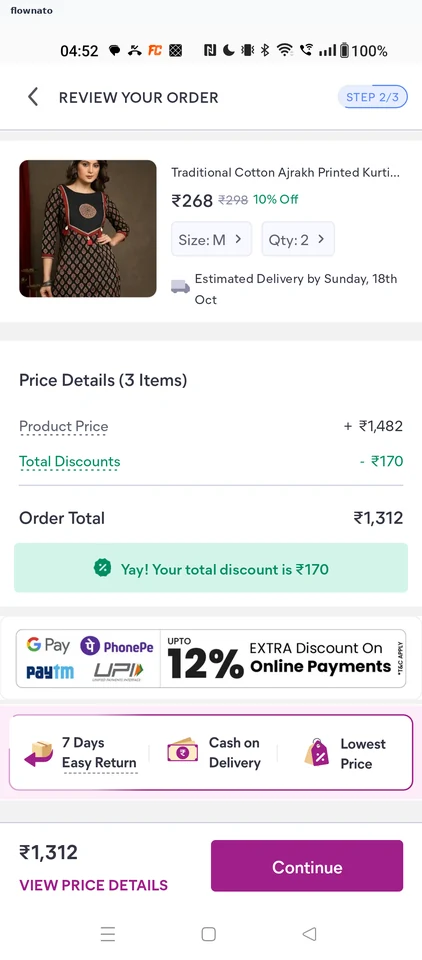
  4. Review your order
  5. Review totals
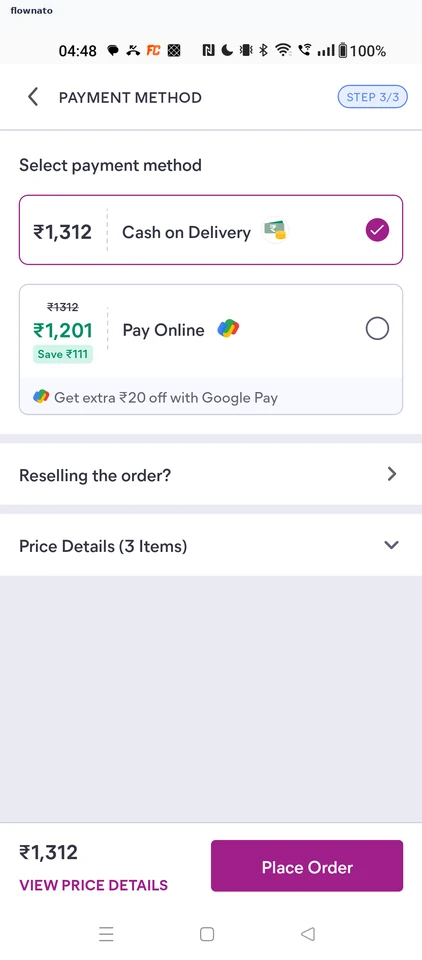
  6. Payment method

6 screens

Changing an item's size

Flow

About Meesho Changing an item's size

  1. Cart before the change
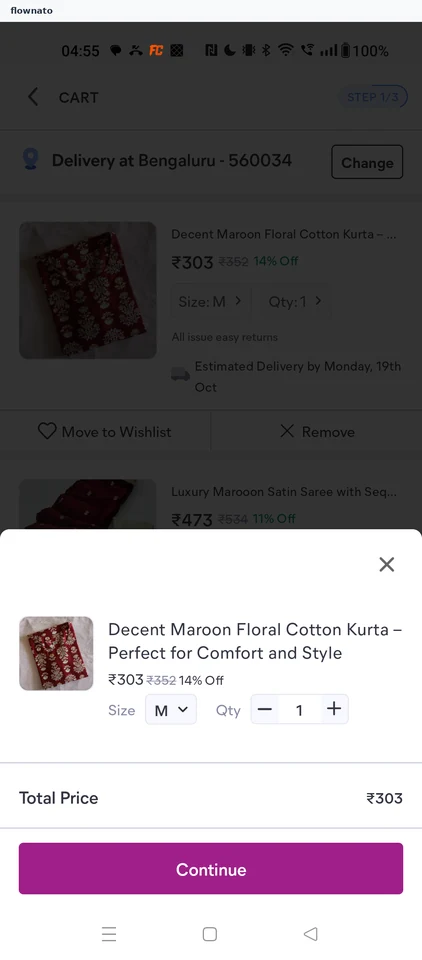
  2. Edit sheet
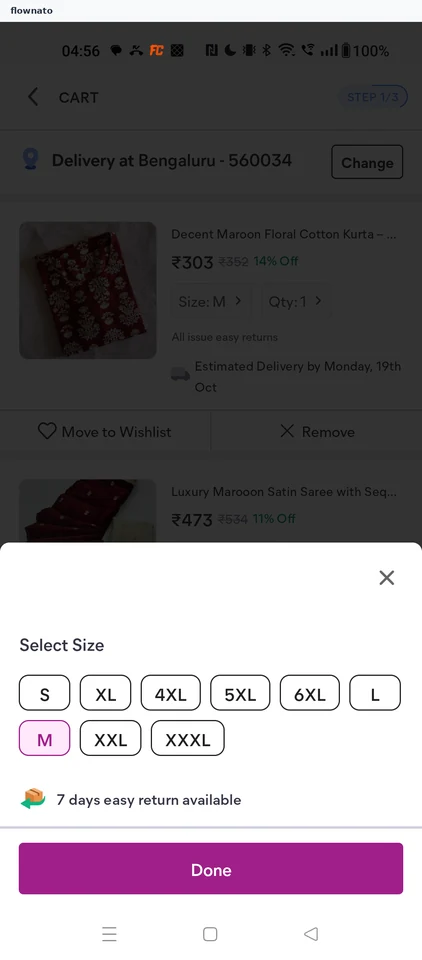
  3. Select Size
  4. L selected
  5. Cart updated

5 screens

Changing an item's quantity

Flow

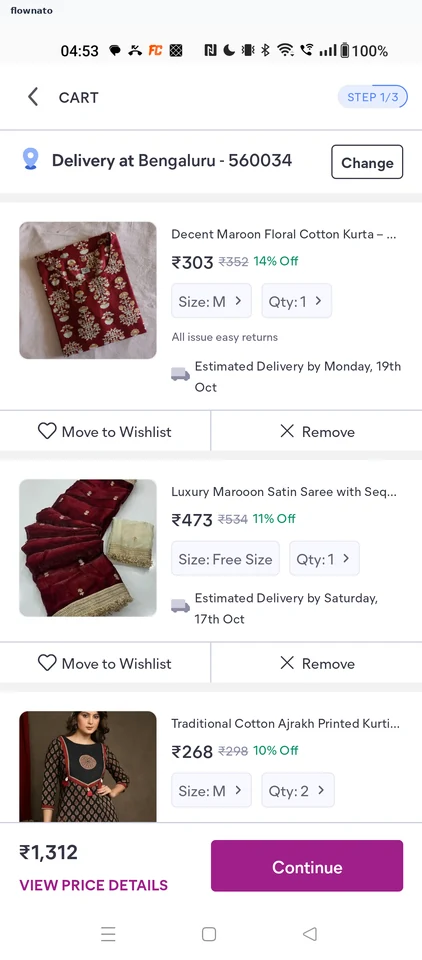
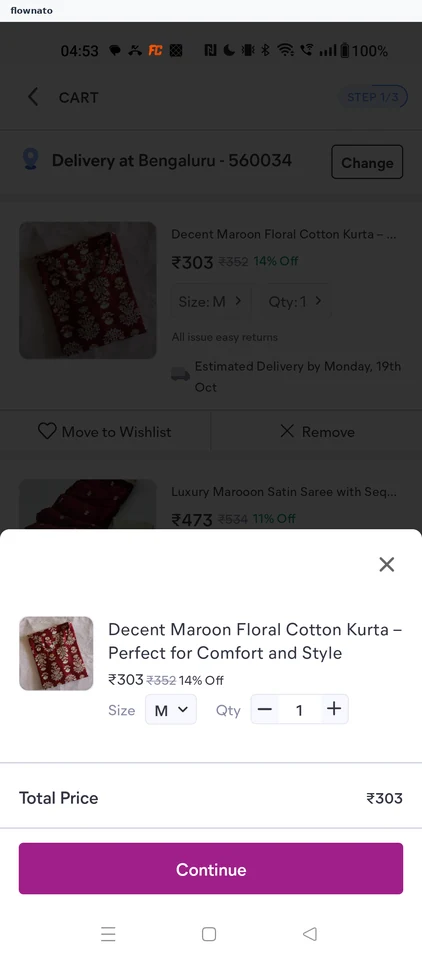
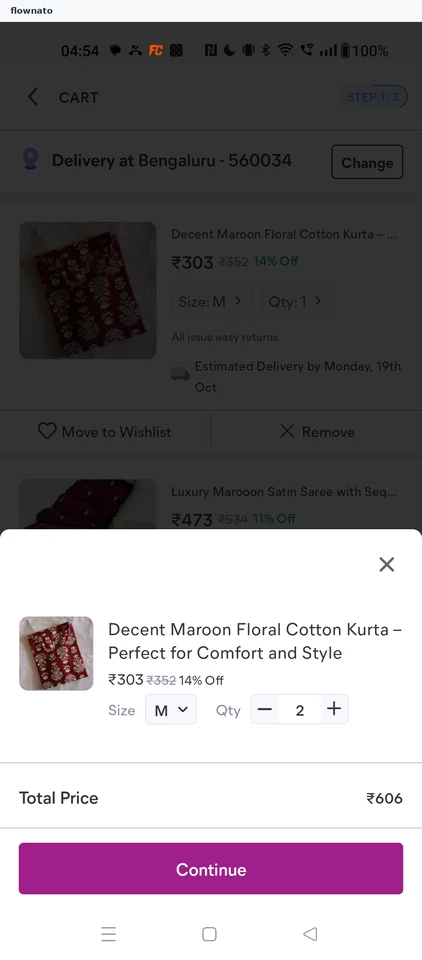
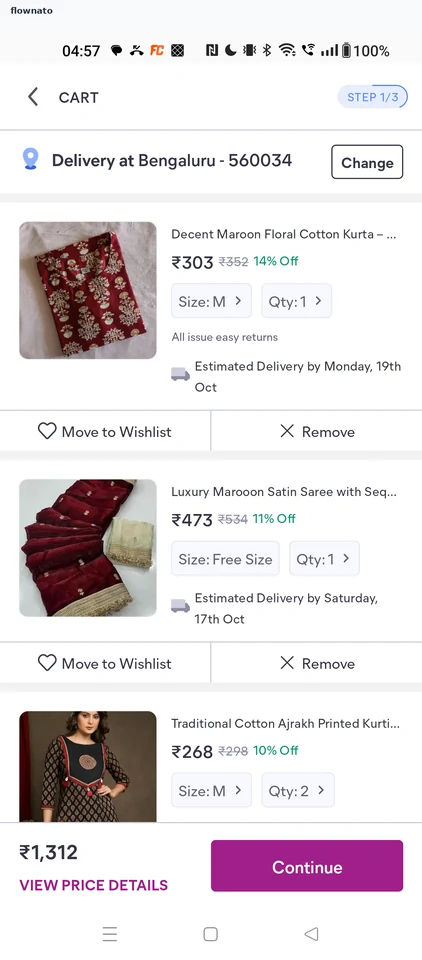
About Meesho Changing an item's quantity

  1. Cart before the change
  2. Edit sheet
  3. Quantity set to 2
  4. Cart updated

4 screens

Viewing cart price details

Flow

About Meesho Viewing cart price details

  1. Cart footer
  2. Price details

2 screens

Reading the return policy

Flow

About Meesho Reading the return policy

  1. Review totals
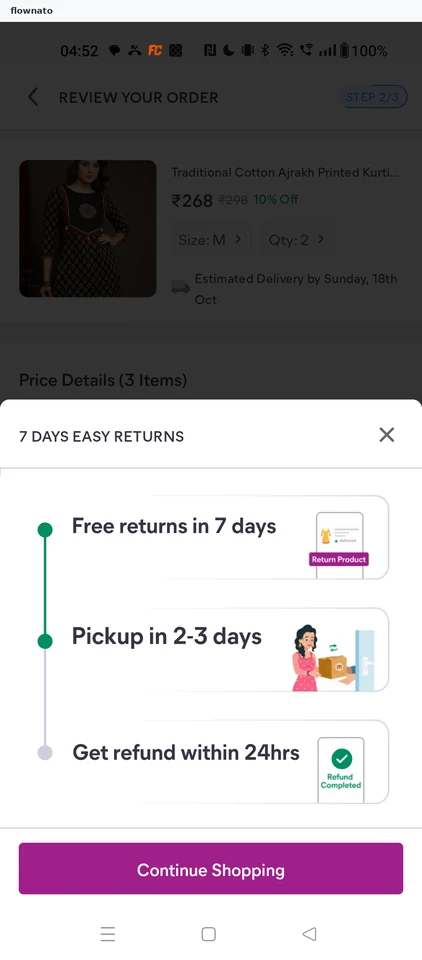
  2. Easy returns terms

2 screens

Switching to online payment

Flow

About Meesho Switching to online payment

  1. Cash on Delivery selected
  2. Online discount applied

2 screens

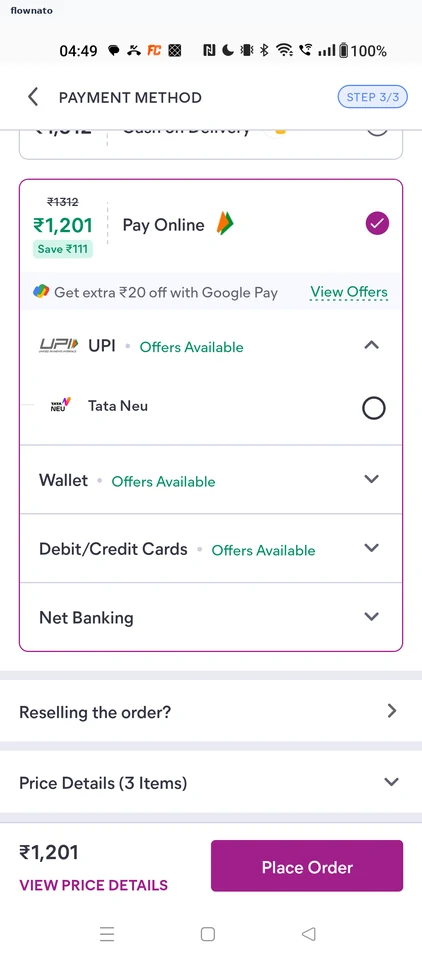
Expanding payment price details

Flow

About Meesho Expanding payment price details

  1. Pay Online selected
  2. Collapsed price details
  3. Price details expanded

3 screens

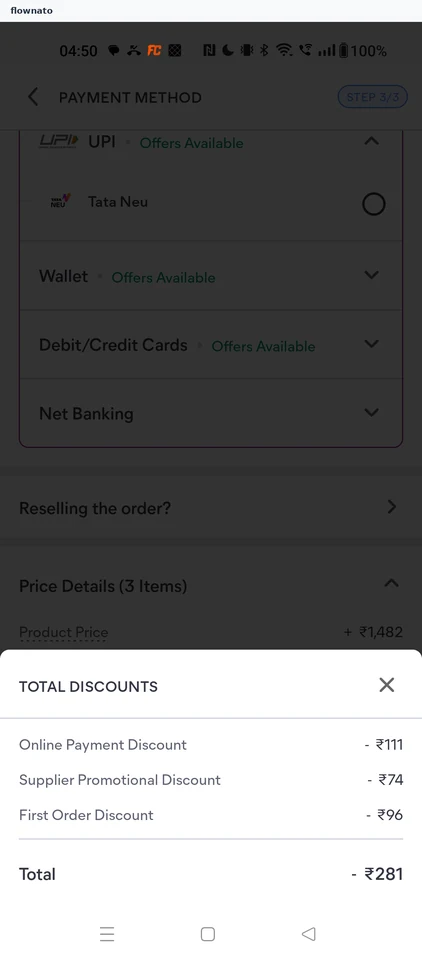
Viewing the discount breakdown

Flow

About Meesho Viewing the discount breakdown

  1. Expanded price details
  2. Total Discounts sheet

2 screens

Viewing payment offers

Flow

About Meesho Viewing payment offers

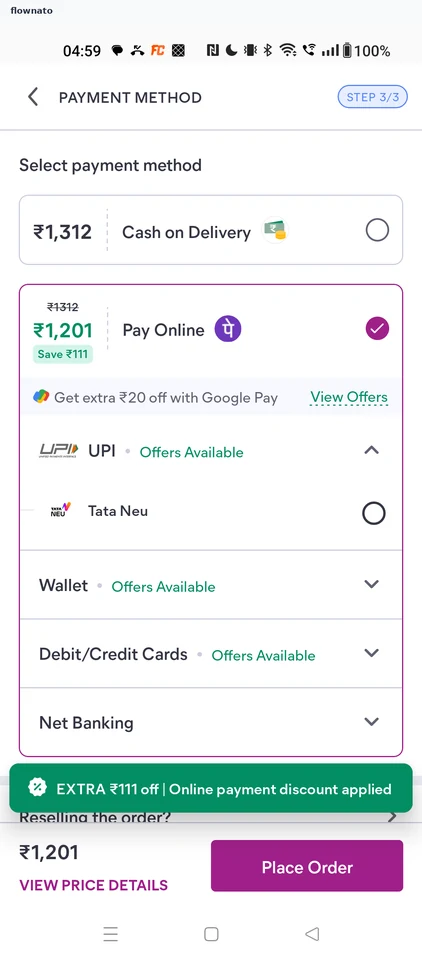
  1. Pay Online with offers link
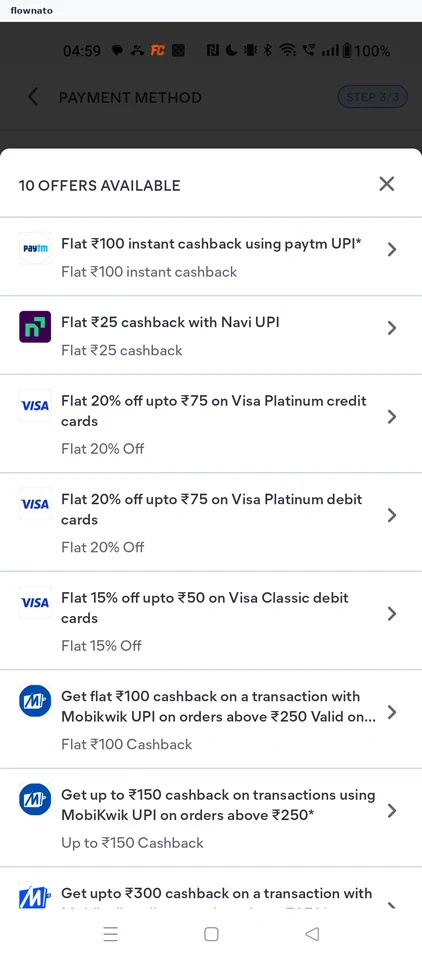
  2. Offers list

2 screens

Compare payment options

Flow

About Meesho Compare payment options

Review a Meesho cart and compare Cash on Delivery with Pay Online. Explore the online-payment discount, available methods and offers without placing the order.

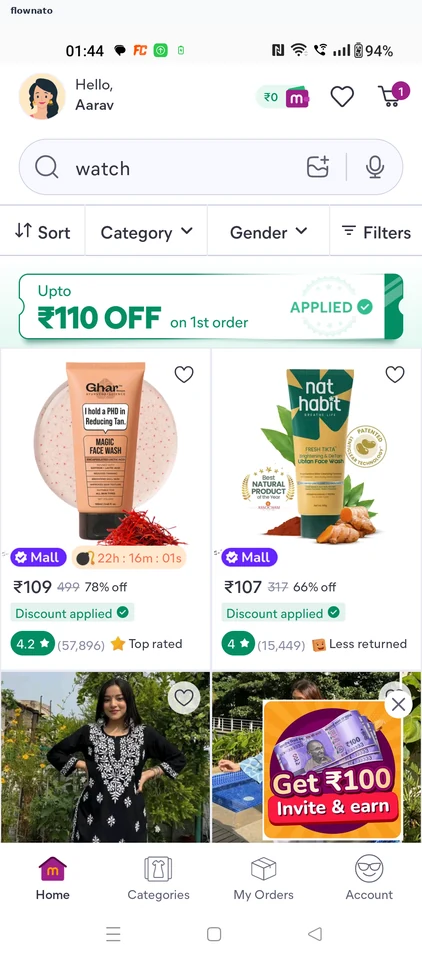
  1. Open the shop
  2. Sale announcement
  3. Open the cart
  4. Cart at step 1 of 3
  5. Review your order
  6. Two ways to pay
  7. Check the amount
  8. Pay online selected
  9. No saved card
  10. Eight payment offers
  11. Ready to pay, not paid

11 screens

Card requirements

Flow

About Meesho Card requirements

Continue from a Meesho cart to Pay Online and open Debit/Credit Cards. Inspect the new-card form for card number, expiry and CVV without entering payment details.

  1. Open the shop
  2. Sale announcement
  3. Open the cart
  4. Cart at step 1
  5. Review the order
  6. Choose how to pay
  7. Online methods
  8. No saved card
  9. See what a card needs

9 screens

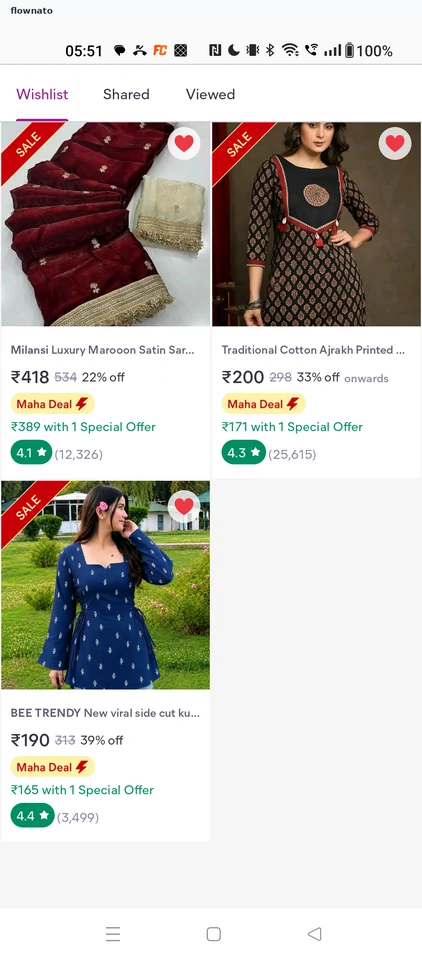
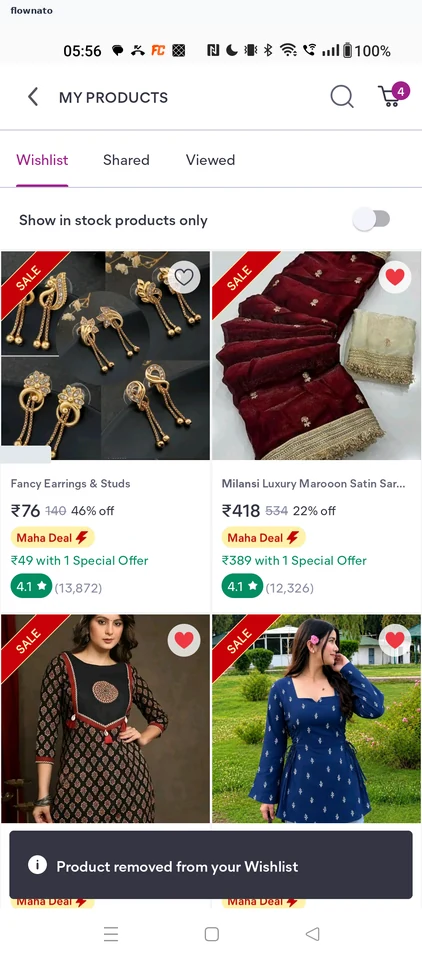
Saving to the wishlist

Flow

About Meesho Saving to the wishlist

  1. Home
  2. Wishlist
  3. End of the saved list
  4. Saved product page
  5. Back on the wishlist
  6. Search
  7. Earring results
  8. Product saved
  9. Updated wishlist

9 screens

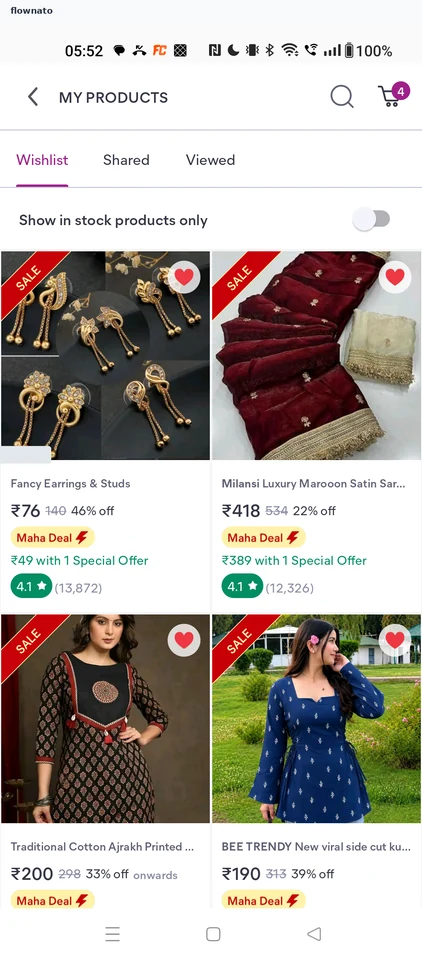
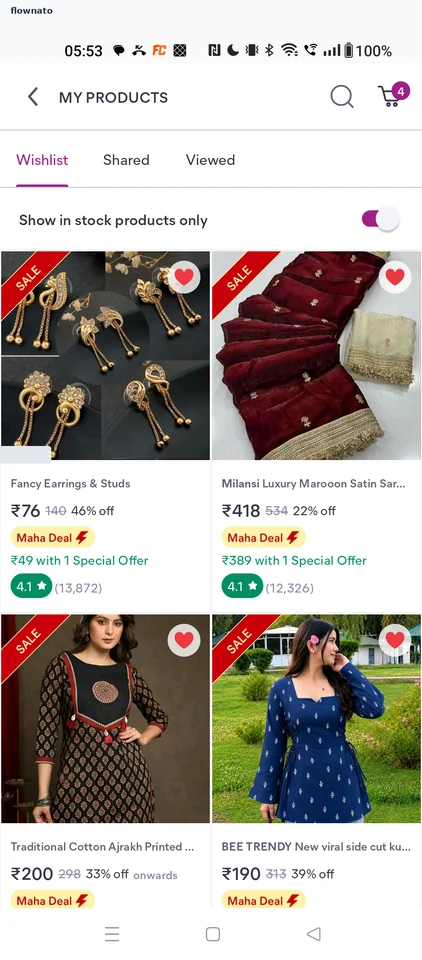
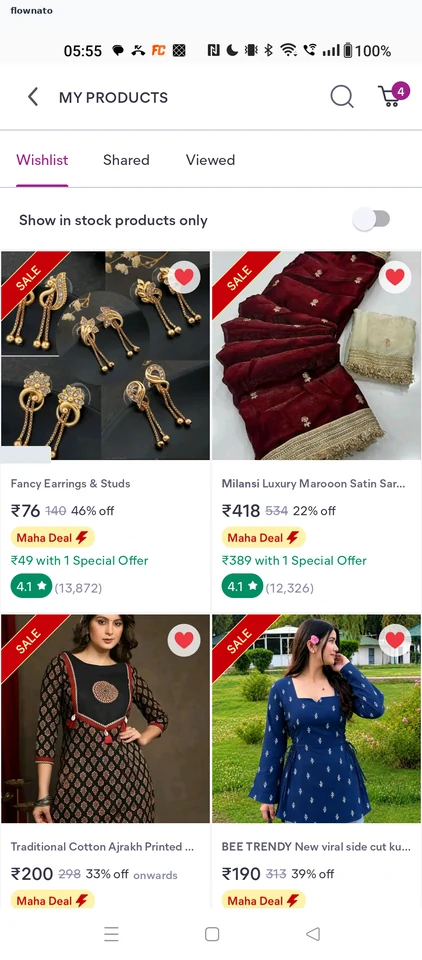
Showing in-stock items only

Flow

About Meesho Showing in-stock items only

  1. Wishlist
  2. In-stock filter on

2 screens

Removing a saved item

Flow

About Meesho Removing a saved item

  1. Wishlist
  2. Item removed

2 screens

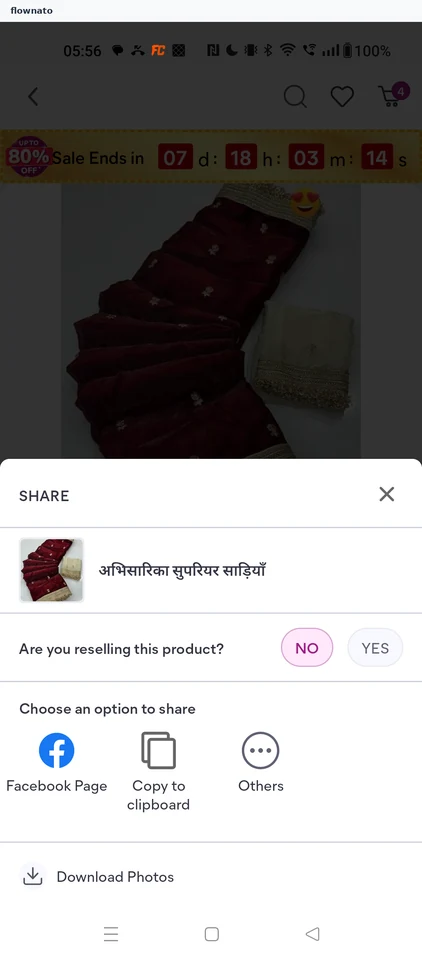
Sharing a saved product

Flow

About Meesho Sharing a saved product

  1. Wishlist
  2. Saved product page
  3. Share options

3 screens

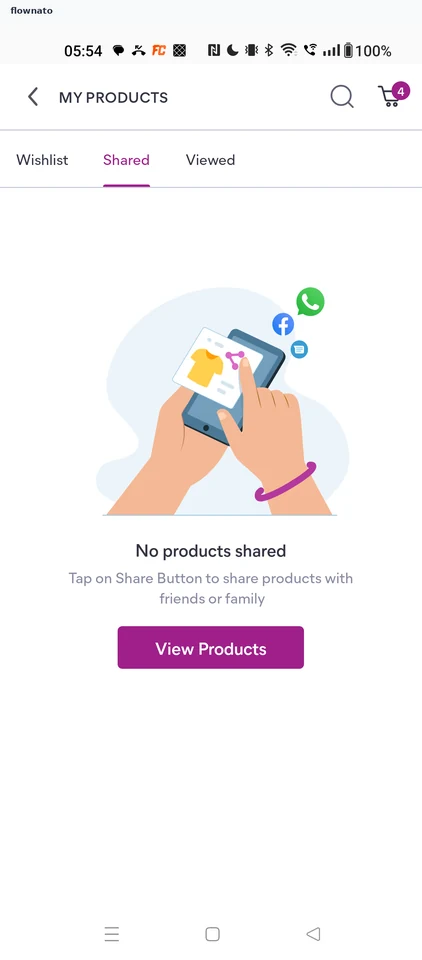
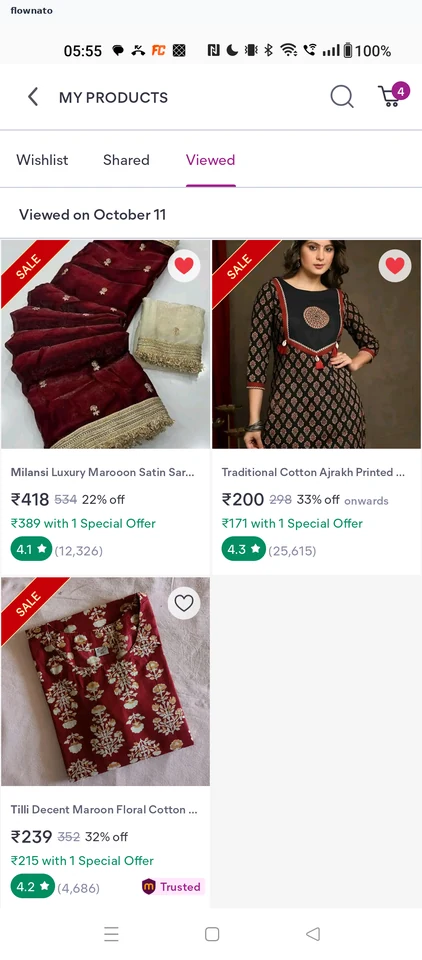
Viewing recently viewed products

Flow

About Meesho Viewing recently viewed products

  1. Shared tab
  2. Viewed products

2 screens