Checking the size chart — Meesho UX flow
Checking the size chart in Meesho.
Step 1: Sizes on the product page
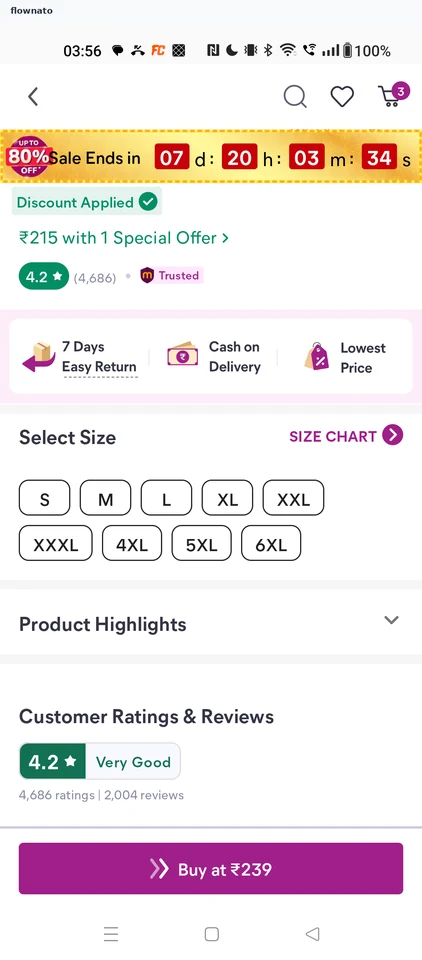
Product details · Top bar, Countdown, Chip, Accordion, Sticky action bar, Button
Step 2: Size chart opens
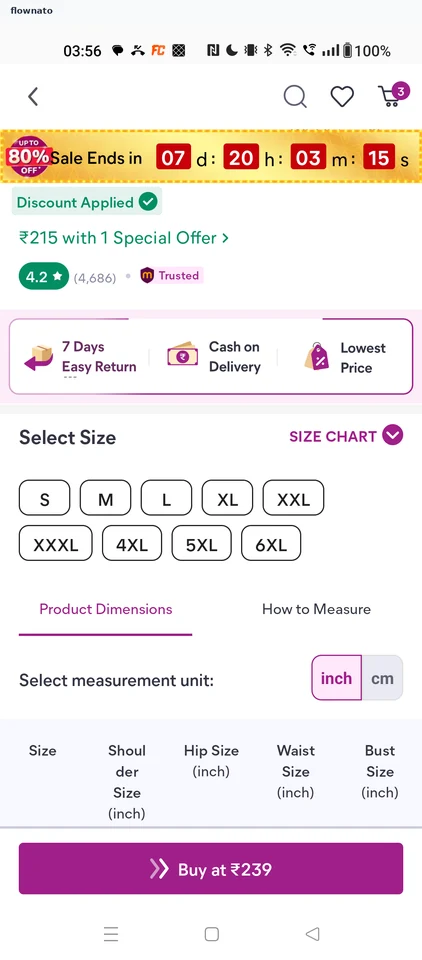
Product details · Segmented control, Tabs, Table, Chip, Sticky action bar
Step 3: Read the measurements
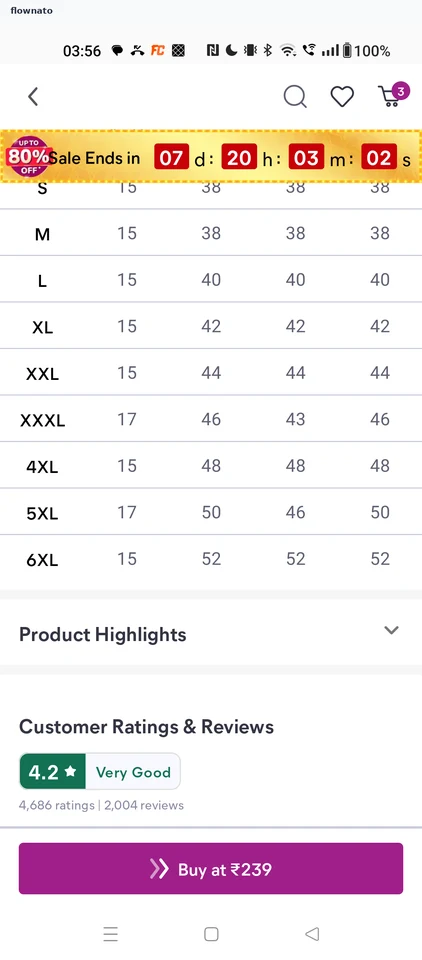
Product details · Table, Accordion, Countdown, Sticky action bar