Buying a product — Meesho UX flow
Buying a product in Meesho.
About this journey
Stops before the task is finished.
Step 1: Start on Home
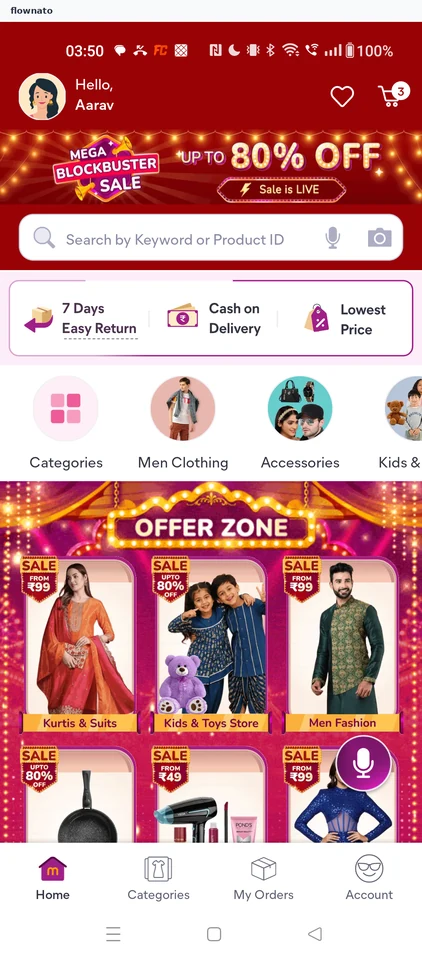
Home · Search bar, Promo banner, Bottom navigation, Avatar, Floating action button, Badge
Step 2: Type the search
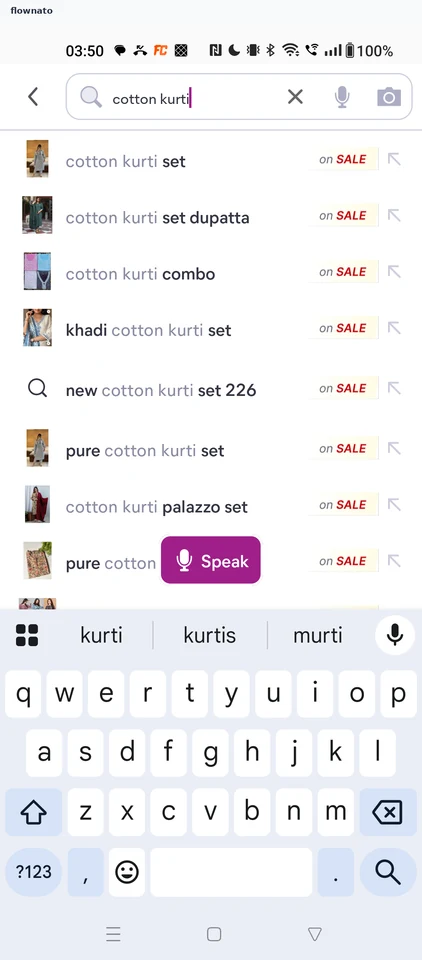
Search · Autocomplete, List, Keyboard, Badge
Step 3: Choose from the results
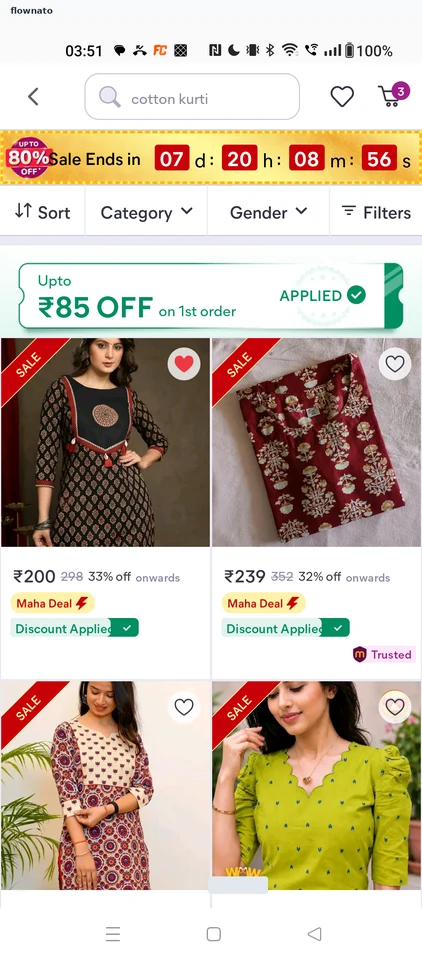
Search results · Countdown, Filter control, Coupon card, Card
Step 4: Open the product page
Step 5: Browse the gallery
Step 6: Review price and sizes
Step 7: Size M selected
Step 8: Review the order
Step 9: Reach the payment step