MakeMyTrip

MakeMyTrip app UI and user flows

App

About MakeMyTrip

Screens and user flows from the MakeMyTrip app.

MakeMyTrip is an Android app in the Travel category. Last recorded on 14 September 2026.

Flights, stays, cabs and travel booking.

In the library
5 flows · 22 screens
Category and platform
Travel · Android
Updated
Sept 2026
FLOWNATO RATING
3.4Our rating · 15 UX criteria

Book a cab ride

Flow

About MakeMyTrip Book a cab ride

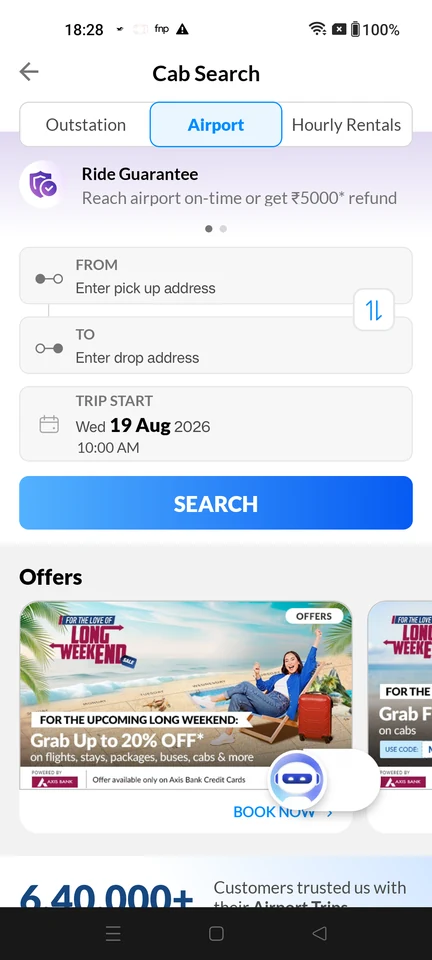
Set airport pickup, drop-off and date in MakeMyTrip, then compare cab classes. Select a vehicle and review the ride before Pay now.

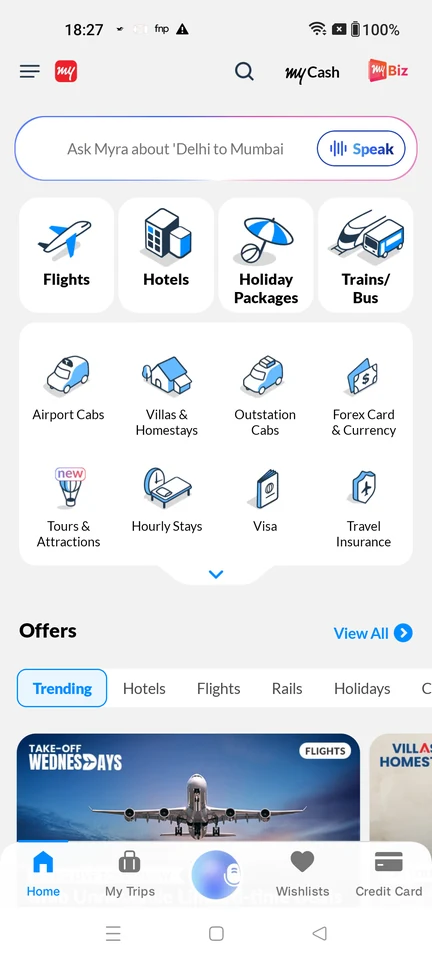
  1. MakeMyTrip home
  2. Airport cab search form
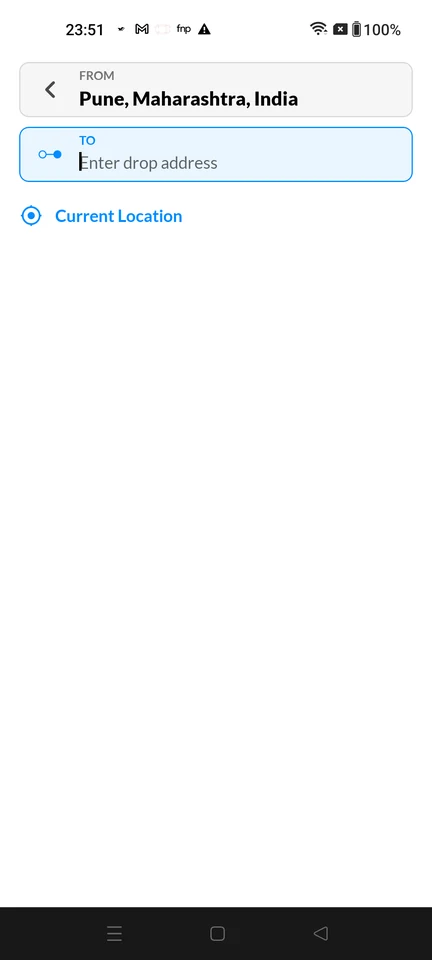
  3. Choose pickup and drop-off
  4. Route and date set
  5. Choose a cab class
  6. Review ride before paying

6 screens

Book an intercity cab

Flow

About MakeMyTrip Book an intercity cab

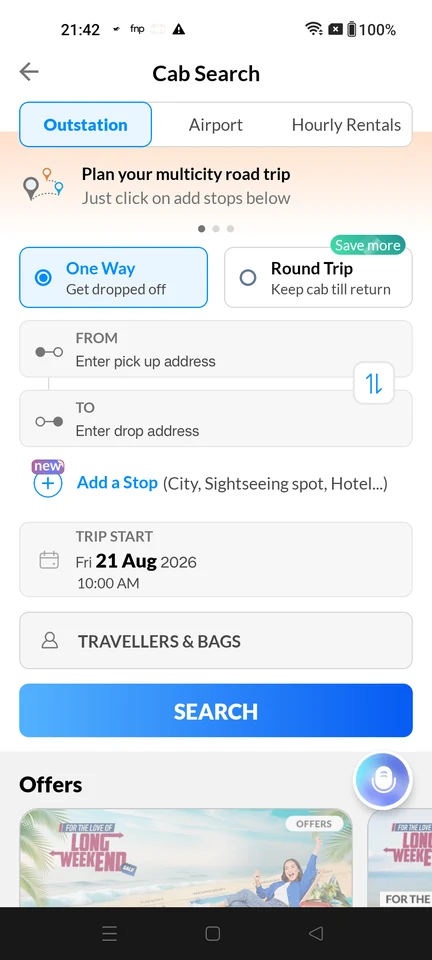
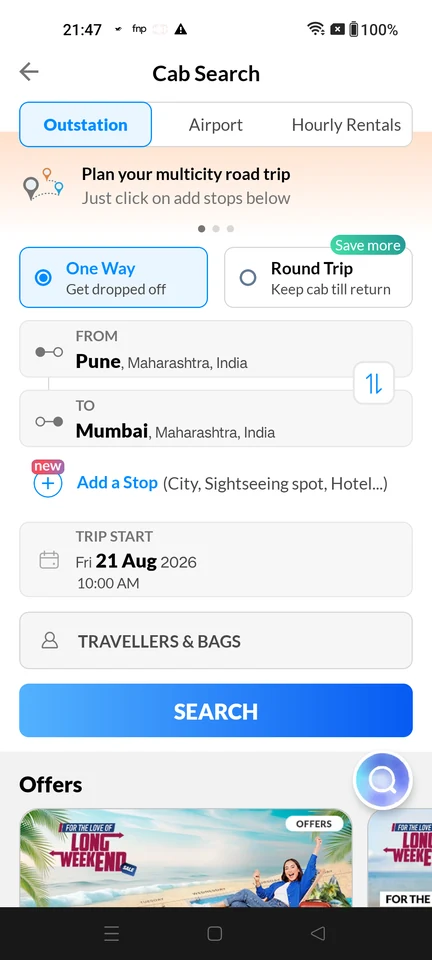
Set an outstation route and travel date in MakeMyTrip. Compare cab classes and prices, then review the selected ride before payment.

  1. MakeMyTrip home
  2. Outstation trip form
  3. Route and date set
  4. Compare priced cab classes
  5. Review ride before payment

5 screens

Book an hourly rental cab

Flow

About MakeMyTrip Book an hourly rental cab

Search for an hourly rental in MakeMyTrip and set the return-to-pickup preference. Choose a cab and review the ride before paying.

  1. MakeMyTrip home
  2. Hourly rental search form
  3. Set return-to-pickup preference
  4. Choose a rental cab
  5. Review ride before paying

5 screens

Book a hotel stay

Flow

About MakeMyTrip Book a hotel stay

Search MakeMyTrip stays by city, dates and guests, then choose a property and room. Enter guest details and explore payment methods without completing the purchase.

  1. Start a hotel search
  2. Set city, dates and guests
  3. Browse hotel results
  4. Choose a property
  5. Review property details
  6. Choose a room and rate
  7. Review booking summary
  8. Enter guest details
  9. Choose a payment method
  10. Pay with a UPI app

10 screens

Book an activities pass

Flow

About MakeMyTrip Book an activities pass

Browse MakeMyTrip destination activities and choose an Experience Pass. Set the visit date and traveller counts, then reach the PAN details required before payment.

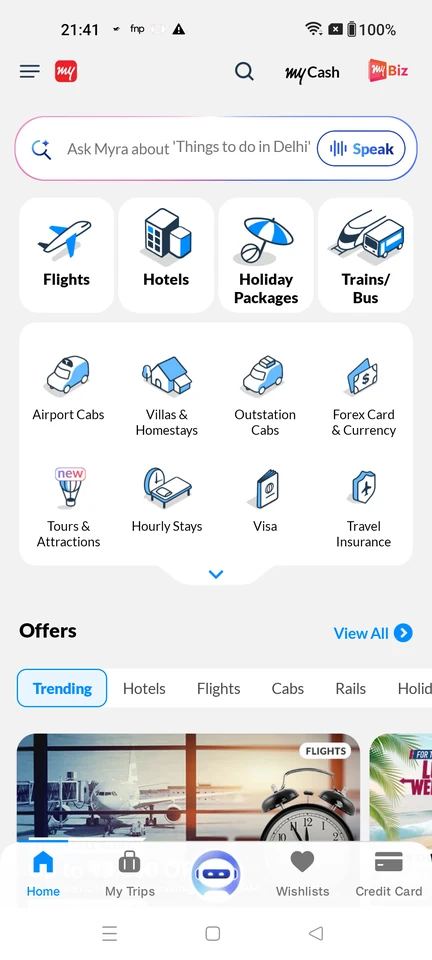
  1. MakeMyTrip home
  2. Choose a destination
  3. Browse Singapore activities
  4. Pick your visit date
  5. Find the Experience Pass
  6. Experience Pass details
  7. Set traveller counts
  8. Review booking summary
  9. PAN details required

9 screens