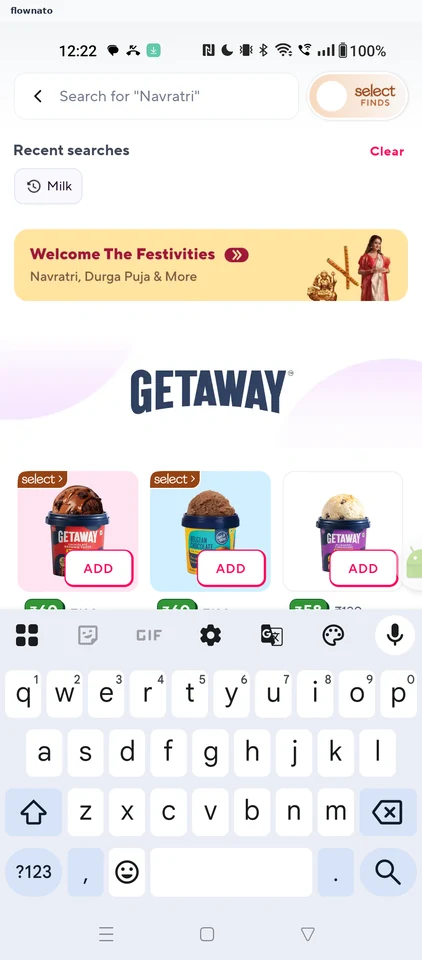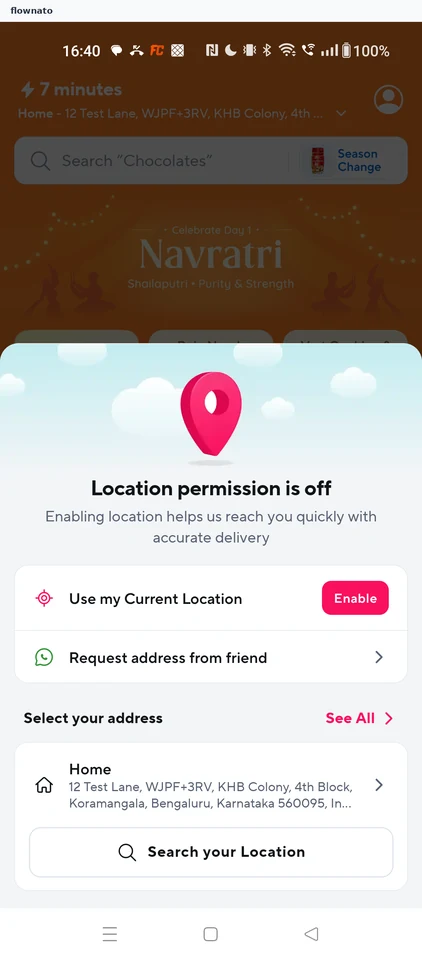
Zepto

Zepto app UI and user flows

App

About Zepto

Screens and user flows from the Zepto app.

Zepto is an Android app in the Groceries category. Last recorded on 17 October 2026.

Explore the screens and product flows inside Zepto.

In the library
14 flows · 36 screens
Category and platform
Groceries · Android
Updated
Oct 2026
FLOWNATO RATING
3.8Our rating · 15 UX criteria

Onboarding

Flow

About Zepto Onboarding

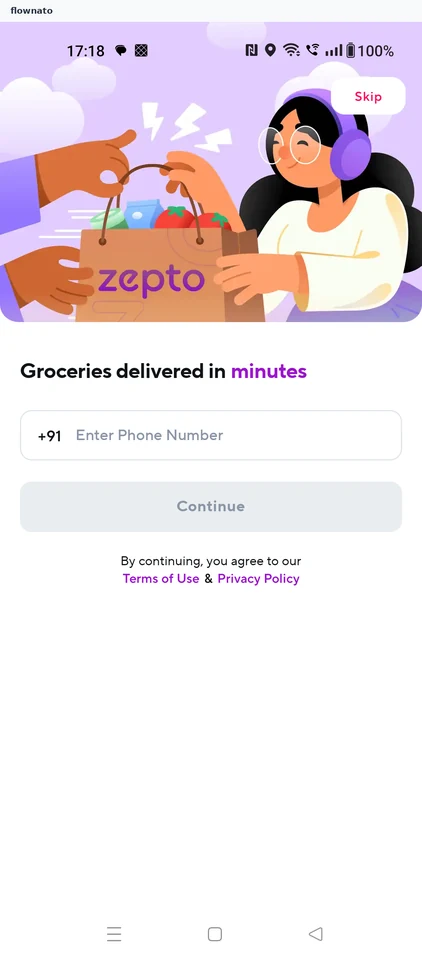
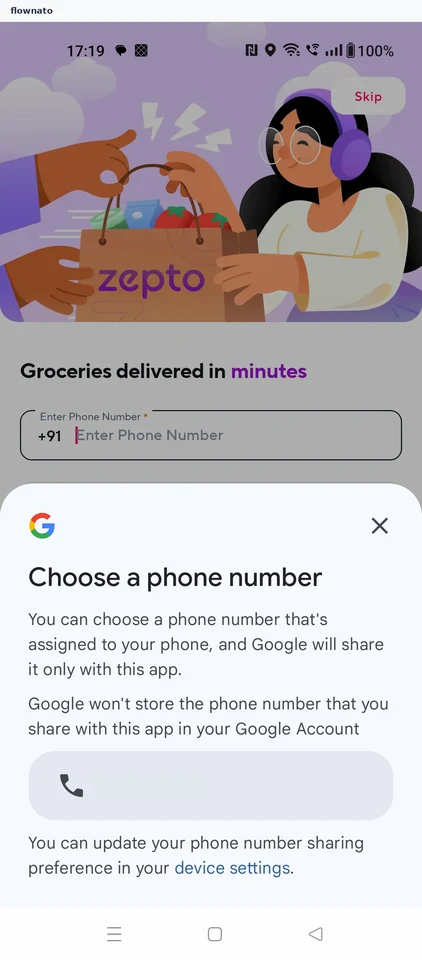
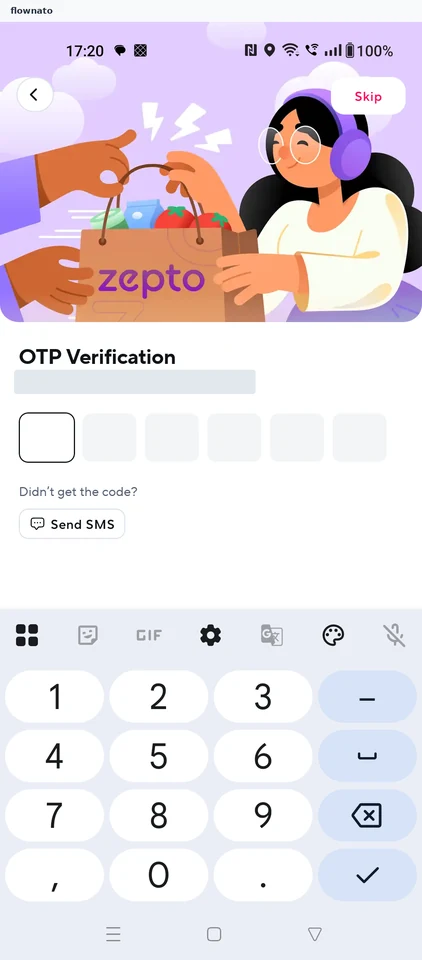
Verify a mobile number in Zepto and add a profile name. Recover from an unsupported delivery area by selecting another address, then reach the store home.

  1. Start with your number
  2. Pick a device number
  3. Verify the code
  4. Name your profile
  5. Choose how to locate
  6. Open address search
  7. Pick a place
  8. Confirm the pin
  9. Area not served
  10. Search again
  11. Choose a neighbourhood
  12. Confirm the address
  13. Store is open

13 screensFree with sign up

Checkout

Flow

About Zepto Checkout

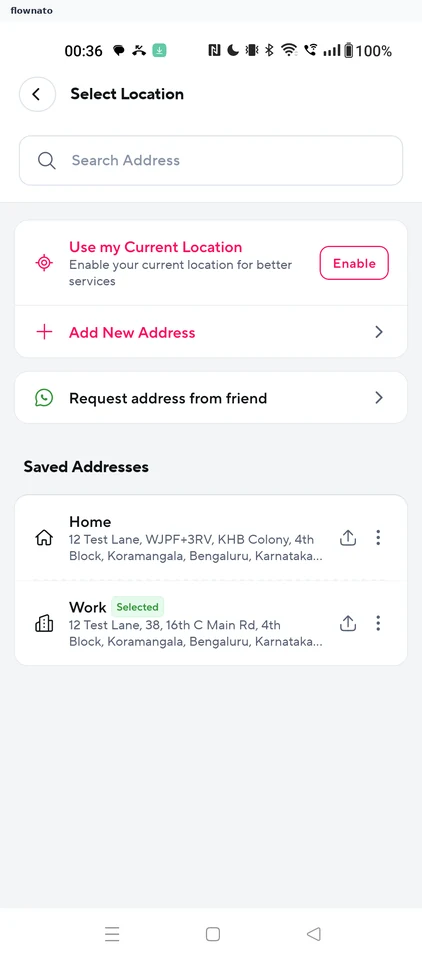
Select a saved Zepto address, review coupons and payment offers, and choose a scheduled delivery slot. Continue to payment methods without placing the order.

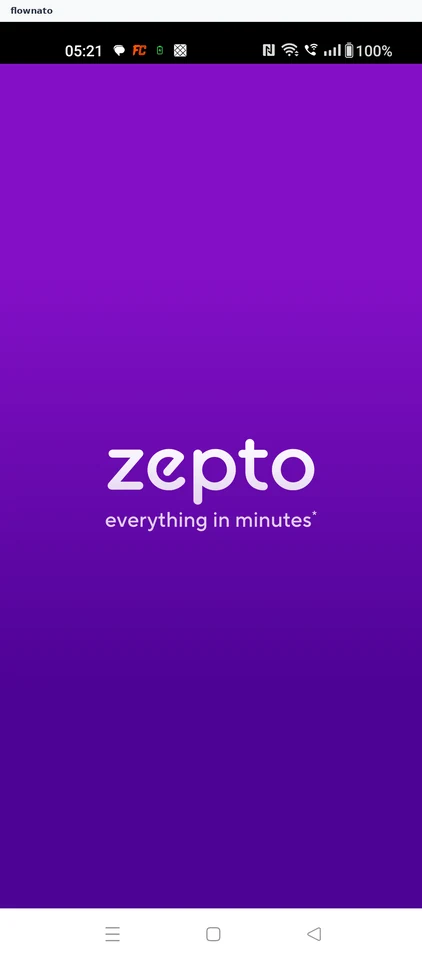
  1. App opens
  2. Pick the delivery address
  3. Open the cart
  4. Review the bill
  5. Check the coupons
  6. Check payment offers
  7. Choose delivery options
  8. Pick a slot
  9. Confirm the slot
  10. Slot applied
  11. Choose how to pay
  12. Where this stops

12 screensFree with sign up

Add to cart

Flow

About Zepto Add to cart

Search Zepto for a grocery item and compare price, pack size and ratings. Add a product and review quantity, savings and the bill before entering a delivery address.

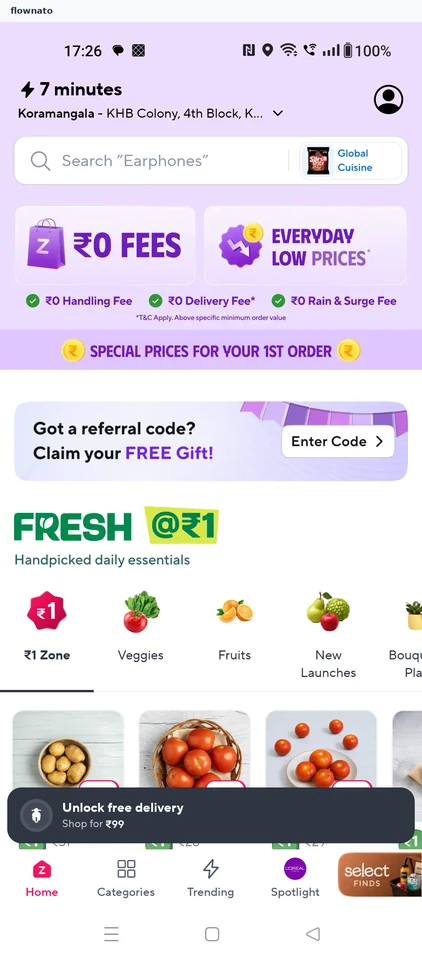
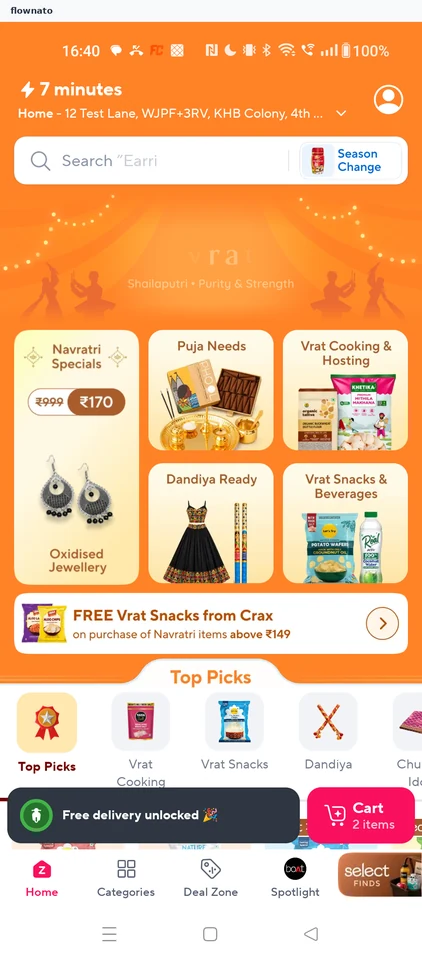
  1. Start at the store
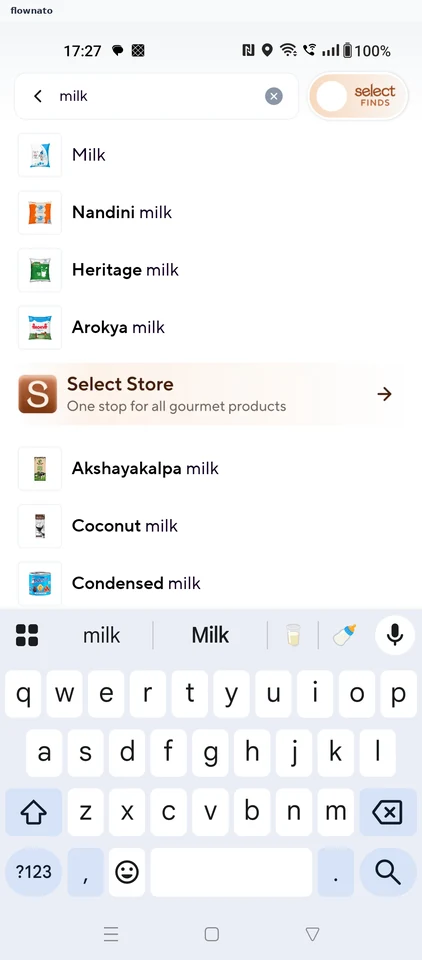
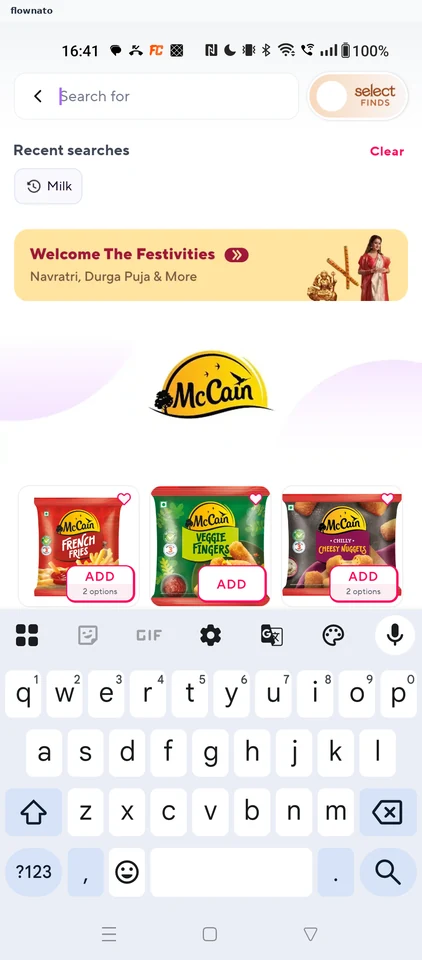
  2. Type what you need
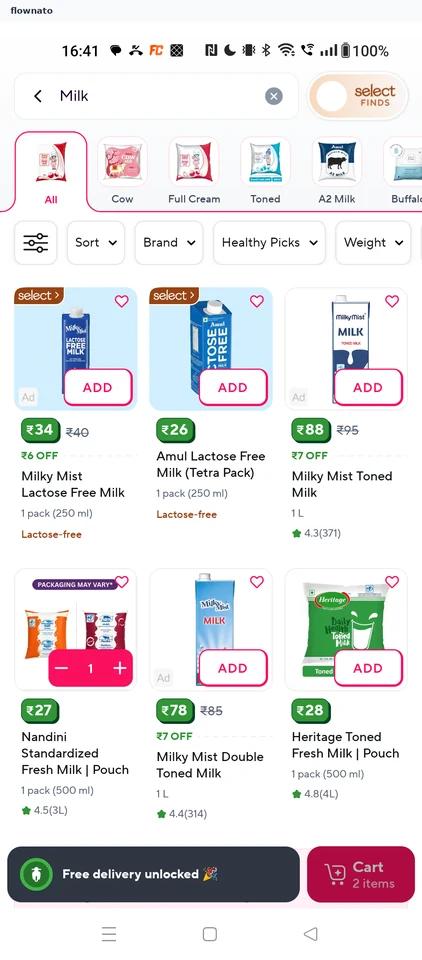
  3. Compare the results
  4. Check the product
  5. Item added
  6. Review the cart

6 screensFree with sign up

Sorting results by price

Flow

About Zepto Sorting results by price

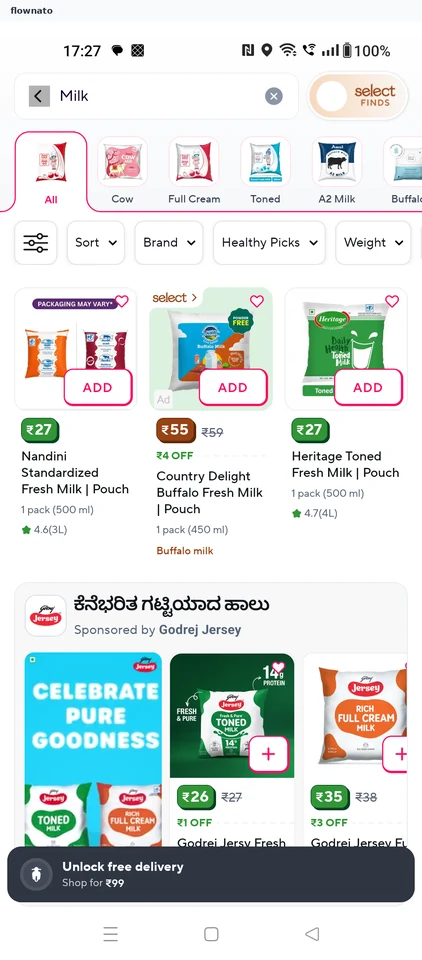
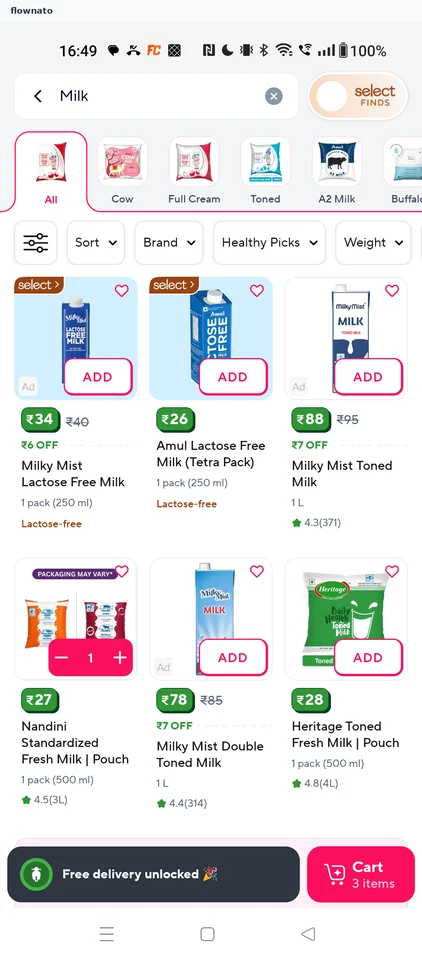
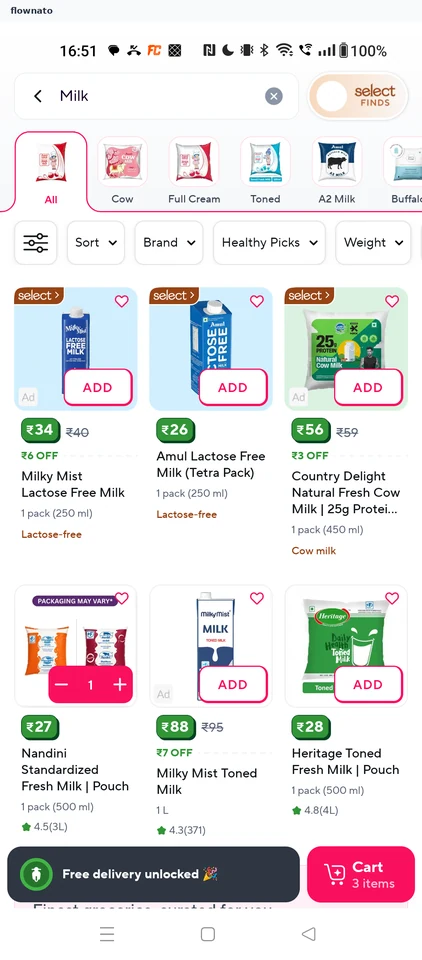
  1. Milk results
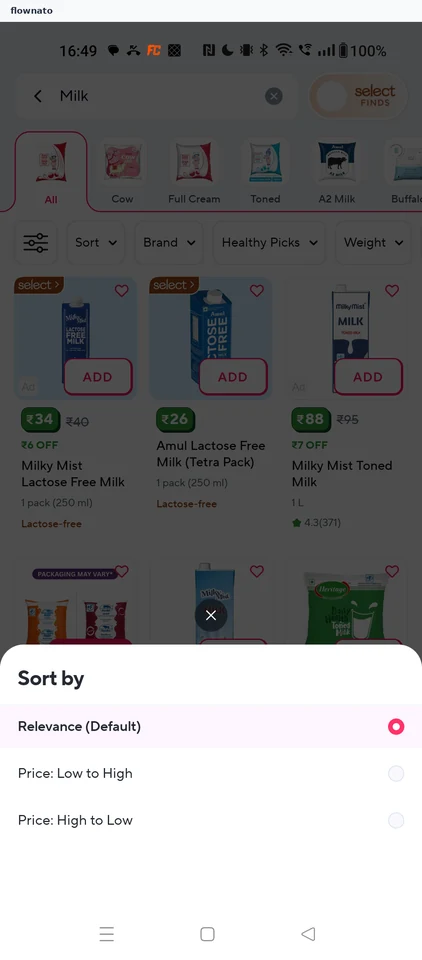
  2. Sort options
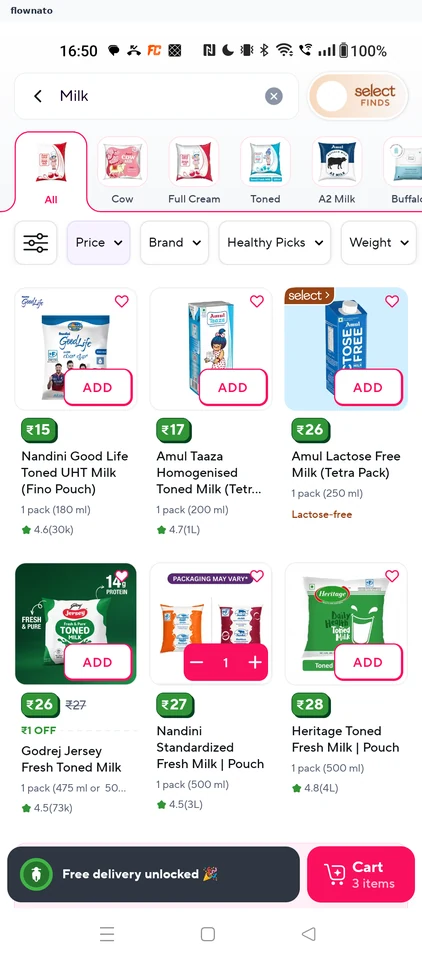
  3. Sorted by price

3 screens

Filtering results by brand

Flow

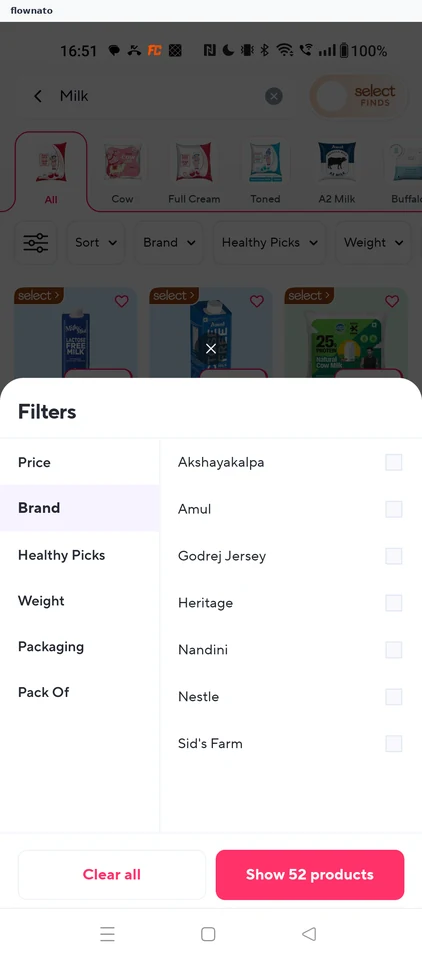
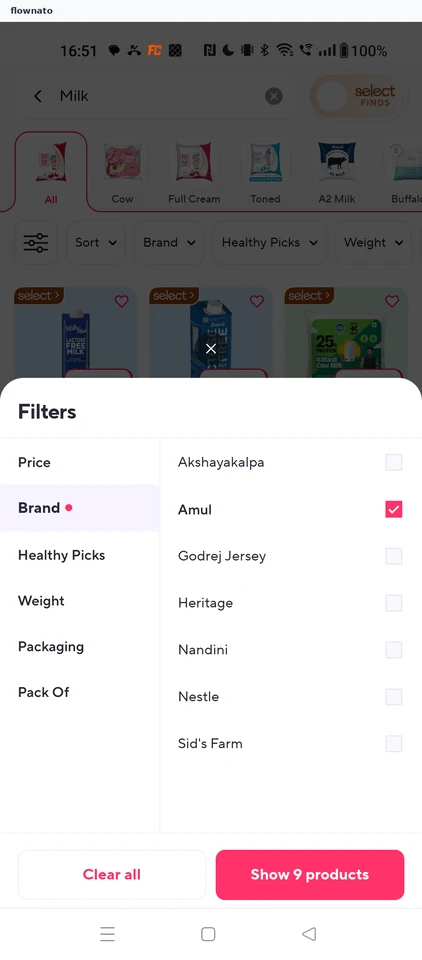
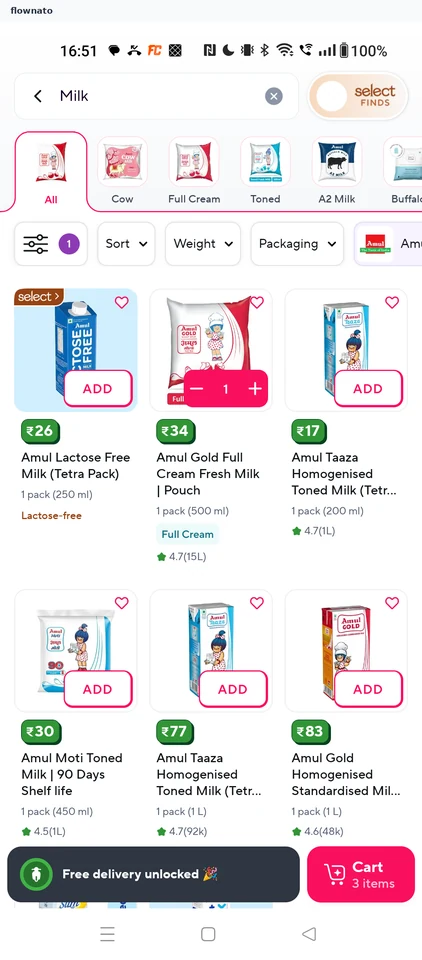
About Zepto Filtering results by brand

  1. Milk results
  2. Filters sheet
  3. Brand chosen
  4. Filtered results

4 screens

Saving to wishlist

Flow

About Zepto Saving to wishlist

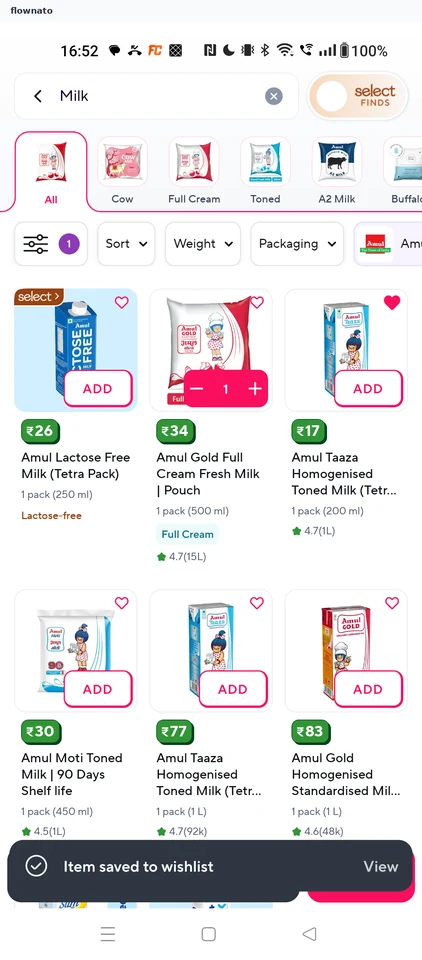
  1. Milk results
  2. Saved to wishlist

2 screens

Scheduling a delivery slot

Flow

About Zepto Scheduling a delivery slot

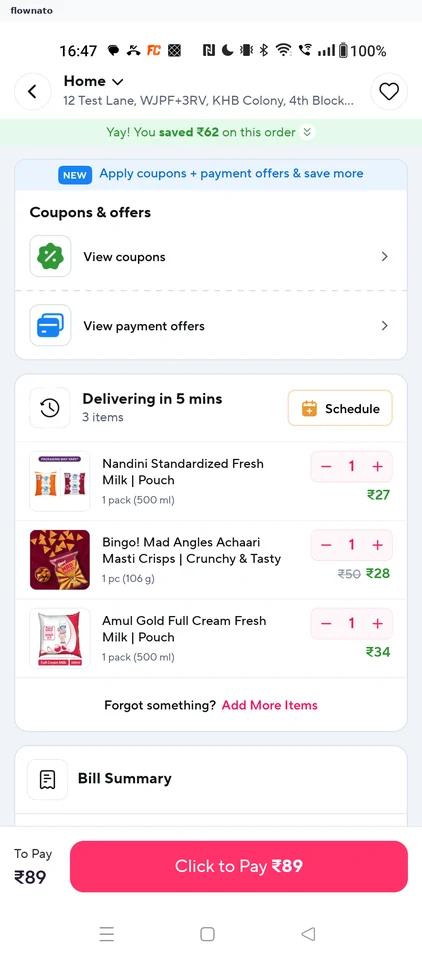
  1. Cart
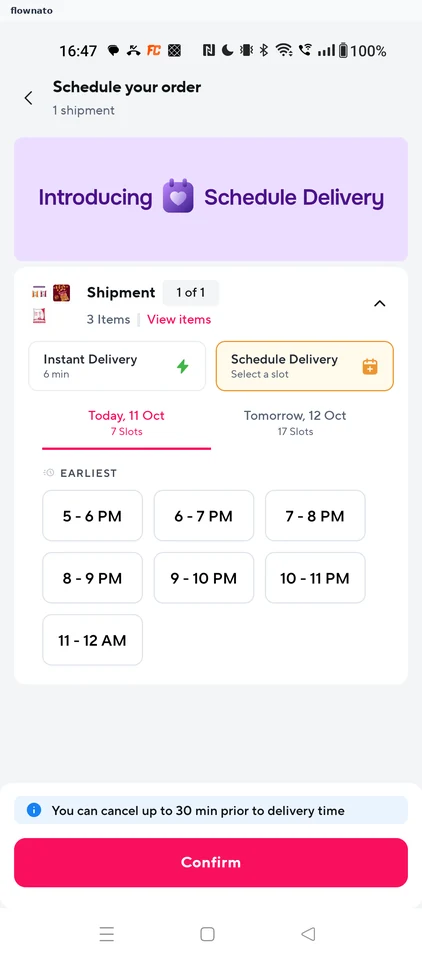
  2. Schedule your order
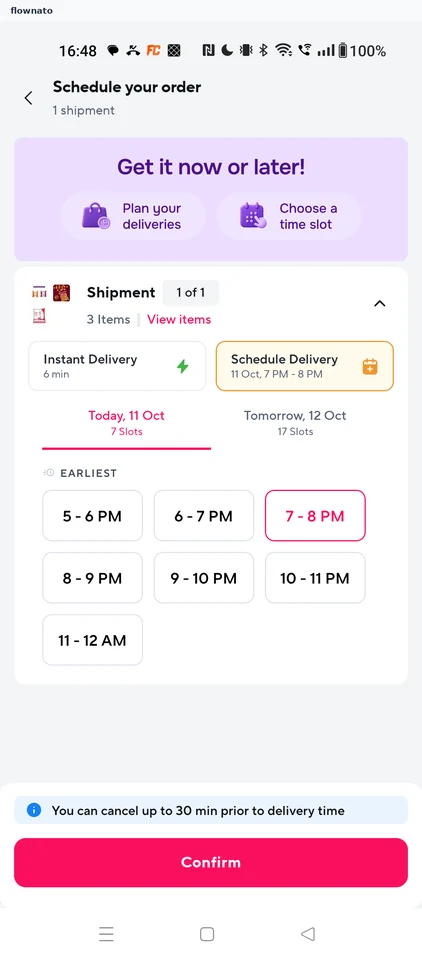
  3. Slot selected
  4. Delivery scheduled

4 screens

Ordering groceries

Flow

About Zepto Ordering groceries

  1. Home storefront
  2. Search for milk
  3. Milk results
  4. Compare products
  5. Product page
  6. Browse product images
  7. Product highlights
  8. Read product information
  9. Added to cart
  10. Review the cart
  11. Check the bill
  12. Choose how to pay
  13. Card details form

13 screensFree with sign up

Save address

Flow

About Zepto Save address

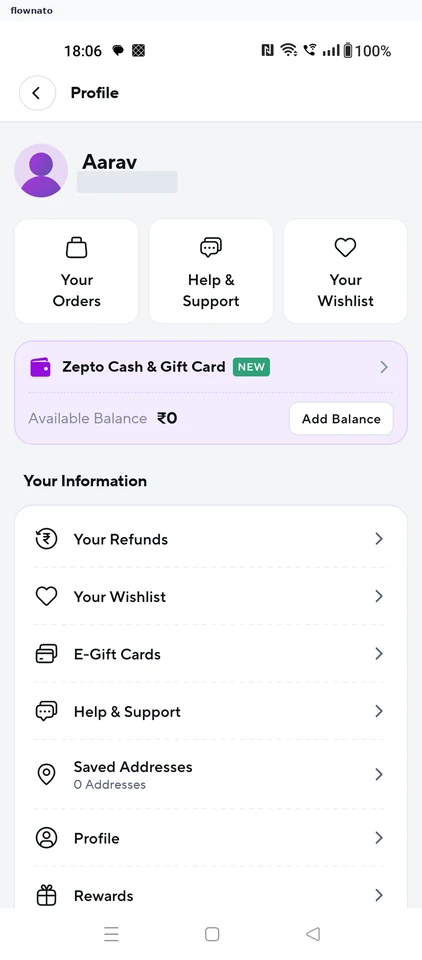
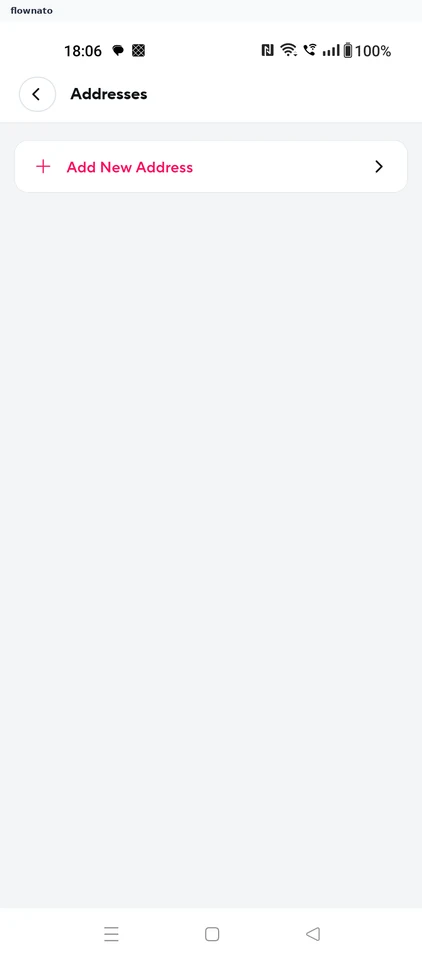
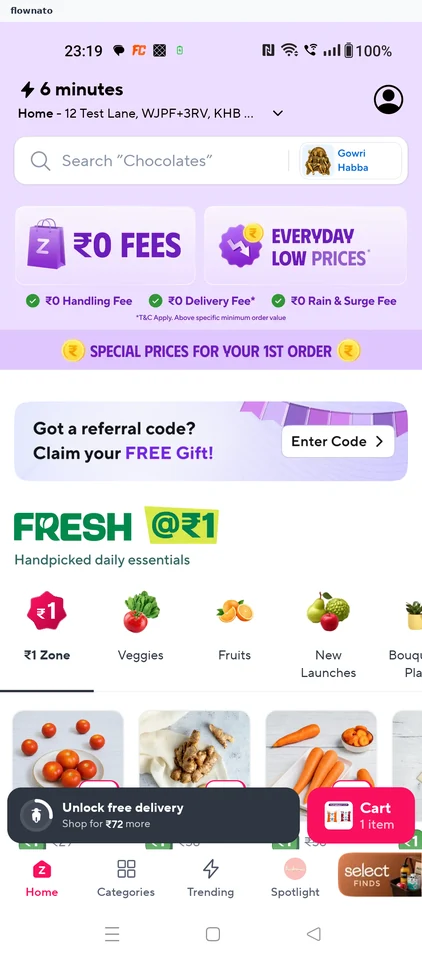
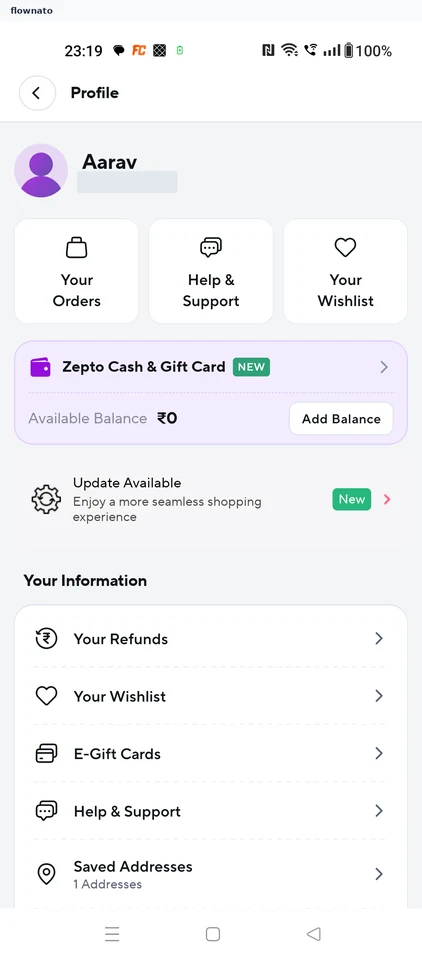
Open Zepto Addresses, confirm a map pin and complete the address form. Label the address Home, save it and verify the new entry in the list.

  1. Store home
  2. Open the profile
  3. Empty address list
  4. Pin the location
  5. Address form
  6. Choose a label
  7. Save the address
  8. Saved confirmation
  9. Address in the list

9 screens

Review orders

Flow

About Zepto Review orders

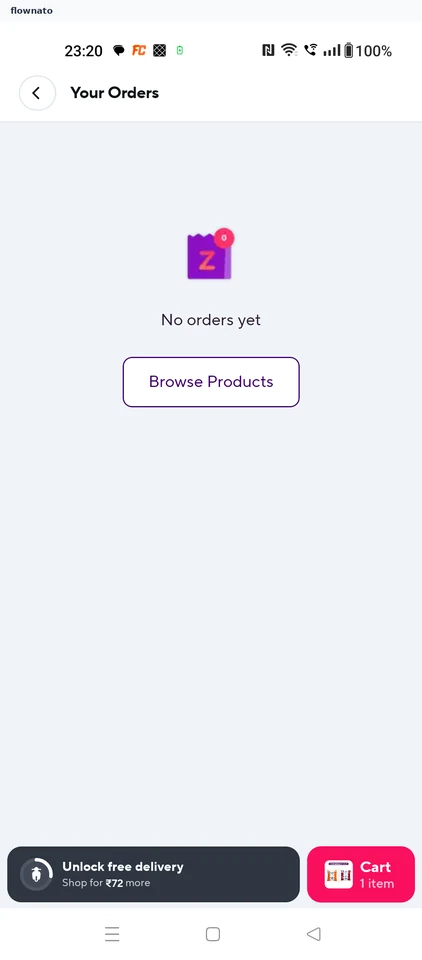
Open Orders from the Zepto store home and see the empty order-history screen.

  1. Store home
  2. Choose orders
  3. No orders yet

3 screens

Changing delivery address

Flow

About Zepto Changing delivery address

  1. Saved addresses
  2. Home address active

2 screens

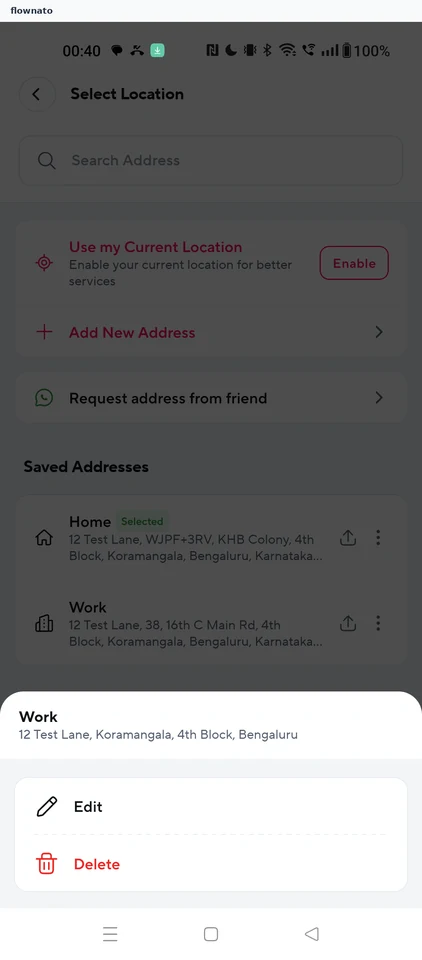
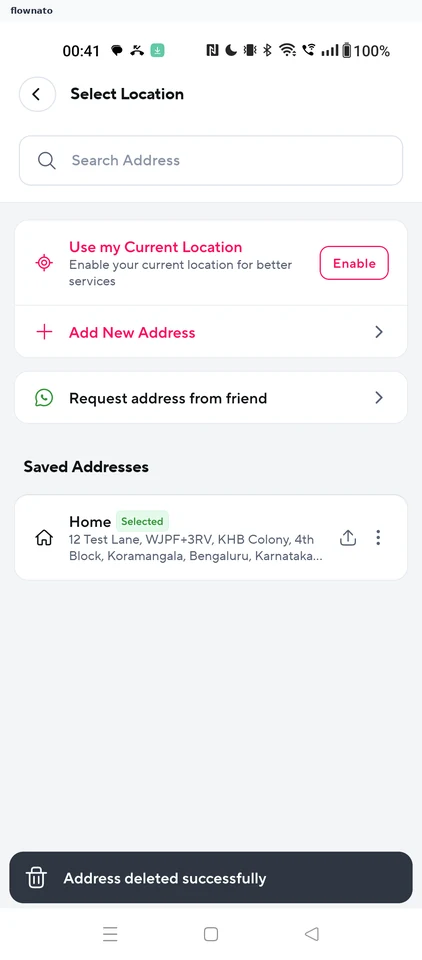
Deleting an address

Flow

About Zepto Deleting an address

  1. Saved addresses
  2. Address options
  3. Address deleted

3 screens

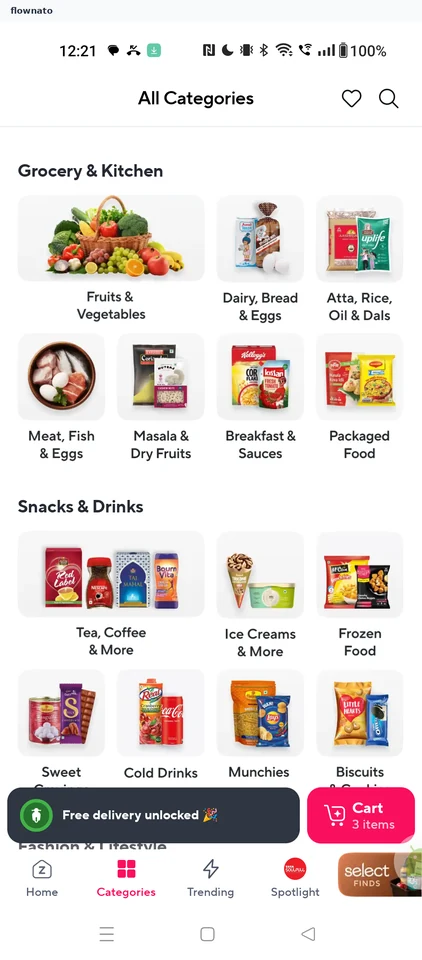
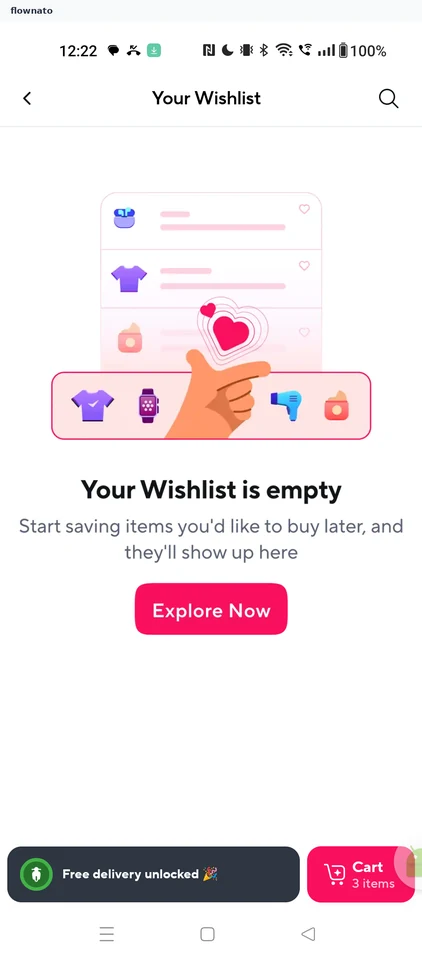
Managing the wishlist

Flow

About Zepto Managing the wishlist

  1. All categories
  2. Empty wishlist
  3. Search
  4. Milk results
  5. First item saved
  6. Second item saved
  7. Wishlist not refreshed
  8. Reopen the wishlist
  9. Saved products
  10. Added to cart
  11. Removed from wishlist

11 screens

Confirming delivery location

Flow

About Zepto Confirming delivery location

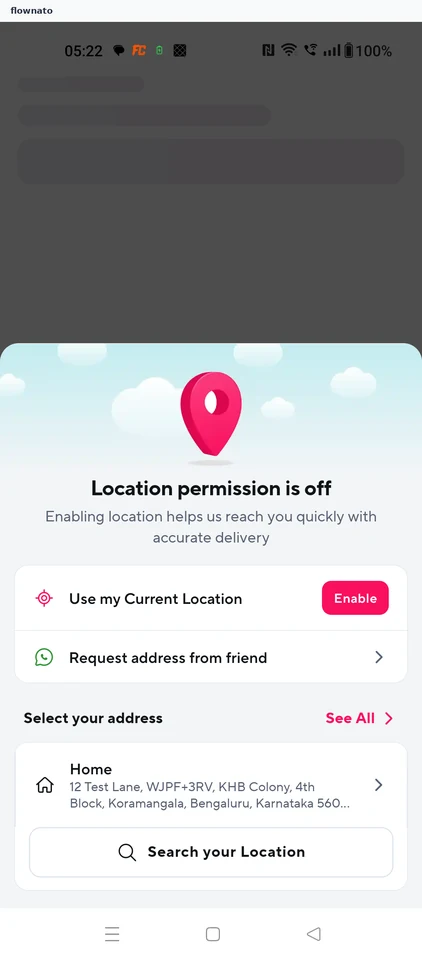
  1. Launch
  2. Location permission is off
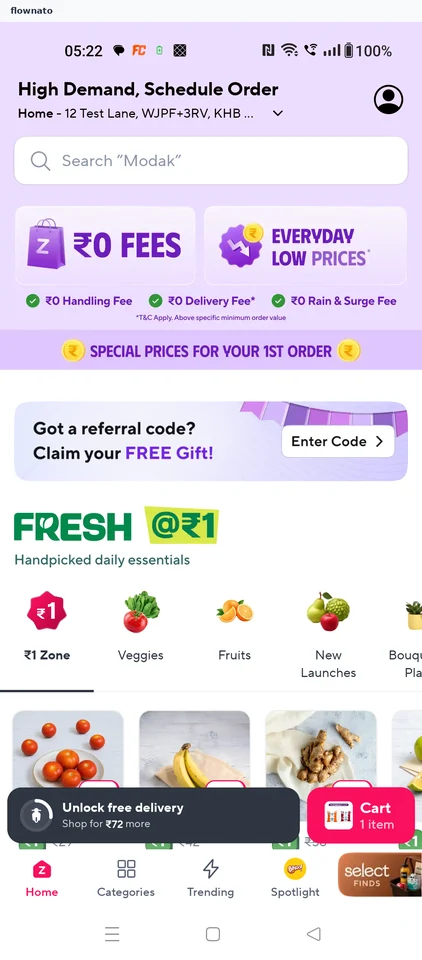
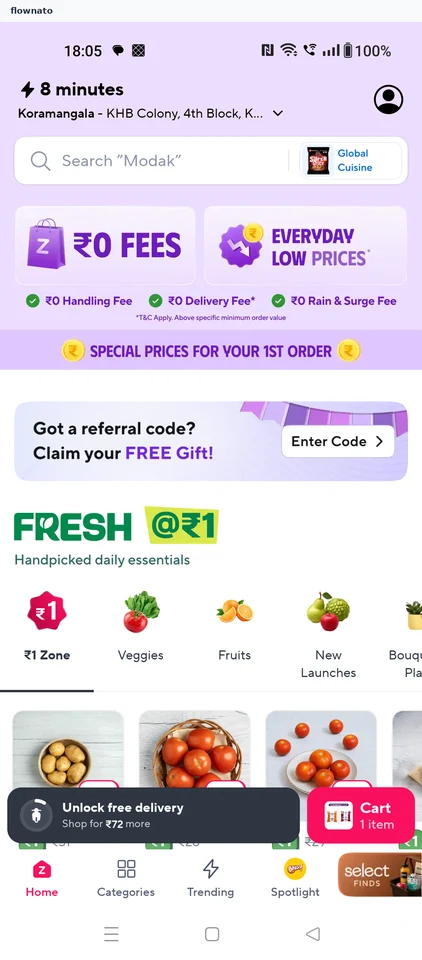
  3. Home ready

3 screens