Ordering groceries — Zepto UX flow
Ordering groceries in Zepto.
About this journey
Stops before the task is finished.
Step 1: Home storefront
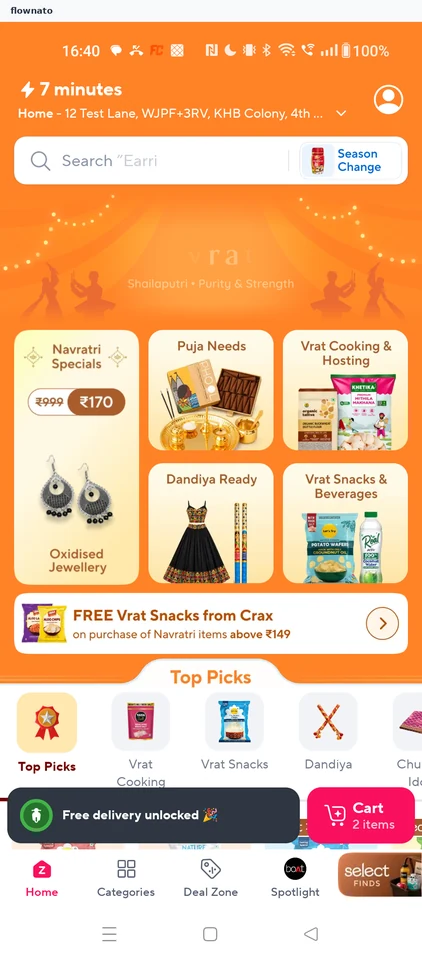
Home · Search bar, Card, Promo banner, Section header, List, Floating cart bar
Step 2: Search for milk
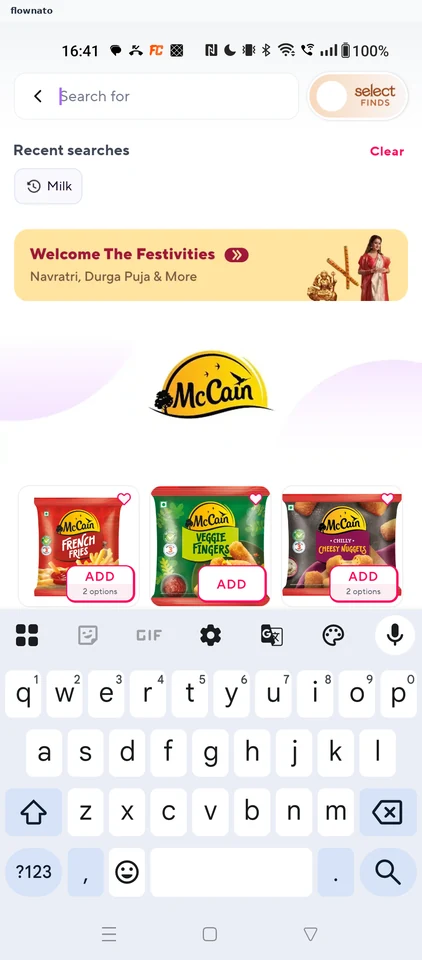
Search · Search bar, Section header, Text link, Chip, Promo banner, Logo
Step 3: Milk results
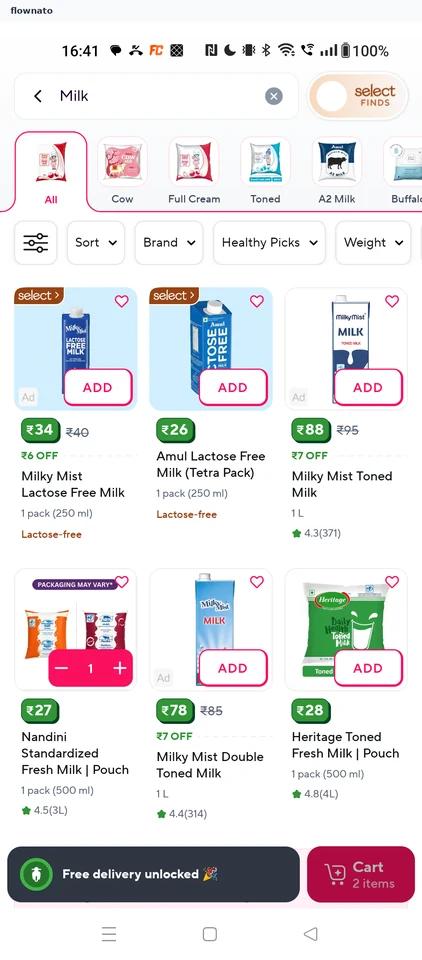
Search results · Search bar, Filter control, Chip, Card, Quantity stepper, Floating cart bar
Step 4: Compare products
Step 5: Product detail
Step 6: Browse product images
Step 7: Product highlights
Step 8: Read product information
Step 9: Added to cart
Step 10: Review the cart
Step 11: Check the bill
Step 12: Choose how to pay
Step 13: Card entry form