BookMyShow

BookMyShow app UI and user flows

App

About BookMyShow

BookMyShow flows for onboarding, movie tickets and event tickets.

BookMyShow is an Android app in the Events category. Last recorded on 14 September 2026.

Movies, live events, venues and entertainment booking journeys.

In the library
4 flows · 23 screens
Category and platform
Events · Android
Updated
Sept 2026
FLOWNATO RATING
3.9Our rating · 15 UX criteria

Onboarding

Flow

About BookMyShow Onboarding

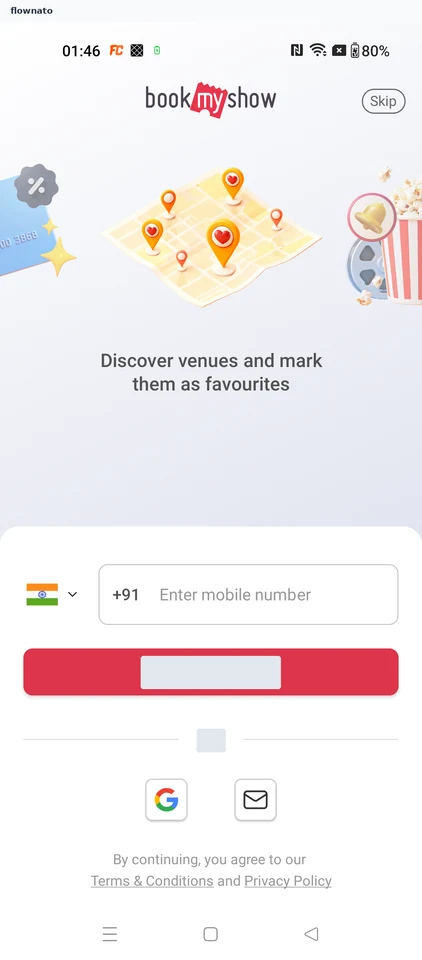
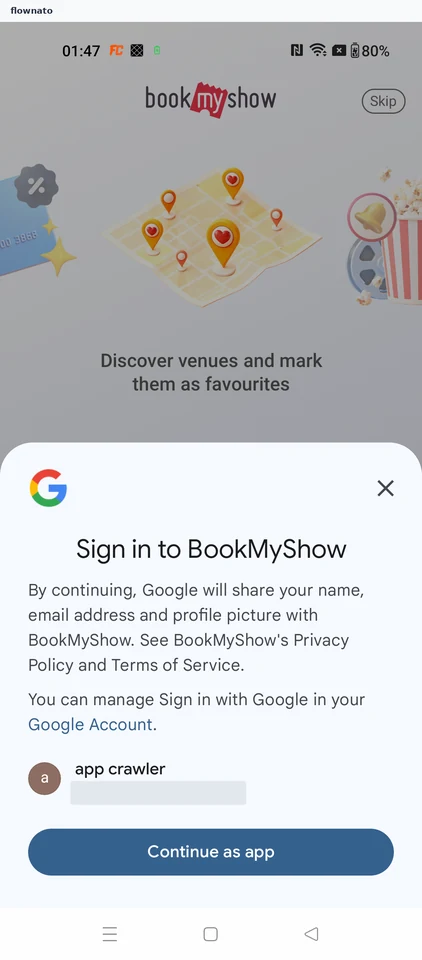
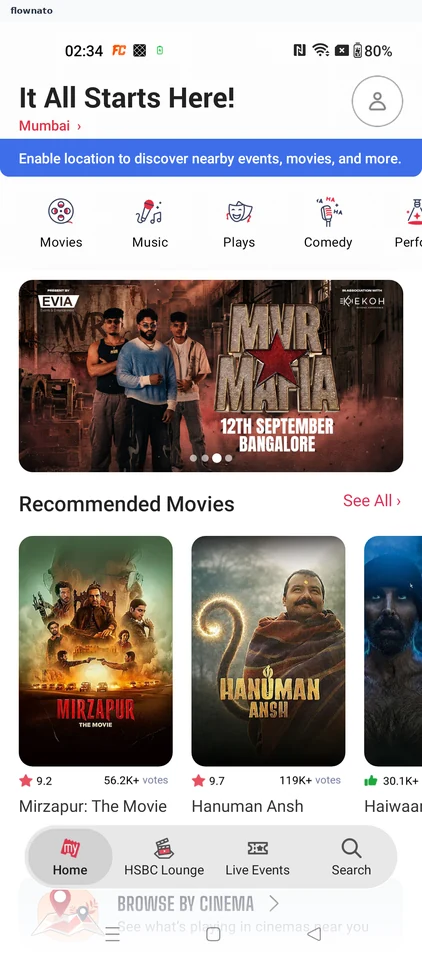
Sign in to BookMyShow with Google, choose a city and area, and decide on notification access. Follow the welcome screen through to the signed-in city home.

  1. BookMyShow opens
  2. Choose how to sign in
  3. Confirm your Google account
  4. Choose how to set your city
  5. Pick your city
  6. Narrow down to an area
  7. Decide about notifications
  8. Signed-in home for Mumbai

8 screens

Book movie tickets

Flow

About BookMyShow Book movie tickets

Choose a movie, acknowledge its age rating and select a cinema, showtime and adjacent seats in BookMyShow. The flow ends at the payment step without purchasing tickets.

  1. BookMyShow opens
  2. Browse what's on in your city
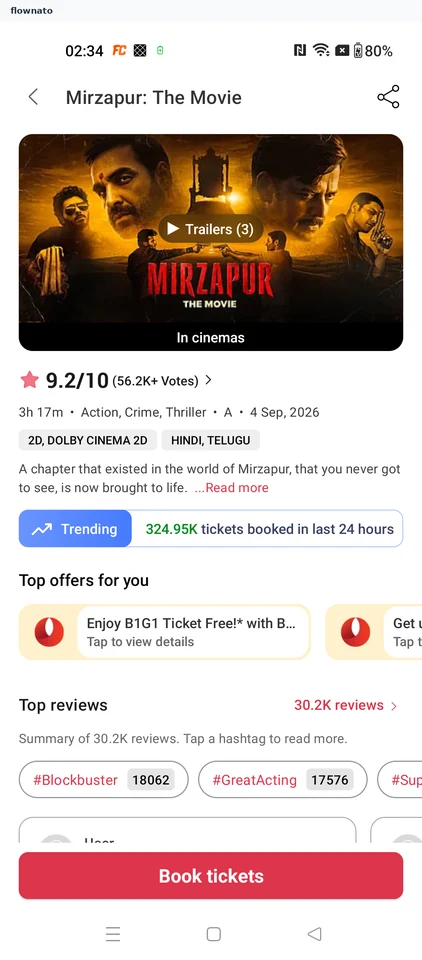
  3. Check the movie before booking
  4. Acknowledge the 18+ age rating
  5. Pick a cinema and showtime
  6. Confirm how many seats
  7. Choose seats in the hall
  8. Payment step for the selected seats

8 screens

Event tickets

Flow

About BookMyShow Event tickets

Browse BookMyShow live events, choose a pass and ticket quantity, and review optional extras. Confirm ticket delivery and pincode availability before the required recipient-details form.

  1. BookMyShow opens
  2. Start from your city home
  3. Browse live events
  4. Check the event details
  5. Choose which pass you need
  6. Single-day pass selected
  7. Compare ticket types
  8. One general admission ticket added
  9. Two tickets, total Rs7,000
  10. Skip the optional extras
  11. Confirm how the tickets arrive
  12. Check delivery for your pin code
  13. Recipient contact details required

13 screens

Account settings

Flow

About BookMyShow Account settings

Open Account & Settings in BookMyShow to review saved preferences and the available session and permission controls.

  1. Open your account from home
  2. Browse your account menu
  3. Open Account & Settings
  4. Check saved preferences
  5. Session and permission controls

5 screens