Healthify app UI and user flows

About Healthify

Screens and user flows from the Healthify app.

Healthify is an Android app. Last recorded on 12 October 2026.

Android

Healthify journeys

  1. Onboarding

    27 steps · complete with a free account

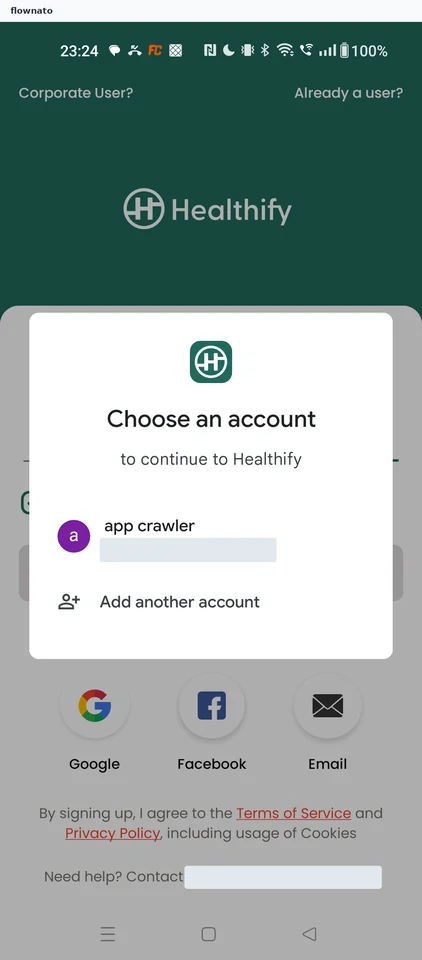
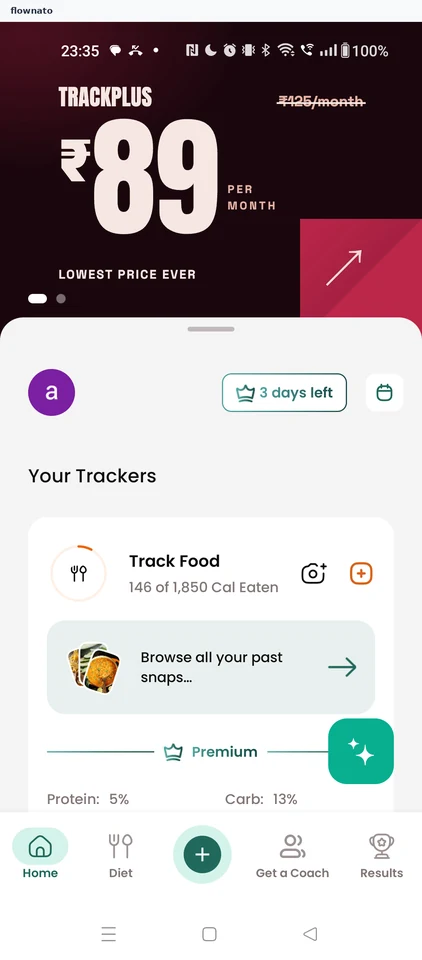
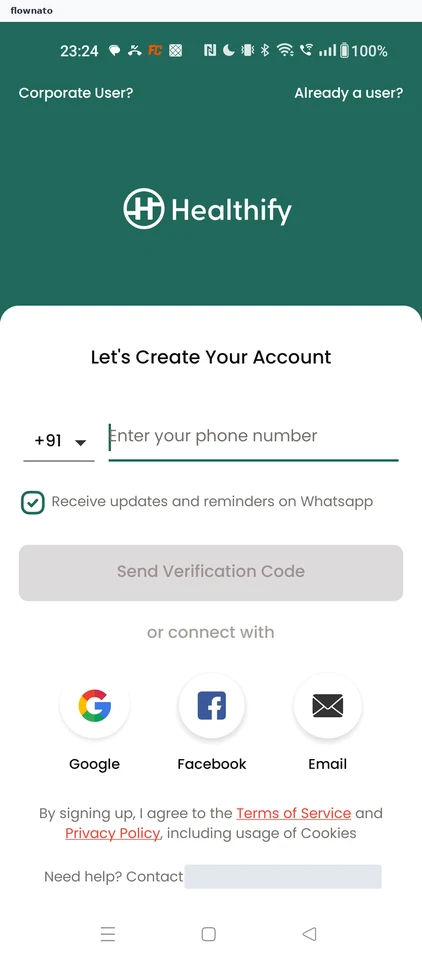
    Healthify: Launch HealthifyHealthify: Choose how to create an accountHealthify: Pick a Google account
  2. Logging a meal

    11 steps · complete with a free account

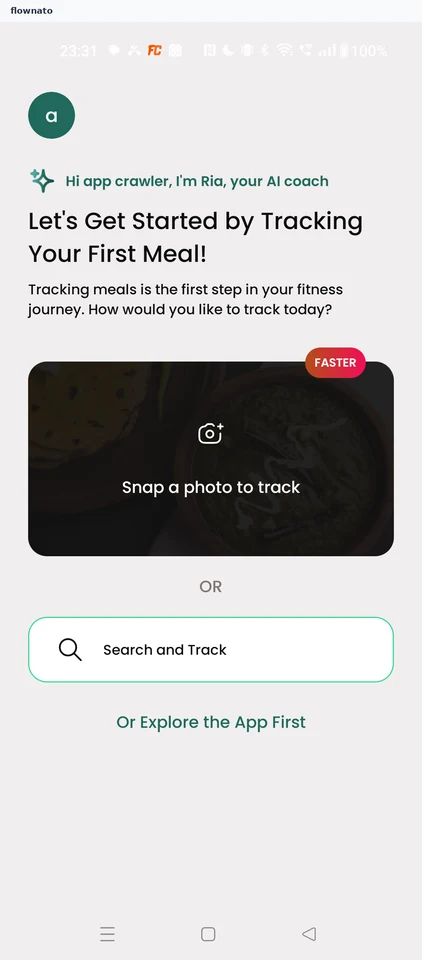
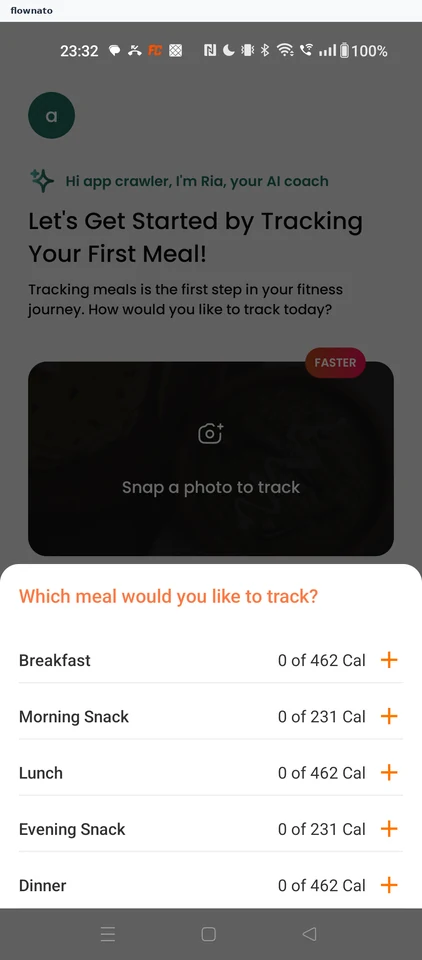
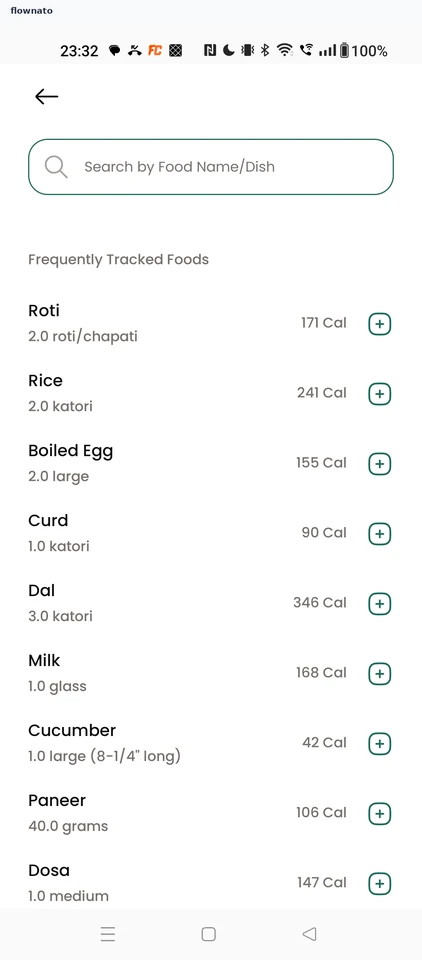
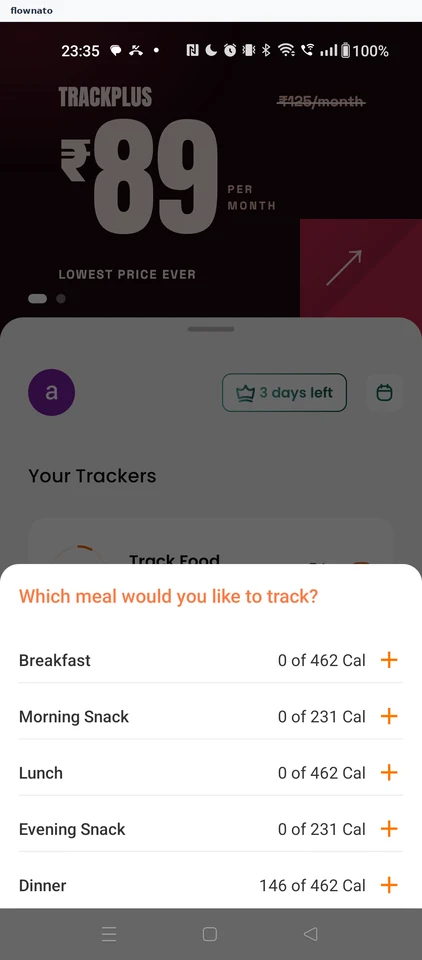
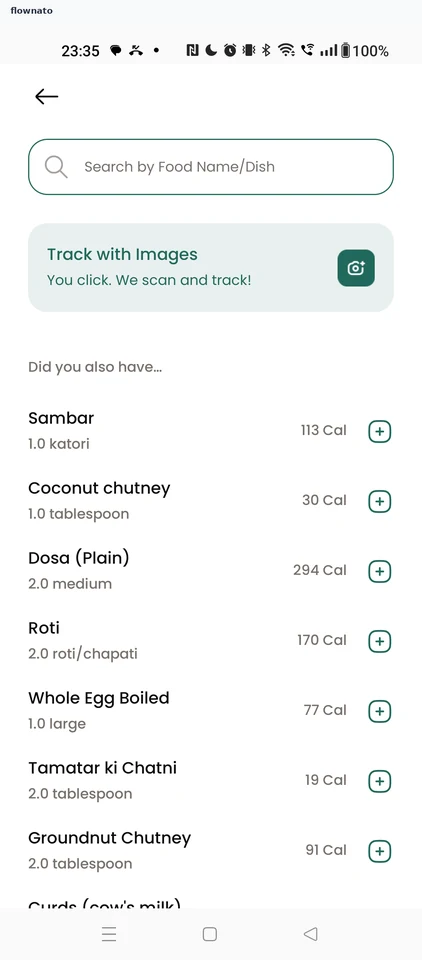
    Healthify: Start tracking a mealHealthify: Choose which mealHealthify: Search for a food
  3. Quick-adding a suggested food

    5 steps

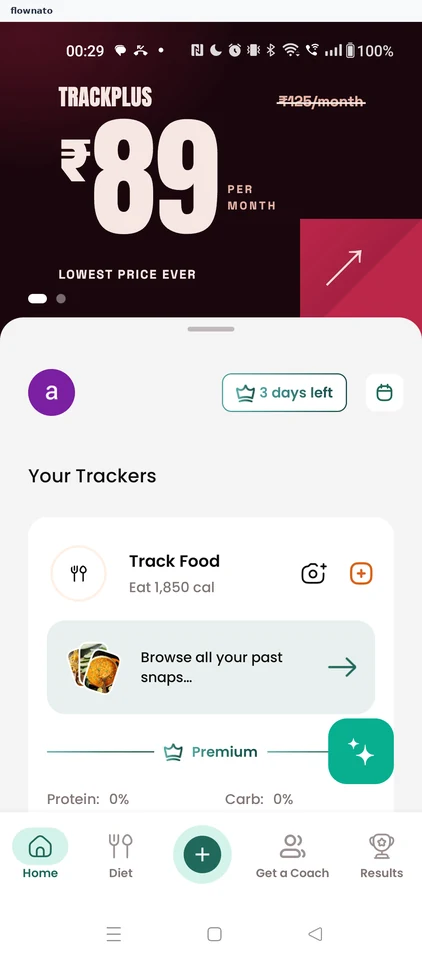
    Healthify: Add more food from HomeHealthify: Choose Dinner againHealthify: Quick-add a suggestion
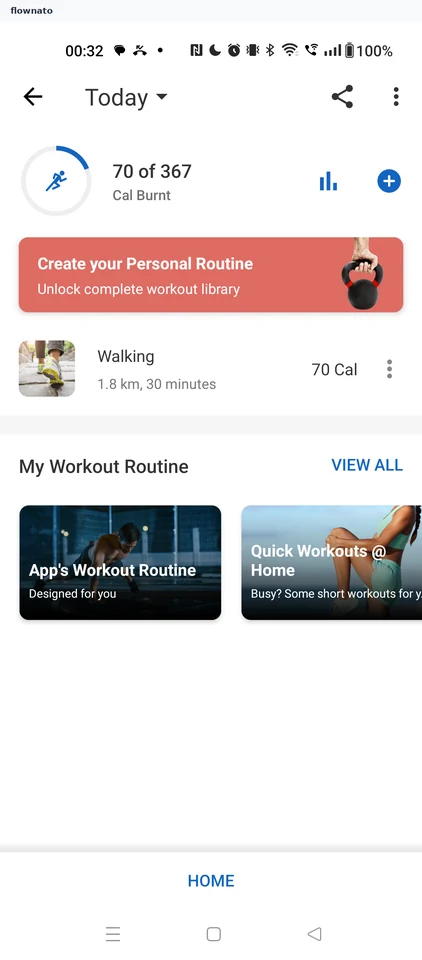
  4. Logging a workout

    7 steps · complete with a free account
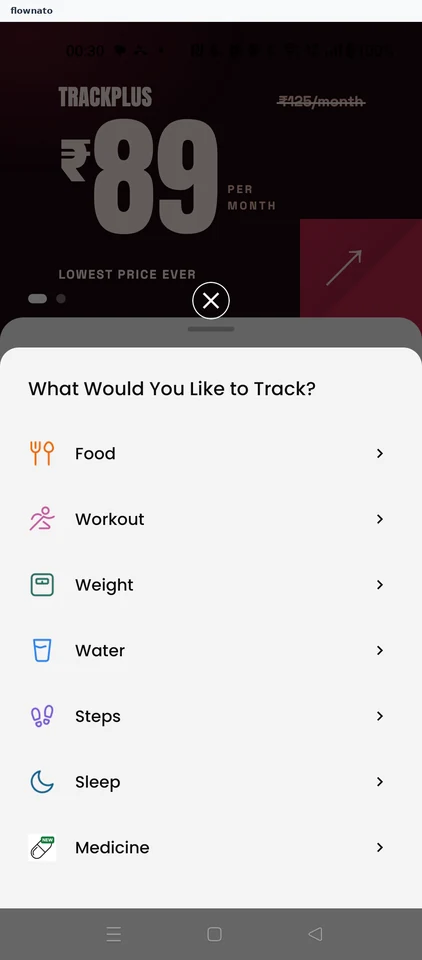
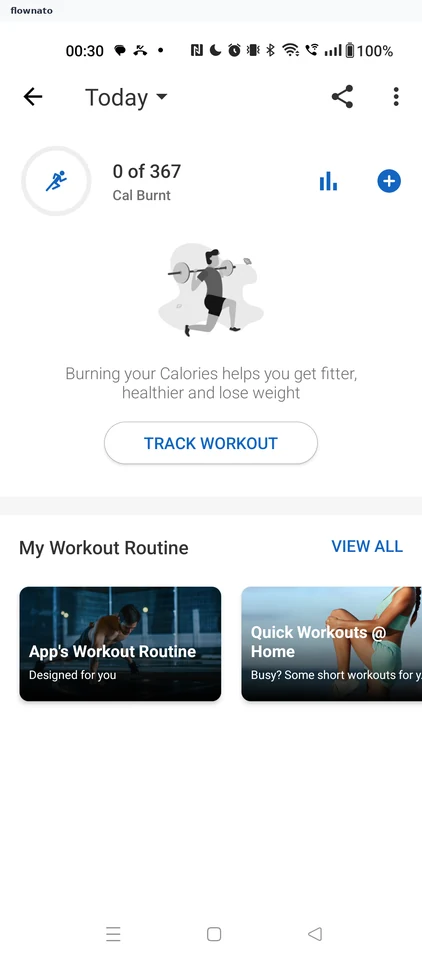
    Healthify: Open the add menu from HomeHealthify: Choose what to trackHealthify: Today's workout tracker
  5. Switching the tracker day

    4 steps
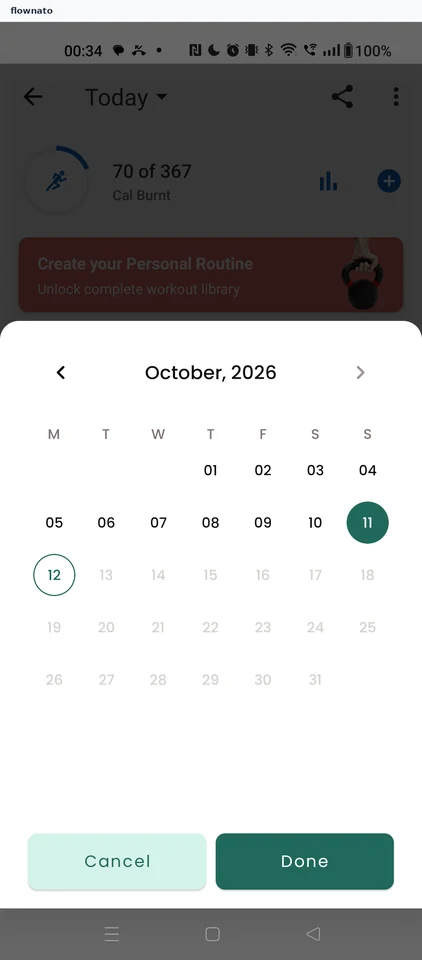
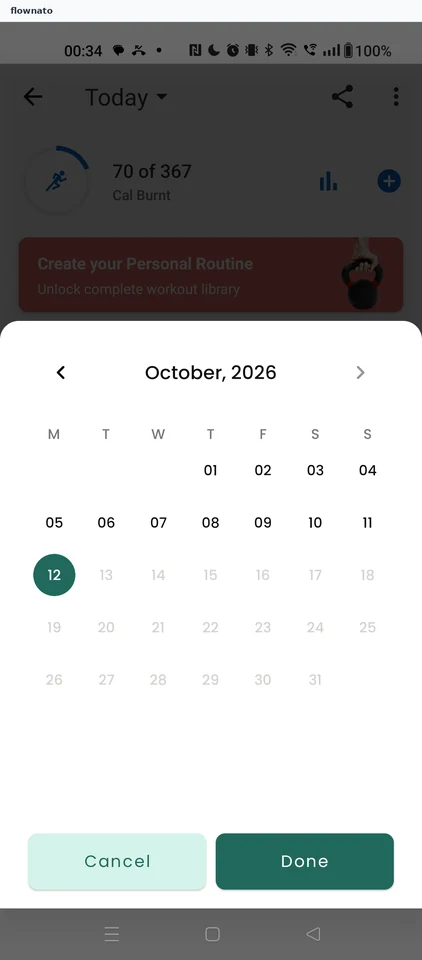
    Healthify: Open the day pickerHealthify: Calendar pickerHealthify: Confirm the date
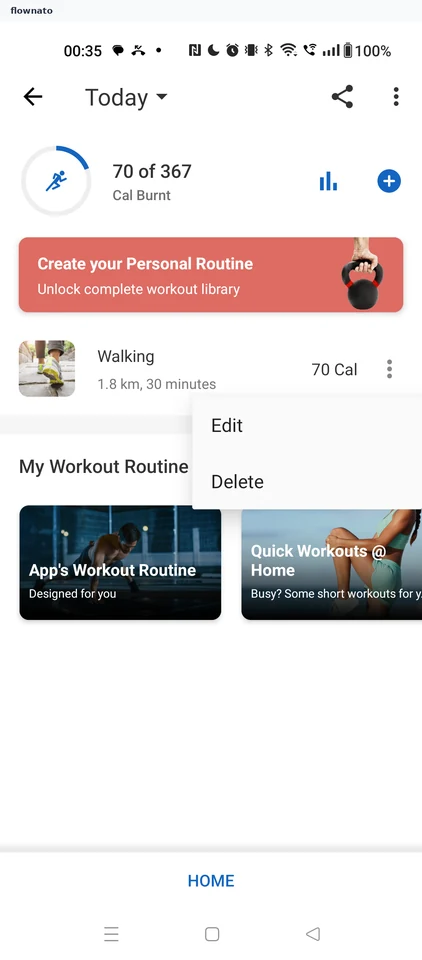
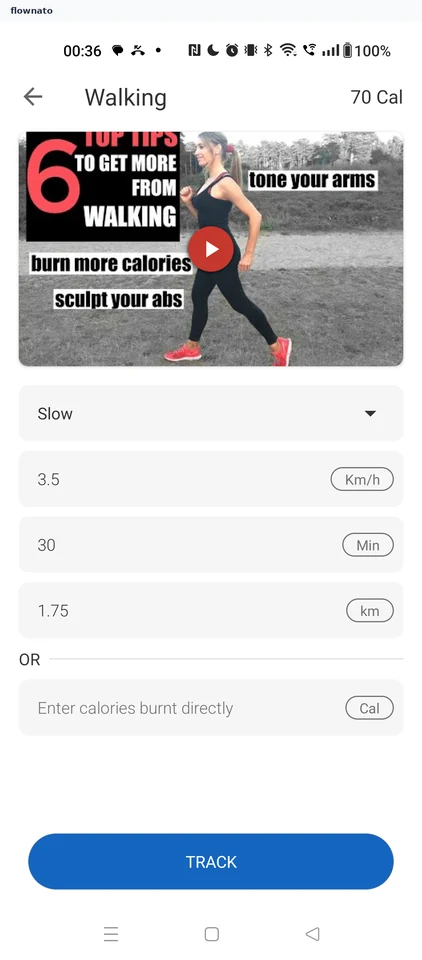
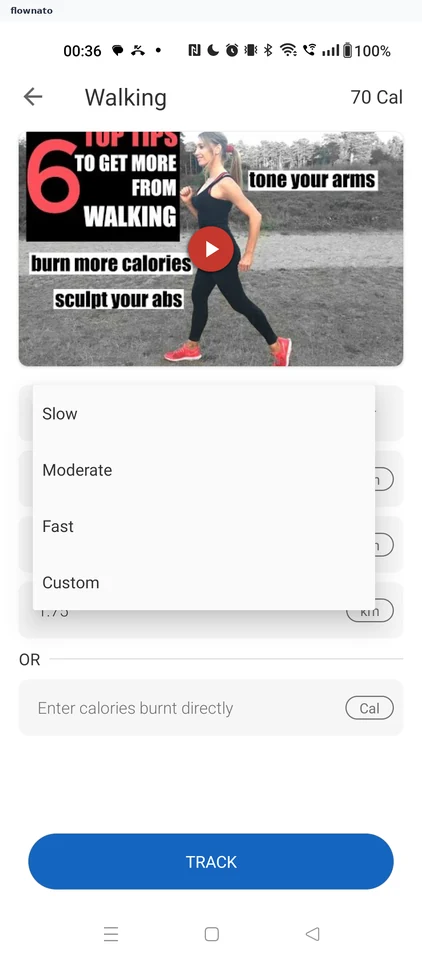
  6. Editing a logged workout

    5 steps

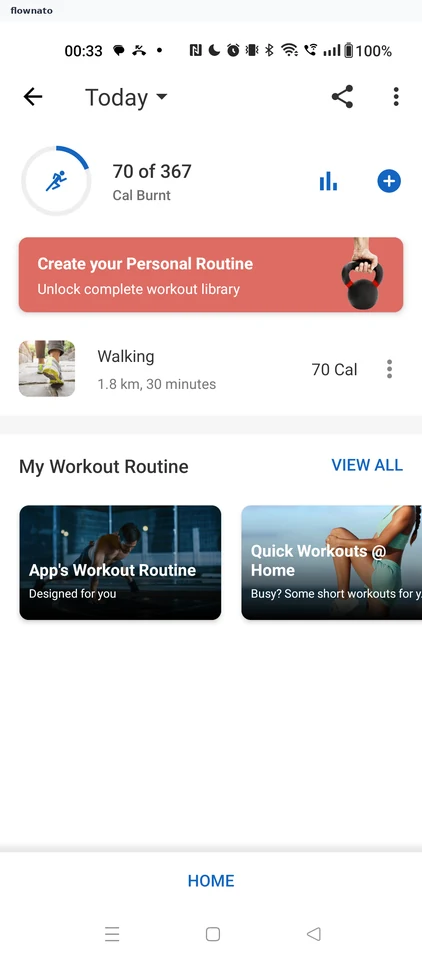
    Healthify: Entry menuHealthify: Prefilled walkHealthify: Choose an intensity
  7. Viewing workout history

    2 steps

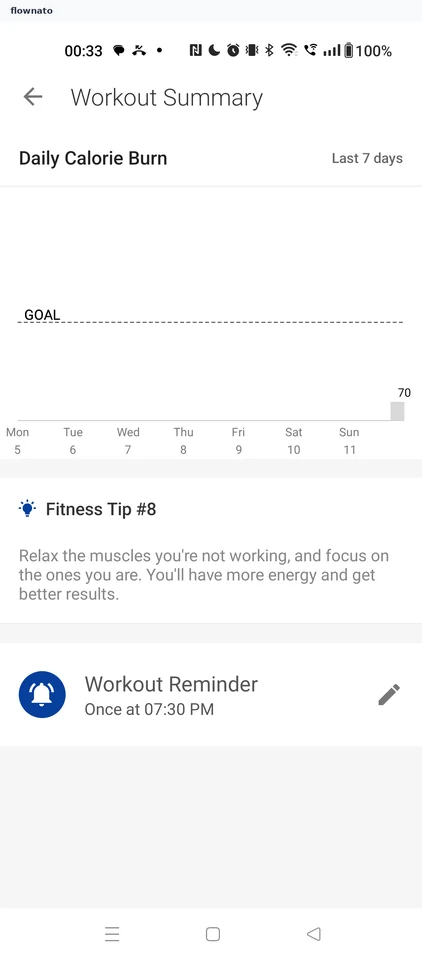
    Healthify: Open the statsHealthify: Workout Summary
  8. Logging your weight

    8 steps

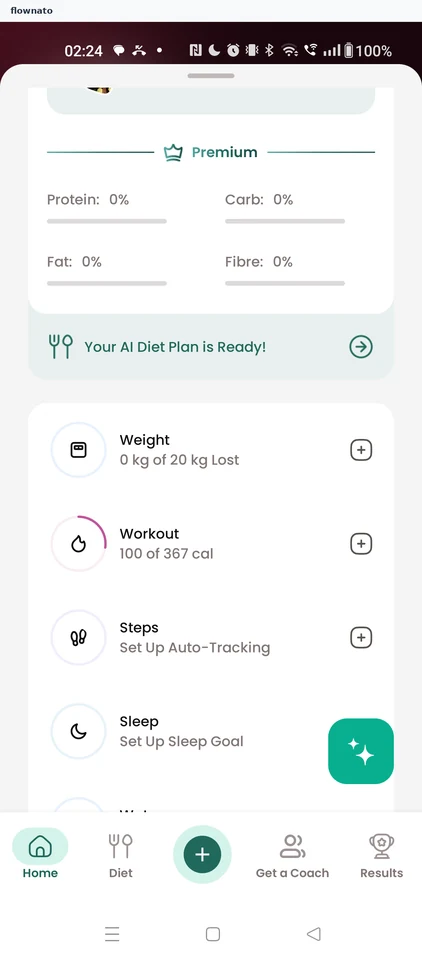
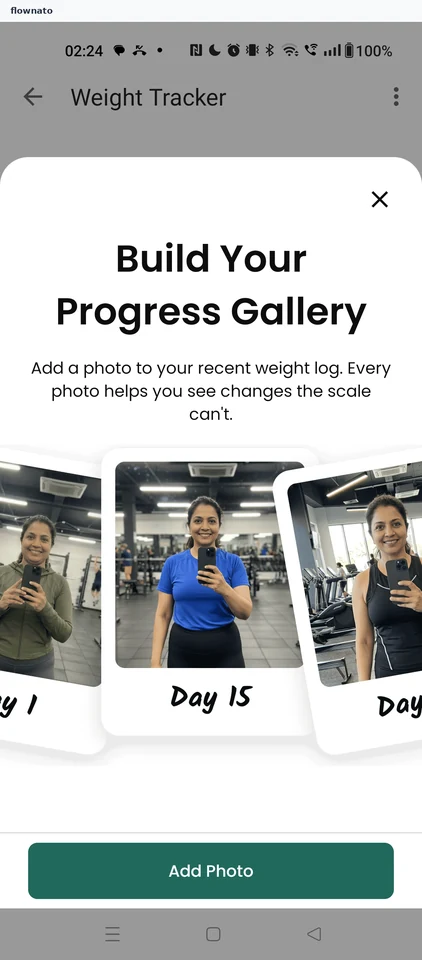
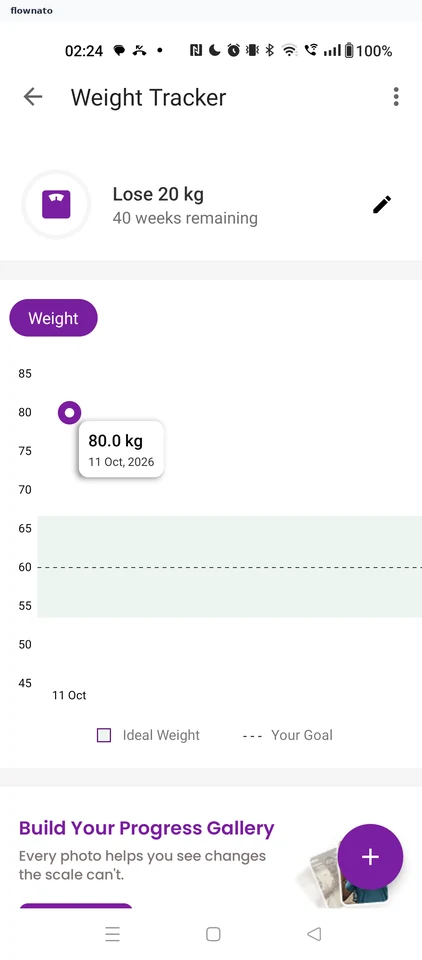
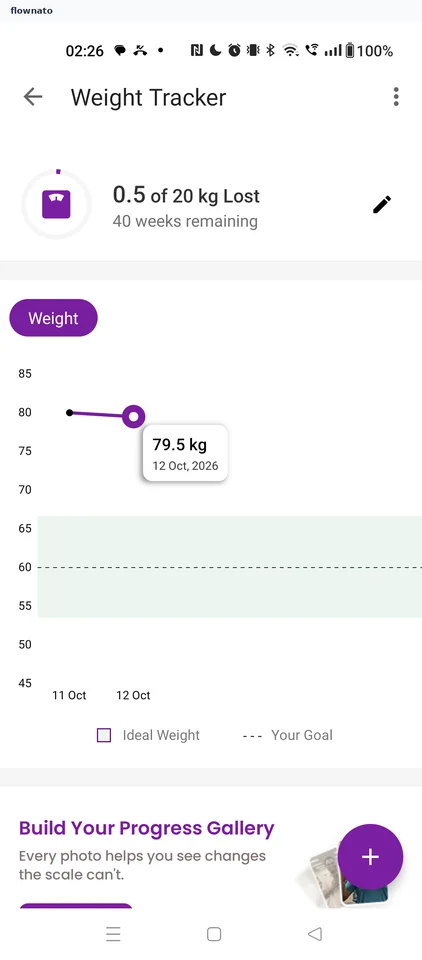
    Healthify: Weight card on HomeHealthify: Progress gallery pitchHealthify: Weight Tracker
  9. Adding body fat

    4 steps

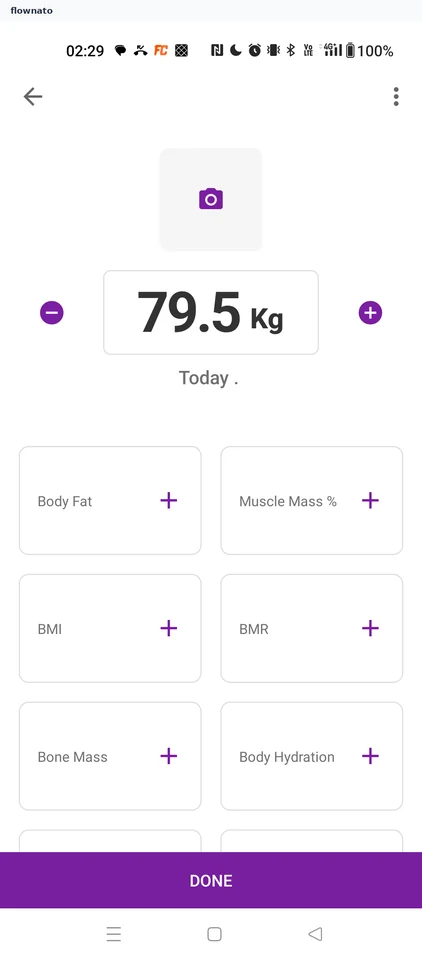
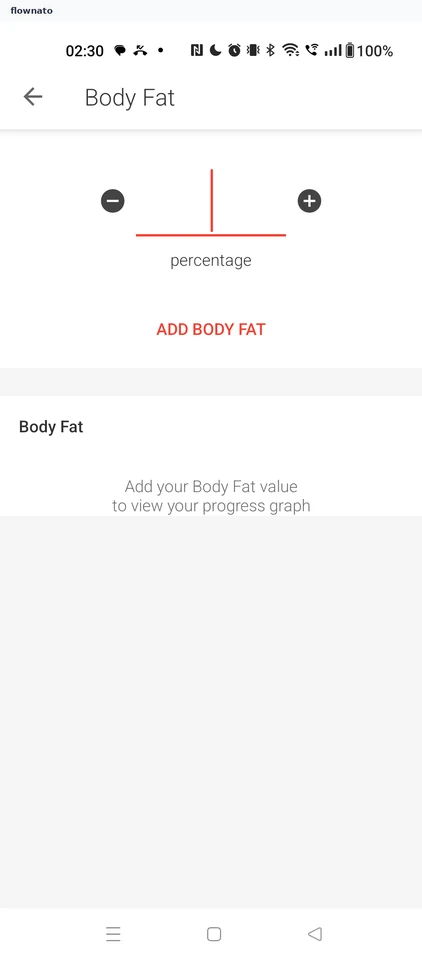
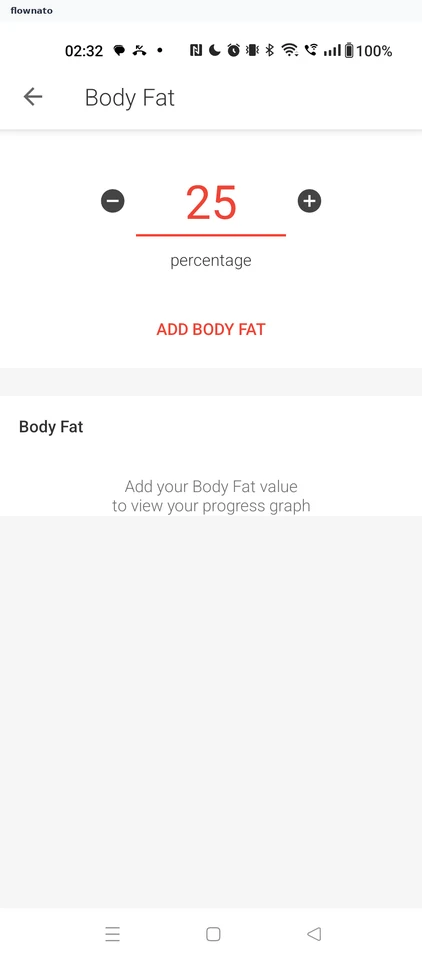
    Healthify: Manual entry formHealthify: Body Fat entryHealthify: Enter 25% and save
  10. Changing the weight unit

    3 steps

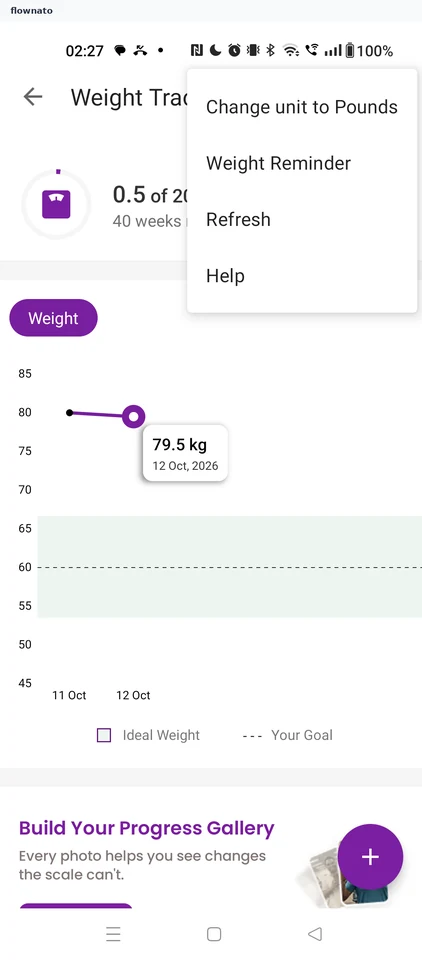
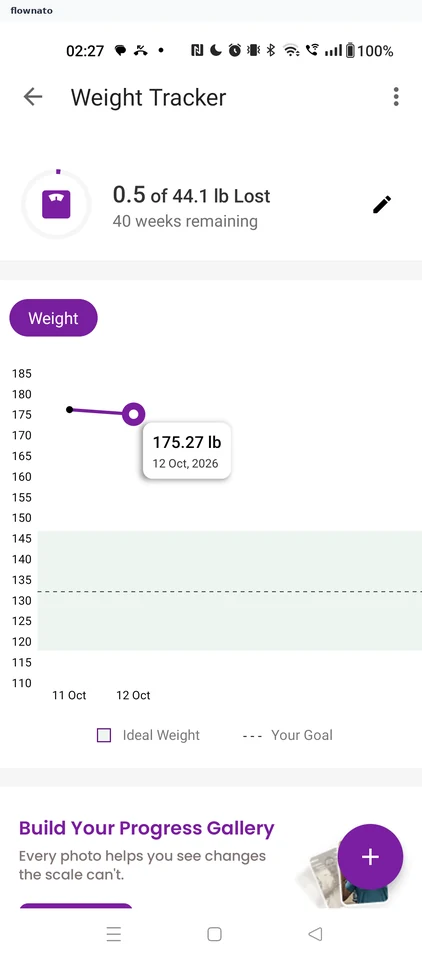
    Healthify: Saved weight trackerHealthify: Tracker optionsHealthify: Shown in pounds

Screen patterns in Healthify