Logging your weight — Healthify UX flow
Logging your weight in Healthify.
Step 1: Weight card on Home
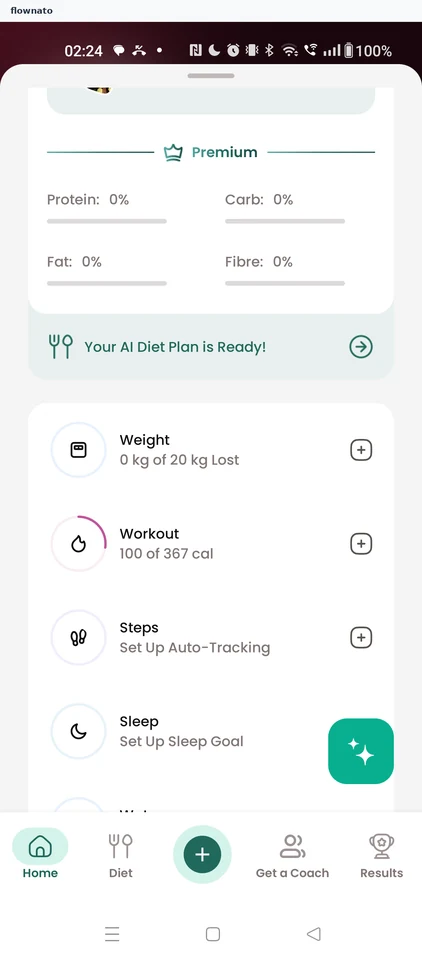
Home · Card, List, Progress indicator, Floating action button, Bottom navigation
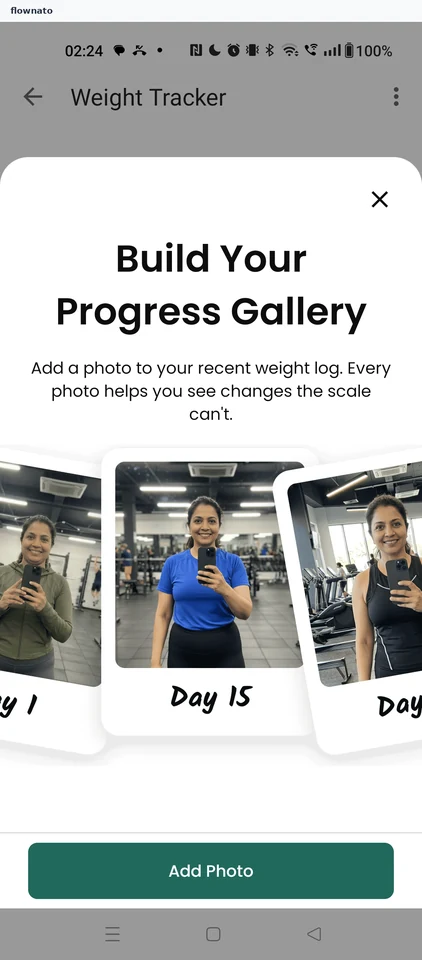
Step 2: Progress gallery pitch
Step 3: Weight Tracker
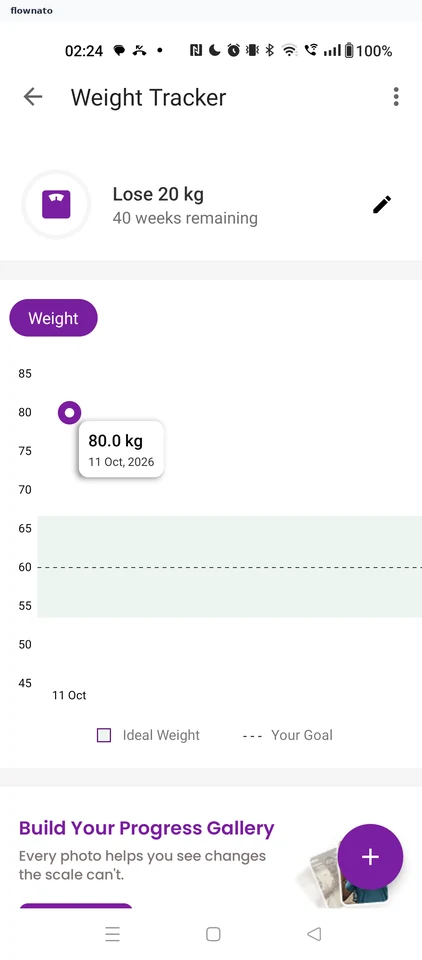
Statistics · Top bar, Chart, Tooltip, Chip, Floating action button
Step 4: Choose how to track
Step 5: Manual weight entry
Step 6: Set 79.5 kg and save
Step 7: Photo prompt after saving
Step 8: Weight saved