Logging a workout — Healthify UX flow
Logging a workout in Healthify.
Step 1: Open the add menu from Home
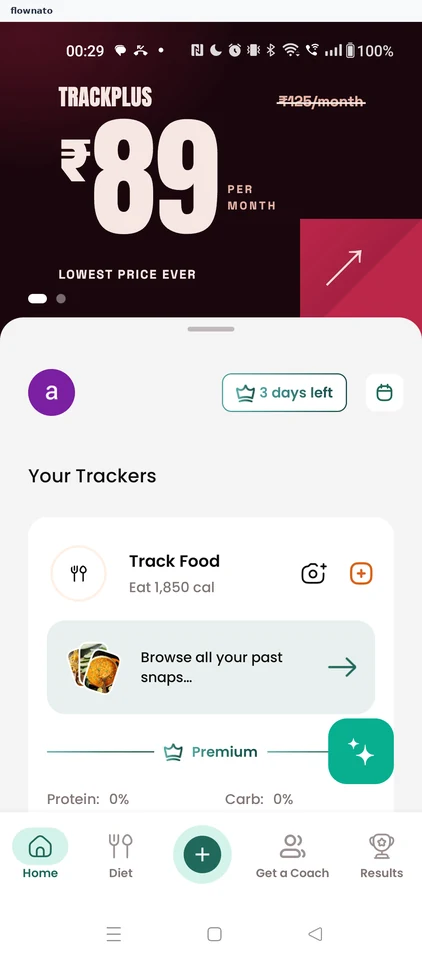
Home · Carousel, Page indicator, Avatar, Button, Card, Floating action button
Step 2: Choose what to track
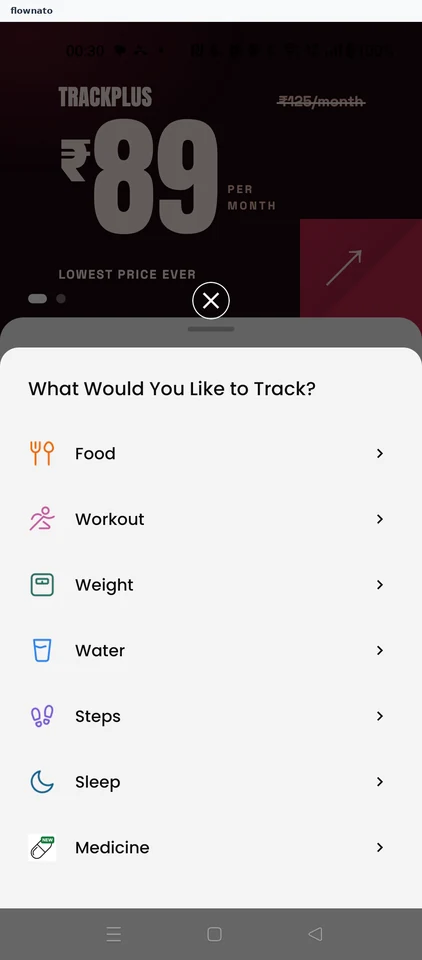
Option selection · Bottom sheet, List, Icon, Badge, Carousel, Page indicator
Step 3: Today's workout tracker
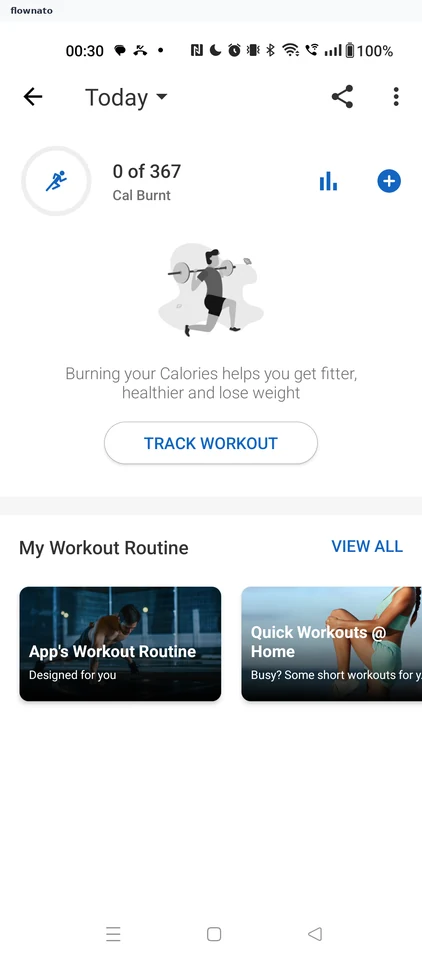
Statistics · Progress indicator, Illustration, Button, Carousel
Step 4: Pick a workout
Step 5: Walking entry form
Step 6: Enter the time and track
Step 7: Walk saved