Switching the tracker day — Healthify UX flow
Switching the tracker day in Healthify.
Step 1: Open the day picker
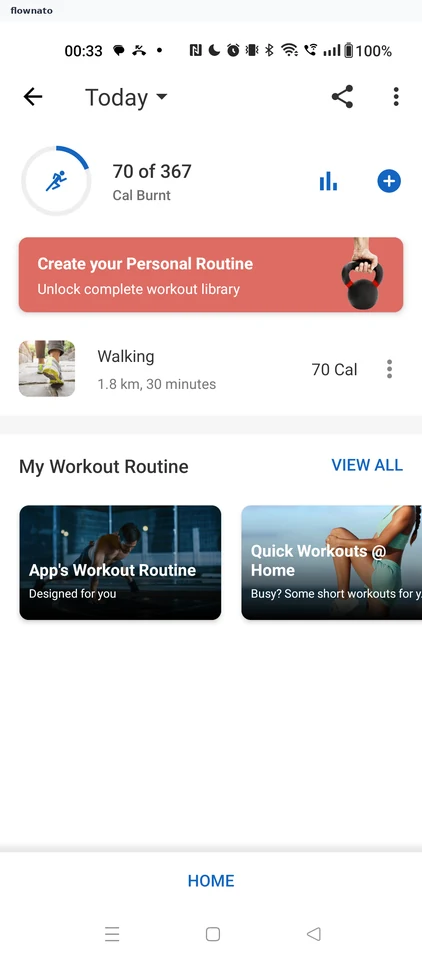
Statistics · Progress indicator, Promo banner, Carousel, Sticky action bar
Step 2: Calendar picker
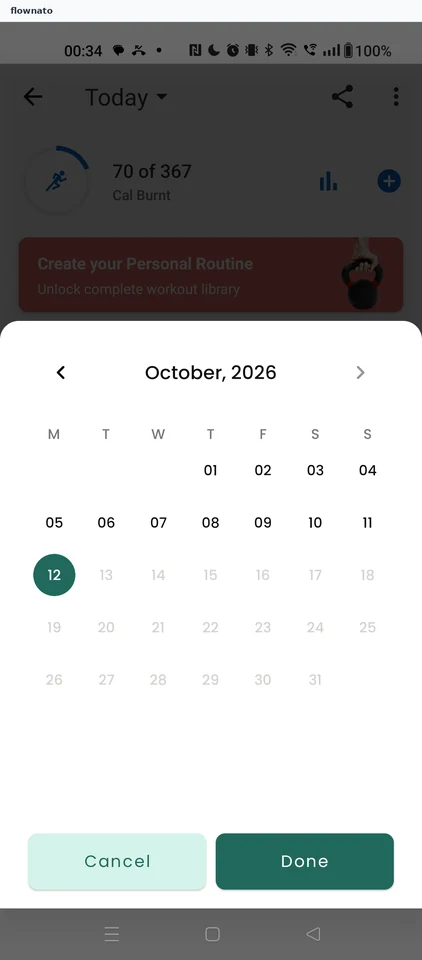
Date selection · Bottom sheet, Date picker, Button, Promo banner
Step 3: Confirm the date
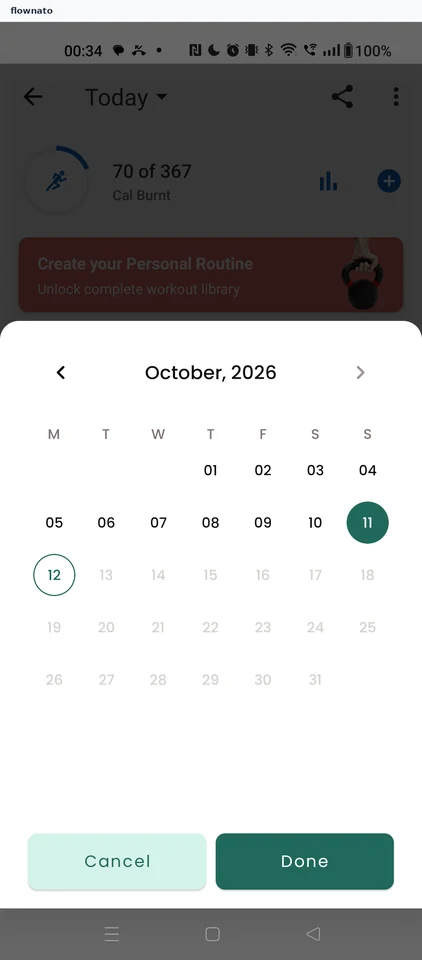
Step 4: Yesterday's tracker