Adding a cleaning add-on — NoBroker UX flow
Adding a cleaning add-on in NoBroker.
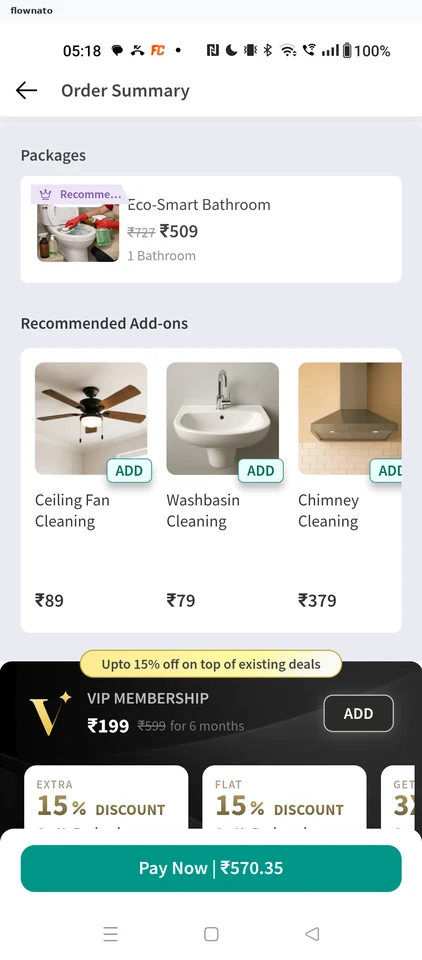
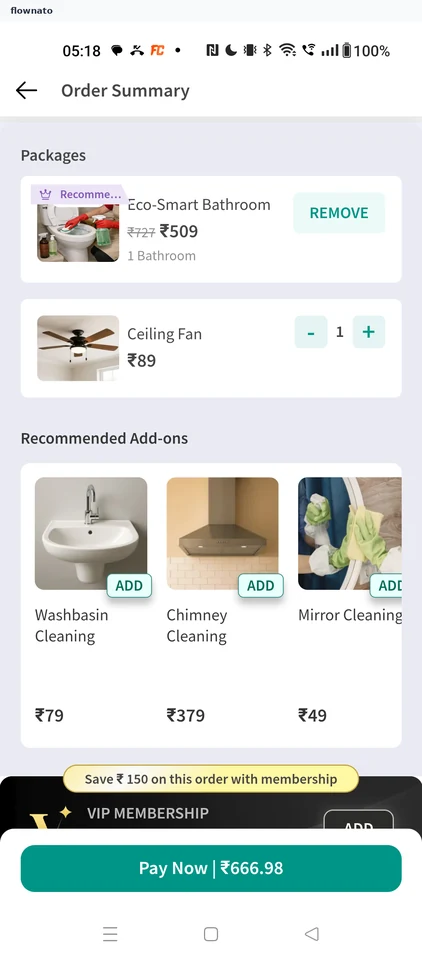
Checkout · Card, Carousel, Button, Sticky action bar
Categories · Segmented control, Search bar, Card, Bottom navigation, Section header, Promo banner
More NoBroker journeys