Choosing Premium Painting — NoBroker UX flow
Choosing Premium Painting in NoBroker.
About this journey
Stops before the task is finished.
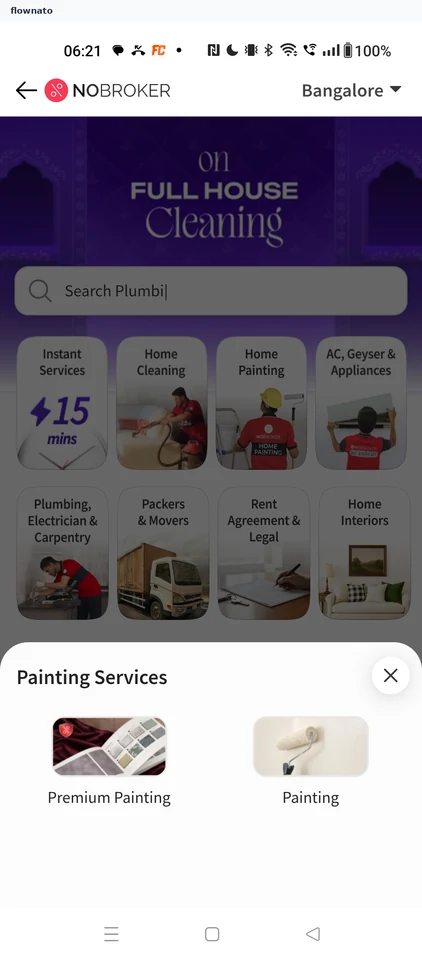
Step 1: Choose Premium Painting
Step 2: Get a premium estimate
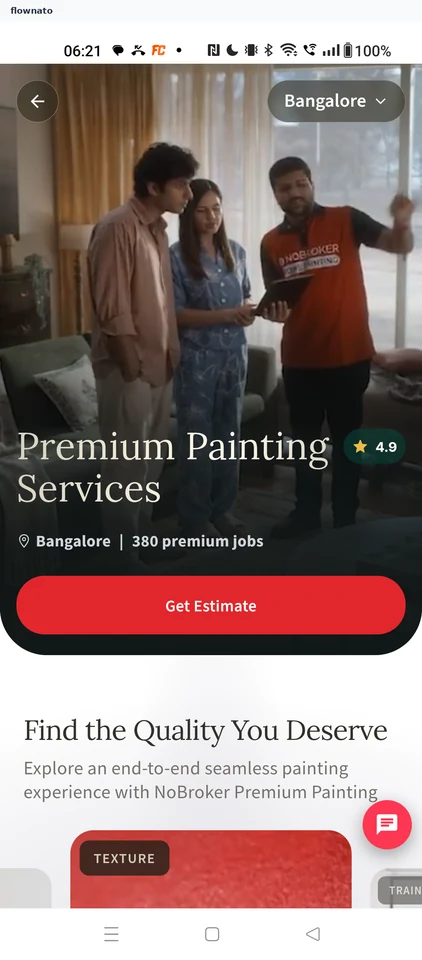
Product details · Image, Button, Select, Badge, Carousel, Floating action button
Step 3: Confirm the address
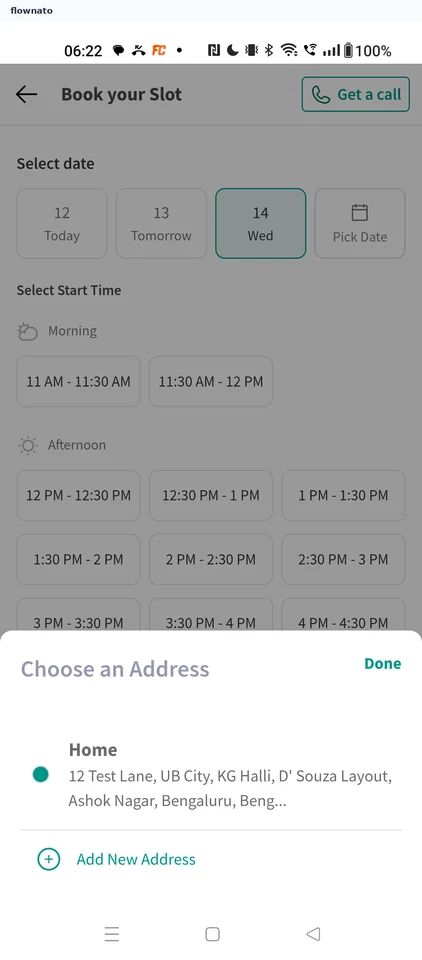
Step 4: Pick a Wednesday slot
Step 5: Stop before paying