Requesting an expert callback — NoBroker UX flow
Requesting an expert callback in NoBroker.
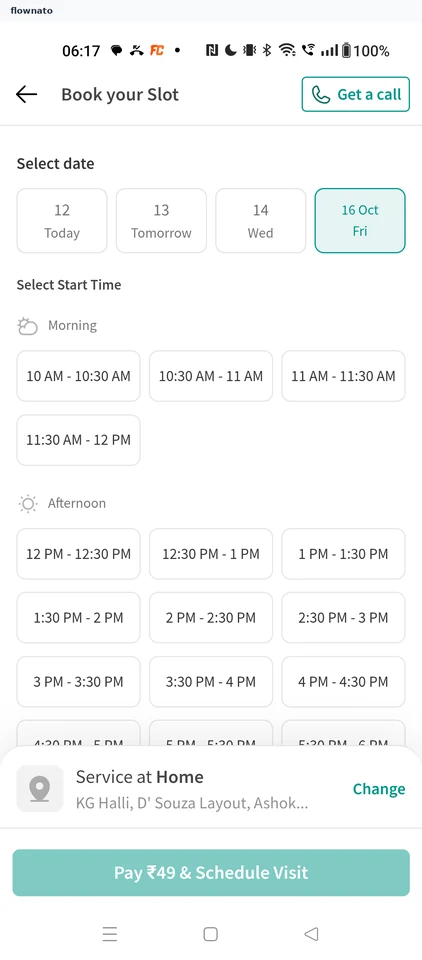
Date selection · Date picker, Time picker, Sticky action bar
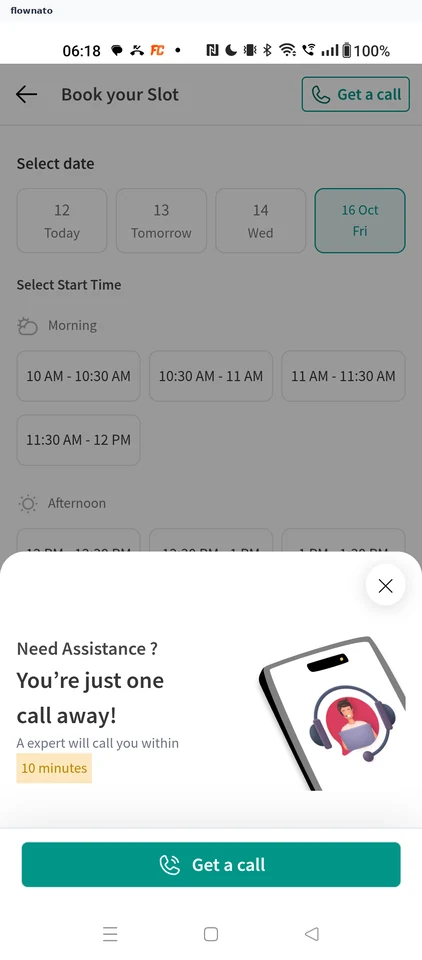
Help and support · Bottom sheet, Button, Illustration, Date picker
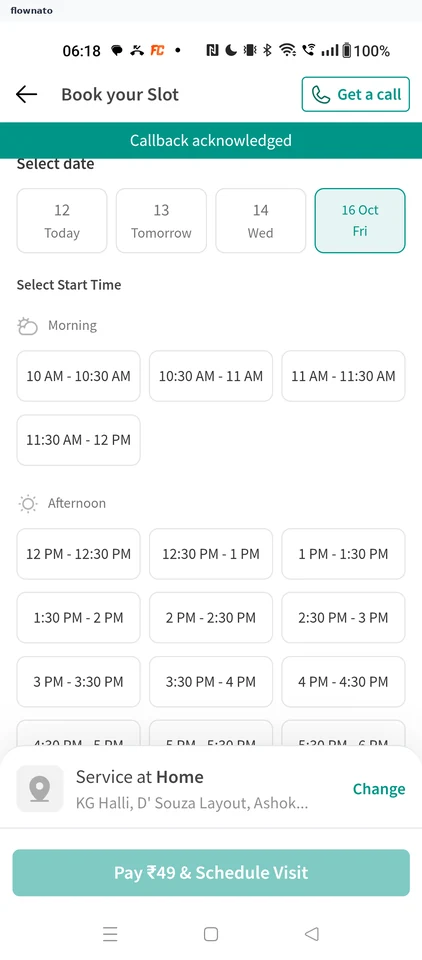
Date selection · Toast, Date picker, Time picker, Sticky action bar, Button
More NoBroker journeys