Sorting results by rent — NoBroker UX flow
Sorting results by rent in NoBroker.
Step 1: Open Sort
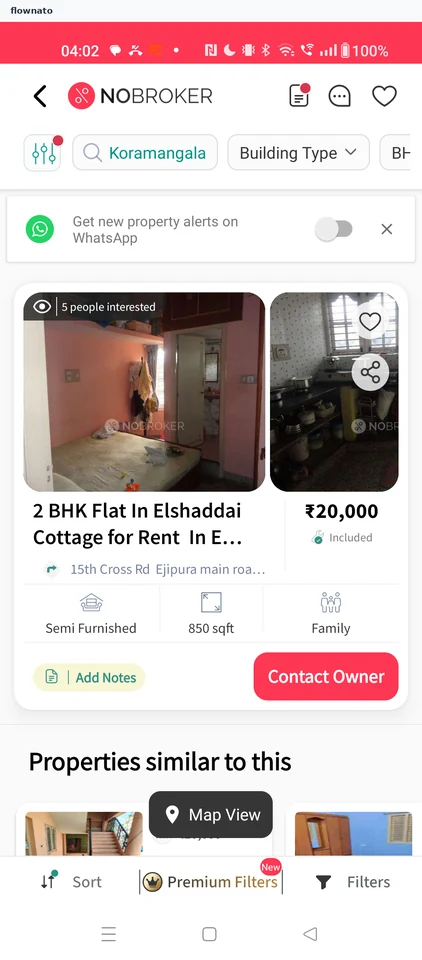
Search results · Filter control, Chip, Switch, Card, Image, Price
Step 2: Choose Rent (Low to High)
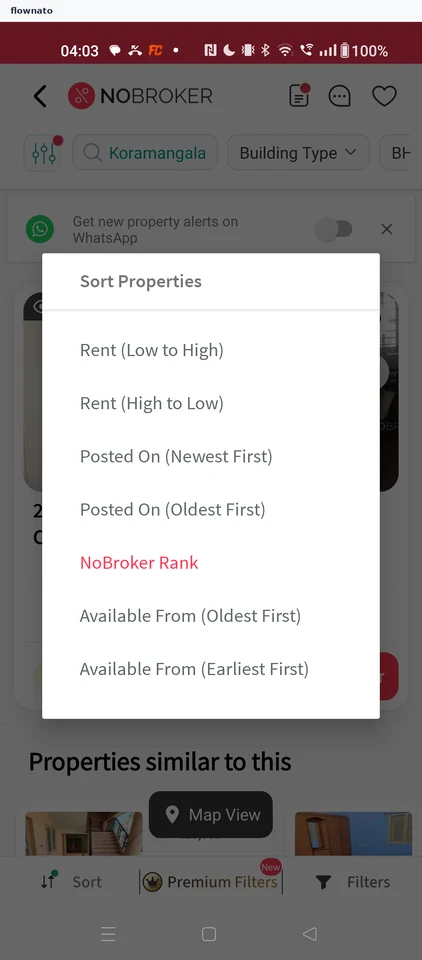
Filter and sort · Dialog, List, Filter control, Switch, Toolbar
Step 3: Cheapest rentals first
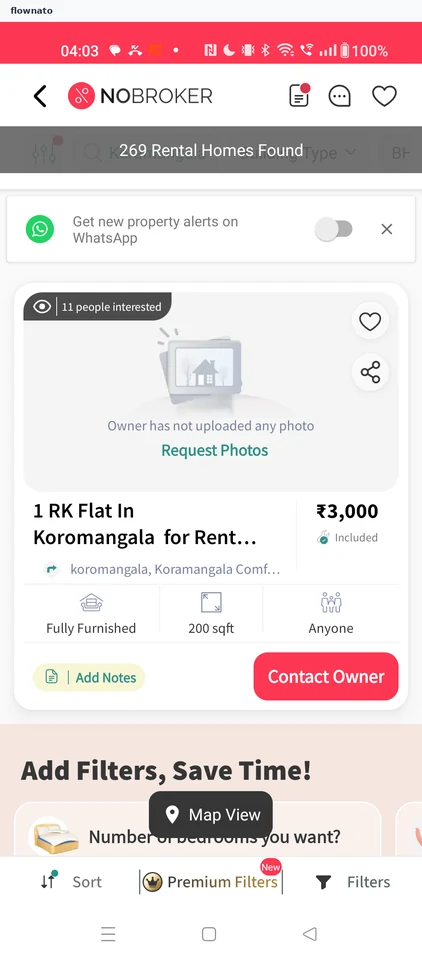
Search results · Toast, Card, Illustration, Switch, Floating action button, Toolbar