Finding a home to rent — NoBroker UX flow
Finding a home to rent in NoBroker.
About this journey
Stops before the task is finished.
Step 1: Start a property search
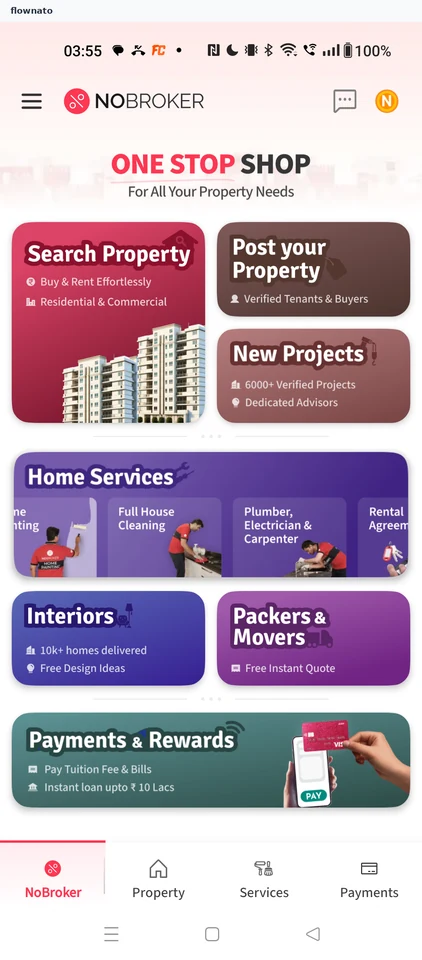
Home · Top bar, Card, Bottom navigation, Avatar, Carousel, Logo
Step 2: Decline notifications
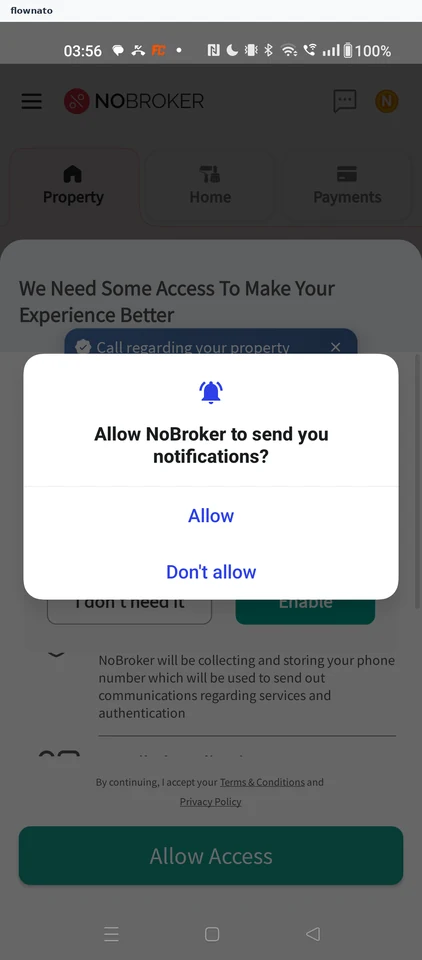
Step 3: Dismiss the festive promotion
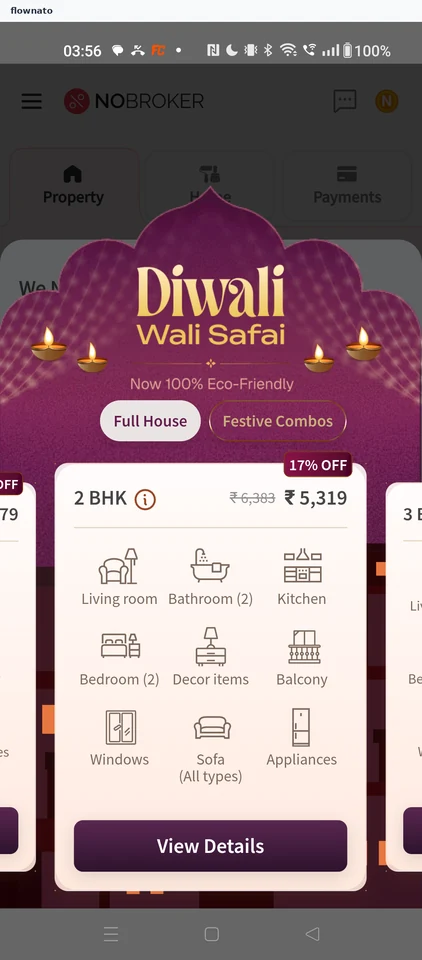
Promotions · Full-screen overlay, Carousel, Chip, Price, Badge, Button
Step 4: Skip caller identification
Step 5: Leave the access request
Step 6: Return to Home
Step 7: Open the rent search
Step 8: Review the search form
Step 9: Pick a locality
Step 10: Run the search
Step 11: Browse rental results
Step 12: Review the listing
Step 13: Decline call-log access
Step 14: Decline phone-call access
Step 15: See the Tenant Plans
Step 16: Read the Freedom Plan
Step 17: Compare the other plans
Step 18: Stop at Subscribe