Pocket FM

Pocket FM app UI and user flows

App

About Pocket FM

Screens and user flows from the Pocket FM app.

Pocket FM is an Android app in the Music & audio category. Last recorded on 14 September 2026.

Explore the screens and product flows inside Pocket FM.

In the library
3 flows · 11 screens
Category and platform
Music & audio · Android
Updated
Sept 2026
FLOWNATO RATING
3.8Our rating · 15 UX criteria

Onboarding

Flow

About Pocket FM Onboarding

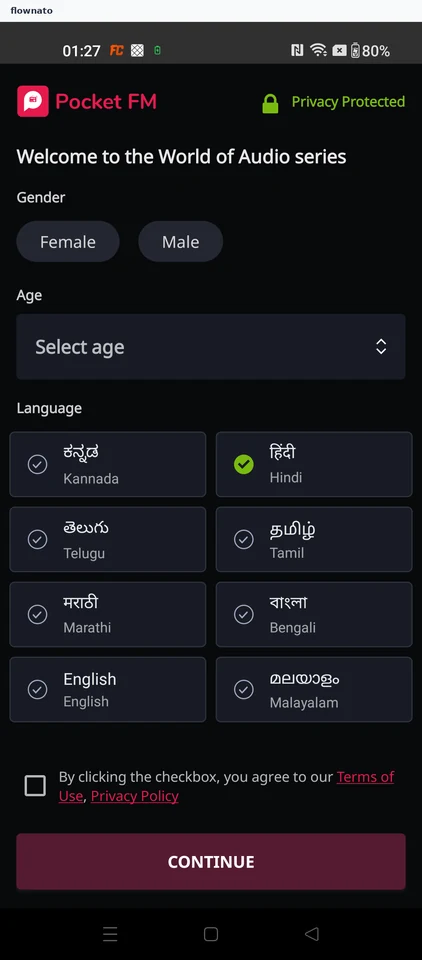
Skip phone sign-in in Pocket FM, enter listener preferences and choose three story interests. Setup reaches the home shell while recommendations are still loading.

  1. Pocket FM opens
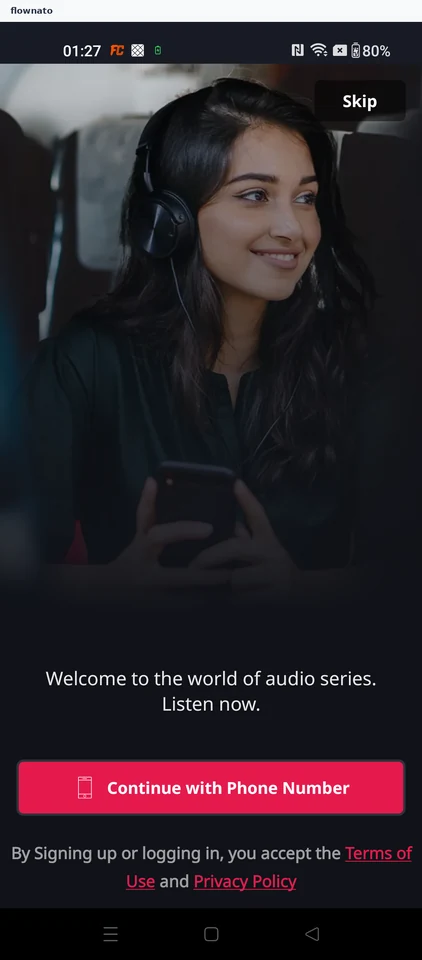
  2. Skip signing in
  3. Start the listener details form
  4. Choose an age
  5. Accept the terms
  6. Submit the details
  7. Pick stories you like
  8. Two more to choose
  9. One more to choose
  10. Submit your three choices
  11. Home feed still loading

11 screensFree with sign up

Play a series

Flow

About Pocket FM Play a series

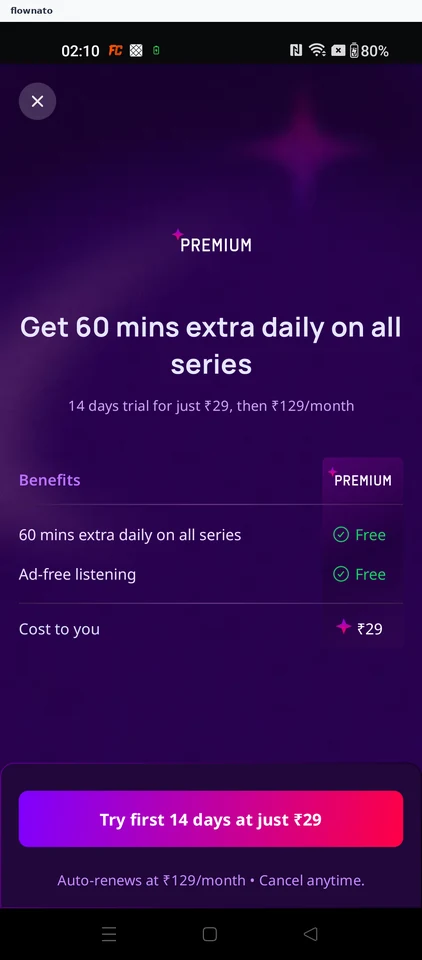
Dismiss Pocket FM’s Premium trial offer, choose a series from the home feed and start episode one. The mini-player confirms that playback has begun.

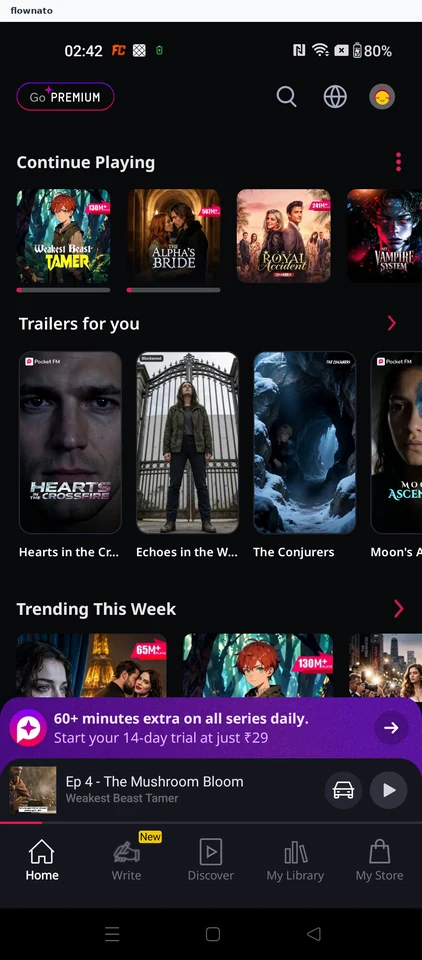
  1. Decline the Premium trial
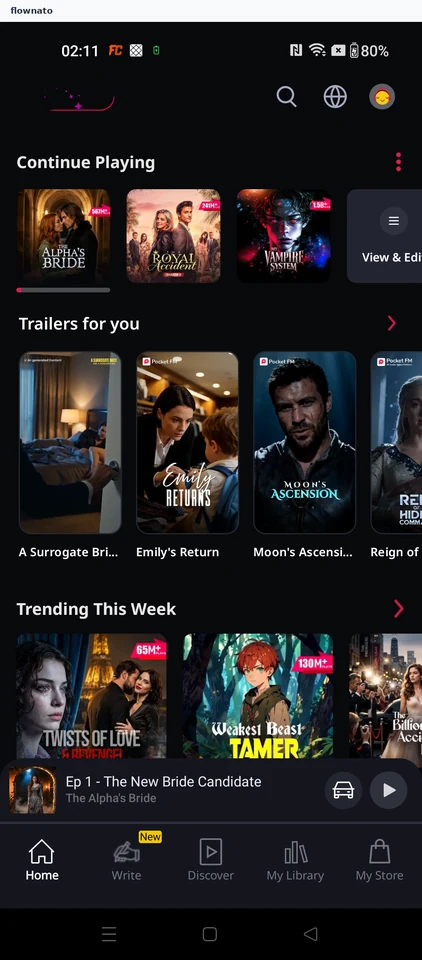
  2. Pick a series from the home feed
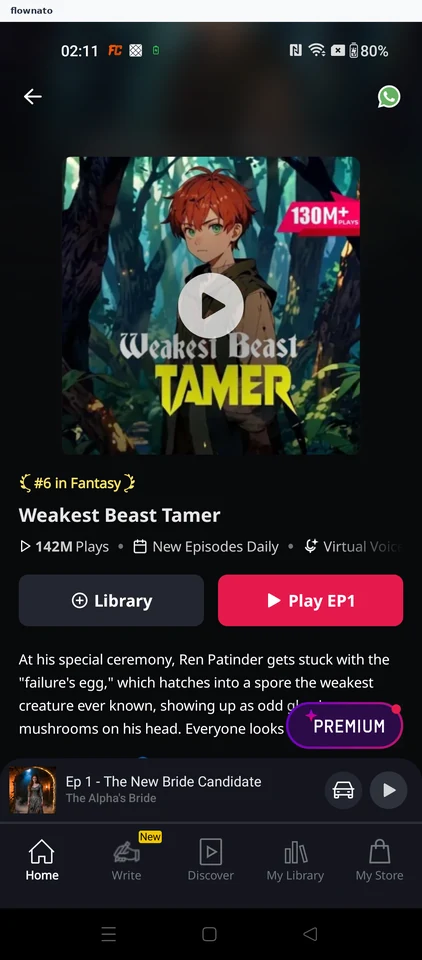
  3. Review the series and start episode 1
  4. Episode 1 is playing

4 screensFree with sign up

Change language

Flow

About Pocket FM Change language

Change Pocket FM’s audio language from English to Hindi and save it. See Hindi recommendations load, then confirm the saved language in Profile.

  1. Pocket FM opens
  2. Open your profile from home
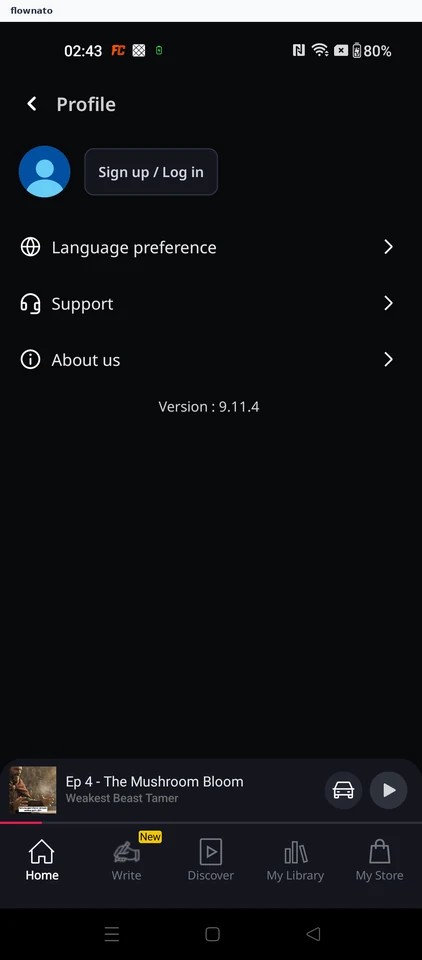
  3. Open Language preference
  4. Audio language is currently English
  5. Pick a different audio language
  6. Save Hindi as the audio language
  7. Home reloads with Hindi series
  8. Return to Profile to check the setting
  9. Audio language now reads Hindi

9 screensFree with sign up