JioSaavn

JioSaavn app UI and user flows

App

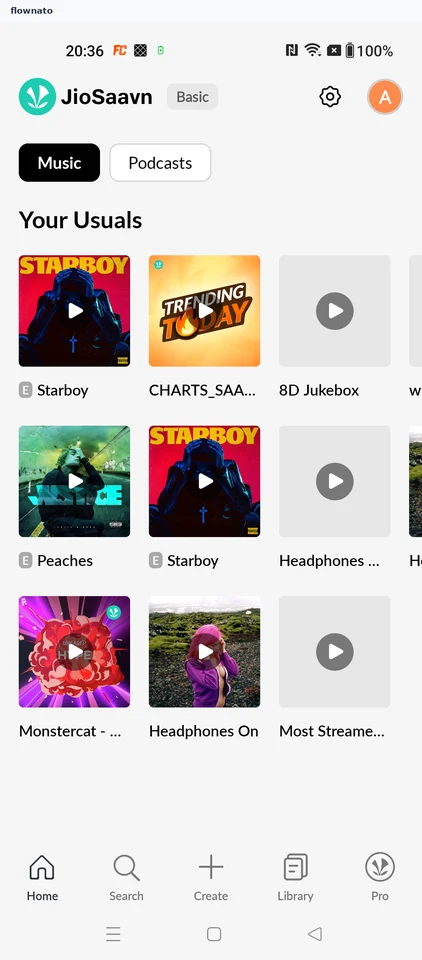
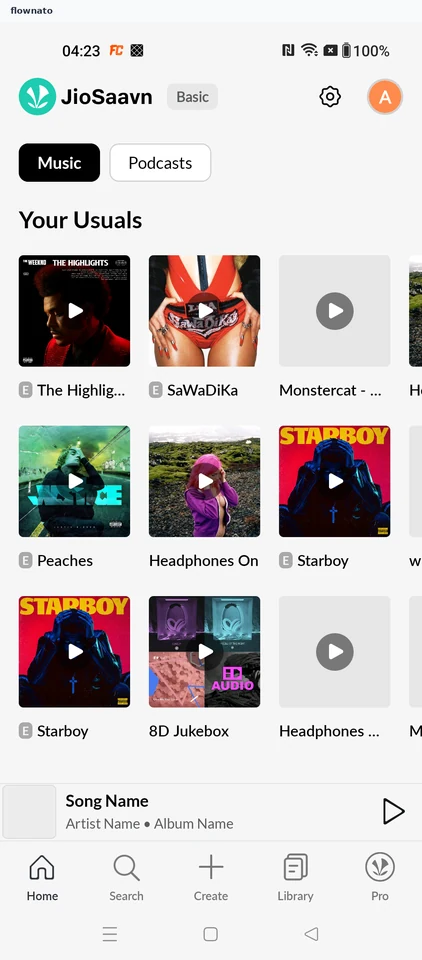
About JioSaavn

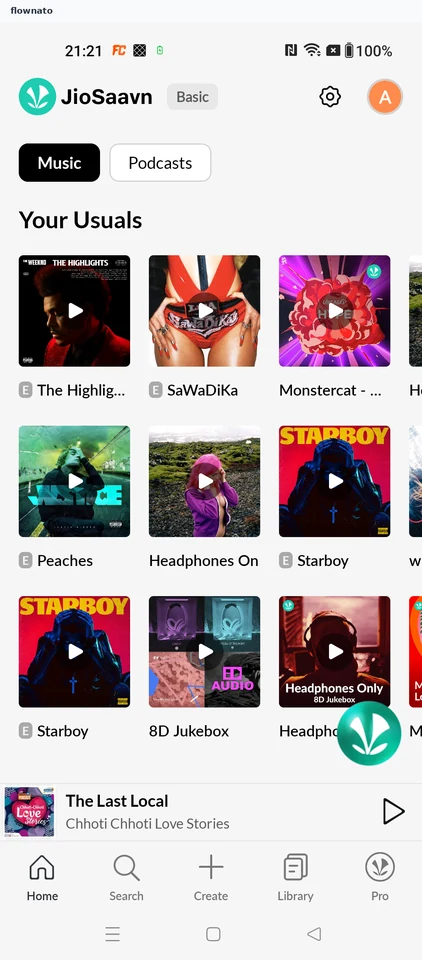
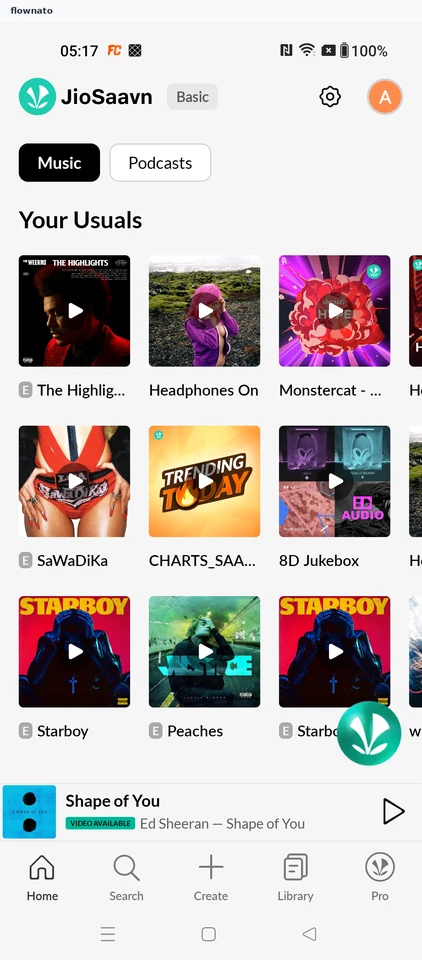
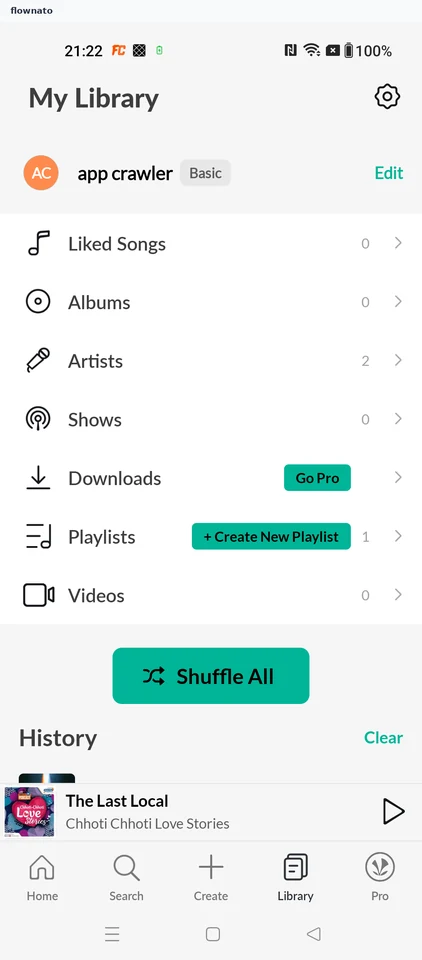
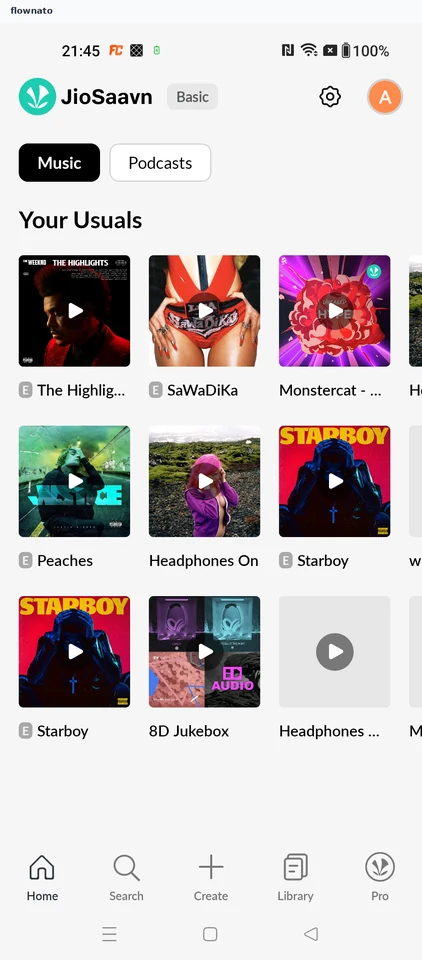
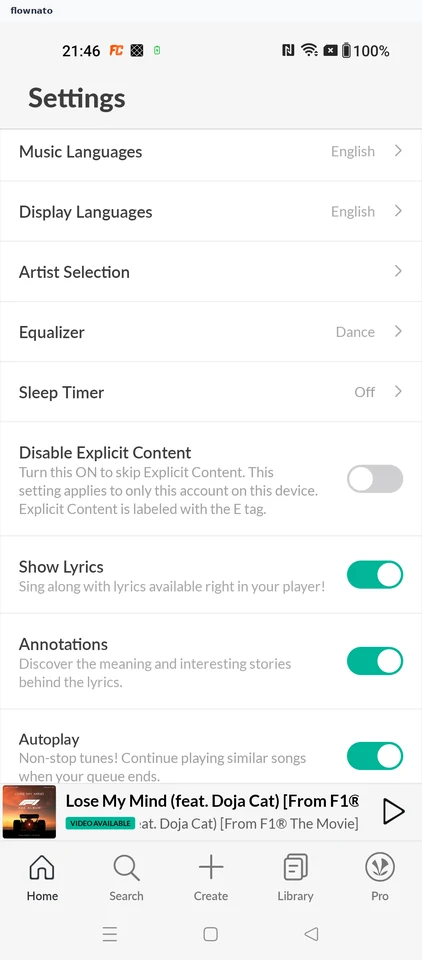
Screens and user flows from the JioSaavn app.

JioSaavn is an Android app in the Music & audio category. Last recorded on 18 October 2026.

Music and podcast discovery, playback and listening preferences.

In the library
7 flows · 16 screens
Category and platform
Music & audio · Android
Updated
Oct 2026
FLOWNATO RATING
3.6Our rating · 15 UX criteria

Update my profile status

Flow

About JioSaavn Update my profile status

Open JioSaavn Edit Profile from Settings, enter a status and save it. Reopen the profile to verify the change.

  1. App starts
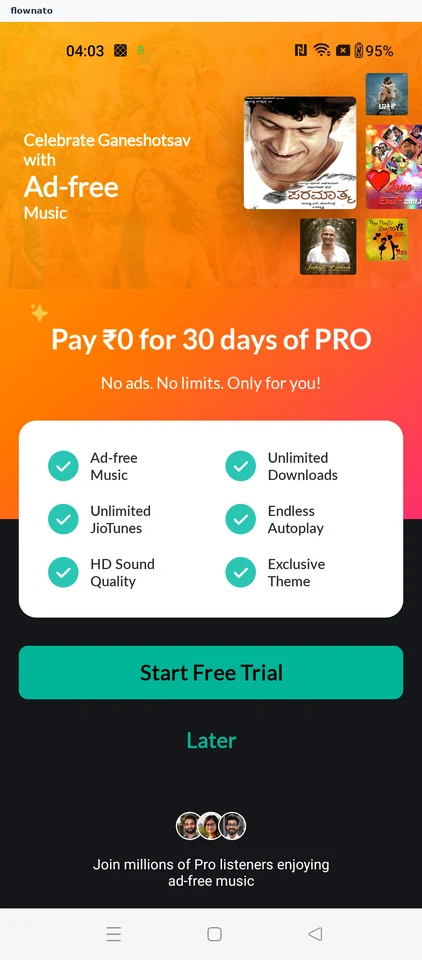
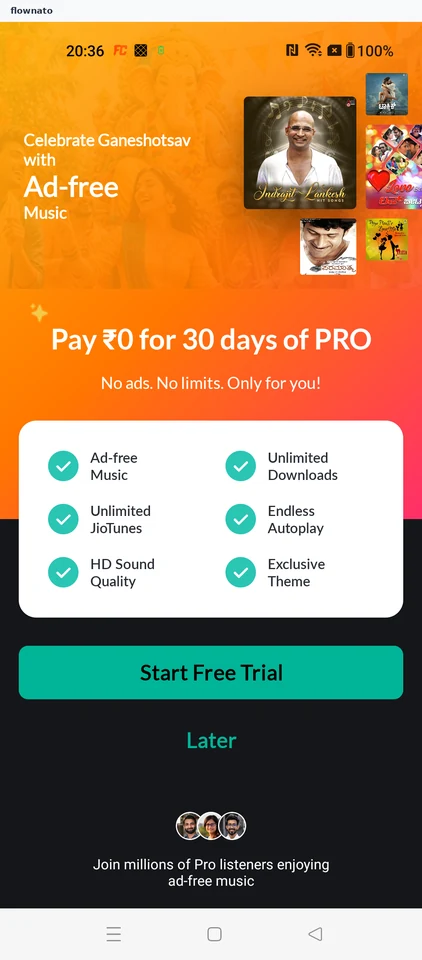
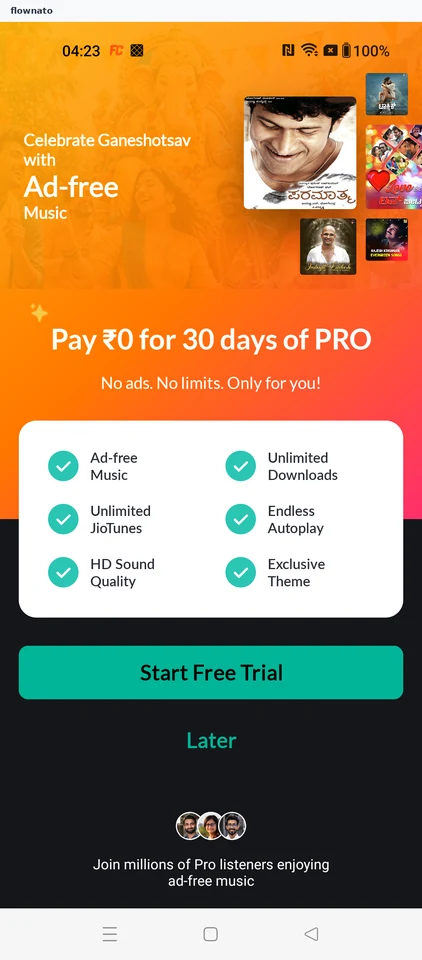
  2. Decline the Pro offer
  3. Open Settings
  4. Open Edit Profile
  5. Review profile details
  6. Enter a new status
  7. Save confirmed
  8. Status is saved

8 screensFree with sign up

Play a podcast

Flow

About JioSaavn Play a podcast

Switch JioSaavn Home to podcasts, choose a show and play an episode. Open the full player and change the playback speed.

  1. JioSaavn opens
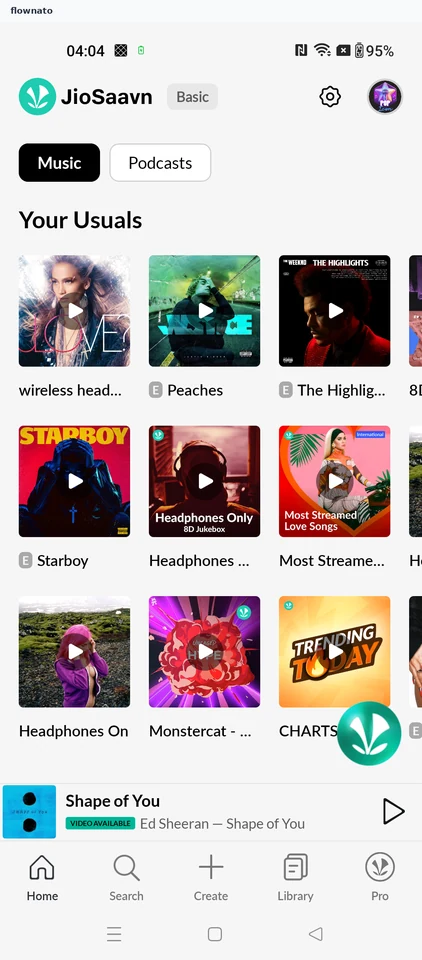
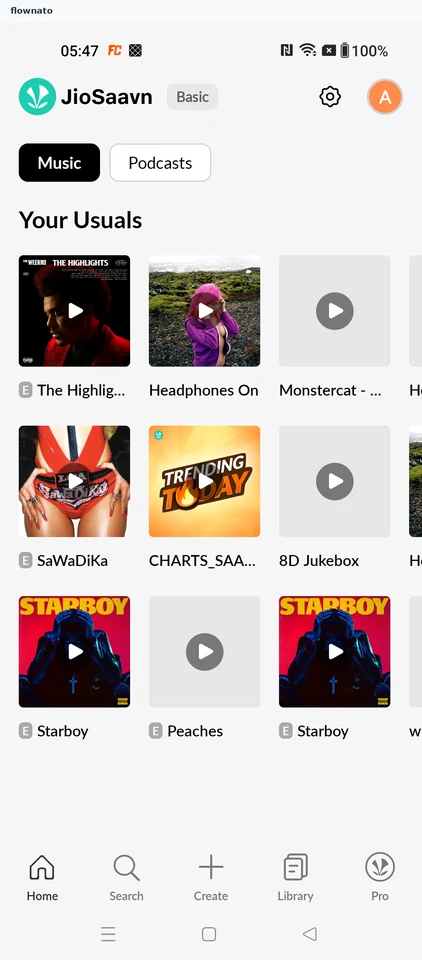
  2. Home
  3. Decide about Pro
  4. Switch to podcasts
  5. Choose a podcast
  6. Review the show
  7. Pick an episode
  8. Episode starts playing
  9. Open the full player
  10. Playback speed changed

10 screensFree with sign up

Search and play

Flow

About JioSaavn Search and play

Search JioSaavn for an artist, narrow the results to songs and select a track. Follow the free-tier ad break through to playback.

  1. JioSaavn opens
  2. Home
  3. Continue on the free tier
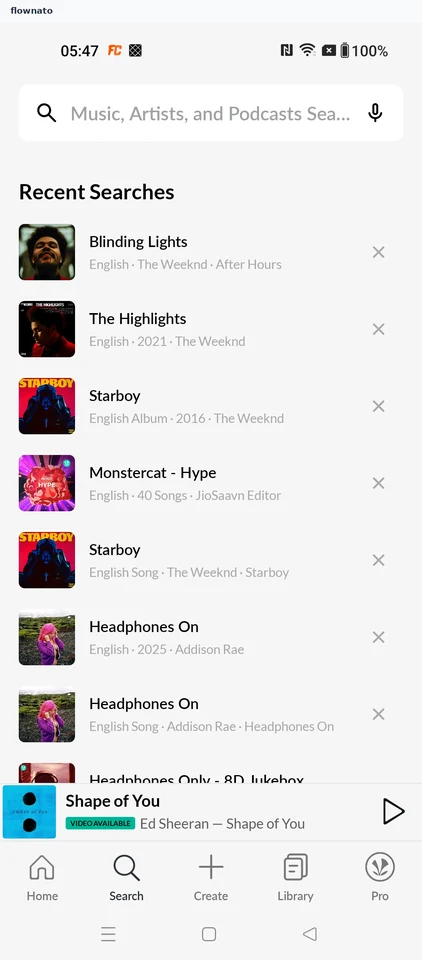
  4. Open Search
  5. Start a music search
  6. Review matching results
  7. Choose a song
  8. Wait through the ad break
  9. Song starts playing
  10. Follow playback

10 screensFree with sign up

Like a song

Flow

About JioSaavn Like a song

Find a song in JioSaavn, open its options and save it to the library. Open Liked Songs to confirm the saved track.

  1. Launch the app
  2. Open Search
  3. Enter a song search
  4. Open song options
  5. Save to Library
  6. Open My Library
  7. Choose Liked Songs
  8. Confirm the saved song

8 screens

Create a playlist

Flow

About JioSaavn Create a playlist

Name a new JioSaavn playlist, choose a suggested song and add it. Review the playlist and find it again in My Library.

  1. App starts
  2. Home opens
  3. Open Create
  4. Name the playlist
  5. Choose recommendation setup
  6. Choose a song
  7. Add the selected song
  8. Return to playlist details
  9. Review the new playlist
  10. Open Playlists
  11. Continue past the ad
  12. Return from the ad
  13. Playlist is saved

13 screens

Play a saved playlist

Flow

About JioSaavn Play a saved playlist

Open a saved JioSaavn playlist from My Library and choose a song. Follow playback into the full player.

  1. JioSaavn opens
  2. Open My Library
  3. Choose Playlists
  4. Pick a saved playlist
  5. Review the playlist
  6. Choose the saved song
  7. Song starts playing
  8. Follow playback

8 screens

Explicit content filter

Flow

About JioSaavn Explicit content filter

Enable JioSaavn’s explicit-content filter in Settings. See the resulting queue change and confirm the saved preference.

  1. JioSaavn opens
  2. Open Settings
  3. Choose the content filter
  4. See the queue change
  5. Preference is applied

5 screens