FanCode

FanCode app UI and user flows

App

About FanCode

Screens and user flows from the FanCode app.

FanCode is an Android app in the Sports category. Last recorded on 14 September 2026.

Follow tournaments, explore teams, check standings and watch highlights.

In the library
5 flows · 16 screens
Category and platform
Sports · Android
Updated
Sept 2026
FLOWNATO RATING
3.7Our rating · 15 UX criteria

Sign in

Flow

About FanCode Sign in

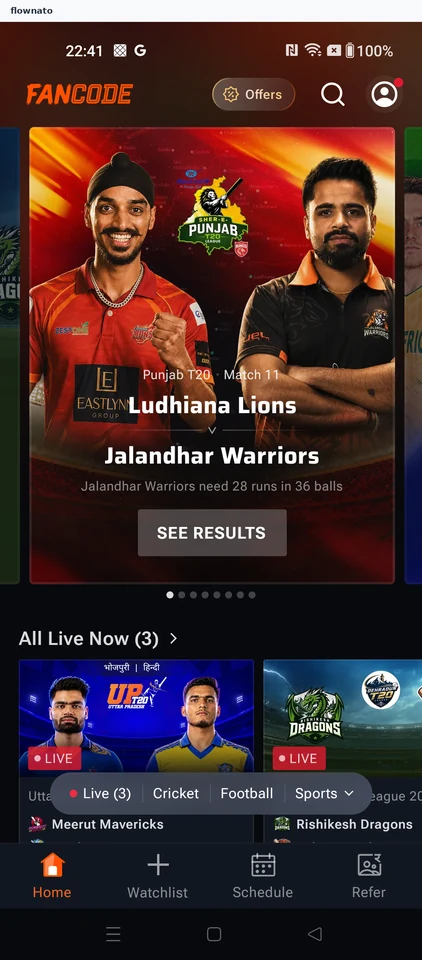
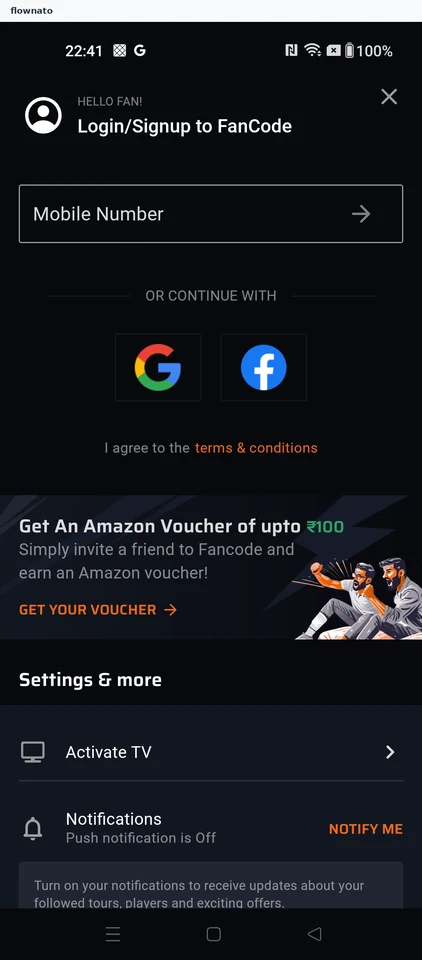
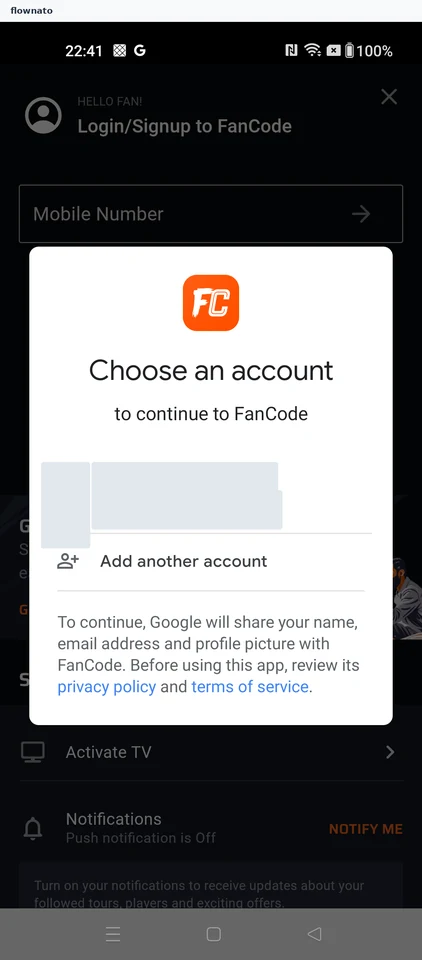
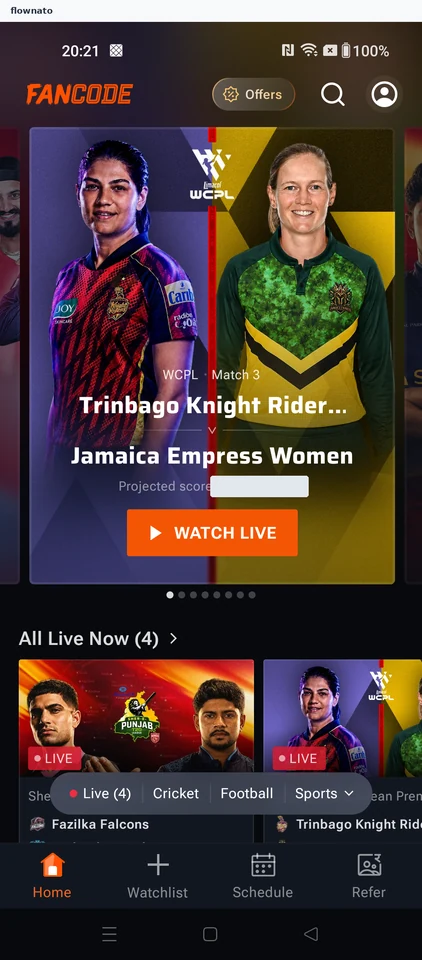
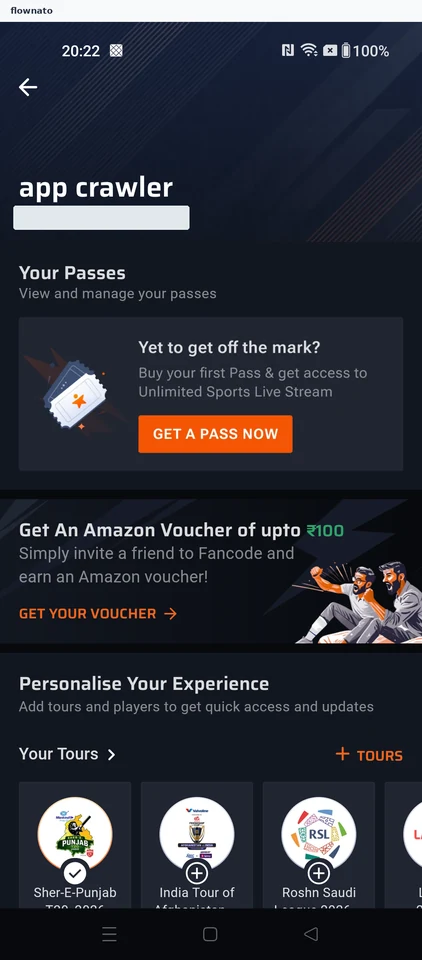
Open FanCode account access and choose Google sign-in. Select an account and reach the signed-in profile.

  1. Open account access
  2. Choose Google sign-in
  3. Select an account
  4. Reach the signed-in profile

4 screensFree with sign up

Follow a tournament

Flow

About FanCode Follow a tournament

Choose a football tournament in FanCode’s tour preferences. Follow it and confirm it appears in the profile and Your Watchlist.

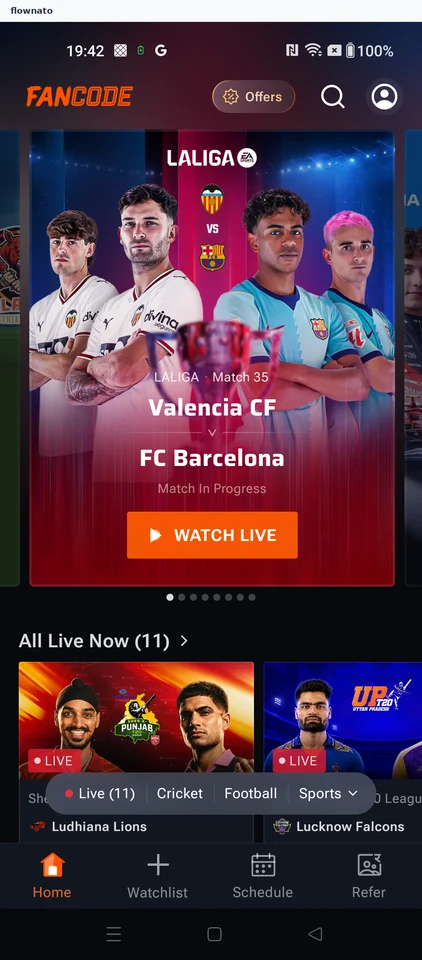
  1. FanCode opens
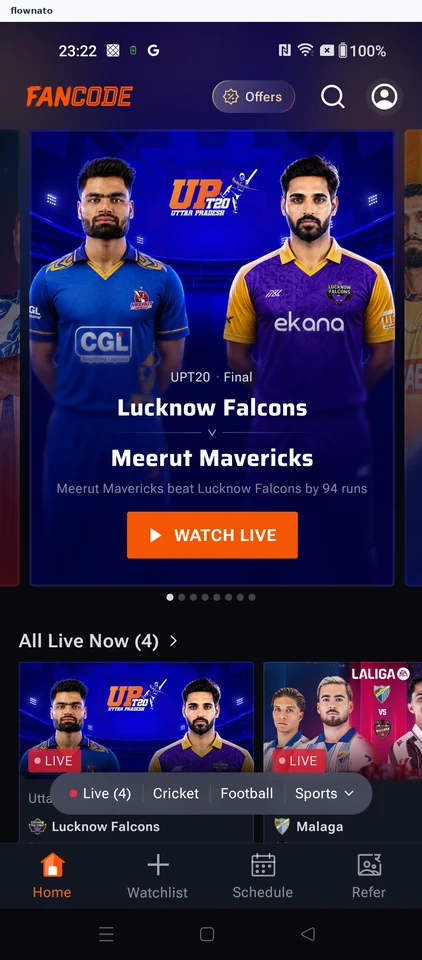
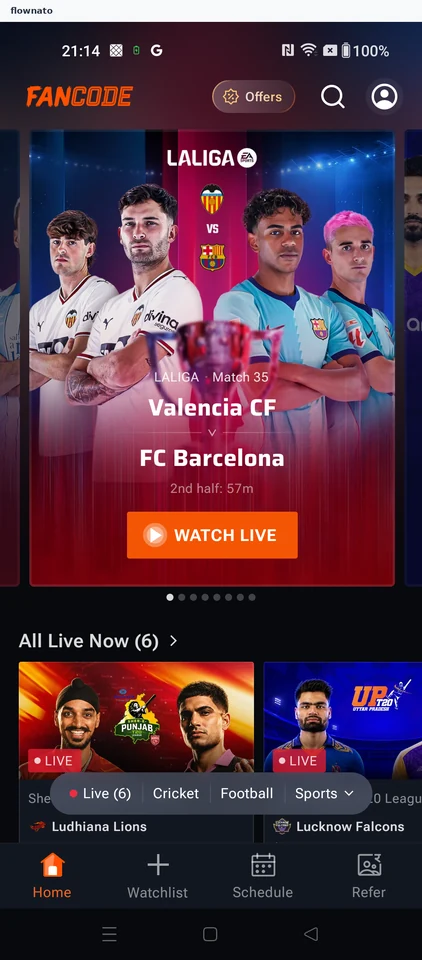
  2. Start from sports home
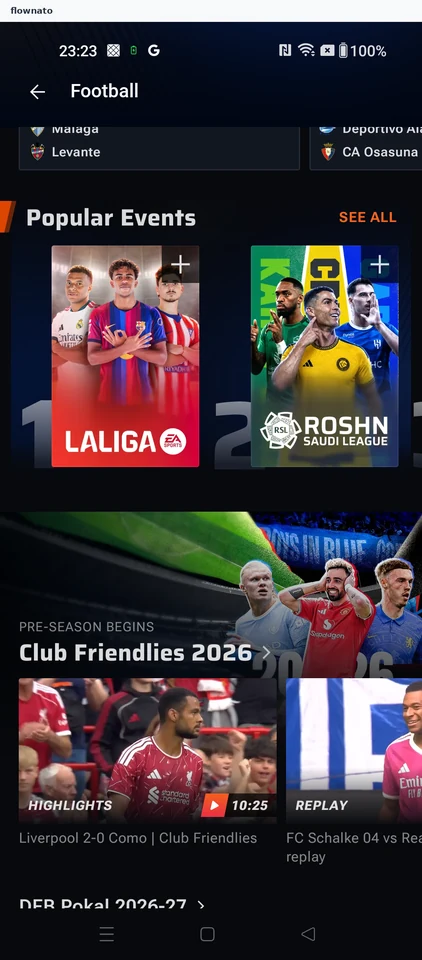
  3. Open tour preferences
  4. Choose a tour to follow
  5. Tour is now followed
  6. Check the profile rail
  7. Close the fixture promotion
  8. Open the watchlist tab
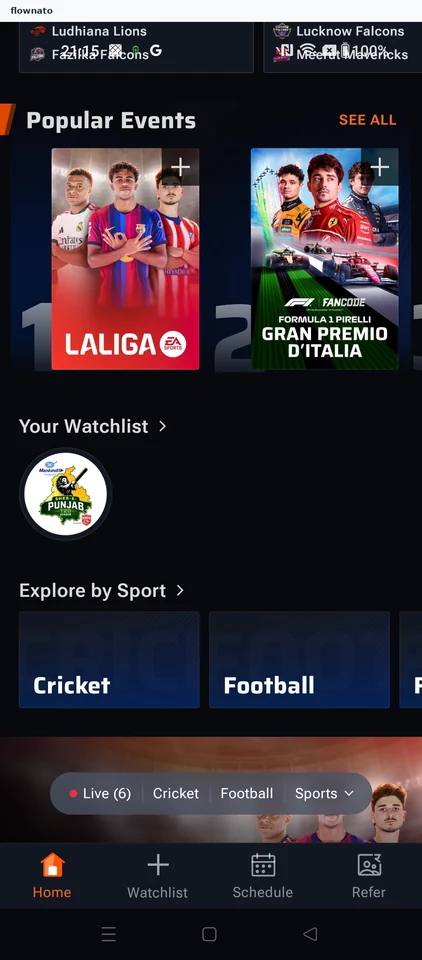
  9. See the tour in your watchlist

9 screensFree with sign up

View a team squad

Flow

About FanCode View a team squad

Browse from football to a competition and club in FanCode. Open the squad to review players grouped by position.

  1. FanCode opens
  2. Start from sports home
  3. Choose LaLiga
  4. Open the teams directory
  5. Select a club
  6. Open the club squad
  7. Review goalkeepers and defenders
  8. See the midfield and forwards

8 screensFree with sign up

Check standings

Flow

About FanCode Check standings

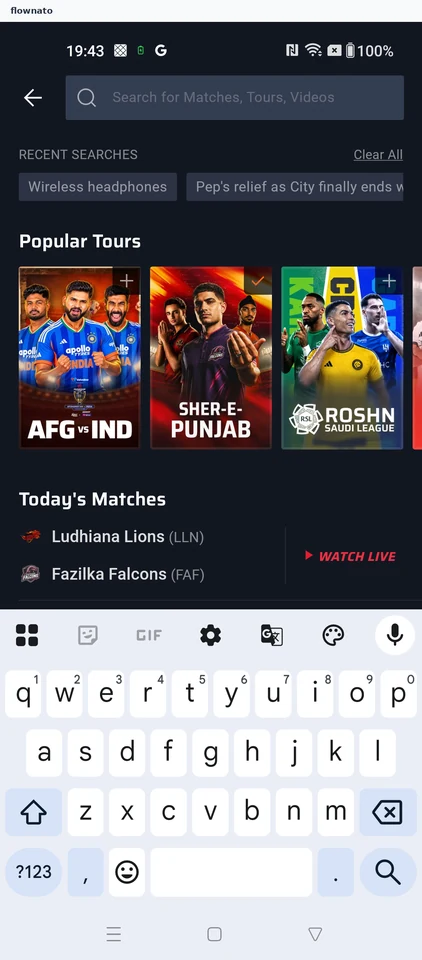
Search FanCode for a tournament and choose the ongoing competition. Open its points table and review the complete standings.

  1. FanCode opens
  2. Start from sports home
  3. Enter a tournament name
  4. Review the initial matches
  5. Choose the ongoing tour
  6. Open the tournament
  7. Read the leading standings
  8. See the complete table

8 screens

Watch highlights

Flow

About FanCode Watch highlights

Open a followed tournament from FanCode’s watchlist and switch to Videos. Select a match highlight and start playback.

  1. FanCode opens
  2. Start from sports home
  3. Open a tour from Your Watchlist
  4. Choose the tour's Videos tab
  5. Pick a highlights video
  6. Watch the highlight

6 screens