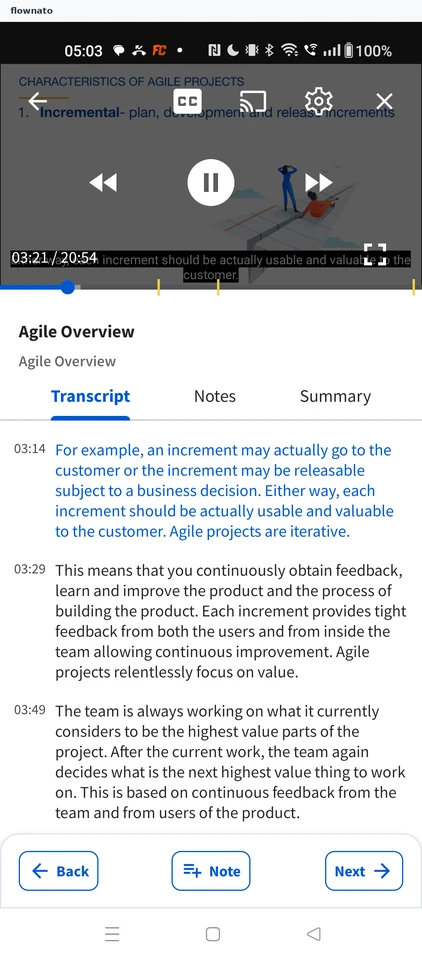
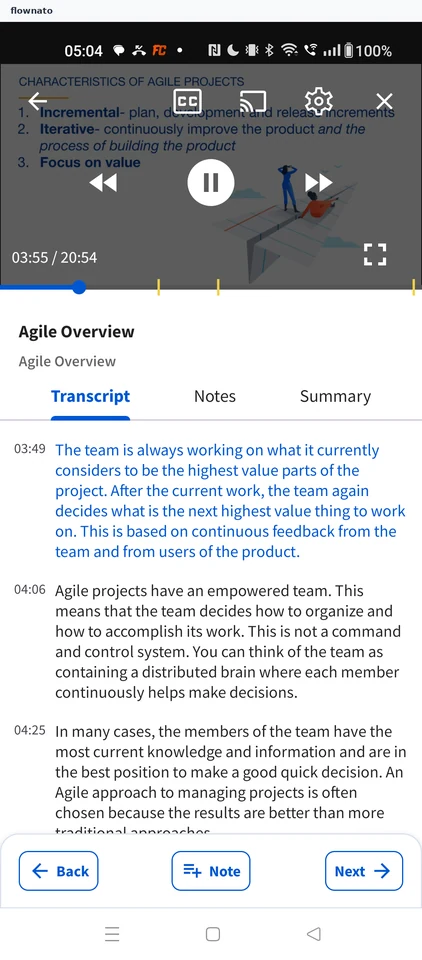
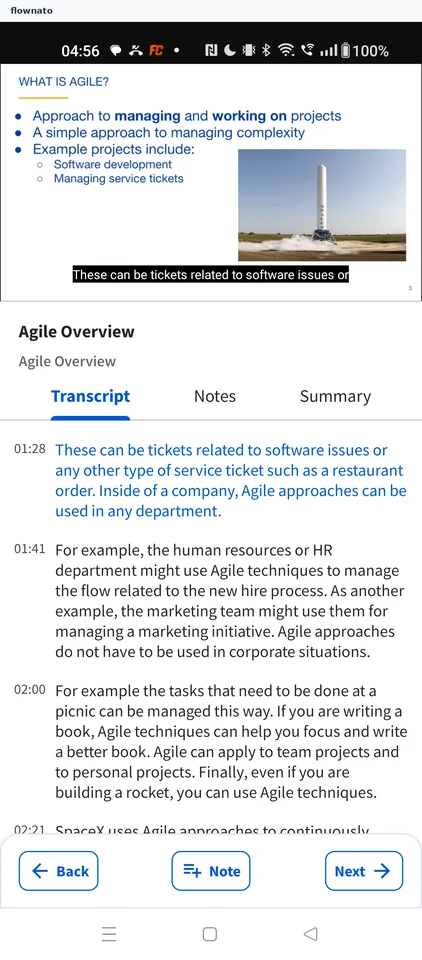
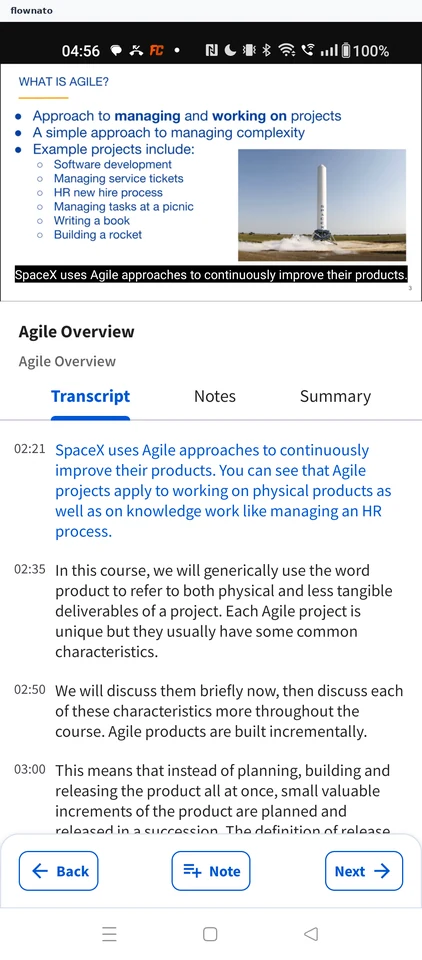
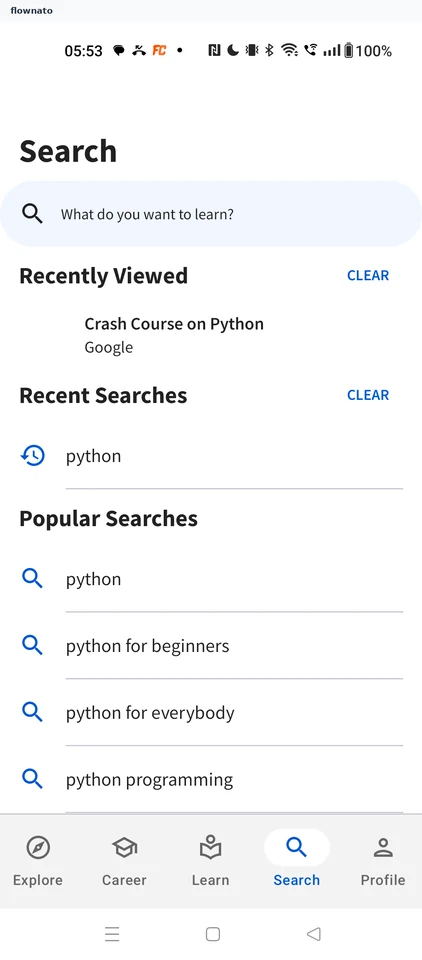
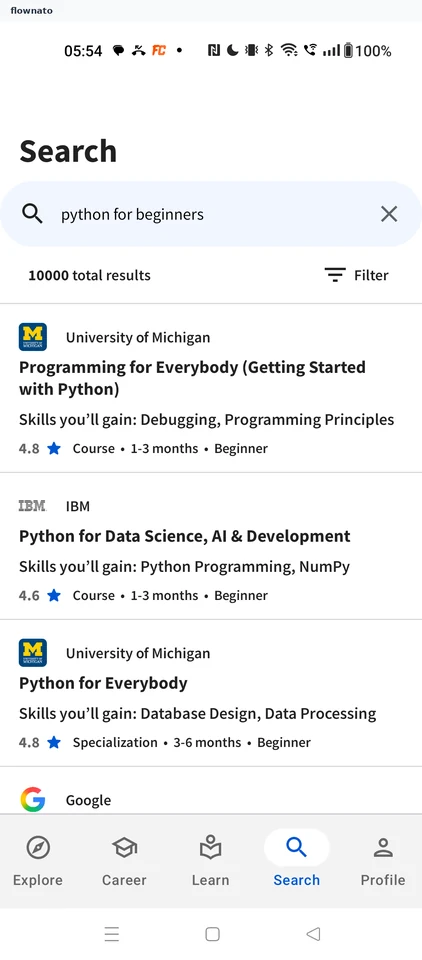
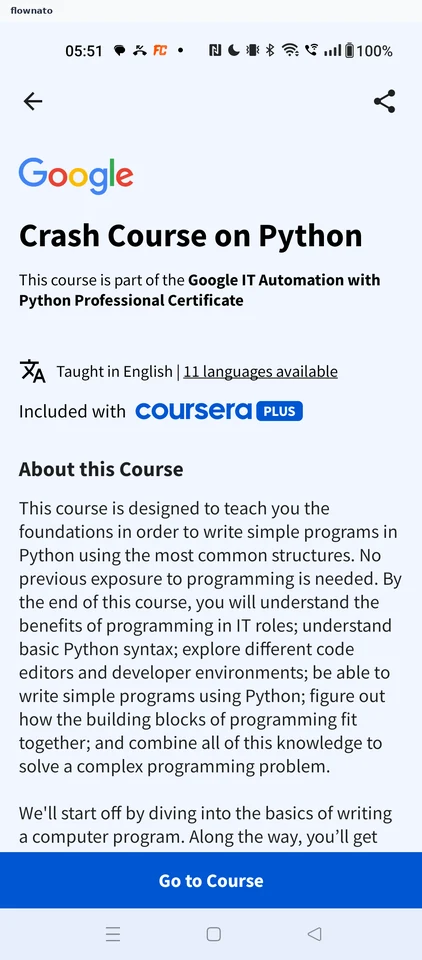
Coursera app UI and user flows

About Coursera

Screens and user flows from the Coursera app.

Coursera is an Android app. Last recorded on 12 October 2026.

Android

Coursera journeys

  1. Sign in

    7 steps · complete with a free account
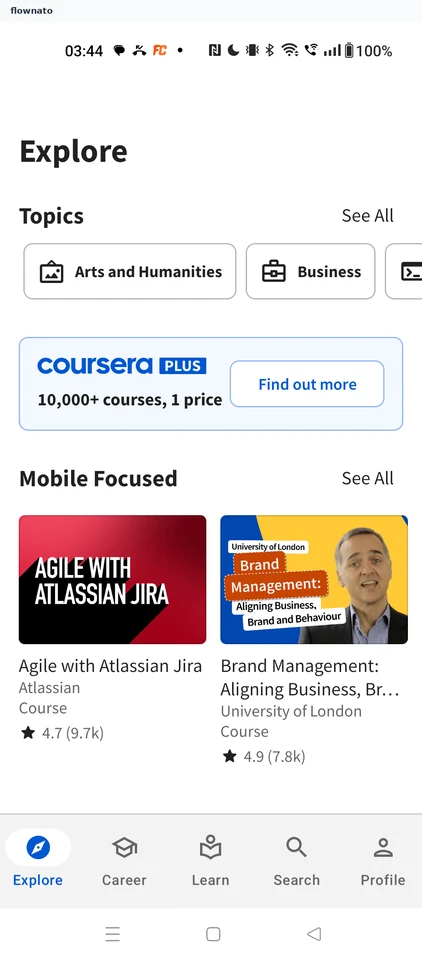
    Coursera: Launch CourseraCoursera: Explore homeCoursera: Profile without an account
  2. Continuing a course

    6 steps · complete with a free account
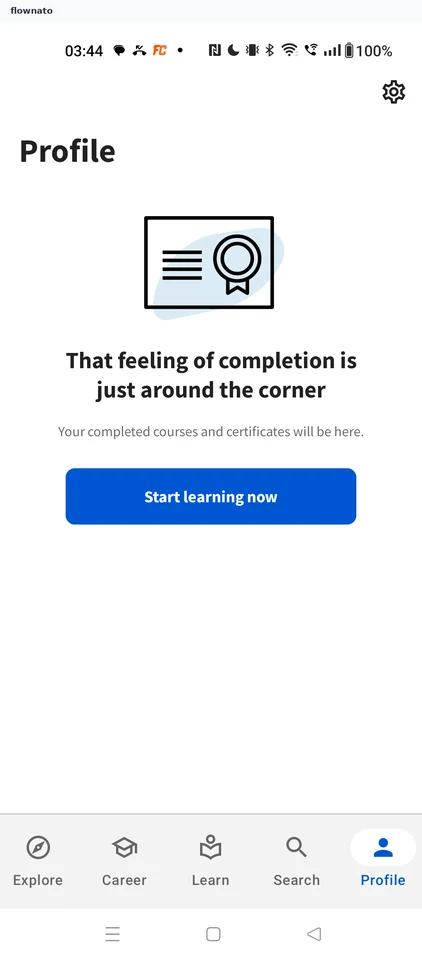
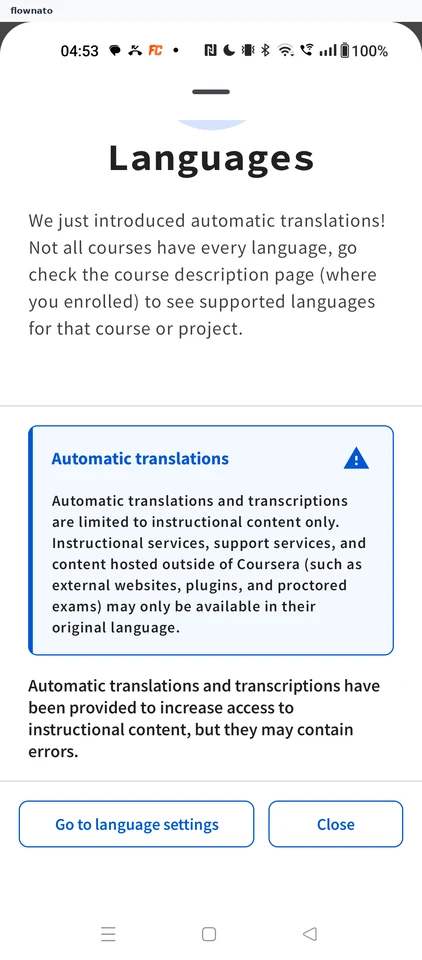
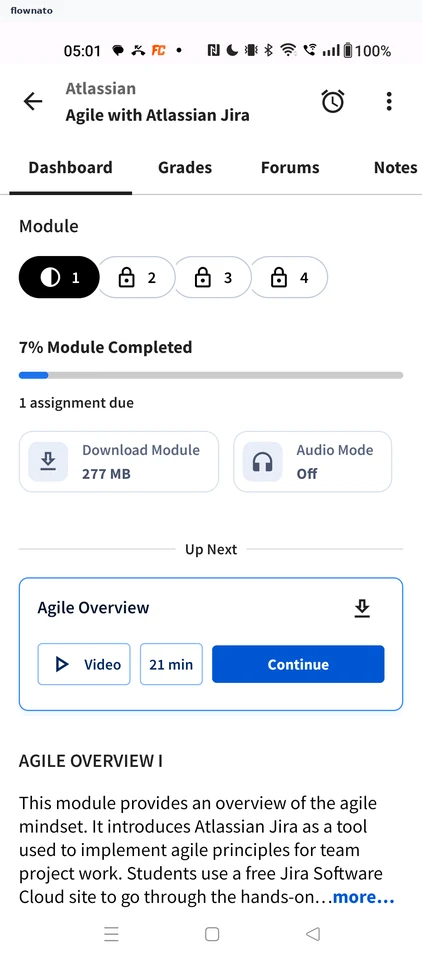
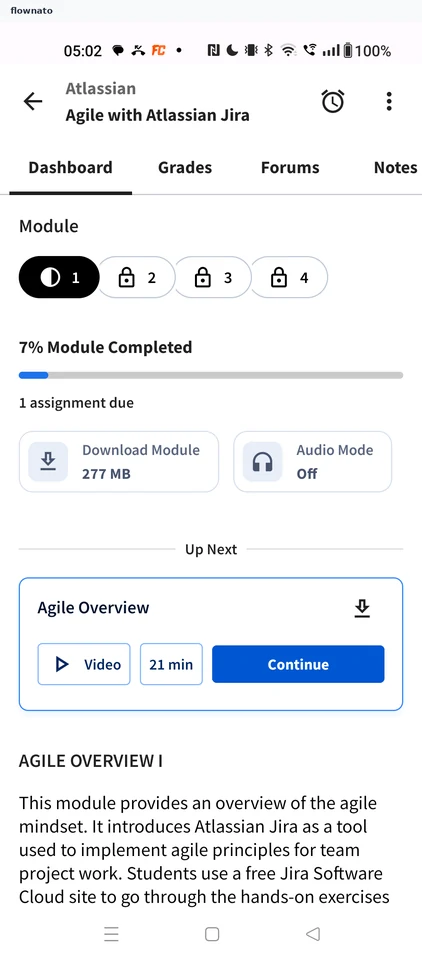
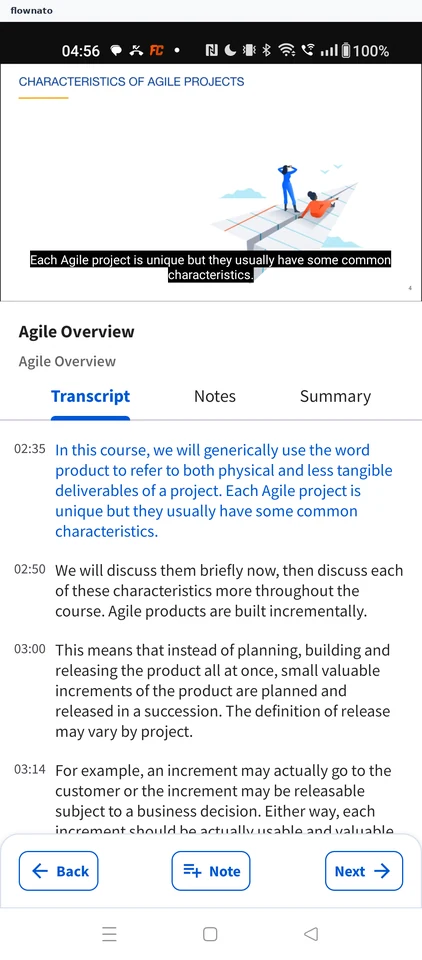
    Coursera: Coursera launchesCoursera: Close the Languages noticeCoursera: Open the enrolled course
  3. Reading the module description

    3 steps

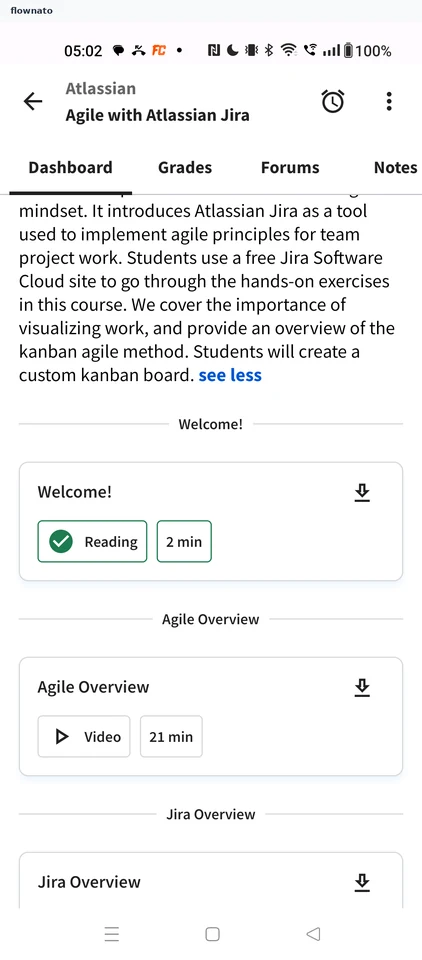
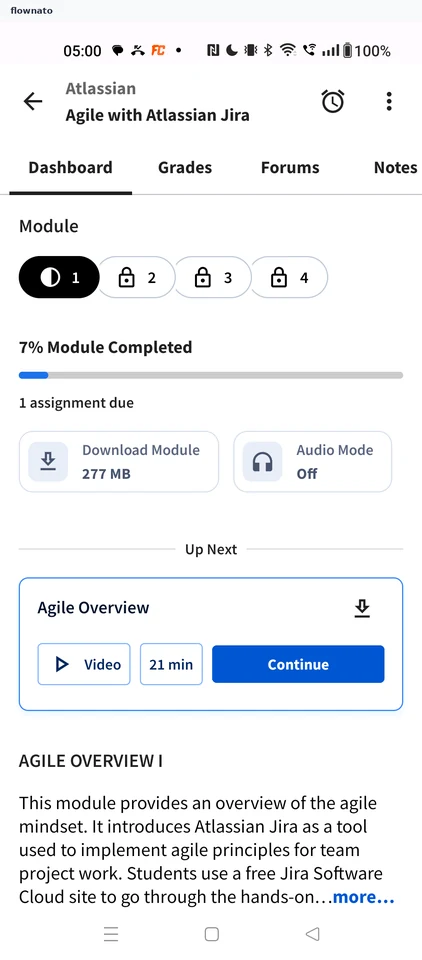
    Coursera: Expand the descriptionCoursera: Description expandedCoursera: Read it in full
  4. Reviewing course notes

    2 steps

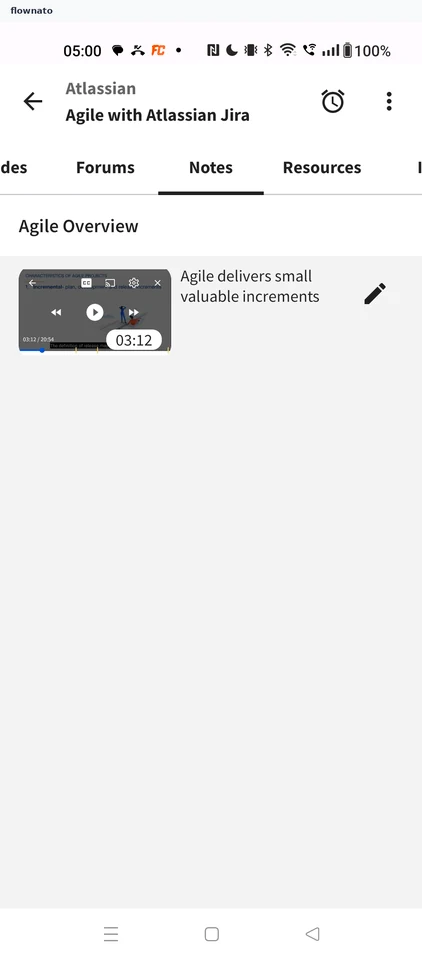
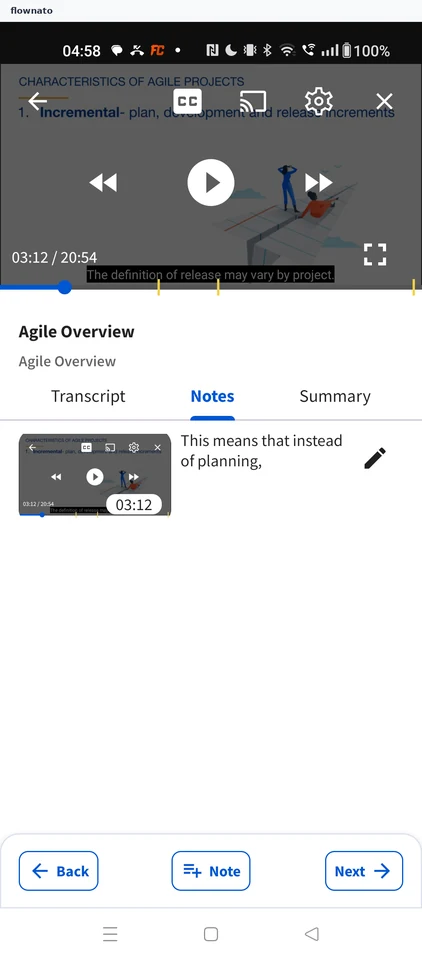
    Coursera: Open the Notes tabCoursera: Course notes list
  5. Turning captions off

    2 steps

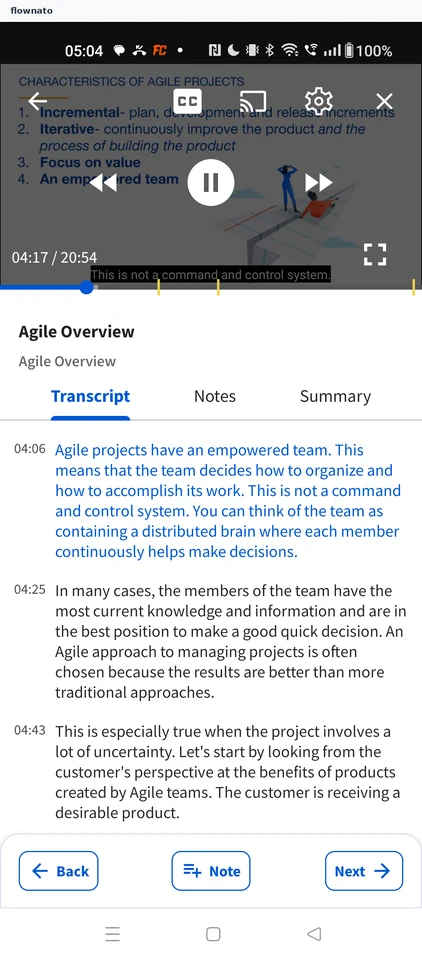
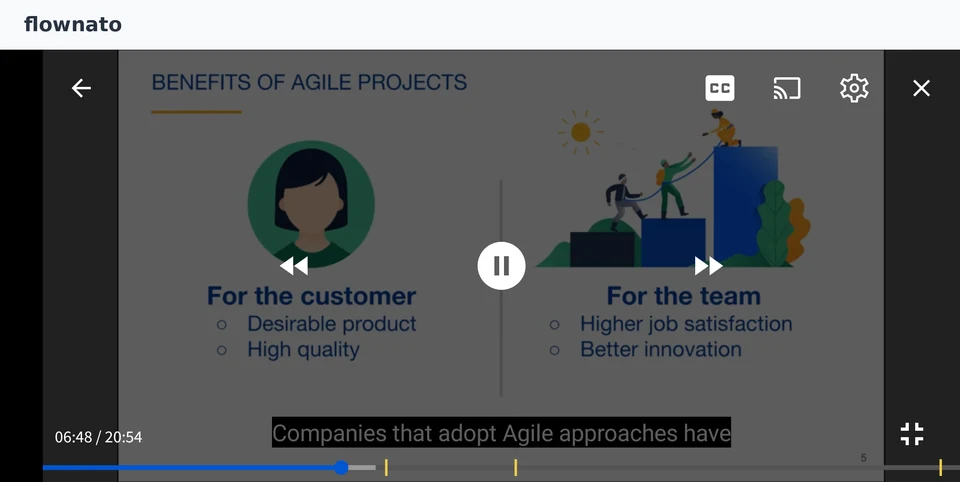
    Coursera: Tap CCCoursera: Captions off
  6. Jumping via the transcript

    2 steps

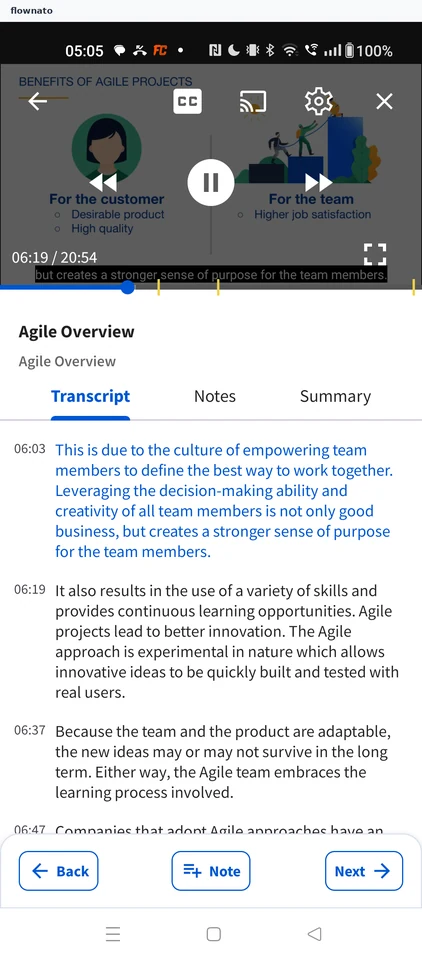
    Coursera: Tap a transcript passageCoursera: Playback jumped ahead
  7. Pausing a lecture

    3 steps

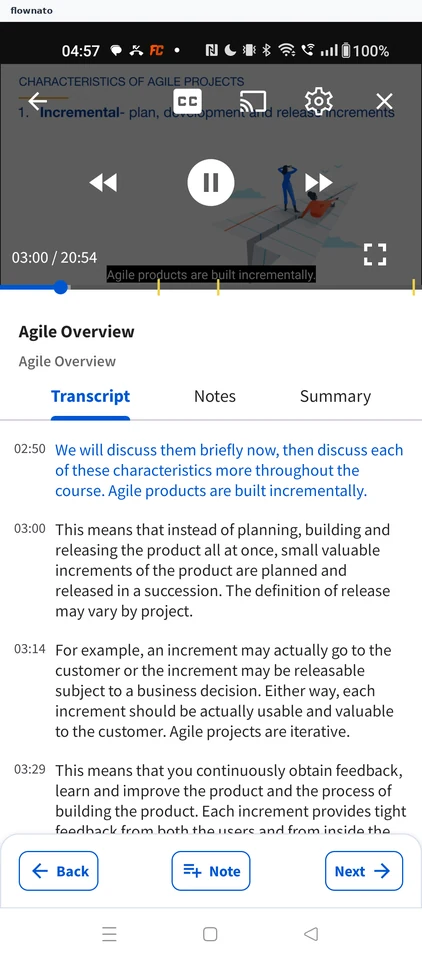
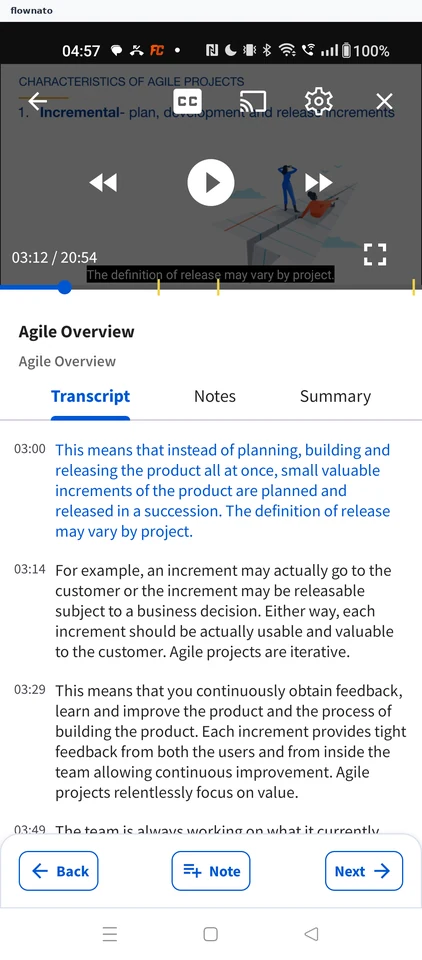
    Coursera: Tap the videoCoursera: Tap PauseCoursera: Lecture paused
  8. Reading the lecture summary

    2 steps

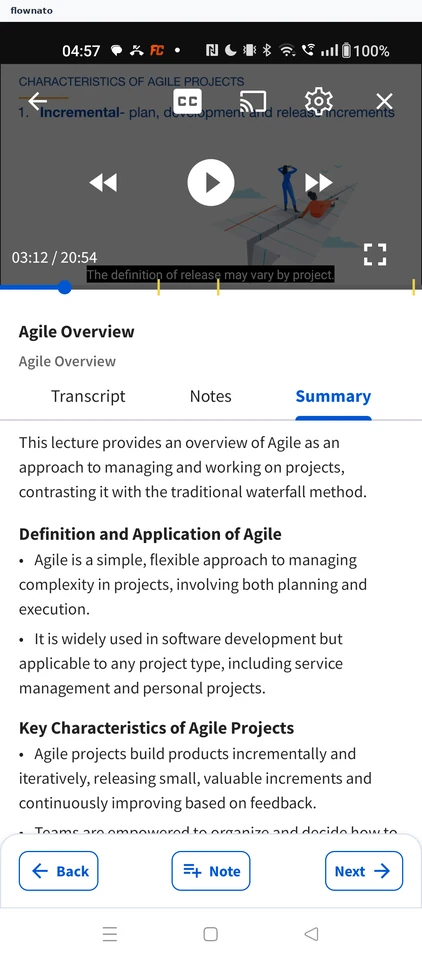
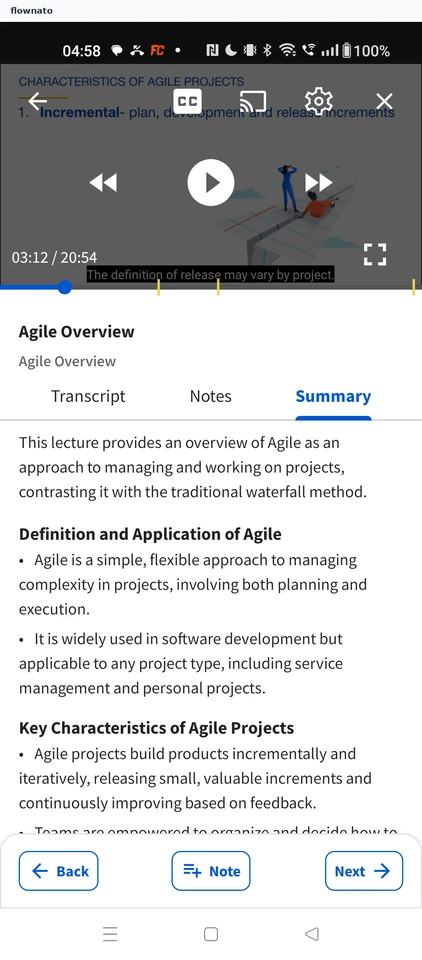
    Coursera: Open SummaryCoursera: Lecture summary
  9. Adding a note

    3 steps

    Coursera: Tap NoteCoursera: Open the Notes tabCoursera: Note saved
  10. Adding a note thought

    4 steps

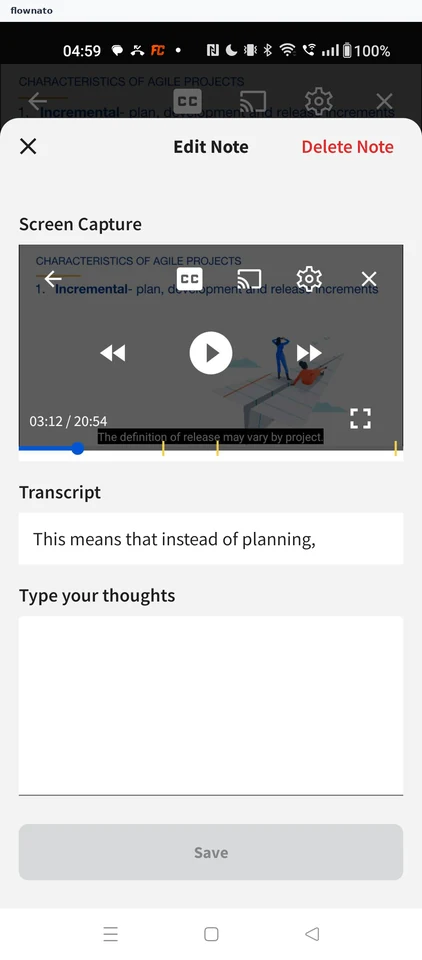
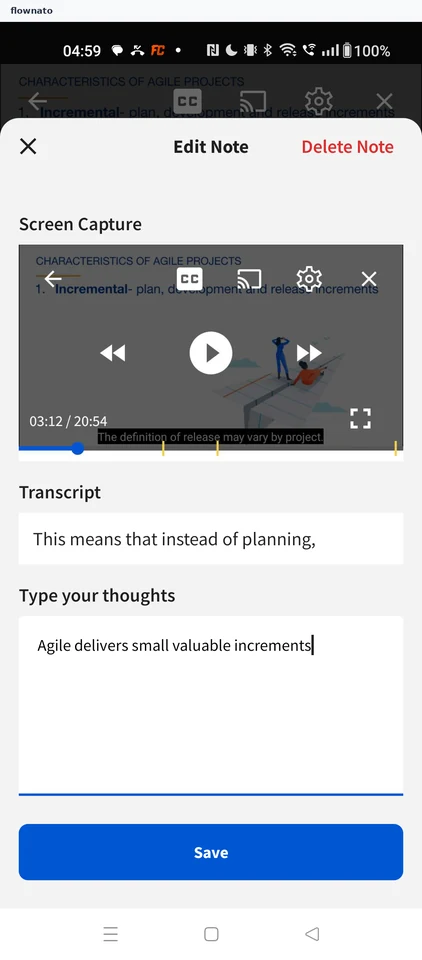
    Coursera: Edit the noteCoursera: Edit Note sheetCoursera: Type a thought and save
  11. Changing video speed

    5 steps

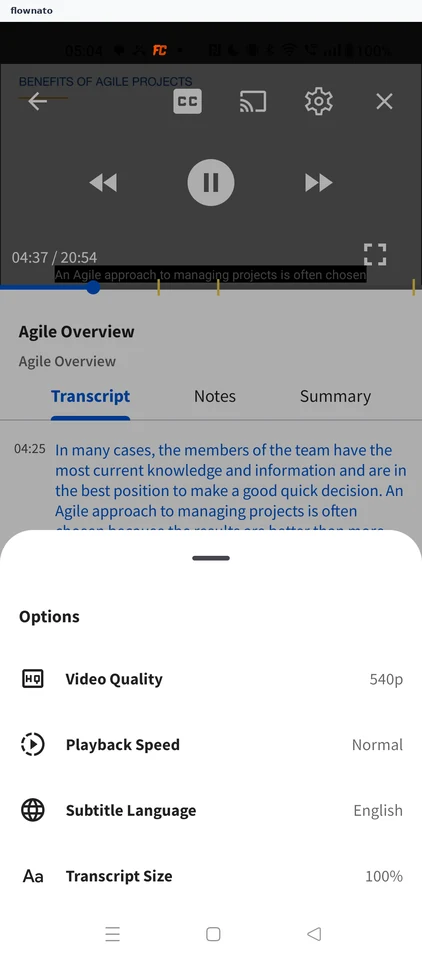
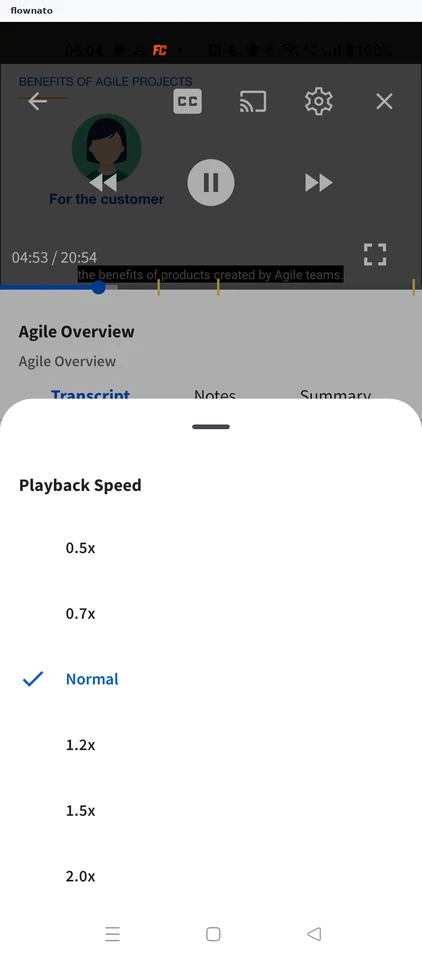
    Coursera: Open player settingsCoursera: Choose Playback SpeedCoursera: Pick 1.5x
  12. Watching in fullscreen

    2 steps

    Coursera: Tap fullscreenCoursera: Fullscreen playback
  13. Resuming with Continue Learning

    2 steps

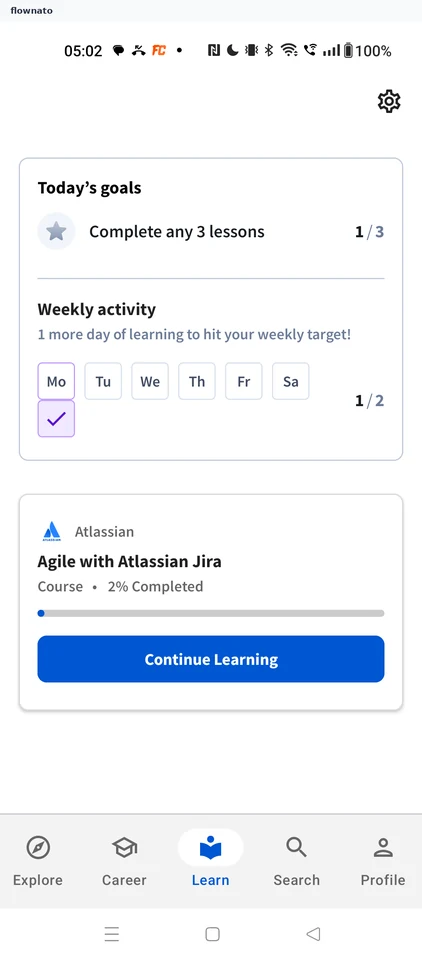
    Coursera: Tap Continue LearningCoursera: Lecture resumes
  14. Finding and starting a course

    8 steps · complete with a free account
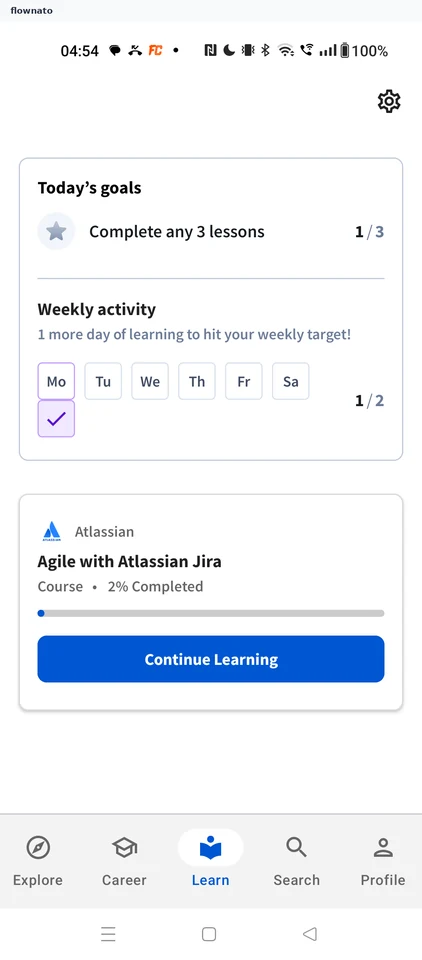
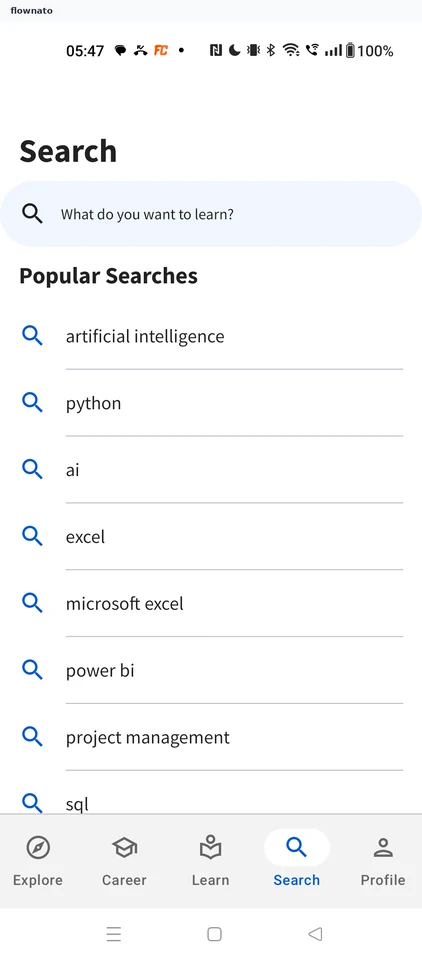
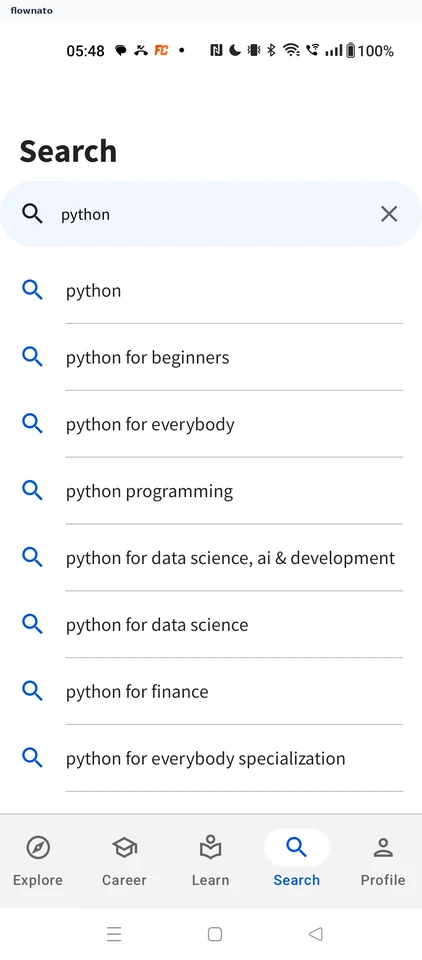
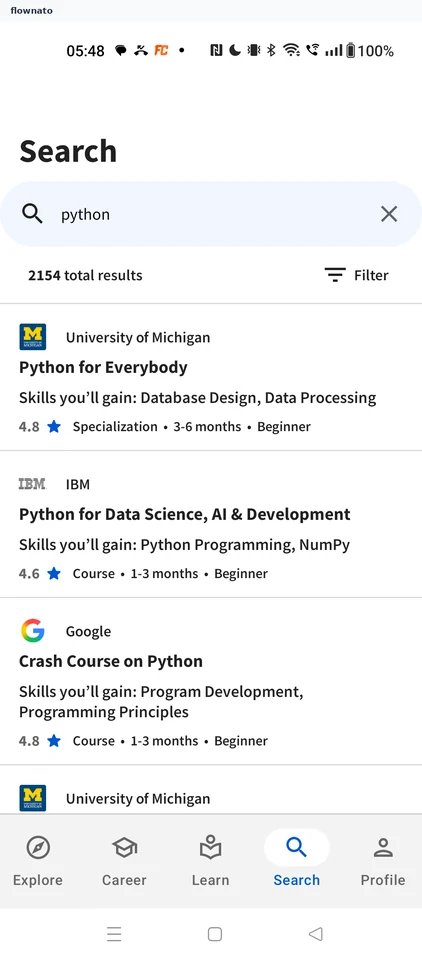
    Coursera: Search tabCoursera: Pick a suggestionCoursera: Search results
  15. Filtering search results

    4 steps

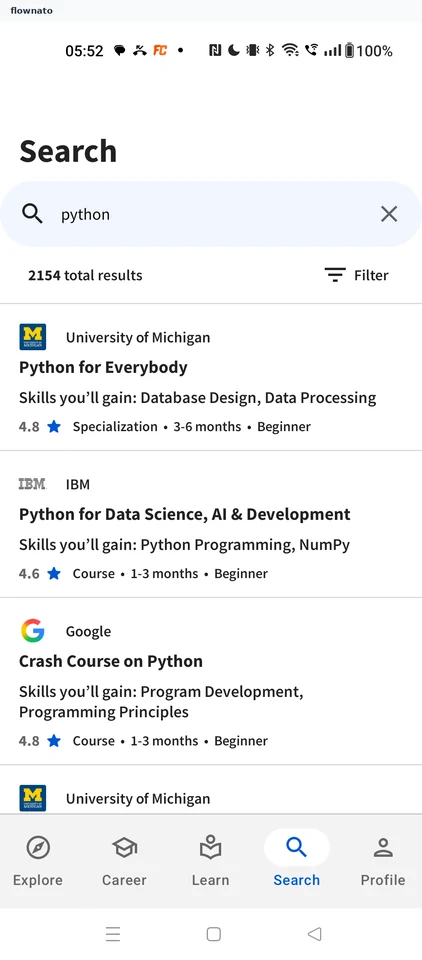
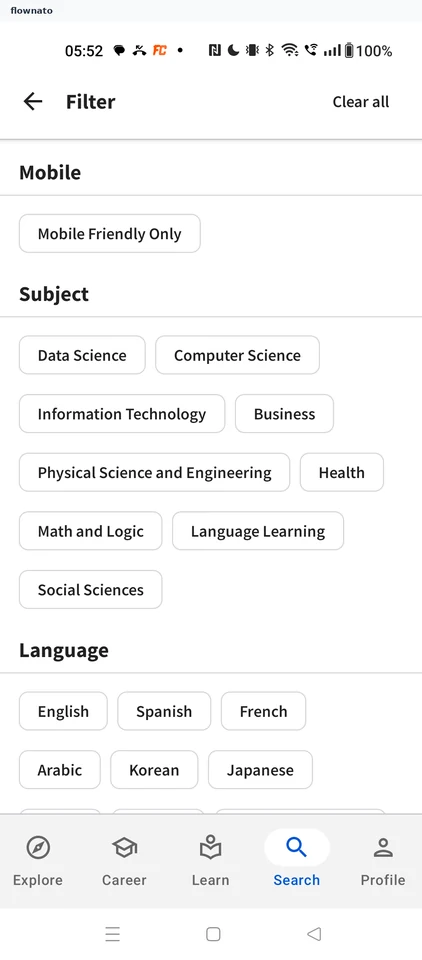
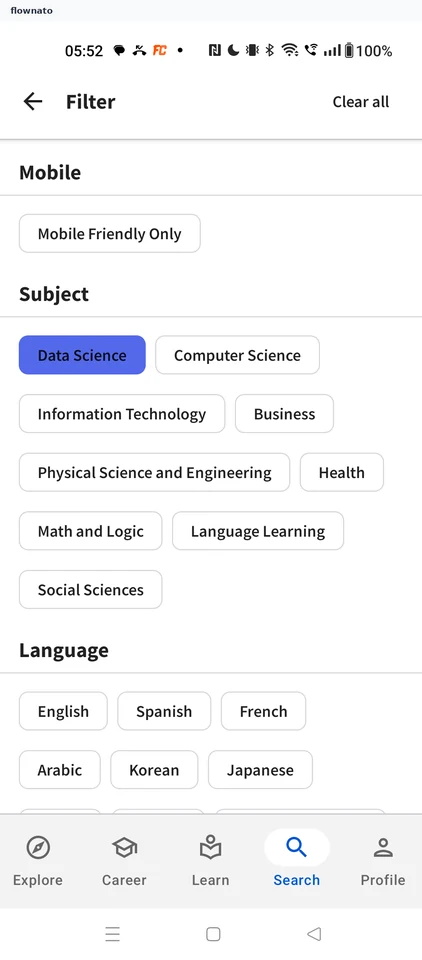
    Coursera: Unfiltered resultsCoursera: Filter optionsCoursera: Data Science selected
  16. Running a popular search

    2 steps

    Coursera: Search tab with historyCoursera: Popular search results
  17. Reading the course description

    2 steps
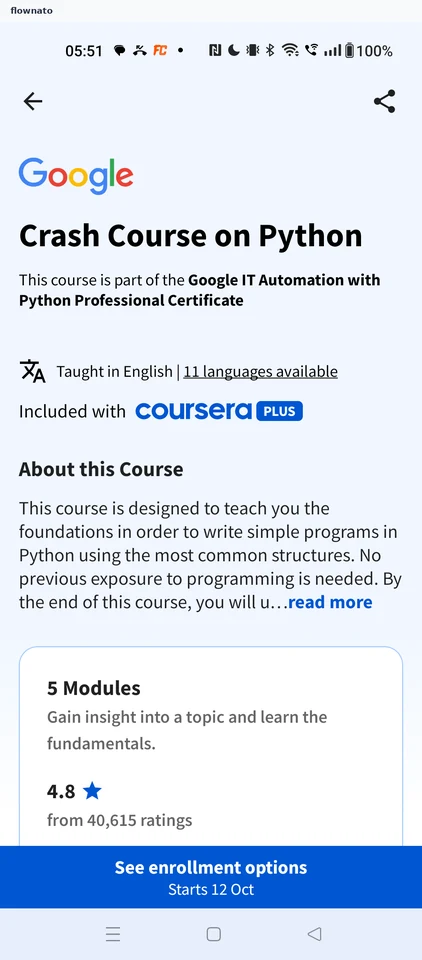
    Coursera: Truncated descriptionCoursera: Full description

Screen patterns in Coursera